Week 8 - Challenge 4 - Coin Holder Design
AIM:
To create Center Console Coin Holder and add thickness to it and generate the Draft Analysis on a solid surface.
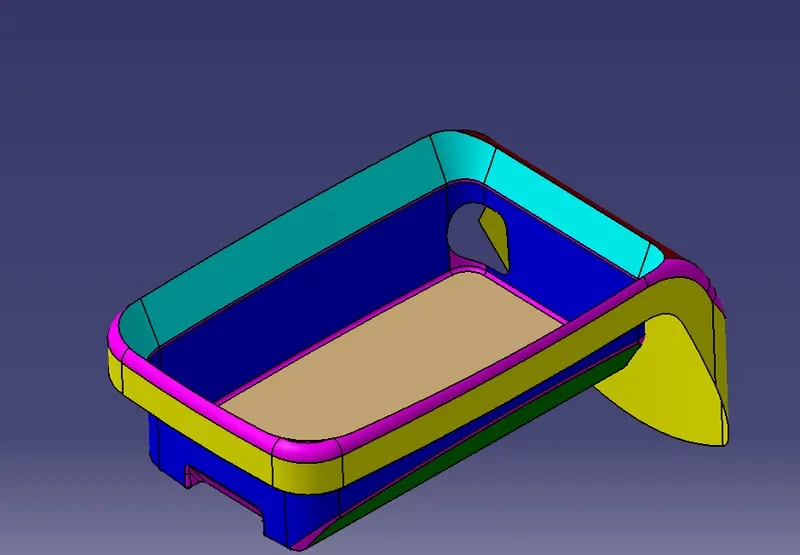
PROCEDURE:
- Checkfor any openings in the given Center Console Coin Holder model by using BOUNDARY. In BOUNDARY > select edges - select the surface to create the boundary at the
BISECTING METHOD:
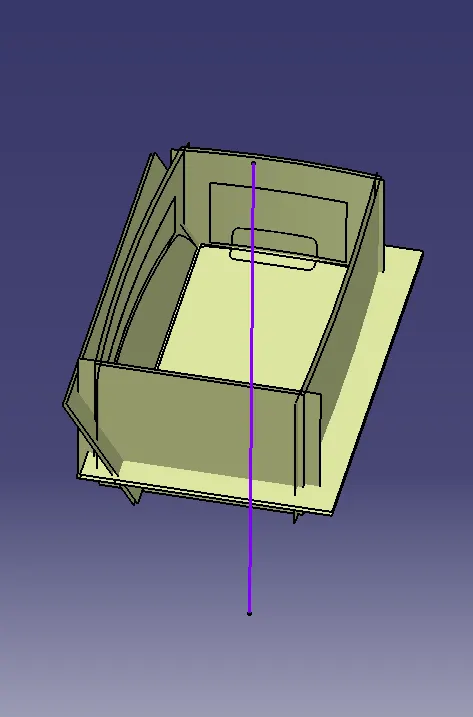
CREATING TOOLING AXIS:
- Createa point at the center of the base by using Point Definition by extracting the surface and selecting the
- Createan Axis system at the point that is created at the surface using Axis System Definition by selecting the
- Nowcreate an intersection in the ZY plane by Intersection Definition for the Center Console Coin
- Nowusing Point-Point in Point Definition extend the line to take reference drafted lines on both sides and bisect those lines to get the direction in the ZY
- Createan intersection in the ZX plane and create a Tooling axis in the ZX
- Bisectthose two tooling axis lines and create a Main Tooling axis and name the bisected line as Main Tooling Axis and do the draft analysis for the Class A
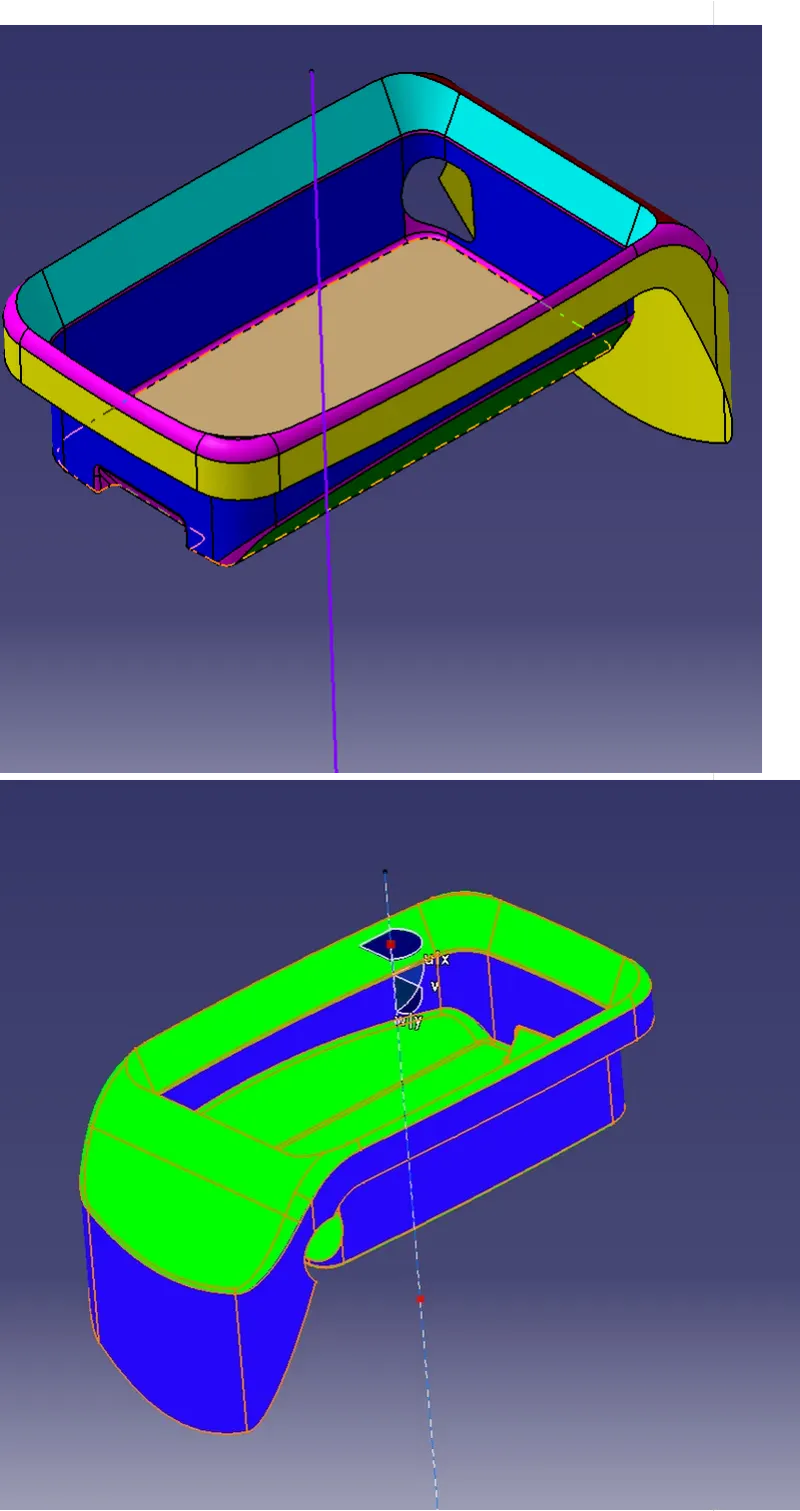
CREATING B SURFACE:
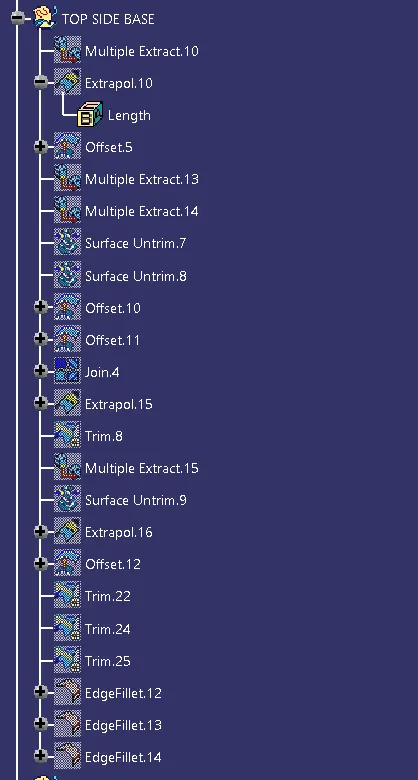
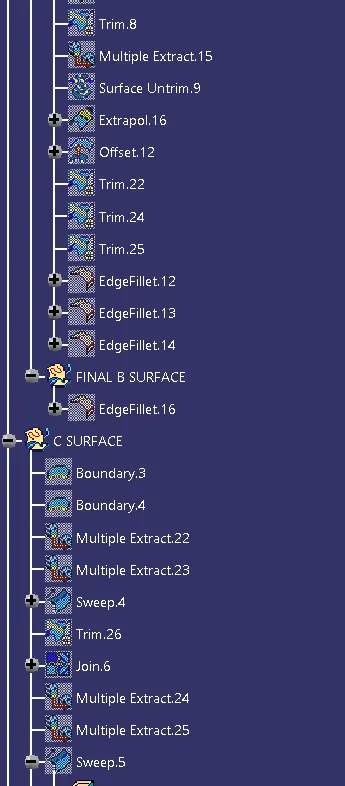
- Nowcreate the Plastic design for the given Class A surface of the Center Console Coin Holder by creating the Class B and C surfaces.
- Createa Geometrical set in a tree and name Extract the side wall surface of the Center Console Coin Holder by Extract option by selecting the face.Select the faces.
- Untrimthe extracted surface using the Untrim option by selecting the
- Extrapolatethe Untrimmed surfaces using the Extrapolate In Extrapolate Definition: Boundaries - select the edge of the Untrim surface and Extrapolate - untrimmed surface and offset the surfaces to 2.5mm in the opposite direction to the Class A surface.
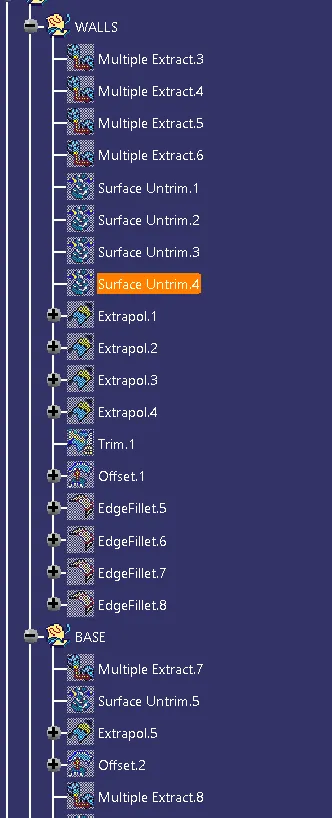
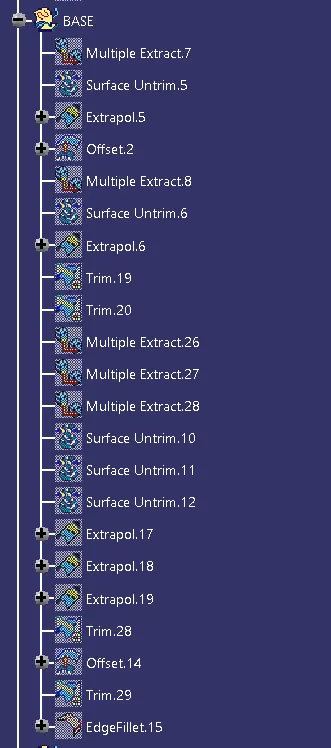
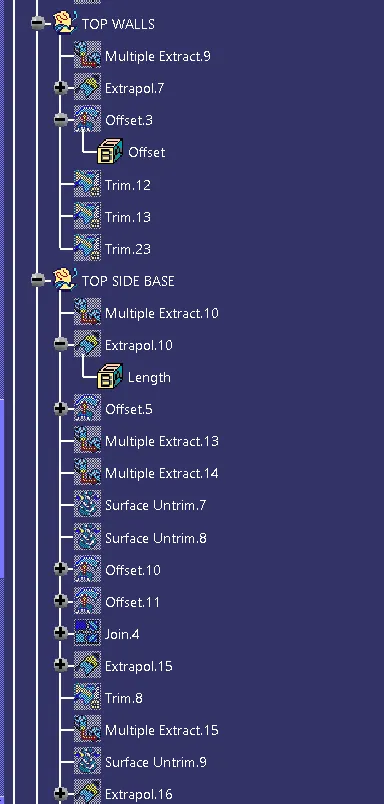
- Extractthe base surface and block and do the same process and offset the surface to a distance of 5mm in downward direction.
- Trimthe Excess portion of the surfaces using the trim
- Dothe same process for inclined walls surface and outside wall surface by extracting and offsetting the surface and trim the component.
- Addthe fillets at the wall's
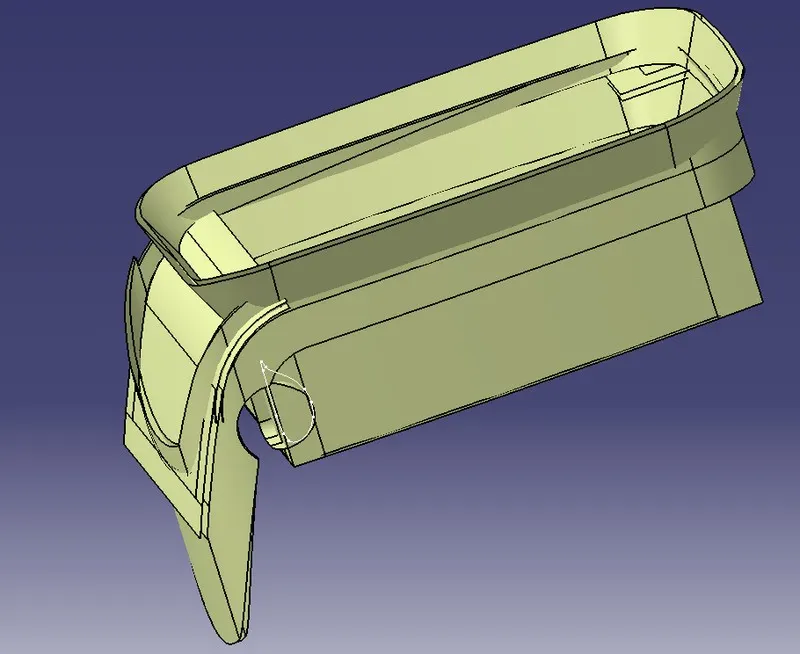
CREATING C SURFACE:
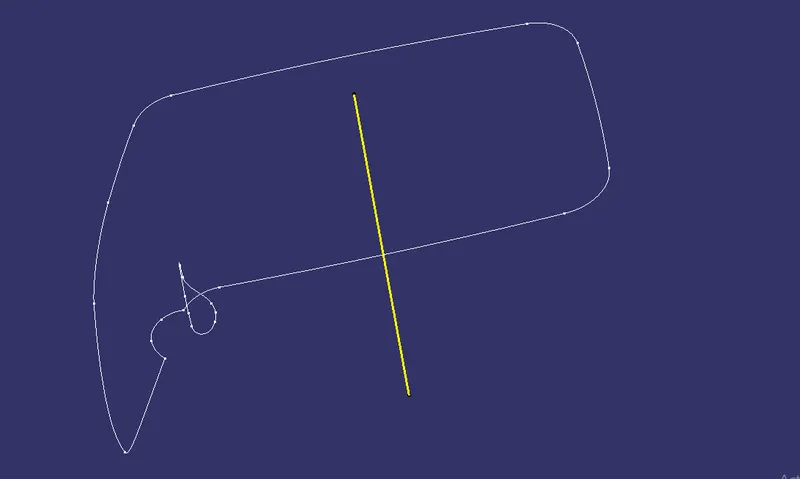
- Createthe class C surface for class A surface by using the Multi extract option by selecting the Create a smooth curve for the extracted boundary.Select the extracted boundary.
- Extractthe outer boundary walls and Replace the Multi extract boundary with the Smooth
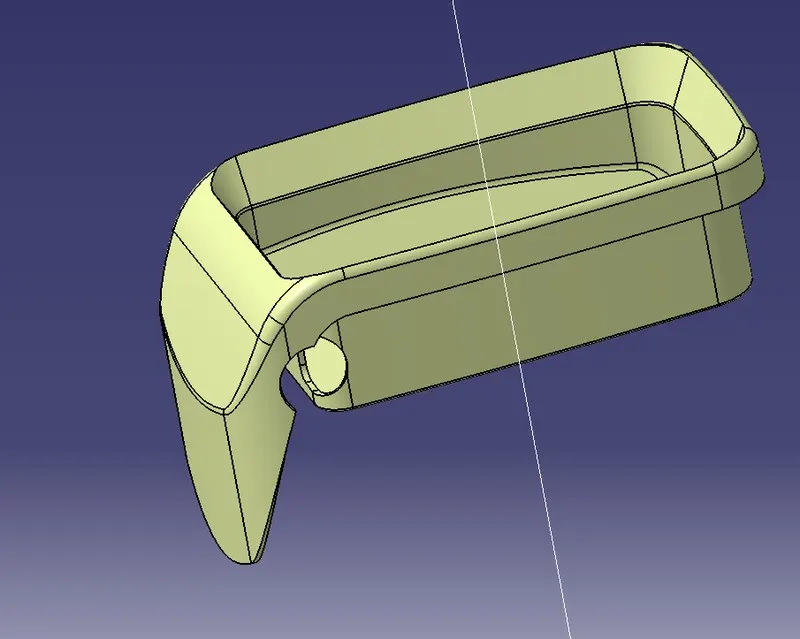
- Jointhe surfaces and trim the surfaces with Class B and Class Nowusingthe Sweep option create the C surface by selecting the Subtype as - with reference surface and Guide curve as - Boundary which is extracted and Reference surface as - Extracted boundary surface and Angle of 90 - 93 degrees to maintain Draft Angle
BOUNDARY OF C SURFACE
JOIN THE SURFACE B AND C
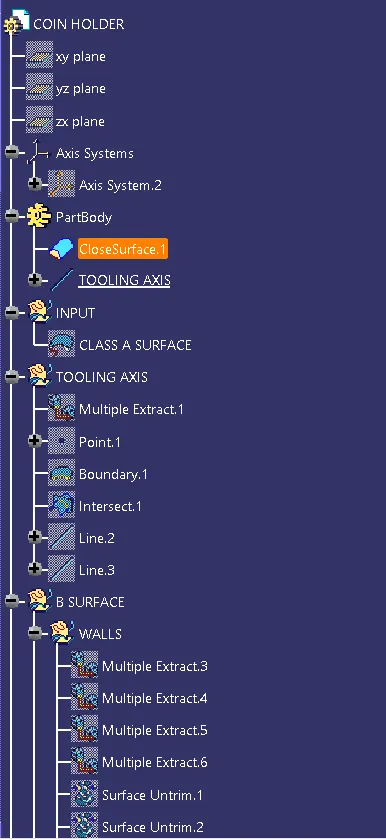
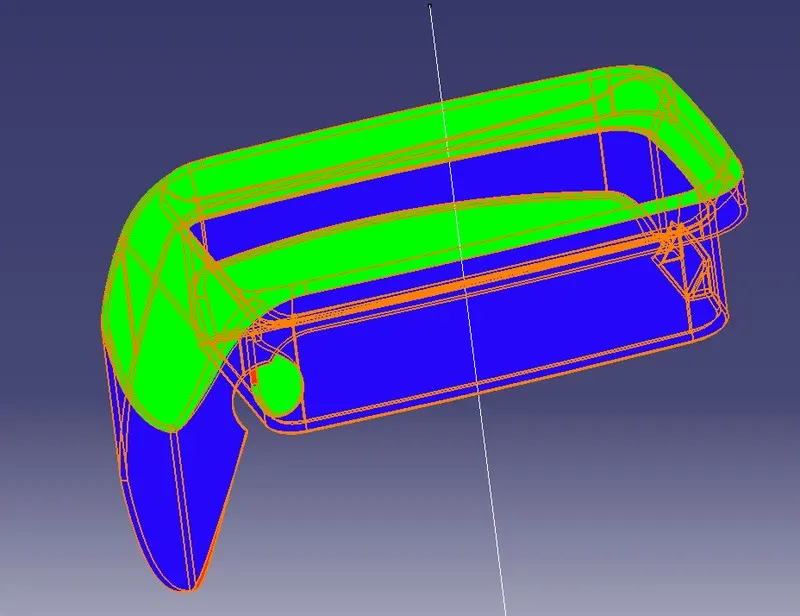
- Checkfor any open boundaries in Plastic design and create the solid surface for the design in Part design using a closed surface option.
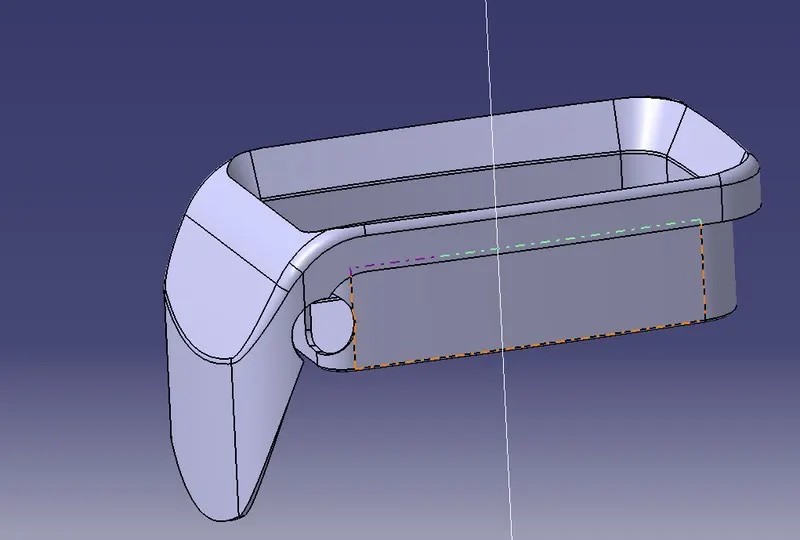
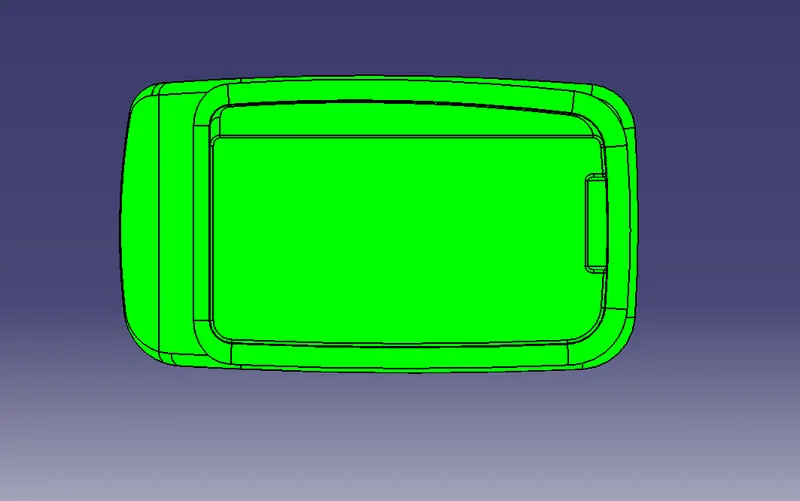
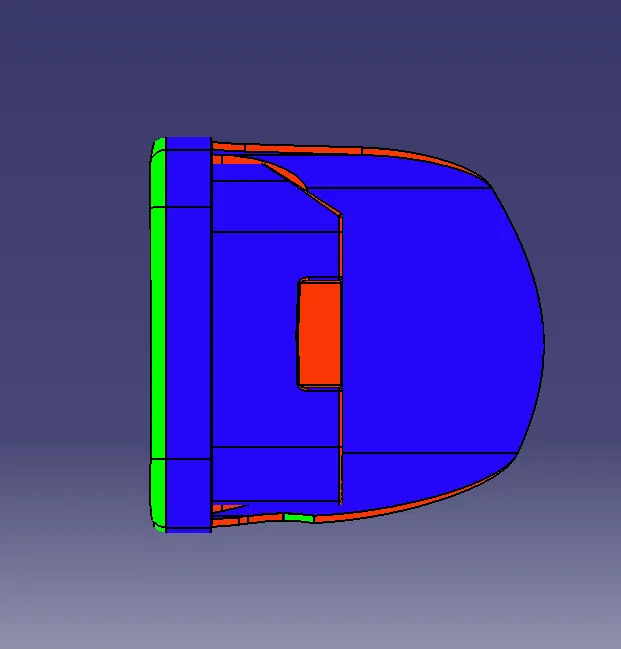
- Nowdo the draft analysis for the solid component tooling axis and check for the draft angle as it should be in green in colour in the tooling
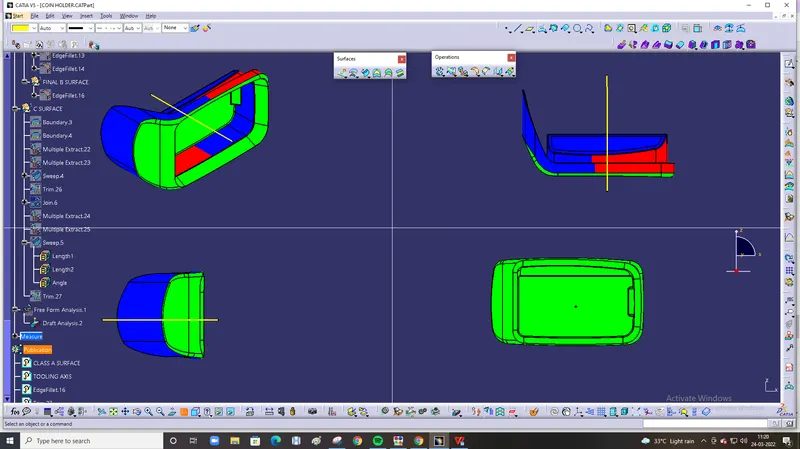
RESULT:
Created the Plastic design for and added thickness to it and generated the Draft Analysis on a solid surface for Center Console Coin Holder.The given class A surface is not proper for draft analysis so its not coming properly darft analysis