Week 8 - Challenge 4 - Coin Holder Design
Aim:
With the given coin holder component create class B and class C surface with the given thickness.
Procedure:
Tooling Axis
At first we have to create an axis line in this component. For that extract the base surface and with the help of point change the point type to on the surface and change the distance to 0. An point creates at the centre. After that with the line option draw the line on the point.
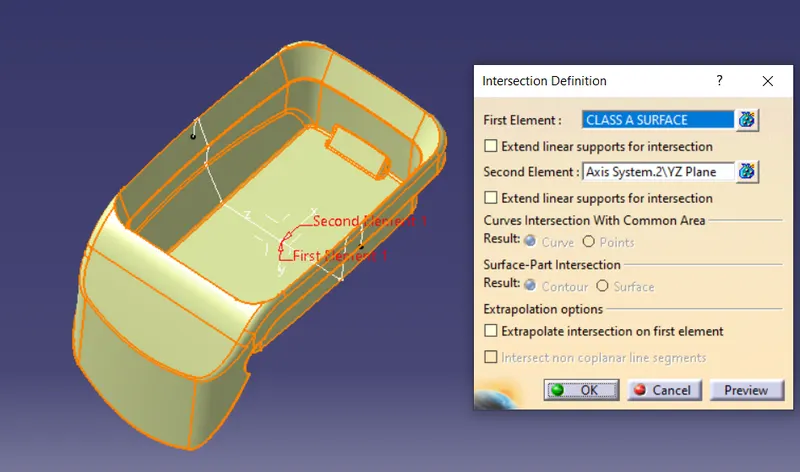
Now create an intersection line in the component. For that select the option of intersection and select the coin holder and the axis is created with the point created at the centre. Click ok.The intersection is created for cretaing the class B and C surface.
Class B surface
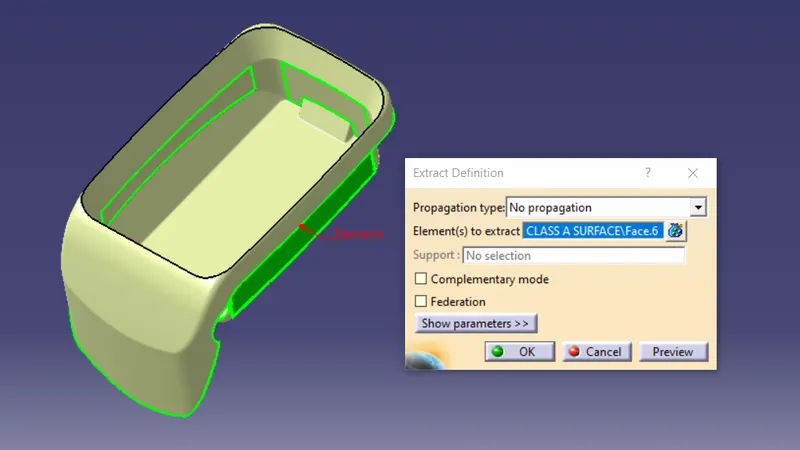
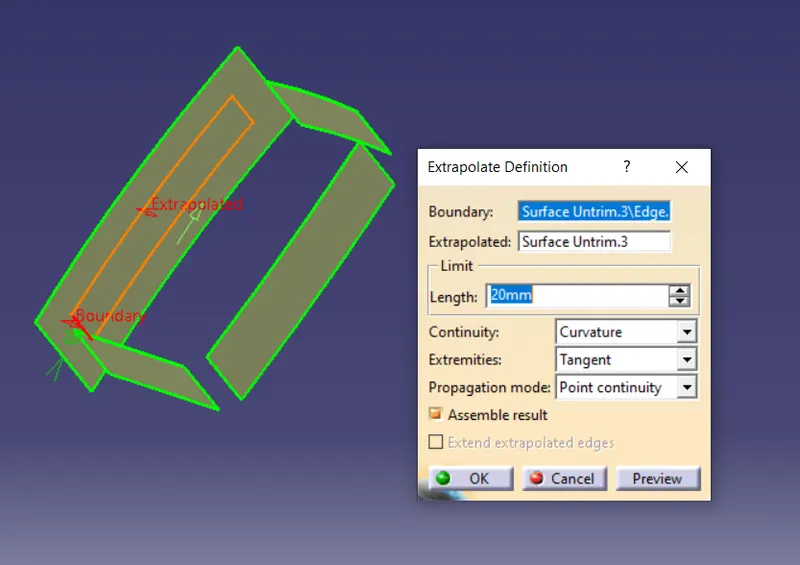
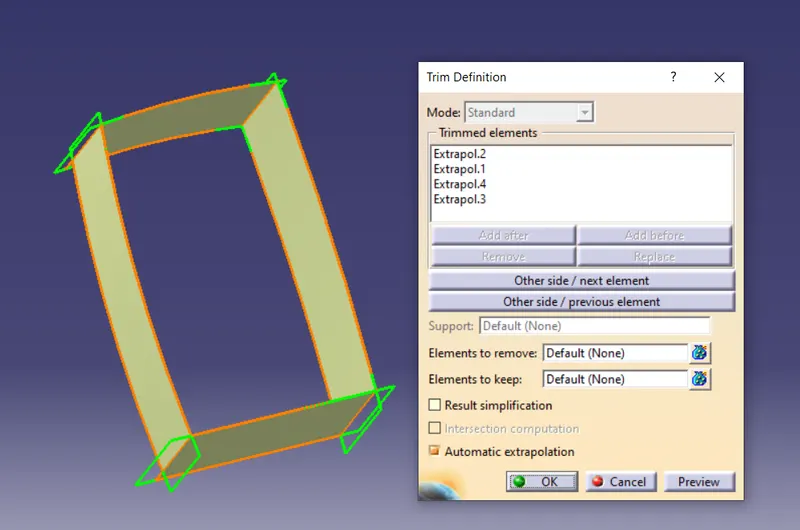
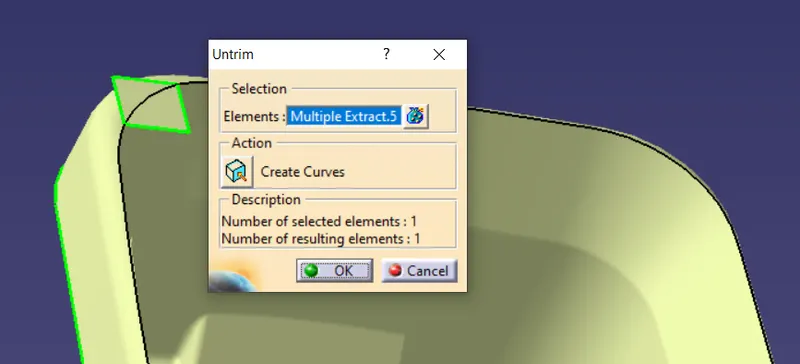
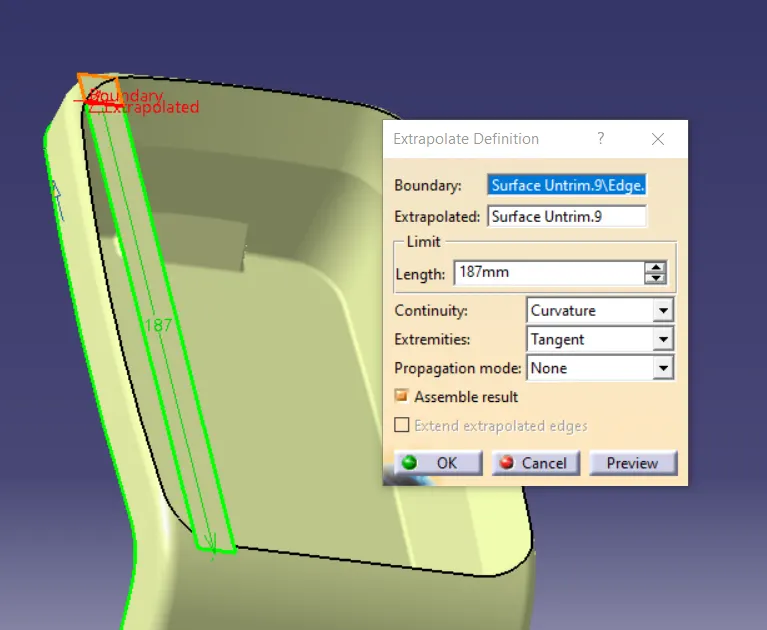
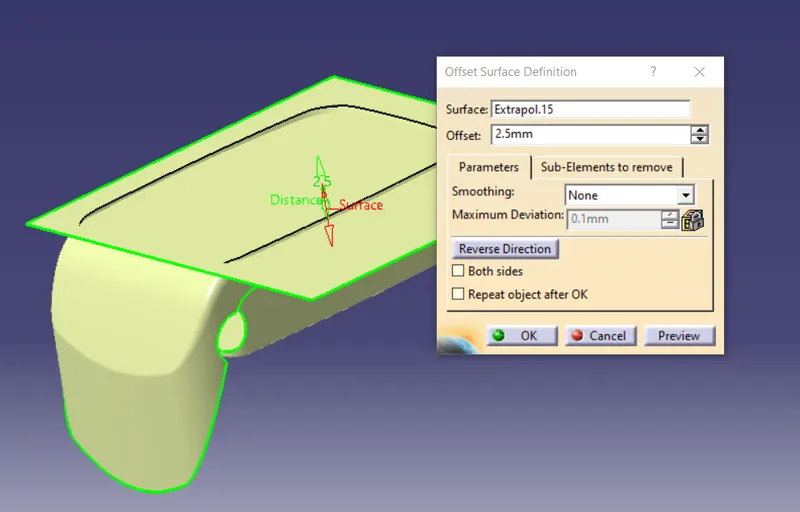
Now let start creating the B surface. Now extract the side wall surface in the given Class A surface. Select the 4 sides as given in the image. After extracting the surface untrim the surface and extrapolate it. After extrapolate the surface offset the surface and trim it.
For the fillet measure all the 4 sides since it is outside add the fillet measurement with the thickness of the g
wall.
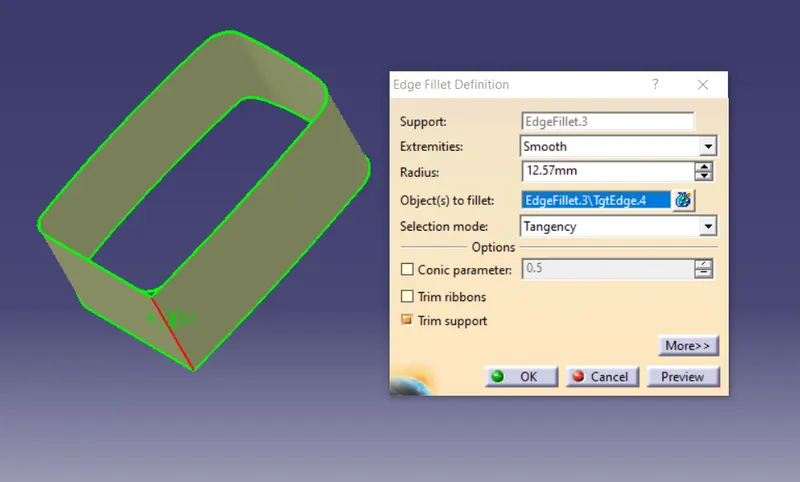
Now select the base surface and extract the surface. After extracting the surface untrim and extrapolate it, after that offset the surface and trim the surface so that unnecessary parts gets eliminated.
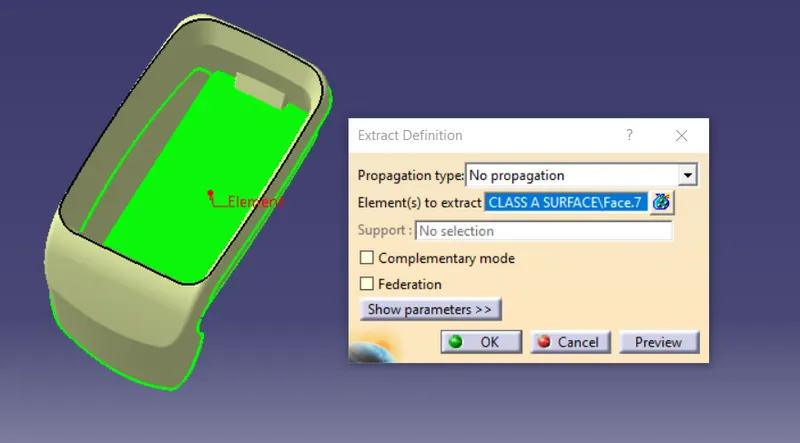
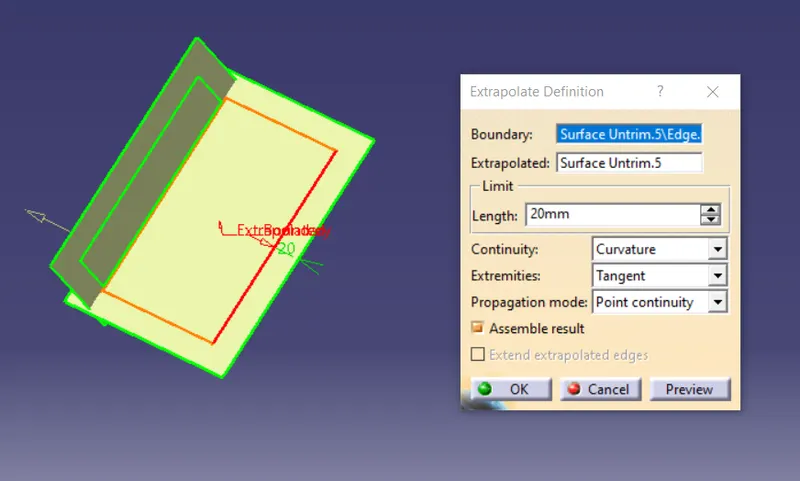
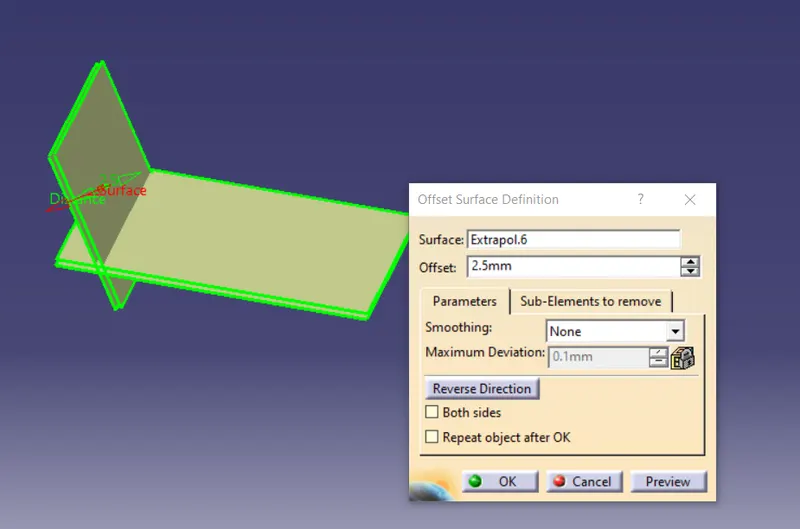
Now to create the base rectangle like shape select the 3 sides as the image given below and extract it, after extraction untrim all 3 surface and extrapolate it. After extrapolating the surface trim the surface as the image after that offset the image.
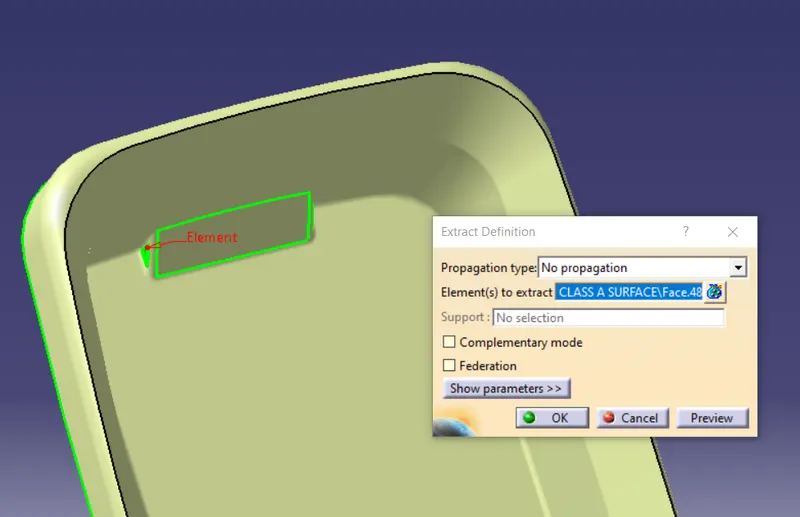
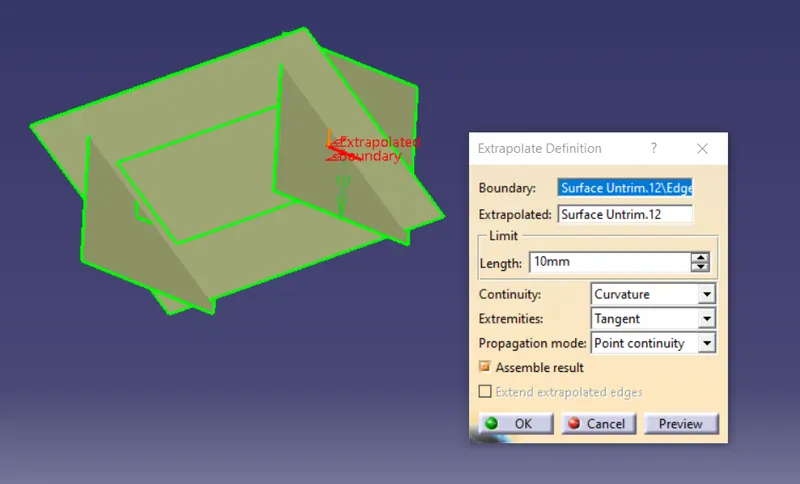
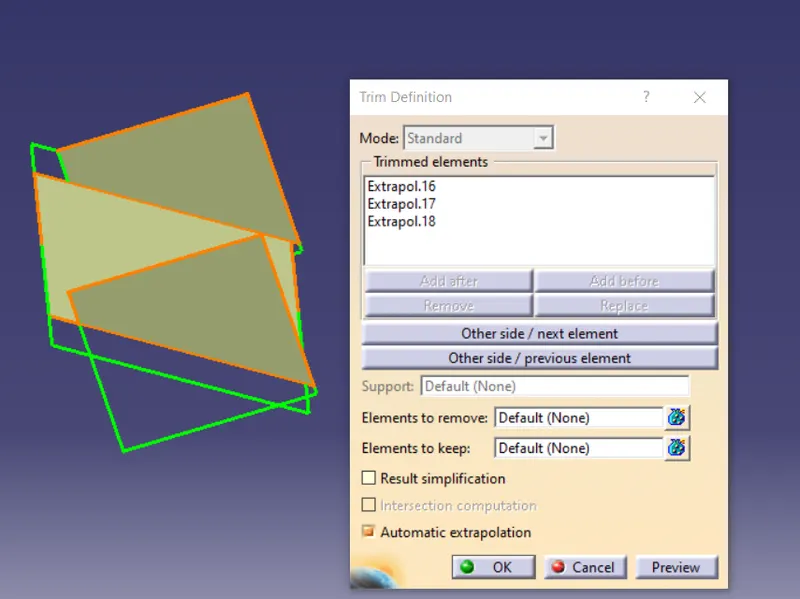
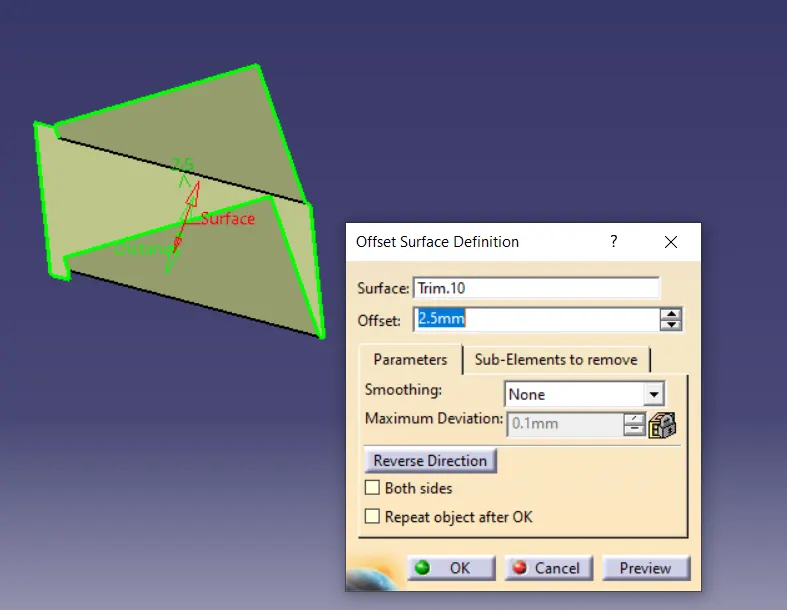
Now trim the rectangle shape structure with the base wall.
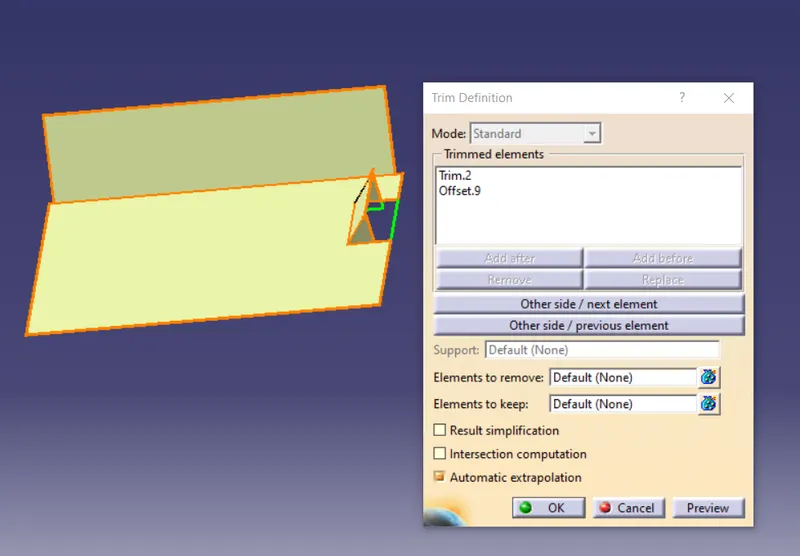
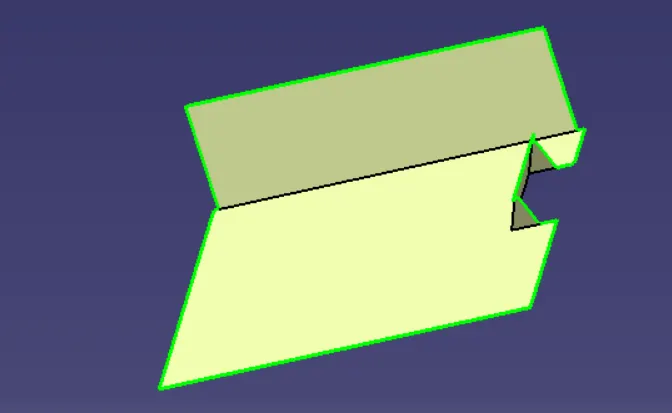
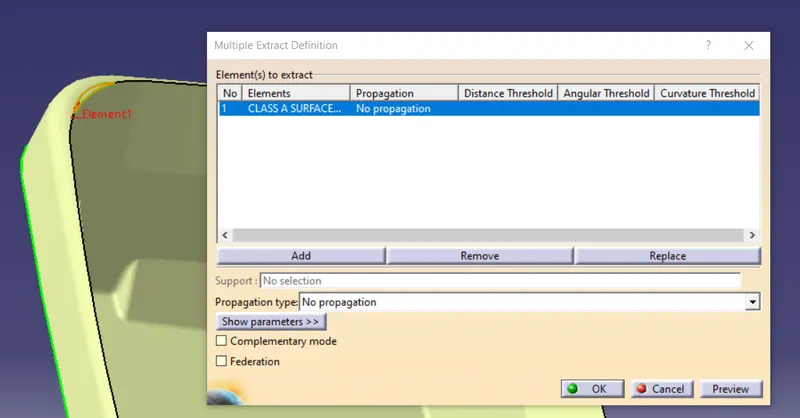
Now select the outer wall using the multiple extraction. Select the all surface and like ok, after that untrim the surface and extrapolate it and offset the outer wall as the image.
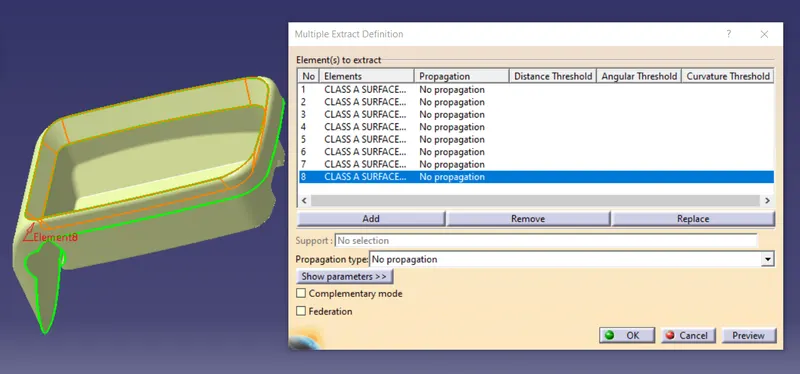
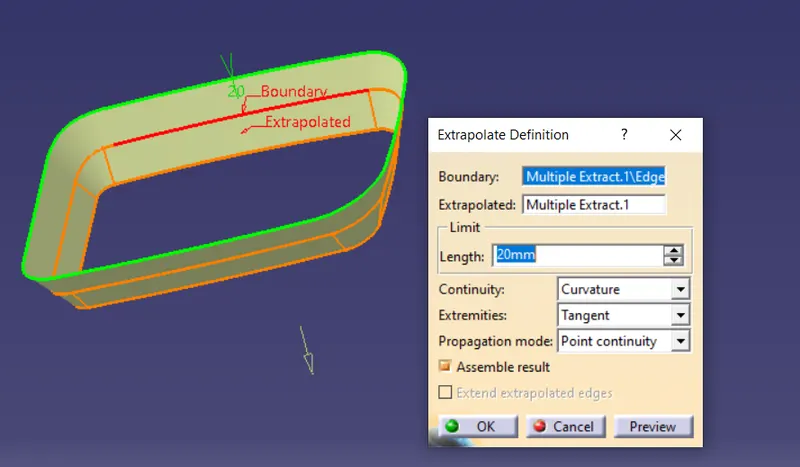
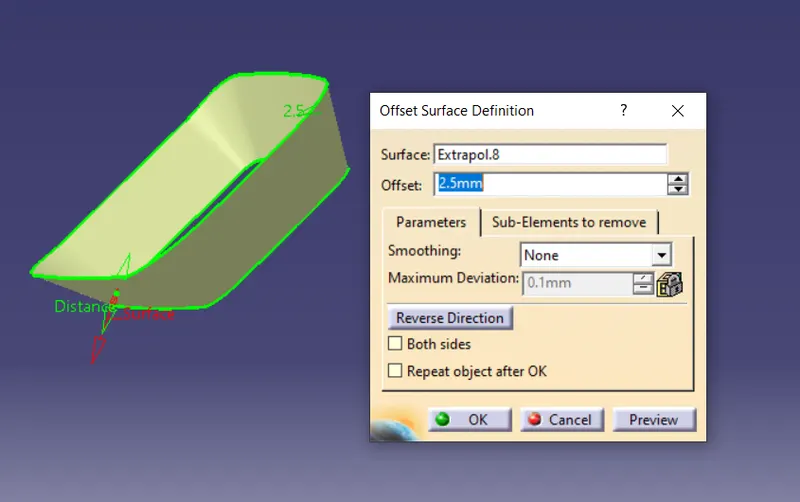
Now trim the side wall with the base wall and trim the outer wall with the trimmed surface of side wall and base wall.
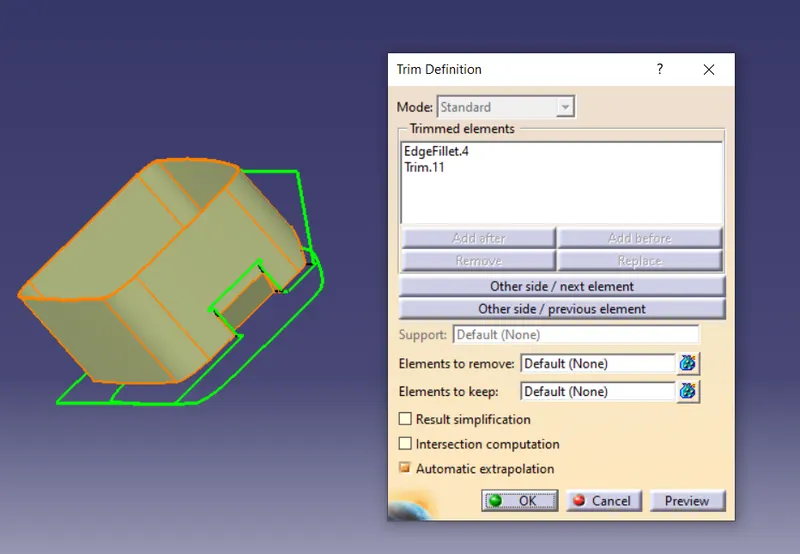
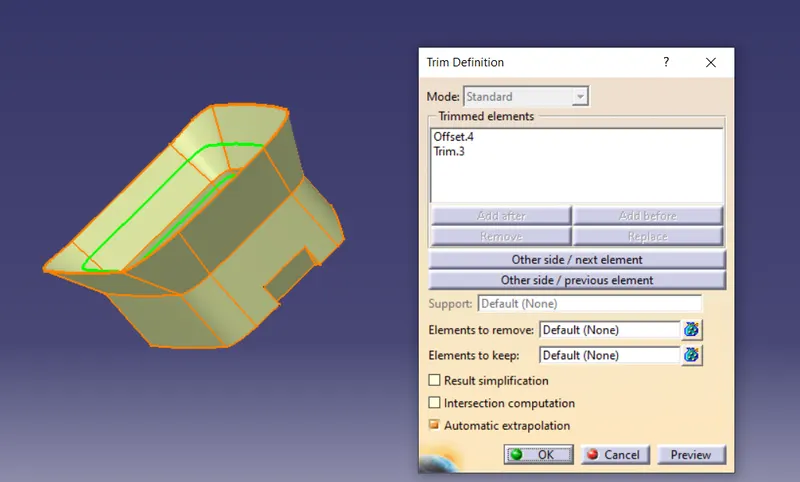
Now select the flange surface with the multiple extract as the image. After extraction untrim the surface extrapolate it and offset the surface as the image.
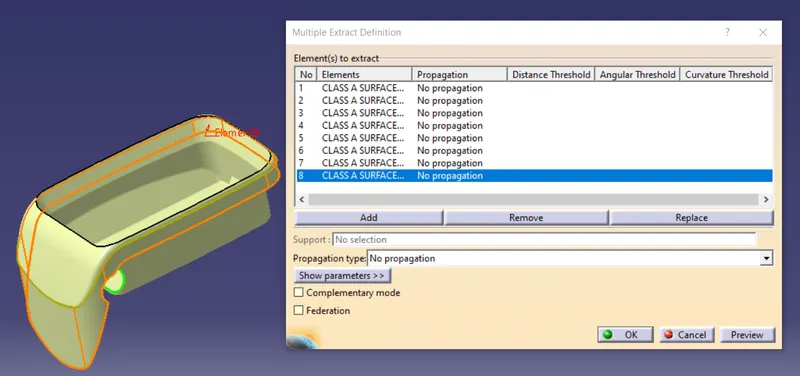
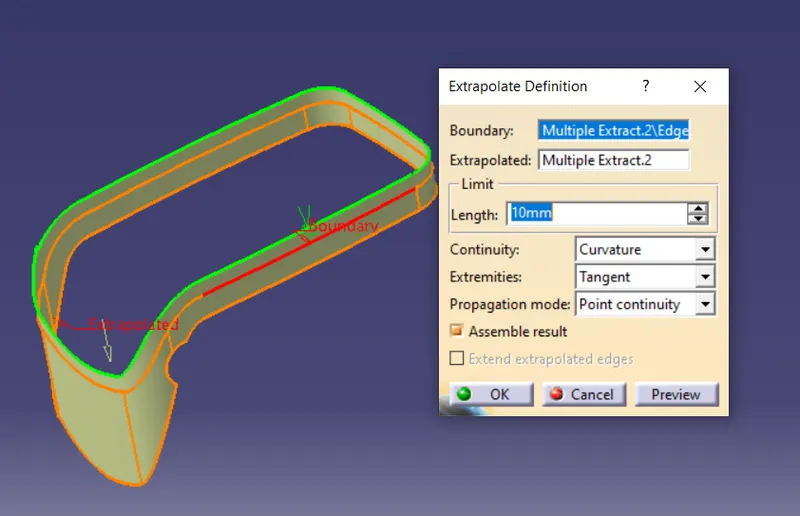
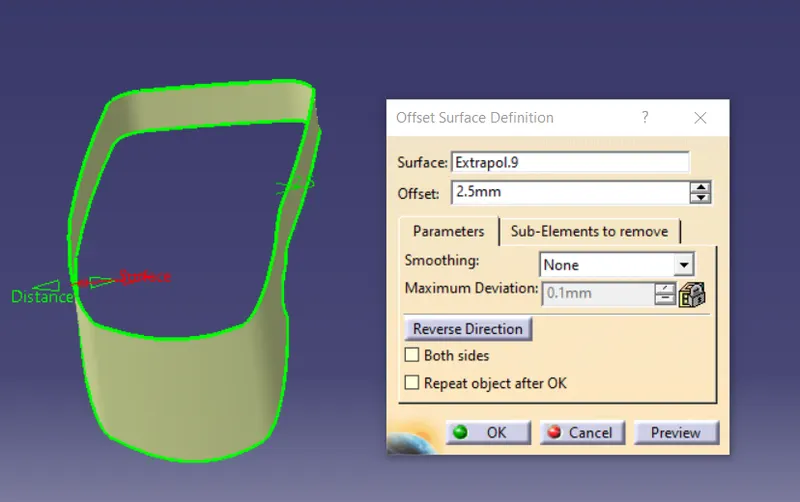
Now at the centre of the flange does not extrapolate so that it is extracted separately. Extract it one by one and then join it and extrapolate it and offset it.
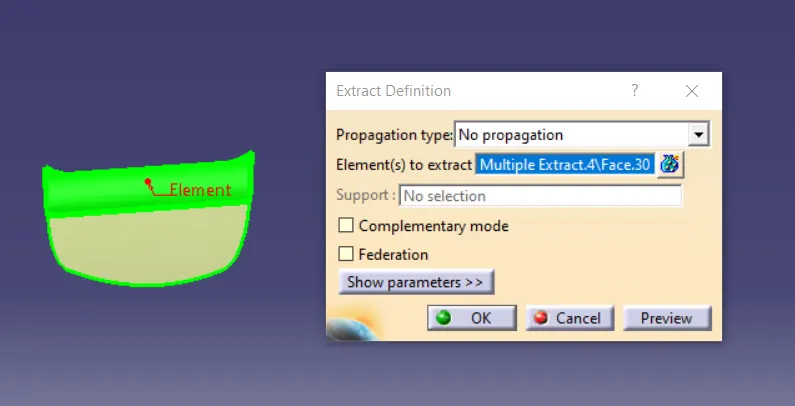
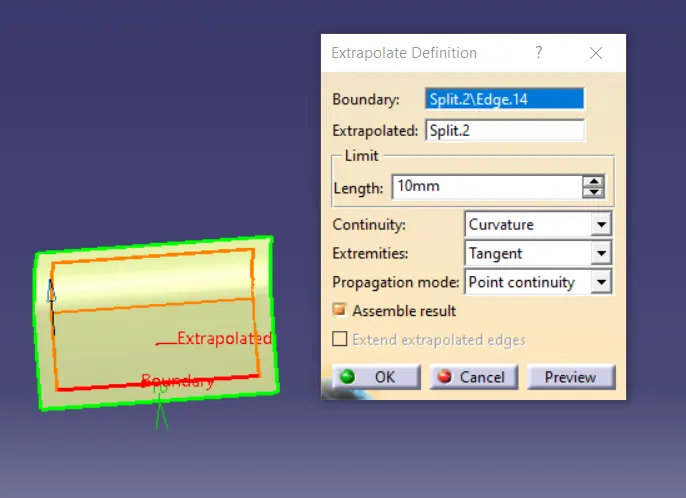
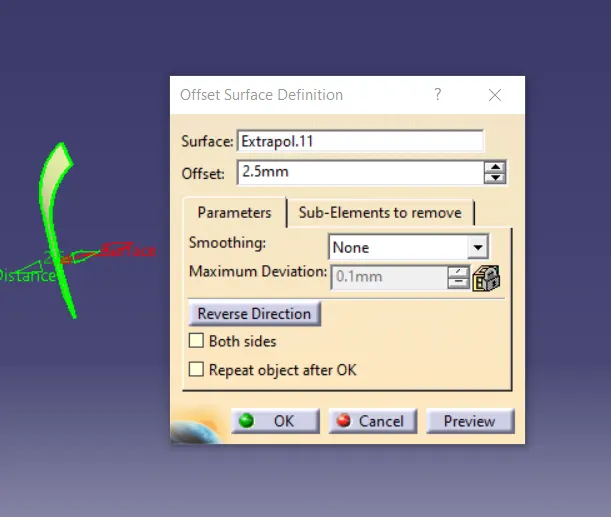
After that trim the flange with the surface extracted separately. After that trim the flange with the outer wall trim.
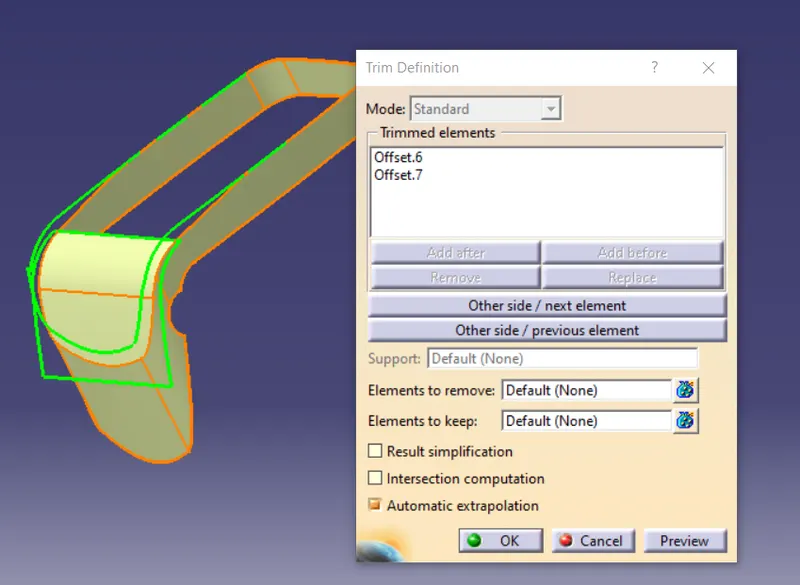
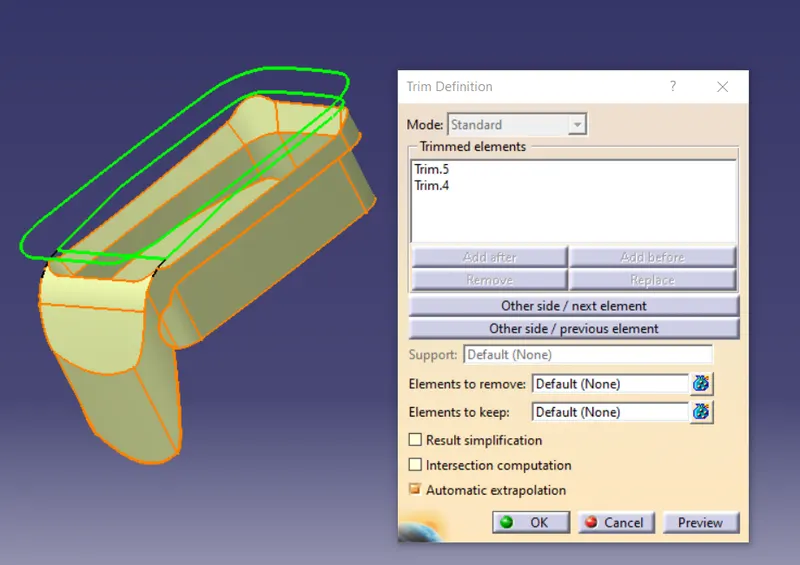
The final image after trim.
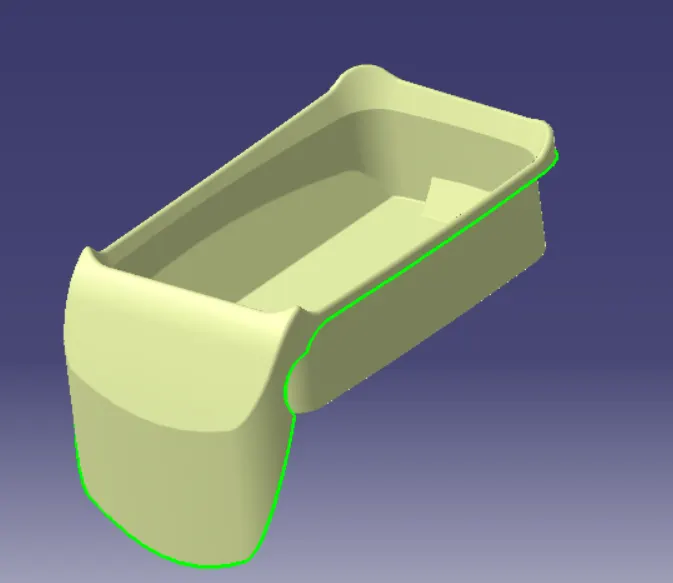
After that there is the surface extended outside the side wall. For that select the surface as the image and extract the surface and untrim it and extrapolate the surface so the all the sides gets covered. Offset the surface and trim it with the outer wall. The extra surface gets removed.
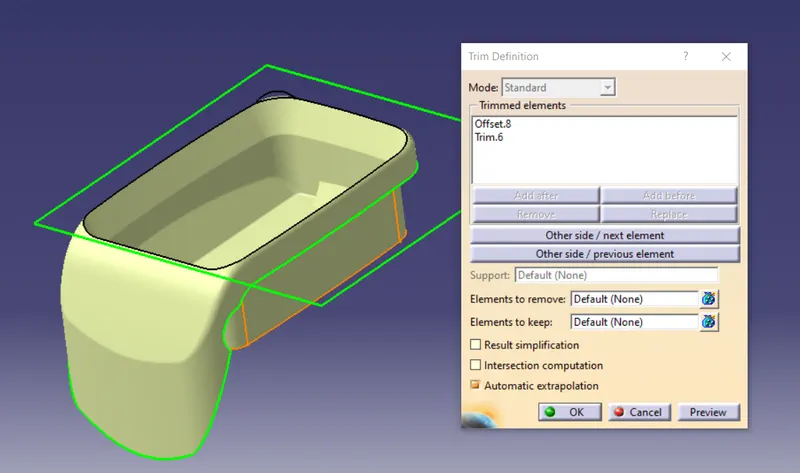
Class C surface
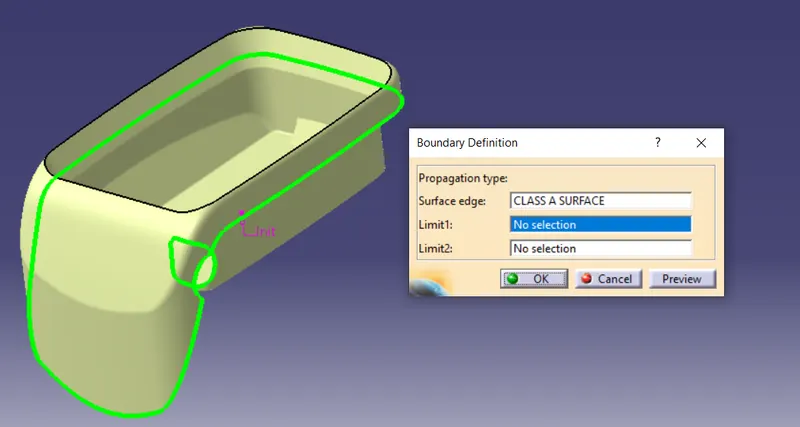
With the help of the boundary option select the surface created and boundary forms on the surface as in the image. There will be two boundary formed in that extract the two boundary separately.
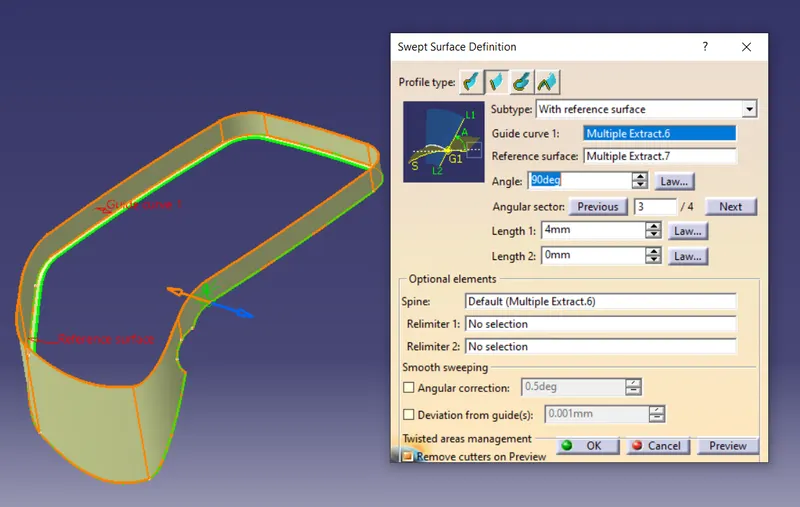
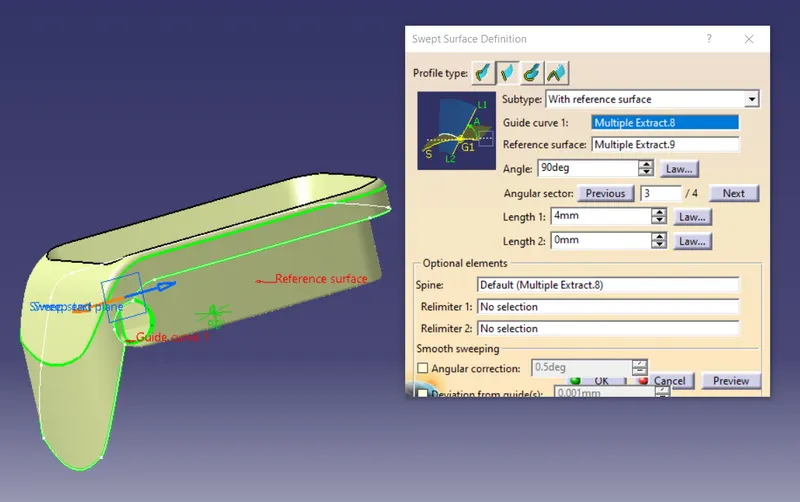
With the swept option for the guide curve select the flange and for the reference surface select the boundary 1 make sure that the direct is inside. And click ok.
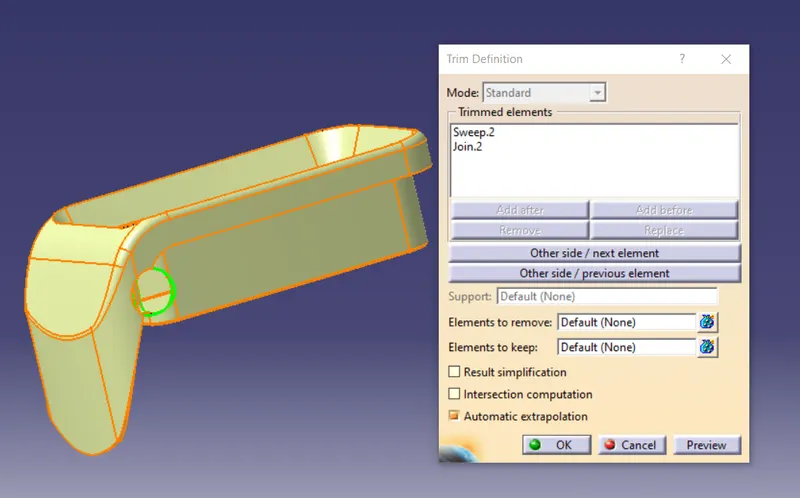
Trim the surface as the image. After trimming the surface join the flange and the outer wall together.
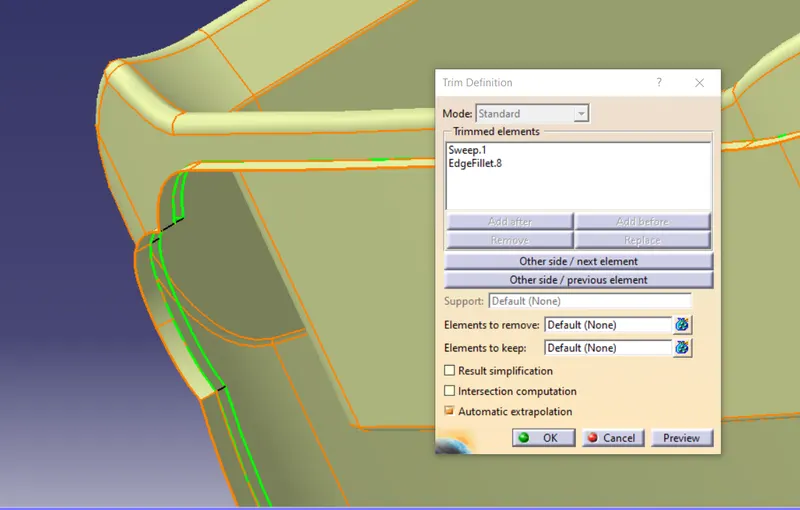
Now select the second extract with the swept option select the flange and the select the second extract the surface. And trim the surface.
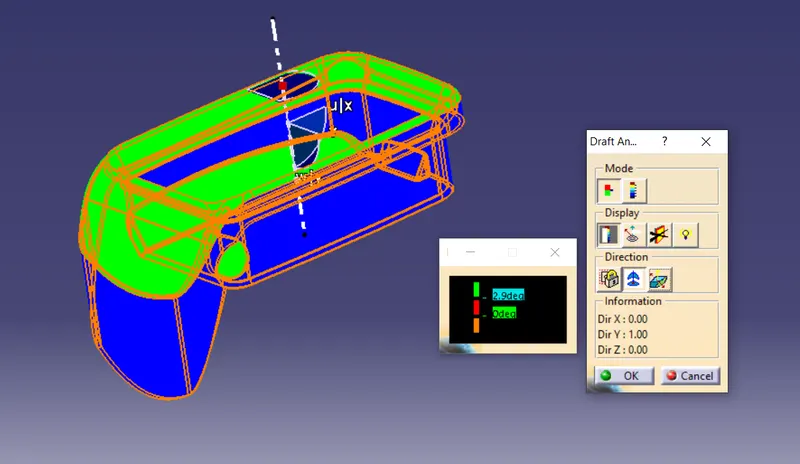
Now draft analysis is performed. In that the analysis is performed good for that operation.
Final Output
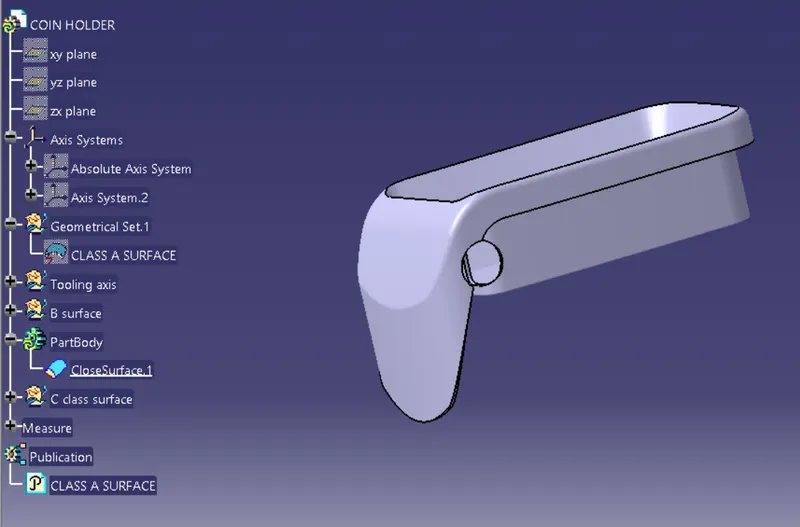
Result:
With the given coin holder of class A created class B and C surface. And even draft analysis is also performed the part body is good to perform the operation.