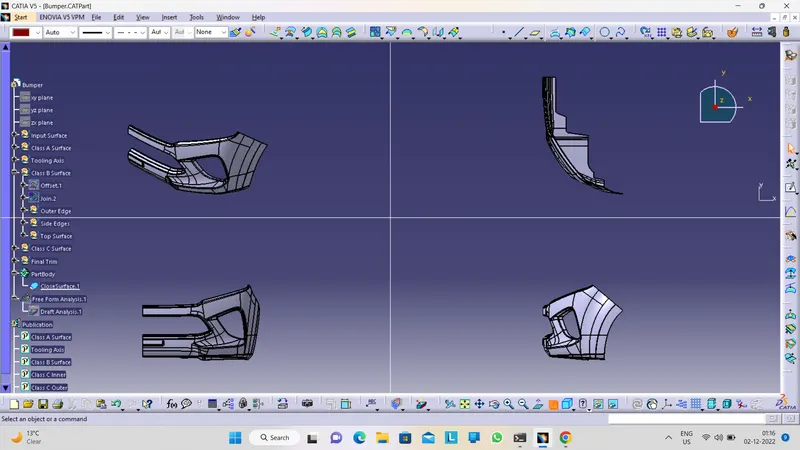
Week 8 - Challenge 4 - Bumper
AIM: To make a model from the provided class-A surface.
INTRODUCTION:
CLASS-A SURFACE: a surface made by the designer which is given as input to the plastic modeler to work on. It is an aesthetic surface
and the outermost surface.
CLASS-B SURFACE: a surface below a certain thickness from the class-A surface is a class-B surface. This is the surface that contains
engineering aspects of a model.
CLASS-C SURFACE: a surface that joins class-A and class-B surfaces is a class-C surface.
METHODOLOGY:
In this model we have focused on the following things:
Tooling axis
Draft analysis
Class-B surface
Class-C surface
Making a solid model from surface.
The following tools were used to reach the final step:
Extract
Un-trim
Trim
Extrapolate
Offset
Edge fillet
Boundary
Sweep
Join
Close (part design)
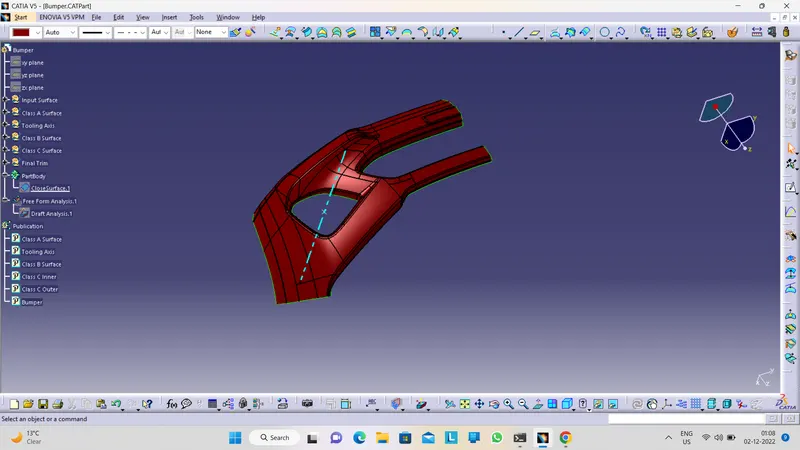
Class A Surface-
Class B Surface-
To create Class B Surface I have offseted the class A surface and my reasult was-
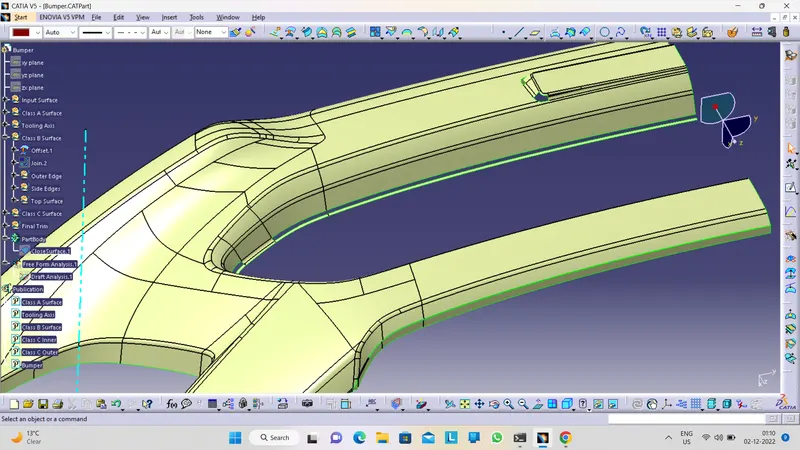
So in my case those perticular areas are not offseted properly. And I have created those surfaces following the process that i have explained above.
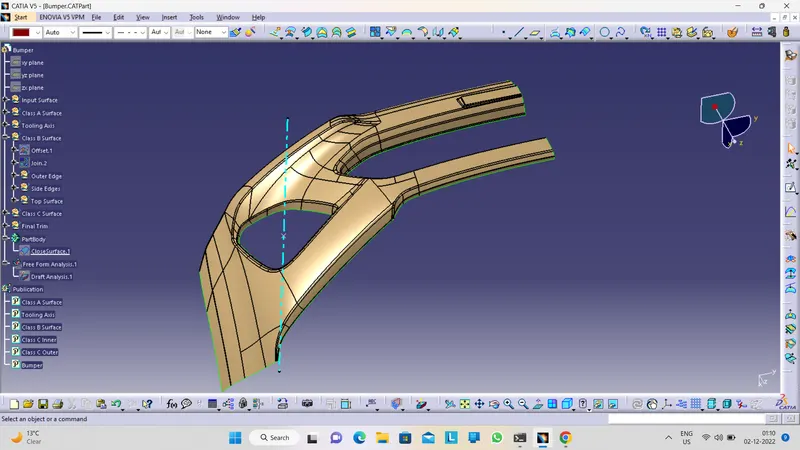
And my final Class B Surface was-
Class C Surface-
What Class C Surface does, is join the both Class A & Class B Surface. So to create the Class C Surface, first create boundaries using 'Boundary' command with using edges of Class A Surface. And then create a surface using 'Sweep' command at a angle of 90 deg. with class A Surface using those boundary. It might create error when try to make sweep with one single boundary of Class A Surface edge, so for that case we have to take several boundaries according to fisabilioty. And then trim those sweep surfaces with class B surface to make sure there is no excess surface beyond class B surface. So my final Class C Surface
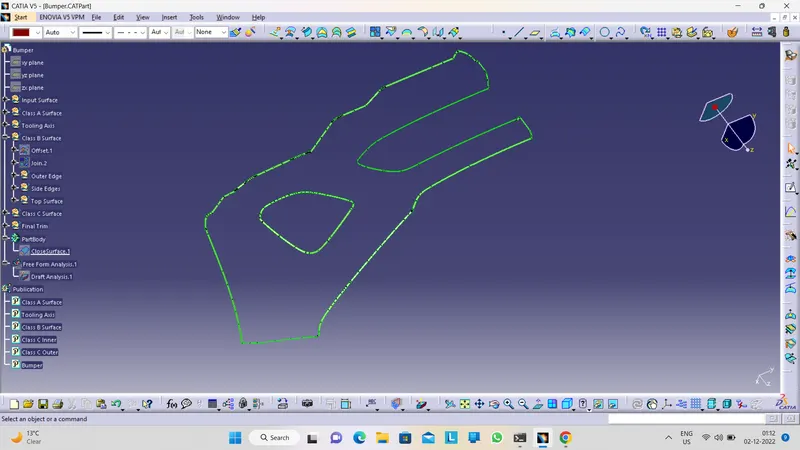
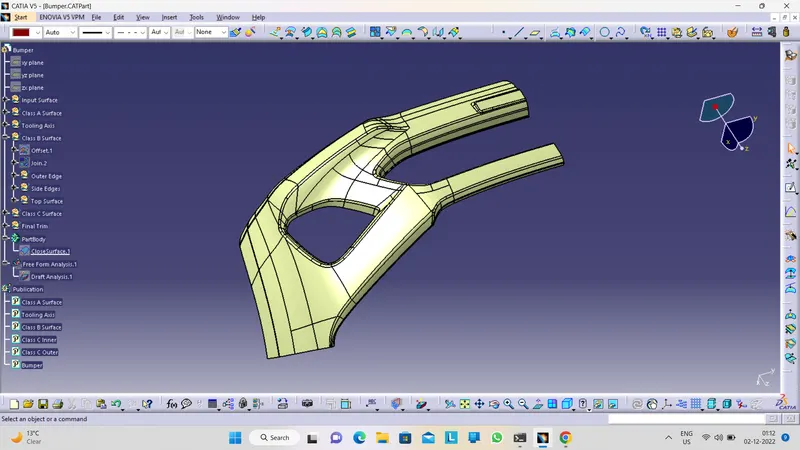
Final Closed Surface-
After creating all surfaces, join them togather using 'Join' command.
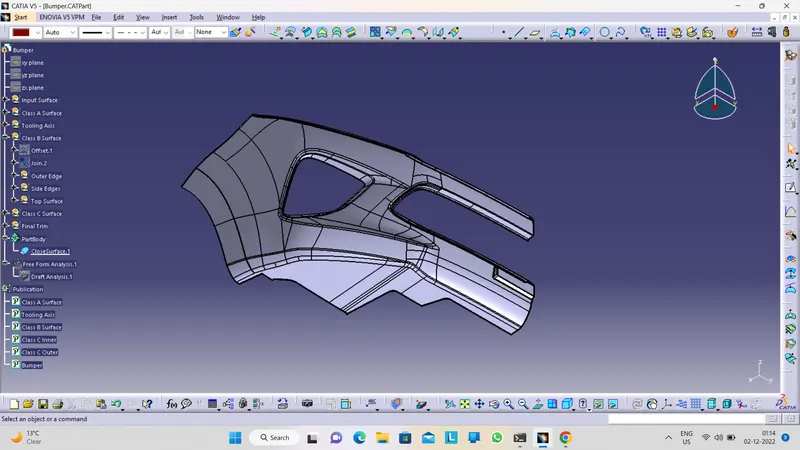
Solid Body Creation-
To create solid body of that closed surface, make sure there is no open edges. If there is open edges then it would not be possible to create solid body. After make sure, go to part workbench and make the closed surface part a solid body using 'Closed Surface' command. this operation must be inside a 'Body' set not inside a 'Geometrical Set'.
Draft Analysis-
Draft analysis is a most importent thing for a part body design. Its reasult says that the perticular body is manufacturable or not. Even it also analise that how simple or complex will be the manufacturing process. So to do that analysis first we have to create a tooling axis that will be along the movement of mould open and close axis.
Draft Analysis of Class A Surface-
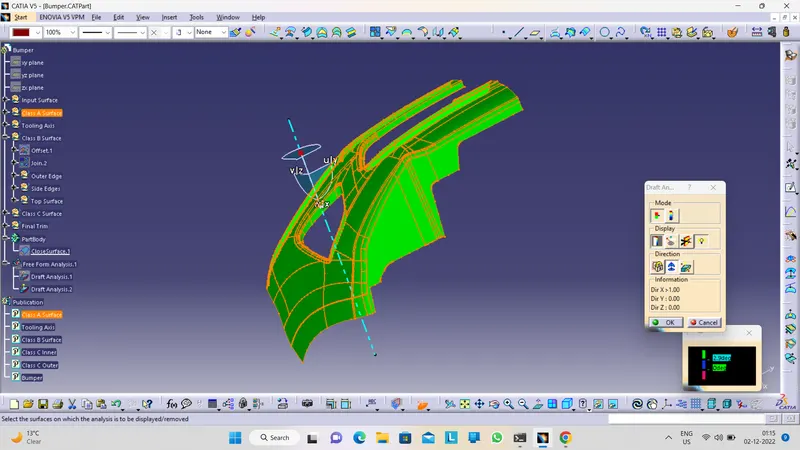
Draft Analysis of Solid Body-
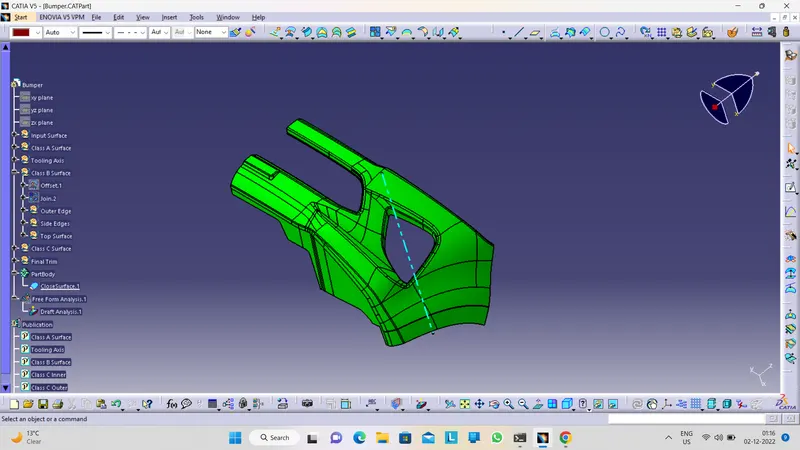
Views of final model-