Week 8 - Challenge 4 - Bumper
AIM :
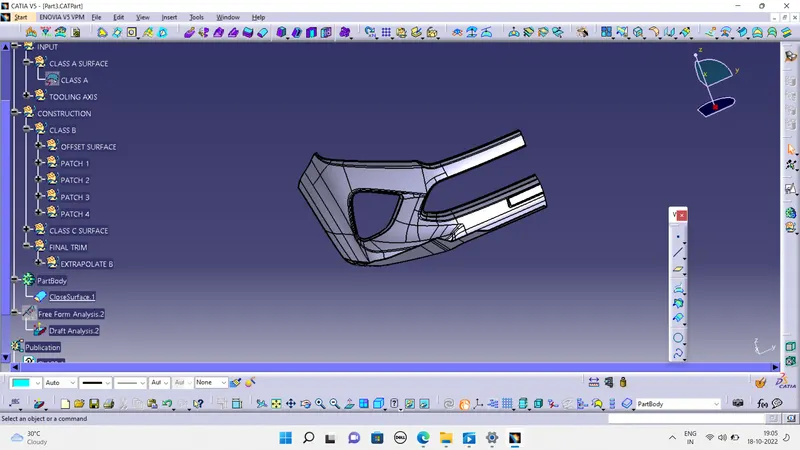
The main objective of this challenge is to create a solid body of 'Bumper' with the help of the closed surface method by using the 'Generative shape design' workbench in CATIA V5. Performing the 'Draft Analysis' on the solid part body of the Bumper.
PROCEDURE :
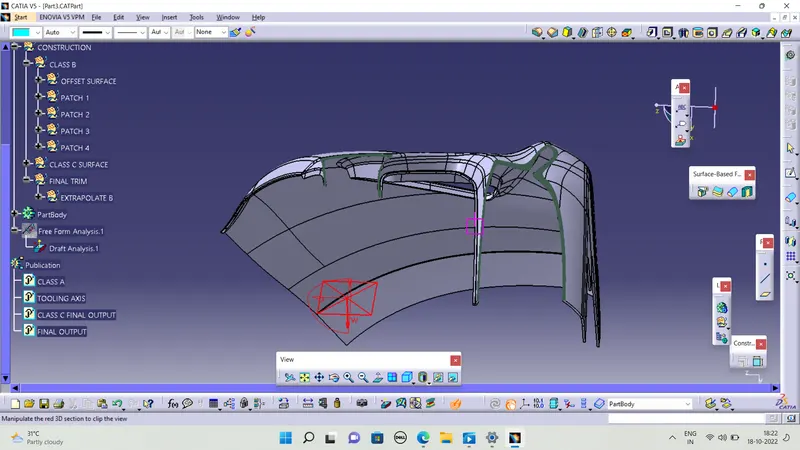
Initially, we need to offset the given Bumper class A surface in the inner direction to the required thickness (here the thickness is 3mm). After that, we need to close the patches on the offset surface of the bumper, the patches are formed due to the fillets on the Class A surface. Once all the patches are closed properly join them together to make a proper class B surface and now sweep the boundary of the class A surface to trim with the class B surface to make a closed body. By using the closed body command in the Prat workbench we can get the solid body from the closed surface of the Bumper. Now, again went back to the surface workbench to perform the 'Draft analysis' for the solid body.
TOOLING AXIS :
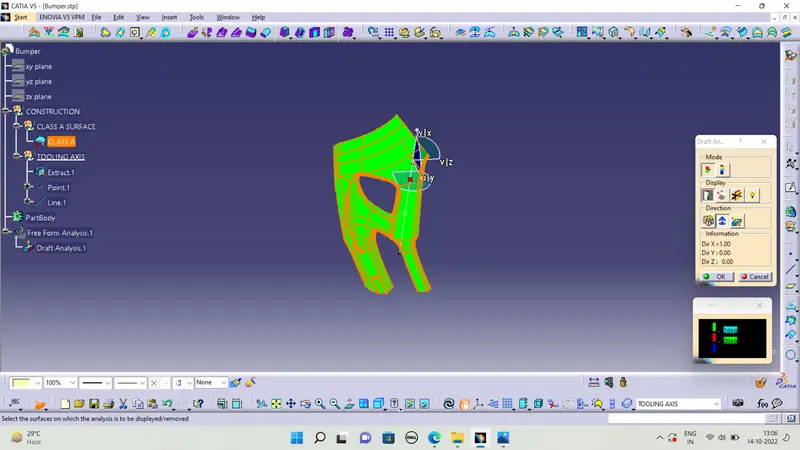
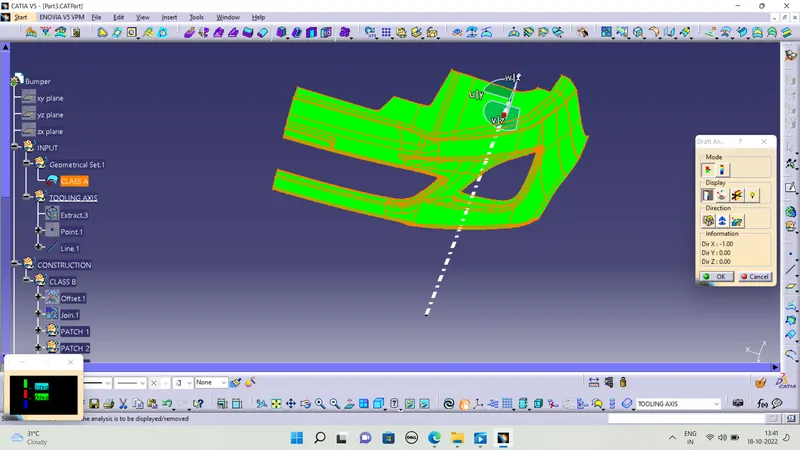
To create the tooling axis we create the centre piont in the surface which surface are able to see or cover the hole bumper we take the that surafe to referance tooling axis piont and craeted the line which is along whith the surface we take a x dircetion line that is my tooling axis and check the class a surface with a proper draft angle the we to class b surface
CLASS A SURFACE :
CLASS B SURFACE :
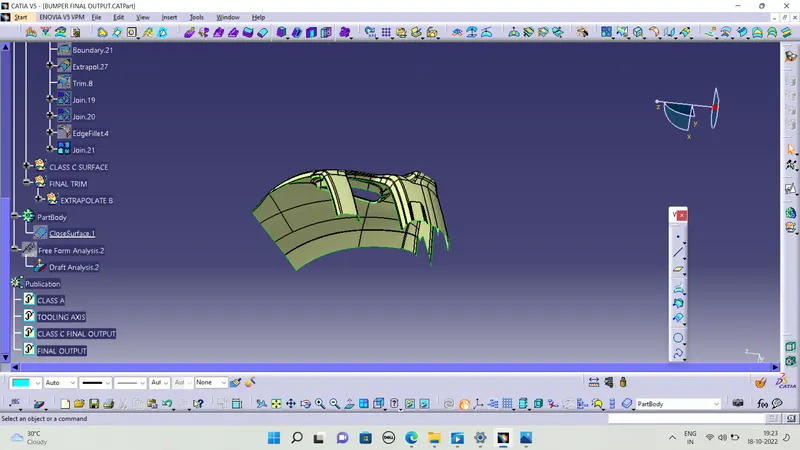
First we offset the class a surafce to 3mm thickness and we craete the class b surface in that classs b surafce we have patches in the class b because the edge is enenmy of offset we have to clear the patches and i follow the two types one extract the missing patches from the class a suraface and i extrapol the the extract surfacesas we want 6mm or 8mm and both the extract faces are interacted and we using trim commend to trim the unwanted surafe and using joint command to sub element to remove using which surface we extract the surface to remove this is the one method and another method was using multi section surface select the outer boundary of the missing surface and join them to using multi section command to using these two types i was finnish my class b surface and finally joint the all the surafec that the final output
CLASS C SURFACE:
To create the class C surface concerning the boundary of the class A surface, I used the sweep command. Initially, I extracted the boundary of the class A surface with tangent continuity, and I sweep the extracted boundary concerning the surface at 93deg (for draft angle) for 6mm to intersect properly with the class B surface. Once we sweep all the surface boundaries of class A, extrapolate the sweeped surfaces until both surfaces got intersected properly, and trim them to remove extended extrapolated surfaces to get a proper sweep boundary throughout the entire surface, including the centre hole of the bumper.
Now, join both class A and sweep boundary to get the complete class C surface.
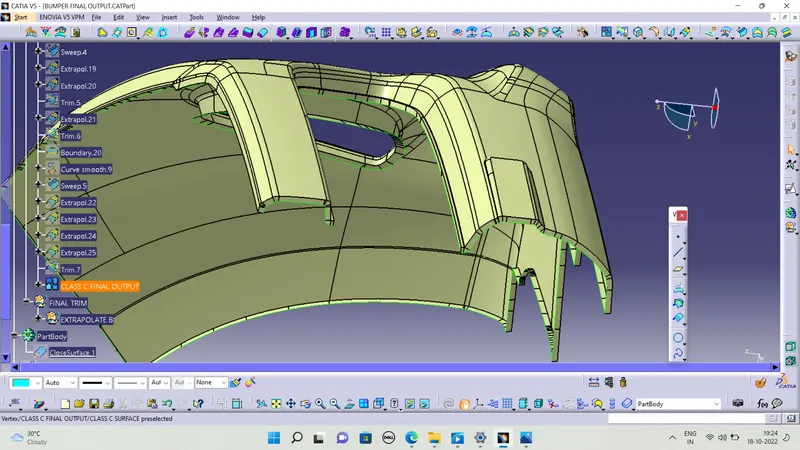
And finally we trim with class b surface and we get final output then we to the part design and using close surface command using to close the surface
CLOSE SURFACE :
DRAFT ANALYSIS:
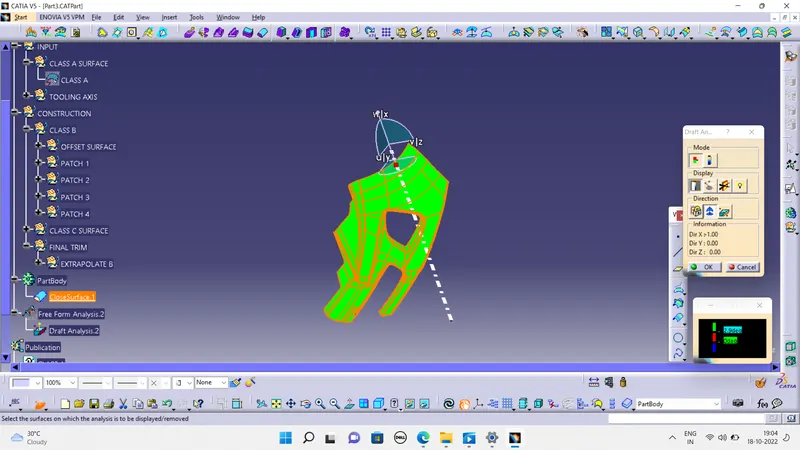
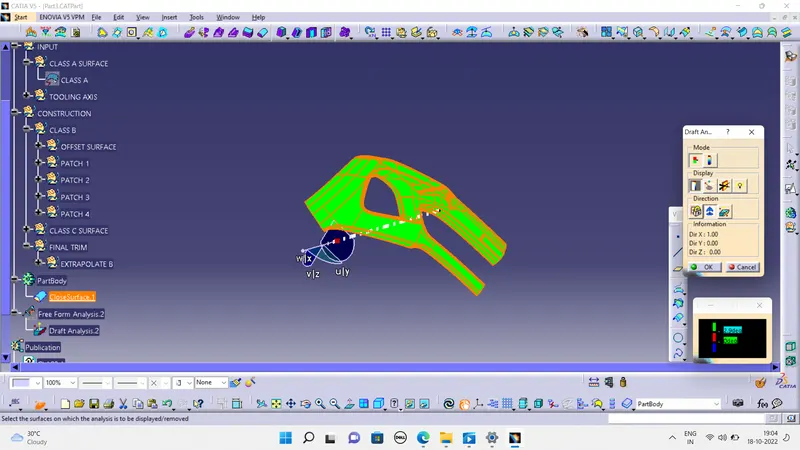
After creating a solid body from the closed surface I performed a draft analysis on it, to check the draft angle of the solid body.
FINAL OUTPUT :
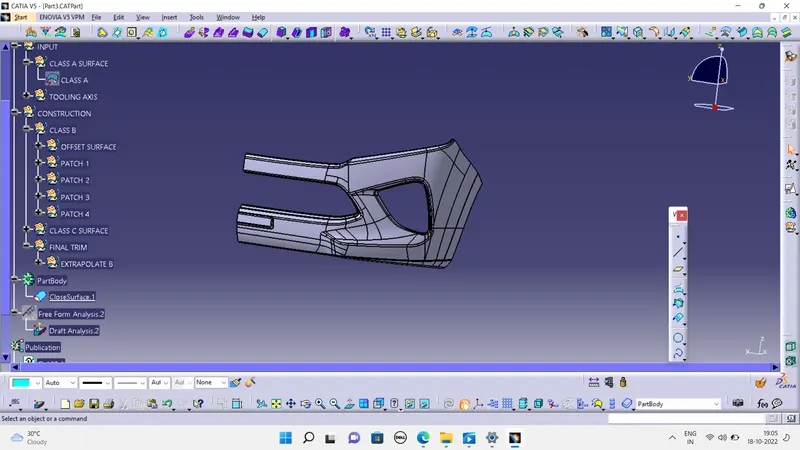
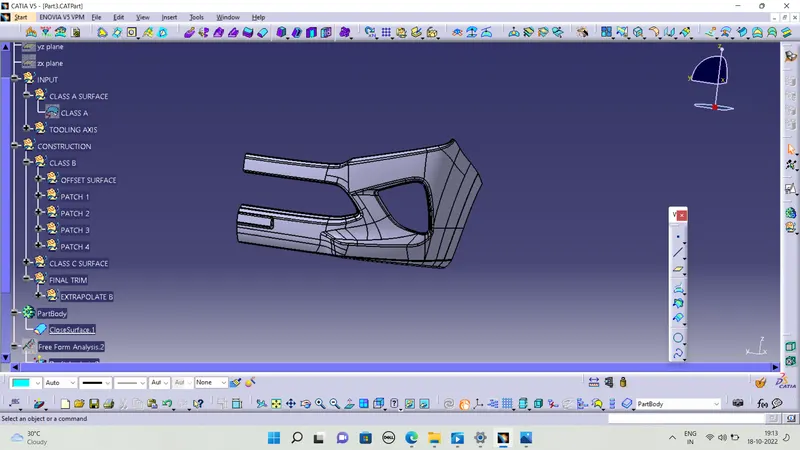
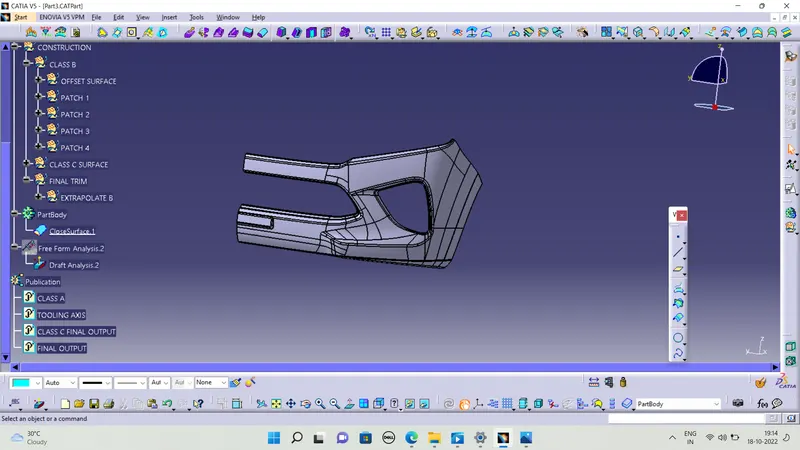
TREE STRUCTURE :
RESULT :
We created the class b surface and then created the class c surface and the trim with class class c surface and finaly close the surface