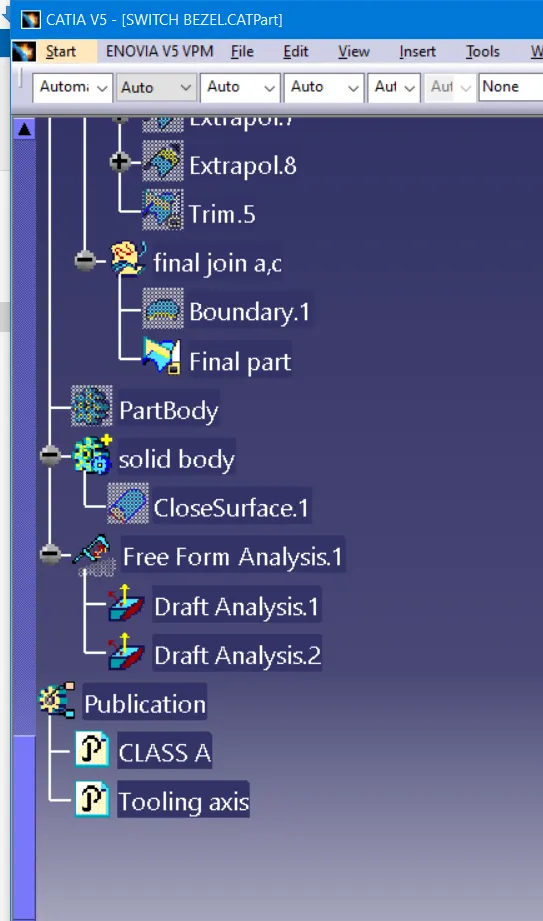
Week 8 - Challenge 3 - Switch Bezel Design
Report:
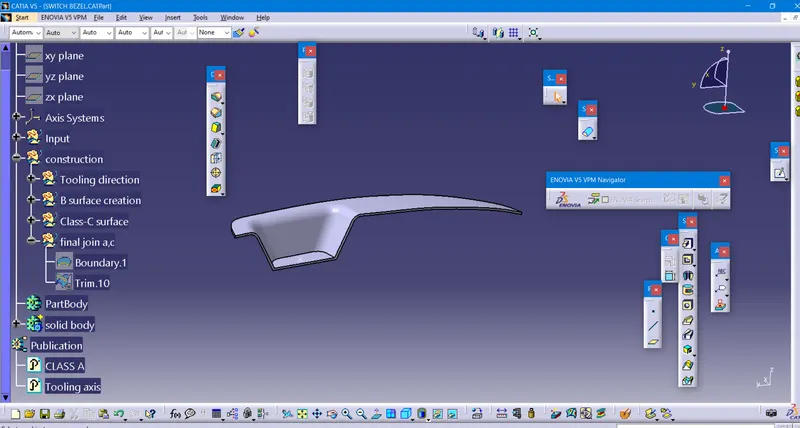
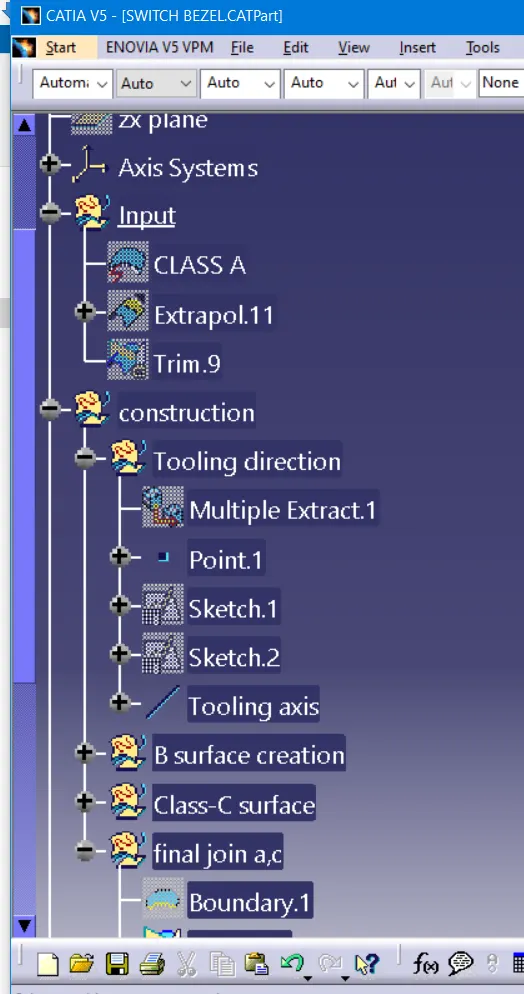
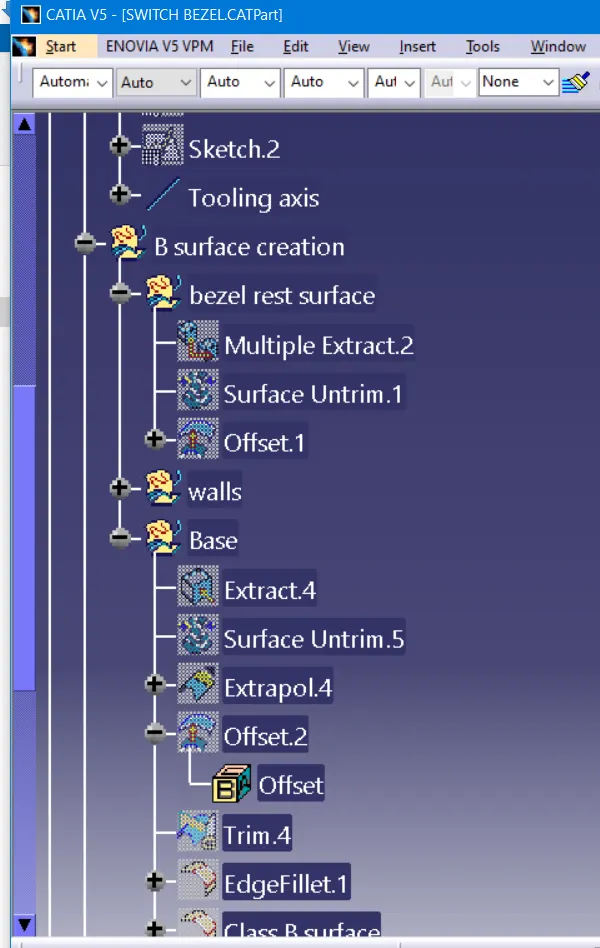
Tooling axis creation:
1. In this part we have 3 walls to create bisecting line from the plane x and y axis
2. Extract the base
3. Create the point on the surface and axis system
4.Create 3D intersection using the axis system of y-axis and x-axis
5. Extend the lines on both sides
6. Create the bisecting lines for the lines of X and Y-axis
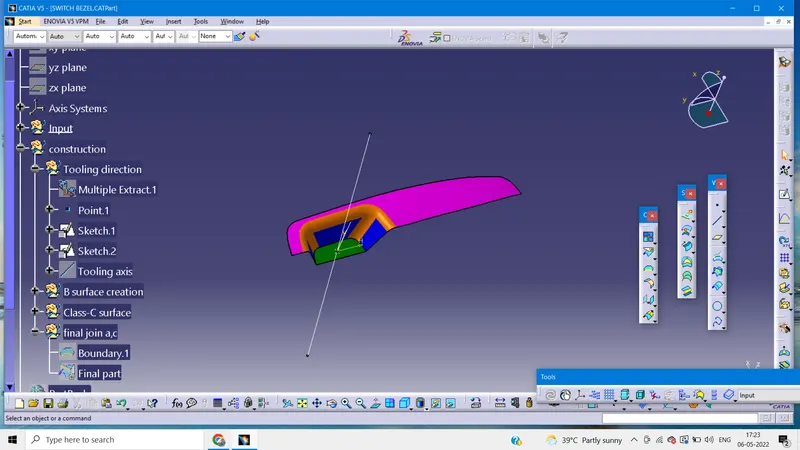
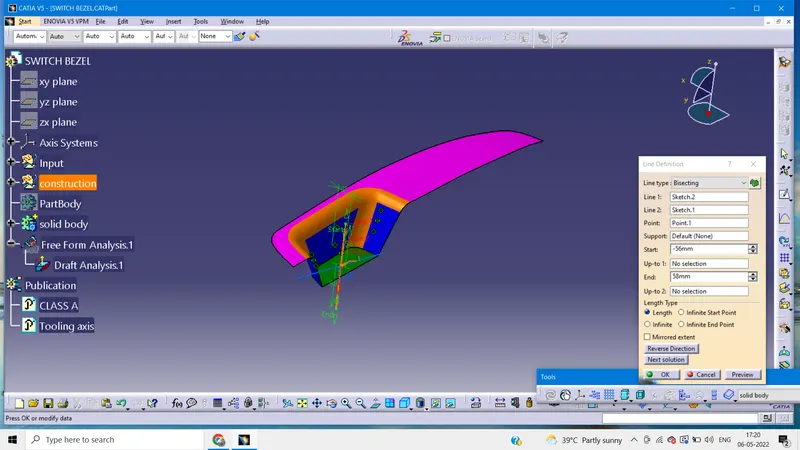
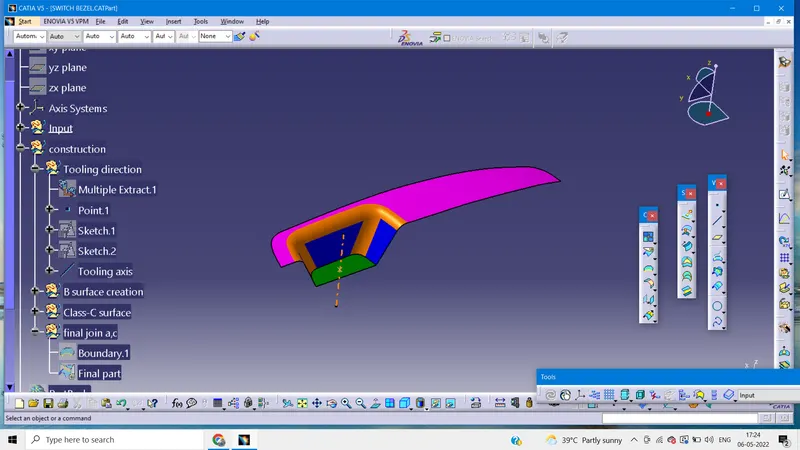
7. Create the bisecting lines using both the lines get thw tooling axis.
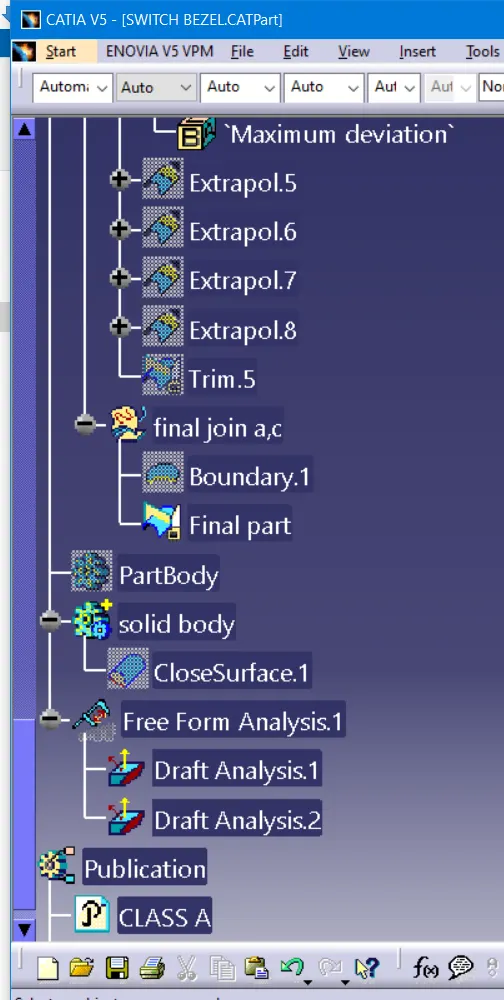
Draft analysis:
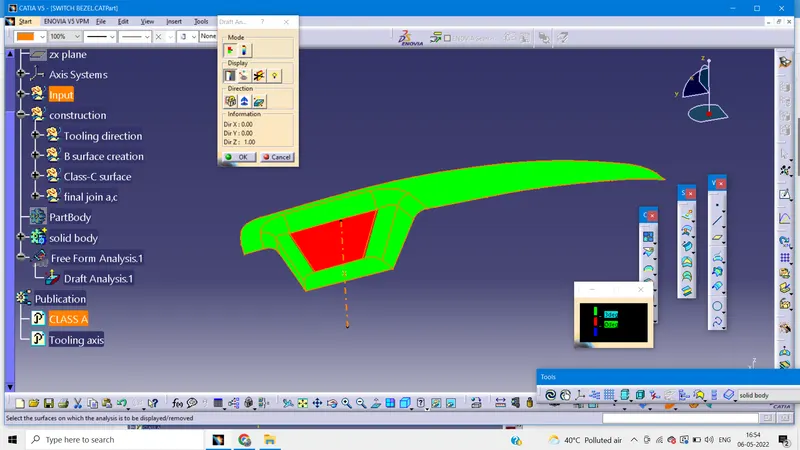
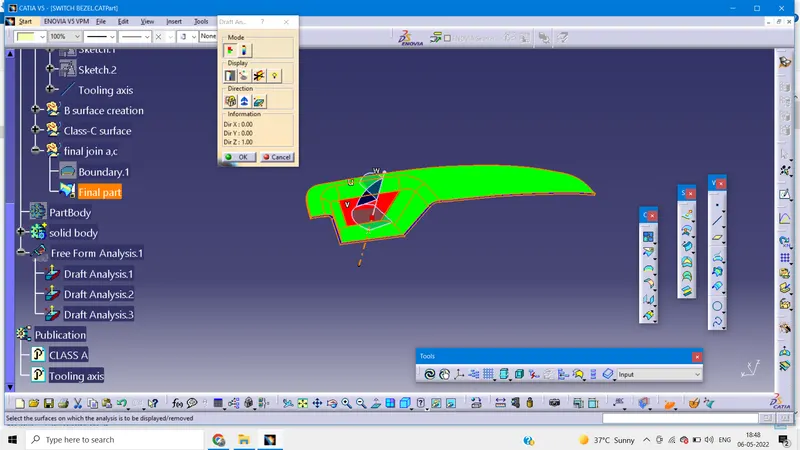
1.With the help of tooling axis, the axis creates the draft analysis.
2. Check whether the mode is in material mode
3. Using the compass fix and lock in the suitable direction
4. We the draft angle for 3 degrees
5. Click on the part make sure that color code becomes green.