Week 8 - Challenge 3 - Switch Bezel Design
Switch Bezel Design
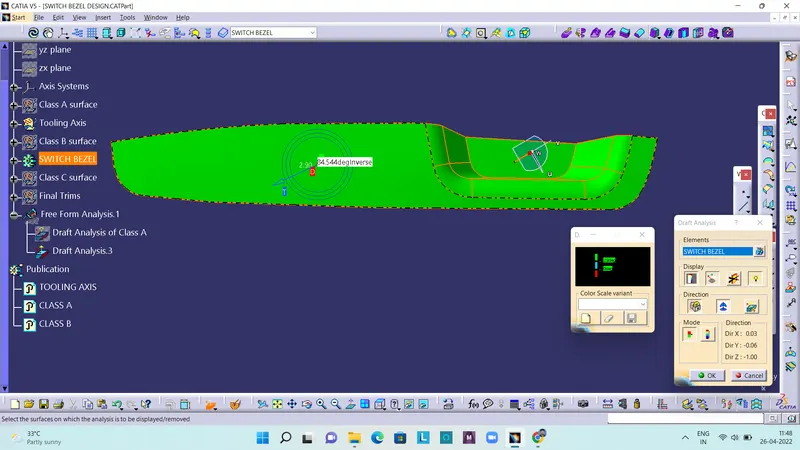
Aim: To create the Switch Bezel Plastic component through the given Class-A surface and perform the Draft analysis on the model.
Draft analysis
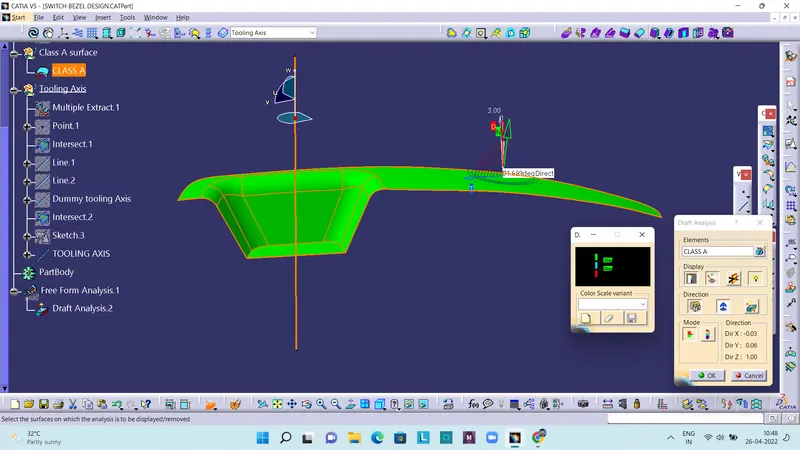
The Draft Analysis command enables you to detect if the part you drafted will be easily removed. This type of analysis is performed based on color ranges identifying zones on the analyzed element where the deviation from the draft direction at any point, corresponds to specified values.
Tooling axis creation
The direction in which the mold or core and cavity opens is the tooling axis. And for that the model is visually analyzed to know which is the most suitable direction for tooling axis. After analyzing the direction, we can create dummy tooling axis, with the help of each walls of the component. Then by bisecting method, that is bisecting the dummy tooling axis, we can find the real tooling axis.
Draft analysis report of Class-A surface
Draft analysis report of the final plastic component
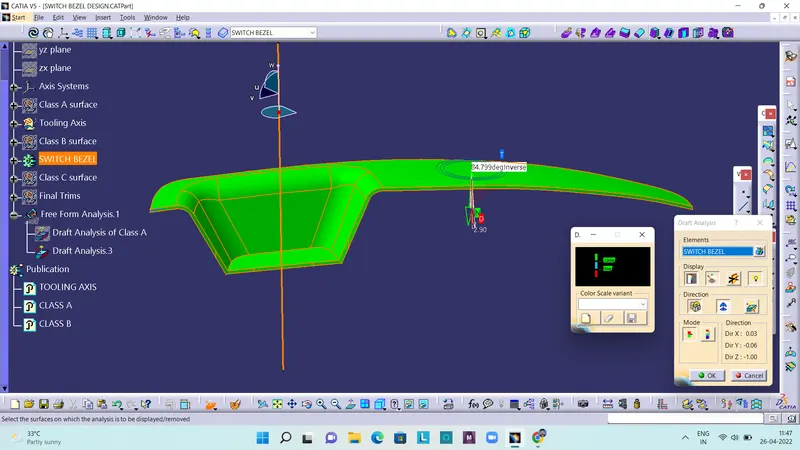
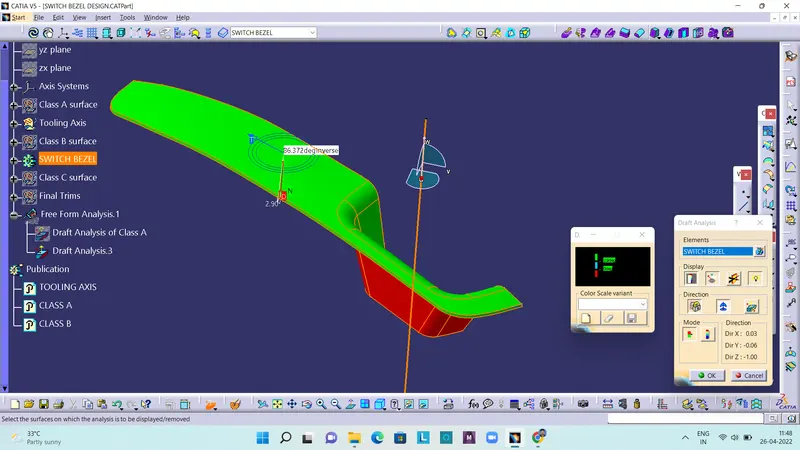
Solid model with color code of draft angle in various orientations
Isometric View:
Front View:
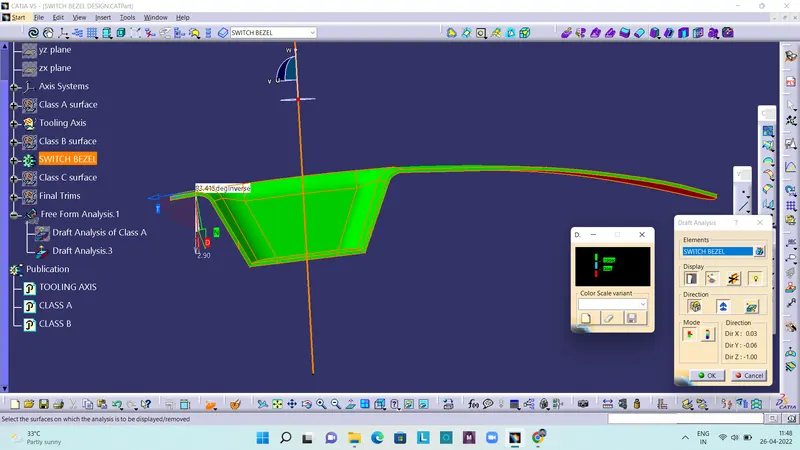
Side View:
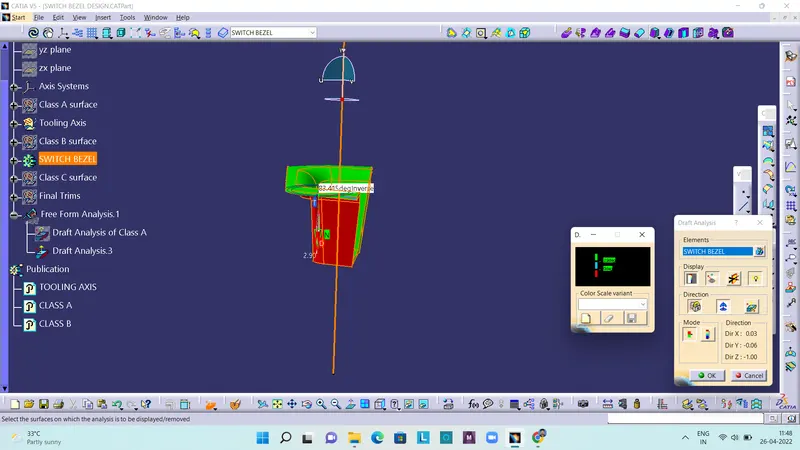
Top View: