Week 8 - Challenge 3 - Switch Bezel Design
1. Closed Surface Feature.
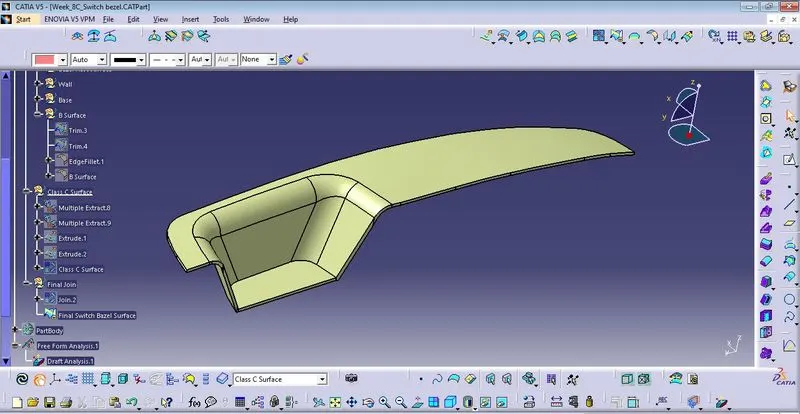
2. Switch Bezel Body
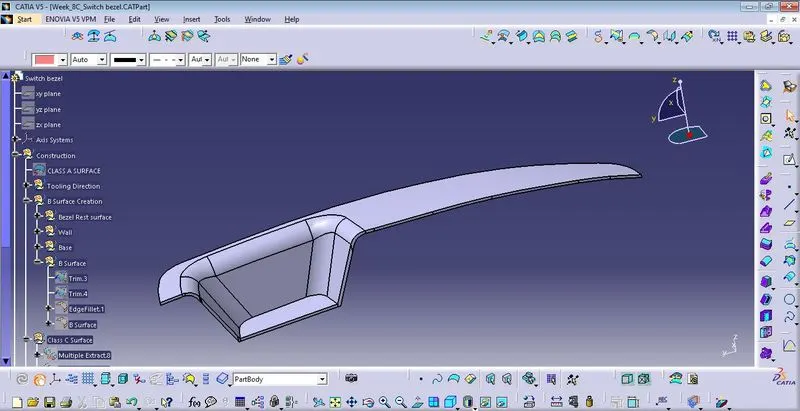
3. C Surface
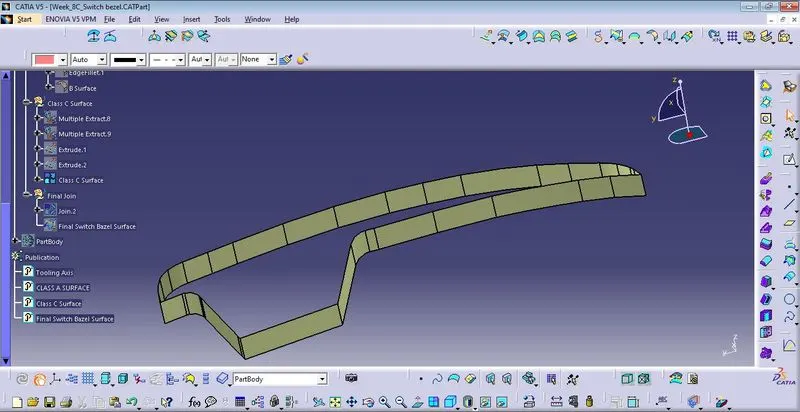
4. B surface
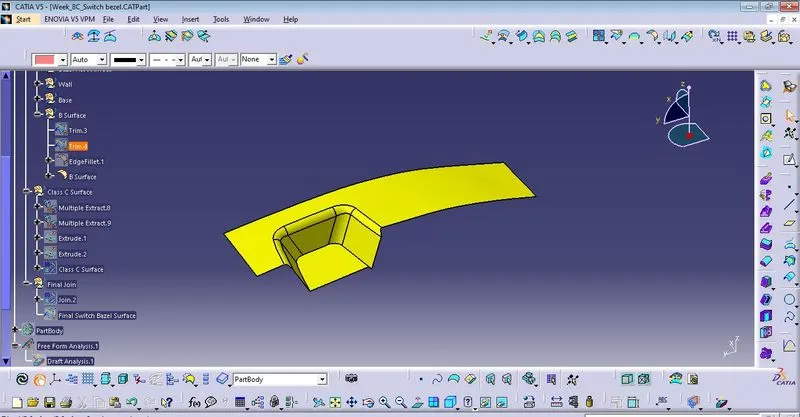
5. Draft analysis
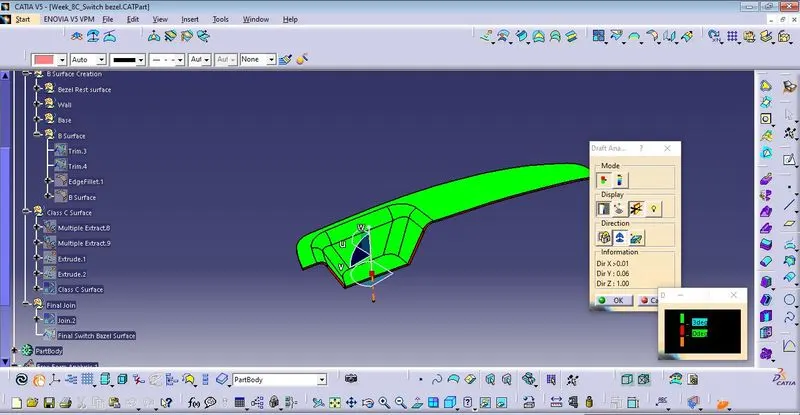
Report on sswitch bezel design
- Create the tooling axis along the surface by using bi-secting line between the x-axis tooling line and y-axis toolg line.
- after defining the tooling axis for seperation of mold tool along the class a surface, creating B surface of switch bezel which are follows steps:
- Extract the base surface, bezel rest surface and wall surface one by one.
- untrim the all these surface.
- extrapolate which are connect itself properly.
- atlast for defining the b surface trim these surfaces accordingly.
- after that go for c surface which are perpendicular to the class A surface by using sweep command or extract the line then using extrude command itself.
- join the Class A surface with the Class C surface.
- trim the join surface from the Class b surface for finding the closed surface.
- into the part body generate the switch bezel in solid part by using closed surface command in part design.