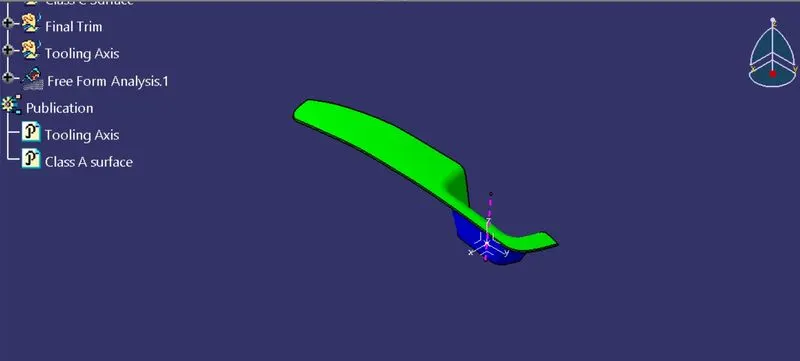
Week 8 - Challenge 3 - Switch Bezel Design
Develop the Switch Bezel and Its Draft Analysis
Objective– To Develop the Switch Bezel by using Class A Surface And Finding the draft Analysis with Minimum 3 Degree Draft Angle.
First We find out which Axis is better for Mold the Product, This Base Bracket Is Simple Developed By Z- Axis , We taken that Z- Axis Is a Dummy Tooling Axis,
Here Extract the Base Surface, On that Surface Created A point, By use that point created the Axis System,
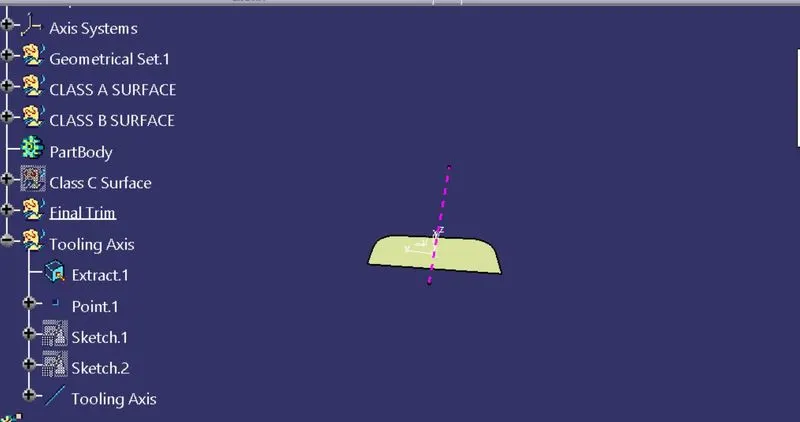
create the New sketch on YZ plane, Inthat Using Projected 3D command To Create A side Surfacea And Draw the two Line, By using that created the Bisector.
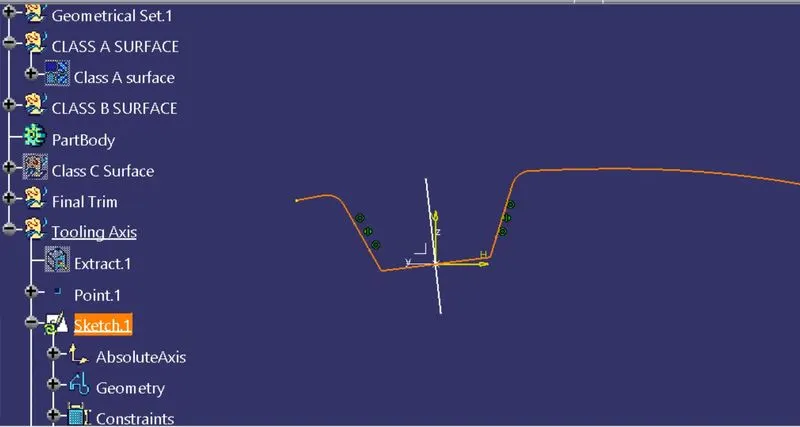
create the New sketch on XZ plane, Inthat Using Projected 3D command To Create A side Surface And Draw the Line along Z -axis,
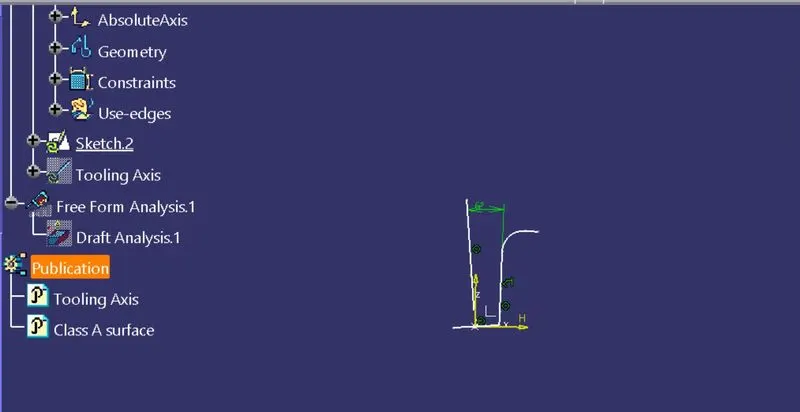
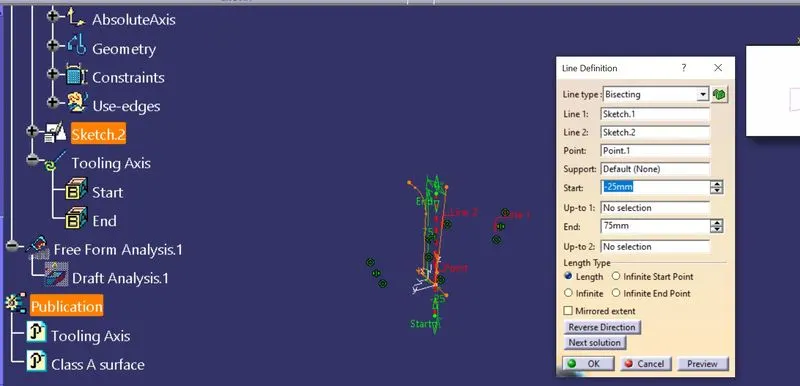
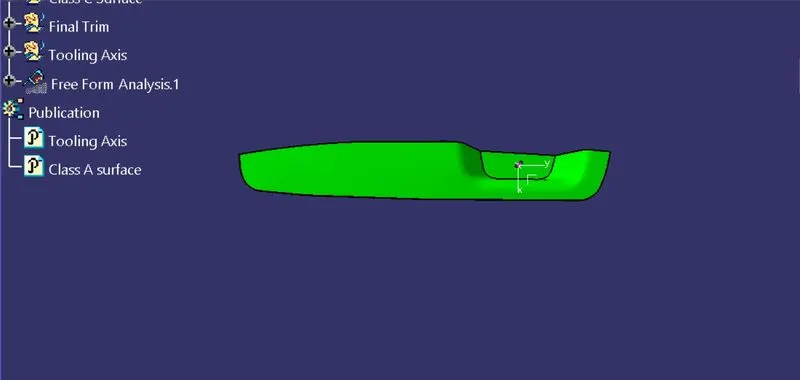
Creation Of tooling Axis -
using the two lines and Creating The tooling Axis to use Bisector Command
Draft Analysis -
By using the Tooling Axis To find out the Draft analysis.
Go to Material Mode -
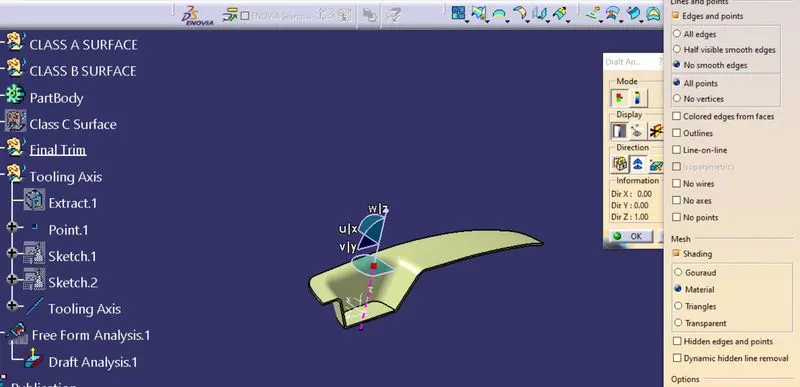
Move Compass
Move the Compass along tooling axis
check for draft and make parting line as per analysis.
Class A surface -
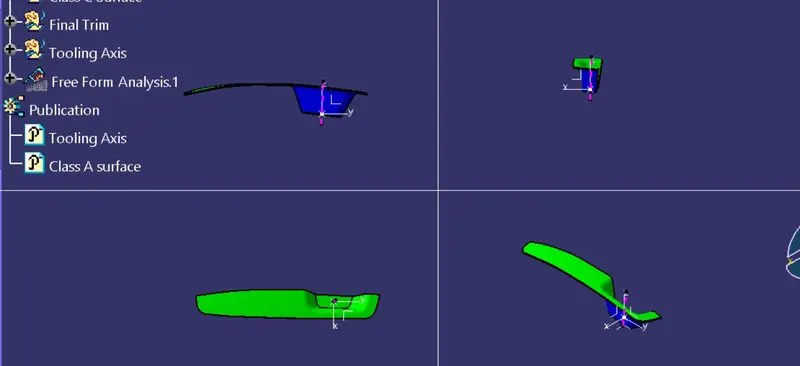
Multi view -
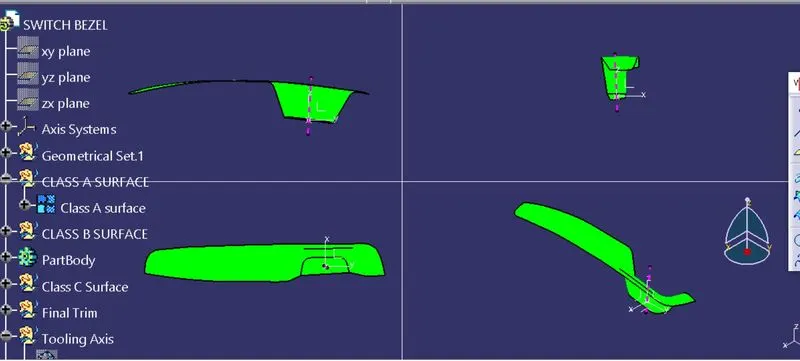
Front view -
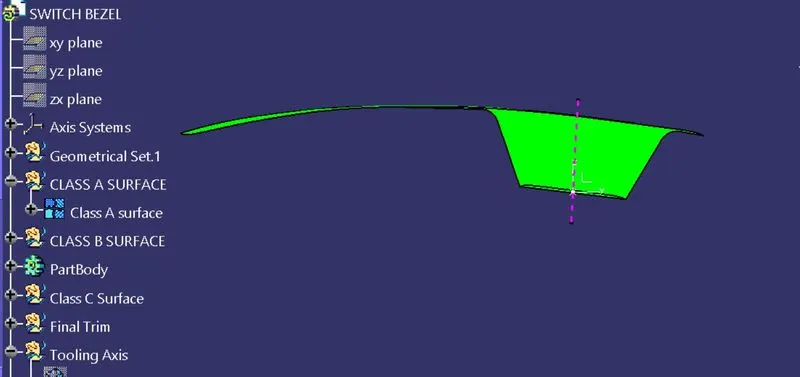
Top view -
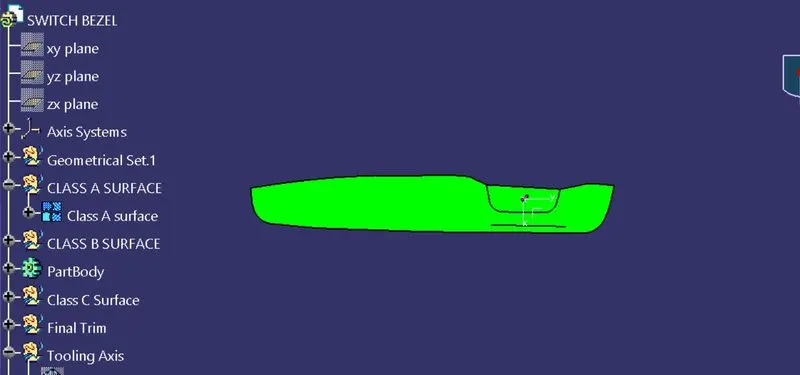
ISOMETRIC VIEW -
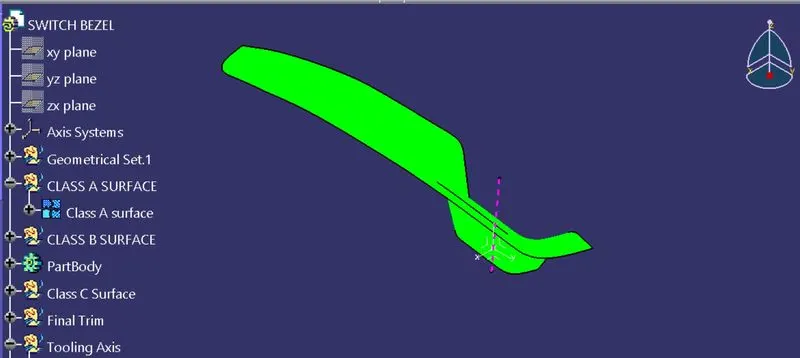
FINAL PLASTIC COMPONENT -
MULTI VIEW -
FRONT VIEW -
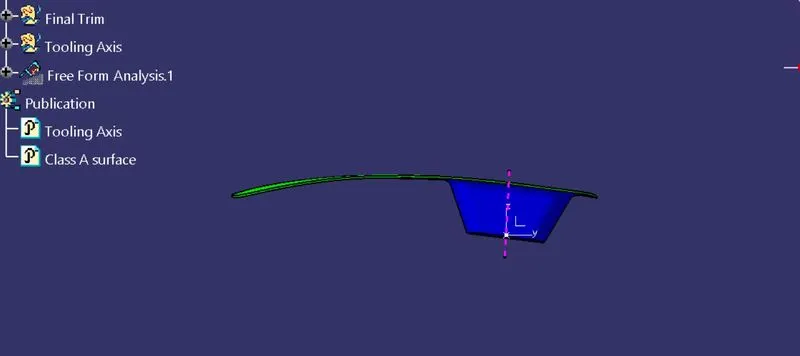
TOP VIEW -
ISOMETRIC VIEW -