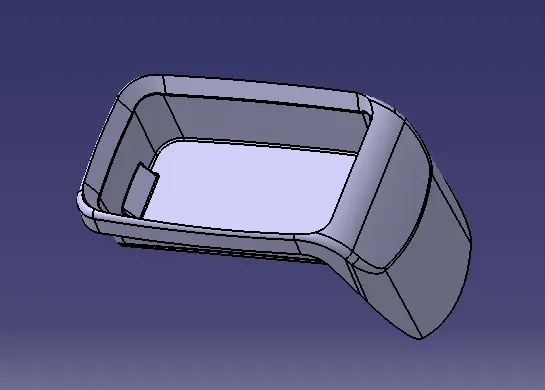
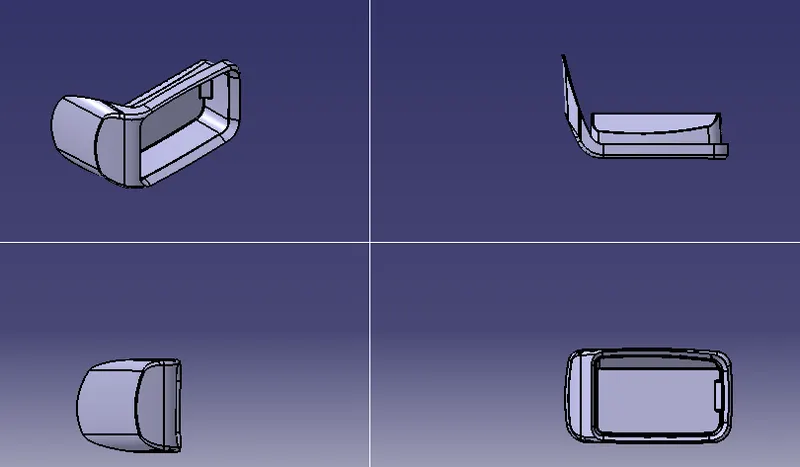
TO DESIGN A COIN HOLDER BY USING CLASS A SURFACE
AIM:
To design a coin holder Plastic component through the given Class-A surface by creating a tooling axis and draft analysis of the given surface.
DESIGN PROCEDURE:
To setup the class-A surface and to creating a tooling axis
add draft angle
To create a base surface of model
To create a B-surface
To create a C-surface
To use close surface for creating a solid part model
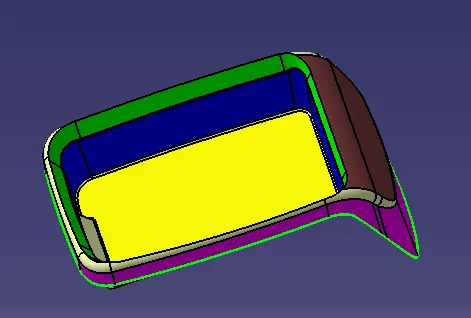
CLASS-A SURFACE:
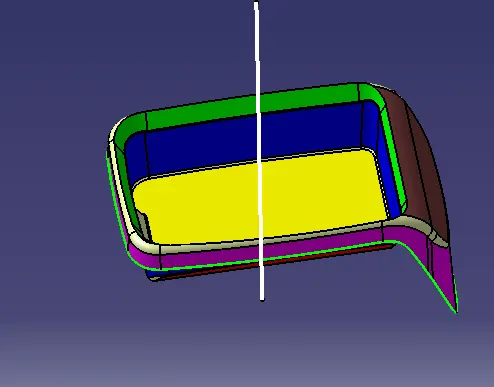
TOOLING AXIS:
Tooling axis can be classified into two methods
- direct method
For this model, to use a line at mid-point of the base of the coin holder
Due to perpendicular walls of the class A surface
DRAFT ANALYSIS:
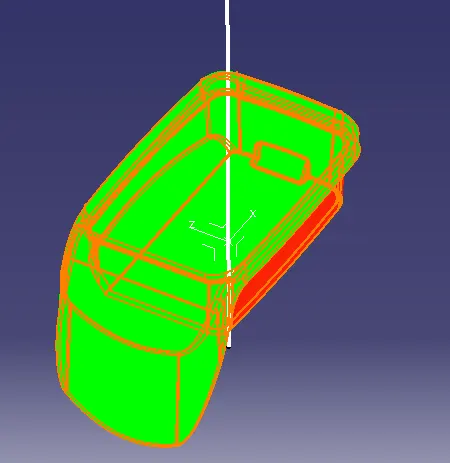
The Drafting analysis was performed on the class-A surface by using the Feature Draft Analysis command.
Using this command, the compass was set on the main tooling axis and the Draft angle was changed to 3 degrees.
CREATING CLASS-B SURFACE:
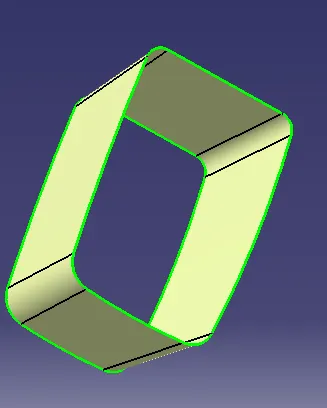
- SIDE WALLS:
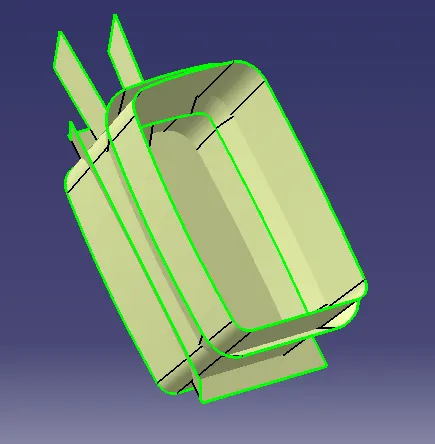
To create a side wall by extract the class A side faces
To untrim the extracted side walls
To extrapolate them for make sure to pass through all together for merge
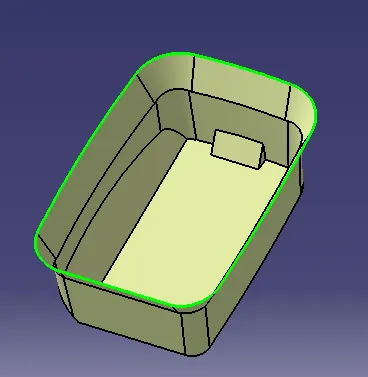
To trim the unwanted faces from walls by trim
To offset the walls up to 2.5 mm
- BASE:
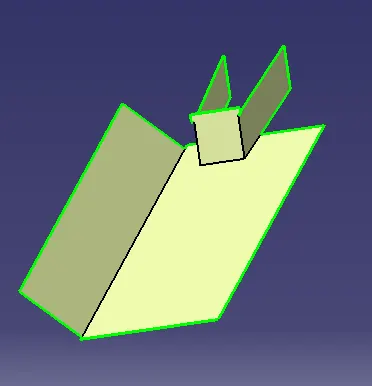
To create a base by extract the base from class A
To untrim and extrapolate the base for final trim to create a B-surface
TOP WALLS:
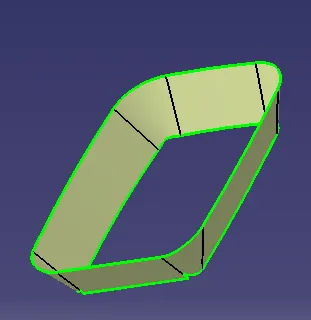
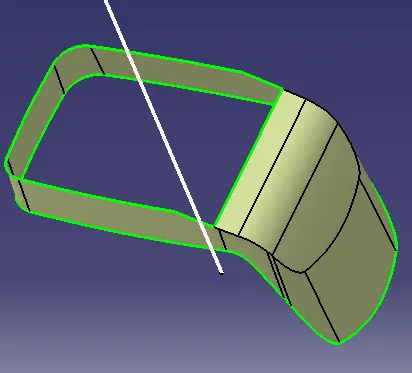
To create a top wall by Mutiple extract the class A side faces
To extrapolate them for up to requirement
To offset the walls up to 2.5 mm
BEFORE FINAL TRIM OF CLASS B SURFACE:
AFTER INITIAL TRIM:
OUTER FLANGES:
FINAL TRIM:
B-SURFACE:
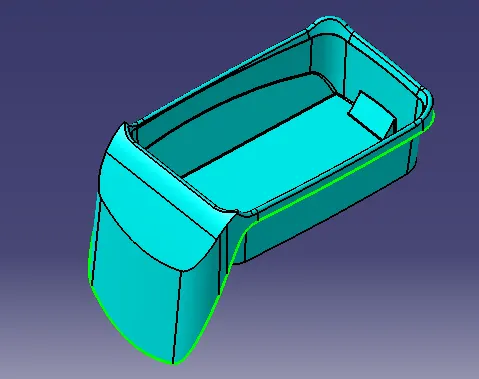
B-SURFACE
CREATING C- SURFACE:
To use multiple extract tool on the class A surface
The extract boundaries can be sweep at 90 degrees to the reference boundaries up to required length
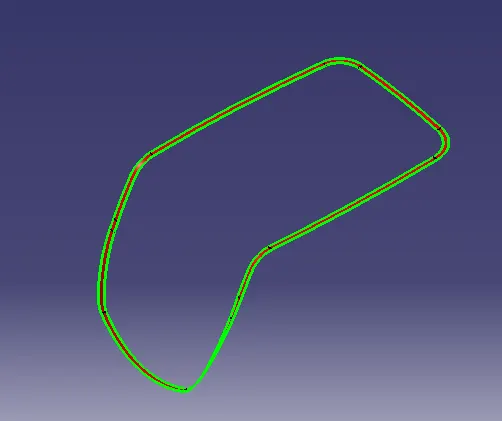
C-SURFACE
SURFACE MODEL OF A COIN HOLDER:
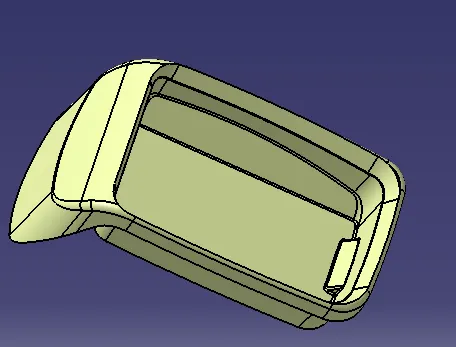
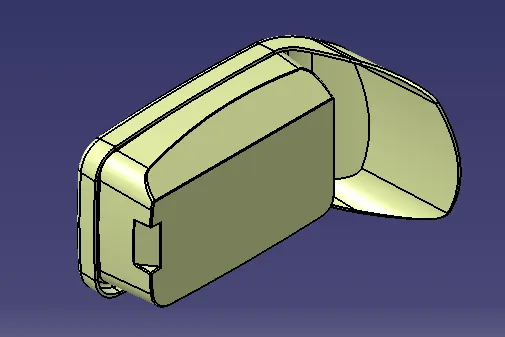
SOLID MODEL OF A COIN HOLDER: