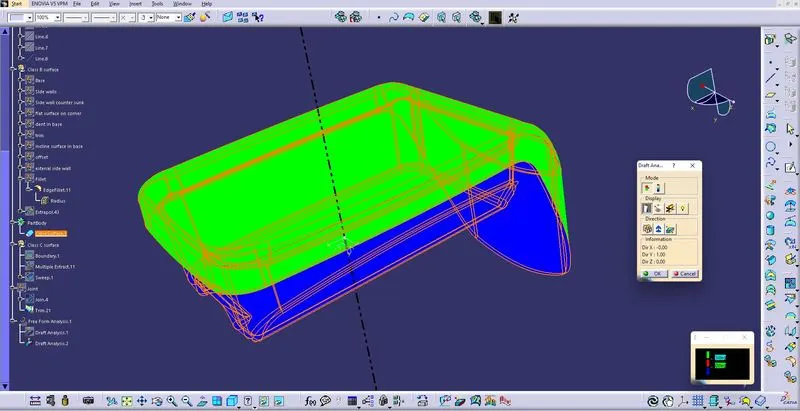
Week 8 - Challenge 3 - Coin Holder Design
Aim:
To be able to model solid from the given Class a surface, and perform Draft analysis and create Tooling axis.
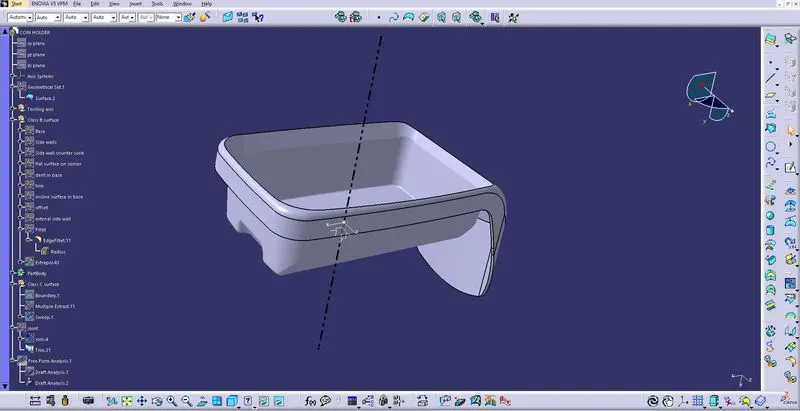
Class A surface with tooling axis.
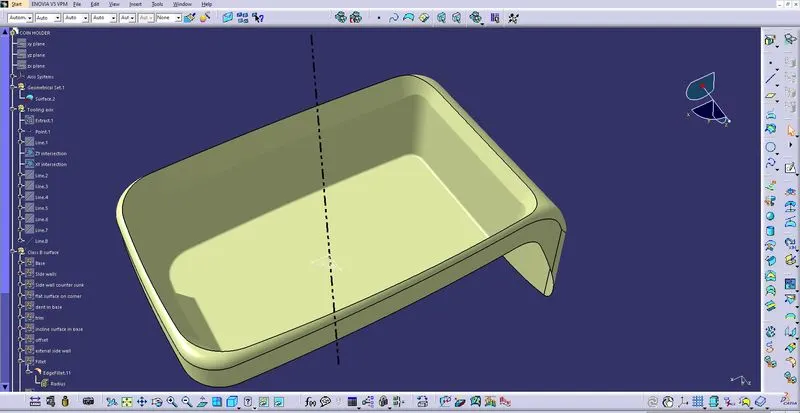
At first, take the base surface and create a center point on the surface and insert the axis system.
To create a tooling axis, take the intersection of class A in the XY and YZ axis.
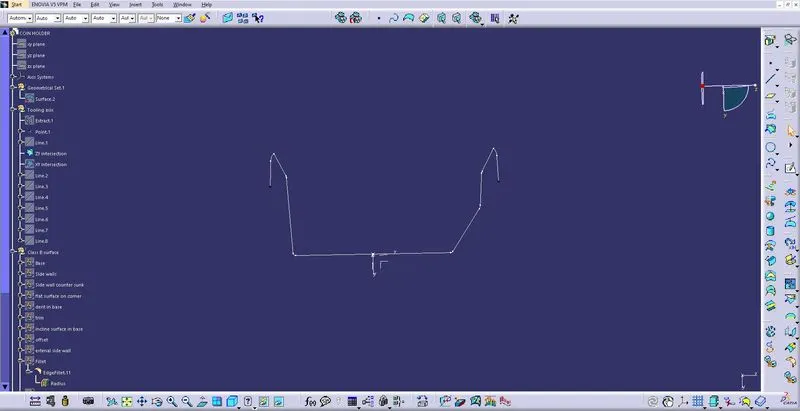
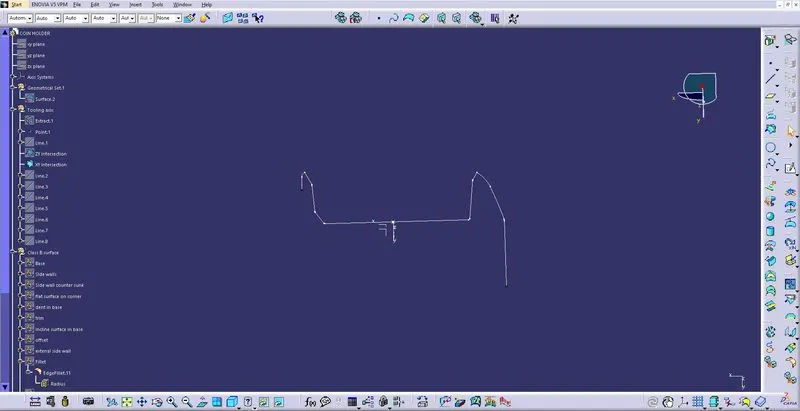
And then draw lines from the side walls portion of class A as below. (XY interaction and YZ section need to be done separately)
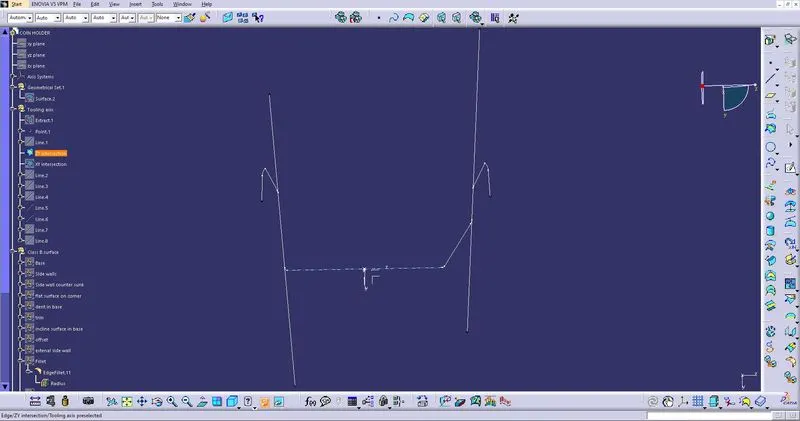
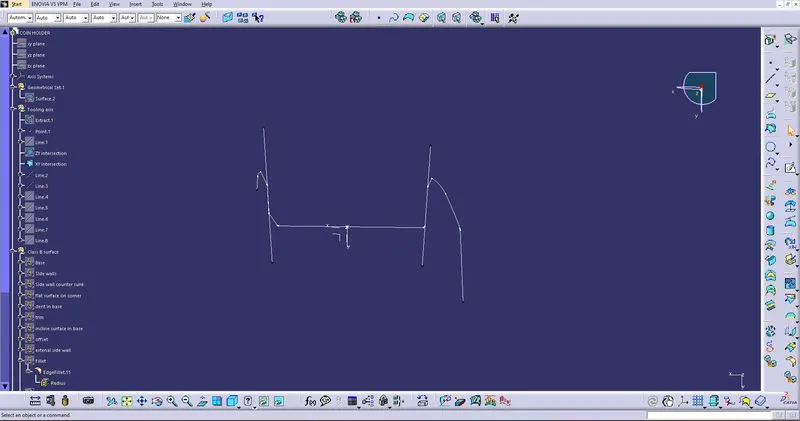
Then draw the bisecting lines from the two lines drawn previously.
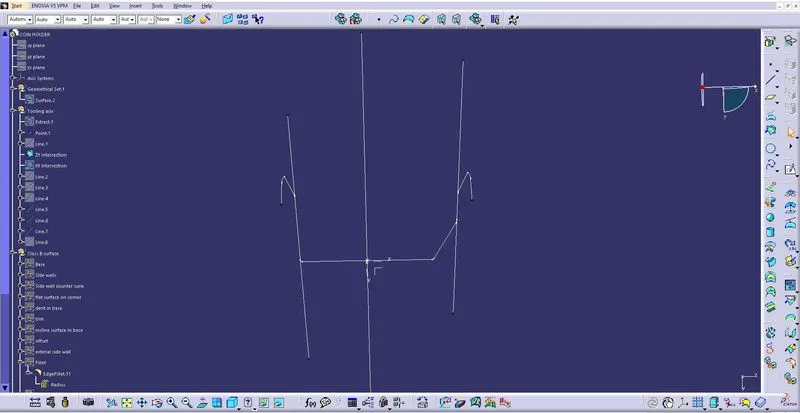
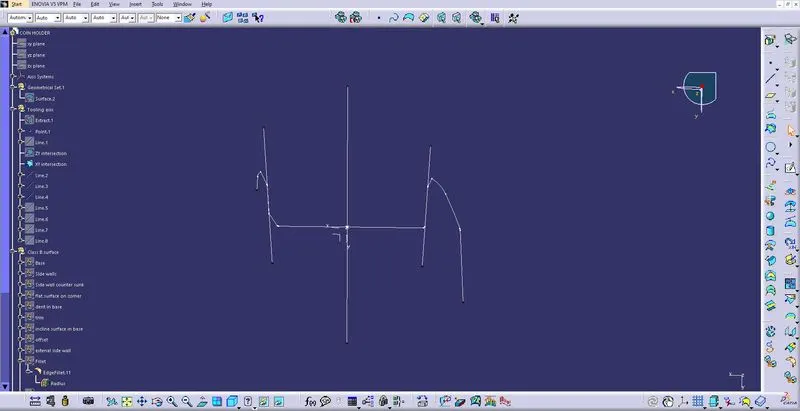
Then draw the bisecting line for both the bisecting lines got from the previous step, The resulting line is the tooling axis for the given class A.
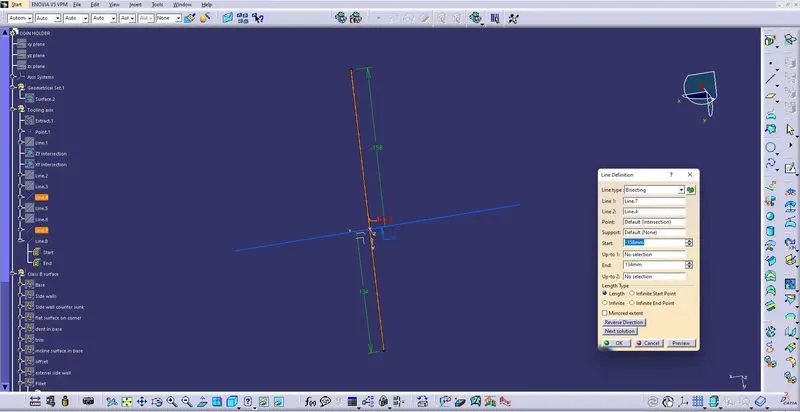
The next step is to perform the draft analysis to check the tooling axis and understand the surface of the given class A.
Select the insert option from the menu bar and find the analysis tool,
In analysis, there is a tool named Featured Draft Analysis select.
The next step is to move the compass on the tooling axis.
Then in the color graph give the maximum and minimum draft angle and lock the compass then select any surface to show the result.
the result will be color differentiated as green, red, and blue (positive, neutral, and negative).
then give ok to save the result.
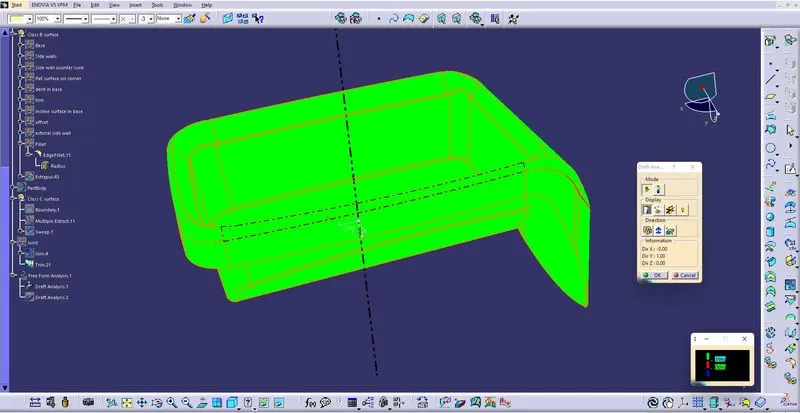
Then proceed to create the class B surface:
Base and sidewalls:
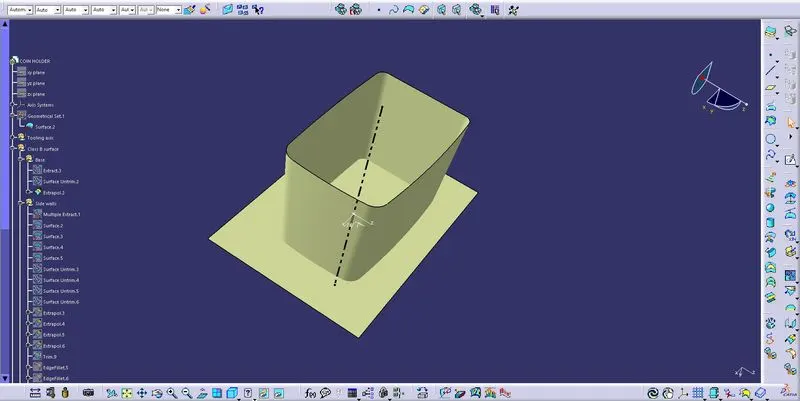
Base and sidewalls trimmed:
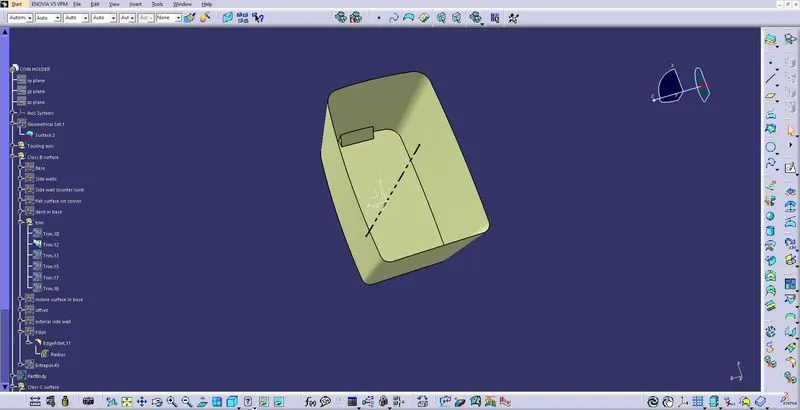
Counter trimmed with the sidewall:
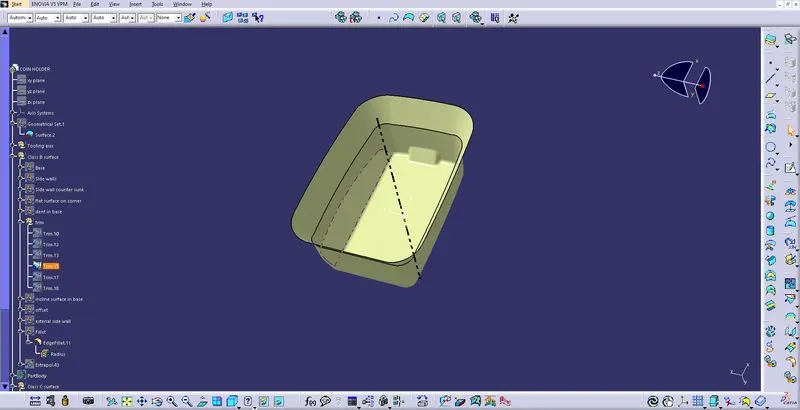
Base+ Sidewall+ Counter+ external sidewalls
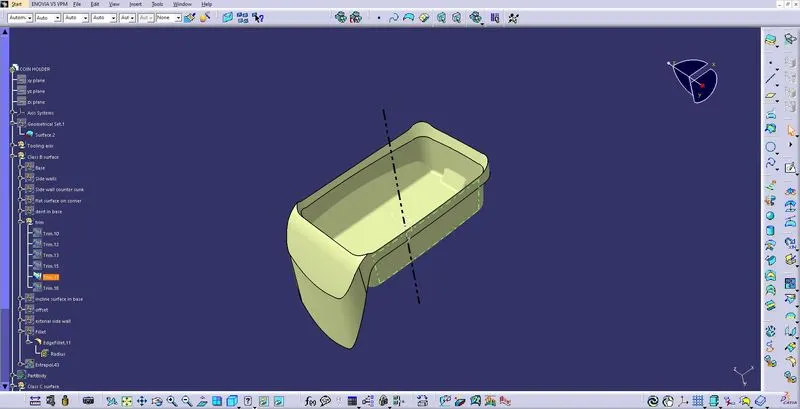
Then create class C:
For creating a class C surface at first, extract the border lines and then apply a sweep to it at 90 degrees.
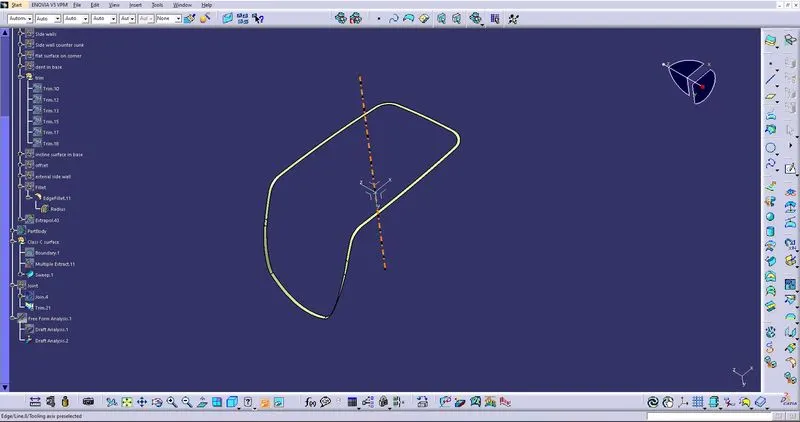
joint all and make a closed surface:
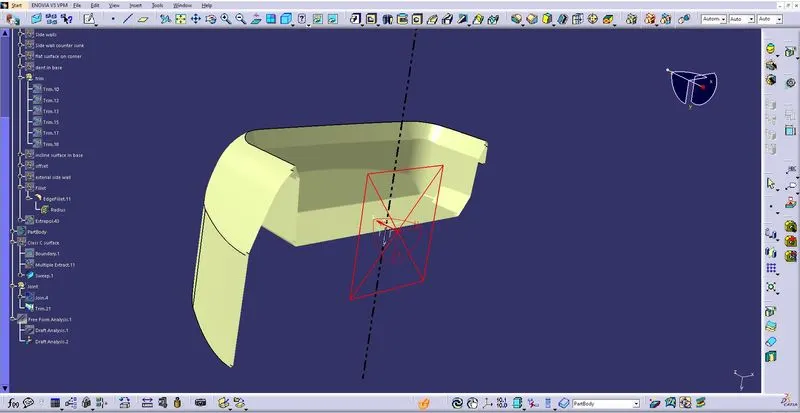
Draft analysis for solid: