Week 8 - Challenge 3 - Coin Holder Design
CLASS A SURFACE
Class-A (or 'Strak') is a term used in specifically in automotive design. It describes the final production Class data for the aesthetic parts of the car. The term 'Class A' is often misunderstood, but it's generally seen as the 'Holy Grail' of Class modeling.
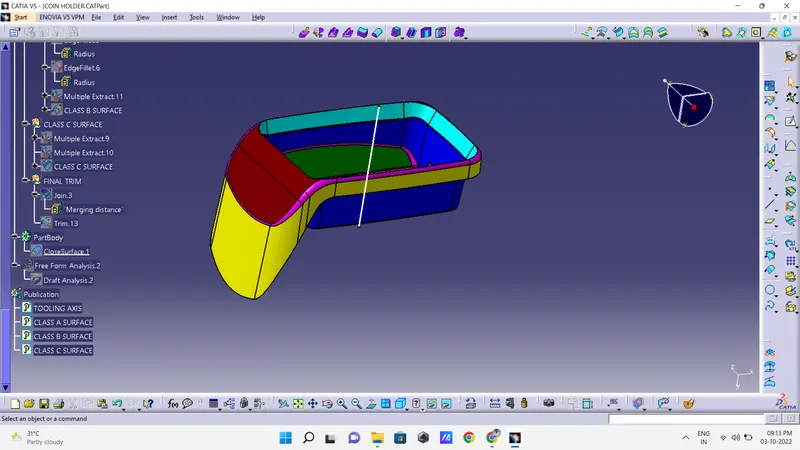
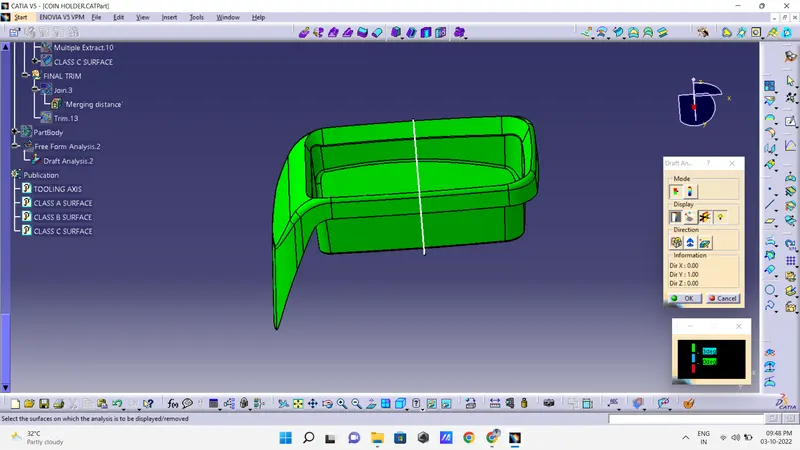
The draft analysis of the Class A surface part image is show below.
TOOLING AXIS
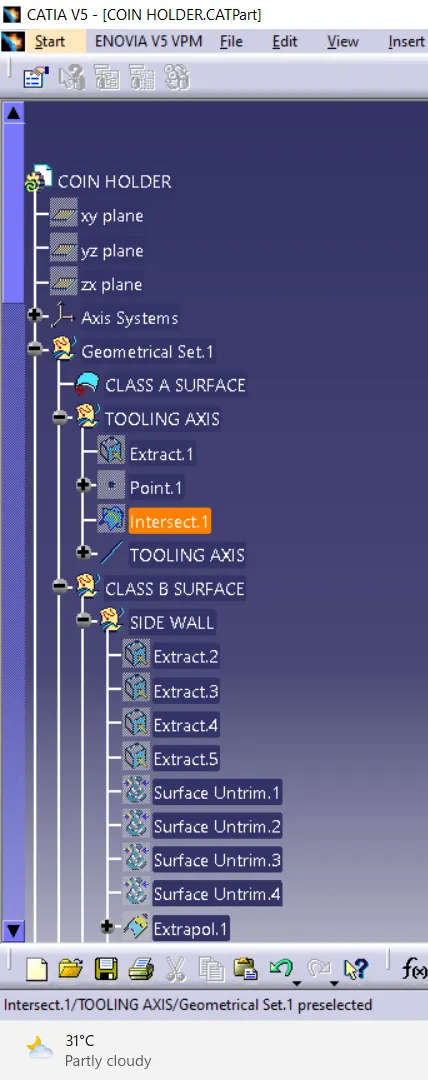
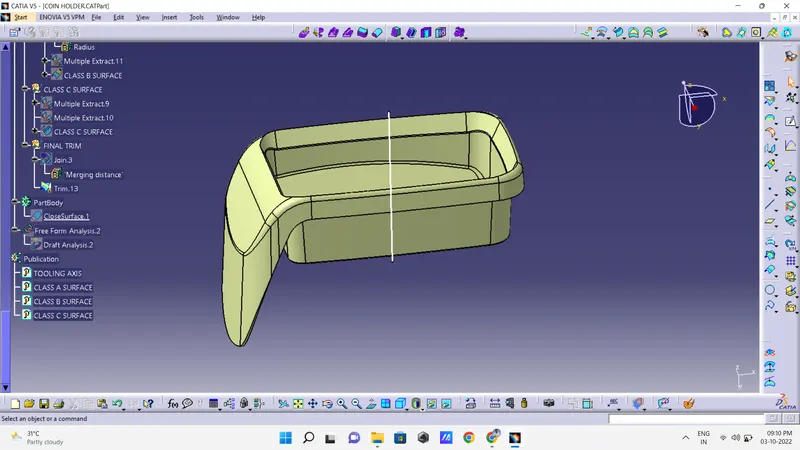
- Now we create tooling axis for the Class A. First a create axis system for where we want, then we create intersect based on the axis system.
- Extract the bottom surface and insert point on a surface then create lind based on a point.
CLASS B SURFACE
SIDE WALL
- Now create a class B surface.
- In class B, first create base of class B from class A. Insert geometrical set define as class B, that is base of class B.
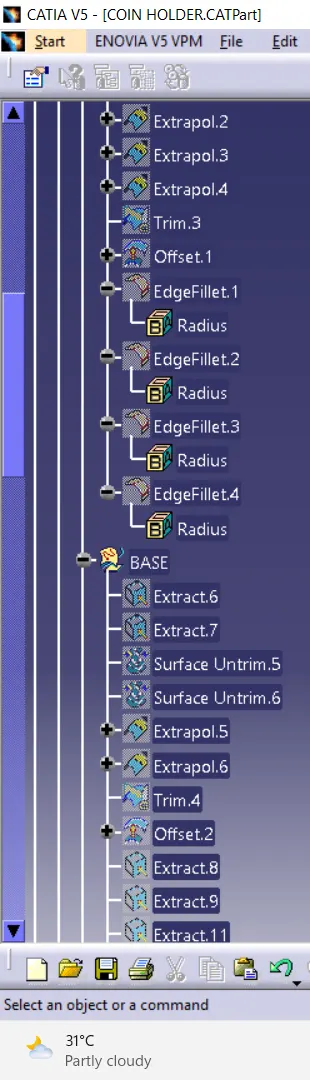
- Use extract command and extract a base from class A. Then use untrim tool get full body of a base. Next use extrapolate tool extended a base , then offset of 2.5 mm.
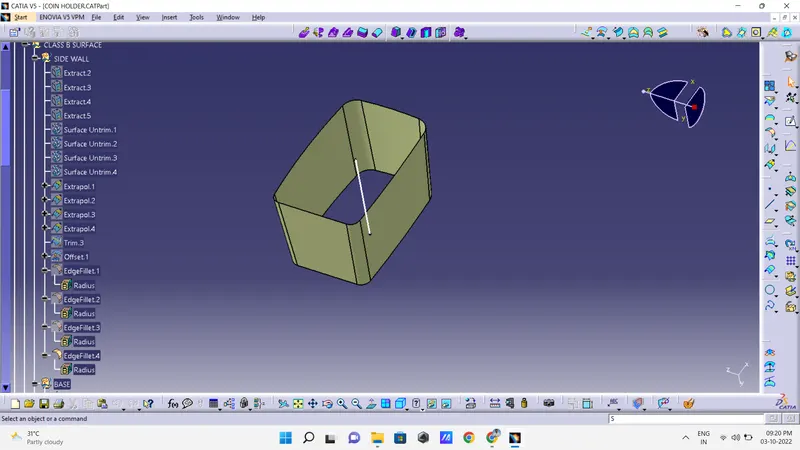
BASE
- Insert a new geomentry set for wall define as classB surface.
- Since use extract tool, extract from classA surface and use untrim tools, untrim for a extract body we get untrim body and extrapolate for a untrim body we get a proper shape of the sheet.
- Then trim ribs to get the proper wall shape and offset of the trim. That offset set is a final ribs .
- Extract a required part from class A, then undrim a extract part. Next extrpolte some distance. Then trim a part, then offset. Now trim with base then get final part of a inside.
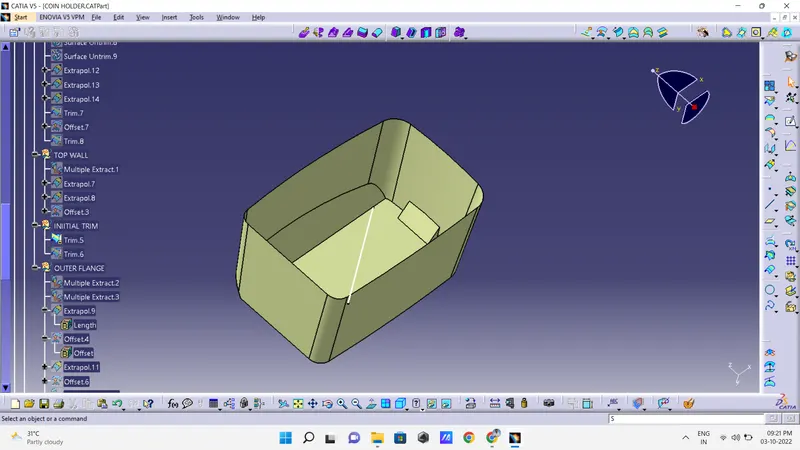
TOP WALL
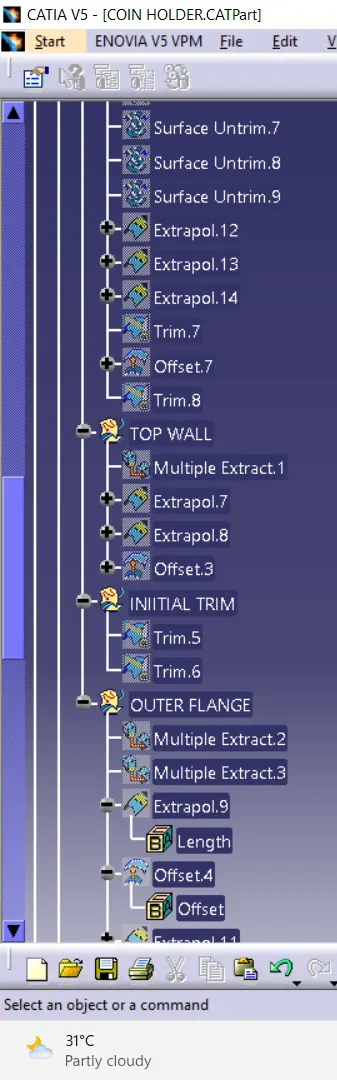
- Now extract a top wall from class A, then use extropolte the extract body. Then trim the body.
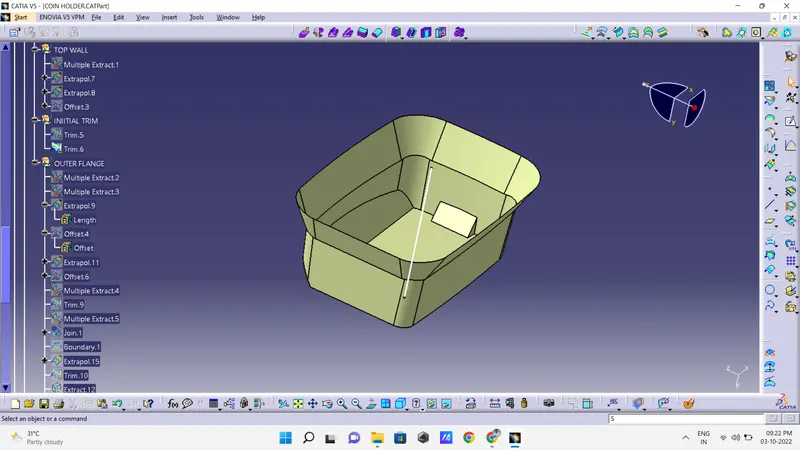
OUTER FLANGE
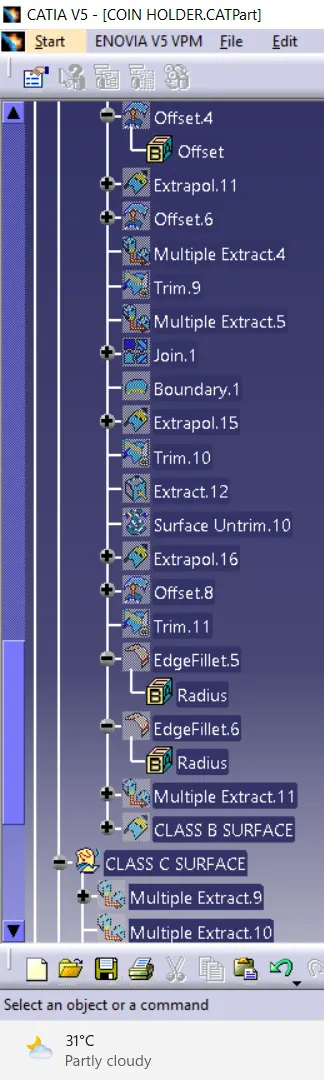
- Extract a required part from class A, then undrim a extract part. Next extrpolte some distance. Then trim a part, then offset. Now trim with base then get final part of a inside, join with remain parts.
- Then use fillet command, fillet tha corner edges then we get a final Class B surface
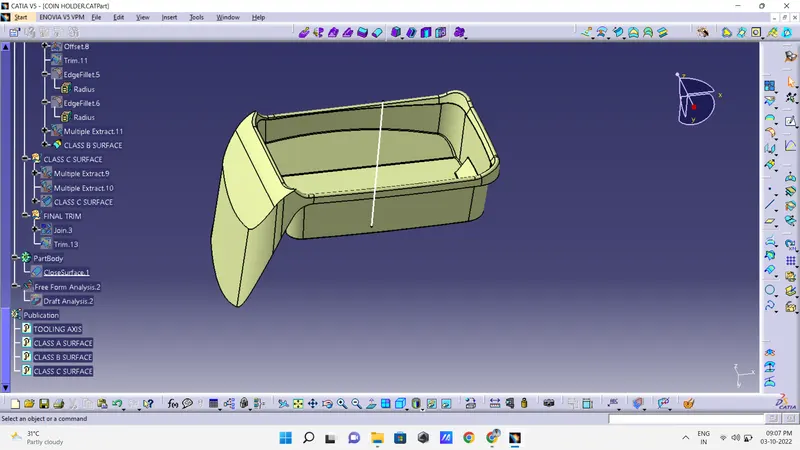
CLASS C SURFACE
- Class C is nothing but its connecting part of Class A & B.
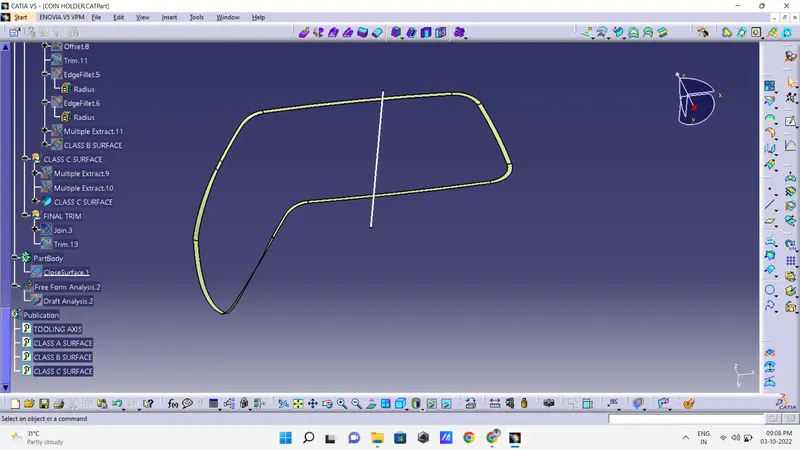
- Unhide the class A and take boundary of its and now boundary select the all corner of a class A and use sweep commends the we get a class c of boundary in Class A.
- Then trim it finally get class C.
CLOSE BODY
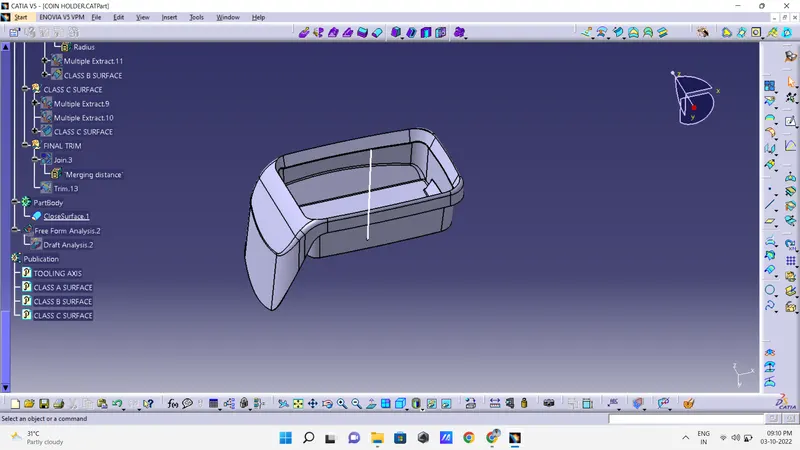
- Go to the part body workbench then use close boby tool and finally get close body of base bracket
DRAFT ANALYSIS
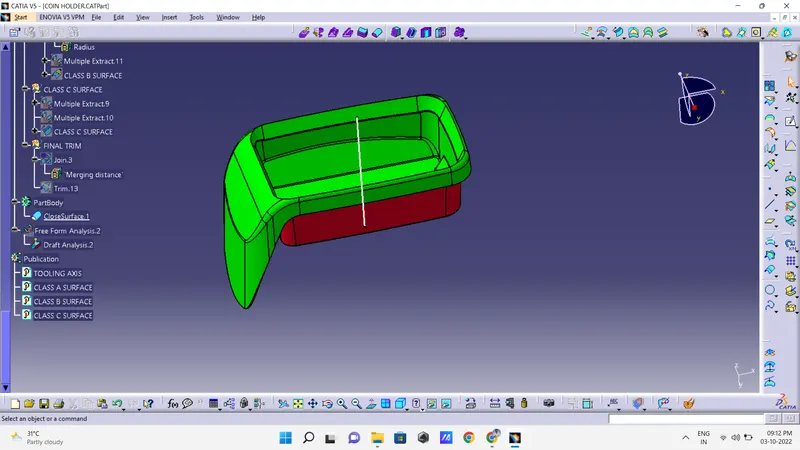
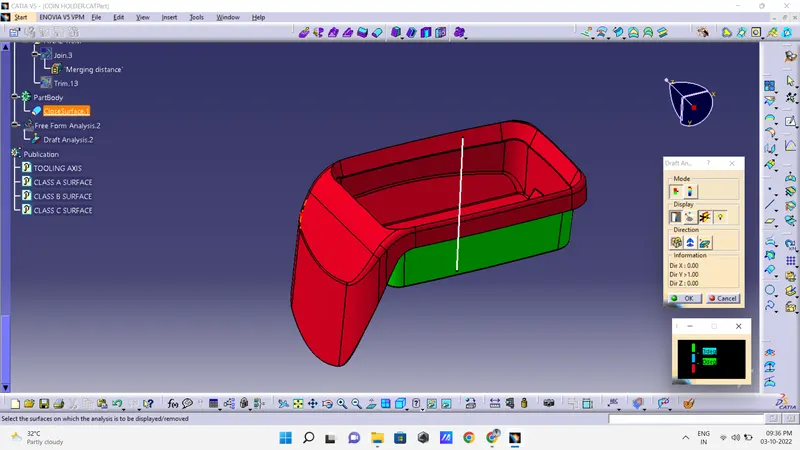
Finally used draft analysis tool, analysis model get positive results from a draft successfully Class A,B & C is required angles from a draft angle analysis. Analysis the draft angle red is below 0 degree and green is 3 dgeree, blue is between tha 0 and 3 degree.
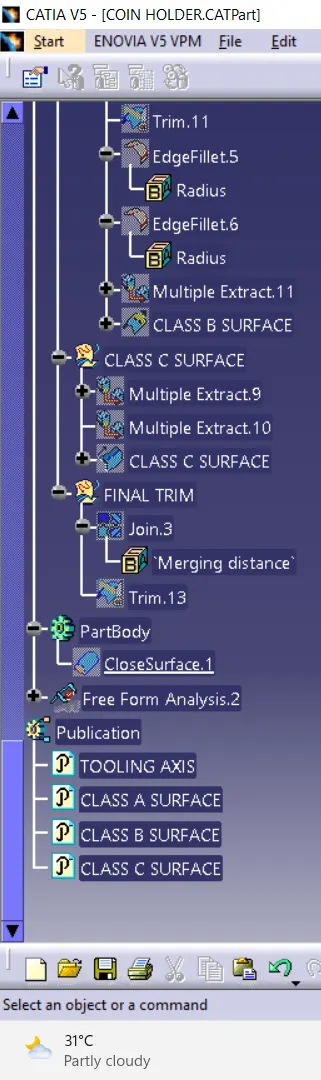
TREE STRUCTURE