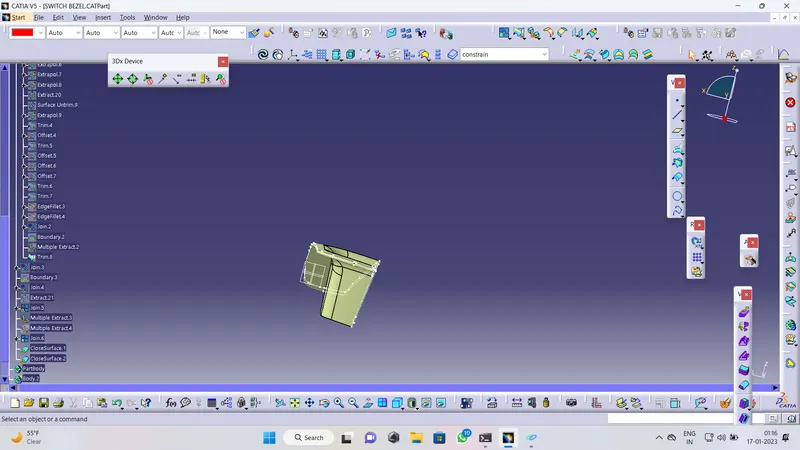
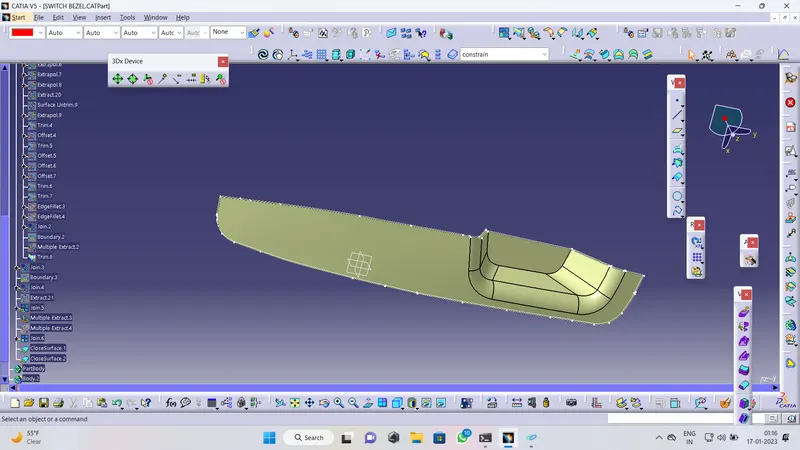
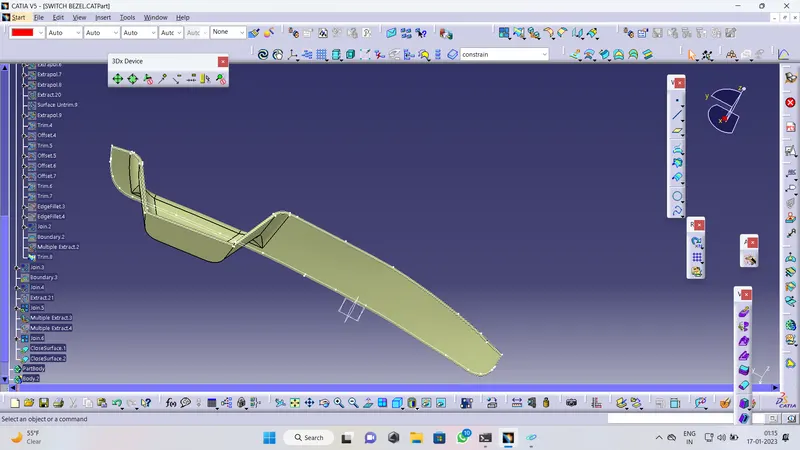
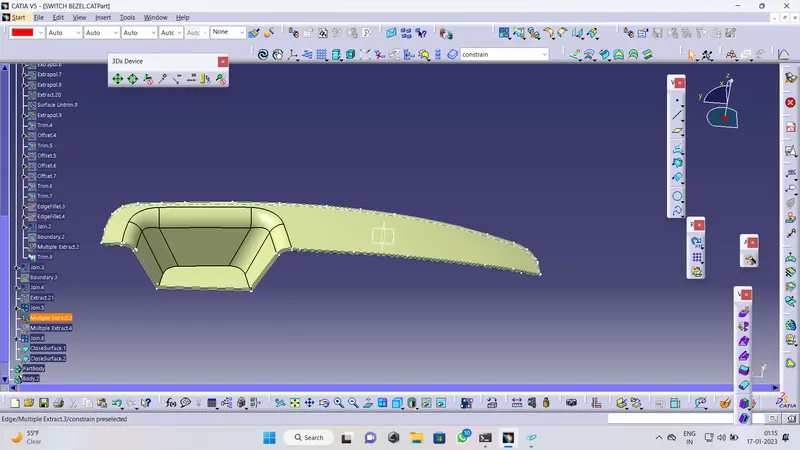
Week 8 - Challenge 2 - Switch Bezel Design
switch bezal draft analysis report :- 1: open draft analysis and move the compass to coincide with tooling axis .
2. lock the compass and cheack the radius using the running analysis opyion .
3 . set the color code for the draft angle
4. click on the surface using light deffect
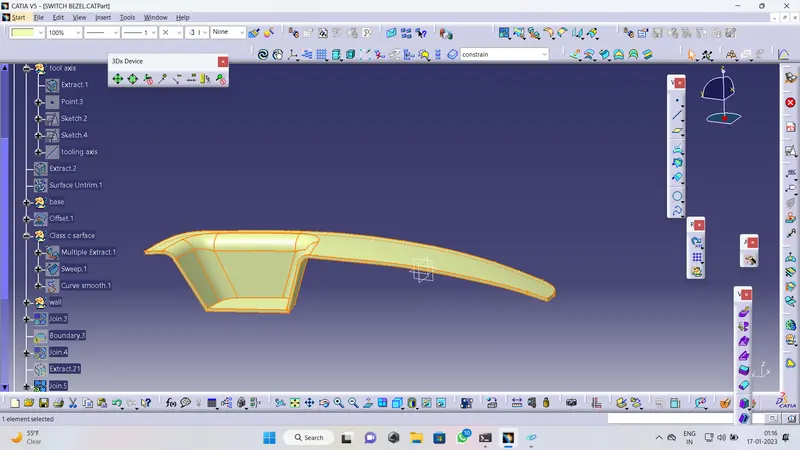
tooling axis :- then create a point at the surface exteactted then drow a dummy line on the z axis . then creat also creat demo axis using y axis then creat baisacting line using demo 2 axis . its called tooling axis .