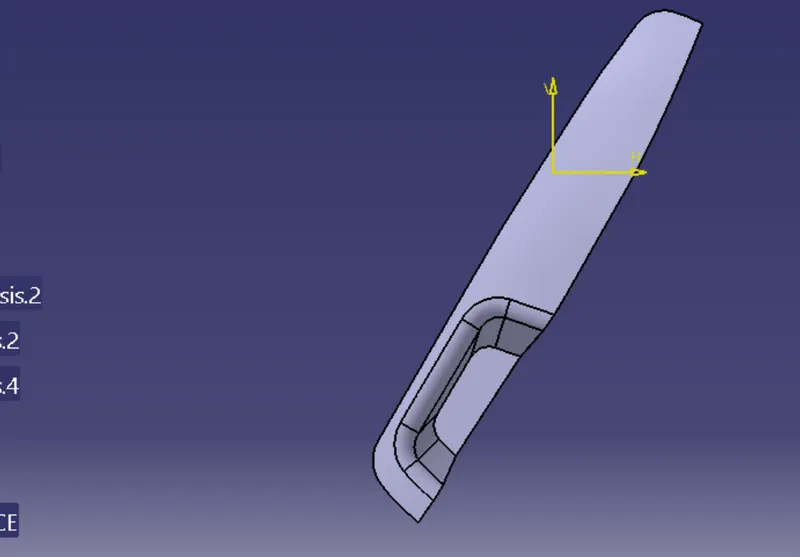
Week 8 - Challenge 2 - Switch Bezel Design
AIM
To creat the switch bezel plastic component through the given class A- surface.And perform the draft analysis the mold.
OBJECTIVE
- Geart class B and C surface through class A surface
- Creat tooling axis using the bisecting method
- Perform draft analysis
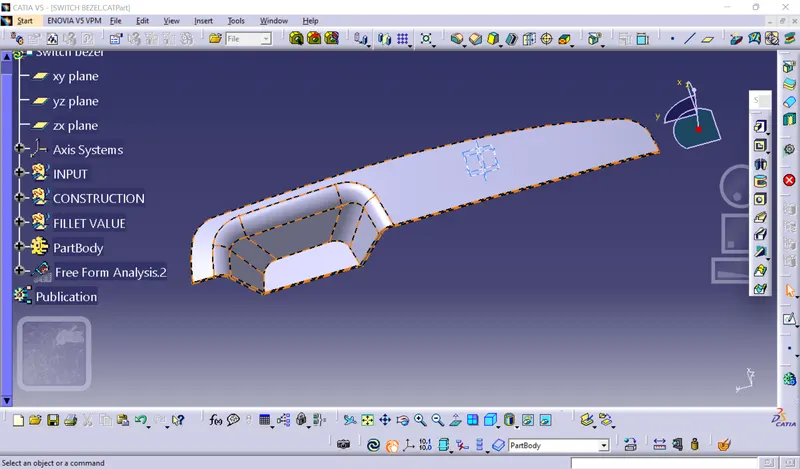
PROCEDURE
- The procedure is divided into two part first creating the tooling axis then performing the draft analysis.
- The first things to do is finding out the possible tooling direction by visuality checking the part.
- The part in all direction and find out the most suitable direction for tooling here in this case.
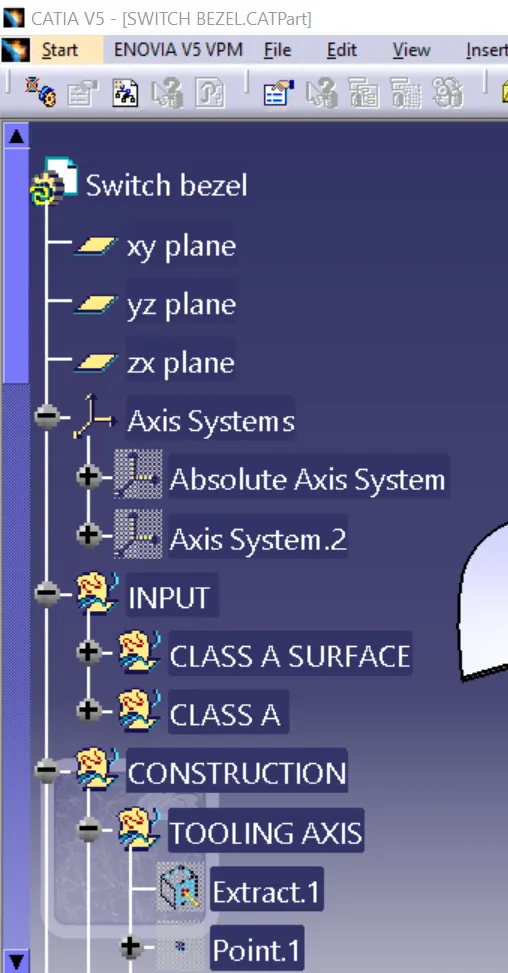
- Then we create a point on the base surface of the part.On this point we put a new axis system.
- Then we are finding out the tooling axis in x direction .For that intersect command is used to get the boundary in x direction or xz plan.
- since we ged one wall through the intersection for bisecting the line we need 2 walls.
- After that both tooling axis are bisected to creat the main tooling axis performing the draft analysis.
- Open feature draft analysis option from insert.
- Next you have to position the compass on the tooling axis by drafging the compass from the top right comer of the working area.
- Then you have to define the compass by click on compass icon on the draft analysis window.
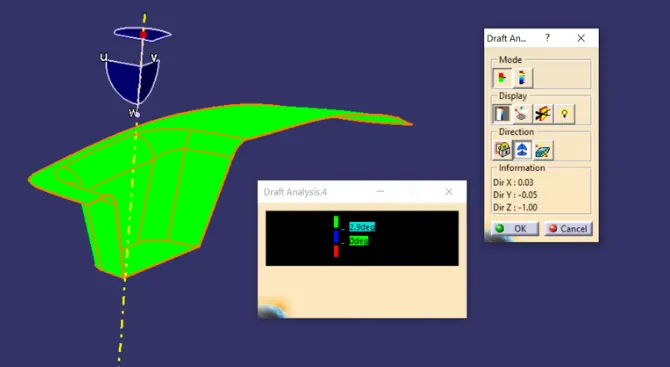
- After that selection the surface and the whole surface will show a color range.For a good draft make the surface fully green.
DRAFT ANALYSIS
STEP FILE
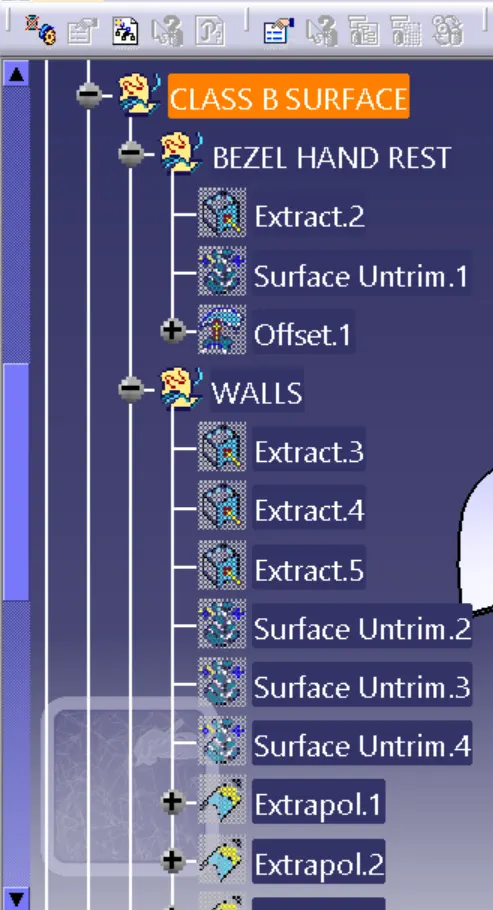
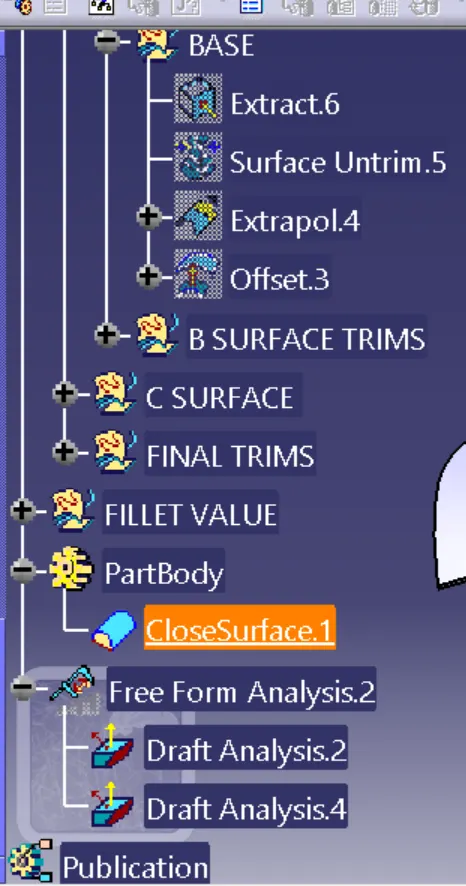
FRONT VIEW
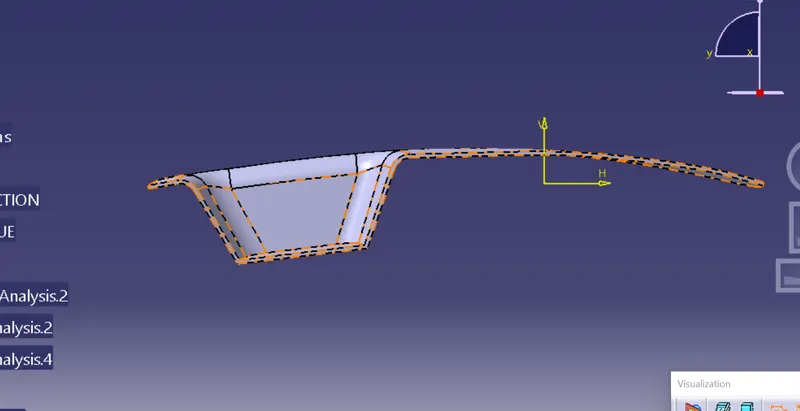
TOP VIEW