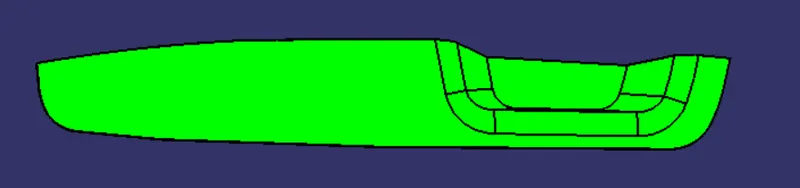
Week 8 - Challenge 2 - Switch Bezel Design
Report -
Drafte analysis of given plastic component -
Draft analysis is important here to check the feasibility of manufacturing the component. A safe draft angle of 3 degrees is provided so that the surface of the component upon shrinking does not stick to the core surface. Upon cooling within few seconds, it is the tendency of the plastic moulded component to shrink towards the core surface. This can cause diffculty to remove the final component or can even damage the surface of the component and core.
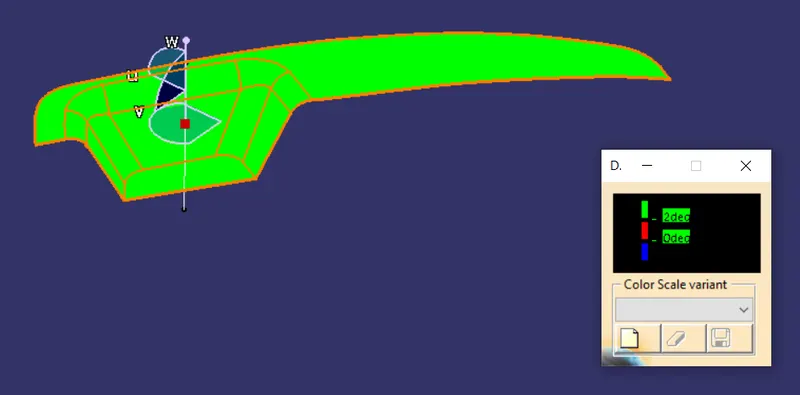
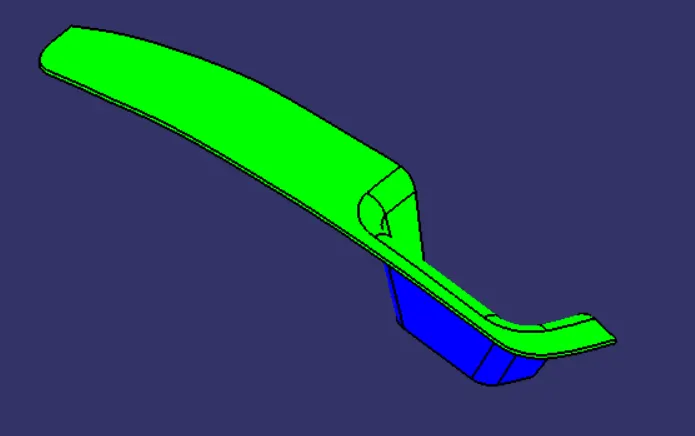
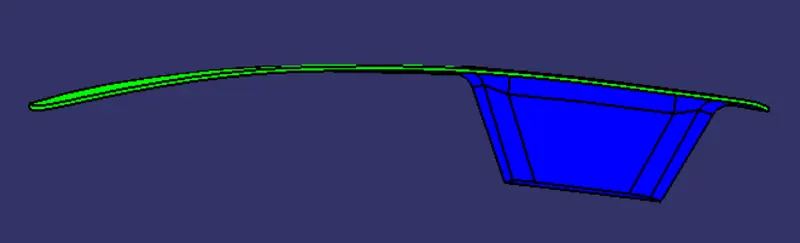
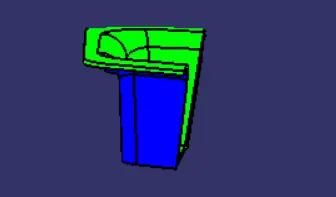
Here are the images of draft analysis done of Class A surface and the final solid component -
Class A surface -
Solid body draft analysis -
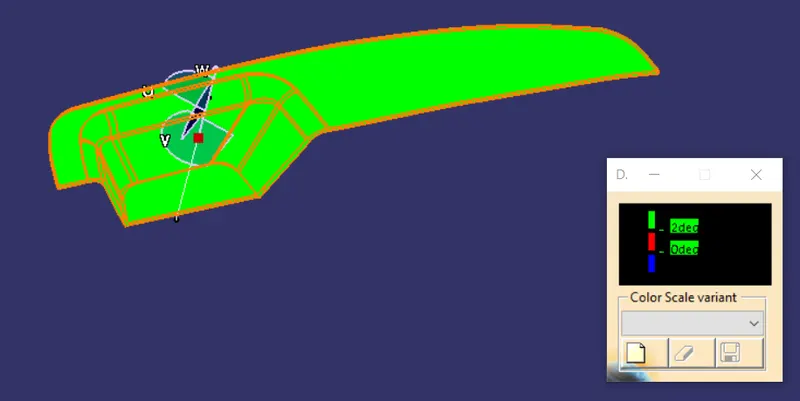
Here, the colour scale cariant along with draft analysis results are given. Green colour according to th colour scale variant is greater than 2 degree. The draft angle given in this case is 3 degrees. Hence the component upon cooling wont stick to the core surface and can easily be separated from the core.
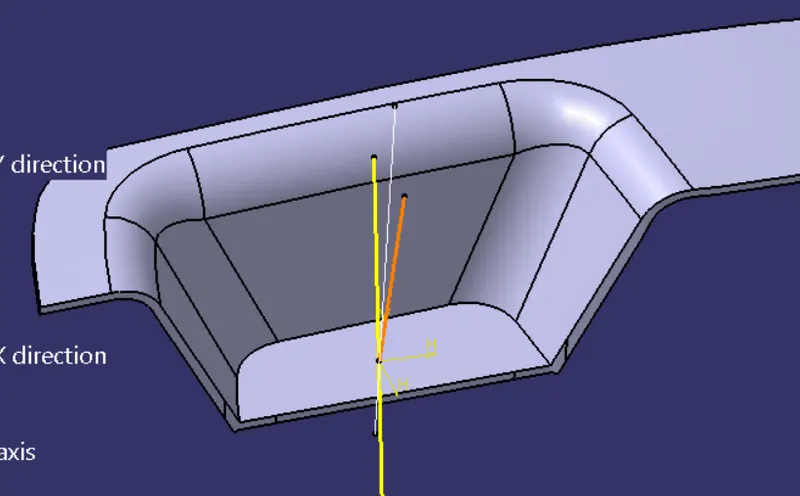
Draft analysis is purely dependent on the tooling axis. Choosing the direction for tooling axis is done using the check in all the three directions. In this case the direction in which majority of surface characteristics are visible is chosen as the direction for tooling axis. It is then created using bisecting lines method.
Way of creating tooling axis -
- Extract the base surface of bezel
- Create a mid point on the base surface
- Create an axis system on the extracted base surface
- Go to sketcher workbench
- Create a line in Z direction passing theough the point on surface
- Create lines on adjacent inclined surfaces
- Use bisecting line command in line command to create bisecting line
- Similarly perform the same steps for an adjacent face which is inclined
- This will give tooling axis for that adjacent face
- Come out of the sketcher workbench and use bisecting line command to create a new and final tooling axis
- This axis will be used for draft analysis
Isometric view -
Front view -
Side view -
Top view -