Week 8 - Challenge 2 - Switch Bezel Design
AIM
To Create the 3D modelling using Catia v5.
Points to ensure:
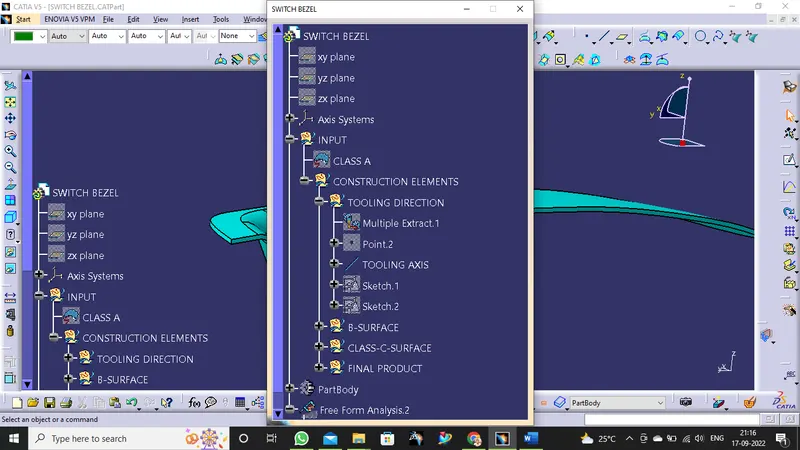
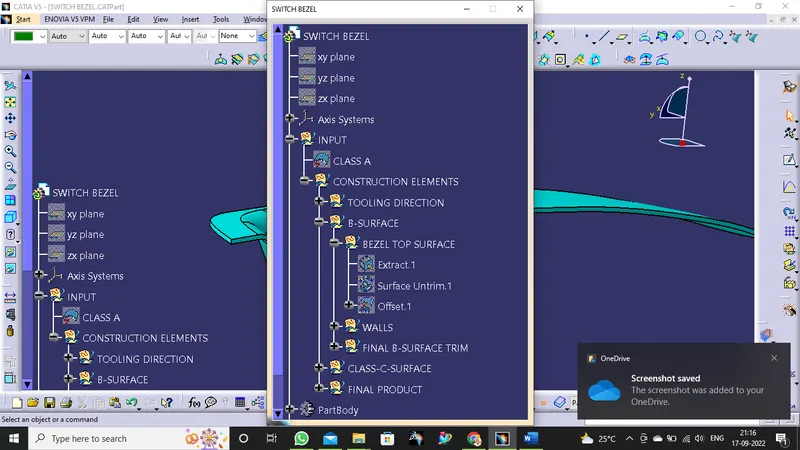
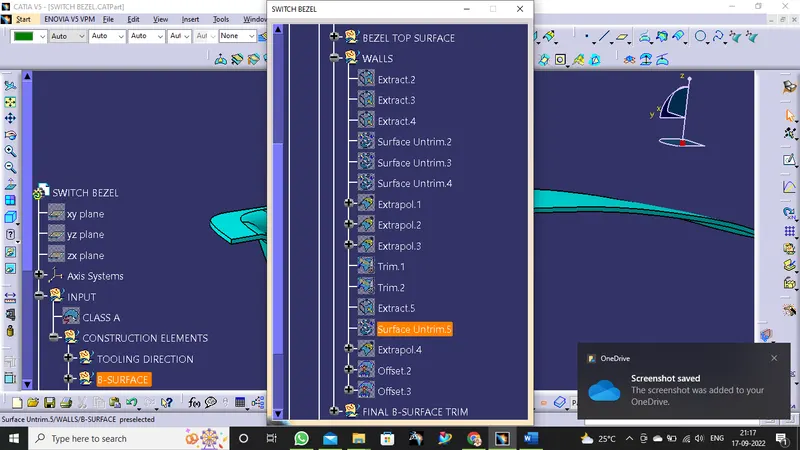
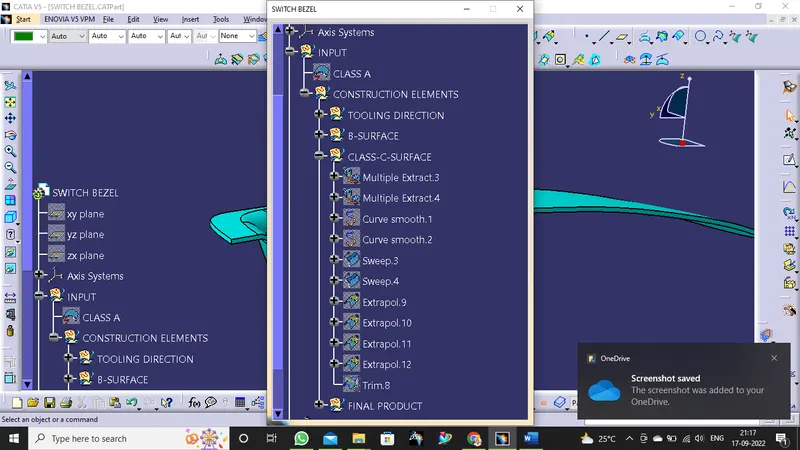
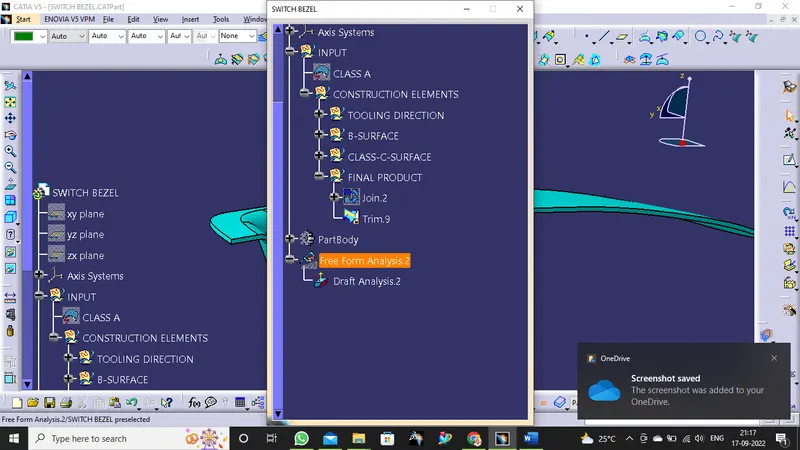
- Ensure Proper Tree Structure
- Geometrical sets should have a proper name based on the sketches present inside of it
- Use the Close Surface feature to make a solid body from the surface.
- Publications: Use the publication option and publish the below
- Tooling Axis
- Class A, B, and C surface
Submission Requirements
Submission is drawing file single zip file is attached for your information.
screenshots
In this module.
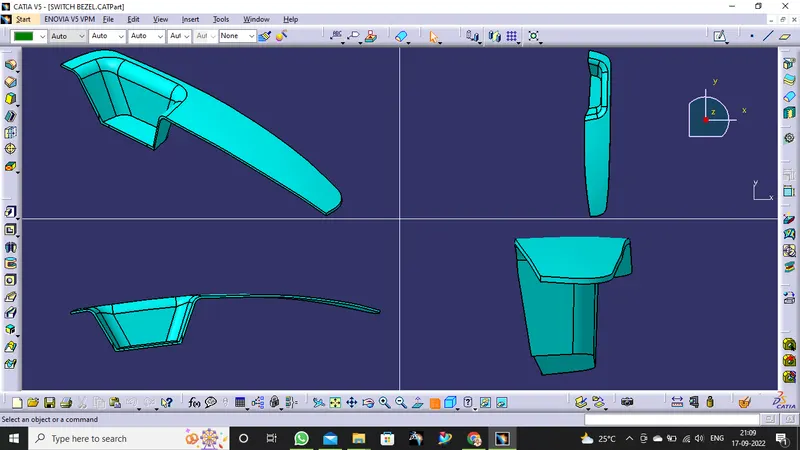
THIS SCREENSHOTS IS VIEW OF PROJETION
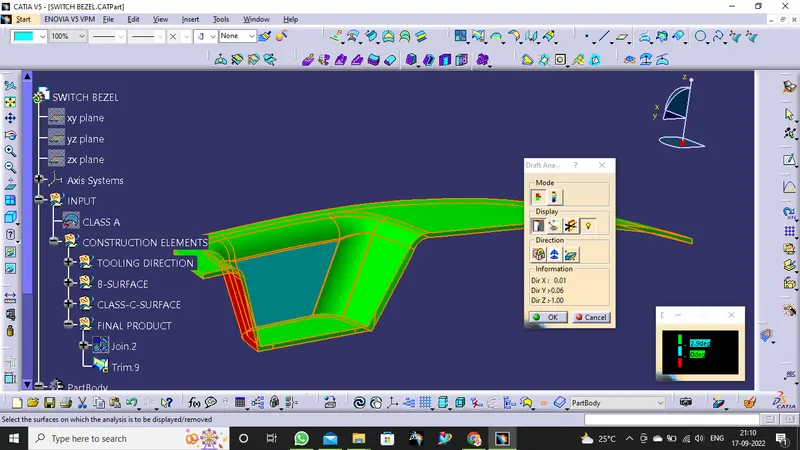
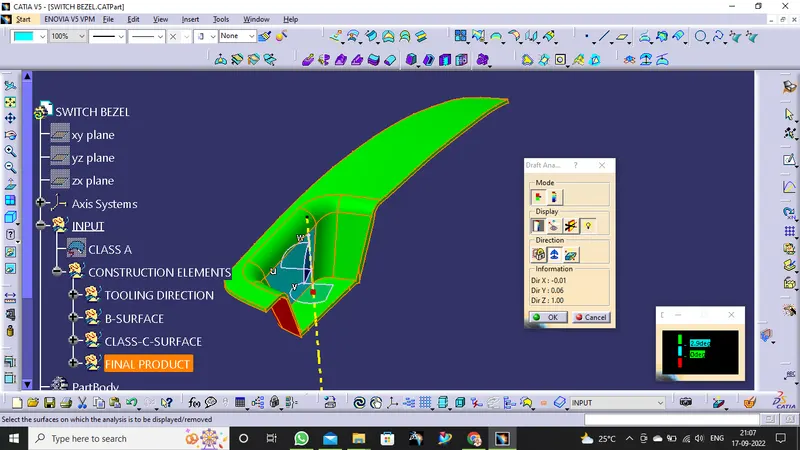
THIS SCREENSHOTS IS DRAFT ANALYSIS GREEN ,RED AND CYAN COLOUR VARIANT
THIS SCREENSHOTS IS COMPLETE TREE STRUCTURE
RESULT
Thus, this is the first part surface modelling is completed.