Week 8 - Challenge 2 - Switch Bezel Design
Week 8 - Challenge 2 - Switch Bezel Design
Objective
The objective of the project is to design the switch bezel and to do a draft analysis for it by creating the required tooling direction with the help of Bisecting method
Switch bezel design given data:-
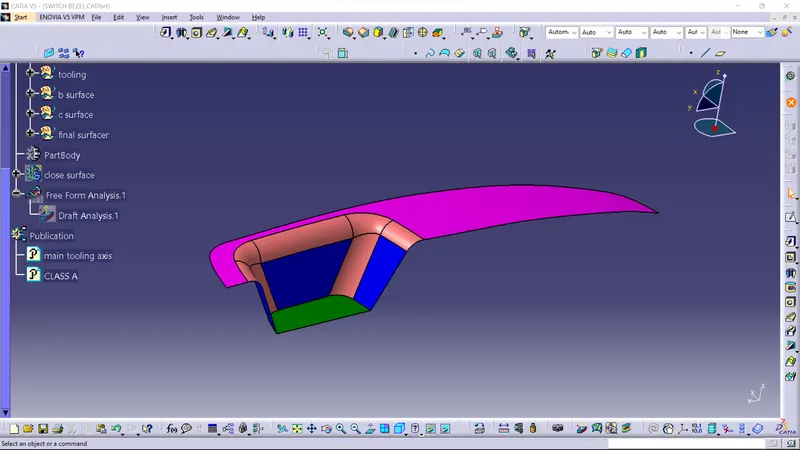 fig-1
fig-1
first we have to make a axis to making the tooling path so we have to extract the face and make a point on the middle of the surface and input an axis on the point.and create plane with the support of xyzplanes.
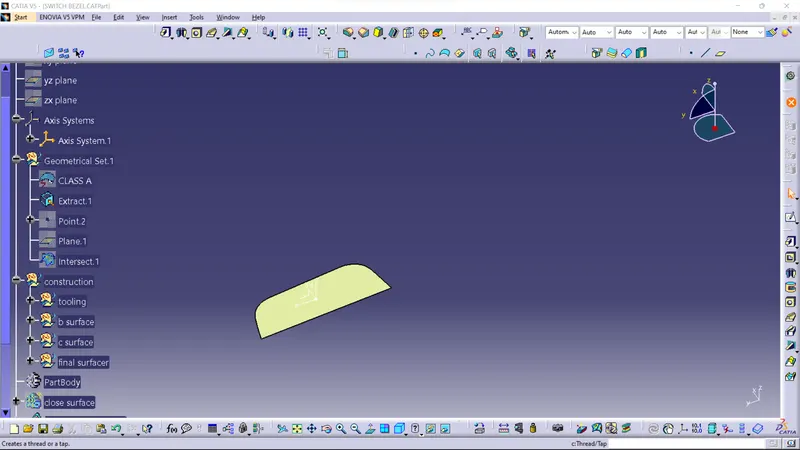 fig- 2
Creating a intersecting lines from given data shown in the fig-3 and create side two lines shown in fig-4 to bisecting these two lines and create a single axis.
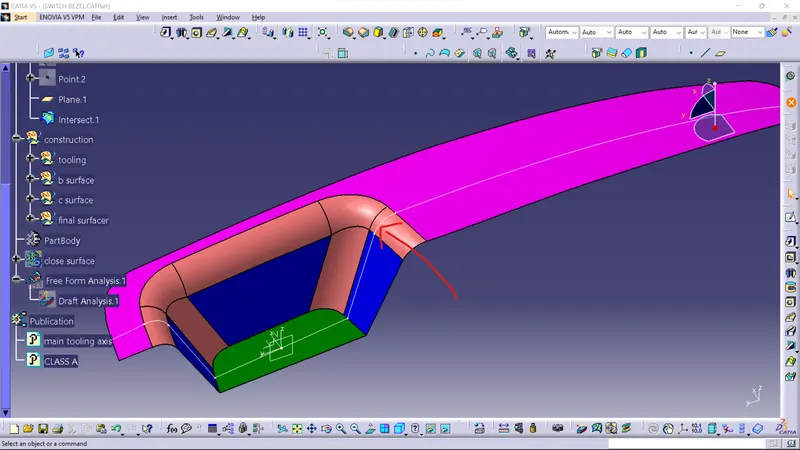 fig-3
fig-3
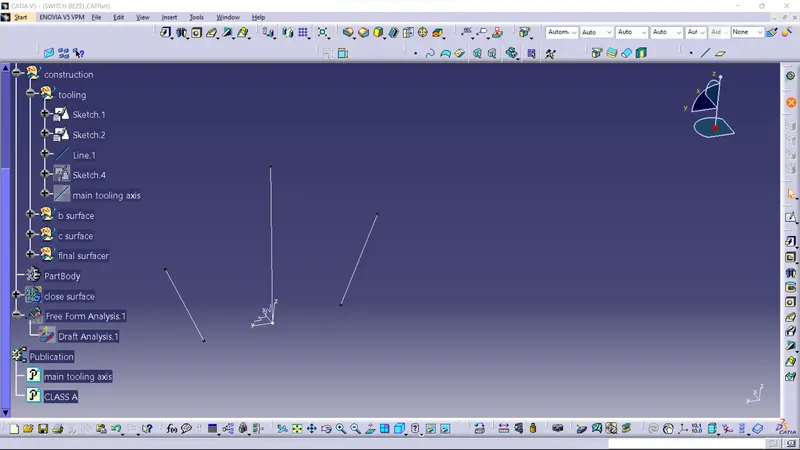 fig - 4
this is the final tooling axis created by suoported ine shown in given fig.
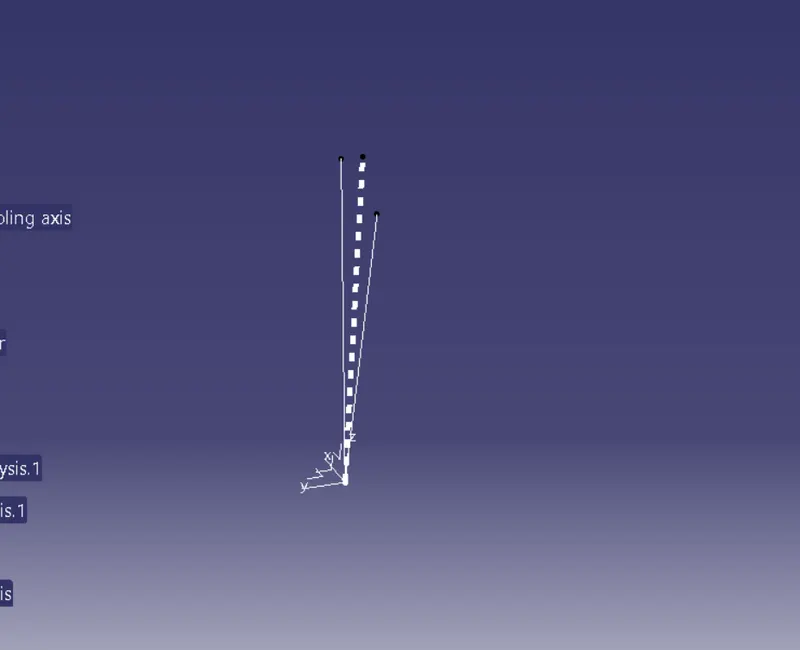 fig- 5
CLASS B SURFACE
In B class surface was a internal surface where all engg parts or supporting part like ribs are there.
for making the b class we have to extract the surfaces from a class surface which are shown in fig-6,7,and 10.Then use dissemble option to divide all the faces and then usin untrm option then the last we have ti use only trim the unnecessary faces.
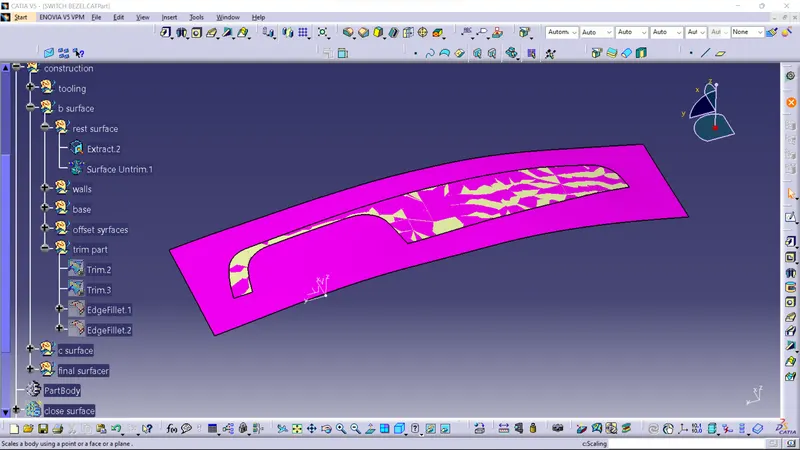 fig-6
fig-6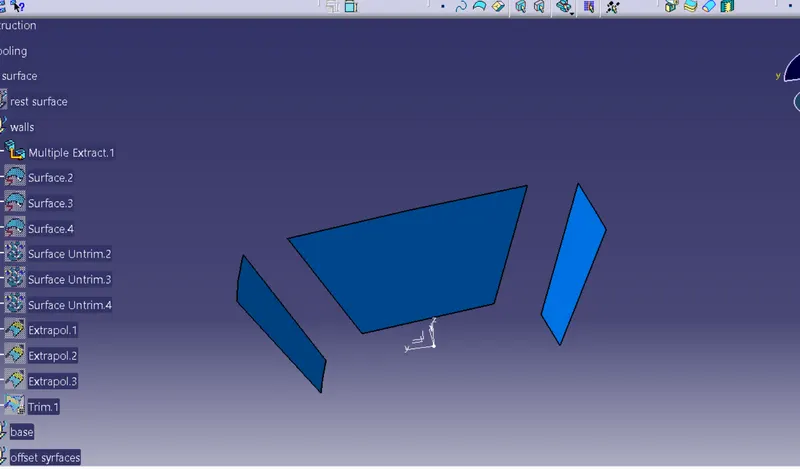 fig-7
fig-7
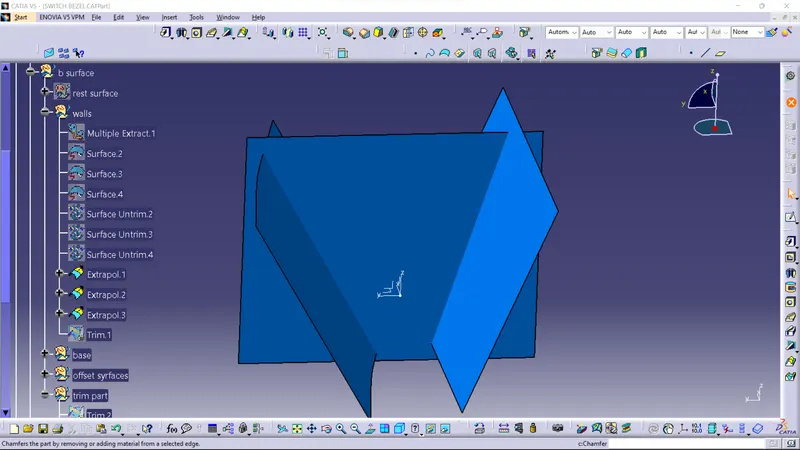 fig- 8
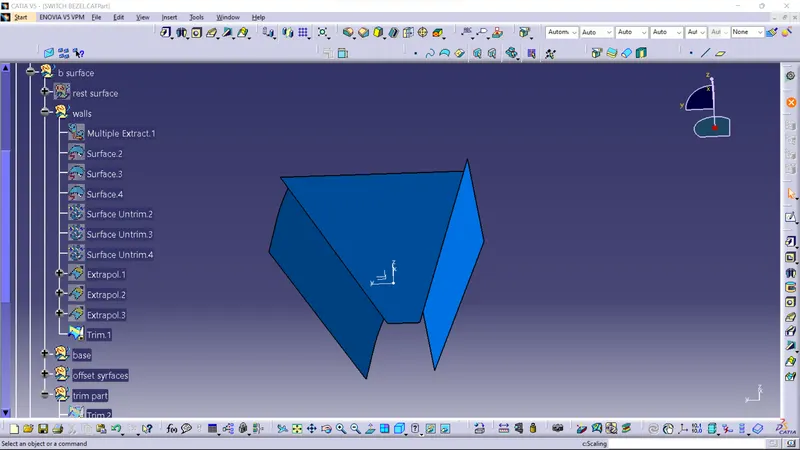 fig-9
fig-9
Base extract face.
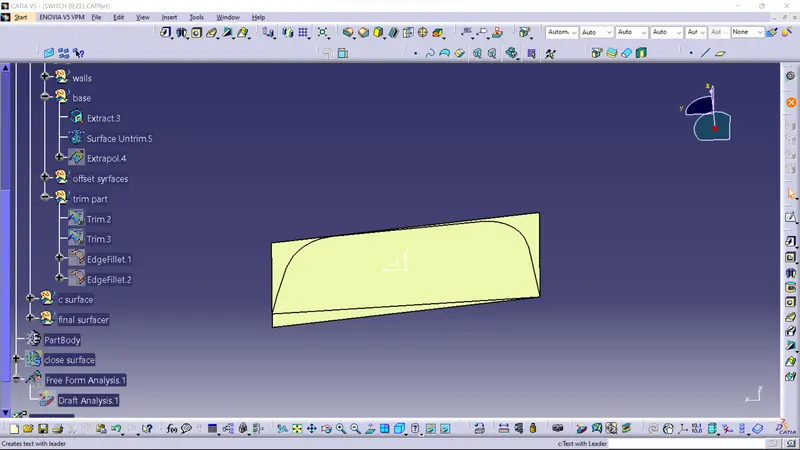 fig-10
This are the offseting faces in 2.5mm of offseting outside direction to create the b surface.
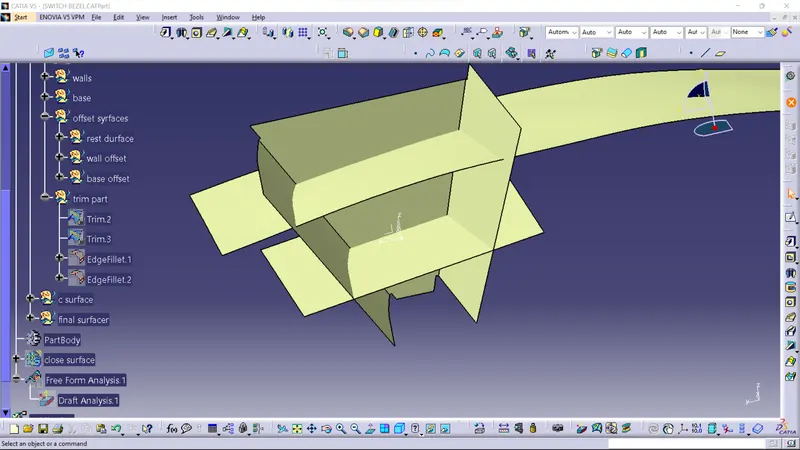 fig-11
FINAL B SURFACE OUTPUT
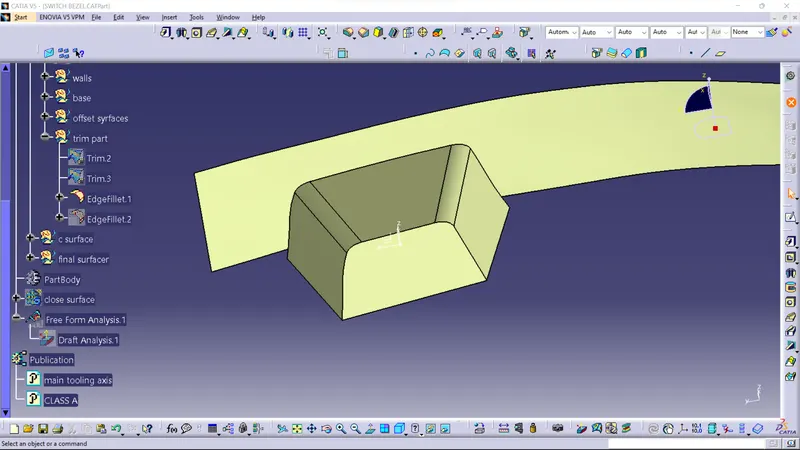 fig-12
CLASS C SURFACE
For making the surface we have to extract the boundry of class a surface and then using swept option in 3degree.
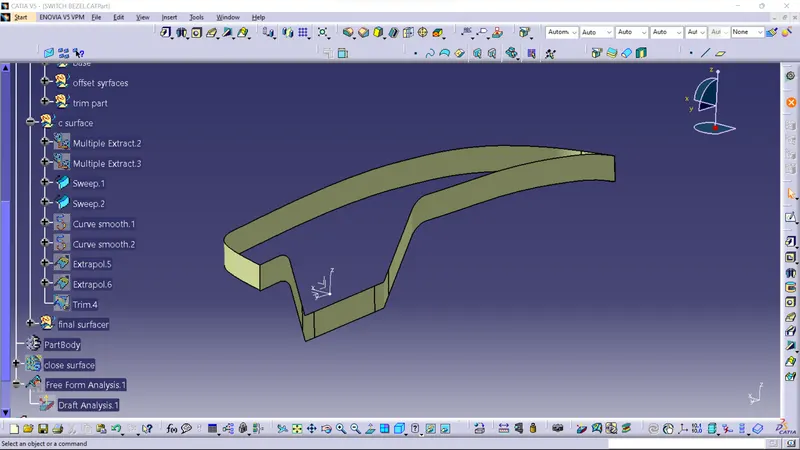 fig-13
This the final surface of class b or c.
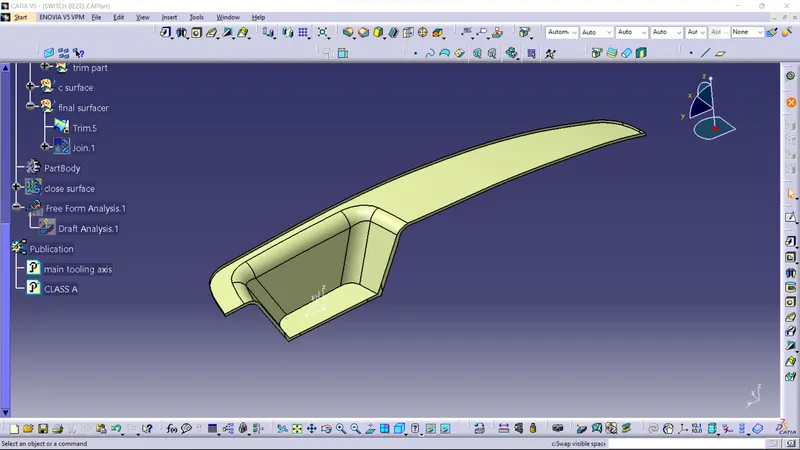 fig-14
CLOSED SURFACE
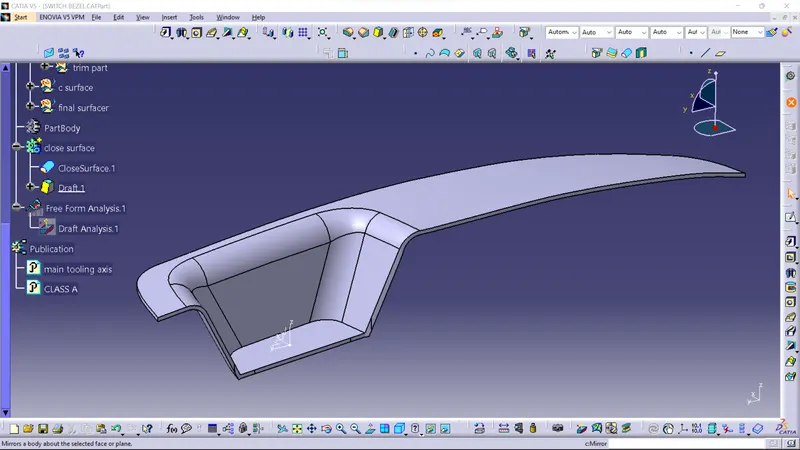 fig-15
DRAFT ANALYSIS
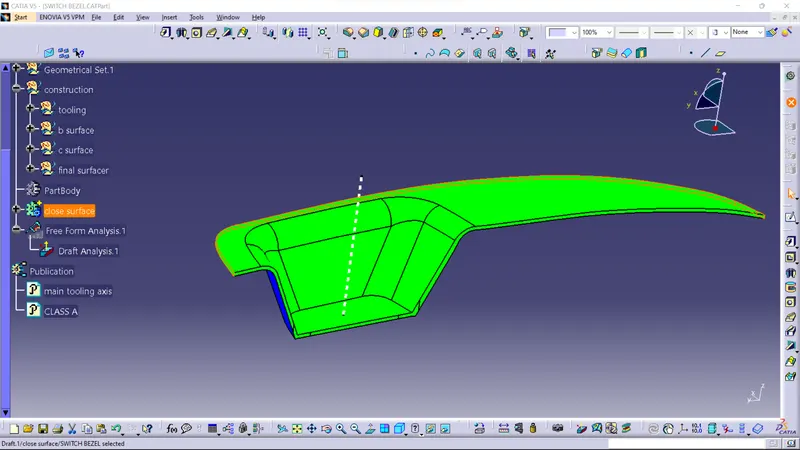
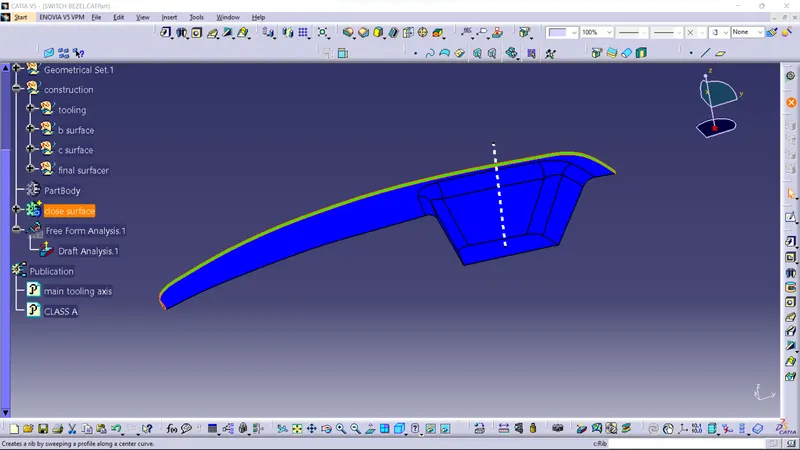
1. First the class - A surface is checked before creating the Class - B & C surface and finally the solid body must be analysed . Both cab be done by following the below procedures.
2. By changing the view mode to custom view parameters - Material mode then the feature draft analysis is enabled.
3. Then the compass was activated and placed with the tooling axis by dragging the redpointer and then lockes it
4. Then, by selecting the quick analysis mode, the nominal value will be 3 degrees and checked for the component's draft angle