Week 8 - Challenge 2 - Base Bracket Design
REPORT:
AIM:
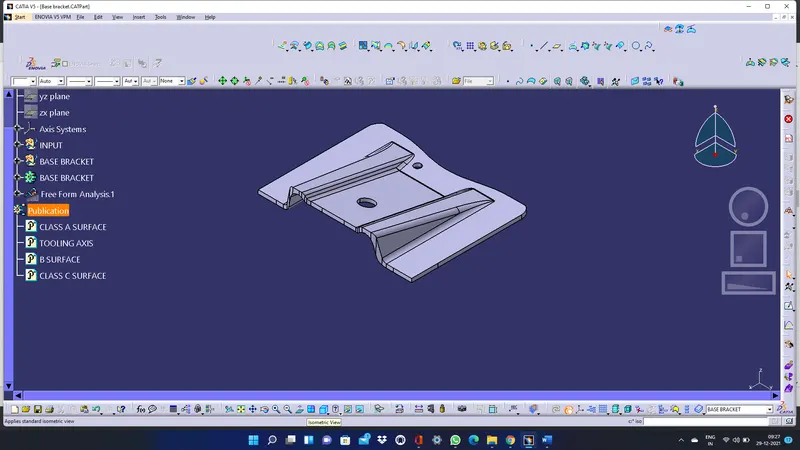
Create the Base Bracket Plastic component through the given Class-A surface. To begin with, the tooling axis for the given Class-A Surface should be created meeting the requirements of the draft angle and at the end perform the Draft analysis on the model.
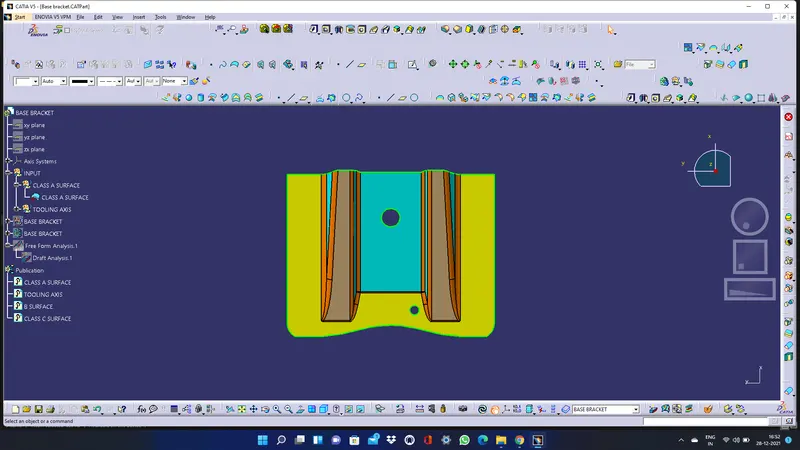
GIVEN CLASS A SURFACE:
PROCEDURE:
- A) TOOLING AXIS CREATION:
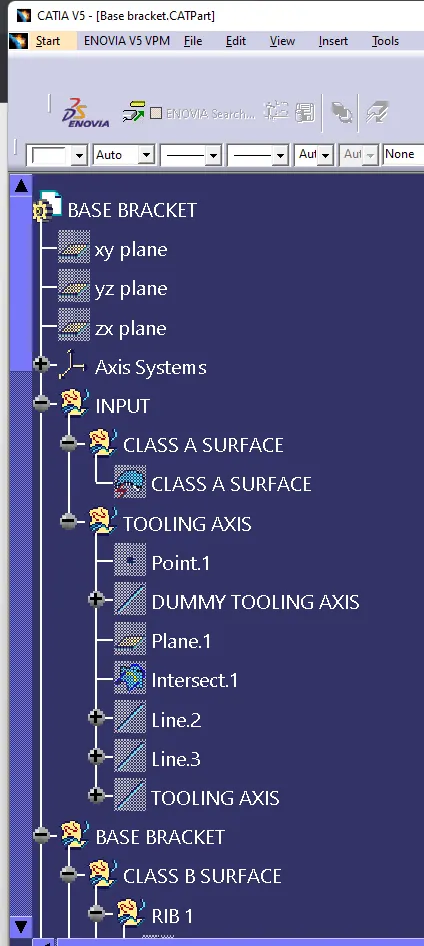
Create a point on class A surface with the aim to move the main tool for component creation
Mask an axis over the point created with the same directions as the main axis system.
Using Intersect command from Generative Shape design select the YZ plane as the first element and the class A surface as the second element.
After creating the intersecting lines select the Line command and join the vertices which show the most possible draft angle manufacturable and bisect those two lines over the axis point we selected at the first Line.
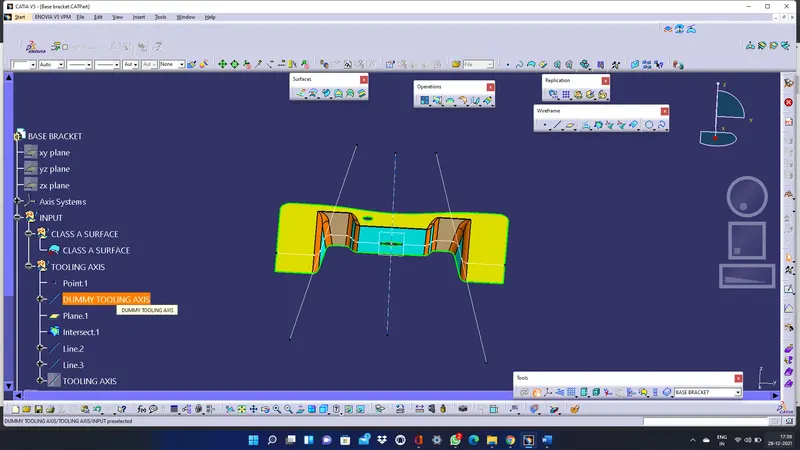
Here it is dummy toolig axis.Then by using zy plane the intersection curves were created as shown below and the same procedure was followed for creating the tooling axis in the Y direction.Bisecting lines were used to get the exact medium from the two sides so that maximum positive draft angle can be achieved. Finally by using the bisecting line option the tooling axis were created by selecting the tooling axis direction and y direction axis.
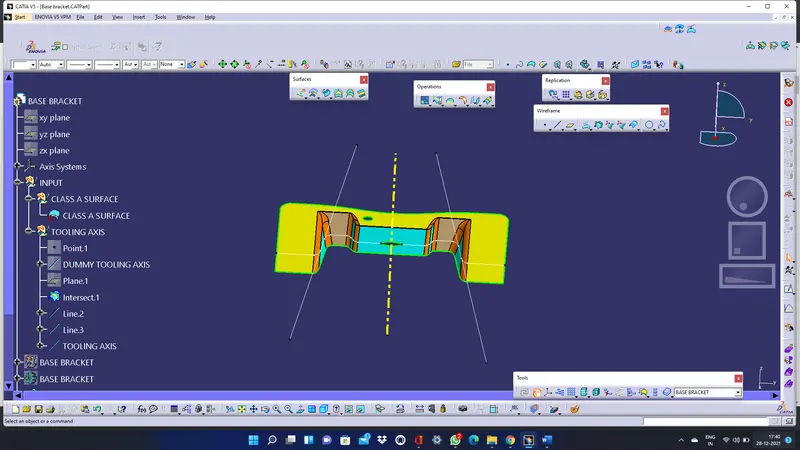
Here is the main tooling axis element.
PROCEDURE for Draft Analysis of Class A Surface:
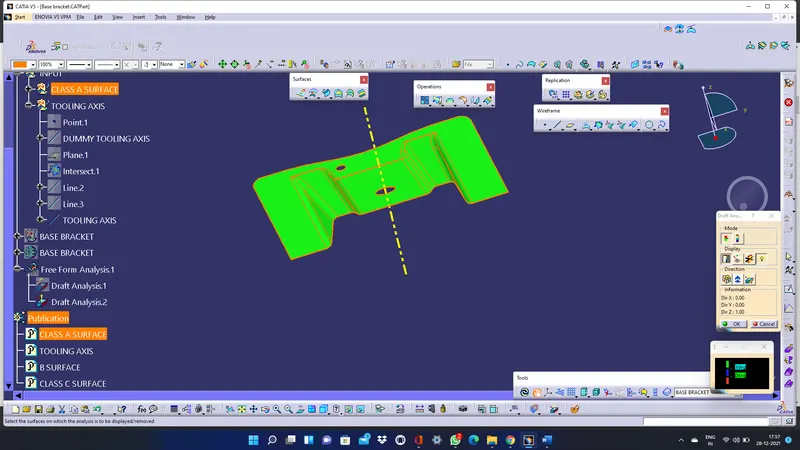
After Tooling Axis Select the Feature Draft Analysis option from the Insert Option. Select the element to analyze.
Next click on Use the compass to define the new current draft direction option and make it align with the tooling axis by dragging it to the axis the first Line.
If the color appears blue just click the invert option on the right side of the draft direction axis button.
PROCEDURE FOR CREATING CLASS B SURFACE AND CLASS C SURFACE:
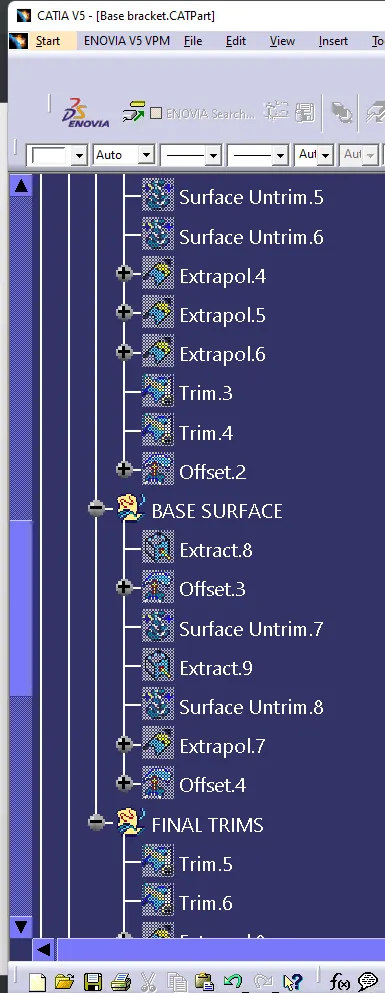
- After creating tooling axis and drafting analysis of a class a surface we should use the geomentrical set and name it as class B surface.
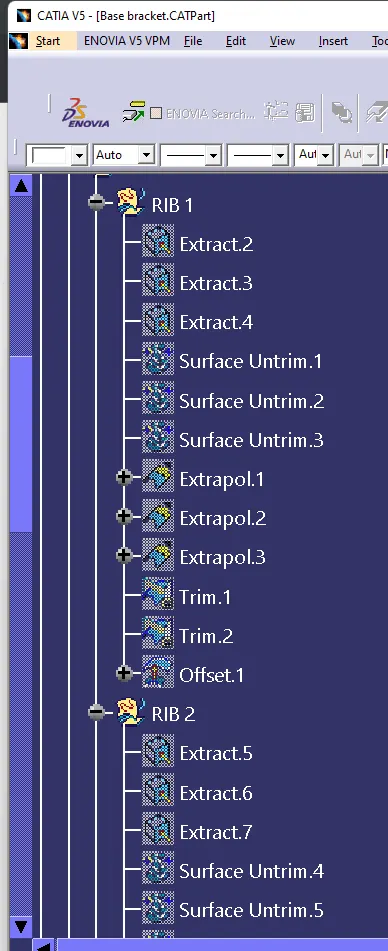
- The first operation is ribs and create base surface after do the surface trims and we get class b surface.
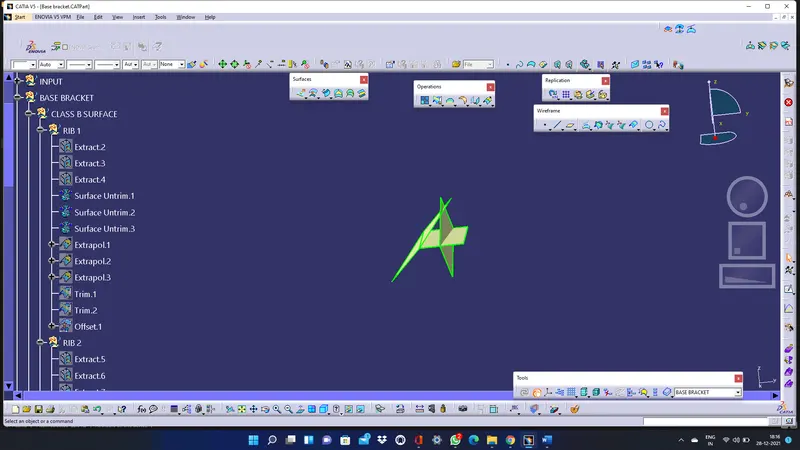
here after extract elements should be untrim the surface and also extrapolate it.
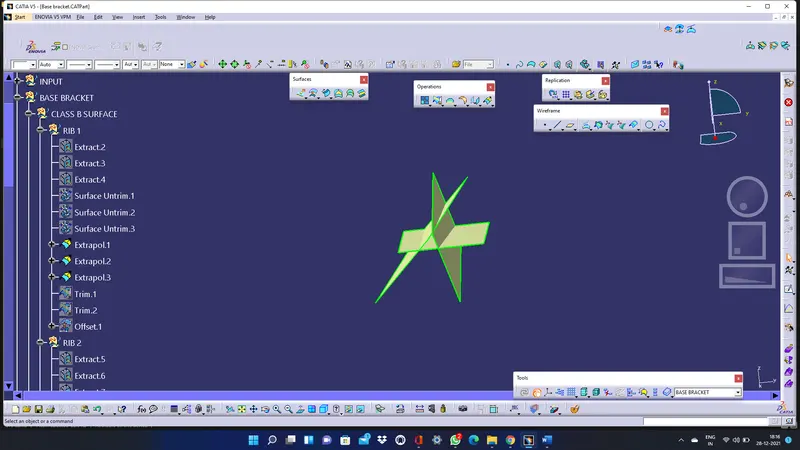
Trim the extrapolate surface and offset 2.5mm to it,it is called first rib and also we create second rib as same as first rib,now we should create base surface here.
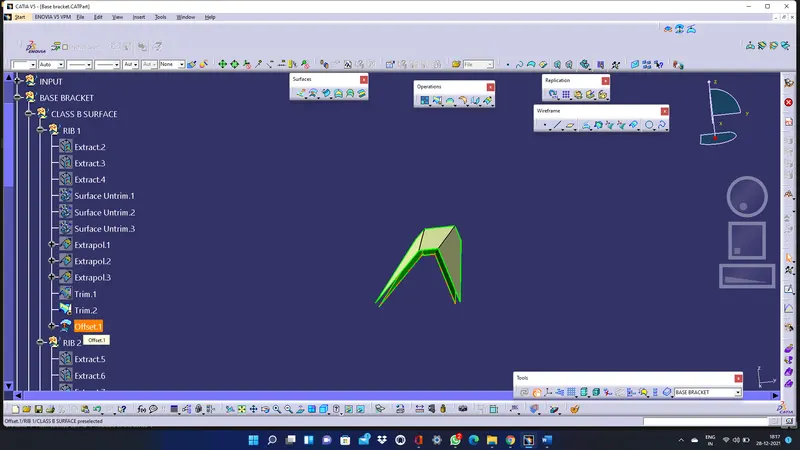
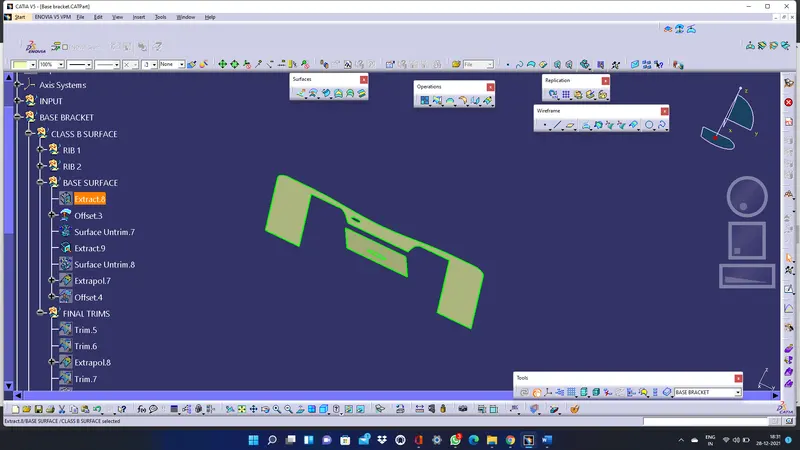
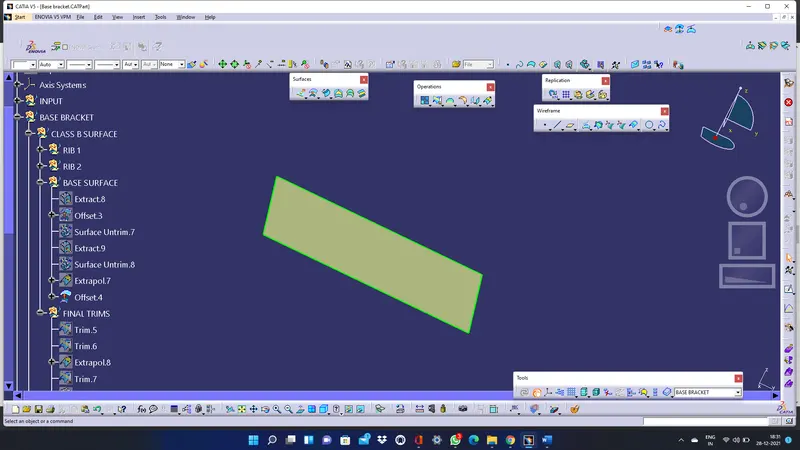
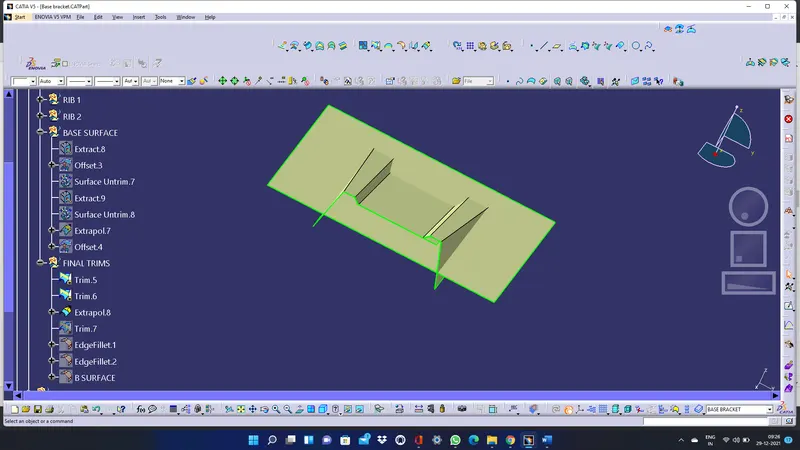
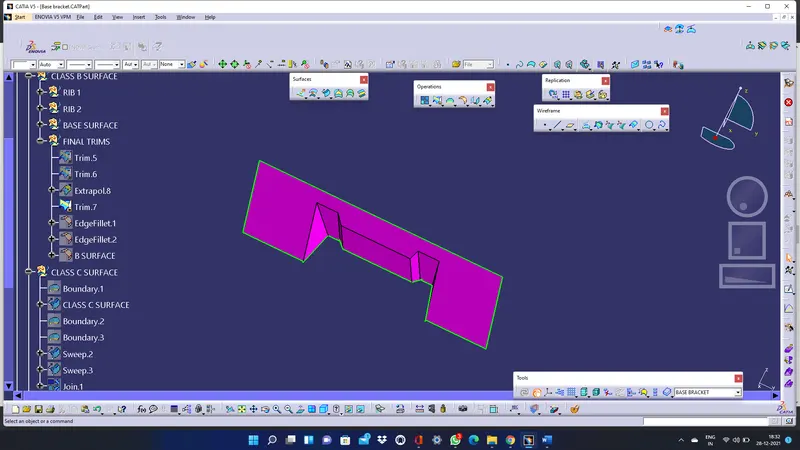
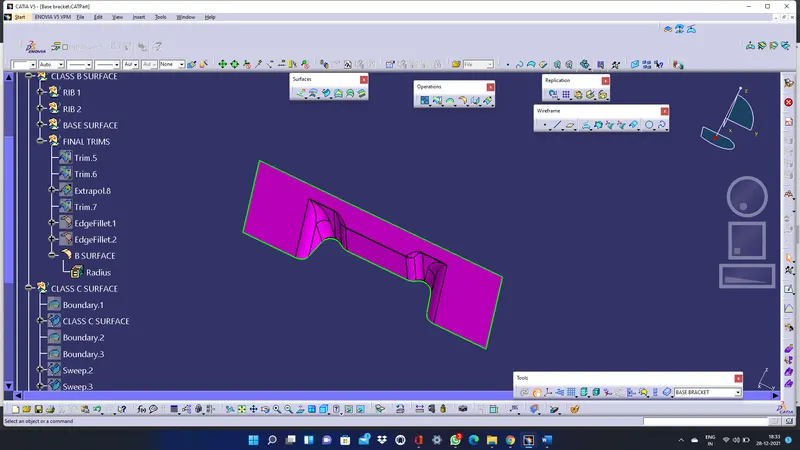
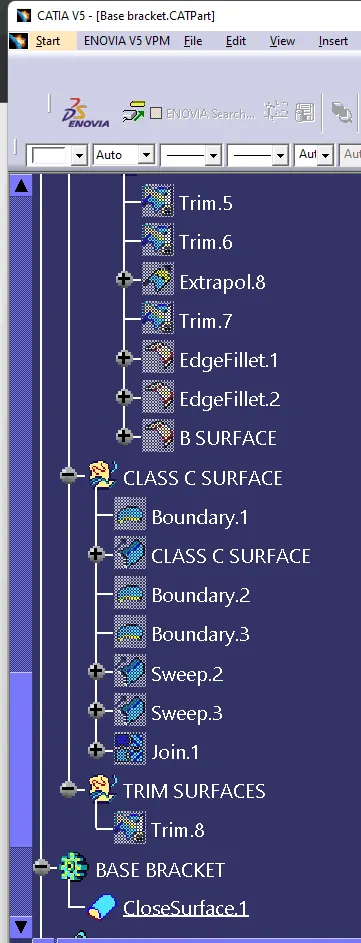
All the fillets are given according to the intersection lines created while the tooling axis was created.For the fillets add the offset value we selected for giving the thickness of the body for inward thickness add the number but for outward thickness subtract the number to create a uniform thickness all around the shape.
CLASS C SURFACE:
Select the boundary option and click on the boundary of class A surface to create a sketch of the boundary.
Using the sweep command select with draft direction option and set a 3 degreedraft to create a sweep of the boundary with z axis with angle.
select the appropriate direction to get thge draft.
Simillarly to create boundaries for two holes and sweep it 3 deg to the draft angle.join all the elements.
After all the class surfaces are created trim all the elements to get the closed surface part.
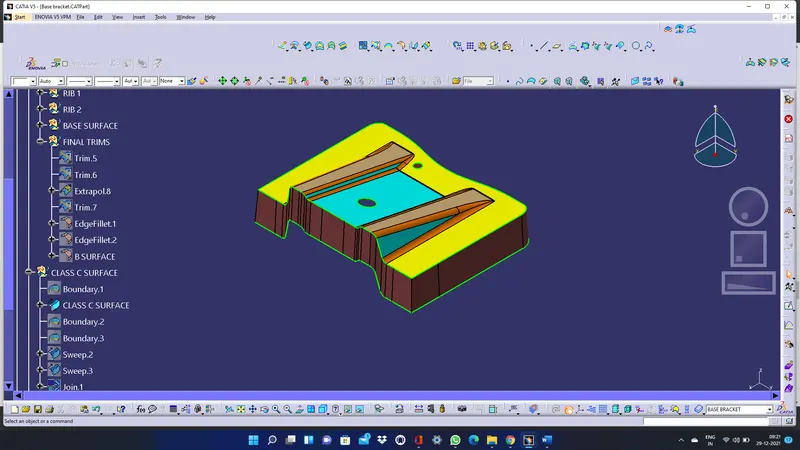
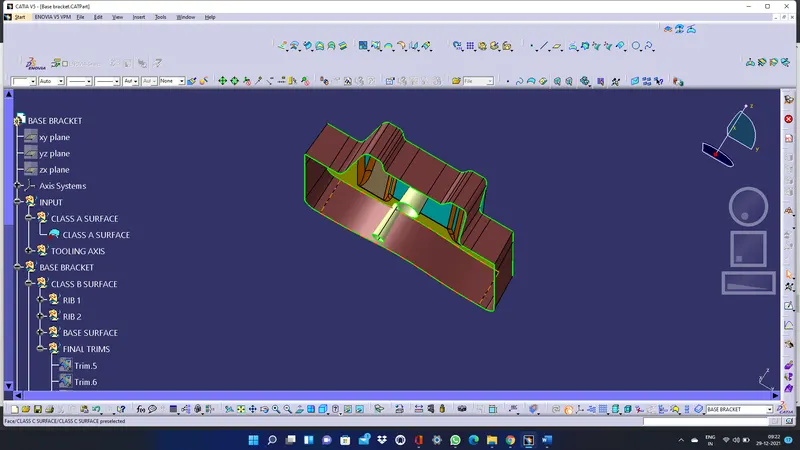
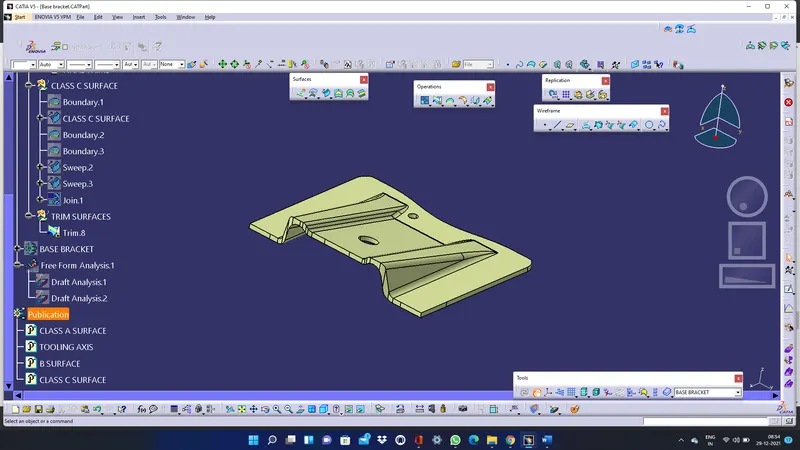
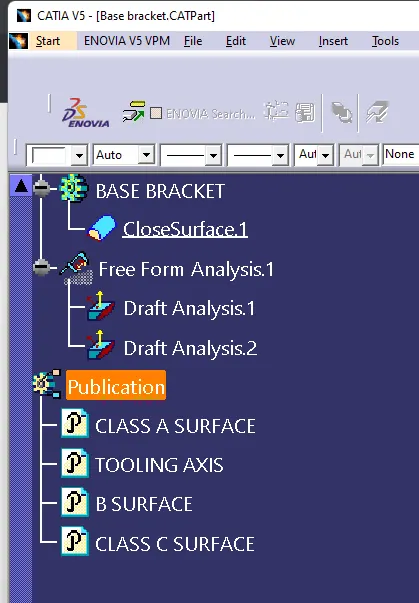
after getting class c surface and we can create close surface method to create a solid body here.
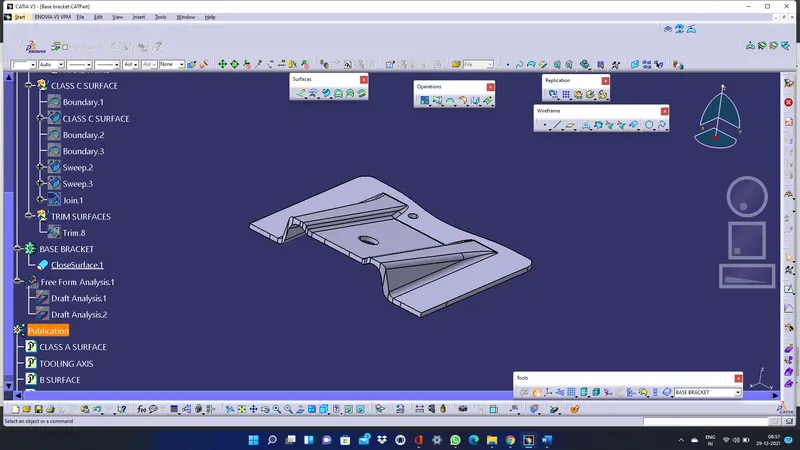
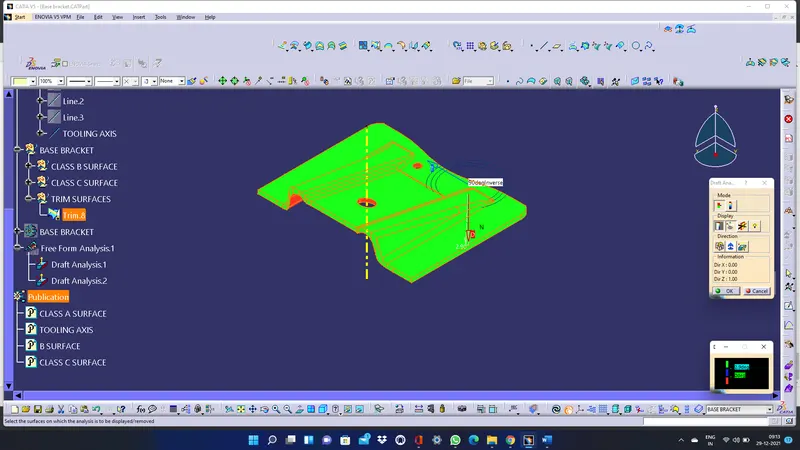
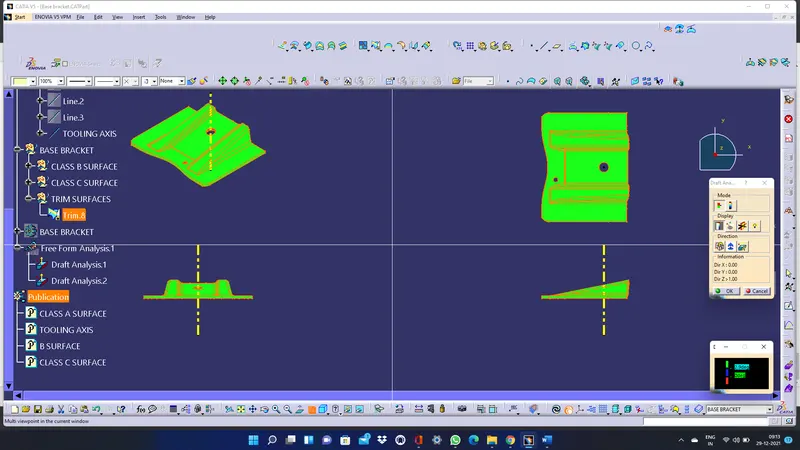
DRAFT ANALYSIS of the SOLID part:
Select the element to analyze
Next click on Use the compass to define the new current draft direction option and make it align with the tooling axs by dragging it to the axis system.
CONCLUSION:
Created a Base Bracket Plastic component through the given Class-A surface and draft analyzed the surface with 2.9degree of draft angle.
TREE STRUCTURE OF BASE BRACKET :
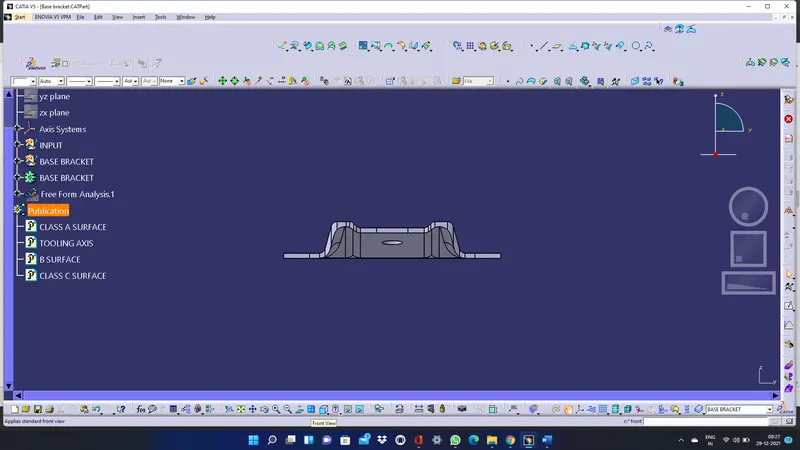
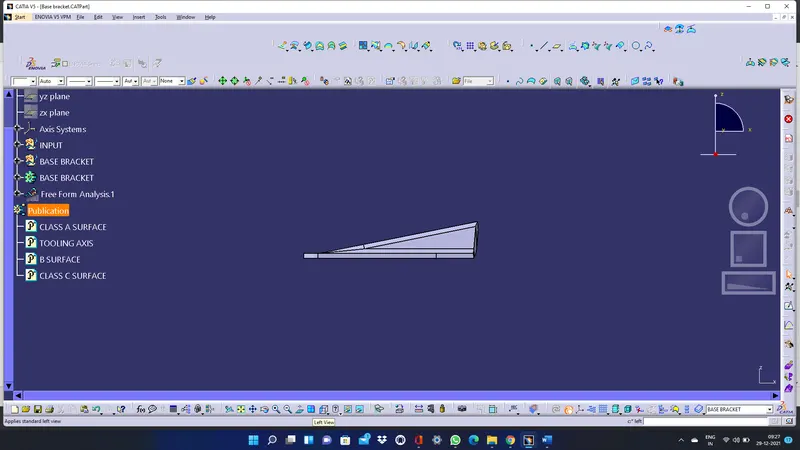
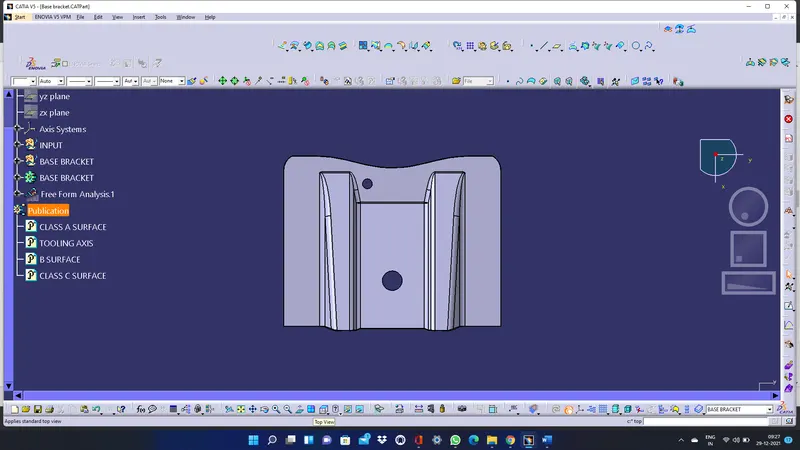
VIEWS: