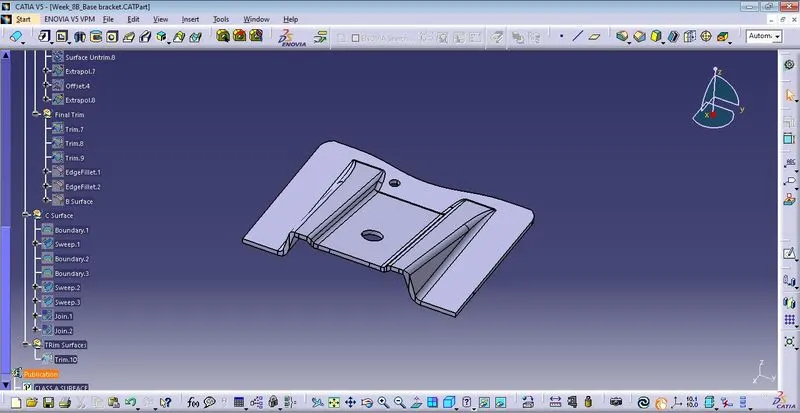
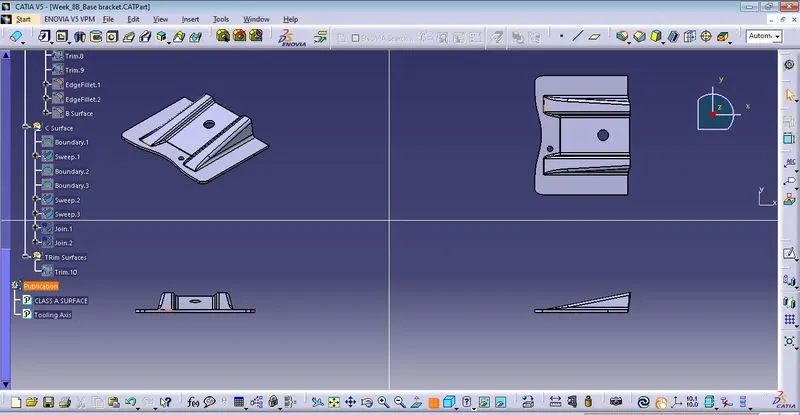
Week 8 - Challenge 2 - Base Bracket Design
Draft Analysis Report:-
Firslty we check connectivity between two surfaces and ensure that there is no gap between joining og each surface by using surface feature tool such as;
- Join Command
- Boundary
- Dissemble mode in domain only then generate the curve.
1. To find out the tooling axis
- Insert the gemetric set (Class A surface).
- Insert point.
- Insert Axis System.
- Intersect after selecting ZX plane with the component surfaceby using intersect command.
2. To Create Tooling Axis Line
- Insert Point to point Line (Dummy Tooling Axis)
- Insert Point to Point Line along with the incline surface.
- Insert Point to Point Line Along with opposite side inclined surface.
- Insert Bisect line depends upon the earlier both line. ( Tooling Axis)
B Surface:-
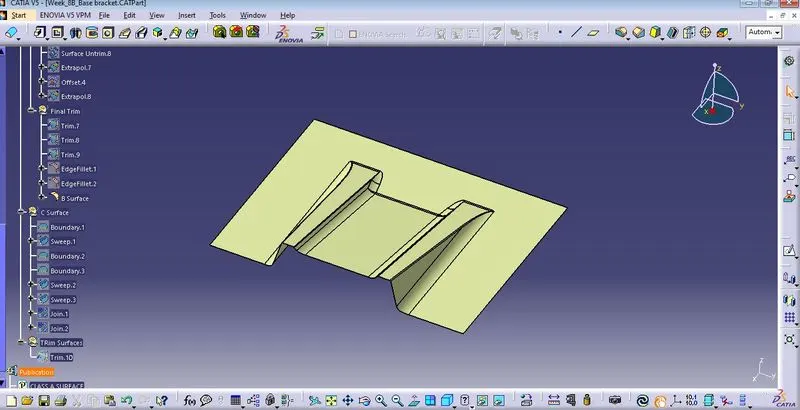
C Surface:-
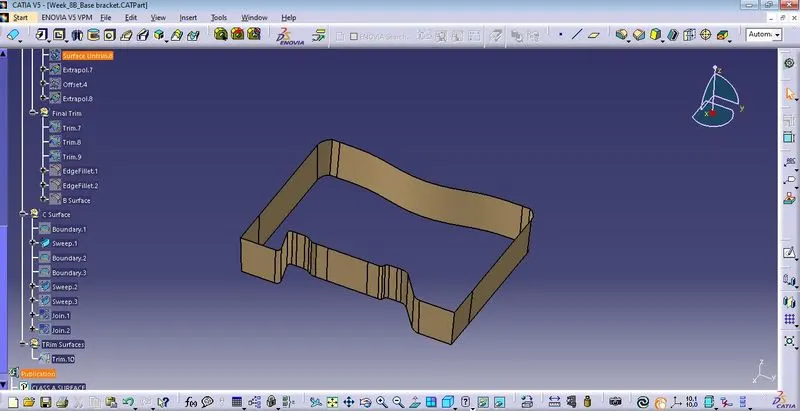
Trim Surface:-
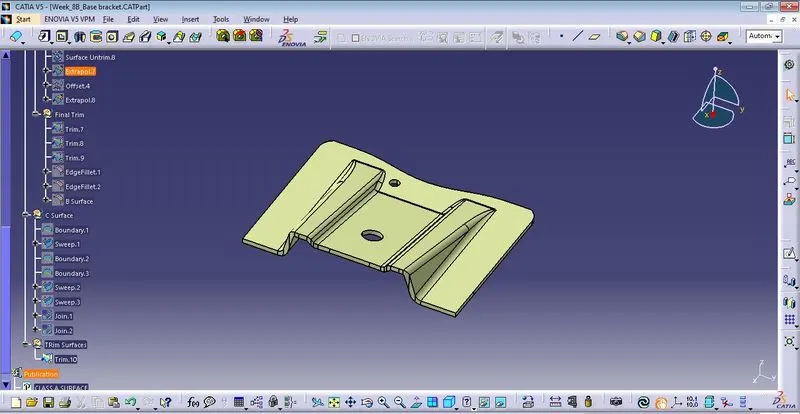
Close Surface Body:-