Week 8 - Challenge 2 - Base Bracket Design
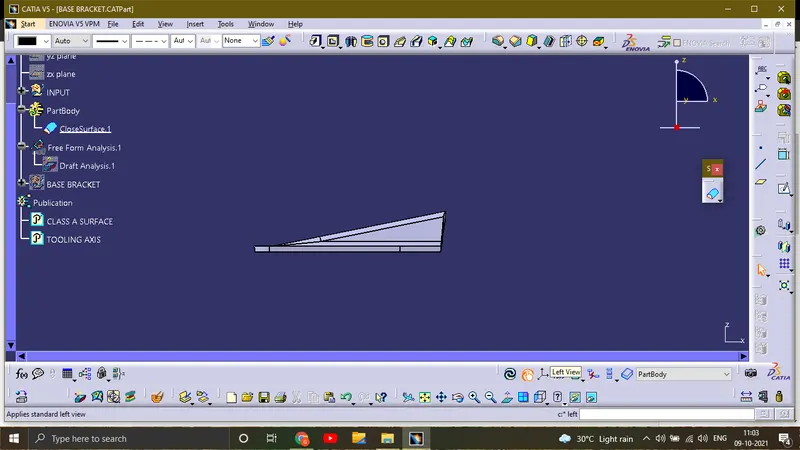
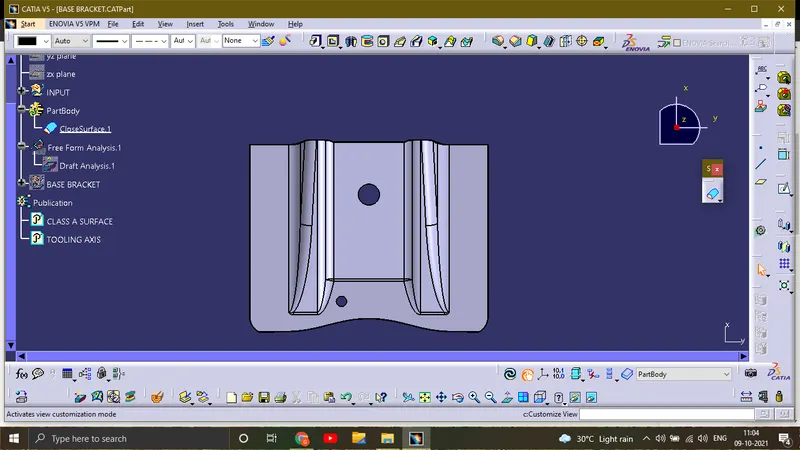
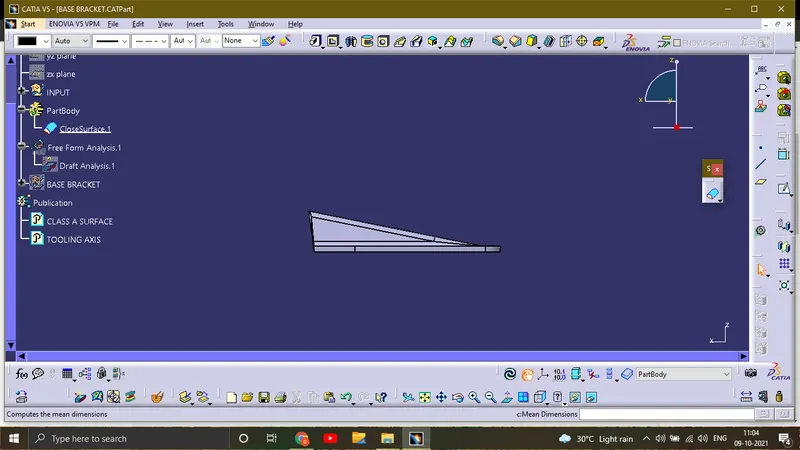
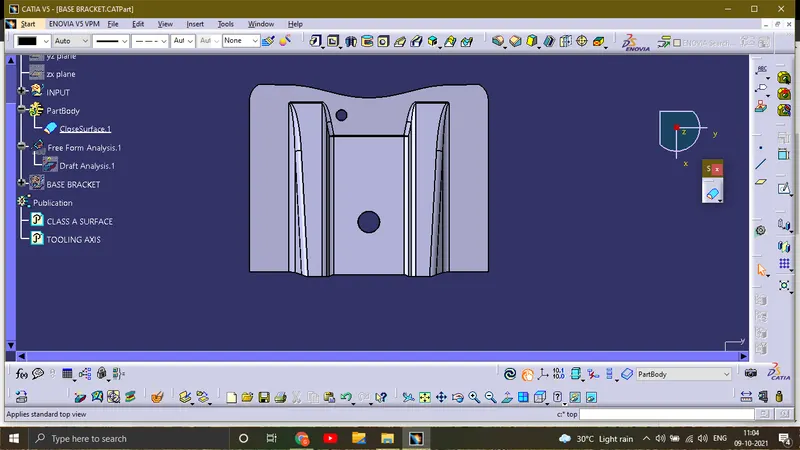
REPORT ON BISECTING LINE IN CREATION OF TOOLING AXIS:
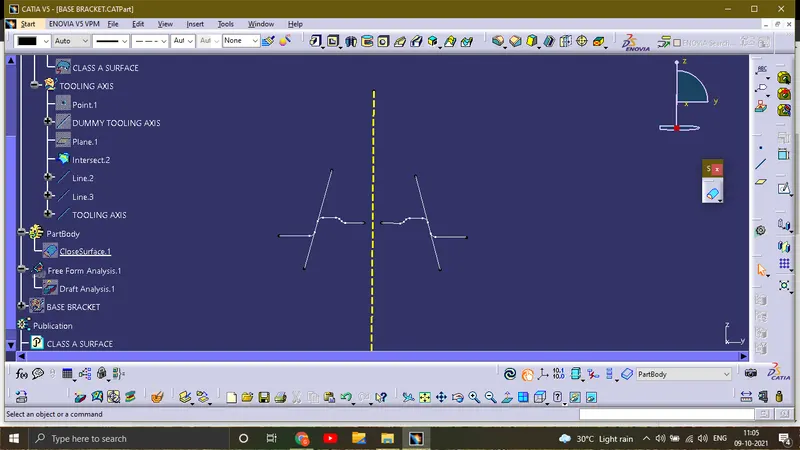
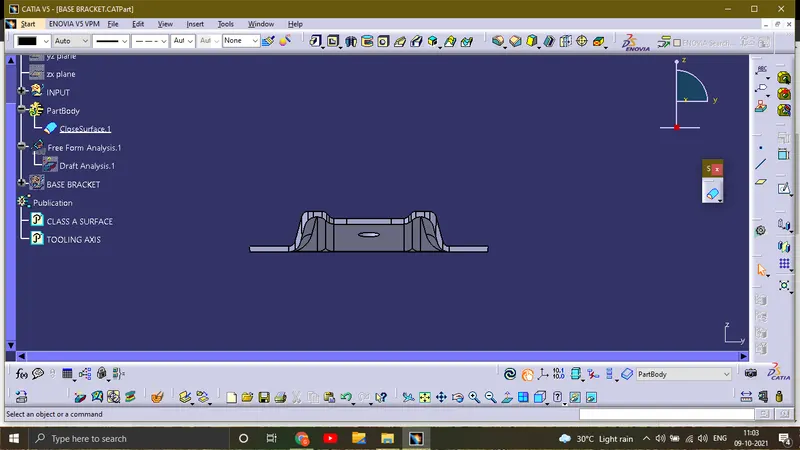
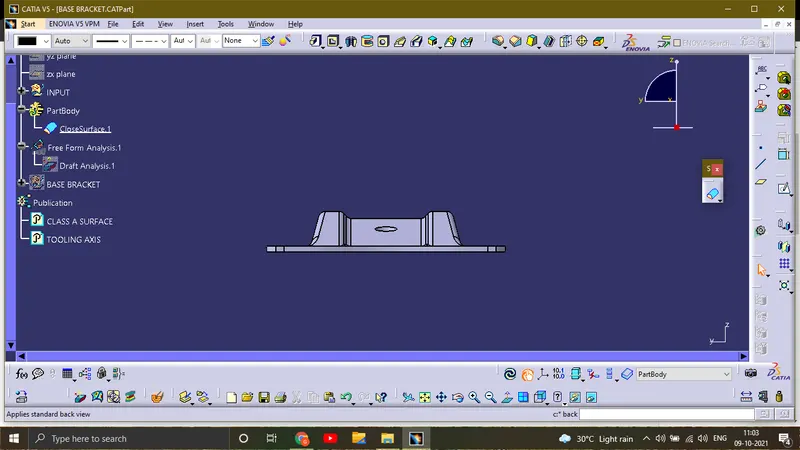
A dummy Tooling axis should be created with respect to the draft angle of 3 deg, for that in this sketch ,we made an intersection along y axis ,then an extending line was created at the slopes which are slightly prarallel to the dummy tooling axis. In the line command a option called bisecting line was used by selecting line one and two as the lines we extended ,and the mid point of the dummy tooling axis was given as support.thus ,the bisecting line and Main Tooling axis are created.
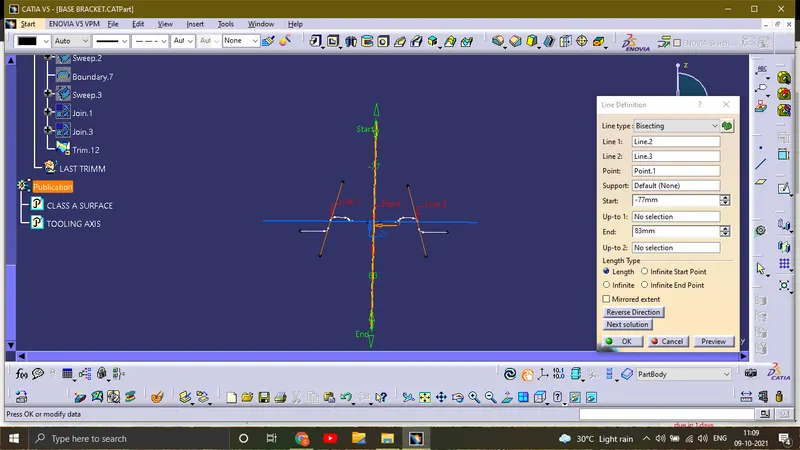
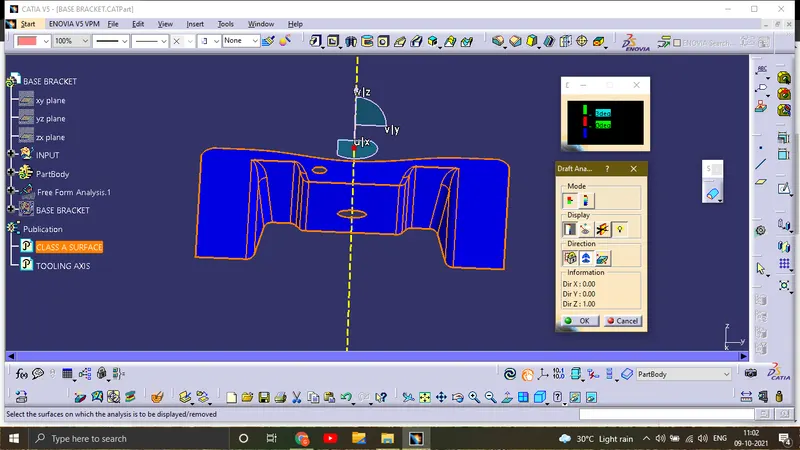
REPORT BASED ON DRAFT ANALYSIS OF CLASS A SURFACE:
STEP 1: Open the draft analysis command and check for the part is in material mode.
STEP 2: In draft analysis select the mode as red, green and blue colour scale.
STEP 3: In display pick on the measuring setup to check whether it is in the correct 3 deg draft
STEP 4: In the direction select the compass and place it in the material's tooling axis .
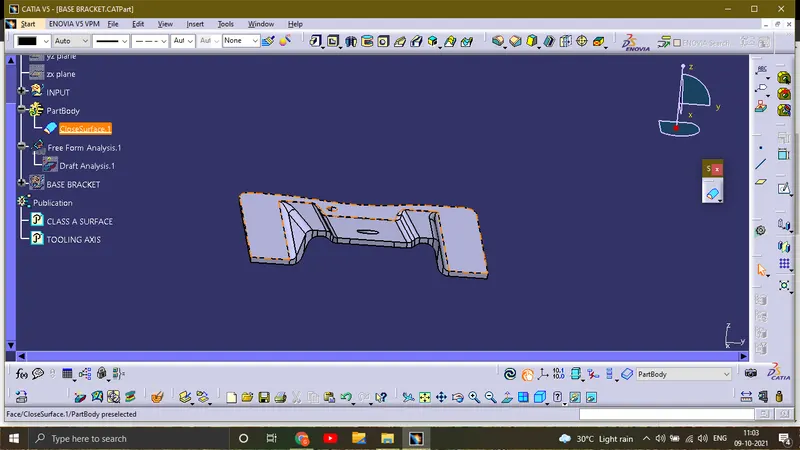
STEP 5: lockthe direction and it does the analysis our part was in full green as we mentioned in the colour scale ,above 3 deg it should be shown as green.
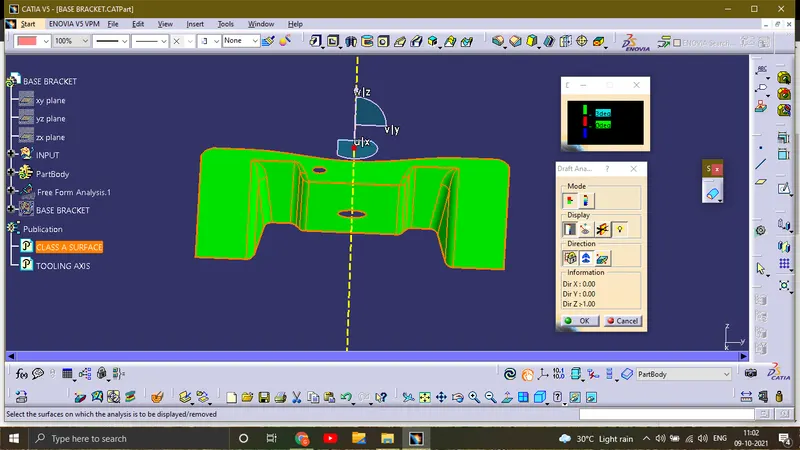
It is the other option in the direction tool bar in the Draft analysis, it flips the condition of colour scale .