Week 8 - Challenge 1 - Draft Analysis on a Fan Cover
REPORT:-
DRAFT ANLYSIS:
step 1 : First to ensure class - A surface is properly joined and has no discontinuity on it. For this we use boundary or join command.
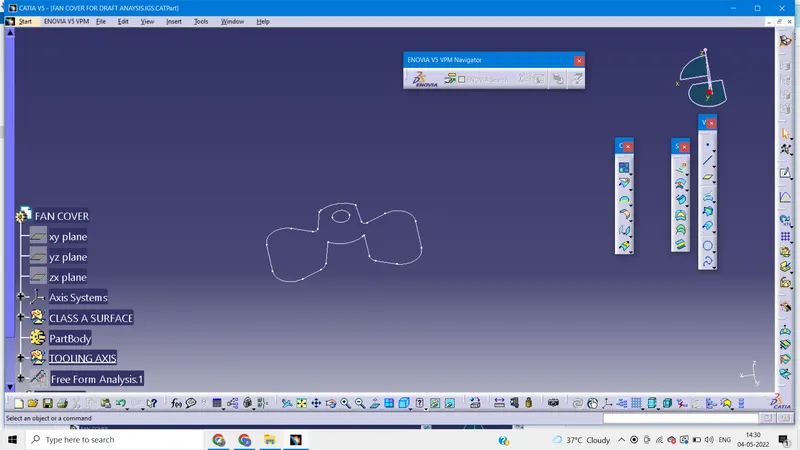
BOUNDARY
step 2: Analyze the model manually or visually to see which direction is most suitable for tooling axis.
- Possibility along x-axis
Tooling axis along x-axis is not feasible because slot at both sides of fan cover which can't be obtained alond x-axis and also hole at top of the fan cover which can't be obtained along x-axis. Hence along x-axix tooling is not possible.
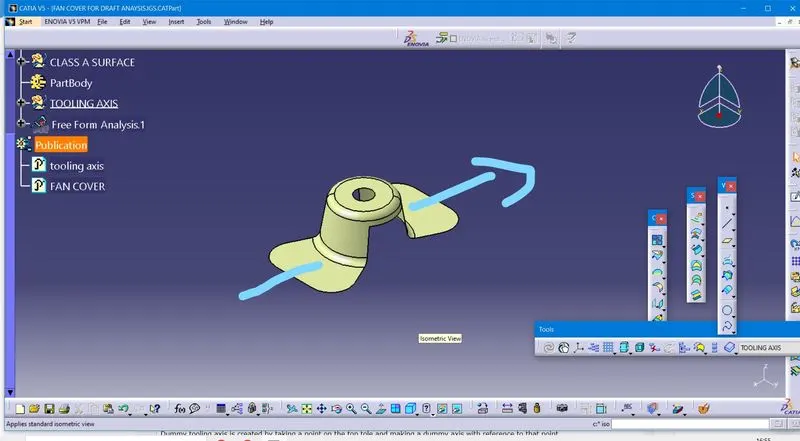
2. Possobility along y-axis
Tooling axis along y-axis is possible but extra side core is required for the hole on the top of fan cover which is not economical.
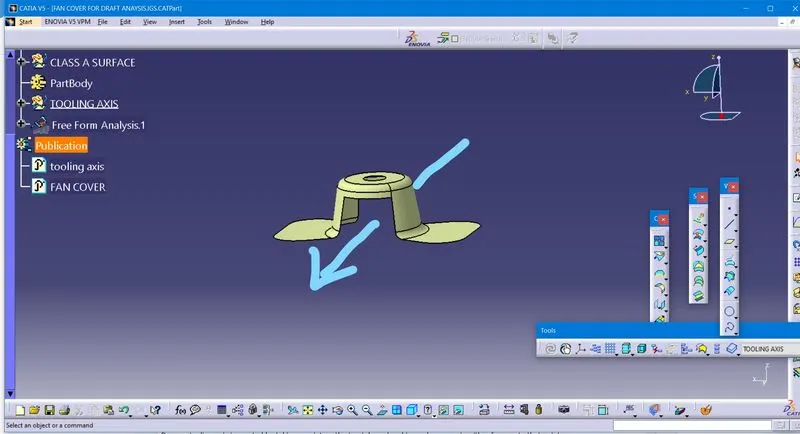
3. Possibility along z-axis
Along z-axis no core is required because hole is at the top of the fan cover. Hence tooling axis along z-direction is optimum to use.
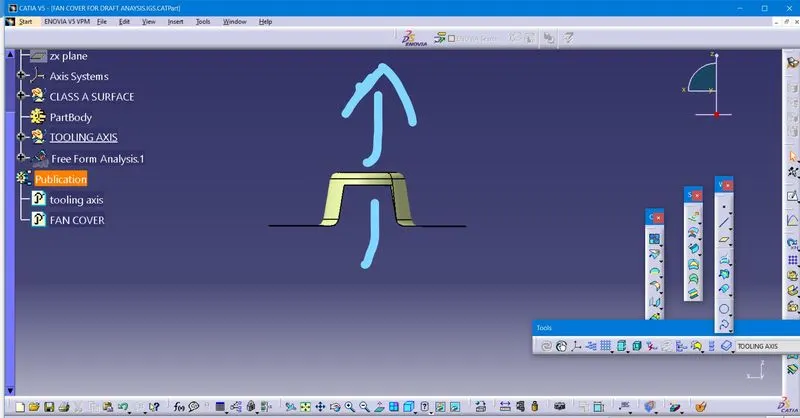
step 3: Creating a tooling axis
Dummy tooling axis:
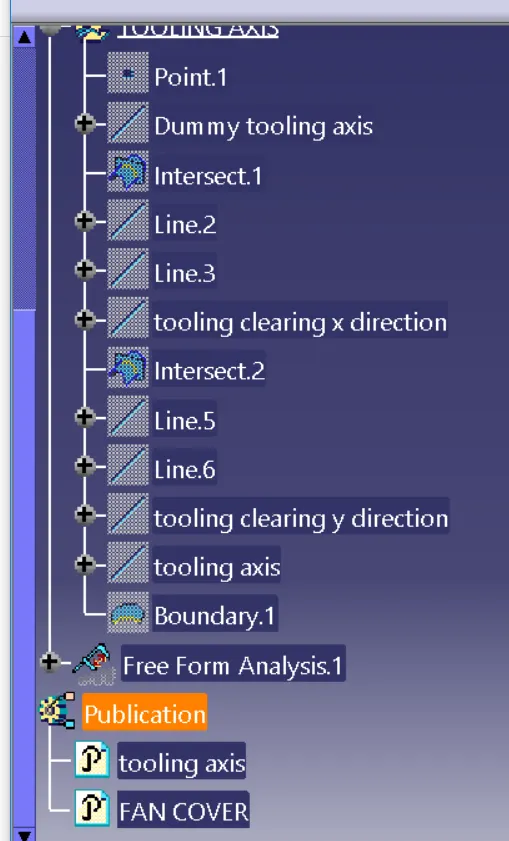
Dummy tooling axis is created by taking a point on the top tole and making a dummy axis with reference to that point.
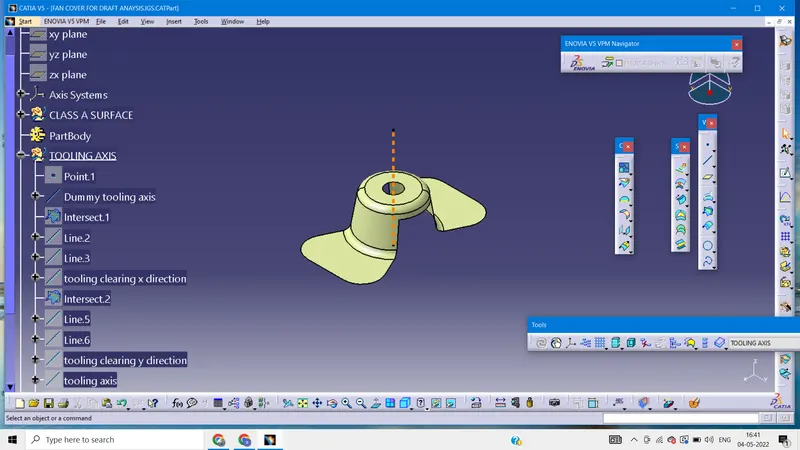
Actual tooling axis:
we make use of Bisecting method to create actual tooling axis
1.Make an axis system and intersect ZX plane with the class-A surface. By using interction command we get intersection curve.
Now we have to see which section create problems or will be difficult to be tooled and make a line along that surface using the point to point option. Here we can see in the picture that we have made two lines, now we will bisect the lines and schoose the proper direction, here vertical direction. This will be our tooling axis for X direction.
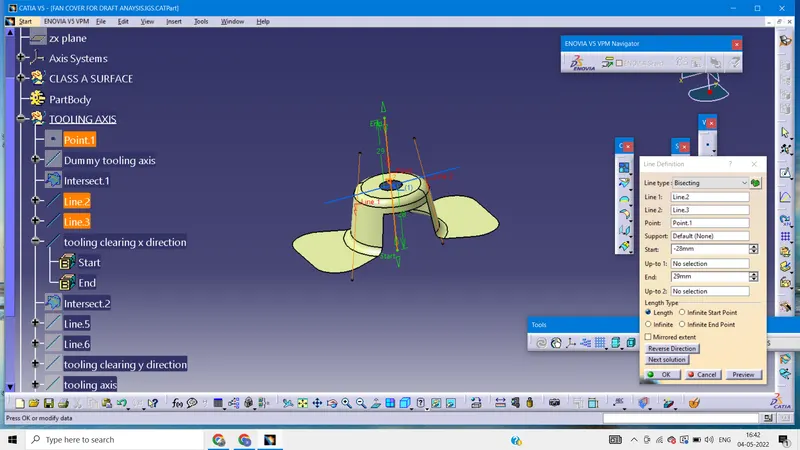
2.Similarly we intersect YZ plane of the axis system with the class-A surface. And we repeat the same procedure again.
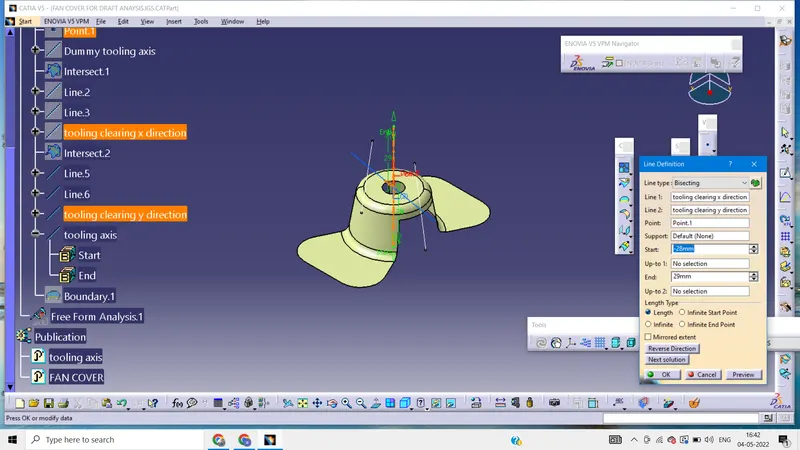
3.Now we have two axis viz. axis in X and axis in Y. We will bisect these two axis to get our final tooling axis.
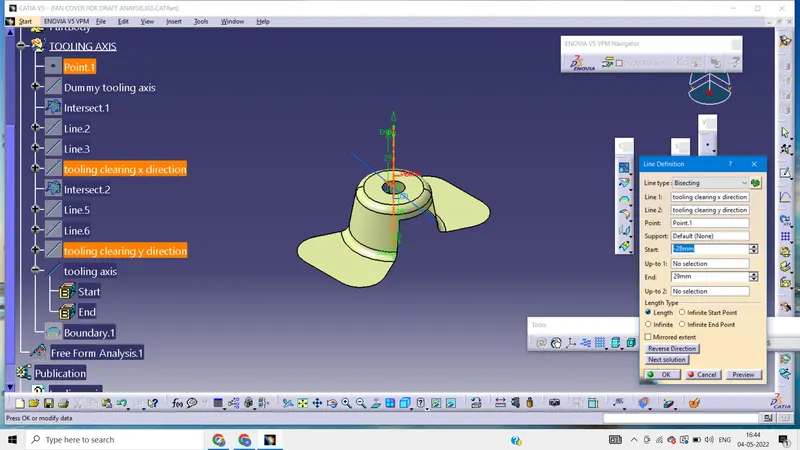
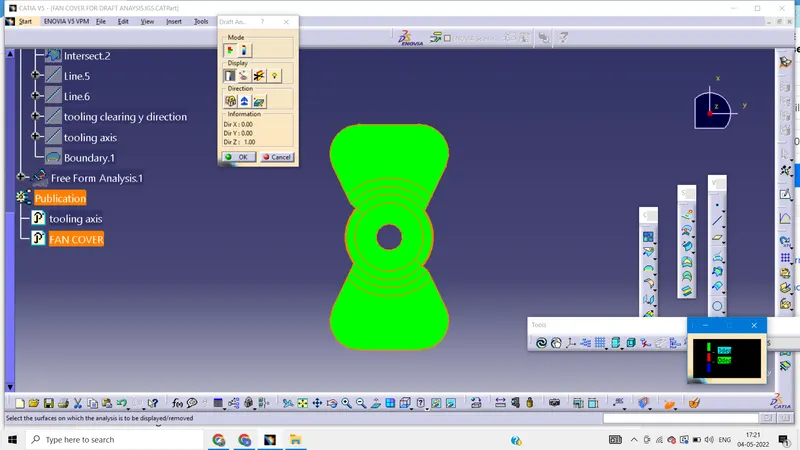
Draft analysis
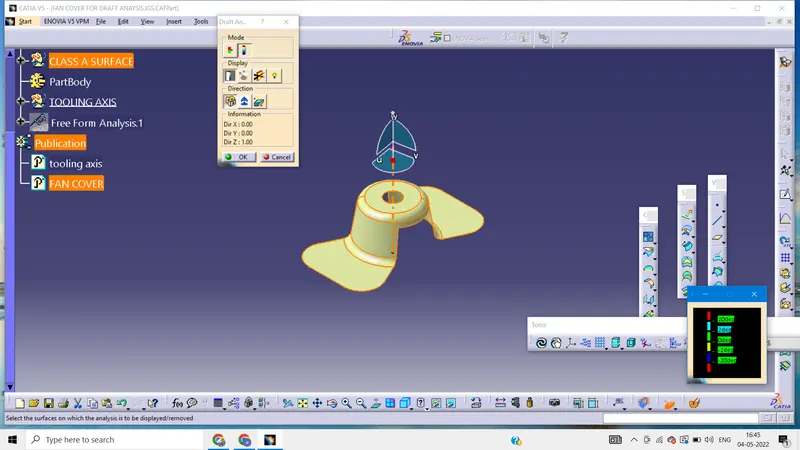
1. Go to insert> analysis > feature draft analysis
2. Click on the compass icon and align it with tooling axis and click on the surface, we will get results
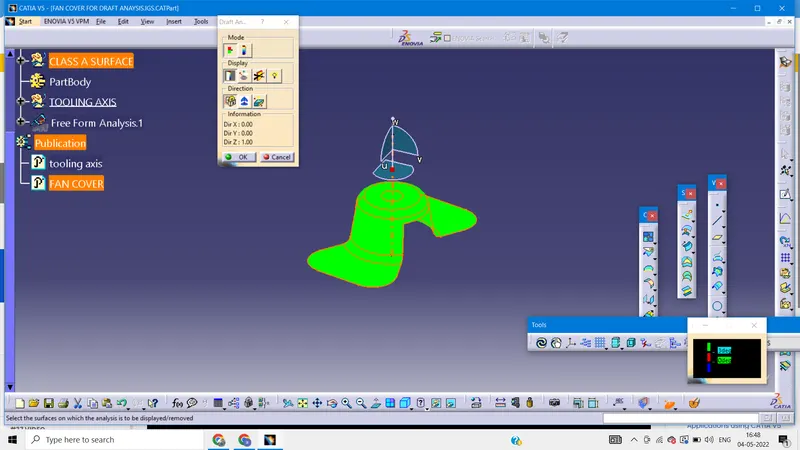
By inverting we get below image
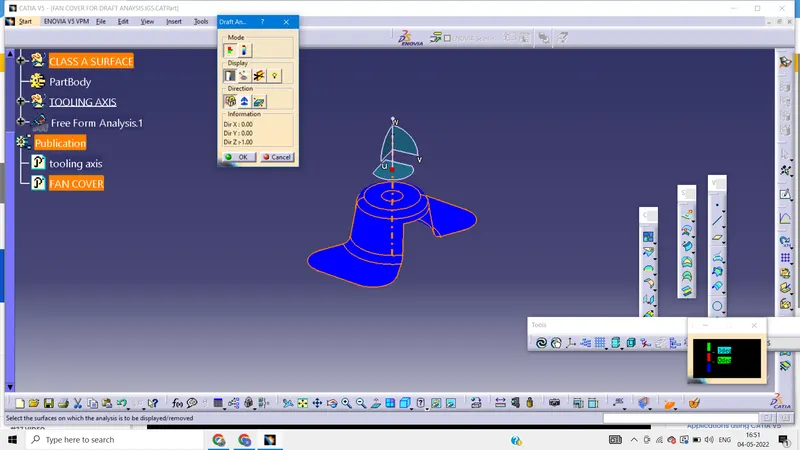
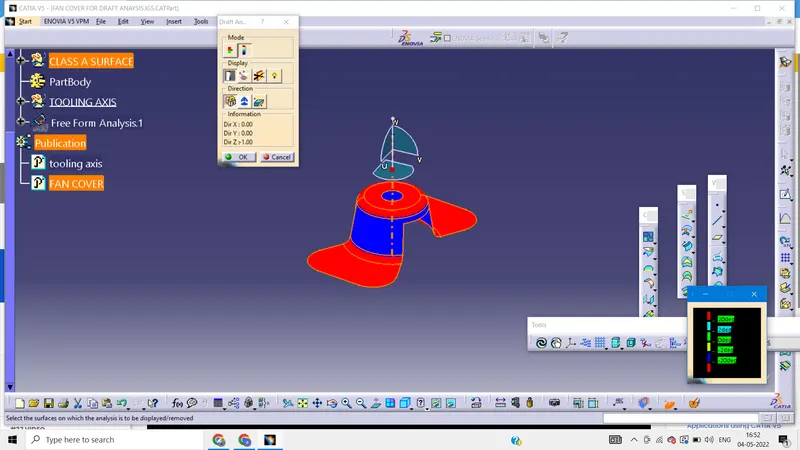
isometric view
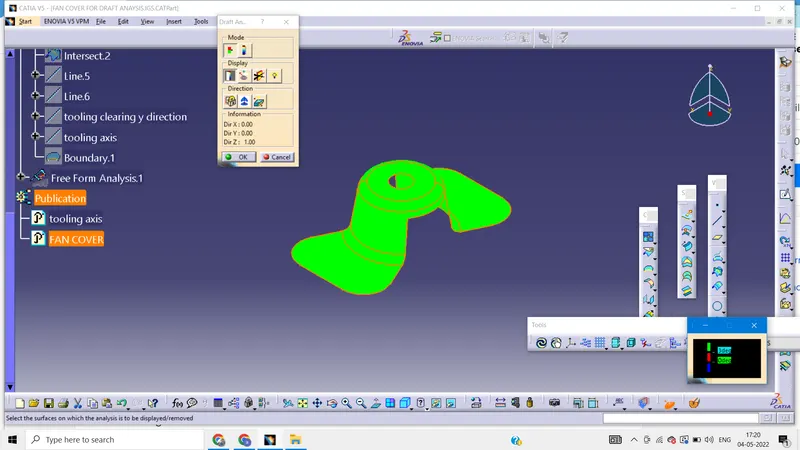
side view
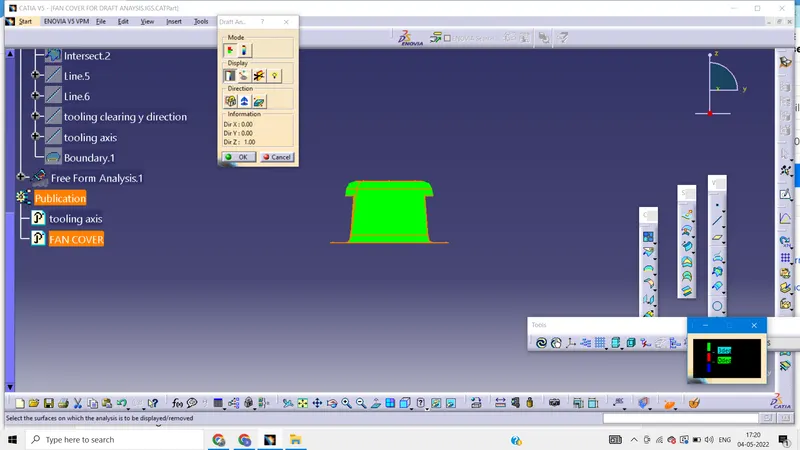
front view
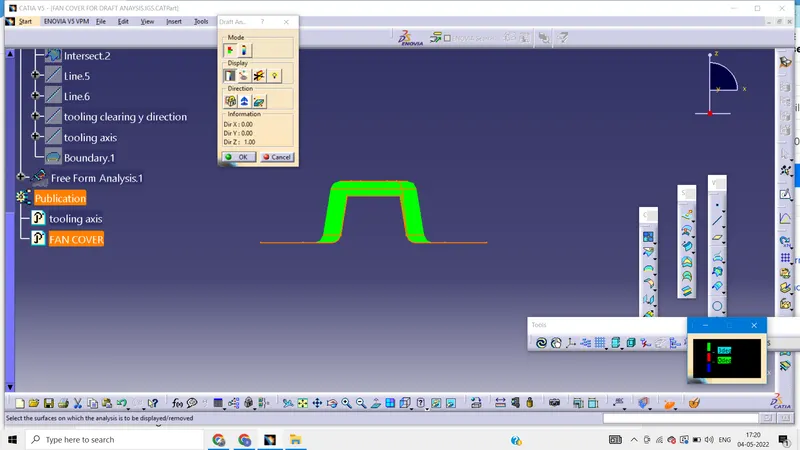
top view