Week 8 - Challenge 1 - Draft Analysis on a Fan Cover
Report on Draft analysis of fan cover
Draft analysis-The Draft Analysis command enables you to detect if the part you drafted will be easily removed. This type of analysis is performed based on color ranges identifying zones on the analyzed element where the deviation from the draft direction at any point, corresponds to specified values.
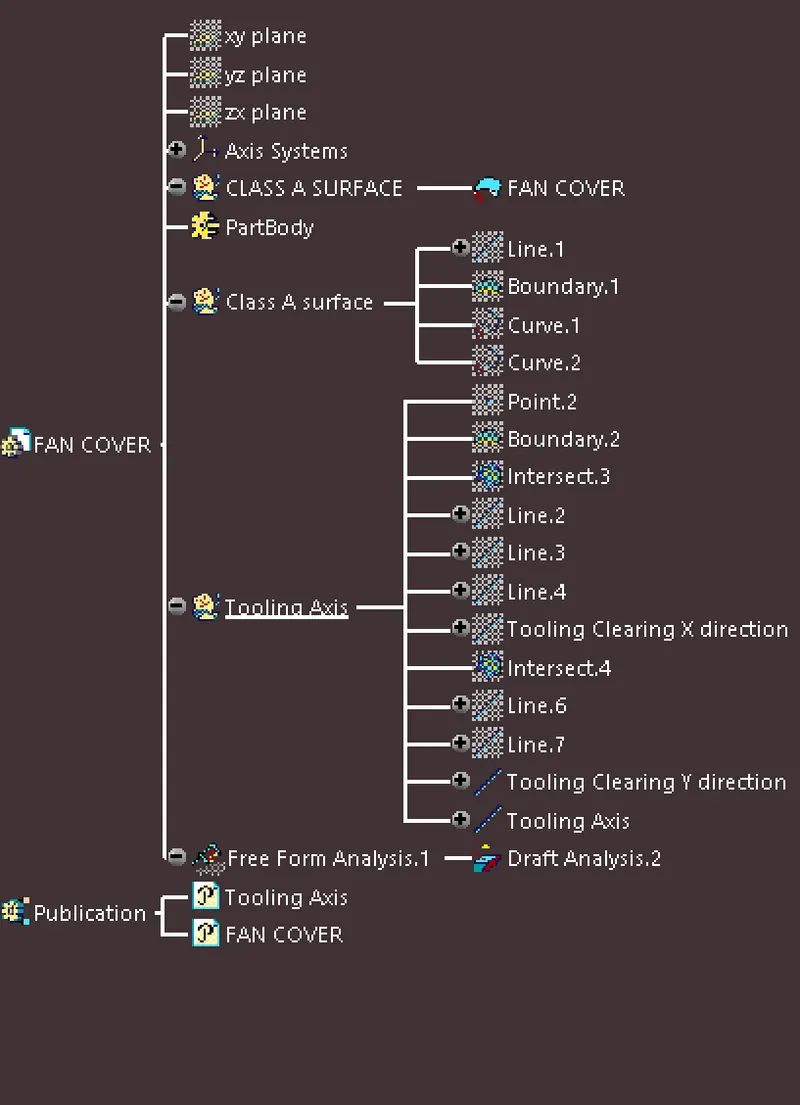
Tooling Axis-Tooling Axis is the Direction in which which mold open or core and cavity opens.To Create Tooling Axis for fan cover first I Use Intersect feature taking ZX plane as 1st Element and fan cover as 2nd Element, Now I create dummy line and other 2 lines. Now I make Tooling in X direction, Through Bisecting line.Similarly for Y direction tooling axis created and Finally Main Tooling axis created with Tooling Direction X and Y to perform draft analysis.
Feature Tree
Isometric, Front, side, and top View
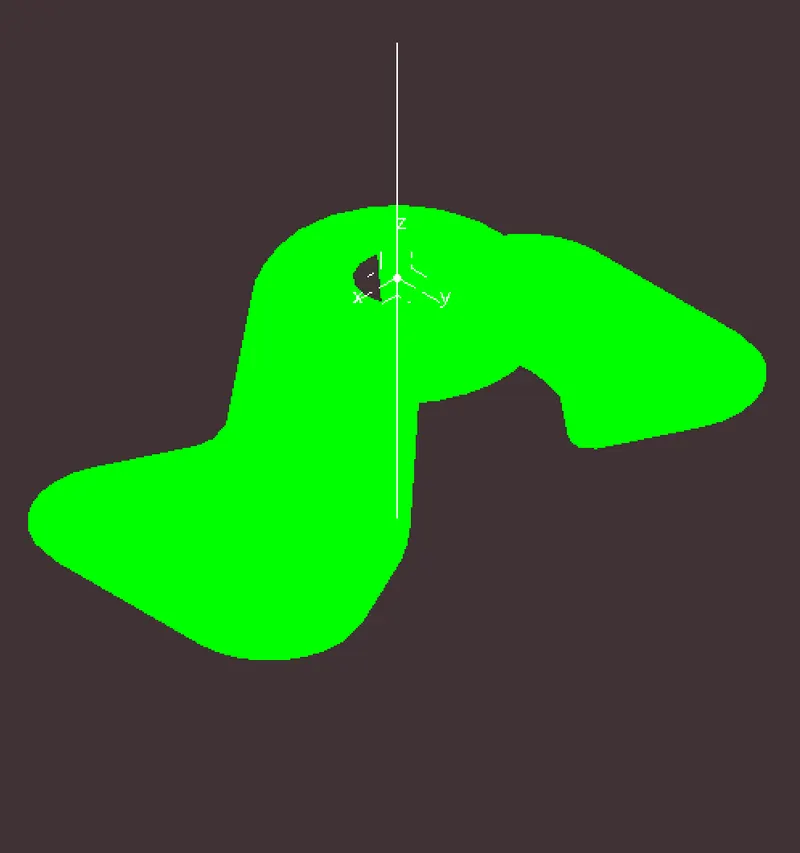
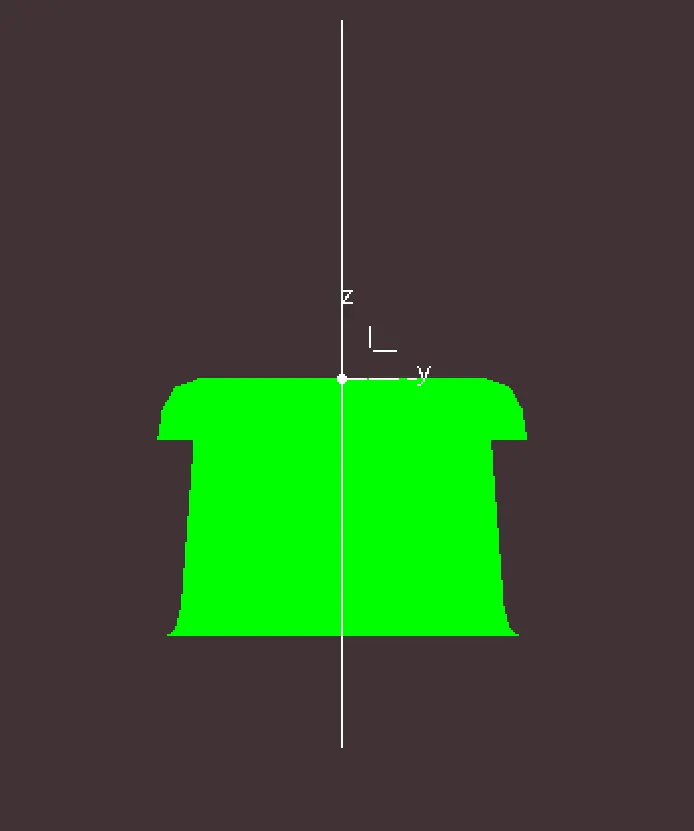
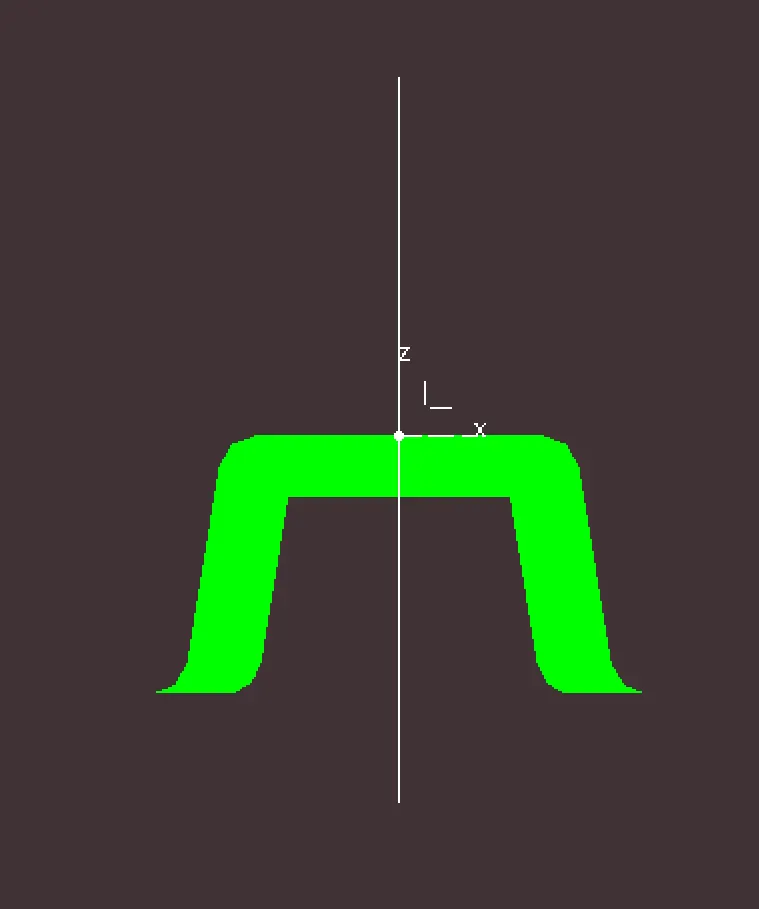
Color code image
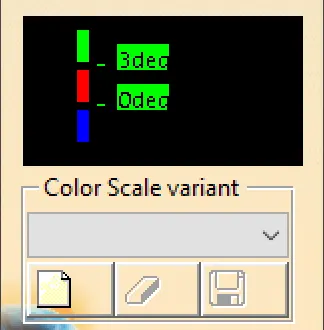
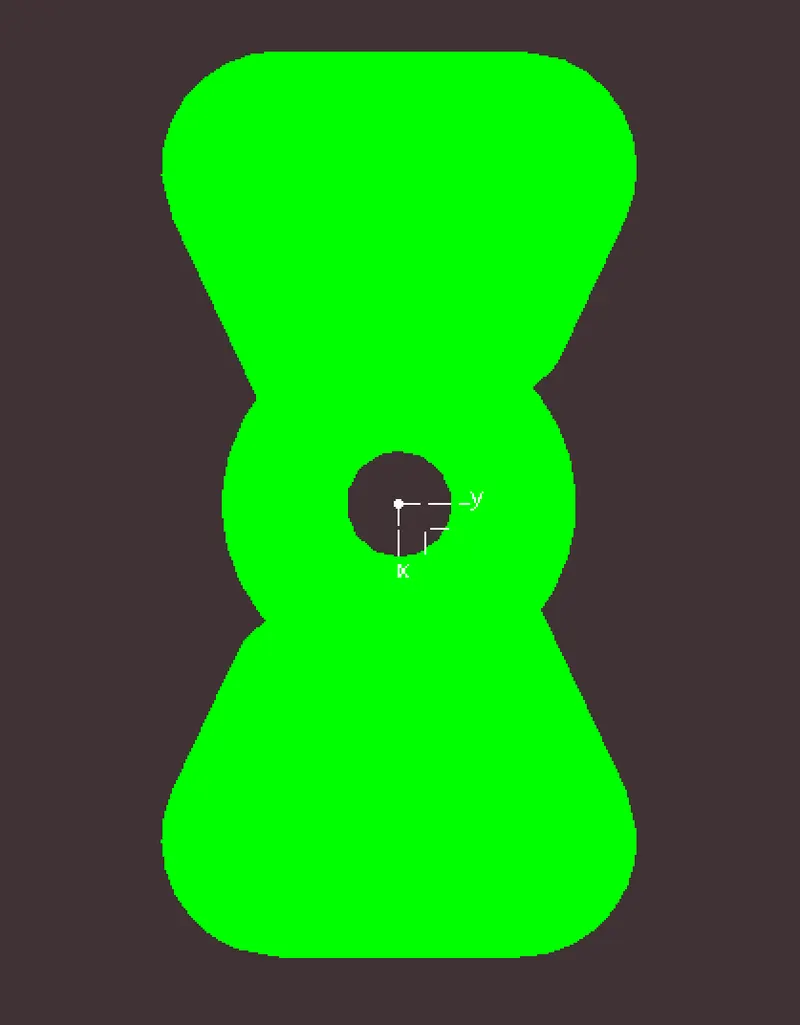
Green color-Here Green color show that the draft analysis is positive and there is no error in model, The angle more than 3 degree is consider as positive draft angle.
Red & Blue color-Red and blue color show negative draft.