Week 8 - Challenge 1 - Draft Analysis on a Fan Cover
DRAFT ANALYSIS ON FAN COVER 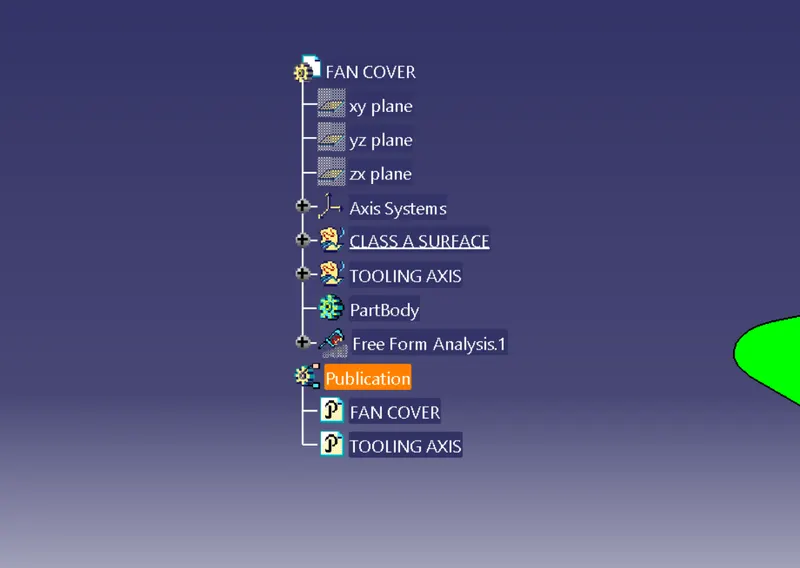
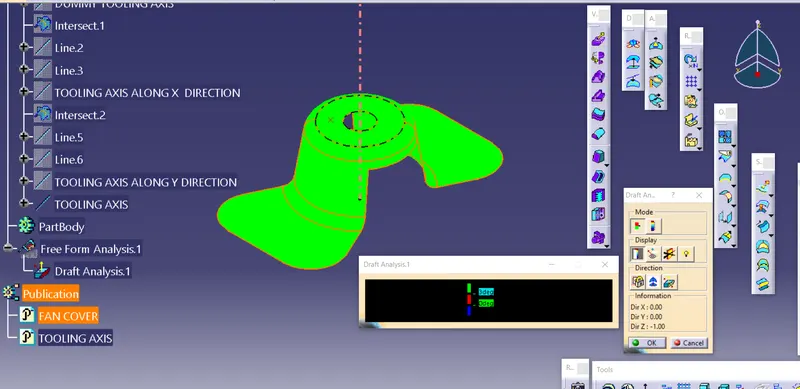
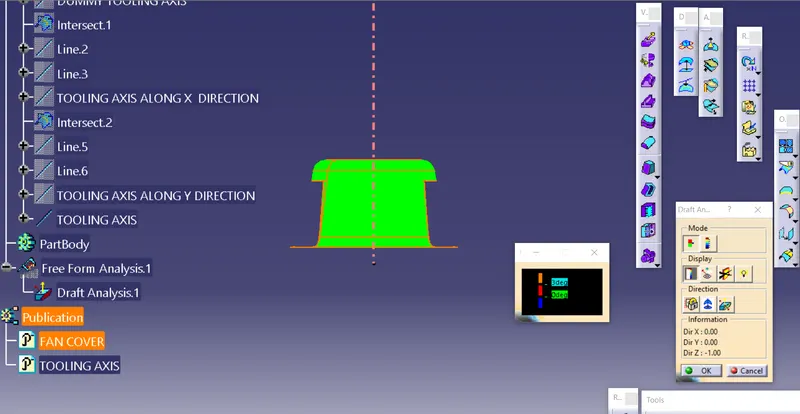
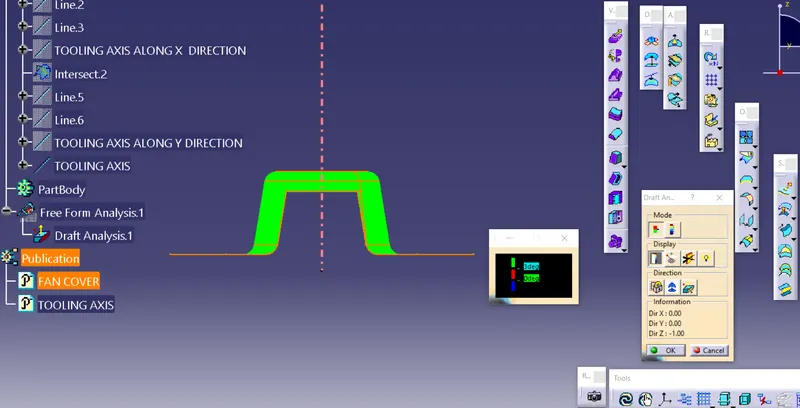
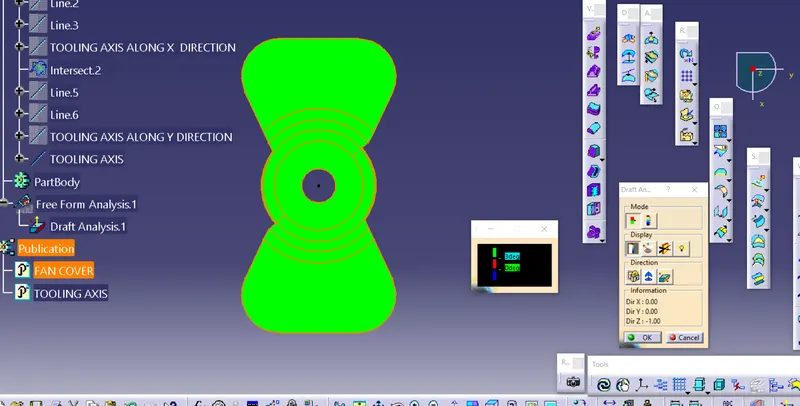
EXPLANATION FOR CREATION OF DRAFT ANALYSIS
The Draft Analysis command enables you to detect if the part you drafted will be easily removed.
The creation of draft analysis is given below
1. Go to insert tool -> Analysis ->Feature draft analysis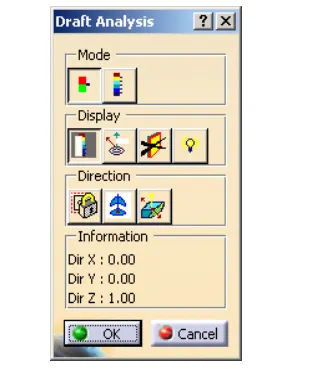
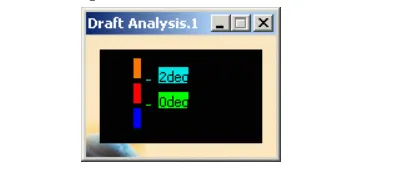
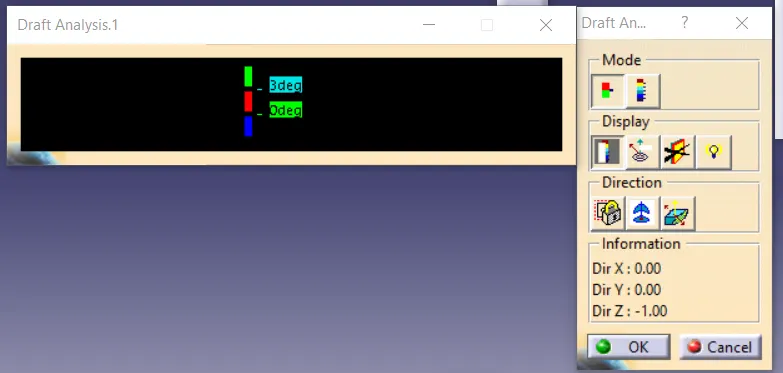
these two dialouge boxes opens for draft analysis
2. Select composs in direction option
 uses the composs to define the new current draft diraction
3. click the composs
The compass lets you define the pulling direction that will be used from removing the part.
4. Now lock the direction

LOCK direction is done according to a specified direction
5. Once you have finished analyzing the surface, click OK in the draft analysis dialog box.
EXPLANATION FOR CREATION OF TOOLING AXIS
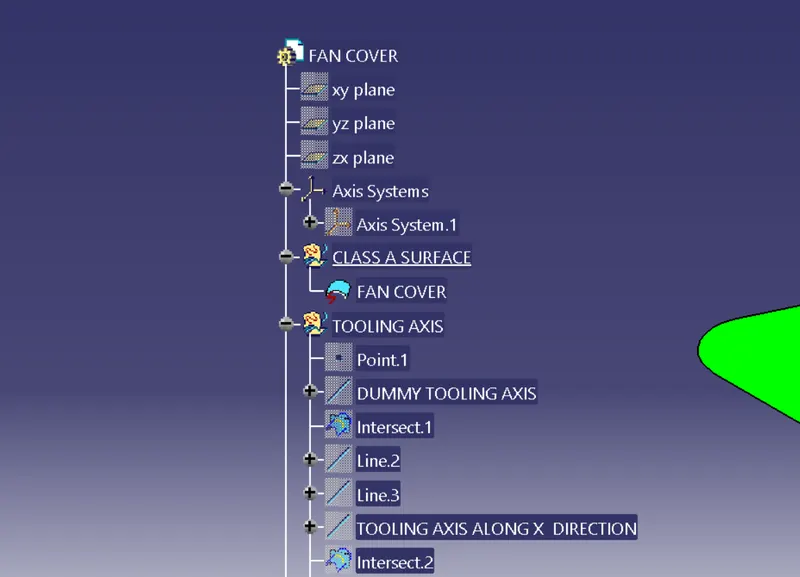
1. Creat dummy tooling axis followes all direction
2. Intersect the class A surface along X and Y direction.
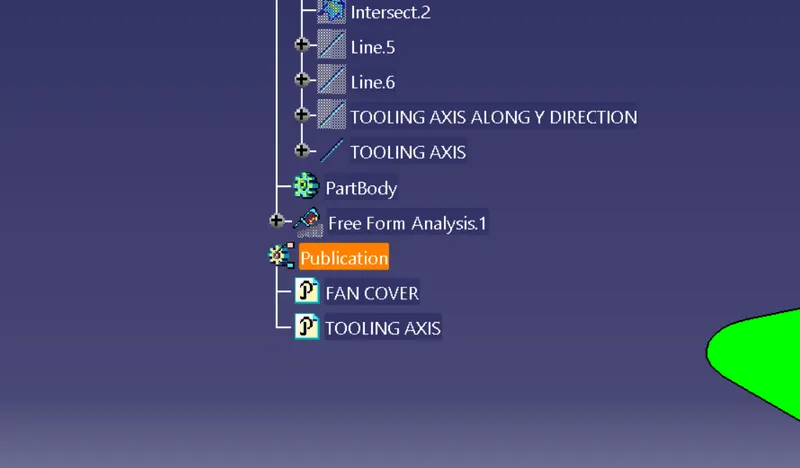
3. Make 2 refrence line along draft angle.
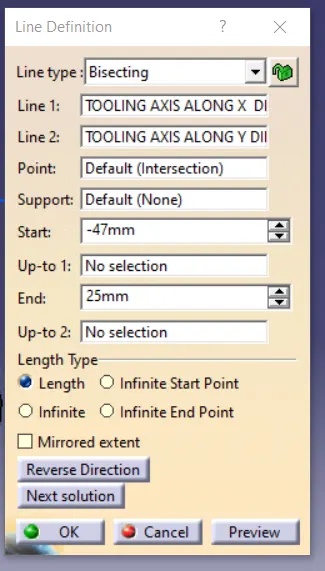
4. Now to get tooling axis bisect the line which are created by x and Y intersection.