Week 8
Objective:-
To practice morphing techniques with the given component.
Morphing
Change in design or shape of any component without any numerical inputs is called morphing. Morphing can be done on both CAD and FE model. It is used for design optimization.
Morphing is used in automotive indutries to redesign automobile. Some of exmples of morphing are Hundai i10 and Hundai Xcent, Honda Amaze and Honda Brio, ETIOS and ETIOS Liva, Suzuki Swift and Ford Figo, etc.
Types of Morphing
Domain (Box) Morphing
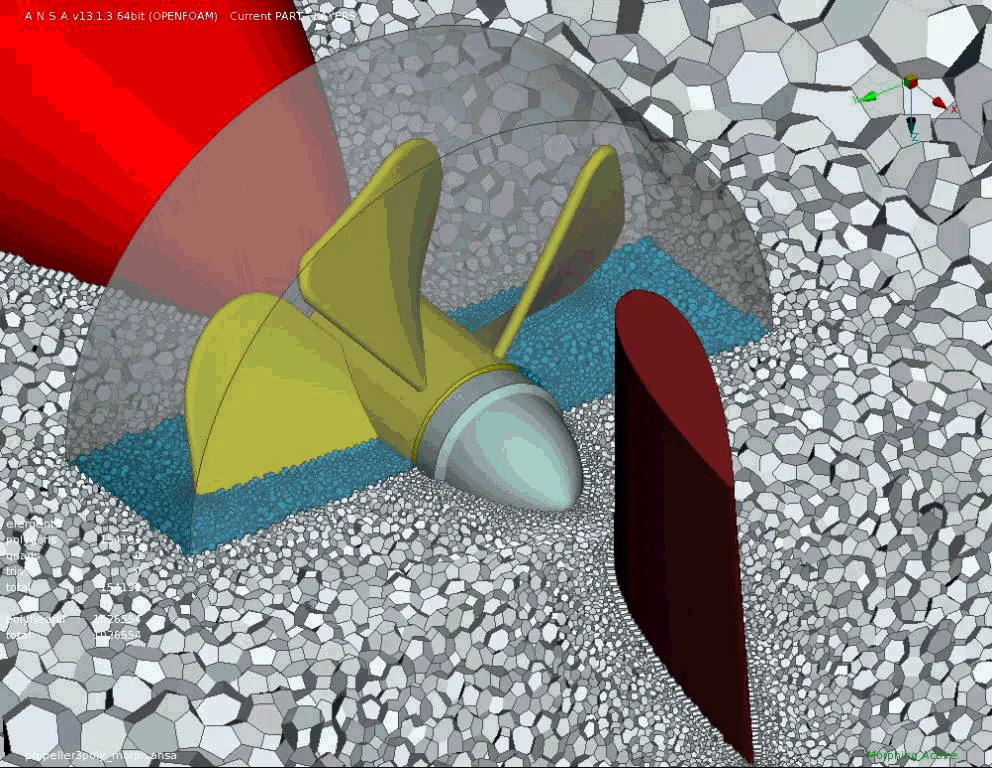
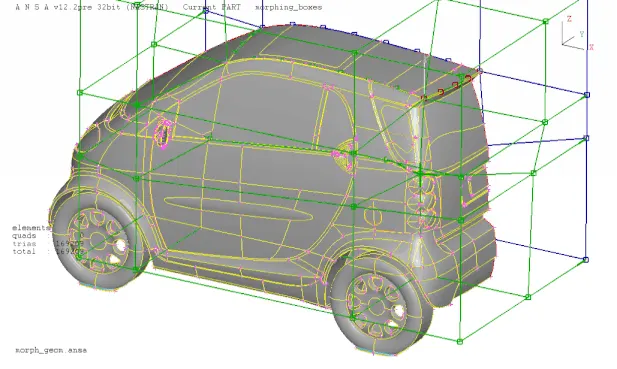
Domain or Box Morphing is preformed via boxes that are created around a particular part or assembly that the user intends to morph. The movement of the Morphing boxes control points defines the morphing operations on the entities inside the Morph box. This type of Morphing can be applied to both FE and Geometry based models.
Direct Morphing
ANSA’s Direct morphing features gives the user the ability to efficiently modify a part locally without having to create Morphing boxes. This method is extremely useful in creating local modifications on single parts. Creation of depressions, surface fitting certain FE part features to new target geometry, moving selected features along the contour of a surface and also the ability to freeze (rigid) elements during the morphing process are some of the direct morphing abilities.
Parametric Morphing
The desired morphing actions can be saved as parameters which can be accessed in batch mode. Users can enforce desired shape changes by changing numerical input value for the appropriate parameter. This method of morphing is highly utilized for coupling of the morphing operations to an external optimizer.
Geometry Morphing
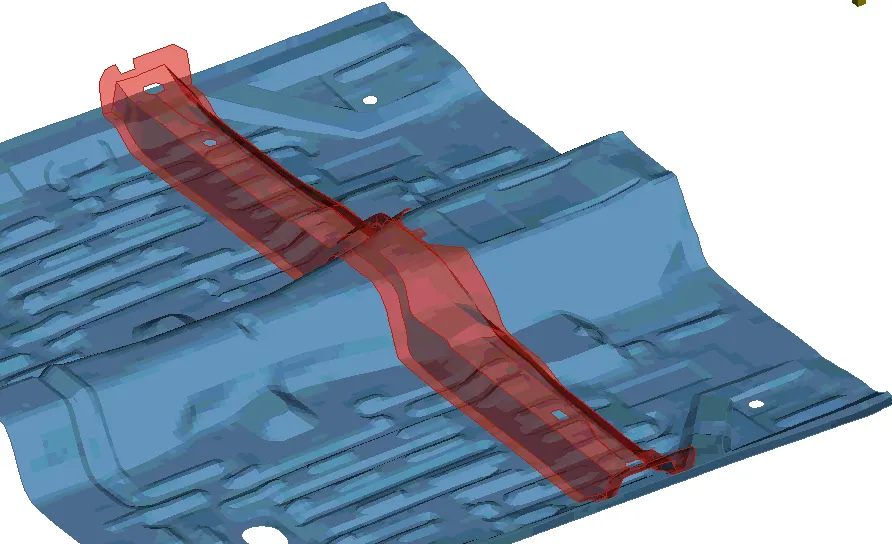
Geometry morphing allows the user to utilize the inventory of all the familiar FE morphing functions to perform equivalent operations in a CAD environment on geometric entities.
Procedure
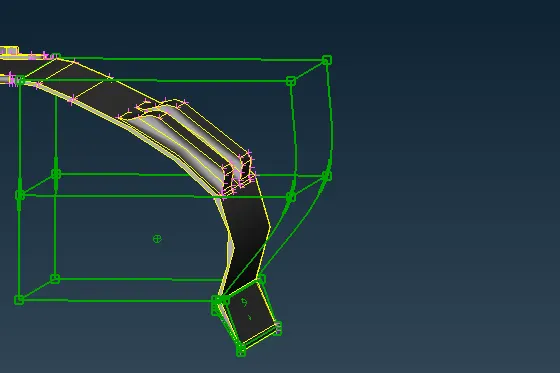
Ceate a box around the part to be morphed using New
For CAD geometry, Select Geometry and Ortho box type
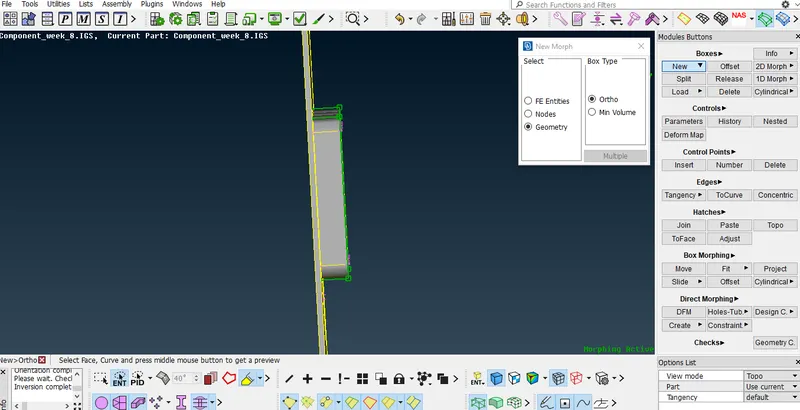
Use Move option to morph the geometry
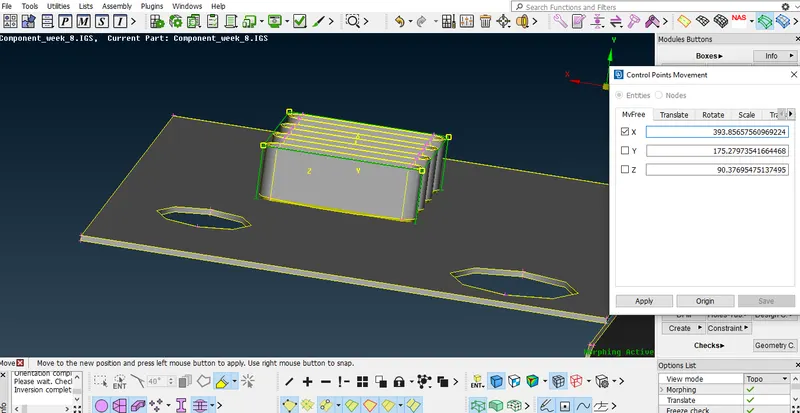
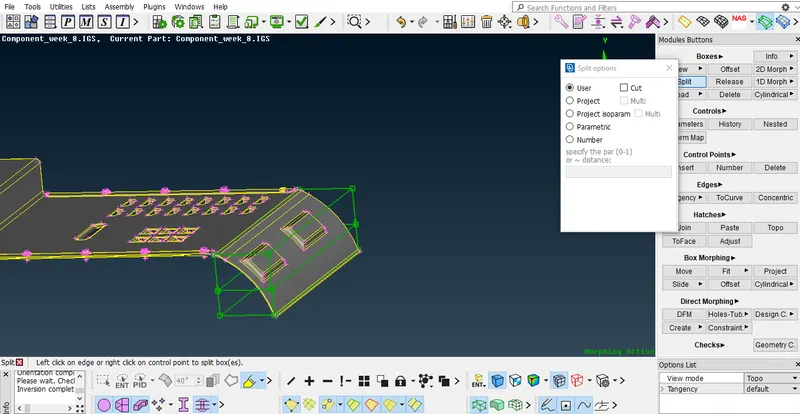
Split is used to morph the section of box.
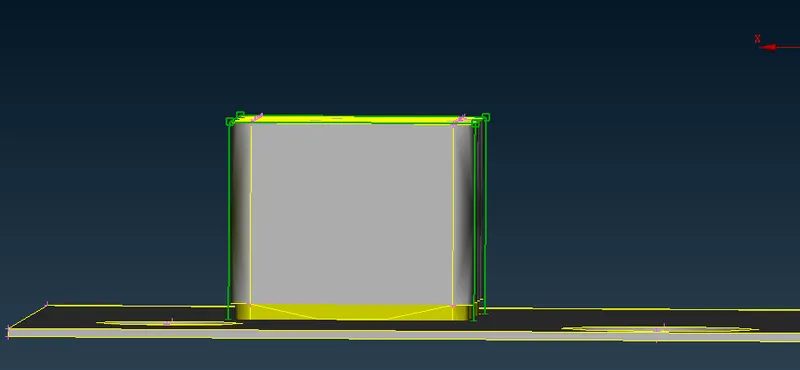
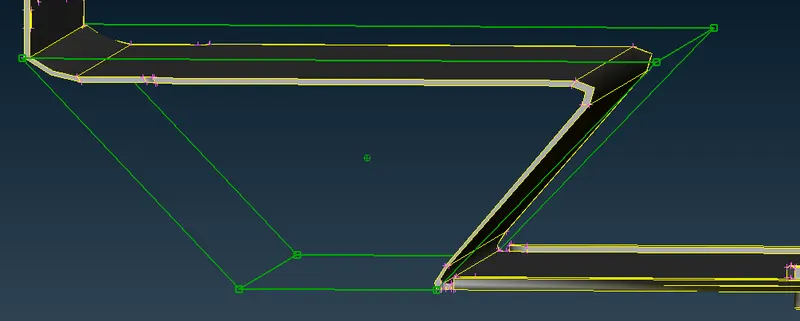
Geometry after morphing
Learing Outcomes
1. Learnt to create ortho type box
2. Learnt to split box
3. Learnt to morph both CAD and FE
Conclusion
It requires experience to apply morphing to redesign CAD or FE model but still we can learn the diffent tool used for morphing.