Tetra Meshing A Housing Component
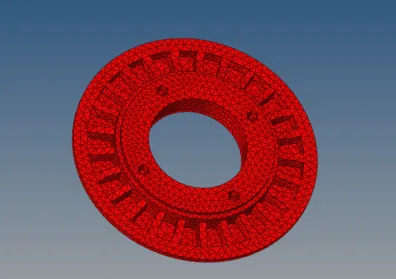
HOUSING MODEL
Objective:
To generate tetramesh of the housing component by following the quality criteria.
PROCEDURE
- Import the geometry using import solver deck and import geometry by selecting file type and click import.
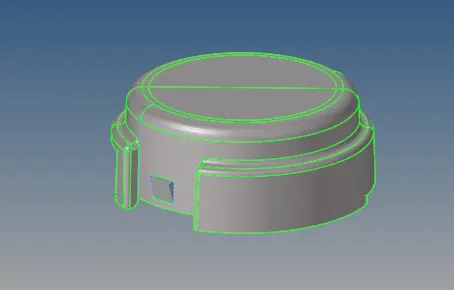
- Enable By topo in visualization toolbar to visualize in topology display mode.And enable display fixed points in display toolbar.
- Perform topology cleanup
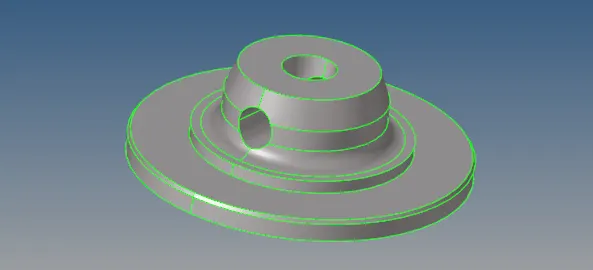
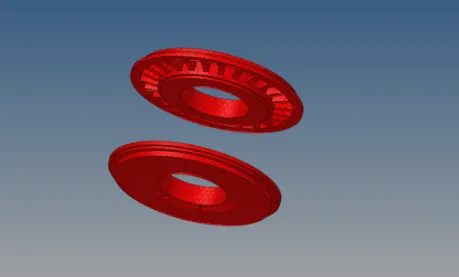
- There are two components in the model.Mesh the two components separately
- In this model tetramesh generation must be done by converting 2D mesh elements to 3D
- Select the component and mesh by using automesh, set the target element size to 5 and select tria elements and generate mesh.
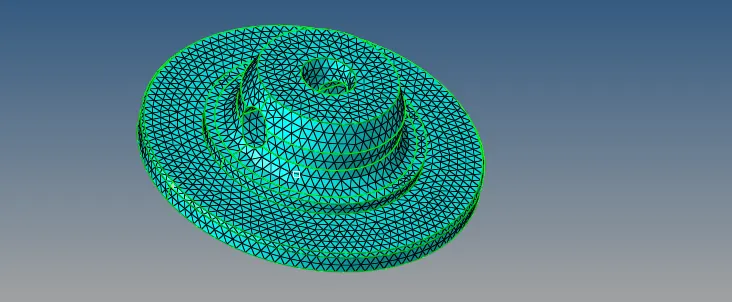
- Check the elements for max size(7) and min size (2) and remesh the failed mesh elements.
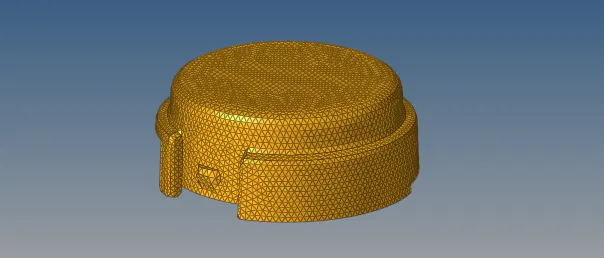
- Once all the elements satisfy the given quality criteria then convert the 2D mesh to 3D
- Select tetramesh in 3D tool bar, set the tetramesh parameters ->> elements quality target - tet collapse >0.150.
- Select the elements and generate mesh.
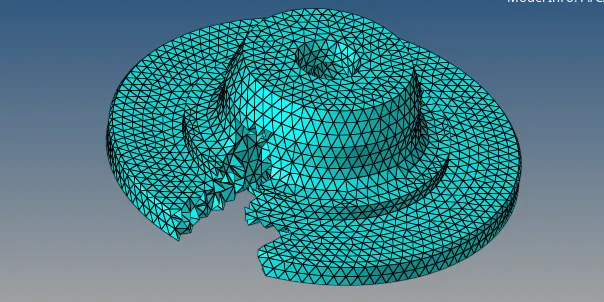
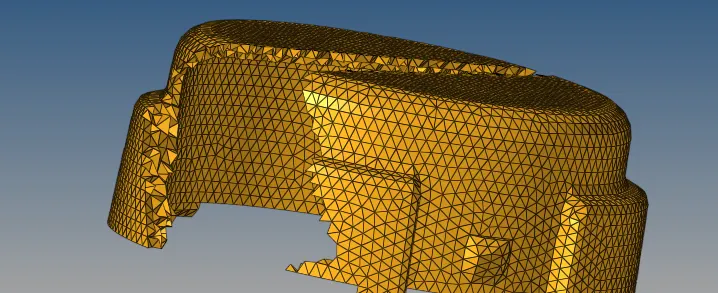
Thus tetra mesh generation of housing model by 2D mesh to 3D mesh conversion method is done.
MODEL2
Objective:
To generate tetramesh of the housing component by following the quality criteria.
Procedure:
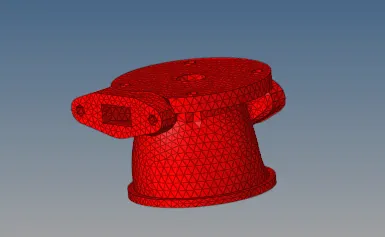
- For this model mesh generation should be done by quick tetra mesh method.
- Import the geometry using import solver deck and import geometry by selecting file type and click import.
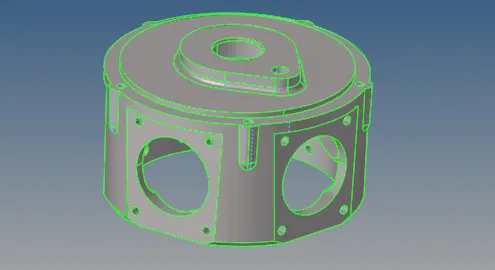
- Select the geometry or mesh in UTILITY. Select quick tetra mesh.
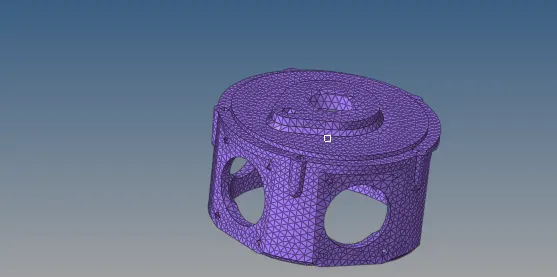
- Select the component and set mesh type as trias only and generate mesh.
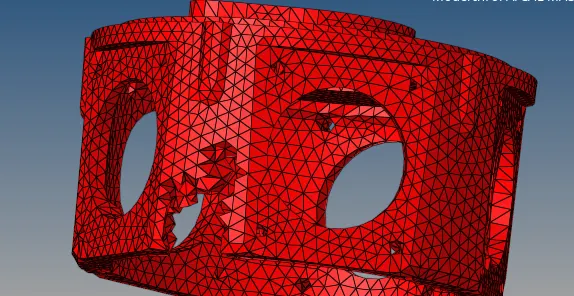
- Check for tet collapse 0.150 in check elements.
- Remesh the elements in 3D tetramesh.
- Select tetra mesh parameters, set the tetramesh parameters ->> elements quality target - tet collapse >0.150.
- Select tetra remesh and choose all elements and remesh.
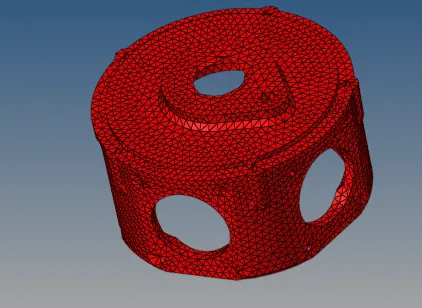
- Thus tetra mesh generation of model by quick tetra mesh methodmethod is done.
Model 3
To generate tetramesh of the housing component by following the quality criteria.
Procedure:
- For this model mesh generation should be done by quick tetra mesh method.
- Import the geometry using import solver deck and import geometry by selecting file type and click import.
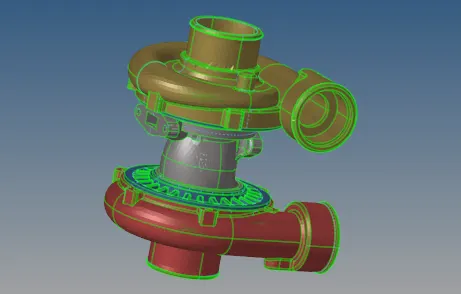
- Select the geometry or mesh in UTILITY. Select quick tetra mesh.
- Select the component and set mesh type as trias only and generate mesh.
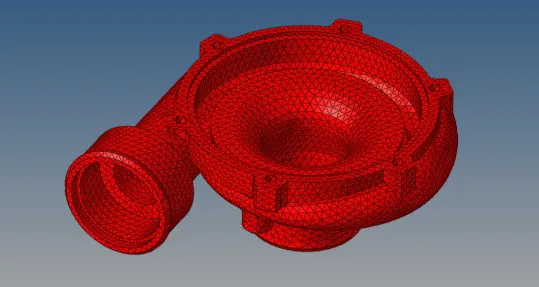
- Check for tet collapse 0.150 in check elements.
- Remesh the elements in 3D tetramesh.
- Select tetra mesh parameters, set the tetramesh parameters ->> elements quality target - tet collapse >0.150.
- Select tetra remesh and choose all elements and remesh.
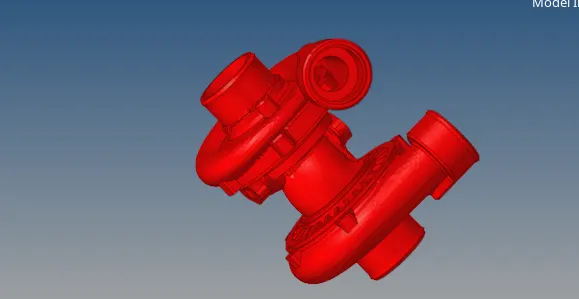
- Thus tetra mesh generation of model by quick tetra mesh methodmethod is done.
Conclusion
Tetra mesh generation of the models are done by 2D mesh to 3D mesh conversion method and Quick tetramesh method.