Week 8-3D Tetra Meshing Challenge
AIM:
- Create a Teramesh for Housing component with the following quality criteria.
TetraMesh Generation Method: 2D to 3D Conversion
Elements sizes: Min- 2 Units, Target- 5 Units, Max- 7 Units
Tet collapse: 0.15
Note: The minimum length and the maximum length are to be checked only for 2D elements when performing a 2D to 3D Mesh.
- For the given model, Create a 3D Tetramesh with the following quality criteria.
TetraMesh Generation Method: Quick Tetra Mesh/ Volume Tetra Mesh
Target Element size: 3 Units.
Tet Collapse: 0.15
- For the given assembly model, Create a 3D Tetramesh with the following quality criteria.
TetraMesh Generation Method: Quick Tetra Mesh/ Volume Tetra Mesh
Target Element size: 4 Units.
Tet Collapse: 0.15
SOFTWARE USED : Altair- Hypermesh (optistruct).
ABOUT HYPERMESH: It is a preprocessor tool used mainly in CAE domain. which consist of radioss and optistruct.
ABOUT RADIOSS: It is a powerful multiphysics design tool with optimization ready integrations with other altair tools and third party solutions.
crash, safety, shock and impact analysis, drop test.
APPLICATIONS:
- Explicit dynamic analysis.
- Transient heat transfer and thermo mechanical coupling.
- Explicit arbitary euler legrangion formulation.
ABOUT OPTISTRUCT:Modern structural solver with comprehensive accurate, and scalable solutions for linear and non linear analysis across static and dynamic vibrations, acoustics, fatigue, heat transfer and multi physics discipline.
- Linear static analysis
- Non linear implicit, quasi static analysis.
- Linear buckling analysis
- Complex eigen value analysis
- Frequency response analysis
- Geometric non linear, explicit and implicit analysis.
- Random response analysis
- Dynamic analysis
- Static and quasi static analysis etc.
PROCEDURE FOR SOLID MESHING:
1)IMPORT A CAD MODEL
2) GEOMETRY CLEANUP
3) SOLID MESHING
4) QUALITY CRITERIAN
5) MESH IMPROVEMENT
6)GENERATE VOLUME MESHING WITH TET COLLAPSE.
1)IMPORT A CAD MODEL: This is the first nd foremost step in every preprocessor. every software supports some files for example hypermesh suppport file types, step, iges,igs, solidworks,hm etc.
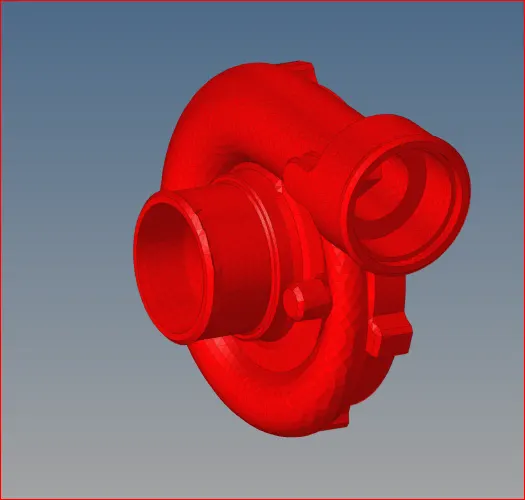
After importing a cad model it should be like this, below figures represent the three models while importing.
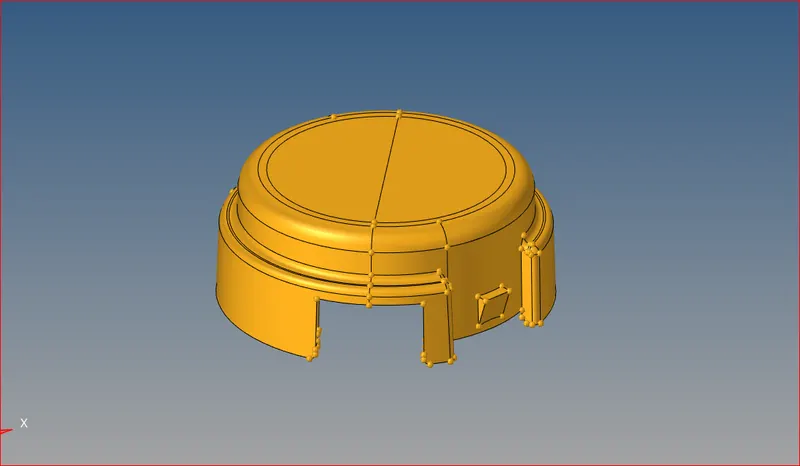
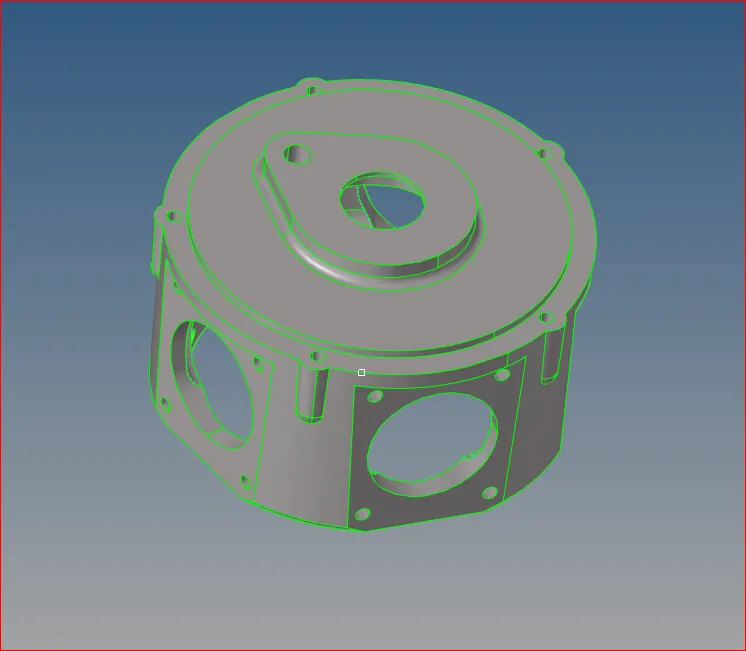
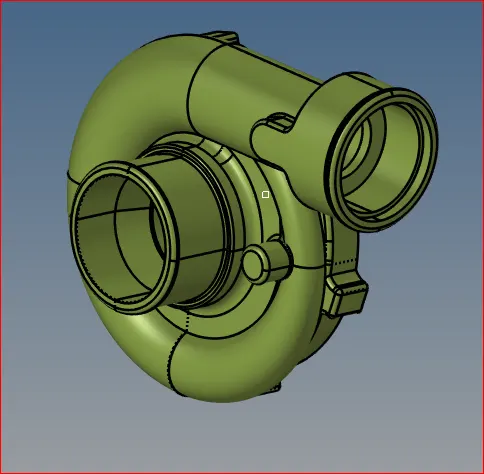
HOUSING HOUSING CASING
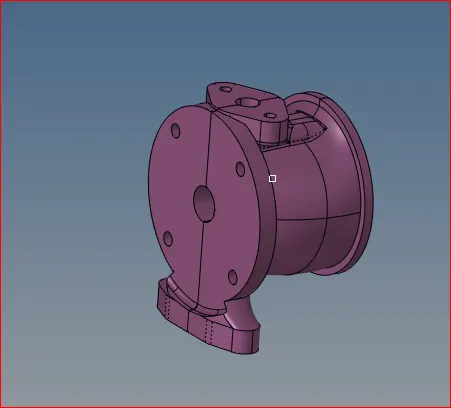
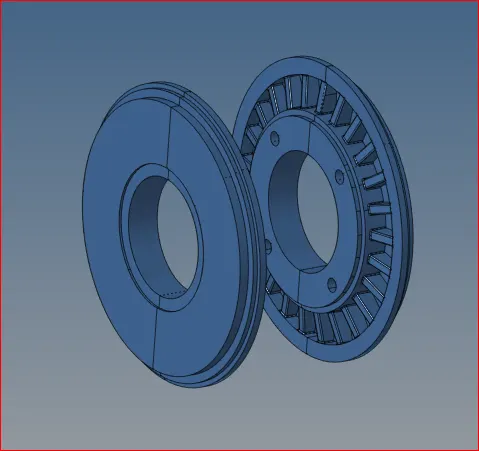
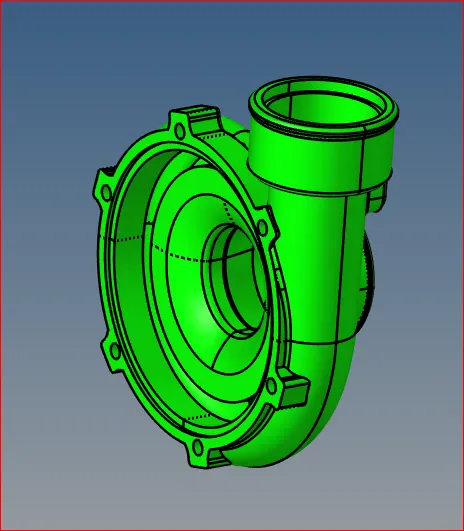
HUB CENTRAL HUB CASING
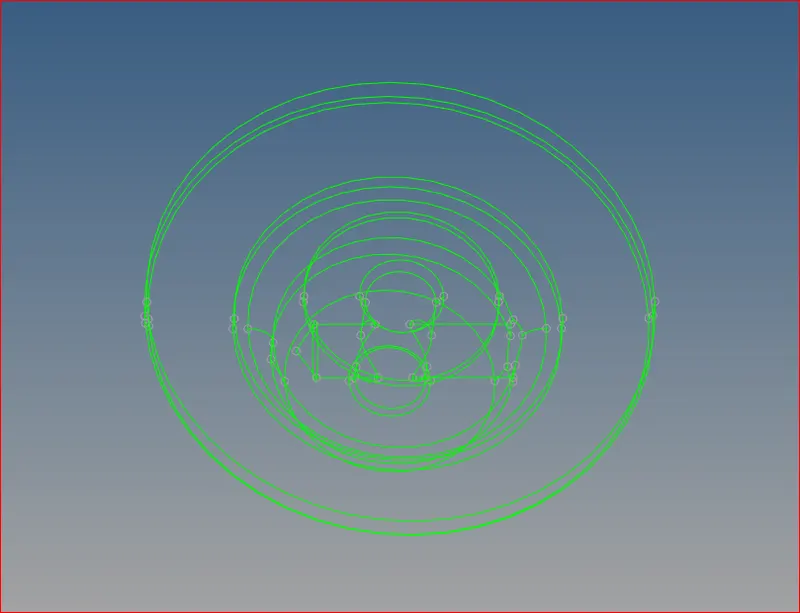
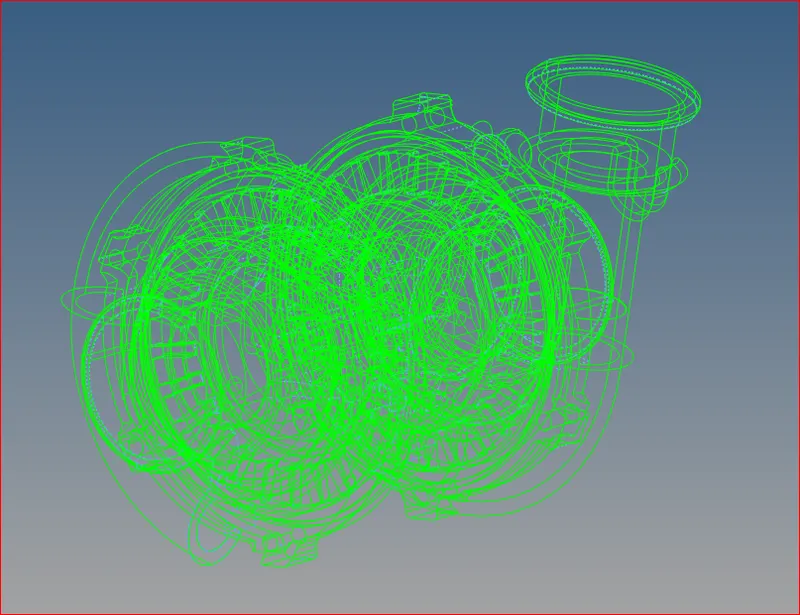
2)GEOMETRY CLEANUP: Before going to shell meshing we need to resolve all the issues related to geometry.if any sharp corners, holes, triple cons, double cons, single con issues as a CAE engineer we need to resolve all the issues.
Below figures represents geometrical issues for the above models.
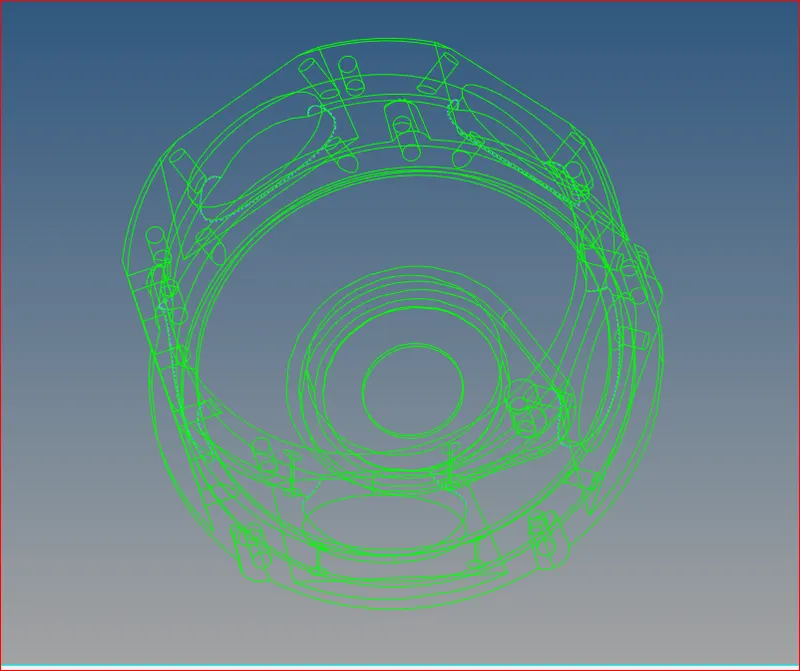
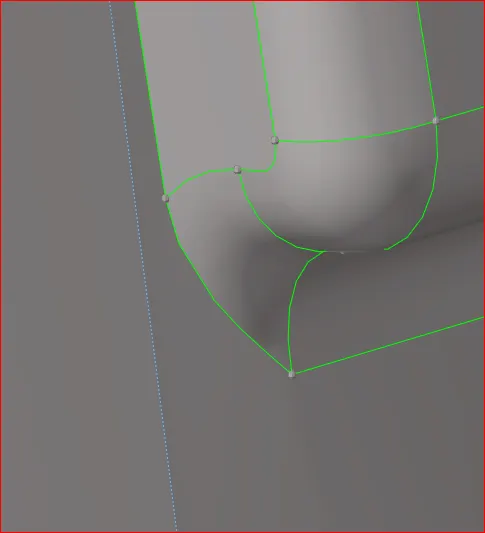
After cleaning up the geometry we will go to shell meshing and solid meshing.
SOLID MESHING: IN Solid meshing we wont take any mid surface we will directly apply the mesh for the surface it self. it is also known as 3-D meshing.
it is divided into two types
- tetra meshing -tria, ortho tria elements.
- hexa meshing -quads , pyramids, pentagons, all type of elements.
TETRA MESHING: This is also called as unstructured mesh for structural analysis. here we will use tria and ortho tria elements for mesh generation it is easy process compared to any other meshing.
There are three types are available to do in tetra meshing.
- manual procedure first create shell elements and convert it into tetra meshing.
- automatic - quick tetra meshing
- volume meshing.
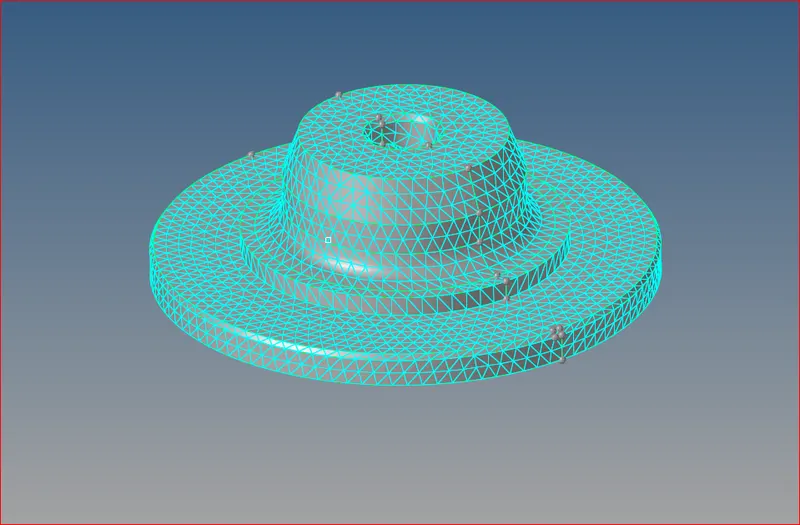
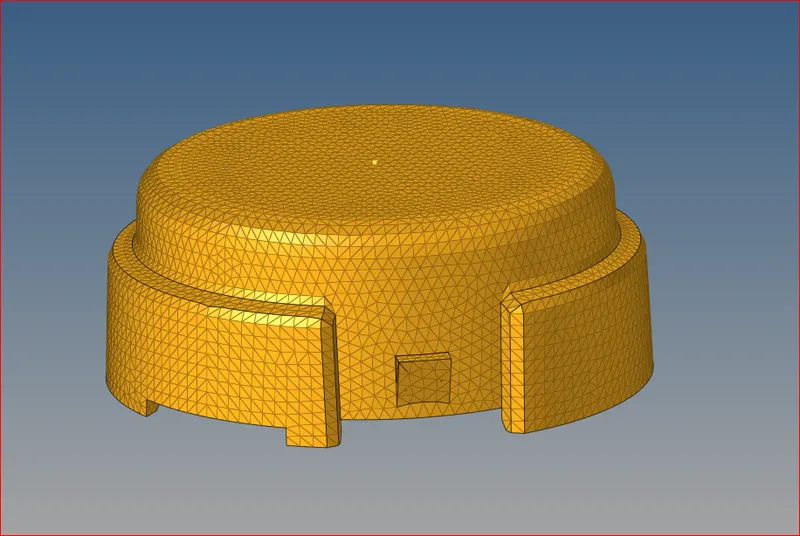
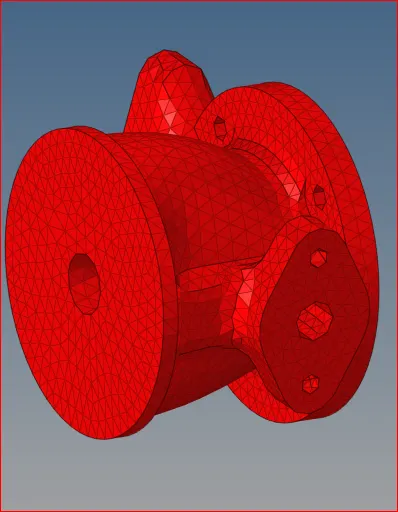
FIRST MODEL: For first model we followed manual procedure like first we create a mesh on the surface itself after we will converting it into a 3-D mesh.
below figure represents the first model housing.
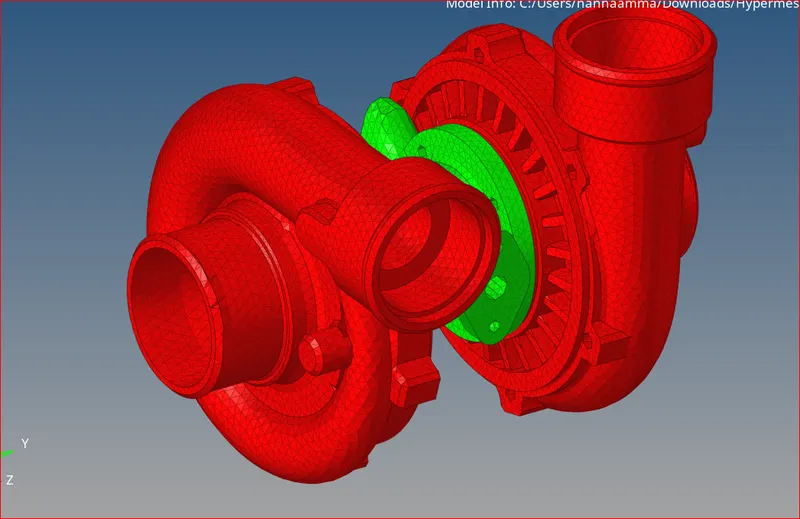
FOR SECOND & THIRD MODEL: For second and third model (housing, and turbo charger) we will go for quick tetra meshing.
below figures represents the quick tetra meshing.
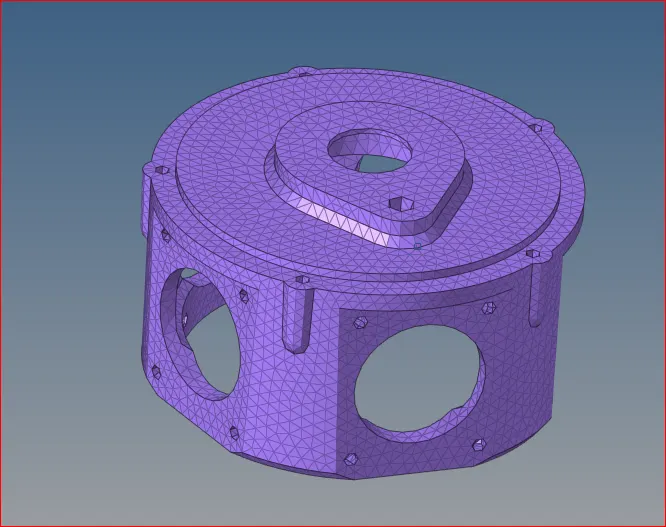
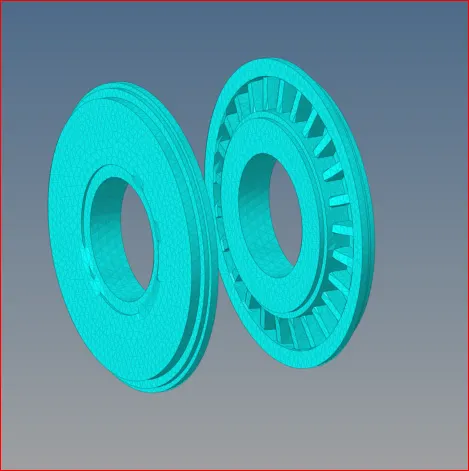
after creating the first model with surface we applying the quality criterian with tet collapse with tetra mesh.
below figure represents the tetra elements.
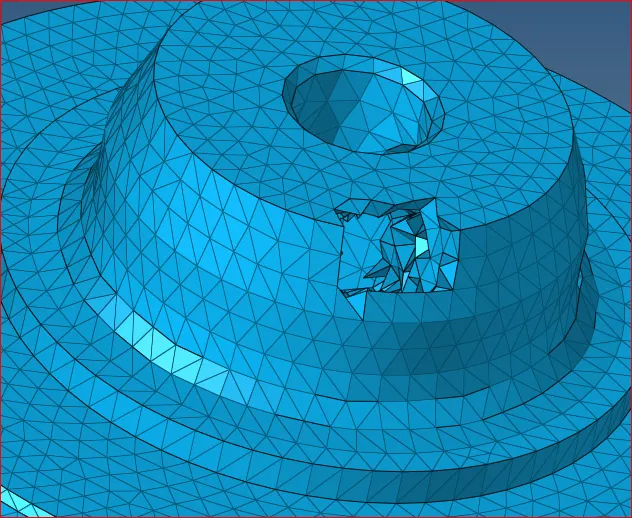
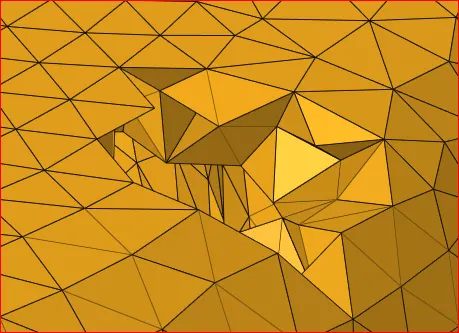
RESULT: I have
- imported a cad model
- cleaned the geometry
- created a mesh
- converted shell elements to solid mesh elements.
- assigned the quality criterian
- checked the min and max length for shell element. - successfully satisfied with 0% element failure.
- checked the tet collapse for solid elements. - successfully satisfied with 0% tet collapse issue.

Generation Method: 2D to 3D Conversion
Elements sizes: Min- 2 Units, Target- 5 Units, Max- 7 Units
Tet collapse: 0.15
Quick Tetra Mesh/ Volume Tetra Mesh
Target Element size: 3 Units.
Tet Collapse: 0.15
Target Element size: 4 Units.
Tet Collapse: 0.15
LEARNING OUTCOMES:
- what is housing
- what is turbo charger
- how to import a model
- how to clean up the geometry
- how to create a shell elements and converting into tetra elements.
- assigning quality criterian
- assigning tet collapse
- element check
- how to make a current component
- how to perform a quick tetra
- how to perfrom a volume tetra.