Week 8-3D Tetra Meshing Challenge
AIM:
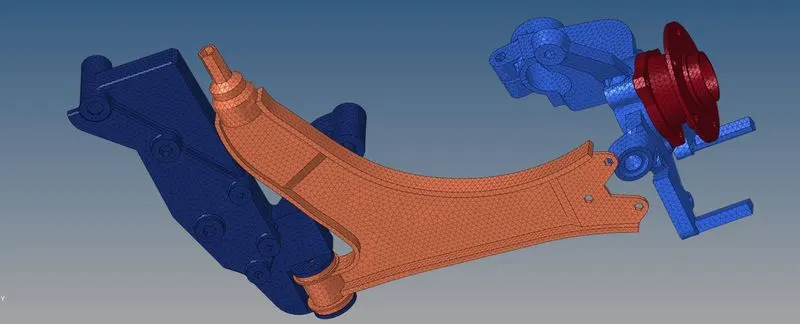
To do "Tetramesh" on the above given 3 components using given appropriate criteria
OBJECTIVE:
1. To Create a Teramesh for Housing component with the following quality criteria.
Elements sizes: Min- 2 Units, Target- 5 Units, Max- 7 Units
Tet collapse: 0.15
2. For the given model 2, To Create a 3D Tetramesh with the following quality criteria.
Target Element size: 3 Units.
Tet Collapse: 0.15
3. For the given assembly model, Create a 3D Tetramesh with the following quality criteria.
Target Element size: 6 Units.
Tet Collapse: 0.15
PROCEDURE:
MODEL-1:
HERE WE HAVE DONE 3D TETRAMESH BY USING "VOLUME TETRAMESH" AS SHOWN BELOW:
IMAGE-1:
TO SET MESH QUALITY CRITERIA BEFORE STARTING MESHING AS SHOWN BELOW:
GOTO: '2D' >> 'Elem cleanup' >> 'Edit criteria' >> '3D' >> 'To apply all the above given quality criteria values in the tabulated window as shown below' >> 'Hit apply and OK'
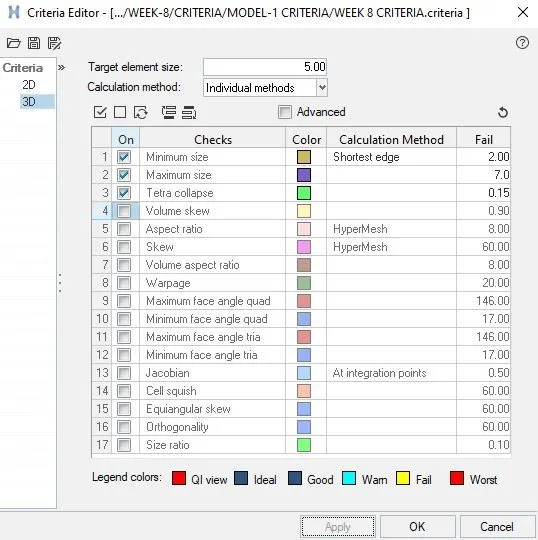
IMAGE-2: GOTO: '3D' >> 'Tetramesh'
HERE WE HAVE TO SET PARAMETERS IN TETRAMESH PARAMETERS AS SHOWN BELOW:

IMAGE-3: WE HAVE TO GOTO VOLUME TETRAMESH AS SHOWN BELOW:

Here we directly select the surface of the component for doing 3D tetramesh.
IMAGE-4: INSIDE HOUSING TET COLLAPSE CHECK: FOR THIS WE NEED TO GOTO: 'Tools' >> 'Check elements' OR HIT "F10"
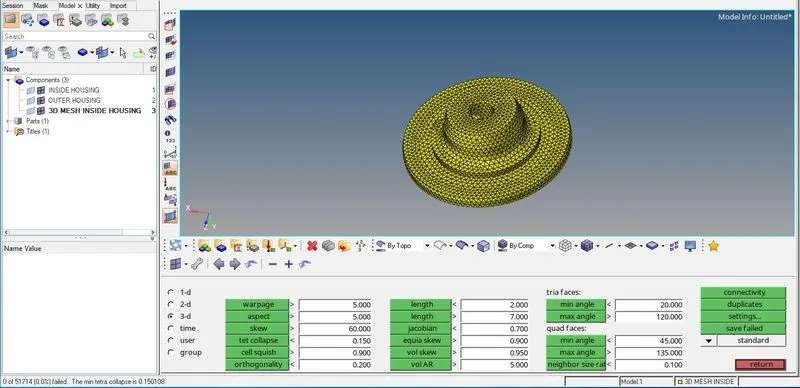
From the above image, at left bottom corner there is a message showing that there are no elements which are failing for "TET COLLAPSE".
IMAGE-5: HOUSING TET COLLAPSE CHECK: FOR THIS WE NEED TO GOTO: 'Tools' >> 'Check elements' OR HIT "F10".
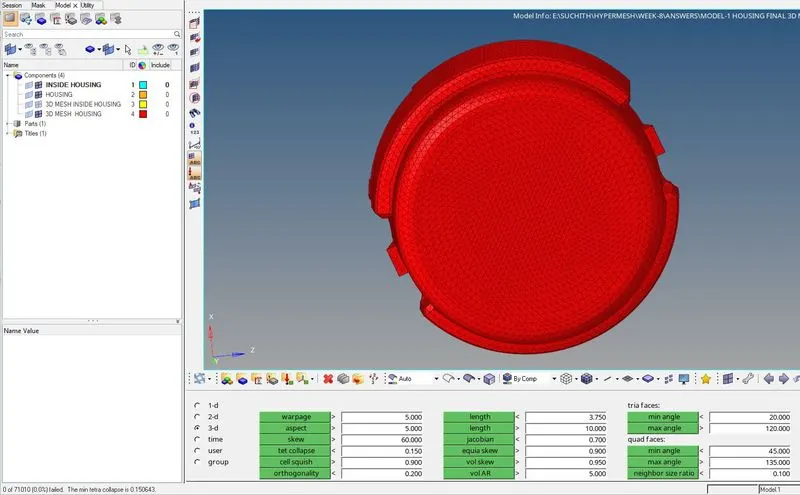
From the above image, at left bottom corner there is a message showing that there are no elements which are failing for "TET COLLAPSE".
IMAGE-6: FINAL 3D MESH
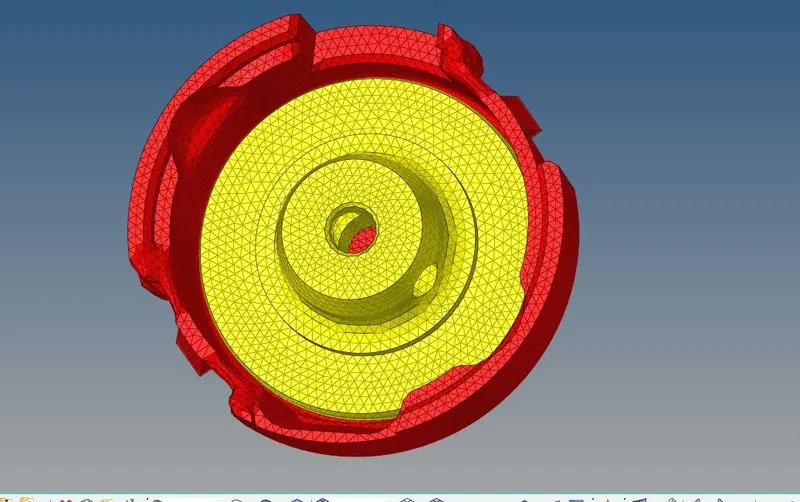
MODEL-2:
HERE WE HAVE DONE 3D TETRAMESH BY USING "VOLUME TETRAMESH" AS SHOWN BELOW:
IMAGE-1:
TO SET MESH QUALITY CRITERIA BEFORE STARTING MESHING AS SHOWN BELOW:
GOTO: '2D' >> 'Elem cleanup' >> 'Edit criteria' >> '3D' >> 'To apply all the above given quality criteria values in the tabulated window as shown below' >> 'Hit apply and OK'.
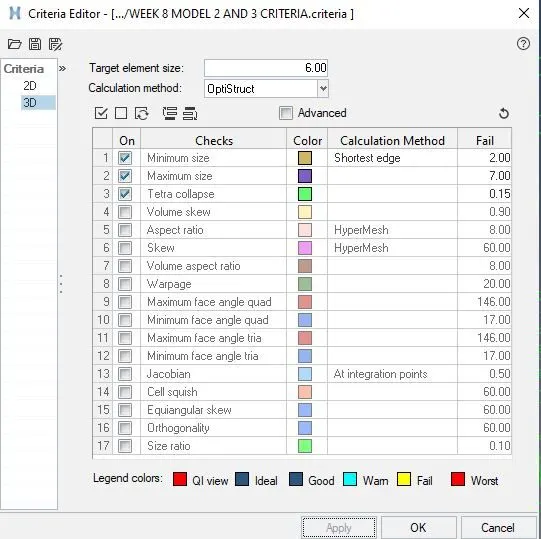
IMAGE-2: GOTO: '3D' >> 'Tetramesh'
HERE WE HAVE TO SET PARAMETERS IN TETRAMESH PARAMETERS AS SHOWN BELOW:

IMAGE-3: WE HAVE TO GOTO VOLUME TETRAMESH AS SHOWN BELOW:

IMAGE-4: GEOMETRY IMPERFECTION:
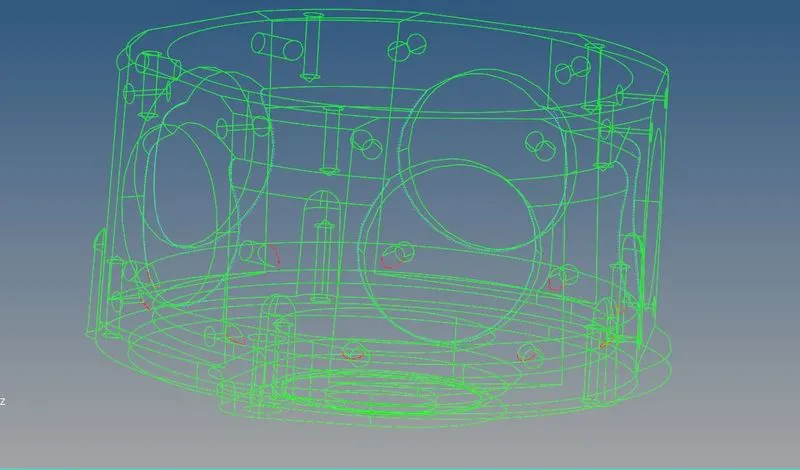
IMAGE-5: GEOMETRY CLEAN UP: GOTO: 'Geoms' >> 'Quick edit' >> 'Toggle edge', as shown below.

CLEANED UP GEOMETRY:
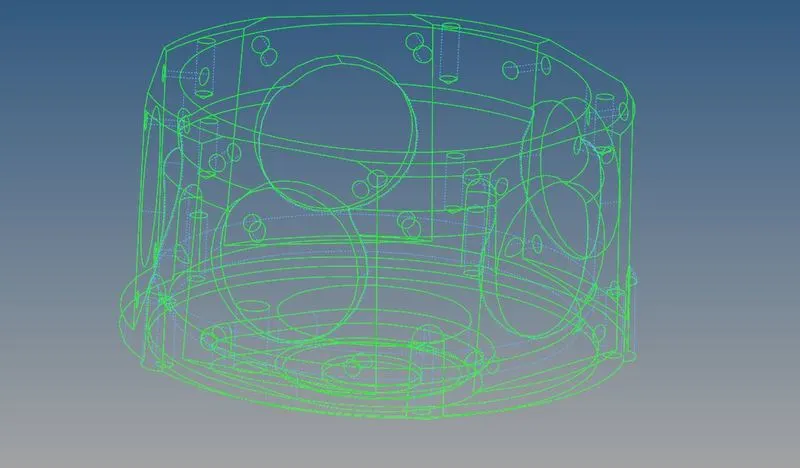
IMAGE-6: TET COLLAPSE CHECK AFTER DOING 3D MESH ON THE ABOVE COMPONENT:
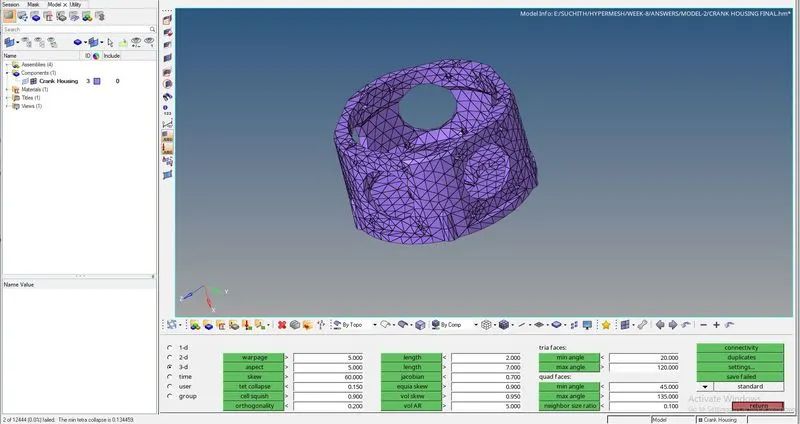
From the above image, at left bottom corner there is a message showing that there 2 elements which are failing for "TET COLLAPSE".
IMAGE-7: TWO FAILING TET COLLAPSE ELEMENTS ARE AS SHOWN BELOW:
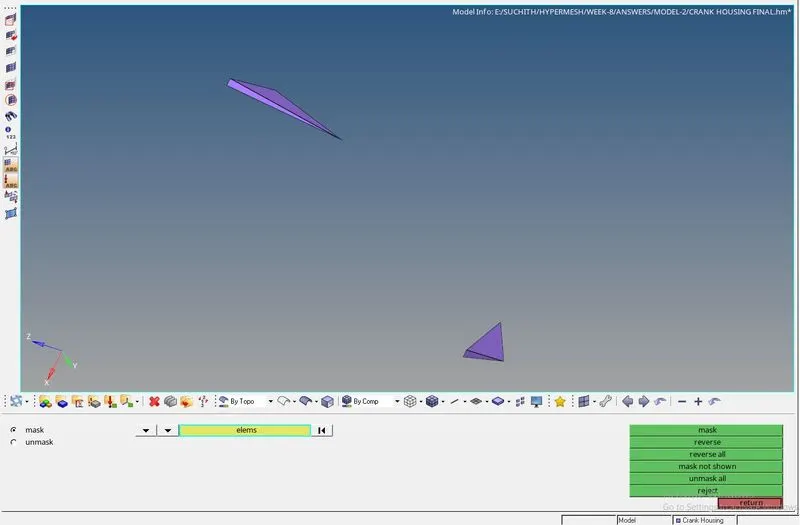
This can be removed by using "F4" (Distance).
IMAGE-8: "0" TET COLLAPSE:
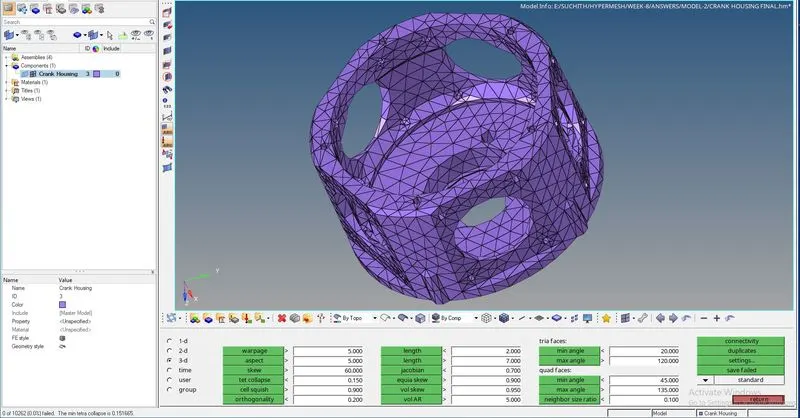
From the above image, at left bottom corner there is a message showing that there are no elements which are failing for "TET COLLAPSE".
IMAGE-9: FINAL 3D TETRAMESH:
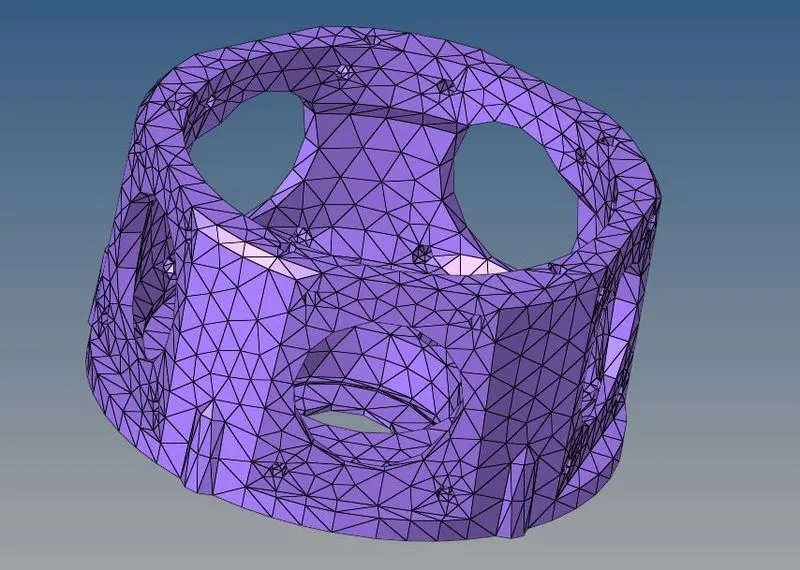
IMAGE-10: FINAL 3D TETRAMESH:
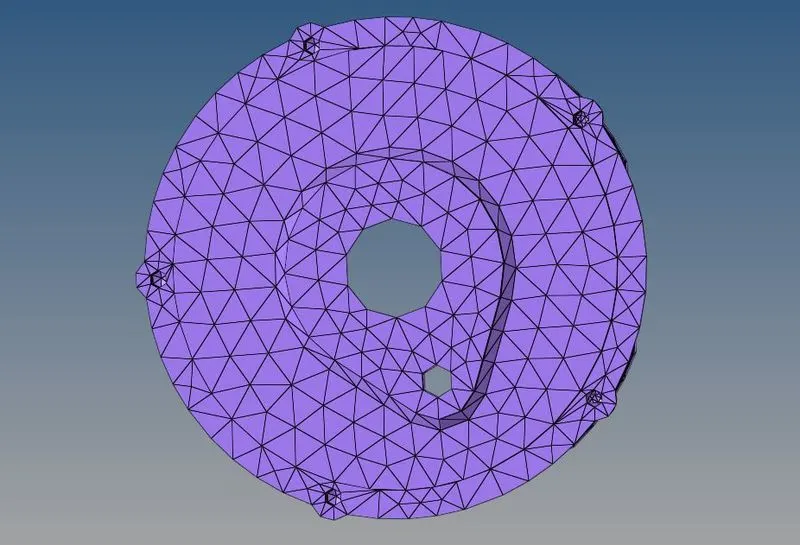
MODEL-3:
HERE WE HAVE DONE 3D TETRAMESH BY DOING "2D TETRAMESH" ON THE COMPONENT AND THEN DID "3D TETRAMESH" USING THESE "2D ELEMENTS" AS SHOWN BELOW:
IMAGE-1:
TO SET MESH QUALITY CRITERIA BEFORE STARTING MESHING AS SHOWN BELOW:
GOTO: '2D' >> 'Elem cleanup' >> 'Edit criteria' >> '3D' >> 'To apply all the above given quality criteria values in the tabulated window as shown below' >> 'Hit apply and OK'.
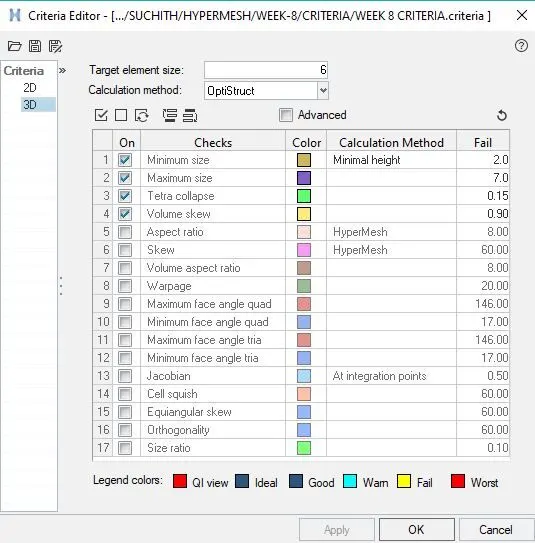
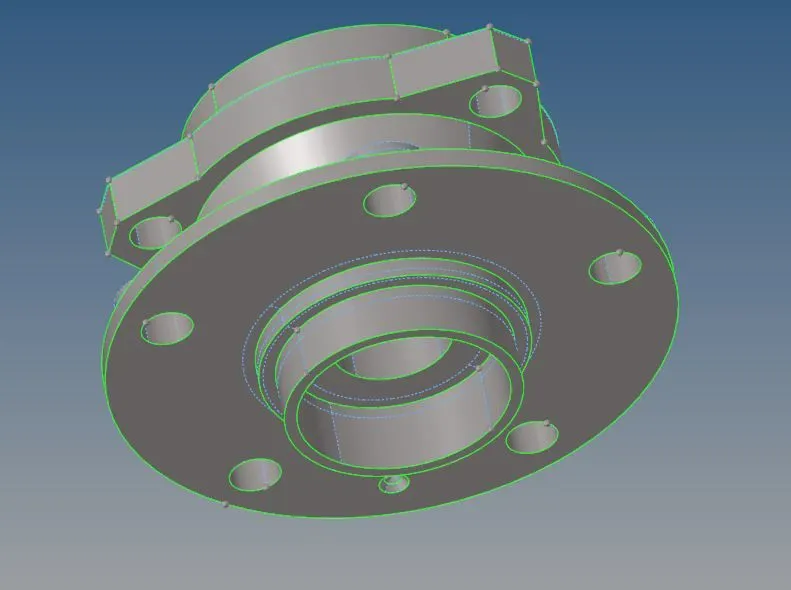
IMAGE-2: DOING GEOMETRY CLEAN UP FOR THE GIVEN COMPONENTS:
GEOMETRY CLEANUP FOR BODY-1: DLETETED THE INNER TEETH AS SHOWN BELOW:
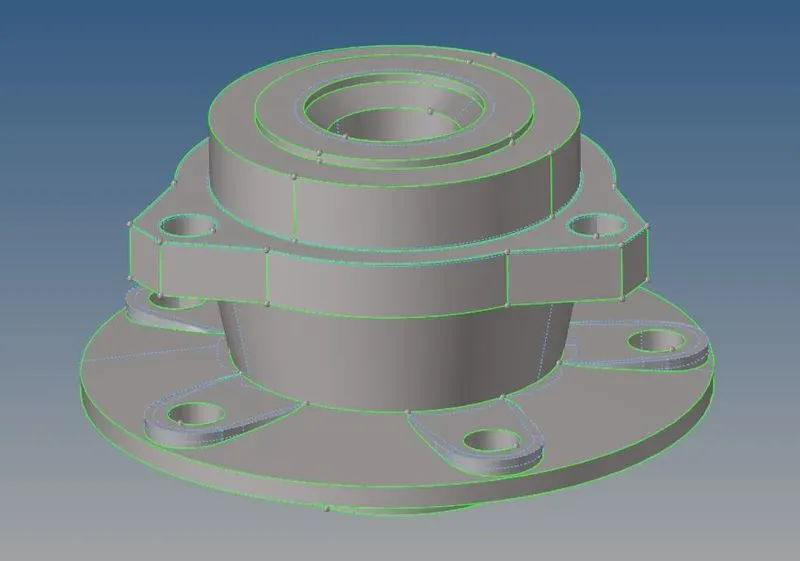
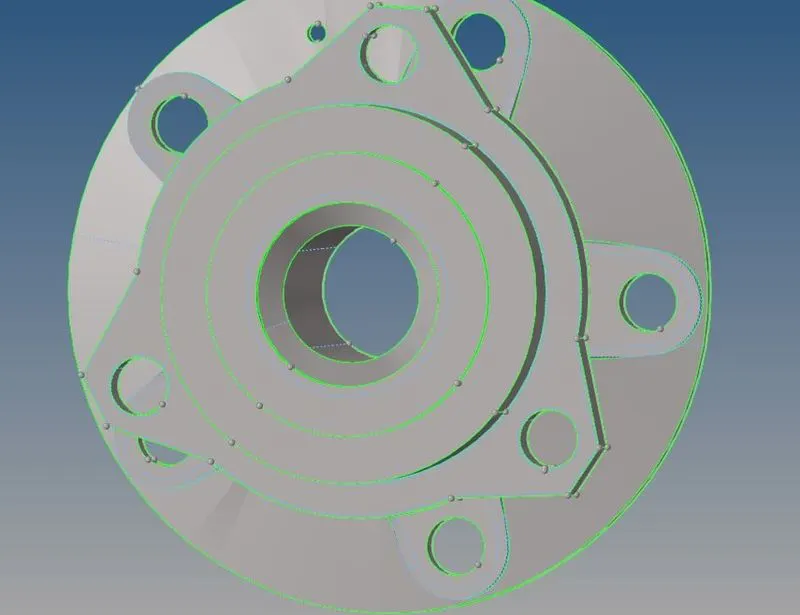
GEOMETRY CLEANUP FOR BODY-2:
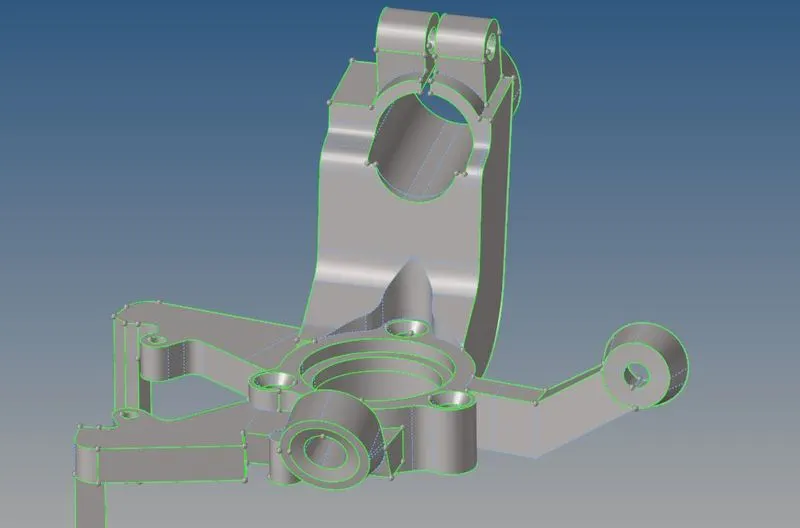
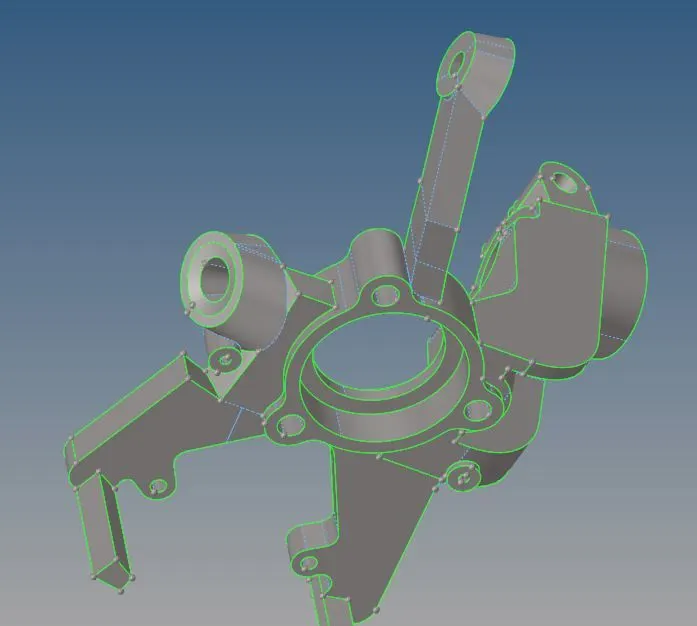
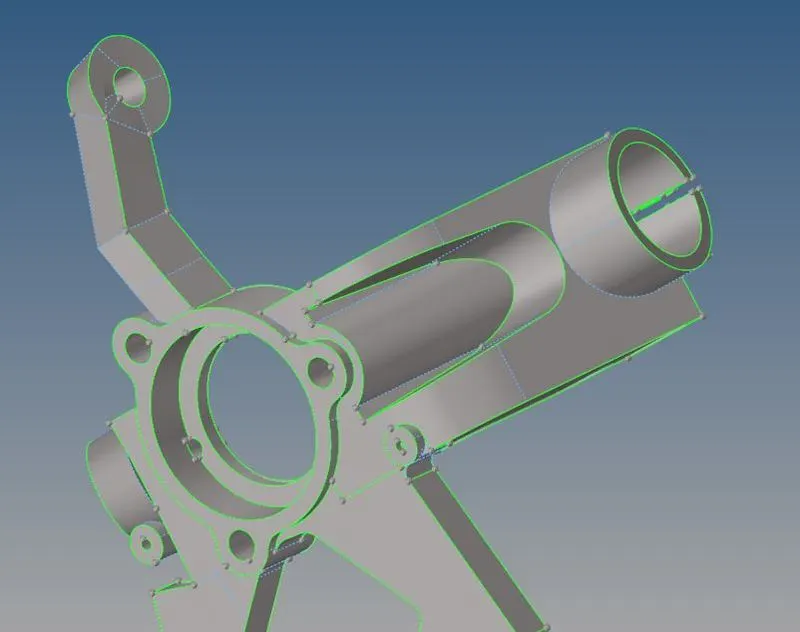
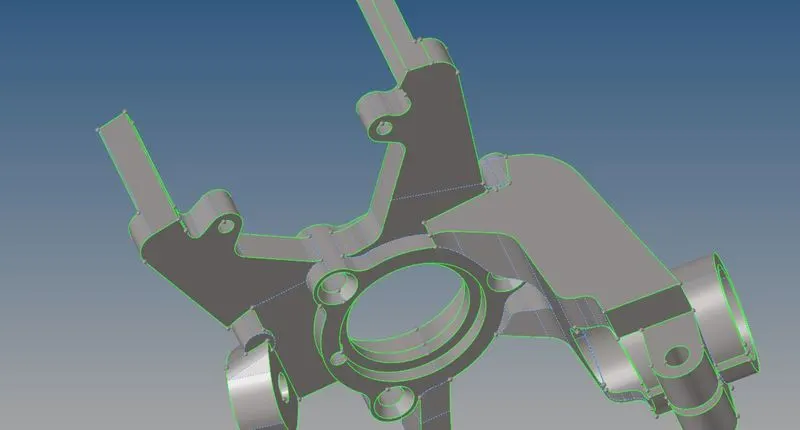
GEOMETRY CLEANUP FOR BODY-3 AND BODY-4 WAS NOT REQUIRED
IMAGE-3: DOING 2D MESH FOR THE GIVEN COMPONENTS:
BODY-1:
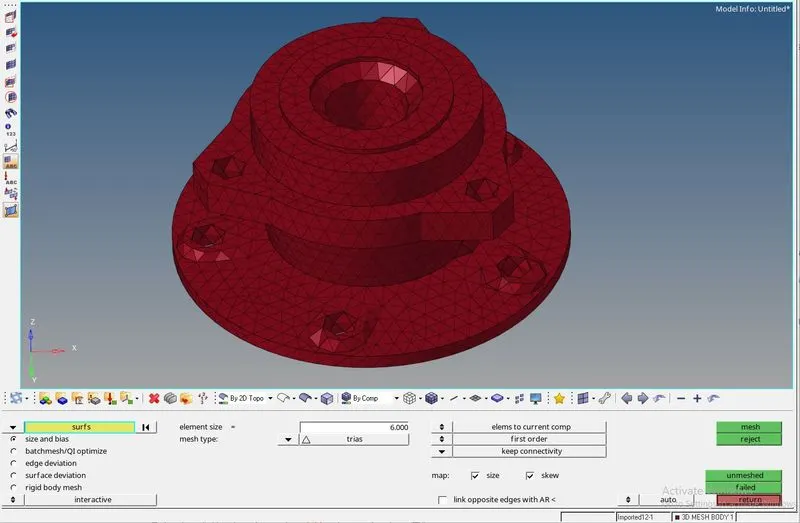
BODY-2:
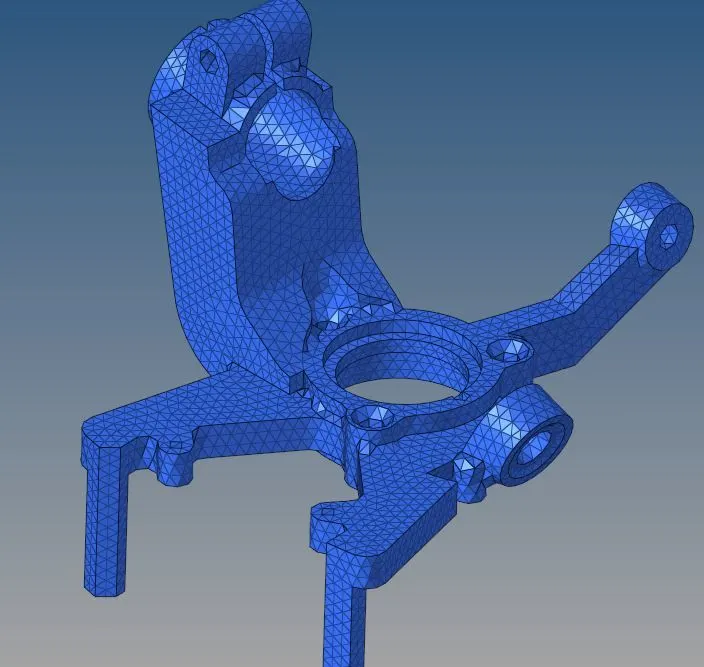
BODY-3:
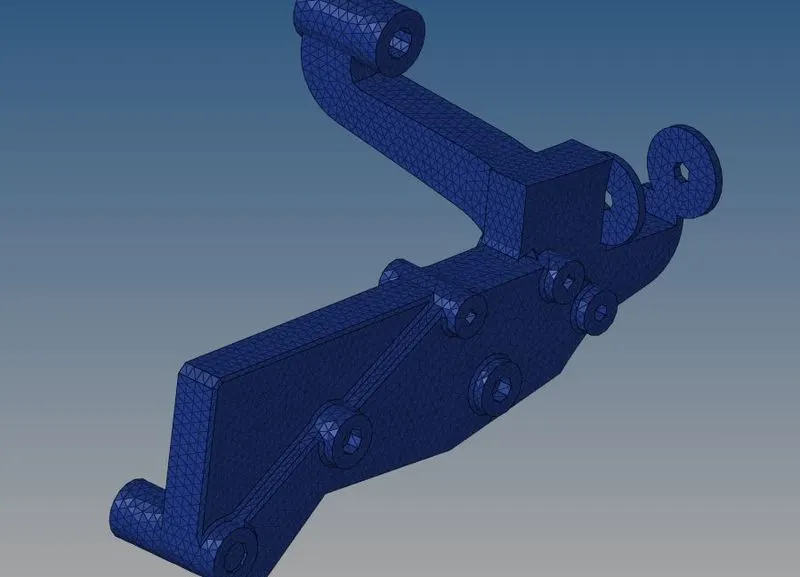
BODY-4:
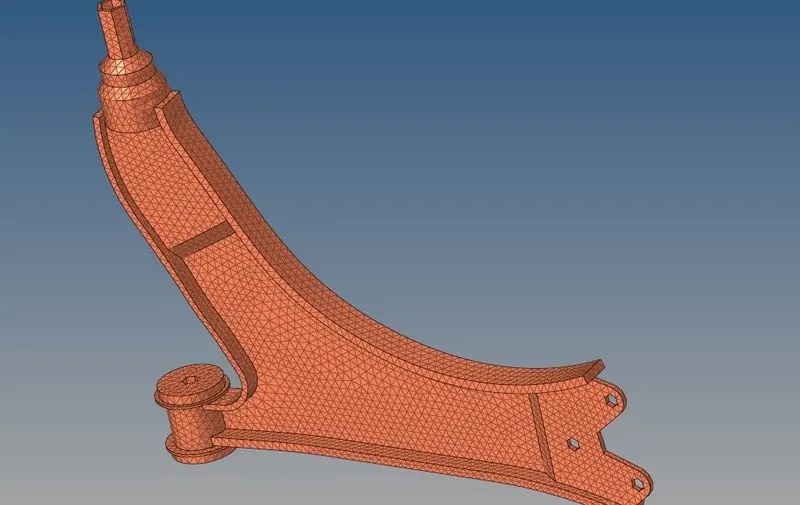
IMAGE-4: TETRAMESH PARAMETERS:

IMAGE-5: TETRAMESH :

IMAGE-6: 3D TETRAMESH ON ALL THE COMPONENTS:
BODY-1:
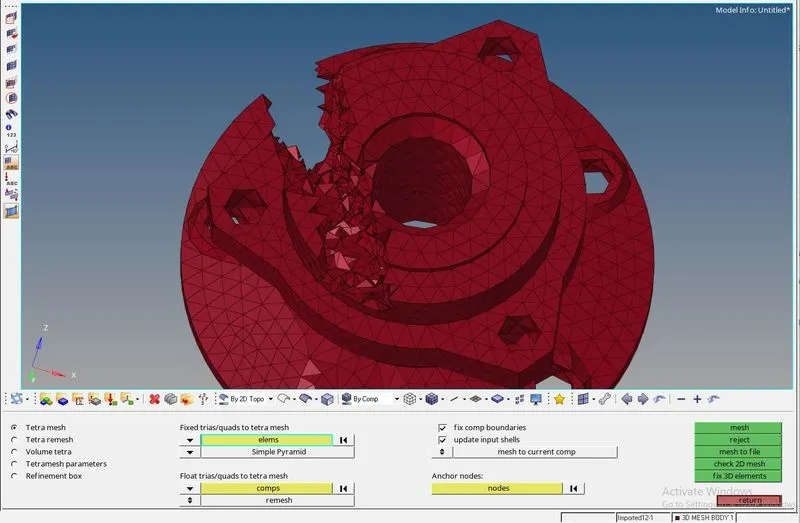
BODY-2:
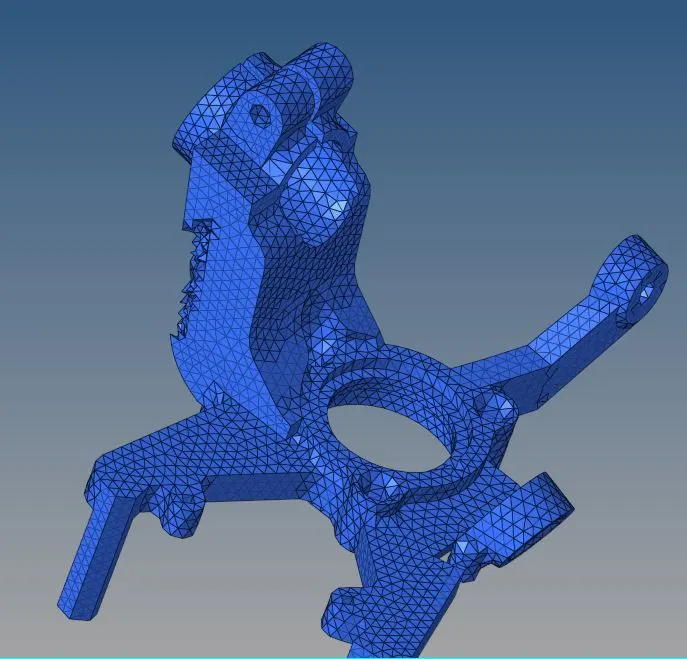
BODY-3:
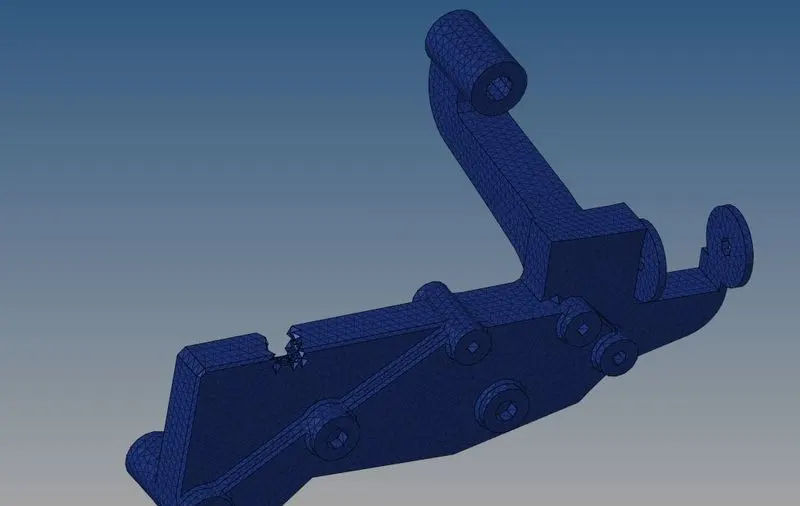
BODY-4:
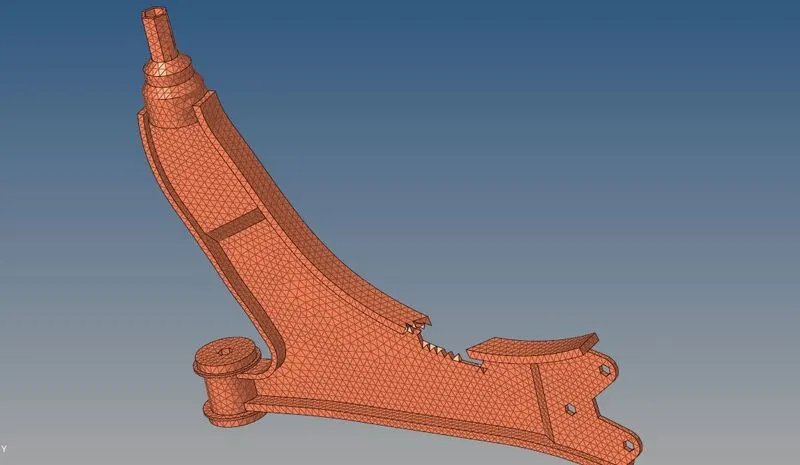
IMAGE-7: TETCOLLAPSE CHECK:
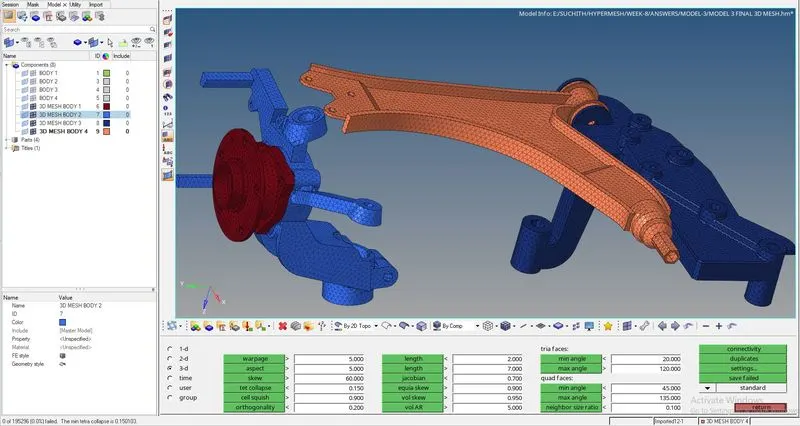
From the above image, at left bottom corner there is a message showing that there are no elements which are failing for "TET COLLAPSE".
IMAGE-8:FINAL 3D TETRAMESH: