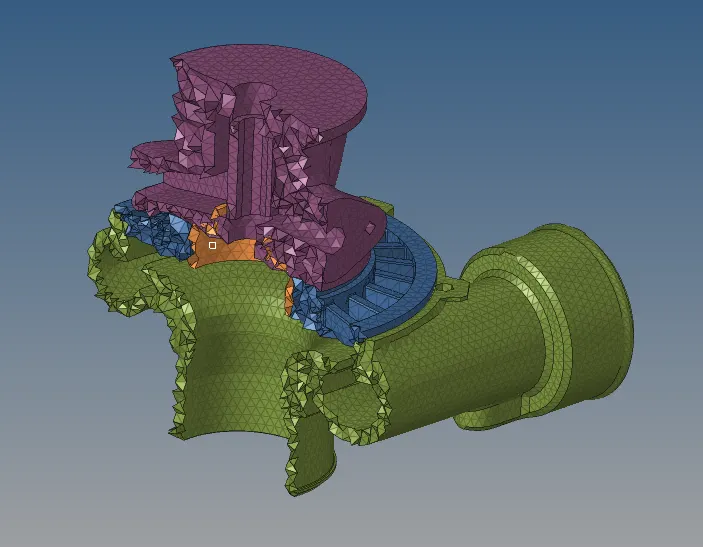
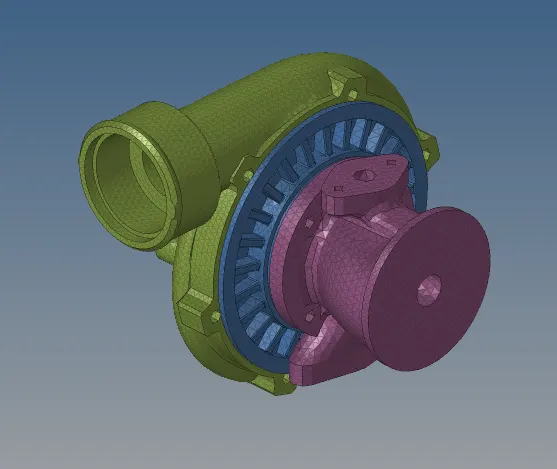
Week 8-3D Tetra Meshing Challenge
OBJECTIVE:
TO CREATE A TETRA MESH FOR HOUSING COMPONENT WITH GIVEN QUALITY CRITERIA.
Given Cad Model-1
TetraMesh Generation Method: 2D to 3D Conversion
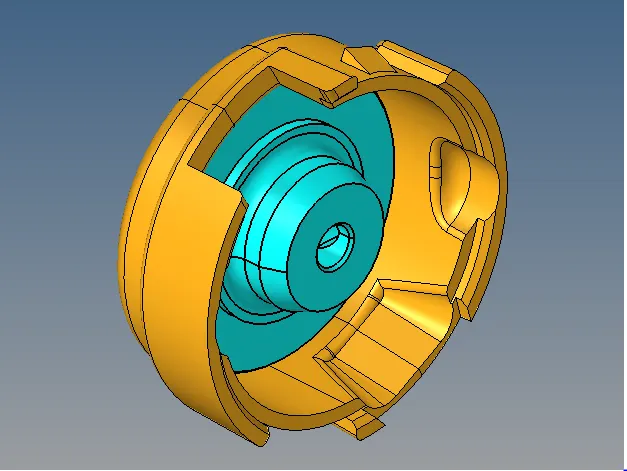
For geometry clean-up on model following cm are used :-
- add construction line for better mesh flow
- Geom-Quick edit-split surf line
- Geom-Quick edit-split node
- Geom-Quick edit-toggle edge
- Geom-Quick edit-delete surf
- Geom-Quick edit-filler surf
Snap after geometry clean-up :-
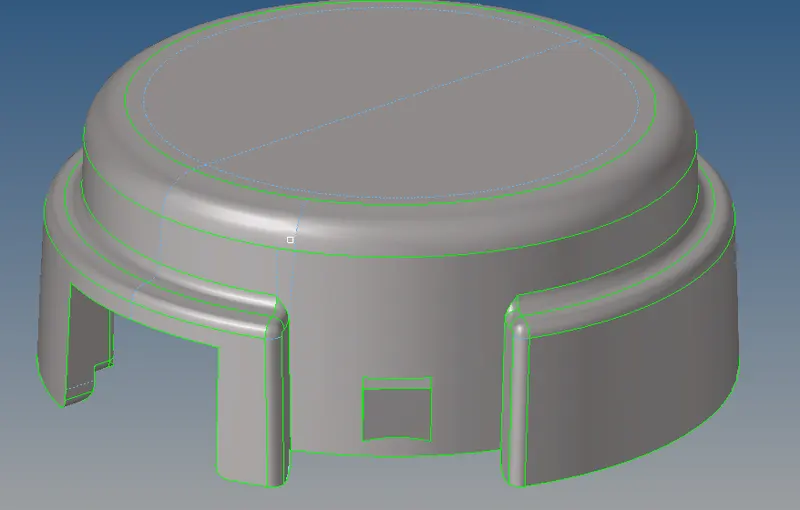
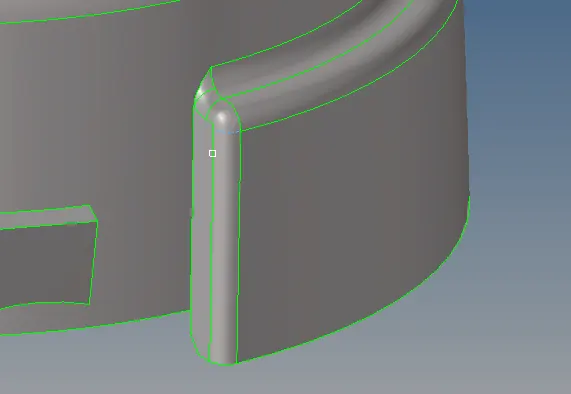
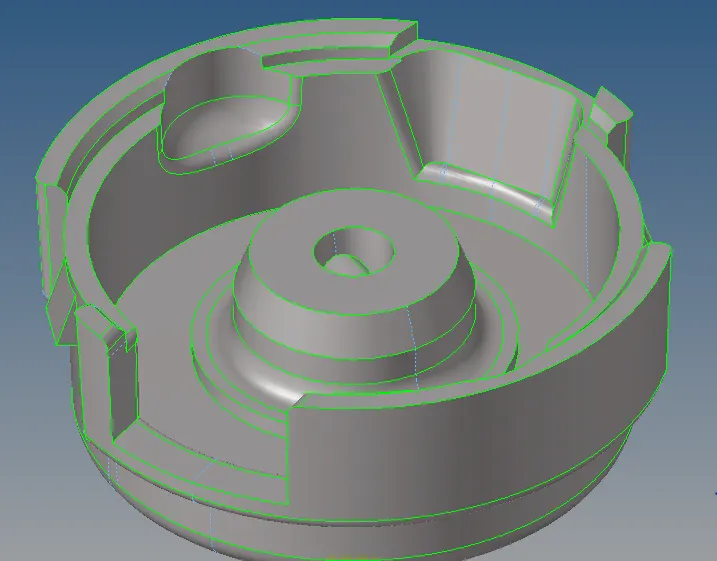
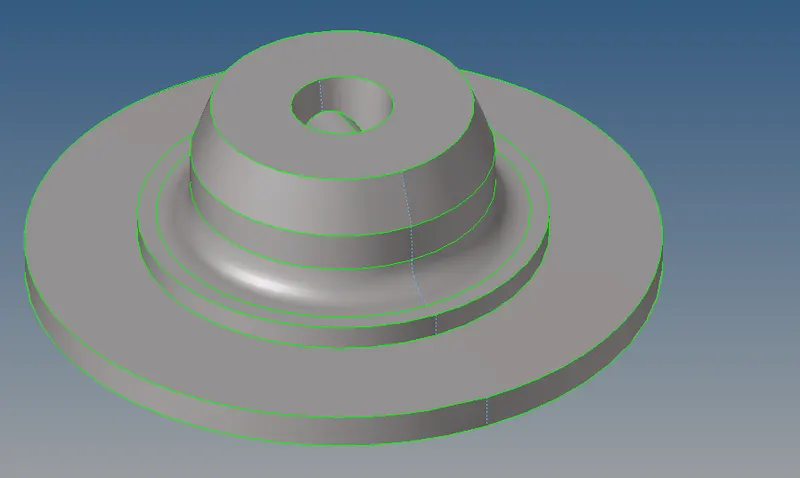
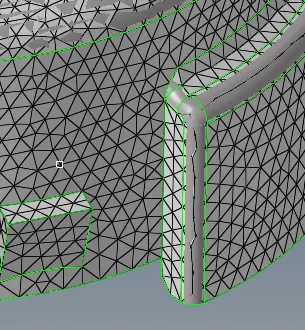
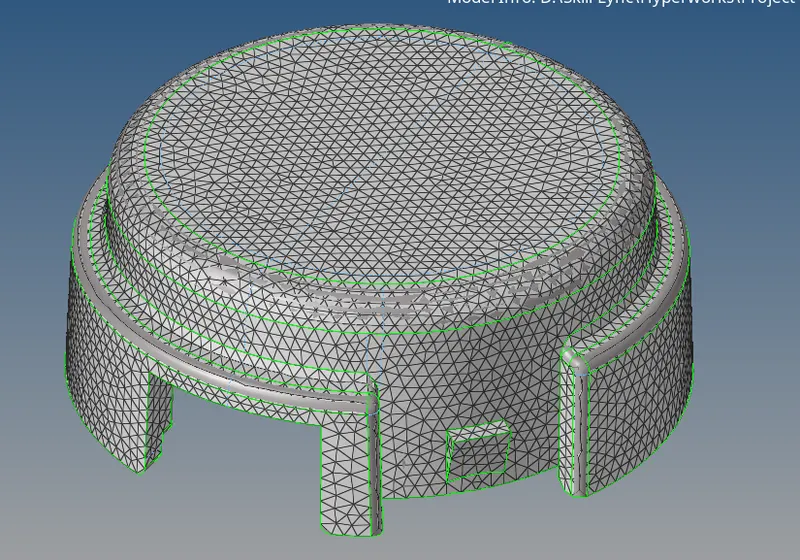
- Next step is to create 2D tria element on surface of model
- Quality criteria :- Elements sizes: Min- 2 Units, Target- 5 Units, Max- 7 Units Tet collapse: 0.15
2D - automesh - surface
2D mesh Snap :-
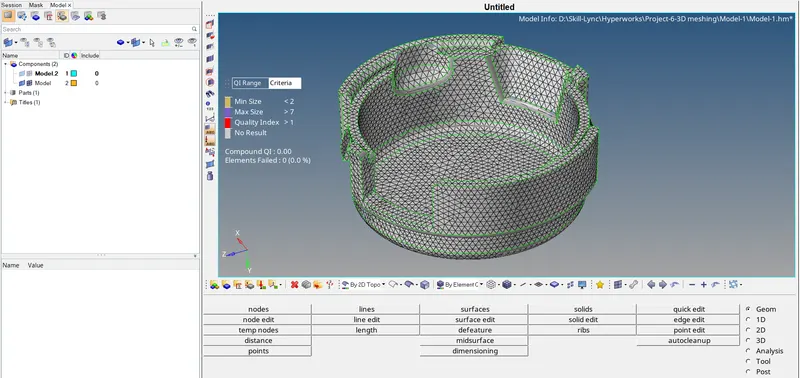
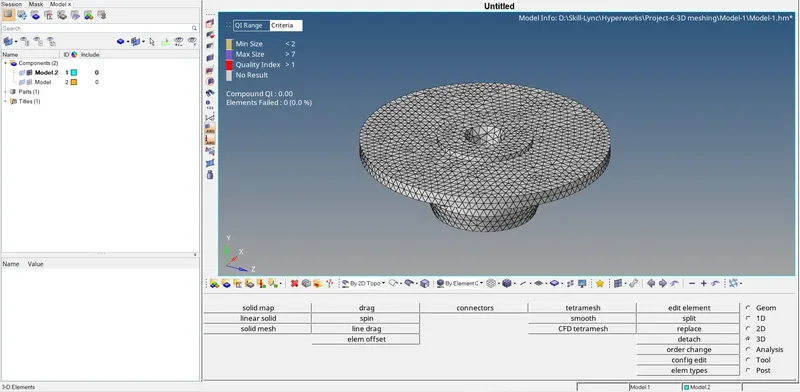
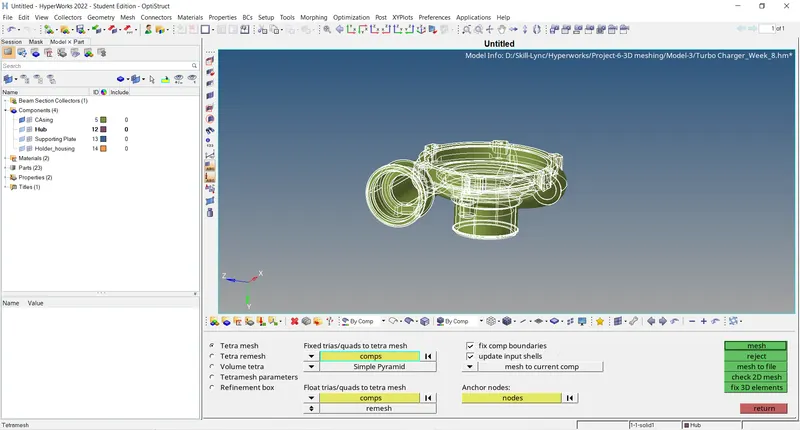
- Convert 2D surface mesh to 3D volume mesh :-
3D - tetra mesh - element
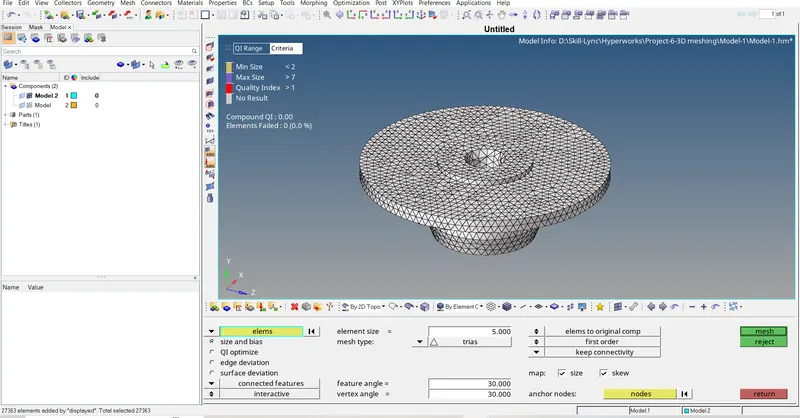
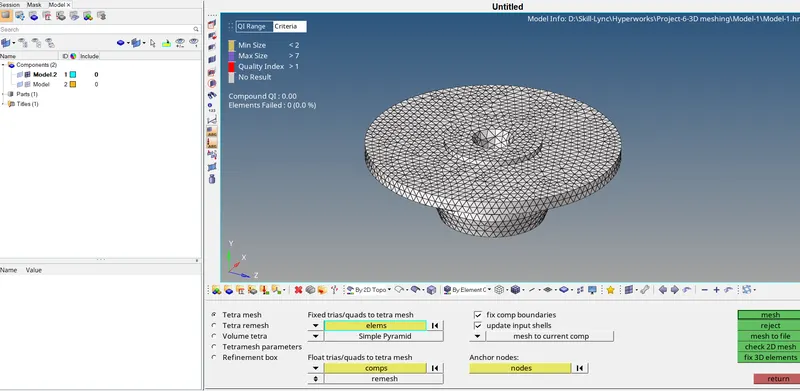
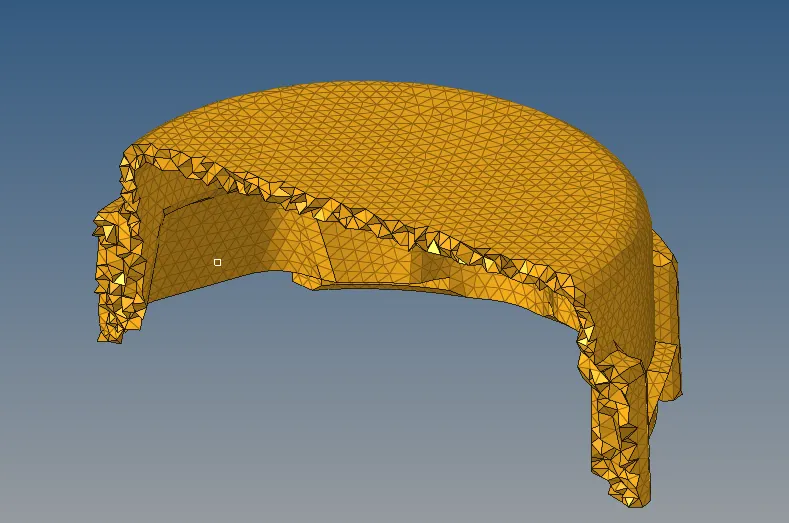
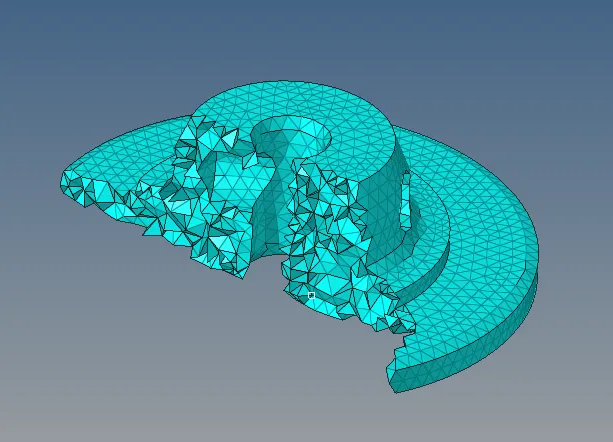
Delete 2D element from model :
Delete - elements - by config - tria3
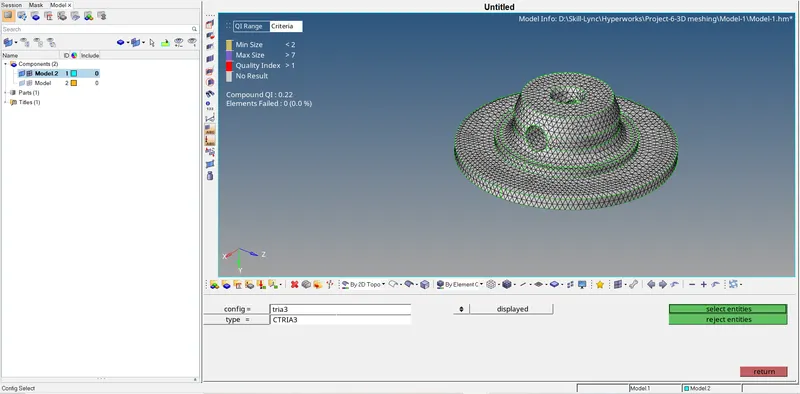
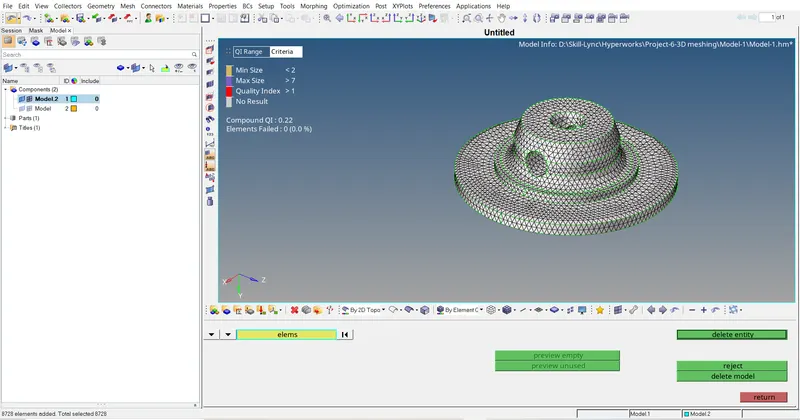
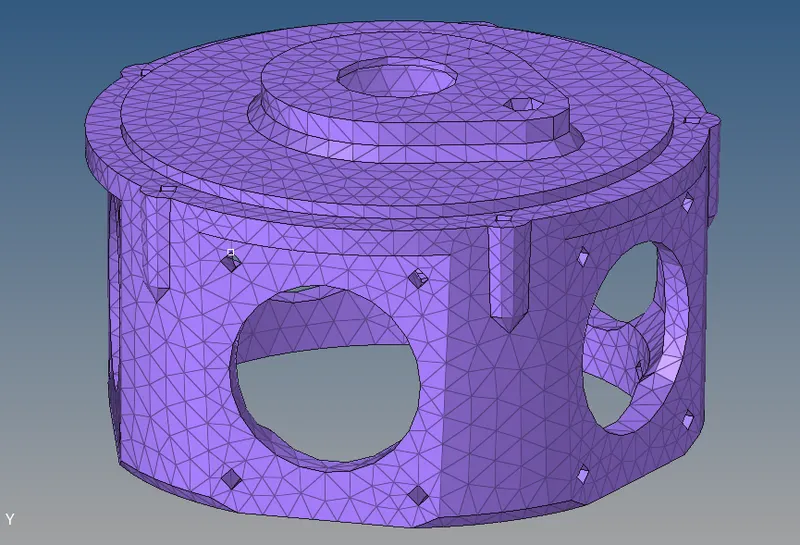
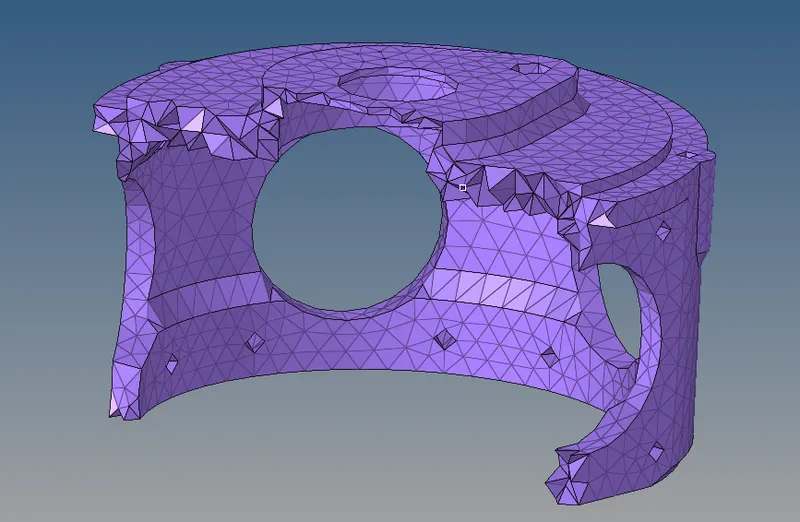
Final Meshing Model :-
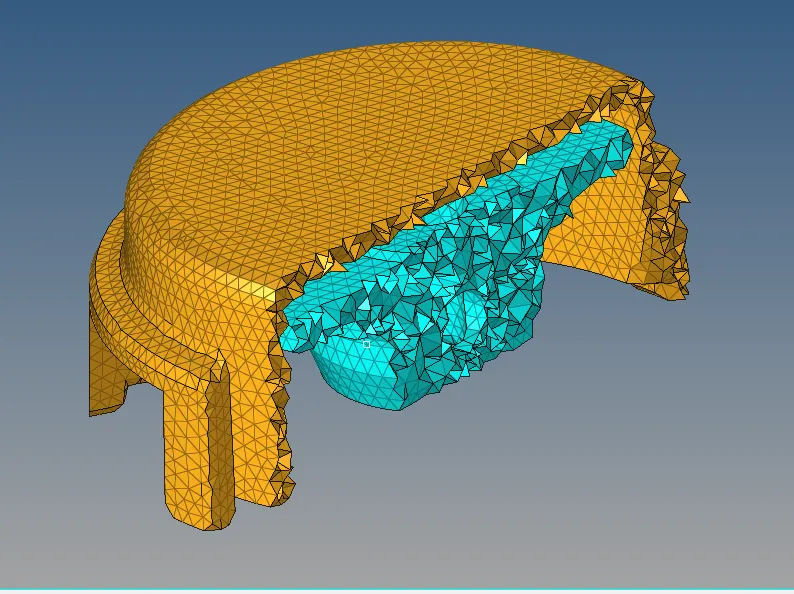
Model :-2 :-
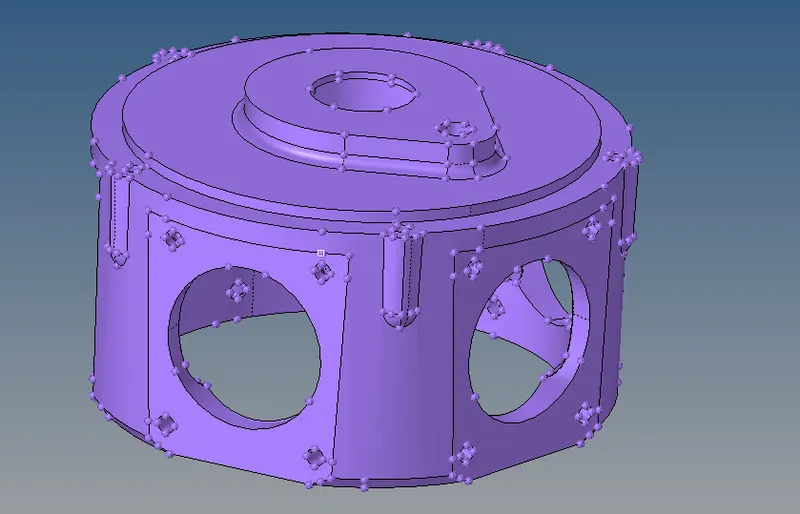
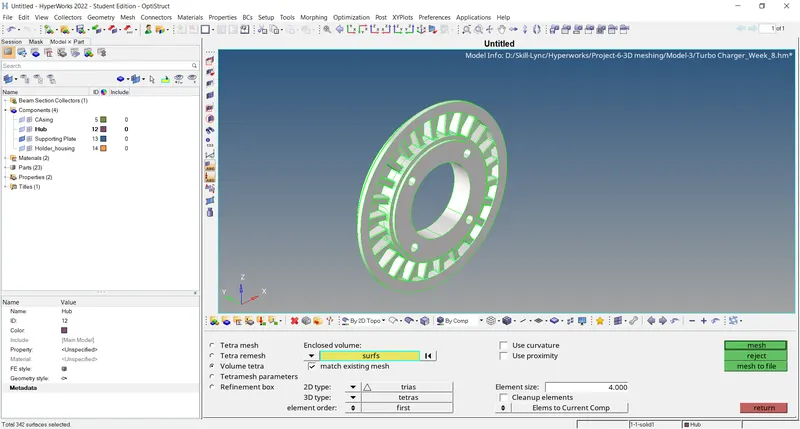
TetraMesh Generation Method: volume mesh
3D tetra mesh - volume mesh
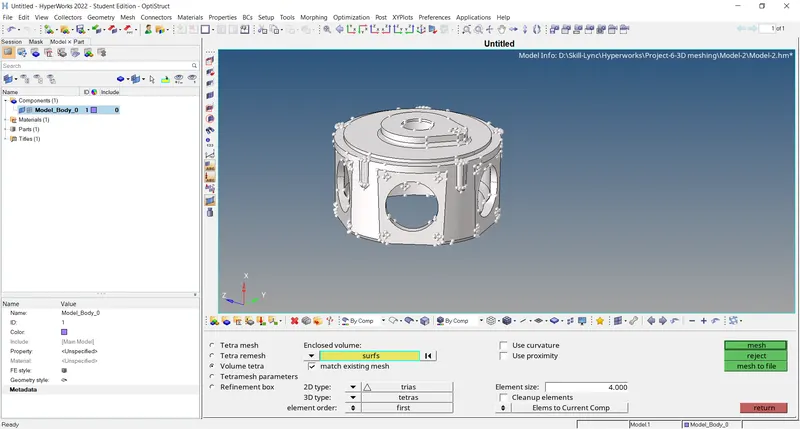
Model 3 :-
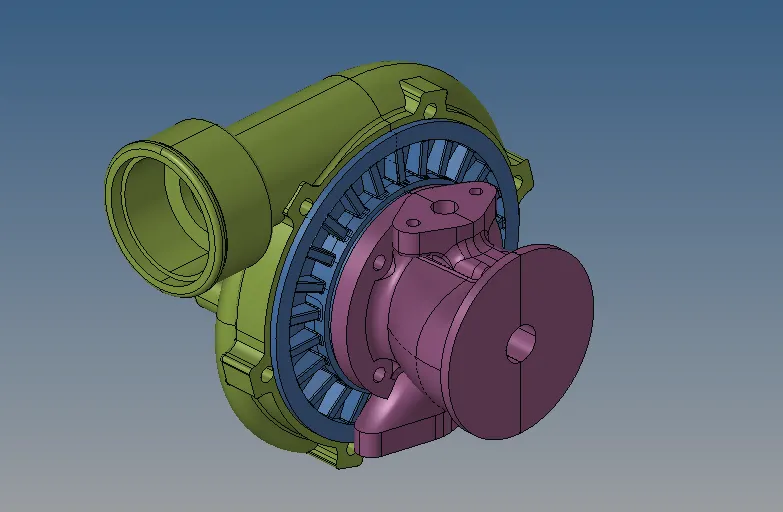
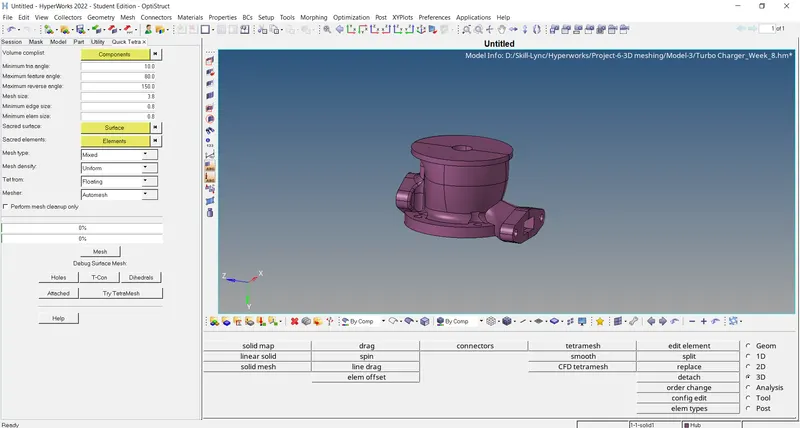
TetraMesh Generation Method: Volume Tetra Mesh
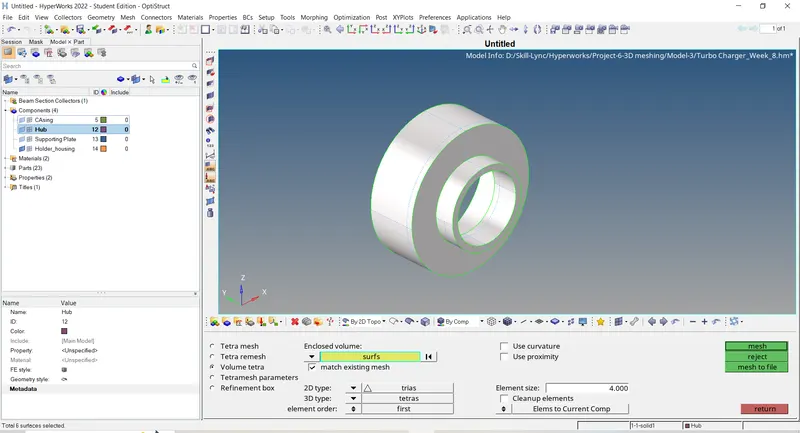
Final mesh model :-
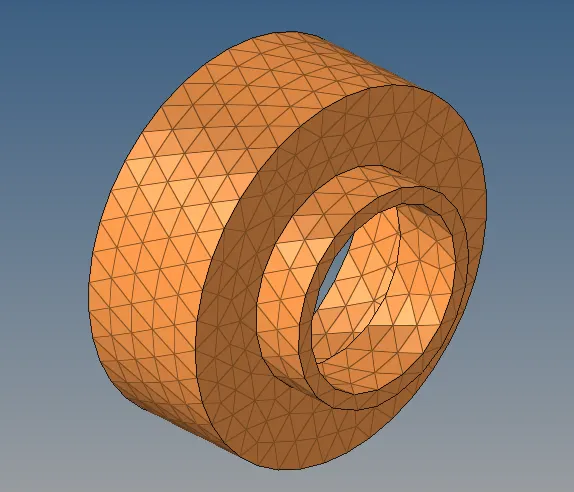
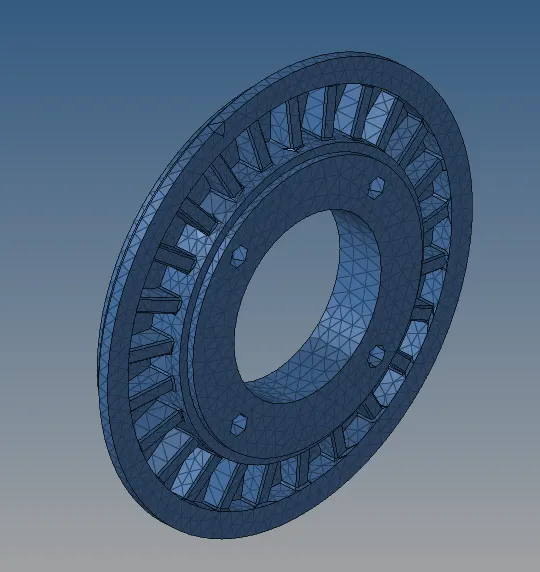
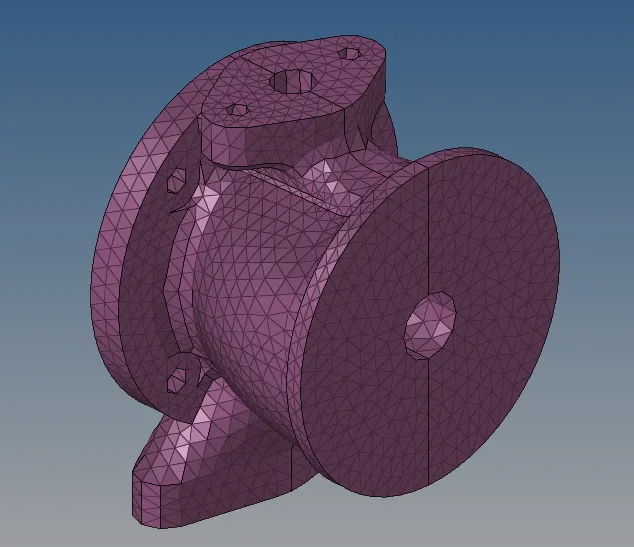
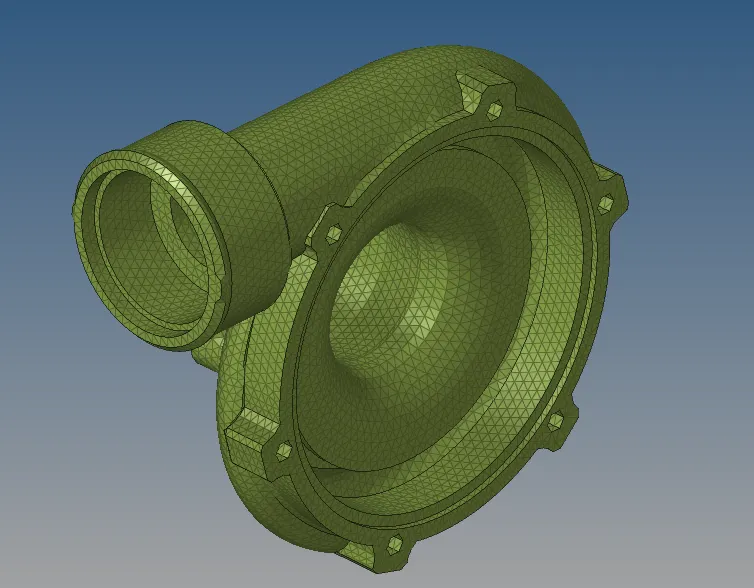
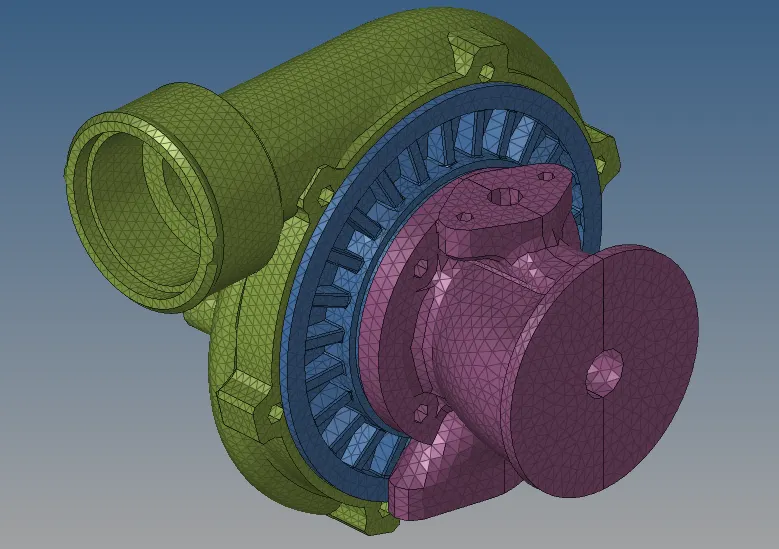
Check meshing for Tetra collapse
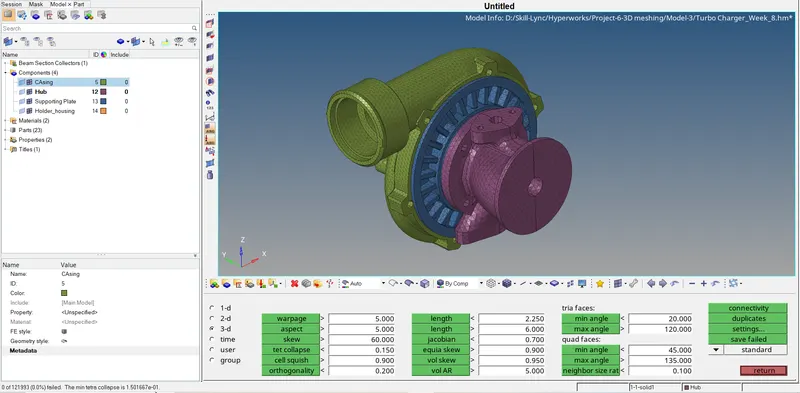
Final mesh model :-