Week 8-3D Tetra Meshing Challenge
Objective:
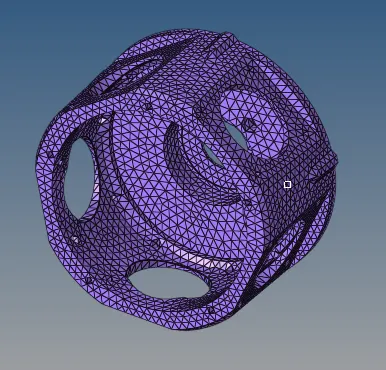
- Create a Tetra mesh for Housing component with the following quality criteria.
Tetra Mesh Generation Method: 2D to 3D Conversion
Elements sizes: Min- 2 Units, Target- 5 Units, Max- 7 Units
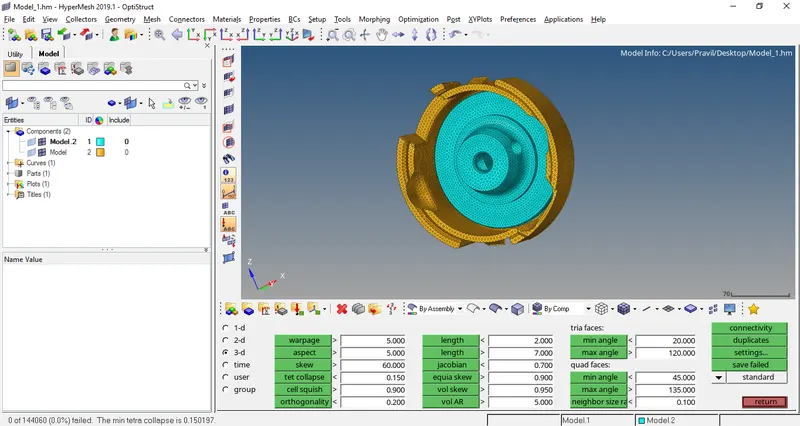
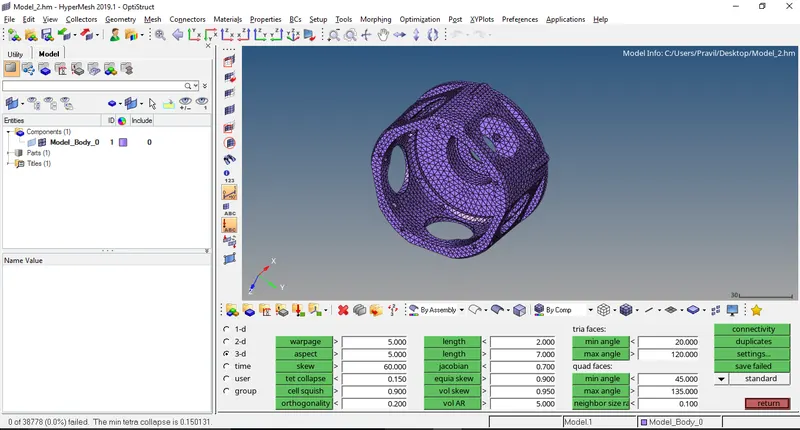
Tet collapse: 0.15
- For the given model, Create a 3D Tetra mesh with the following quality criteria.
Tetra Mesh Generation Method: Quick Tetra Mesh/ Volume Tetra Mesh
Target Element size: 3 Units.
Tet Collapse: 0.15
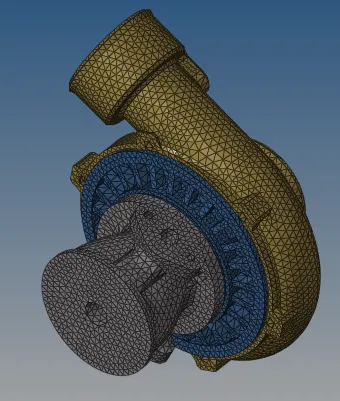
- For the given assembly model, Create a 3D Tetra mesh with the following quality criteria.
Tetra Mesh Generation Method: Quick Tetra Mesh/ Volume Tetra Mesh
Target Element size: 4 Units.
Tet Collapse: 0.15
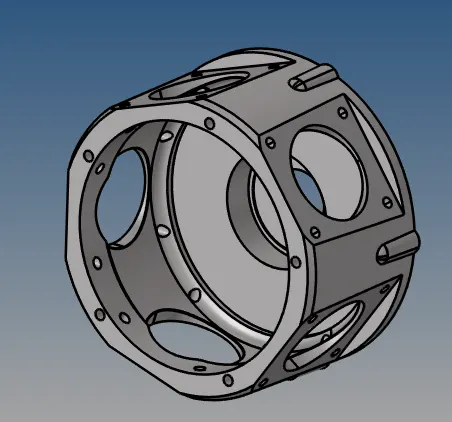
CAD Model: (After importing into the Hypermesh window)
Geometry contents:
Housing Component
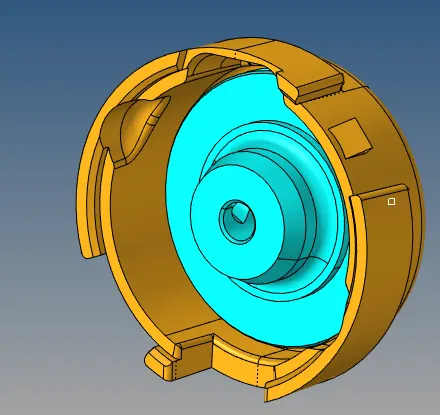
Transmission housing:
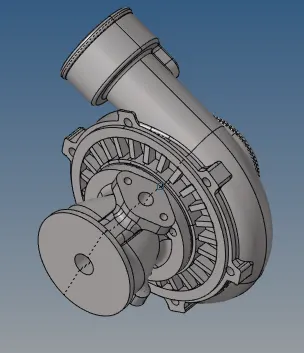
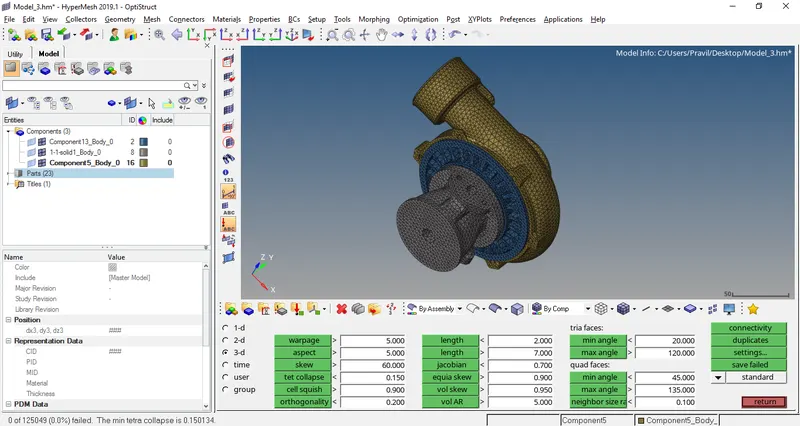
Turbocharger model:
Geometry Cleanup:
- Check for any geometry abnormality like missing fillet , surfaces, duplicate surfaces, open faces etc.
- Correct the geometry wherever possible as per requirement & run auto clean command
Criteria Setup:
Go to Preference>> Criteria file setting>> set the requisite criteria for meshing
Housing Component meshed model:
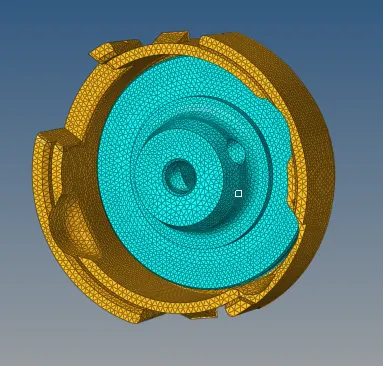
Transmission Housing Component:
Turbocharger Model:
Mesh Quality Check:
Learning Outcomes:
Learnt how to check for geometrical errors and perform geometry clean-up of complex component.
Learnt to mesh the component with given element quality and clear the quality of off elements.
Learnt how use different 3D Meshing techniques of Tetra mesh, Volume Tetra mesh & Quick Tetra Mesh