Week 8-3D Tetra Meshing Challenge
Week 8-3D Tetra Meshing Challenge
Observation:
To make 3D Tetra meshing for given models.
Procedure:
Before meshing check the model is only surface or solid. If solid is there in that model delete that.
Housing Model- This model makes 2D surface trias mesh on surface (go to automesh select element type in trias and set element size min- 2 units, target- 5 units, max- 7. And check quality element then makes tetra mesh (select 3D go to tetramesh select tetramesh parameter set tet collapse value and target value)
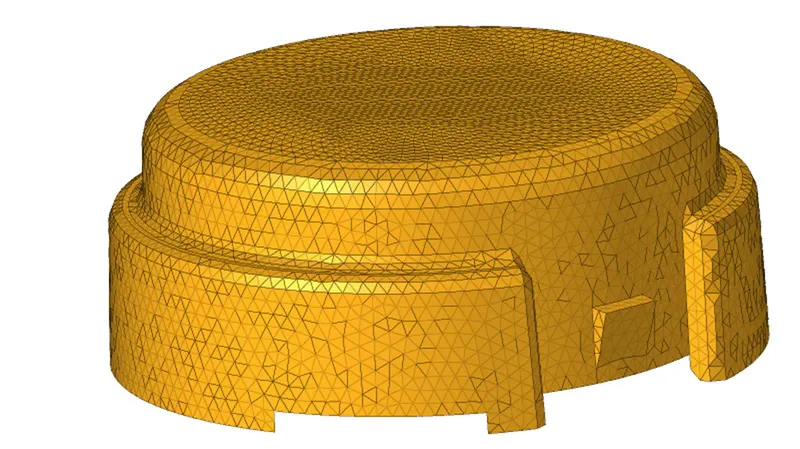
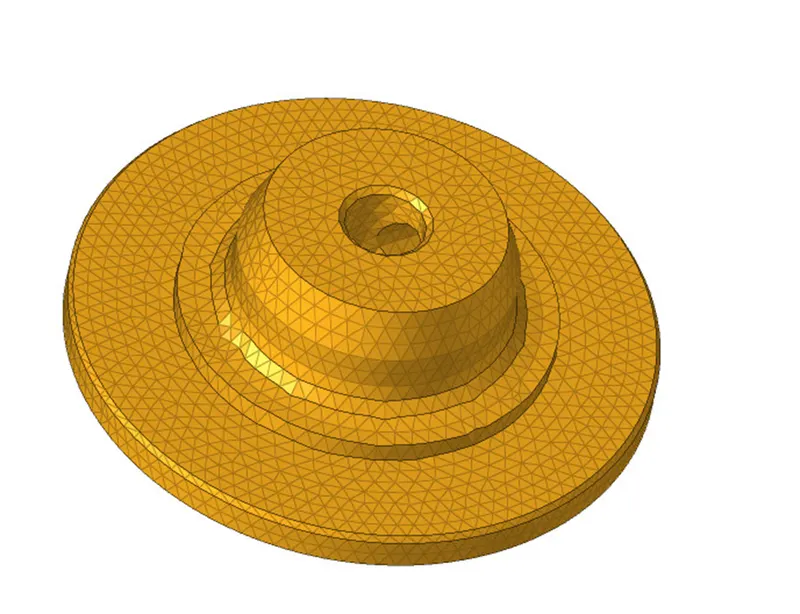
Model-2 &3
select 3D go to tetramesh select tetramesh parameter set tet collapse value and target value select Volume Tetra Mesh set select surface make mesh)
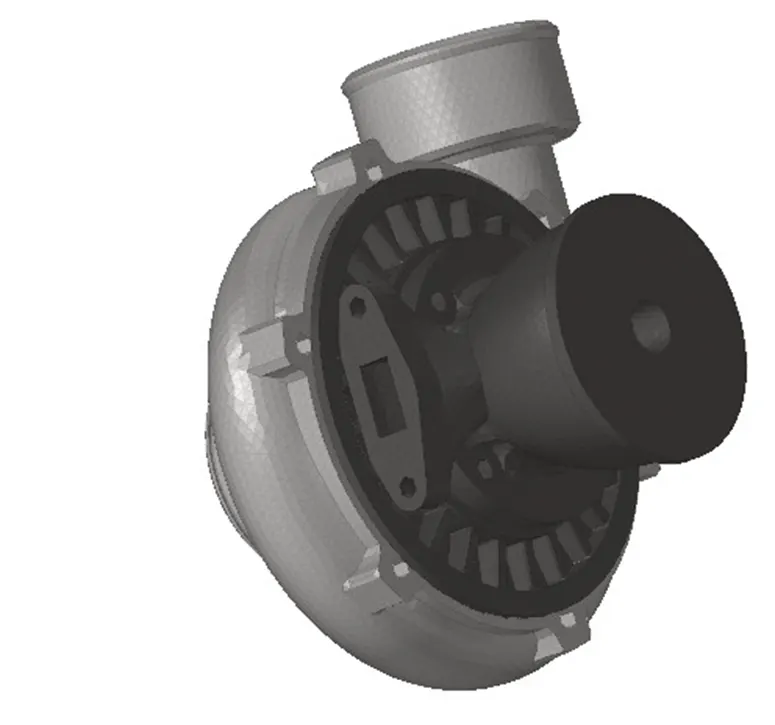
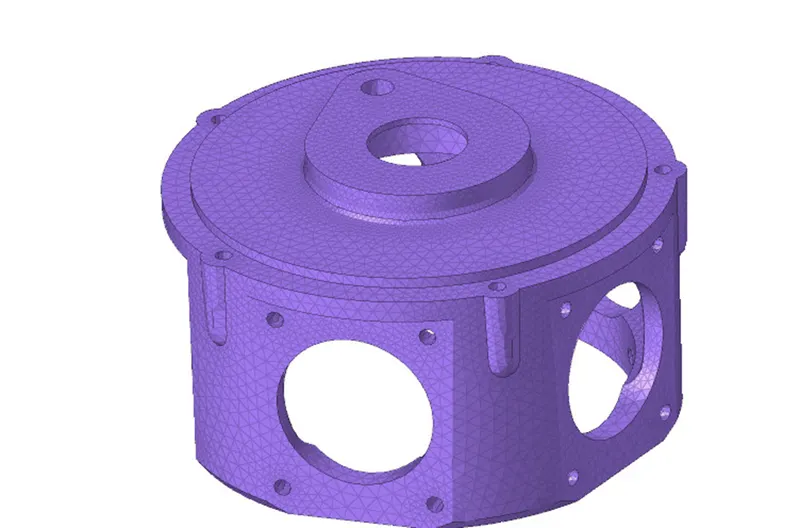
Result:
The given model is done.