Week 8-3D Tetra Meshing Challenge
Aim : Tetra Meshing in Altair Hypermesh
Objective :
- Remove the geometrical error in model.
- Tetra Mesh the all components in model.
Procedure :
Teramesh for Housing component :
- Model Importation :
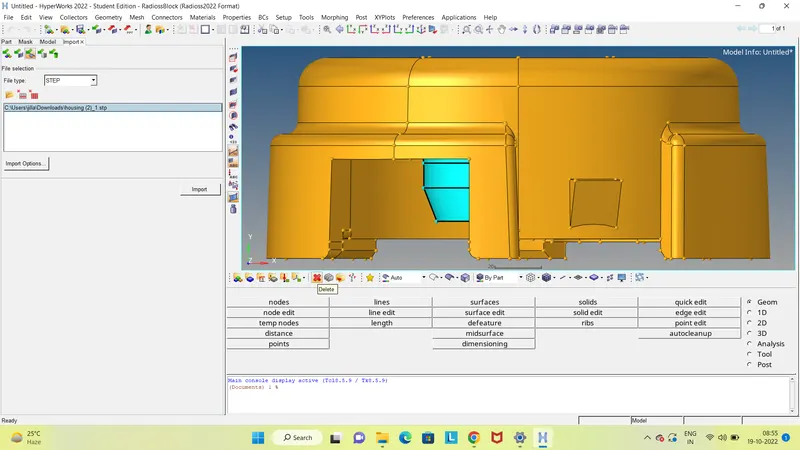
-
Model is in form of Step file.
- Import the model with the help of Import Solver Deck then click on the Import Geometry option, select the model from respective folder and import it. Import Solver Deck >> Import Geometry
- After Importation delete the solids from model.
- Geometry Cleanup and Defeaturing :
- Split surf-node, Split surf-node and toggle edge are the important command use to defeature the component.
- With using the same command other components also defeatured.
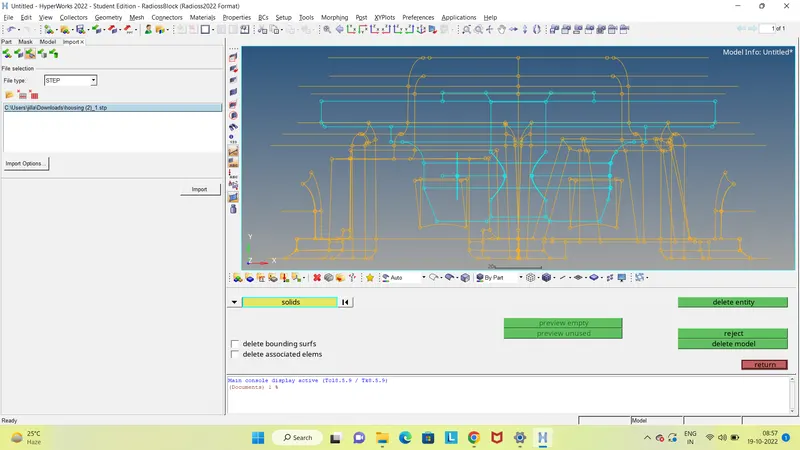
- Shell Mesh Generation :
- Before generation of mesh, we have to setup the quality criteria for component according to the given requirement.
- We are considering minimum length, maximum length as the quality criteria in 2D Mesh Generation . 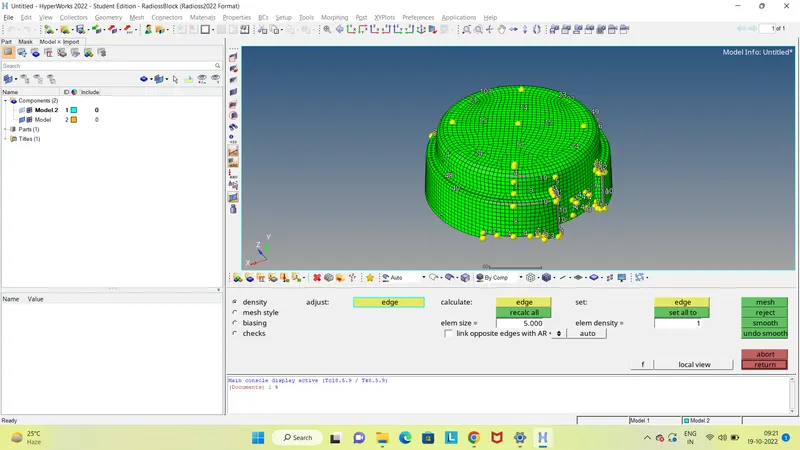
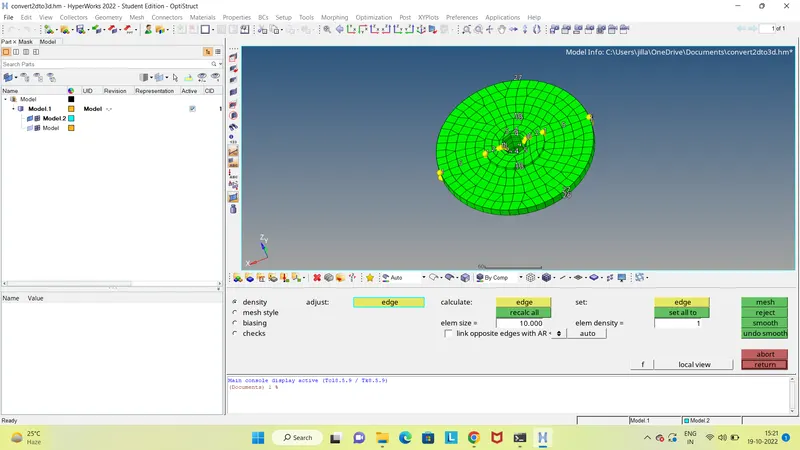
- tetra Mesh Generation :
- Tetra Mesh are unstructured mesh where the elements are not uniform and structured in the manner.
- Tetra elements are generated inside the model as the surface is meshed by Tria elements.
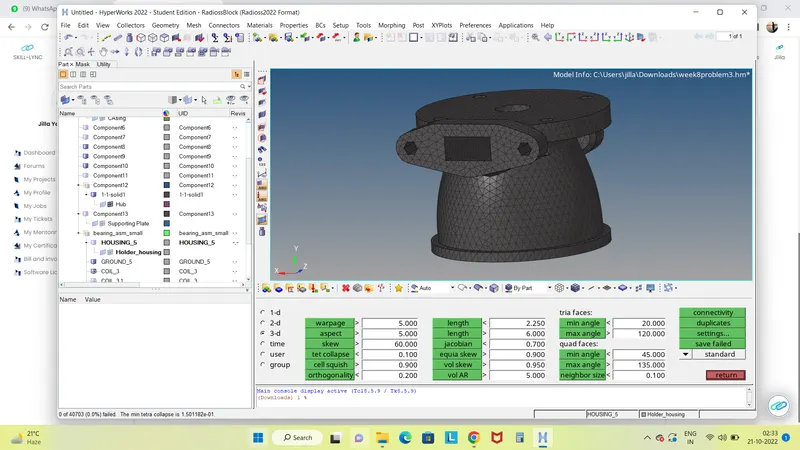
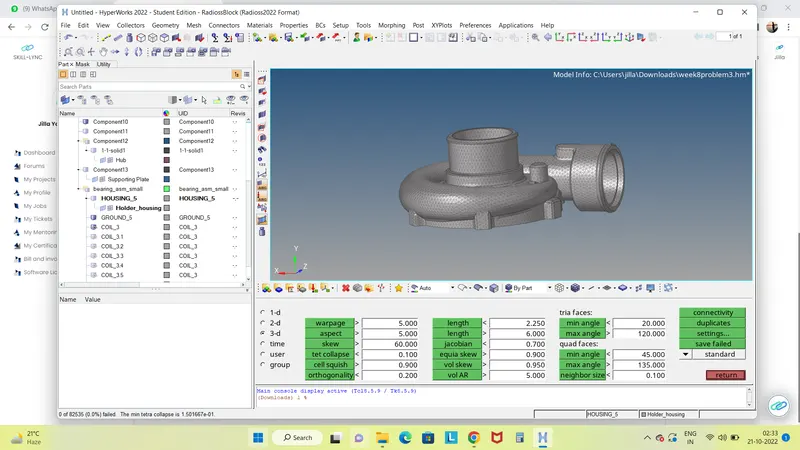
- We are considering the only one criteria in the tetra meshing i.e Tet Collapse as per the given requirement.
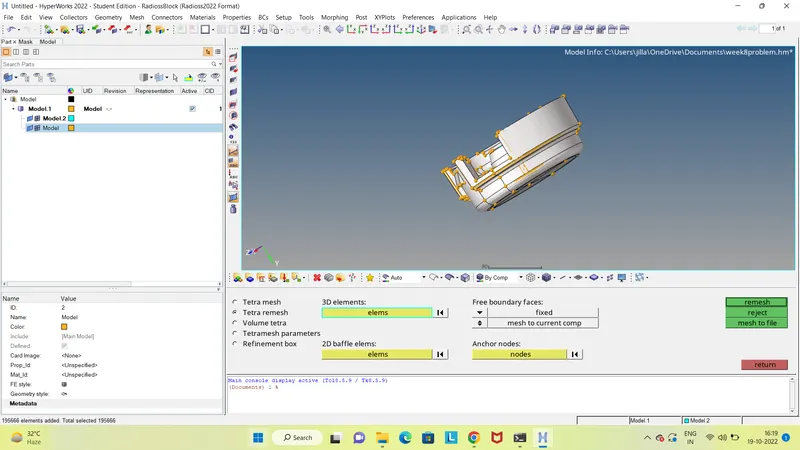
- Below image shows the given value as tet collapse as 0.15.
Teramesh for Piston Component
- Model Importation :
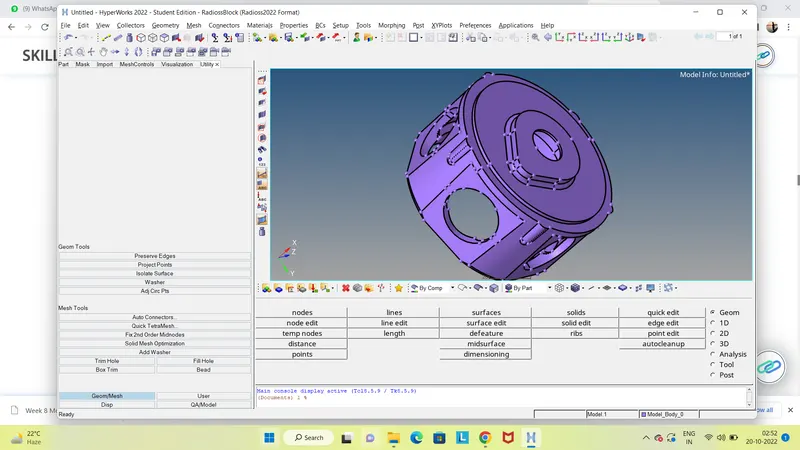
Model is in form of Iges file.
- Import the model with the help of Import Solver Deck then click on the Import Geometry option, select the model from respective folder and import it. Import Solver Deck >> Import Geometry
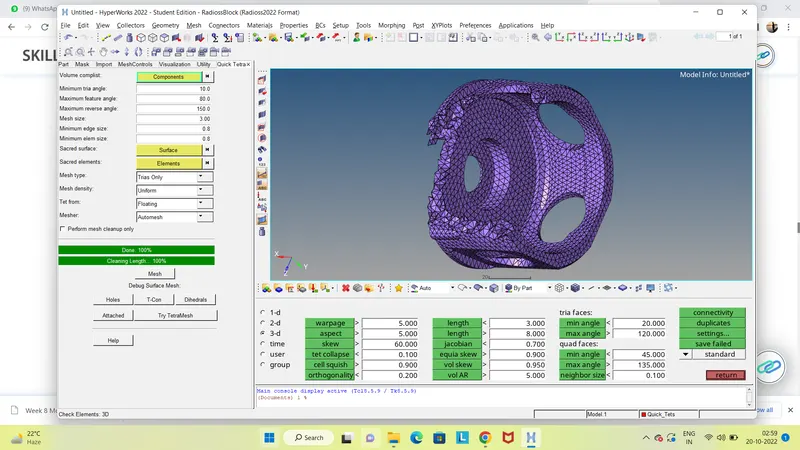
- quick tetra Mesh Generation :
- Tetra Mesh are unstructured mesh where the elements are not uniform and structured in the manner.
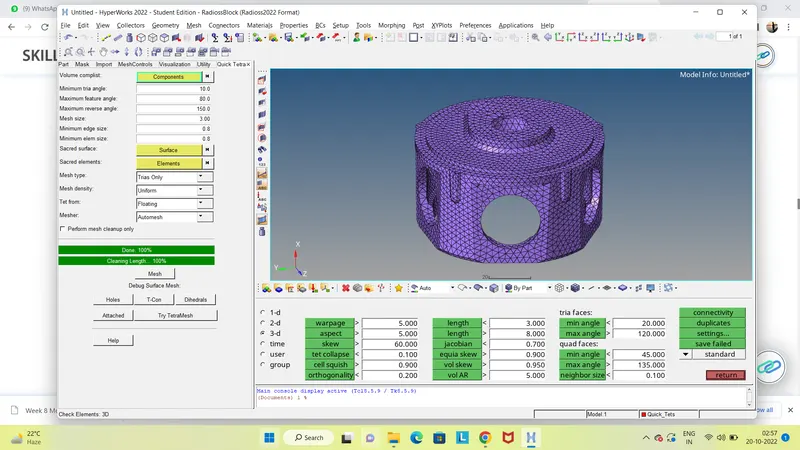
- Tetra elements are generated inside the model as the surface is meshed by Tria elements.
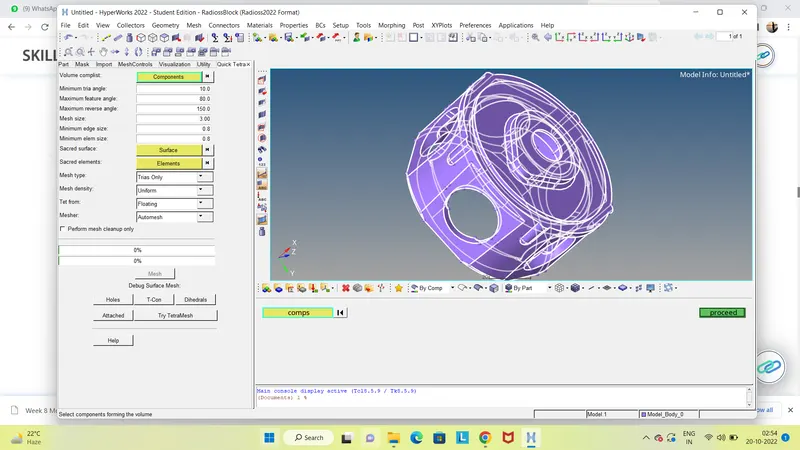
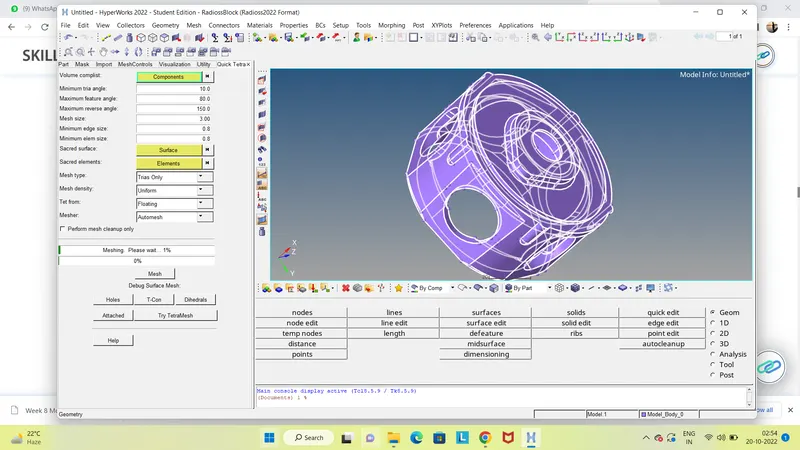
- Steps are followed to tetramesh the model
- First go to the View and click on the Utility, then click on the Geo/Mesh option and Select the Quick tetra option.
Teramesh for Pumps Assembly :
- Model Importation :
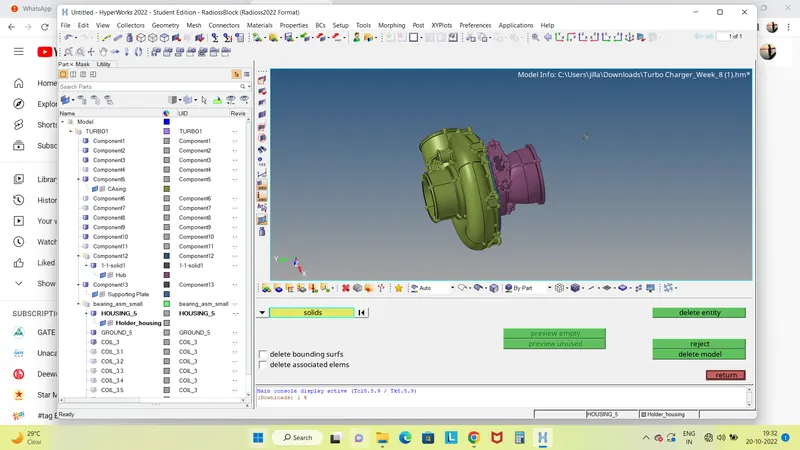
- Model is in form of hm file.
- Import the model with the help of Import Solver Deck then click on the Import Geometry option, select the model from respective folder and import it. Import Solver Deck >> Import Geometry
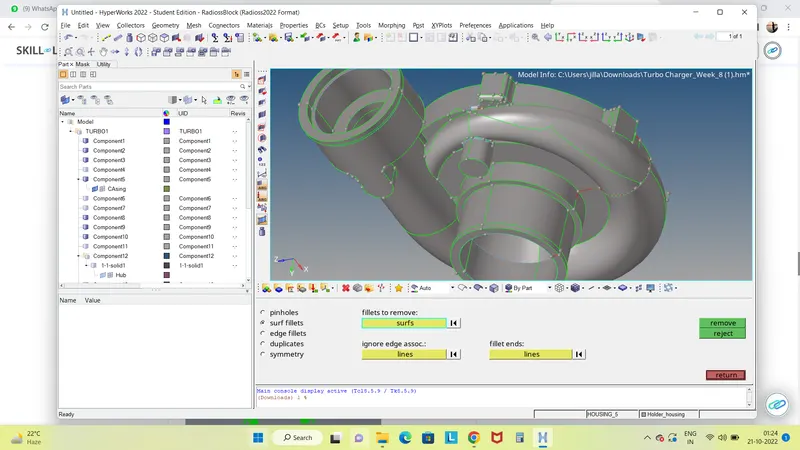
Split surf-node, Split surf-node and toggle edge are the important command use to defeature the component.
- With using the same command other components also defeatured.
- Volume Mesh Generation :
- Tetra Mesh are unstructured mesh where the elements are not uniform and structured in the manner.
- Tetra elements are generated inside the model as the surface is meshed by Tria elements.
- Go to the Tetramesh from the 3D panel, click on the Volume Tetra, then click on the component and click on the mesh option to mesh it.
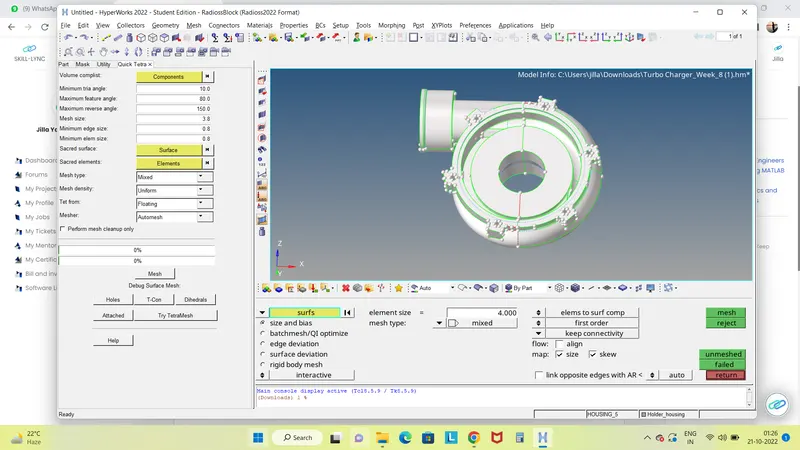
We are considering the only one criteria in the tetra meshing i.e Tet Collapse as per the given requirement.
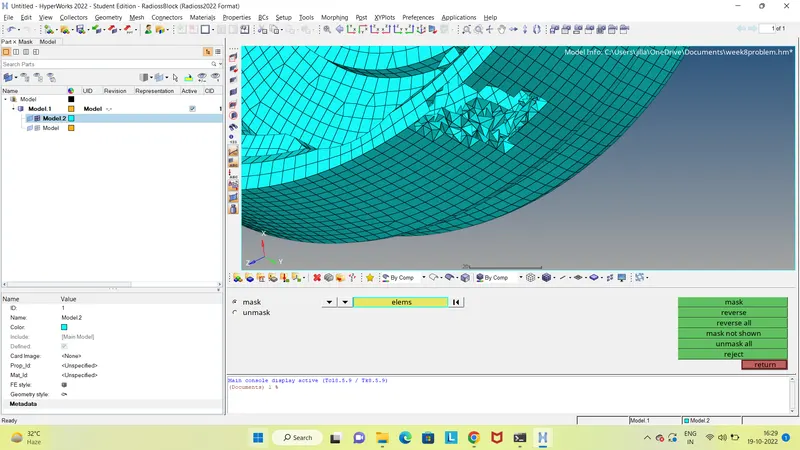
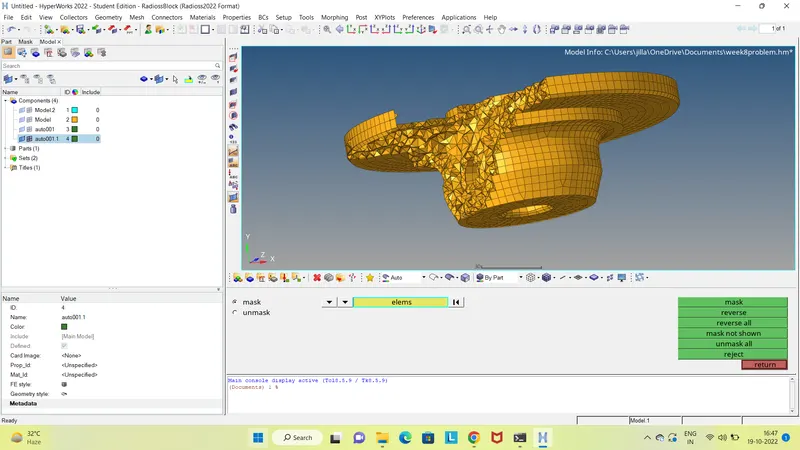
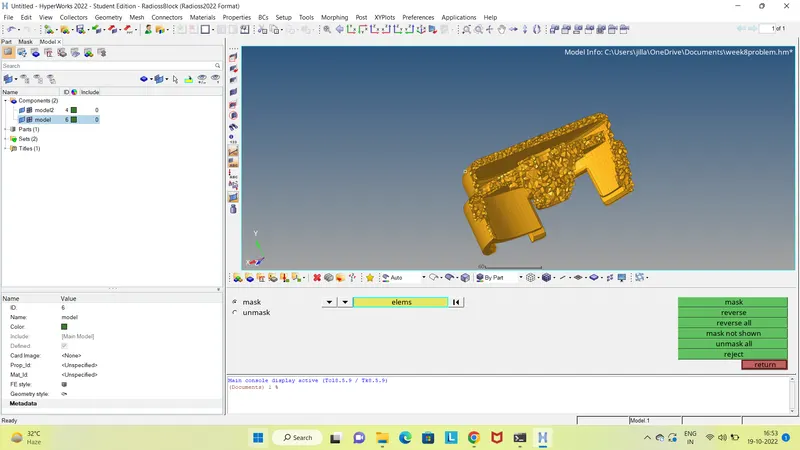
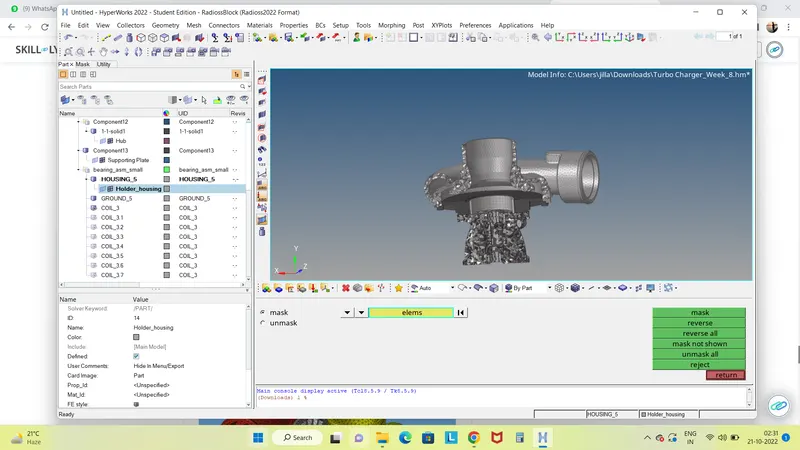
- As shown in the below image, found the failed elements.
- 74 off elements are showing in the meshed model.
- Knowledge Gained :
- Geometry cleanup and Defeaturing.
- Tetra Meshing with Tetra Mesh Commands.
- Removing the Off elements with the quality criteria i.e tet collapse
- Conclusion :
- In this project, complete tetra meshing of housing, piston component and pump assembly is accomplished.
- Required quality criteria and tetra mesh flow is achived in the project.