Week 8-3D Tetra Meshing Challenge
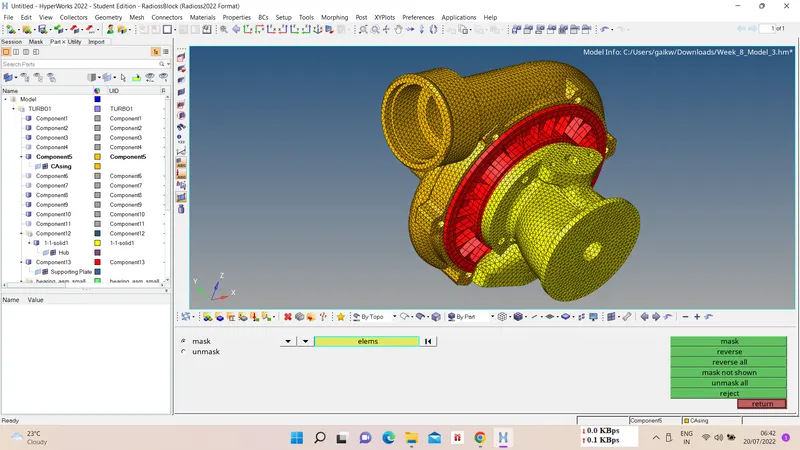
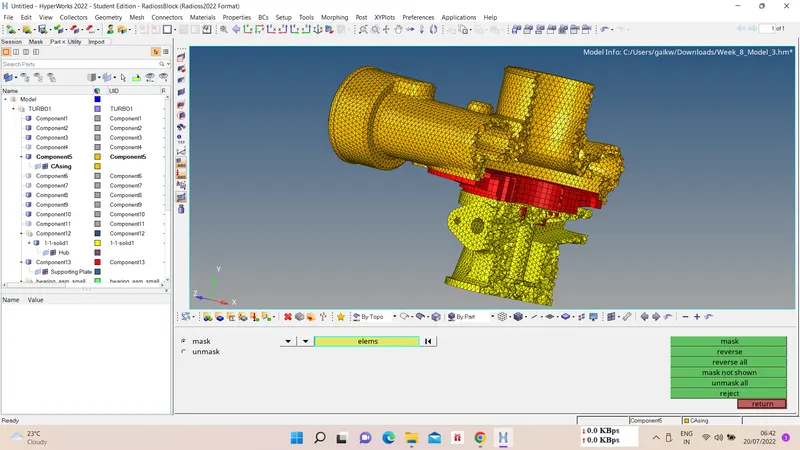
1) Create a Teramesh for Housing component with the following quality criteria. TetraMesh Generation Method: 2D to 3D Conversion
Elements sizes: Min- 2 Units, Target- 5 Units, Max- 7 Units, Tet collapse: 0.15
Ans :-
i) Geometry Import and Cleanup -
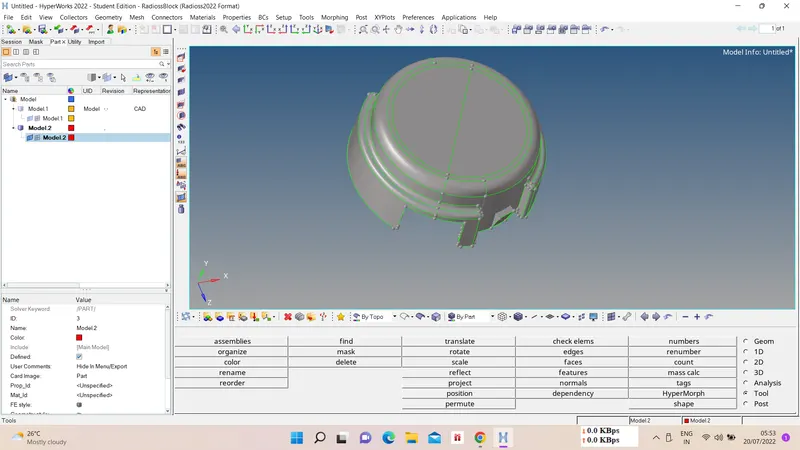
First import the model using import option, this modle consist of two components as below. Do geometry cleanup for 2D meshing on both components
ii) 2D Automesh -
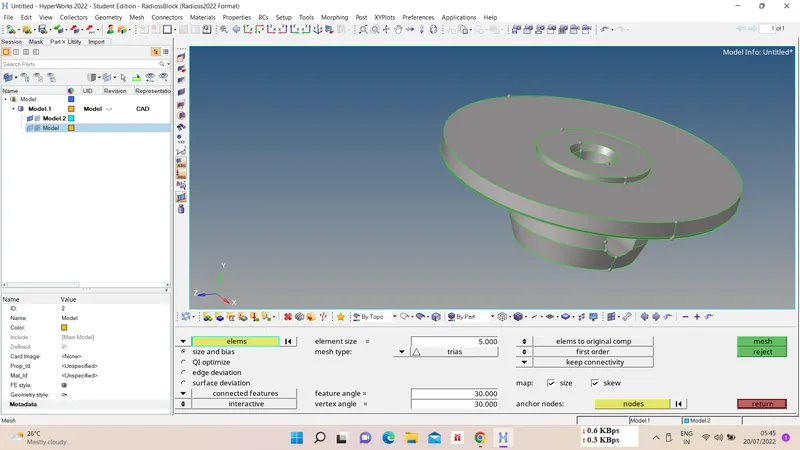
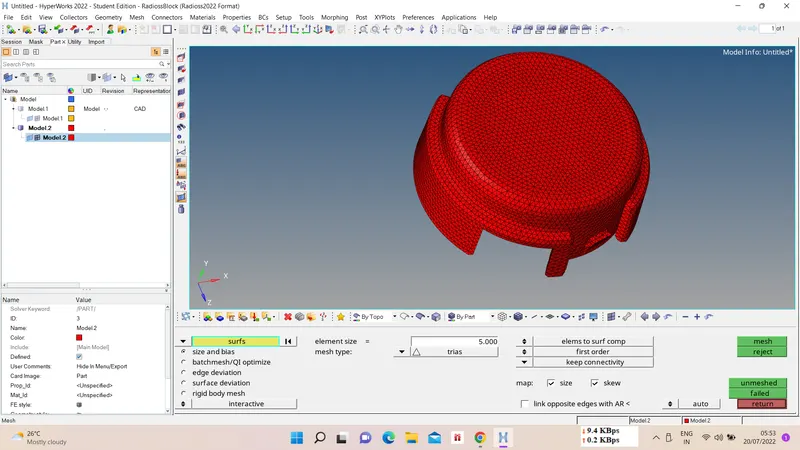
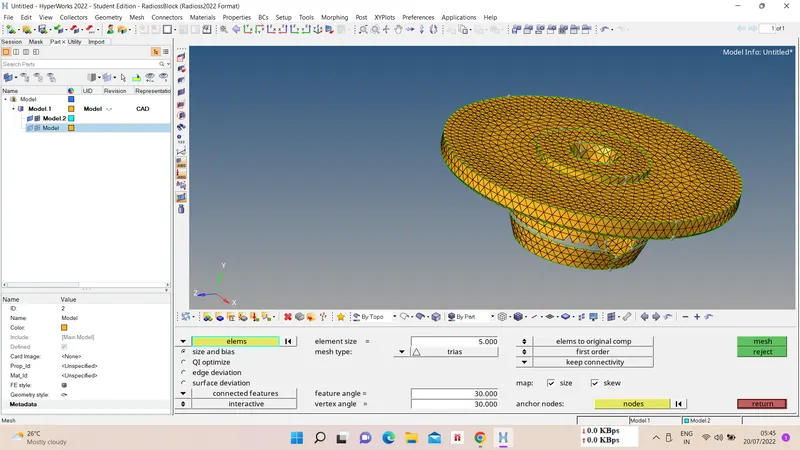
Now we have to do 2D tri mesh for converting this mesh into 3D tetra mesh, for that
2D - automesh - select surfs - mesh type as tri - element size as 5 - mesh.
iii) 3D Tetramesh -
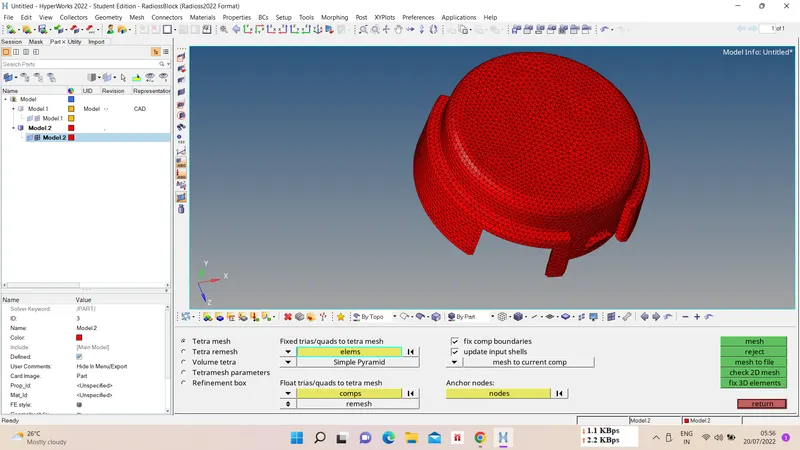
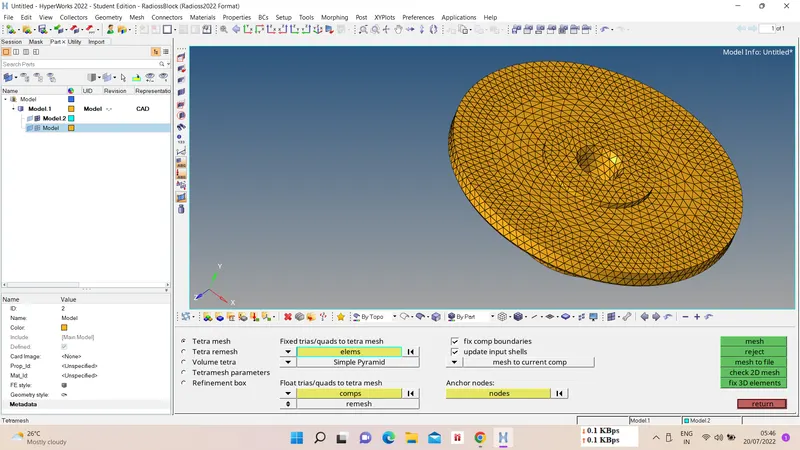
Now we have to convert generated 2D mesh into 3D tetramesh, for that
3D - tetramesh - tetramesh parameters - select elems - mesh.
iv) Tet collapse check -
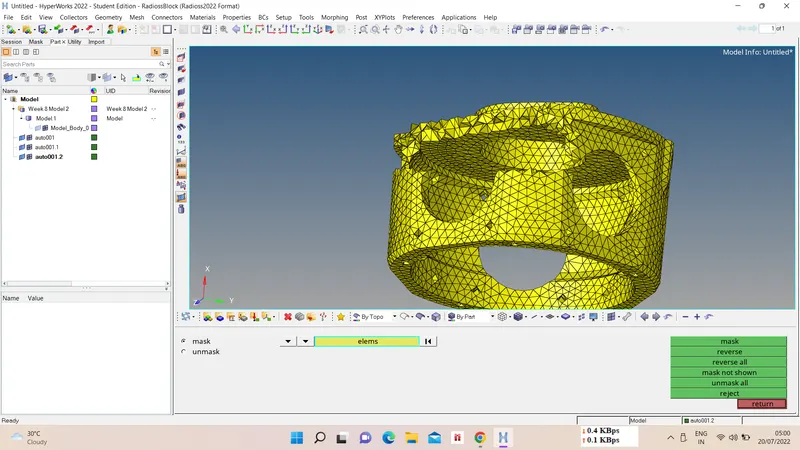
3D tetramesh should not have any tet collapse element for value 0.15, as there are many elements which were failing for tet collapse so we remesh tetramesh and for remaining failed elements we use Replace node option.
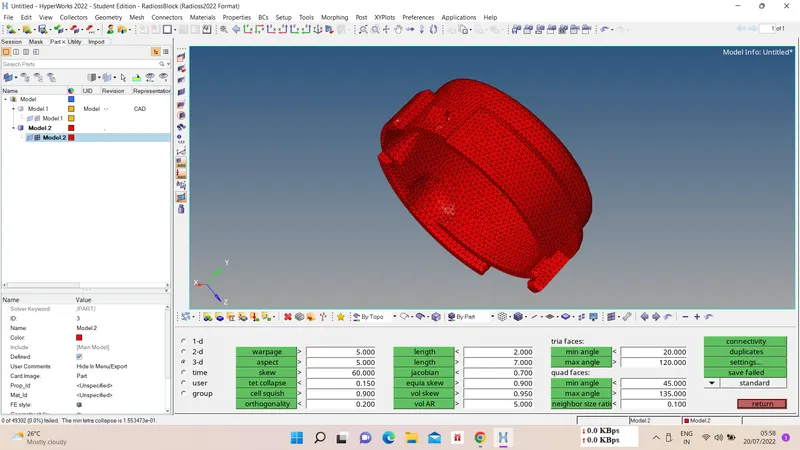
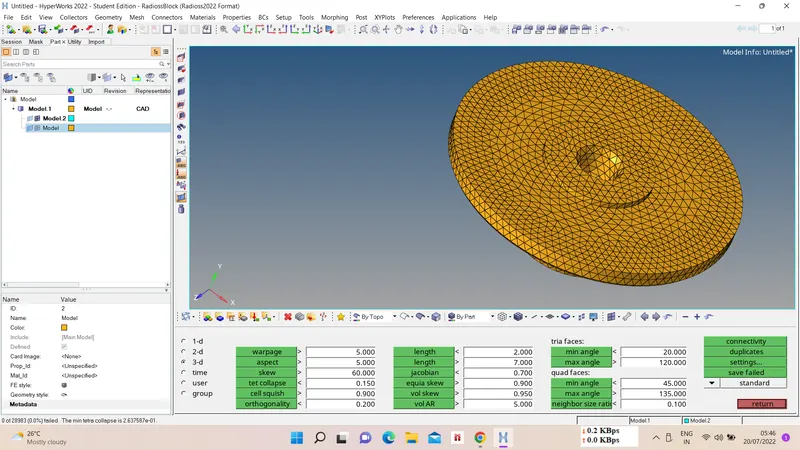
v) Final component -
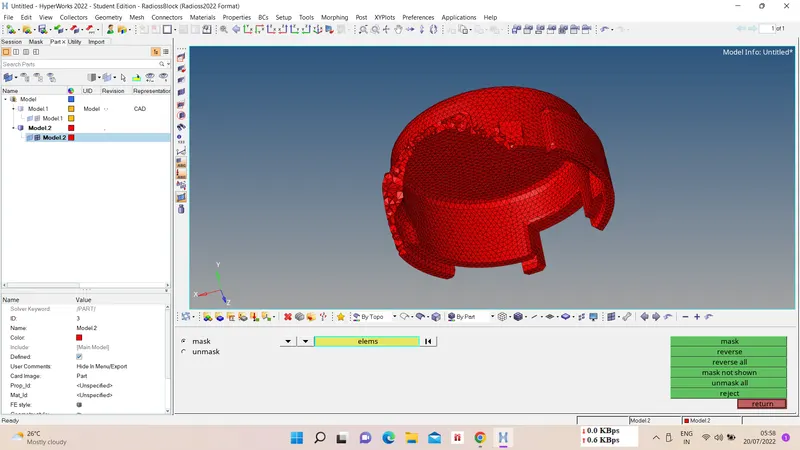
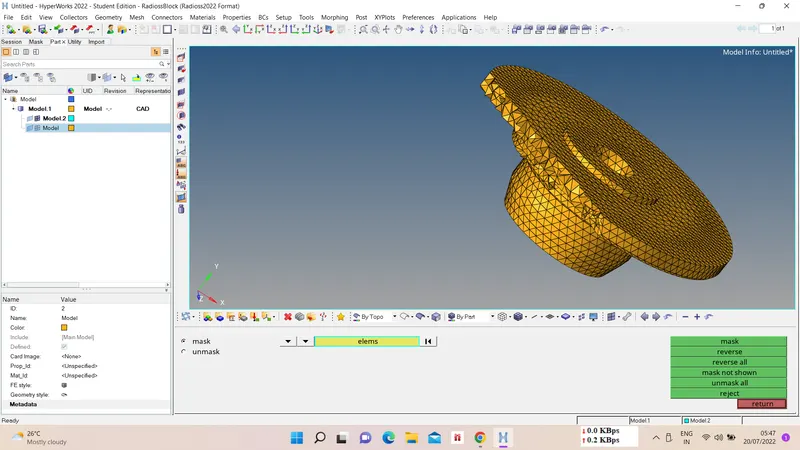
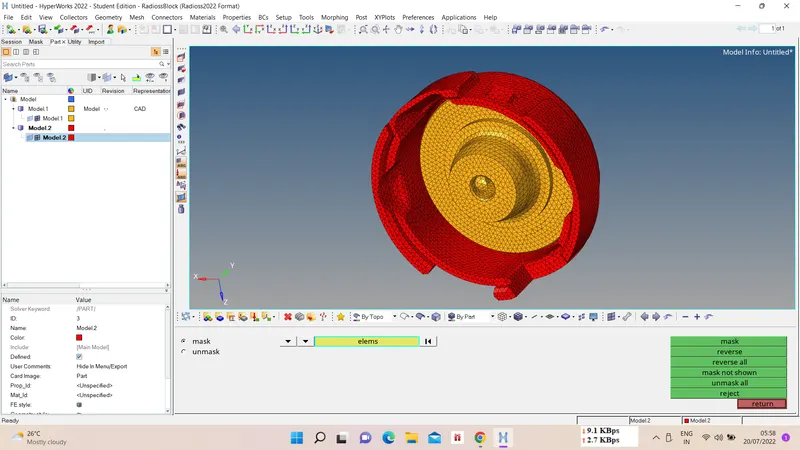
2) For the given model, Create a 3D Tetramesh with the following quality criteria. TetraMesh Generation Method: Quick Tetra Mesh/ Volume Tetra Mesh
Target Element size: 3 Units. , Tet Collapse: 0.15
Ans :-
i) Import the Model -
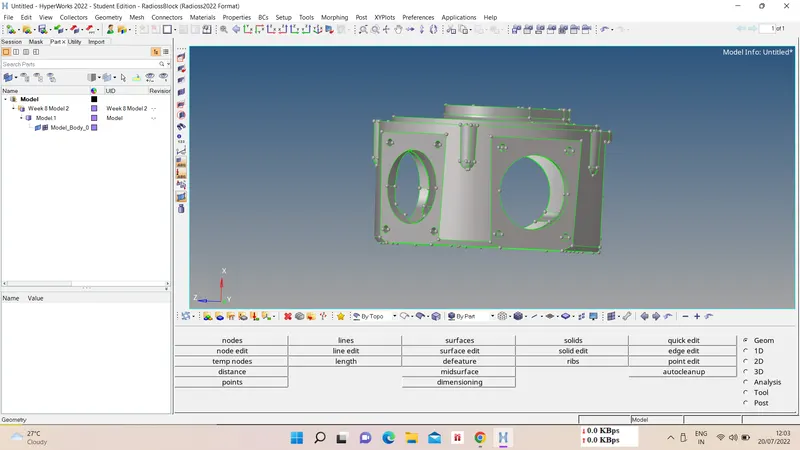
ii) Volume Tetramesh -
Now we have to do 3D volume tetramesh on given component using solids, for that
3D - tetramesh - volume tetramesh - select solids - element size - mesh type - mesh.
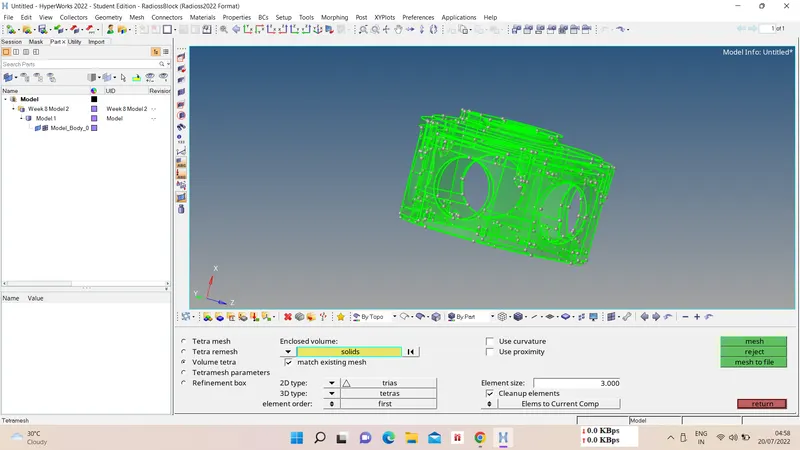
iii) Tet collapse check -
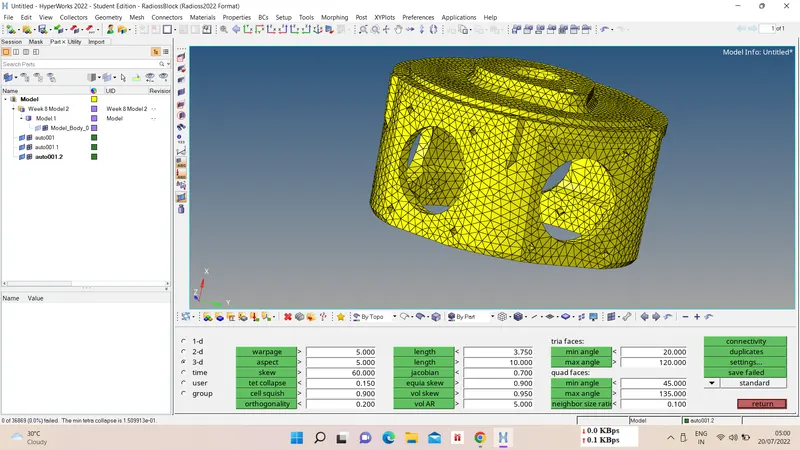
iv) Final component -
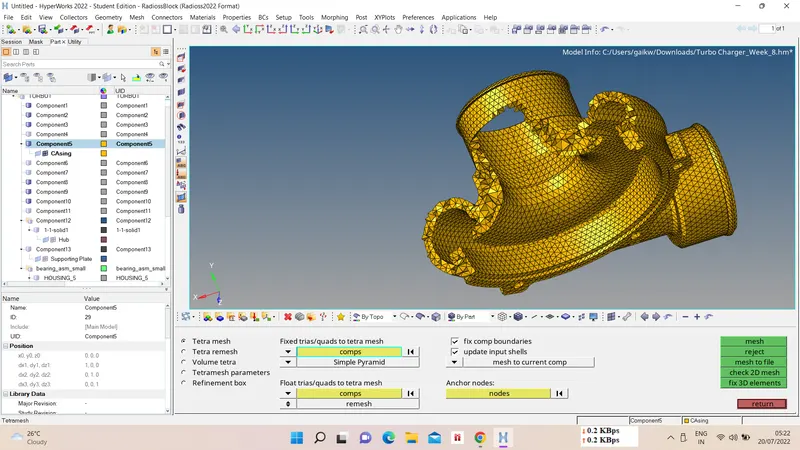
3) For the given assembly model, Create a 3D Tetramesh with the following quality criteria. TetraMesh Generation Method: Quick Tetra Mesh/ Volume Tetra Mesh
Target Element size: 4 Units., Tet Collapse: 0.15
Ans :-
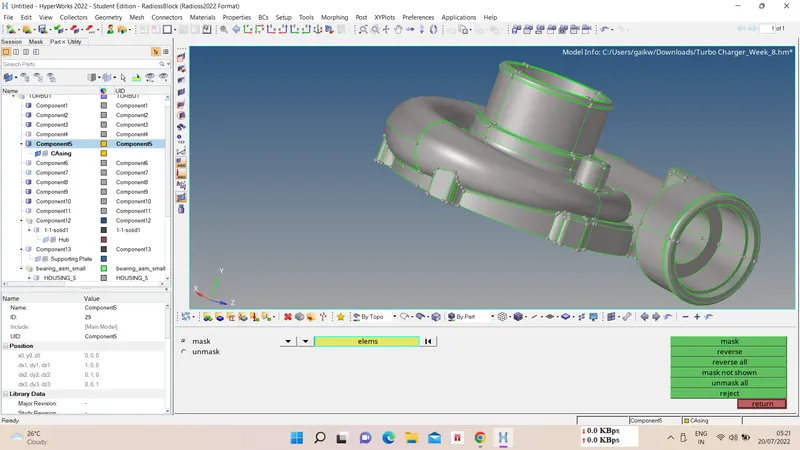
i) Model Import -
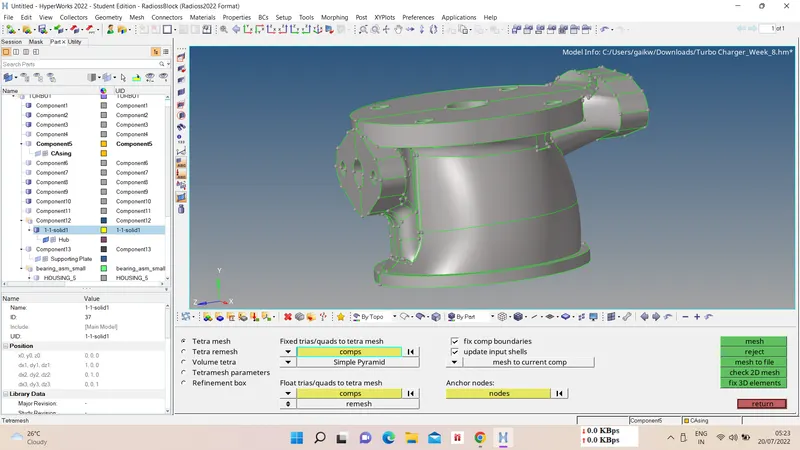
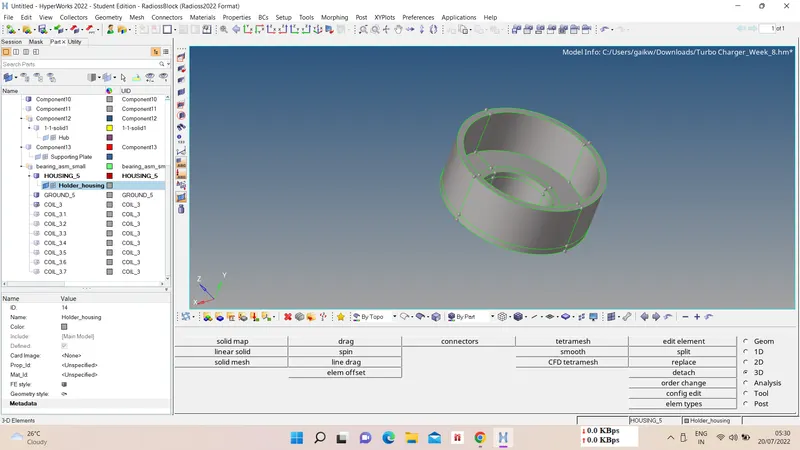
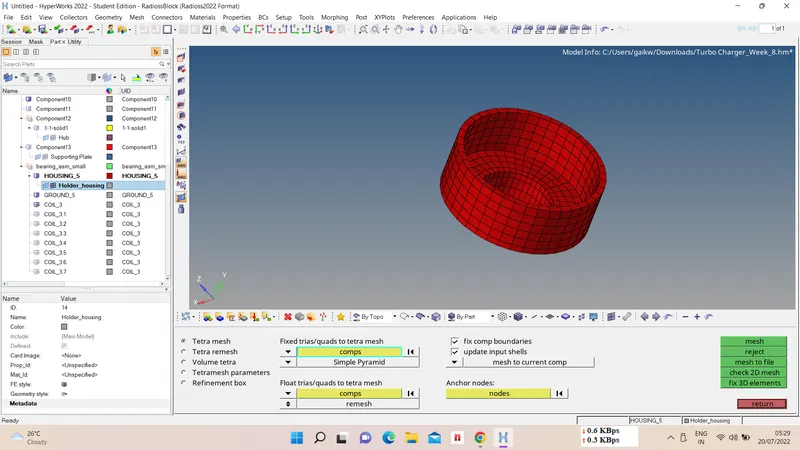
ii) 3D direct tetramesh -
3D - tetramesh - select comp - mesh.
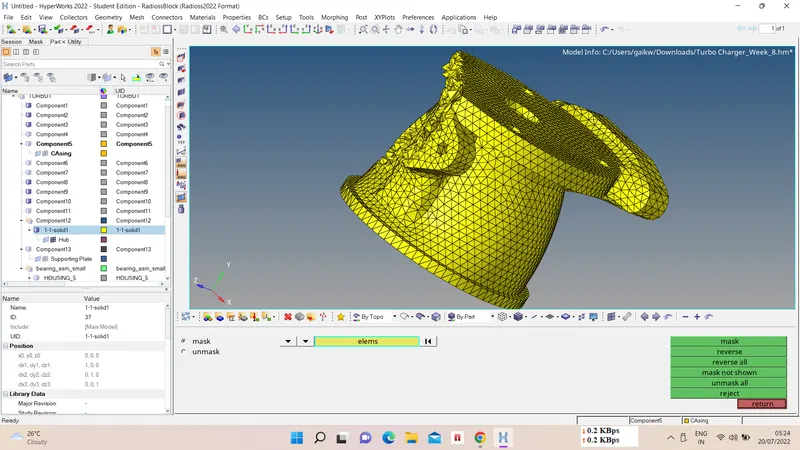
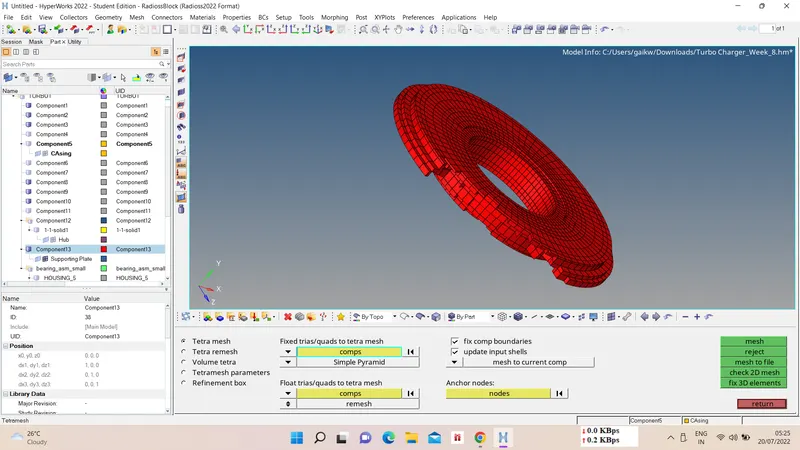
iii) Tet collapse check -
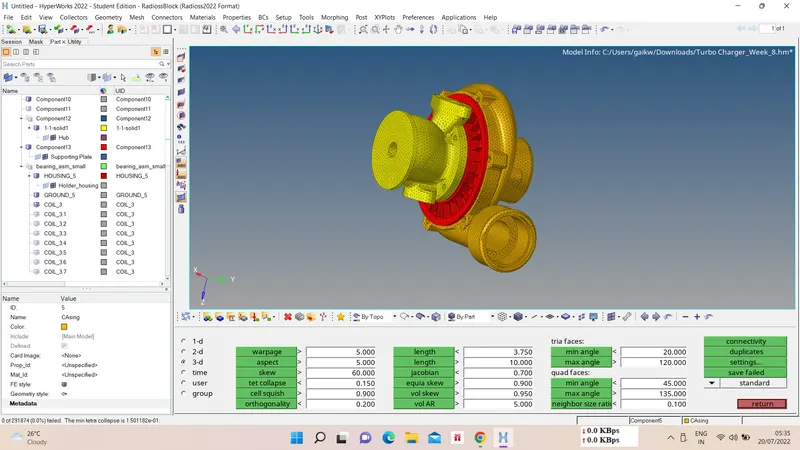
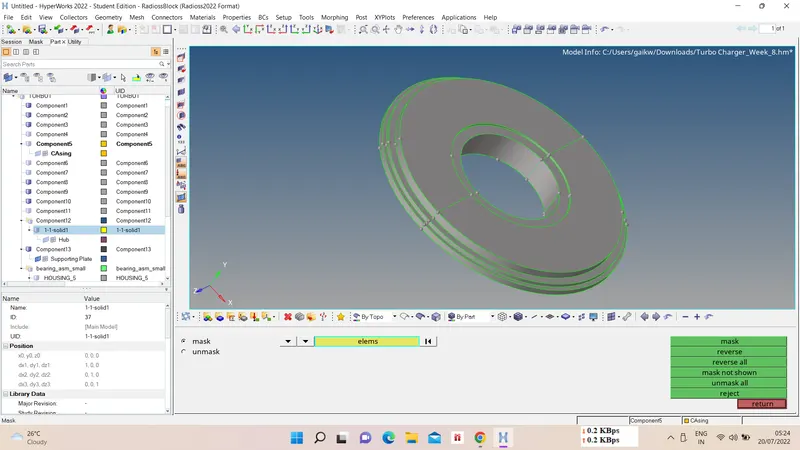
iv) Final product -