Week 8-3D Tetra Meshing Challenge
1..
Objective: Create a Teramesh for Housing component with the following quality criteria.
TetraMesh Generation Method: 2D to 3D Conversion
Import the model and view it in Topo mode to check whether it is solid or surface
Here we have 2 components
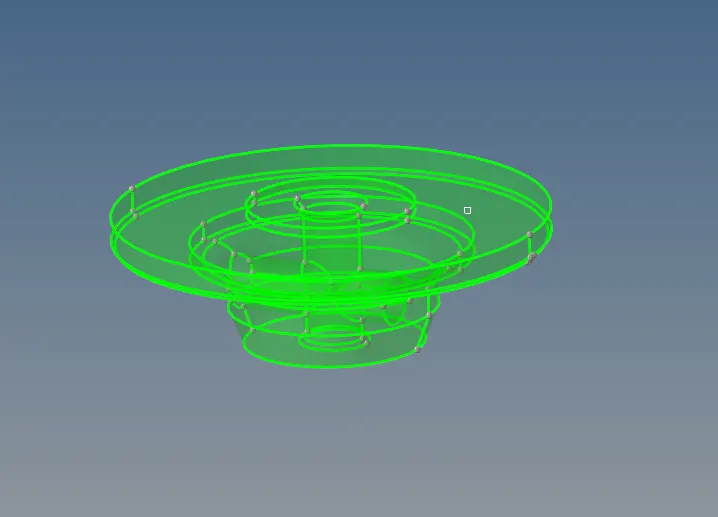
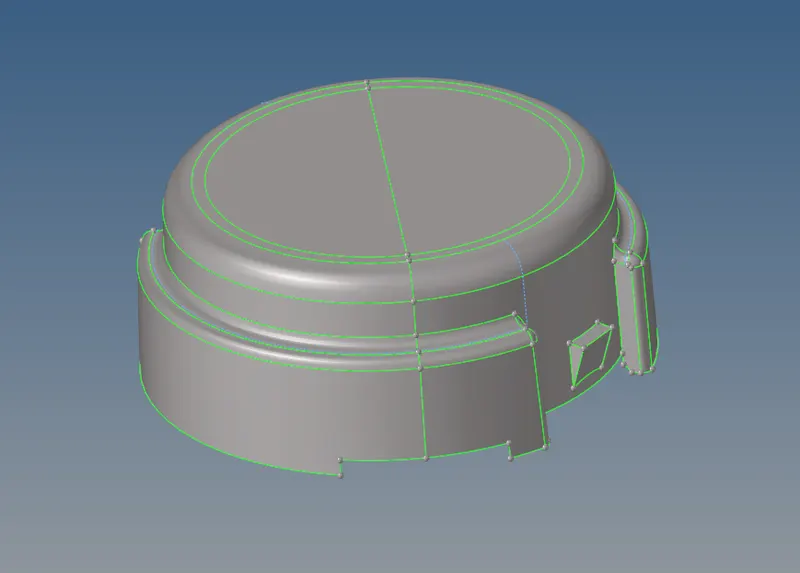
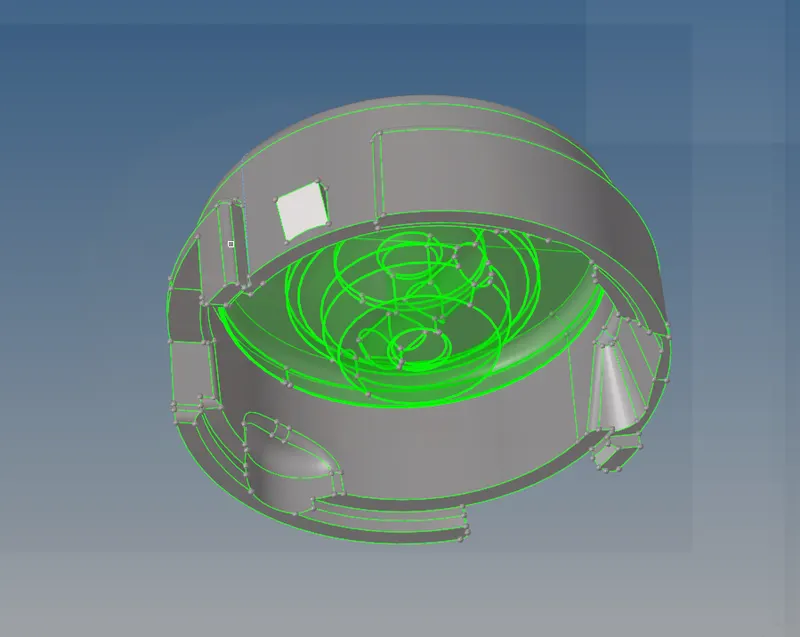
Delete the solid for the bottom one
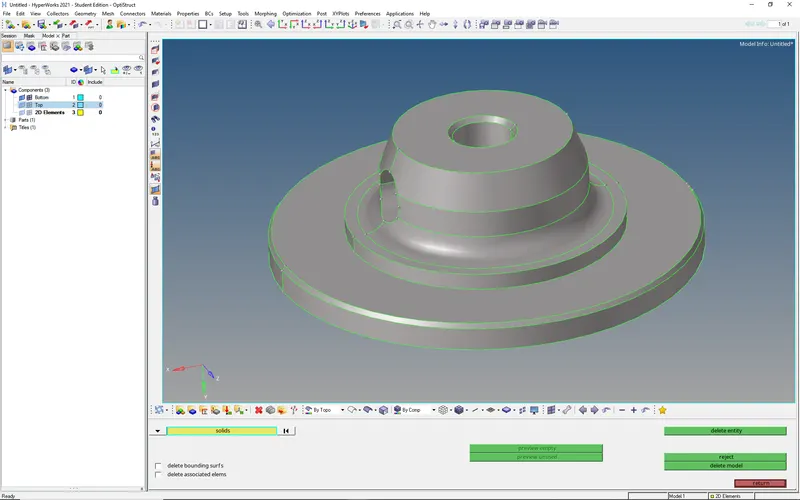
Now we have 2 surface components
Clean the geometry (if necessary). If everything is okay proceed to the meshing with tria elements of size 4 mm
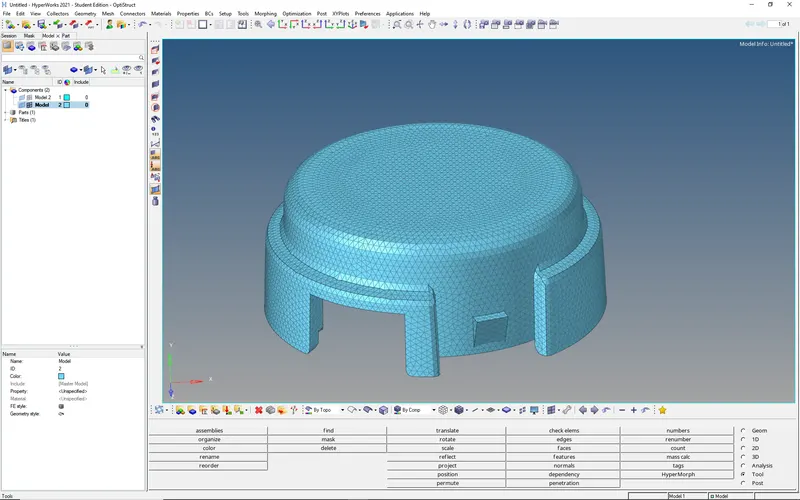
Now check the elements
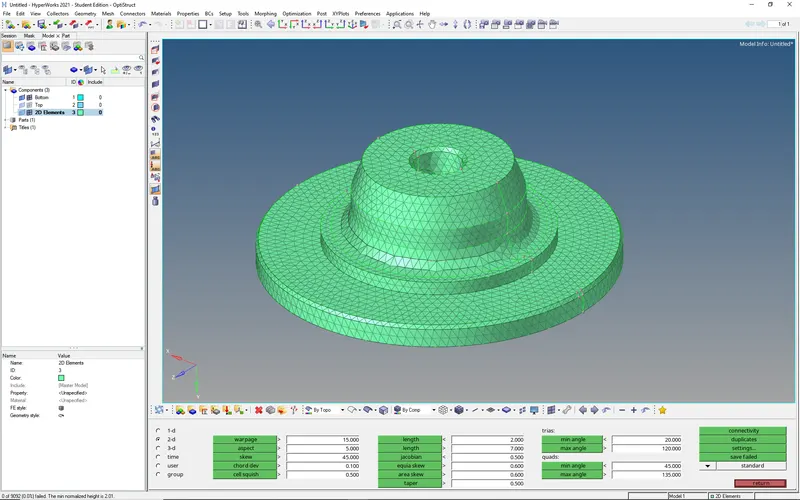
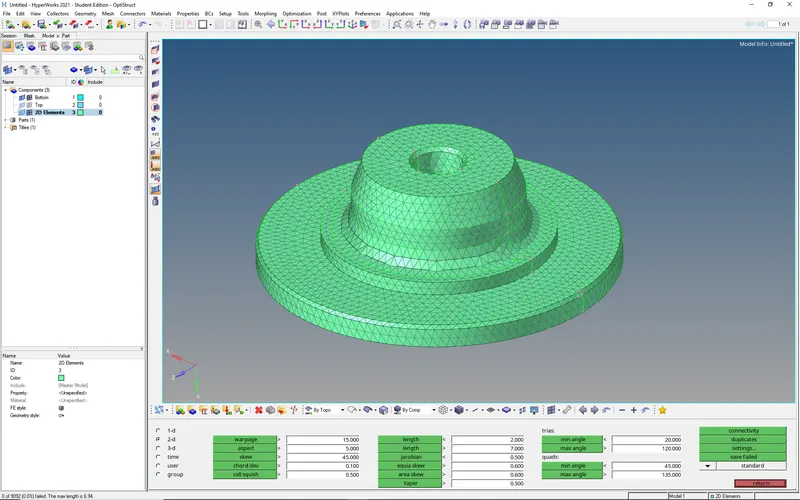
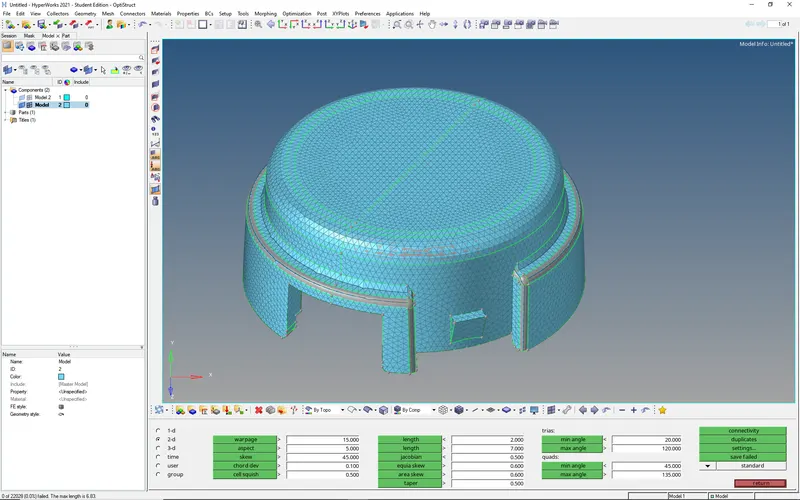 No element is failing in maximum length
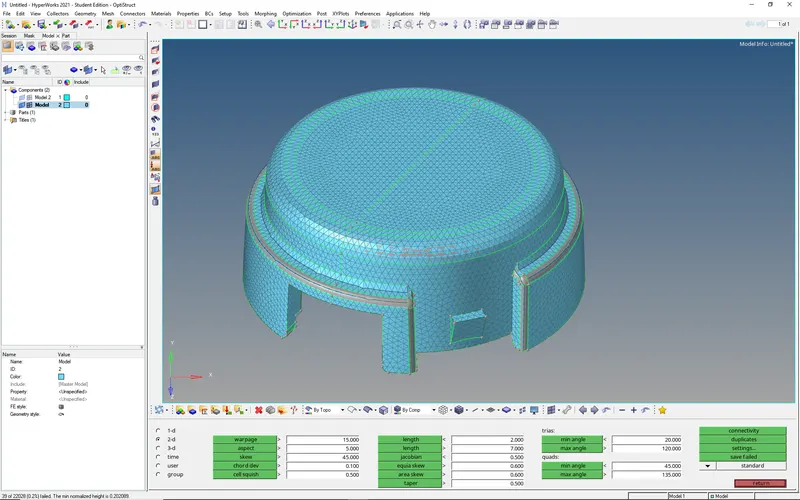 39 elements failed in min. length so work on these elements now
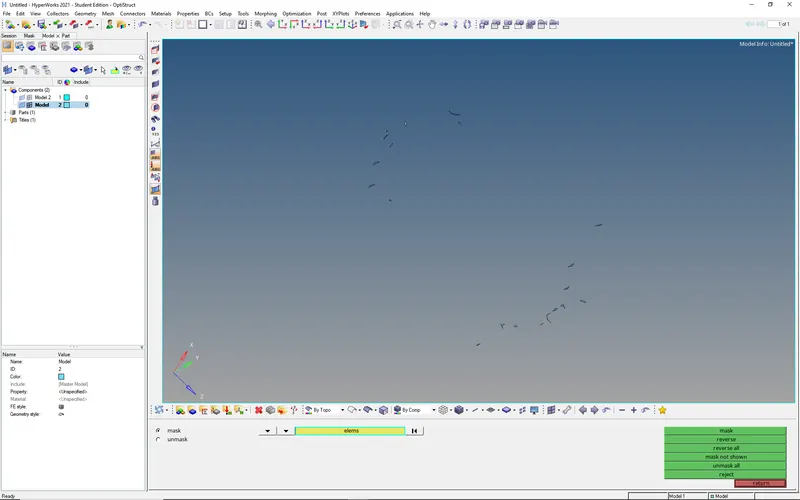
Add temporary nodes to these elements and unmask the adjacent elements
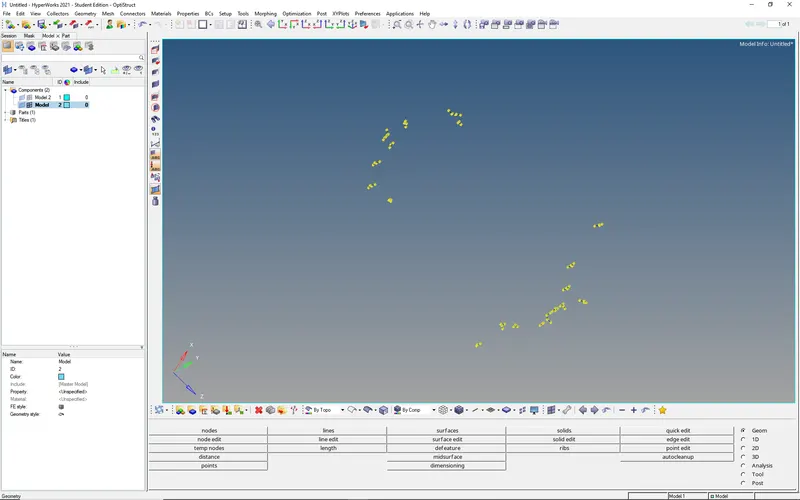
Use translate option to increase the distance or distance option to change the distance between two points
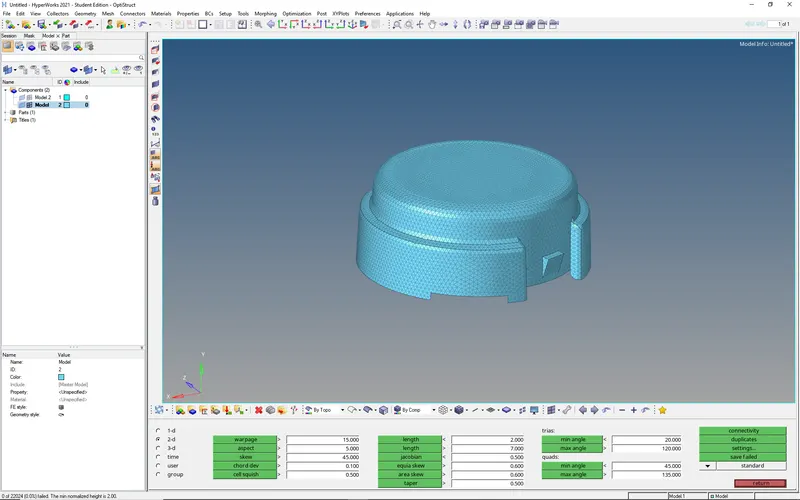 Finally, we can get the zero elements that are failing in min. element length
Once the 2D Tria Mesh is completed we can go for 3D Tetra Mesh (3D --> Tetra Mesh --> select elements)
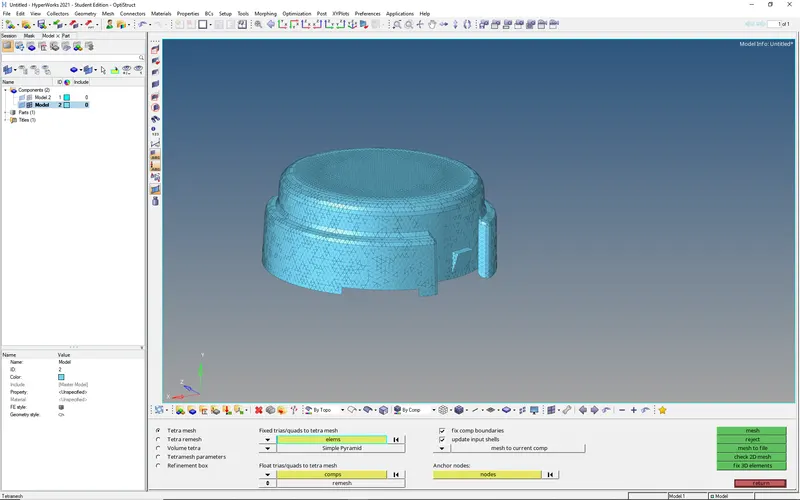
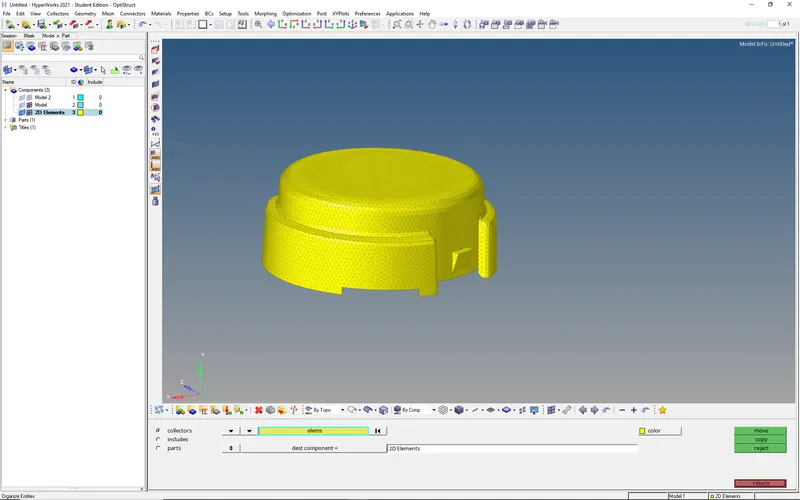
use separate collector for 2D Elements
Check Tet collapse
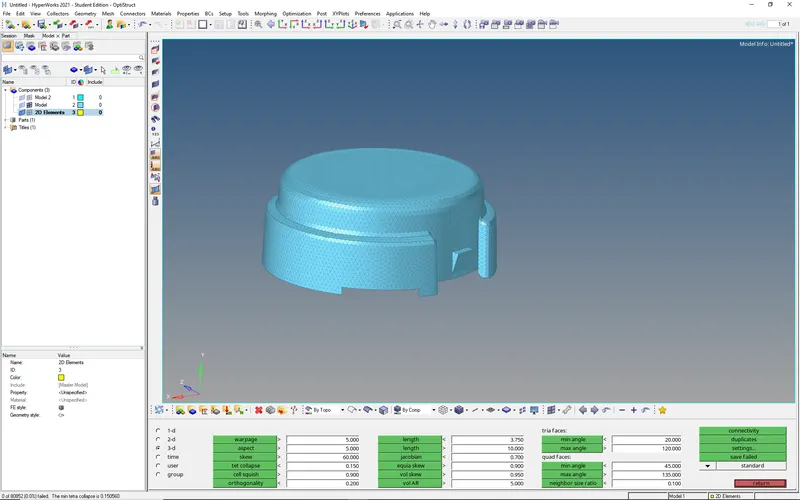 The min.tet collapse value is 0.150560
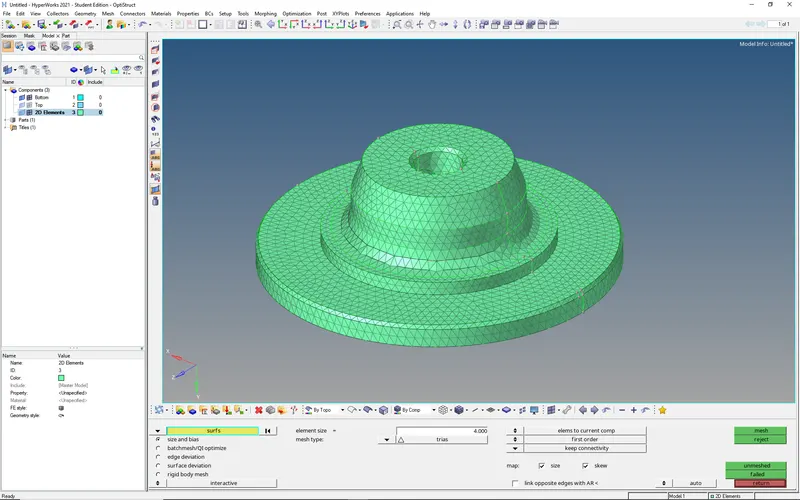
Now mesh the other component with Trias of element size 4 mm
Check the min. length & Max. length
Now convert the 2D tria elements into Tetras and check tet collapse
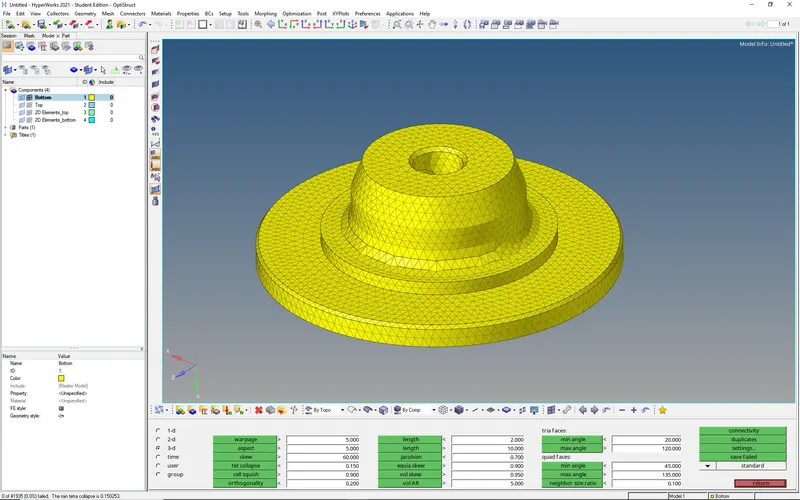 Here it passes the tet collapse condition
So we can finalize these meshes...
2. Objective: Generate the Tetra Mesh of element size 3 units using Quick Tetra Mesh/ Volume Tetra Mesh
Import the model and view into Topo mode
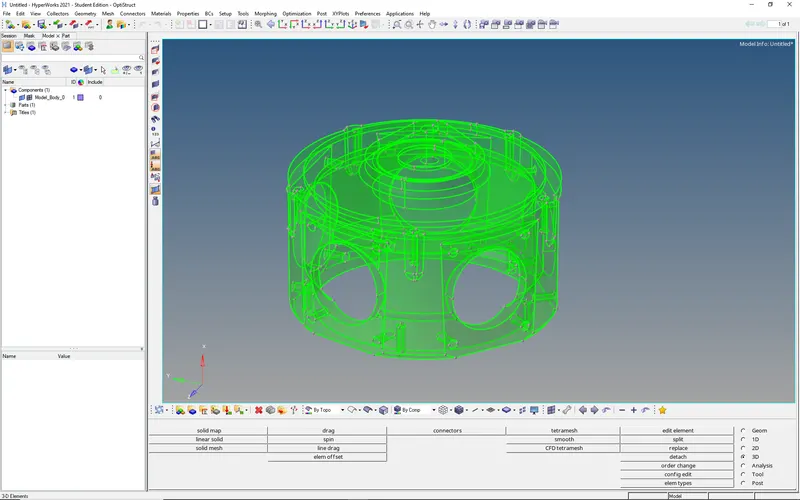 Here we have a solid component
use volume tetra mesh of element size 3 mm
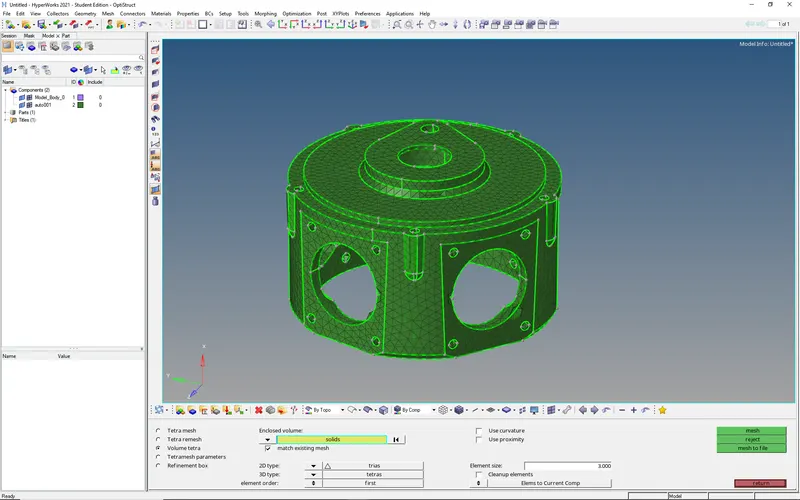
3D Tetra elements
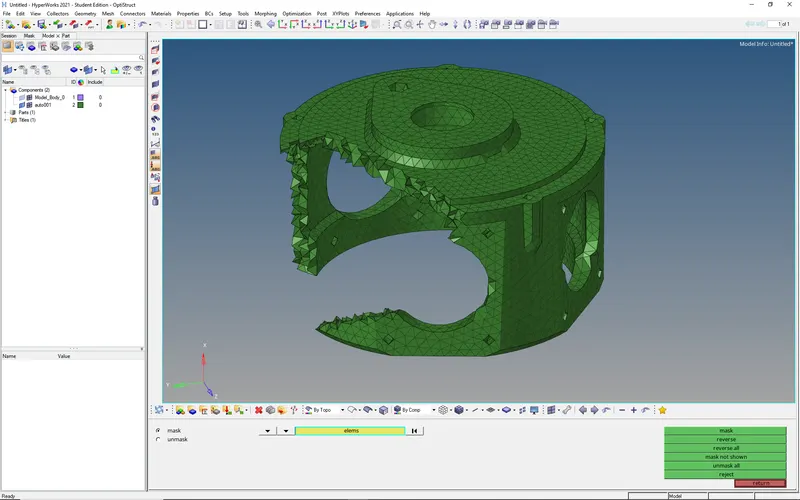
Now check the tet collapse
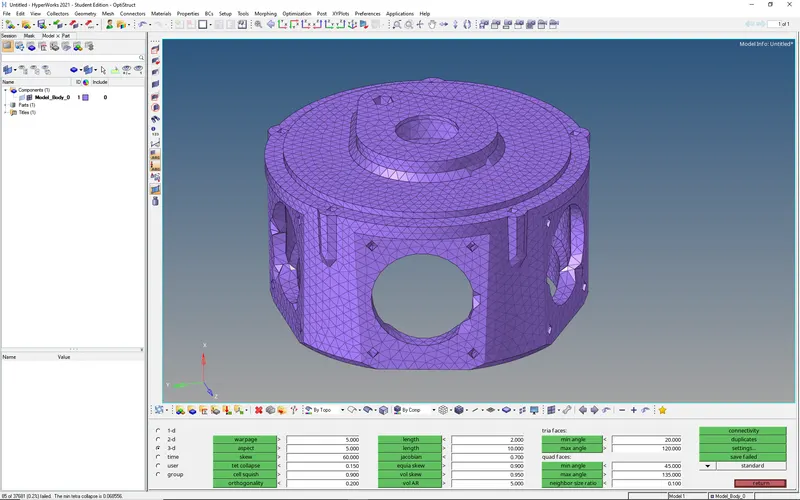
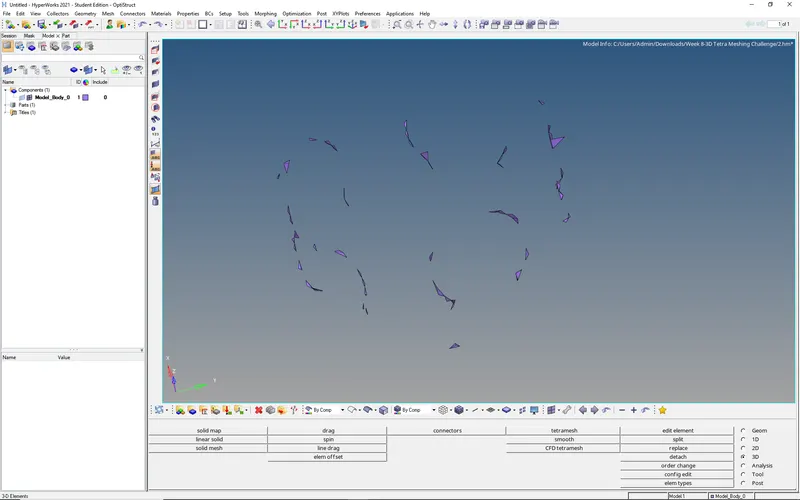 85 elements are failed
we can remesh the failed elements by unmasking adjacent elements
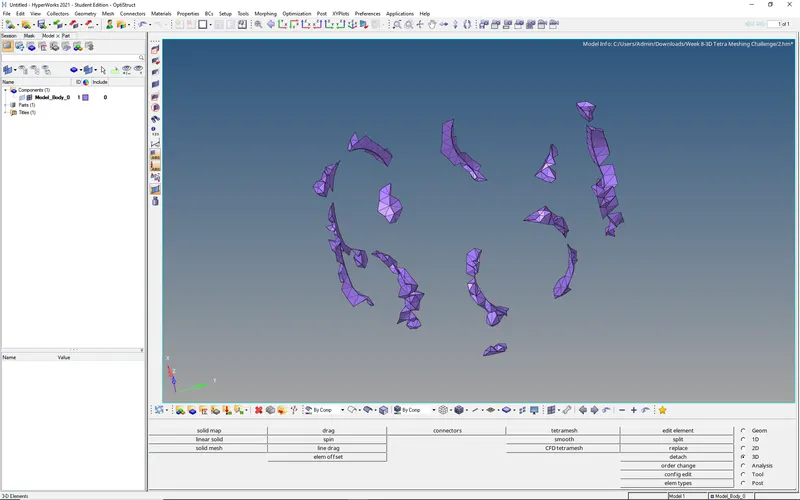
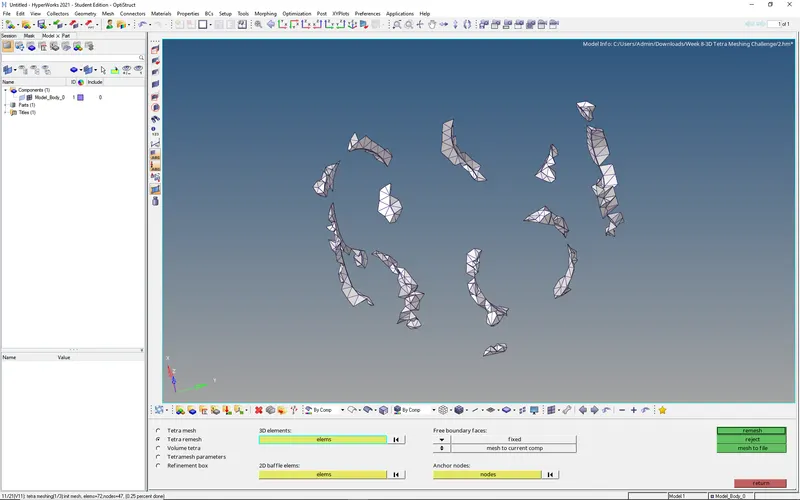
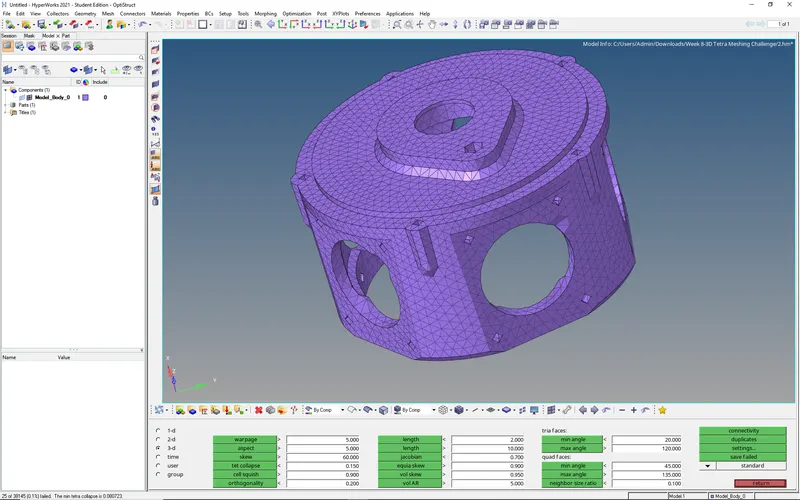 25 elements failed
Again repeat the same remesh procedure and check tet collpase
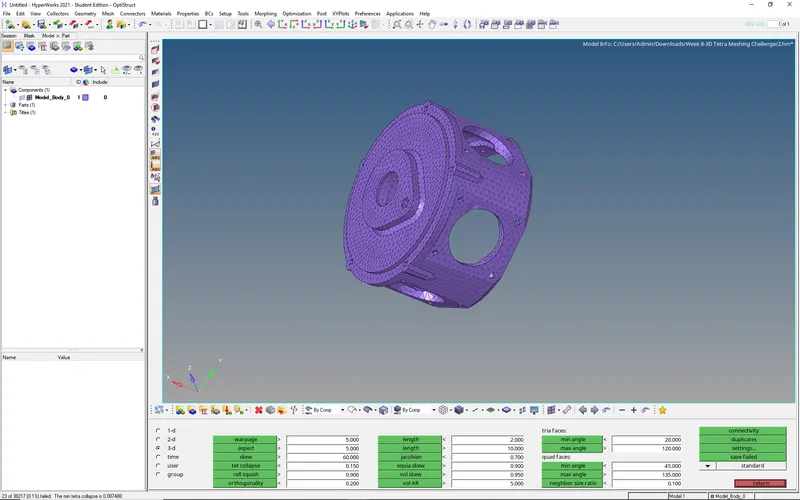 23 elements failed
since there is no change in the no. of failed elements we can go manually for these 23 elements
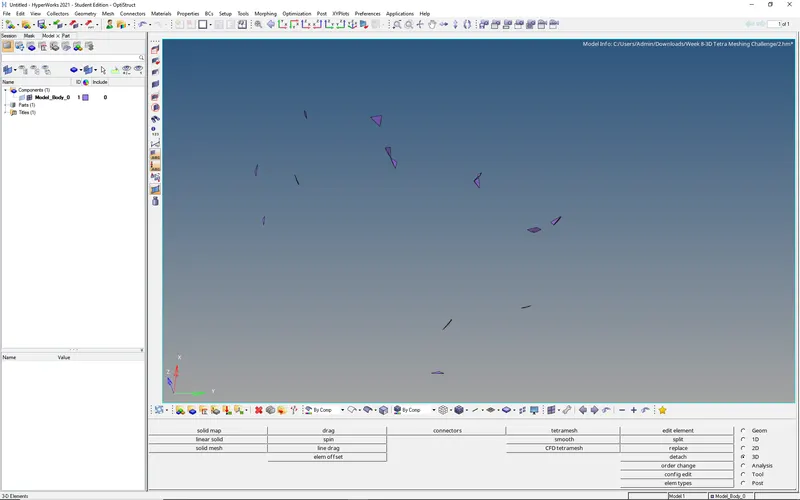
Add nodes to these elements so that we can clearly see the tetra element
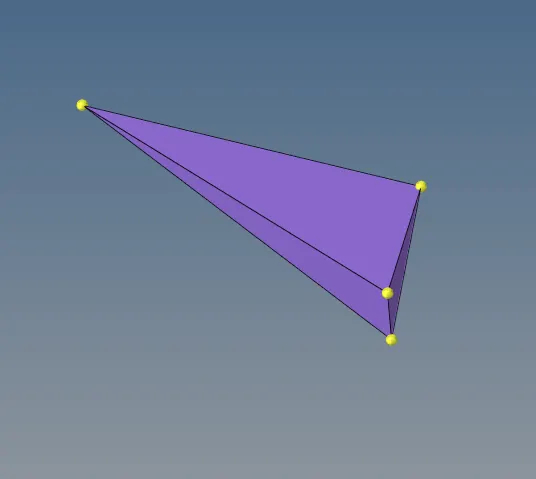 use translate or distance option to change the height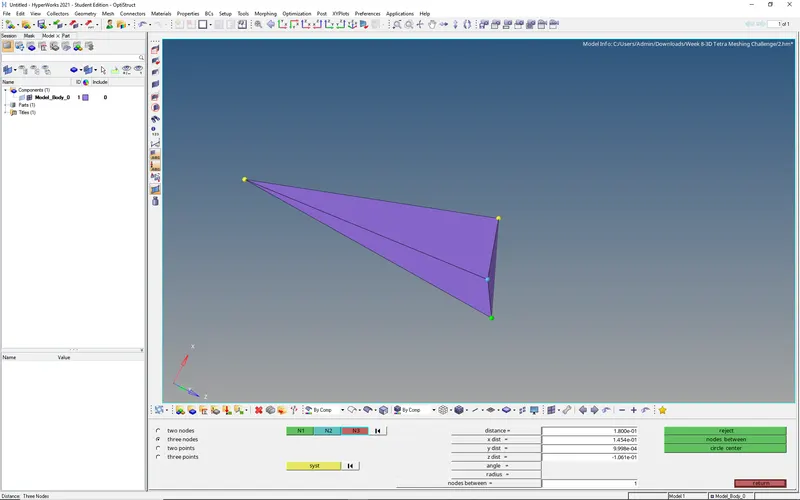
Check the tet collapse to this element
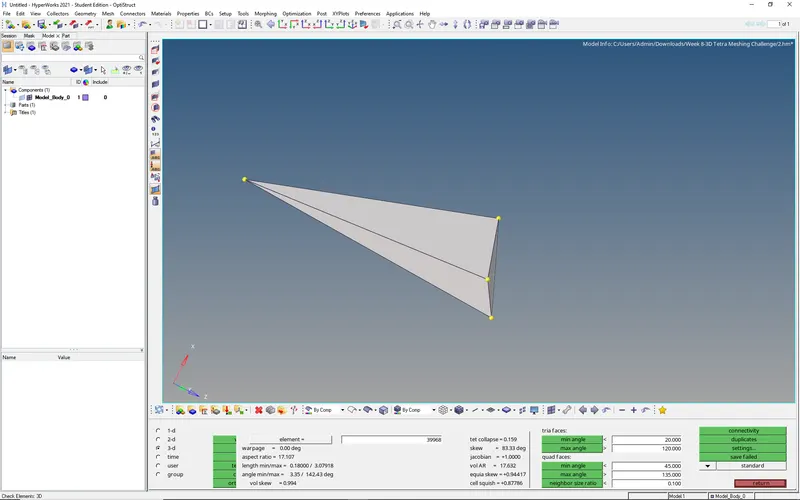 it passes the tet collapse
do the same procedure for the remaining elements
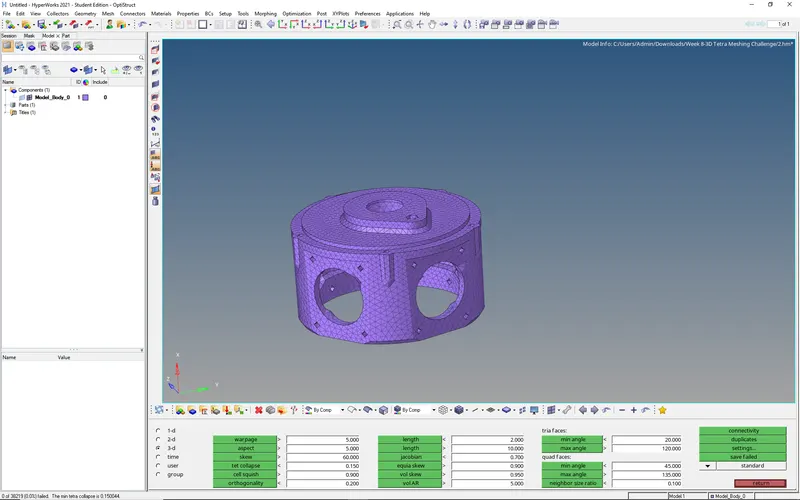 Zero elements failed in tet collapse
So this component passes all the conditions..
If the component can be meshed by taking the consideration of curvature and proximity
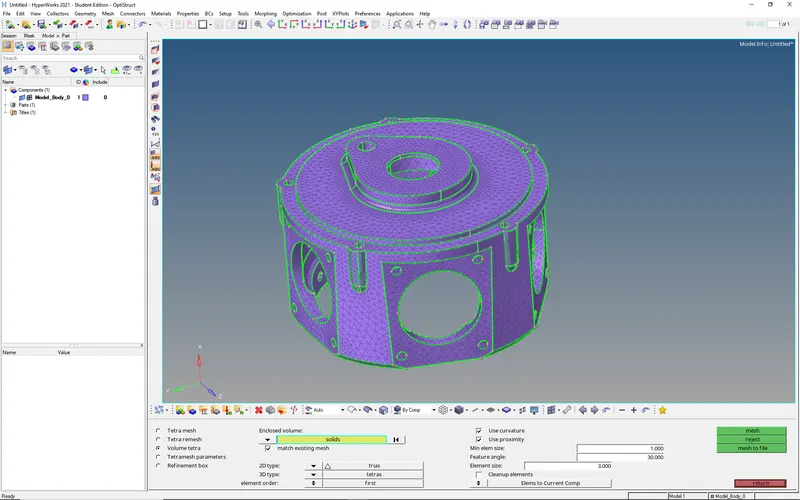
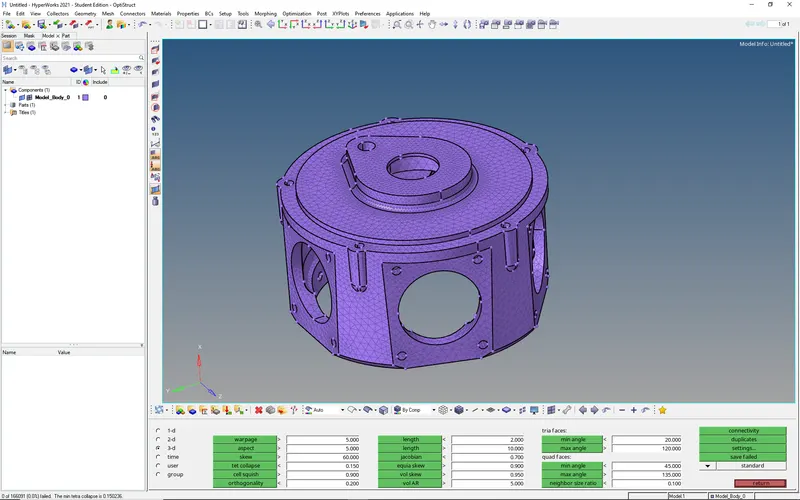 All elements passed tet collapse
3. Objective: Generate the Tetra Mesh for the given assembly model of element size 4 units using Quick Tetra Mesh/ Volume Tetra Mesh
Import the model and view in topo mode
For this model if we proceed with 3D mesh to the components it will reach the maximum limit of elements, so we can save each component with a different file name (3-1,3-2,3-3,3-4,3-5)
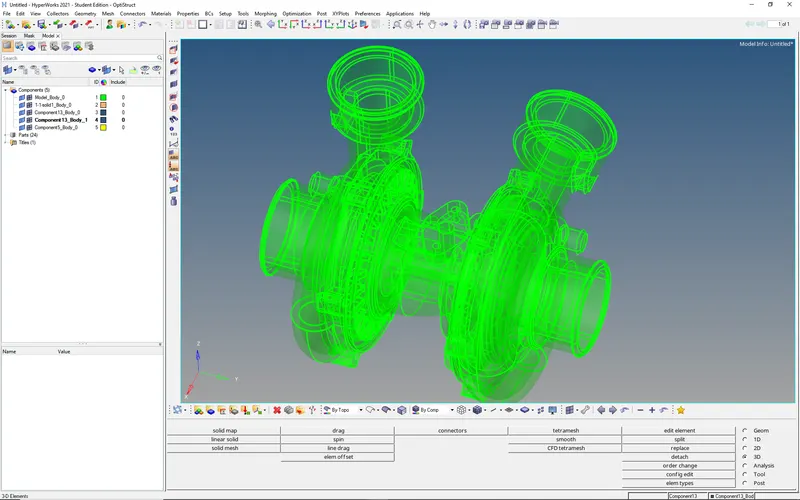 Here all the components are in solid
we can either 3D mesh the solid component or delete the solid and 3d mesh to the surfaces
we can mesh each component individually
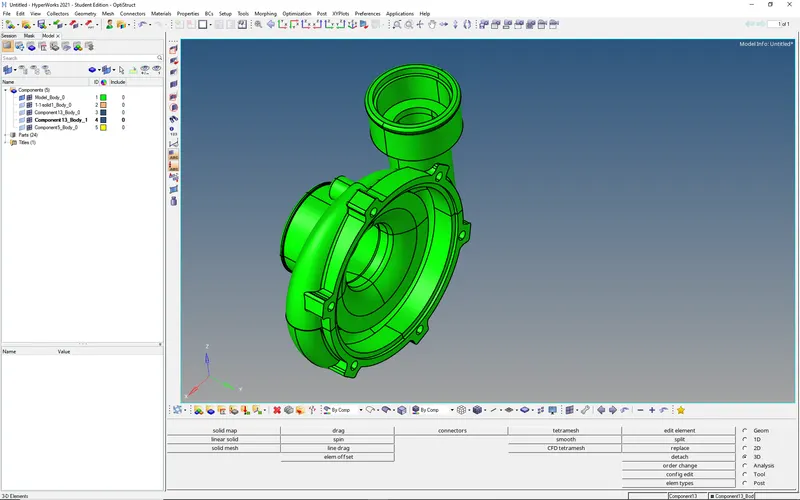
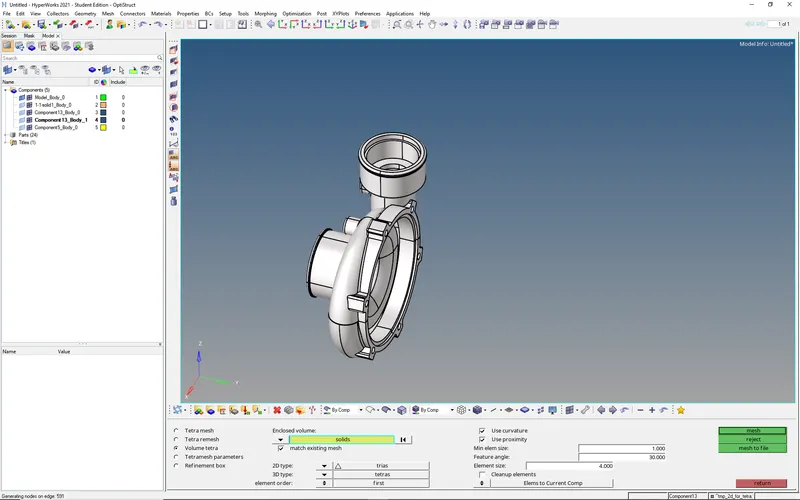
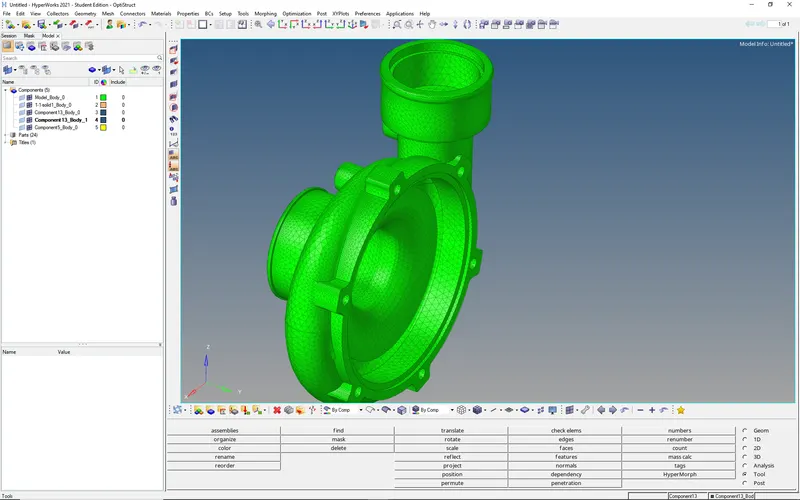 Check tet collpase
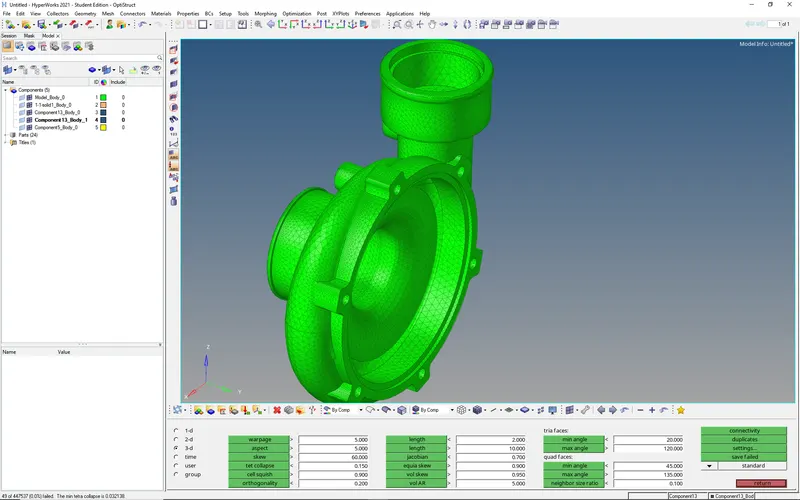 49 elements failed
So lets work on these elements
save the failed elements and mask these elements
Remesh these elements with adjacent elements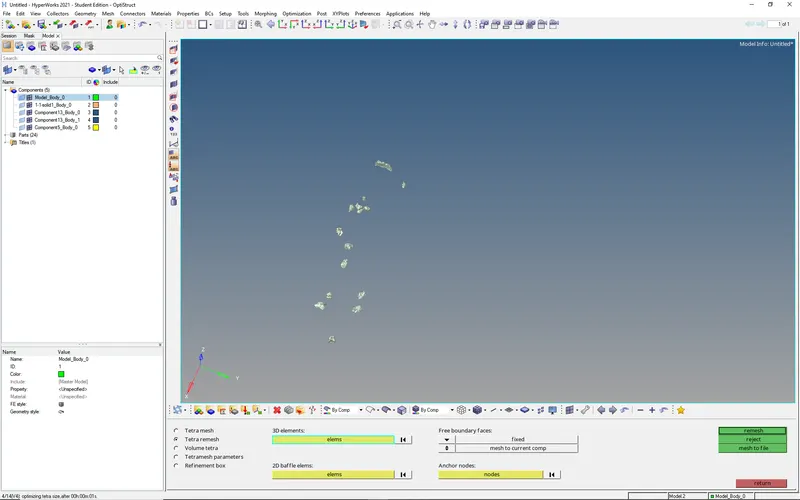
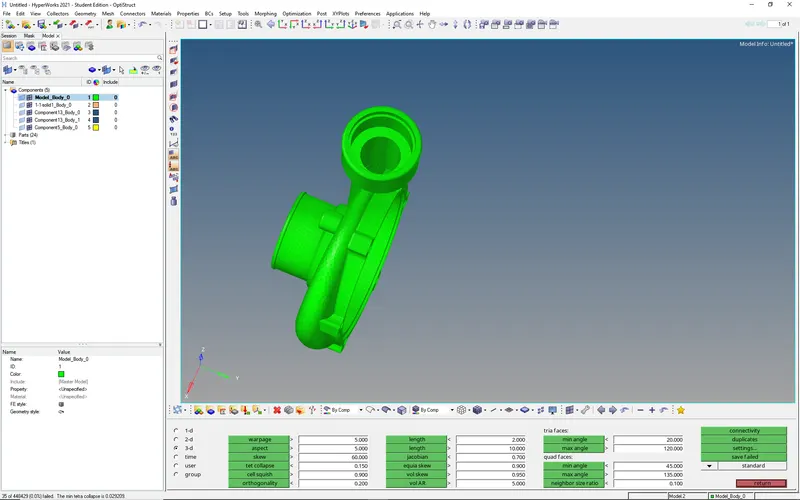 35 elements failed
let's work on these 35 elements manually as done in previous example
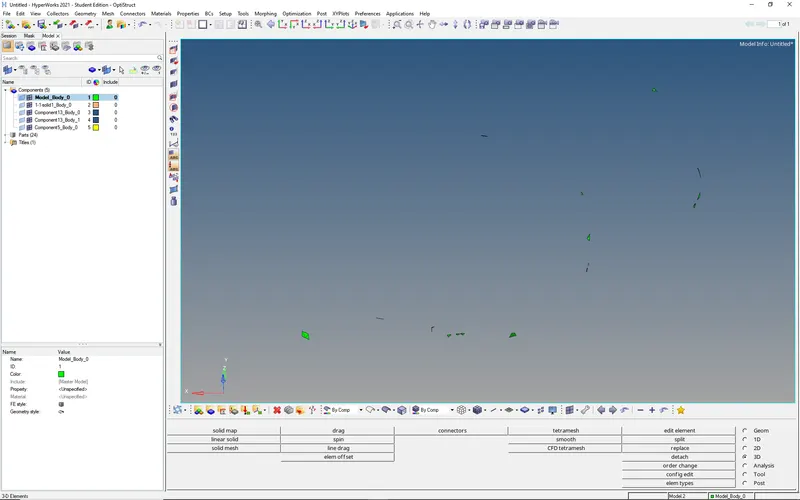
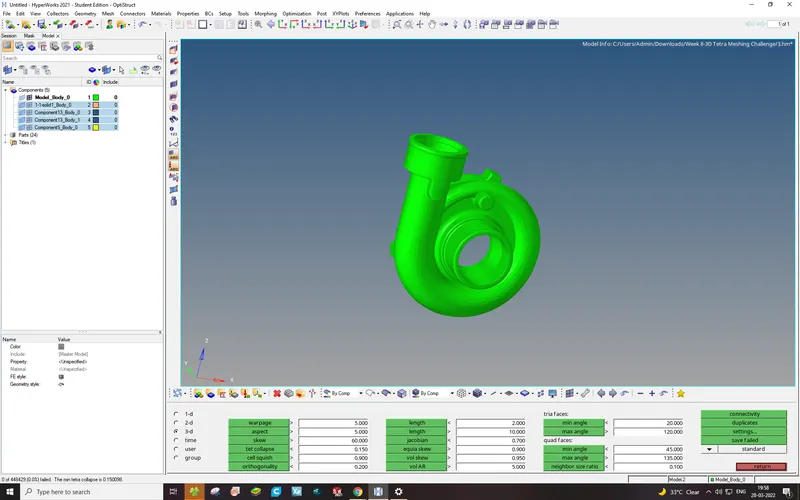 zero elements failed so we can finalize the mesh
Like that similarly do meshing to the other components also
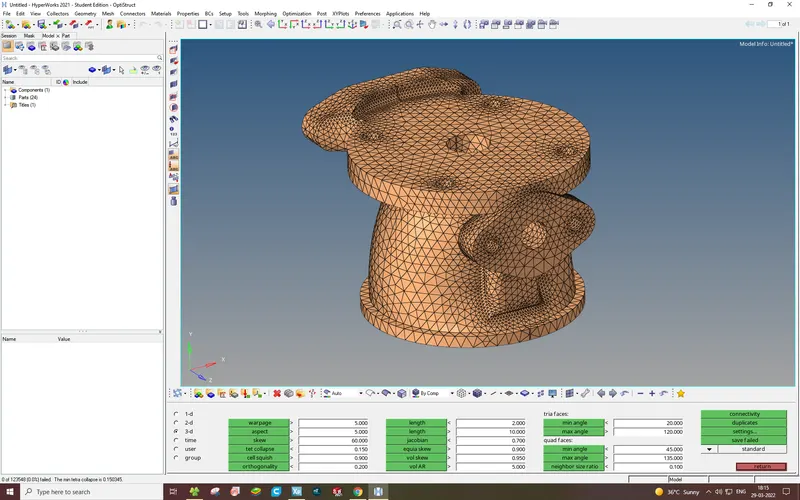
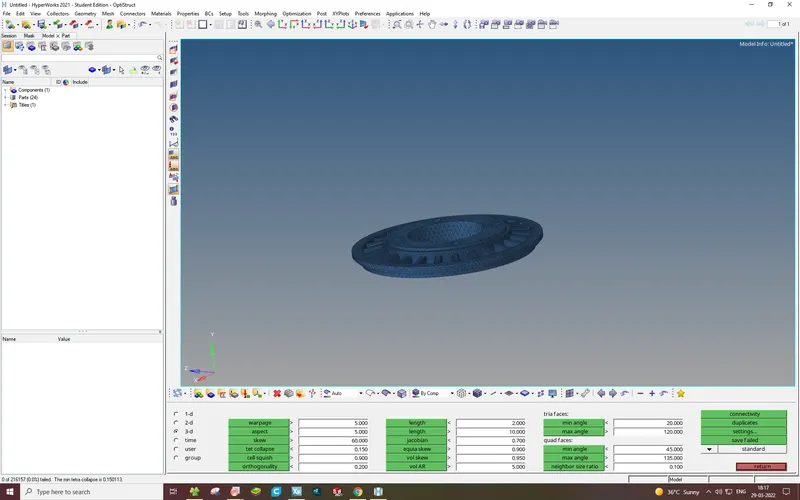
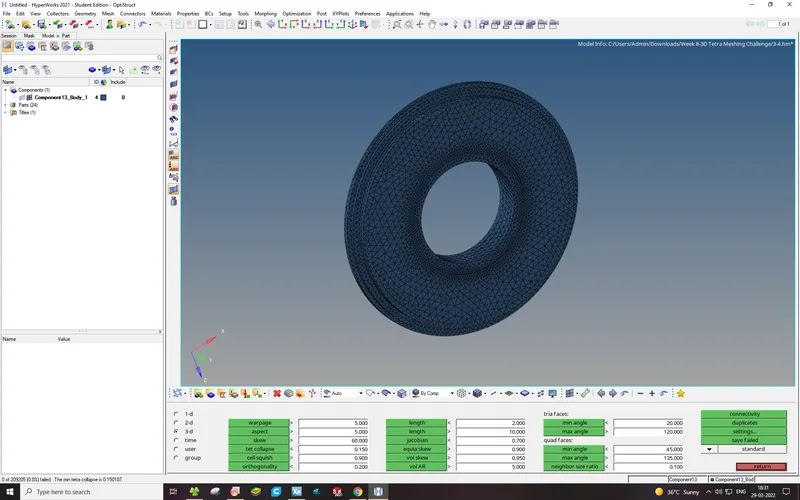
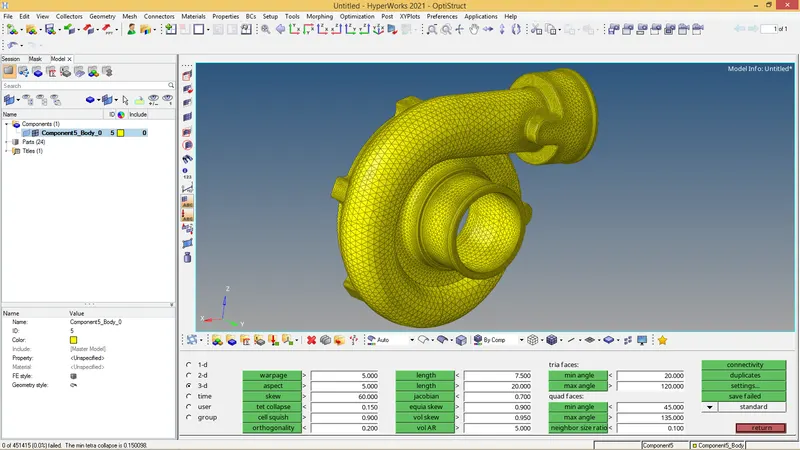
Here we can mesh each component individually, now we can import all the 5 components once and save them in one file
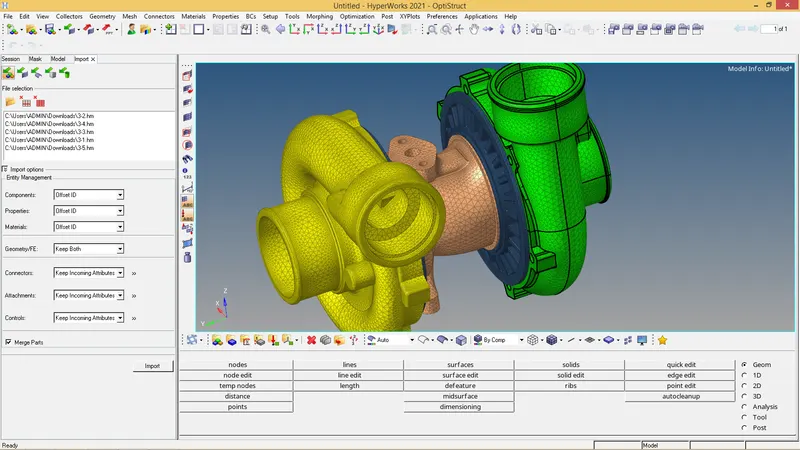
Check tel collapse once again
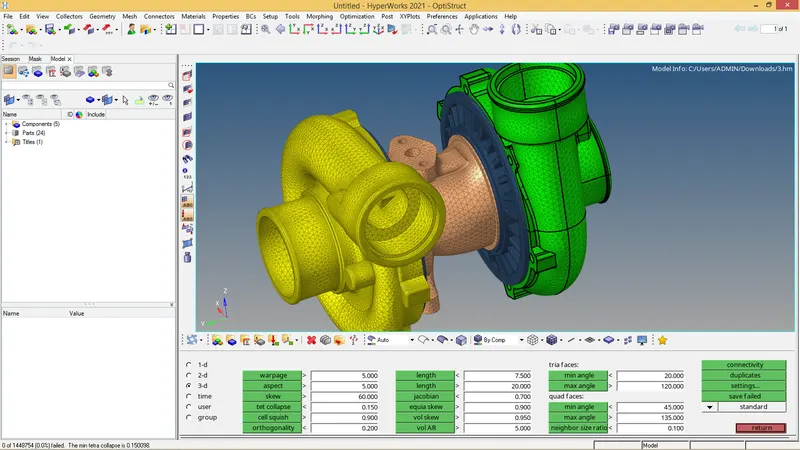 Zero elements failed hence our mesh pass the quality criteria (tet collase<0.15)