Week 8-3D Tetra Meshing Challenge
AIM: To perform the 3D tetra mesh using different methods as mentioned.
PROCEDURE:
• So here we have given three models and we have to perform 3D MESH on it.
CASE 1:
TetraMesh Generation Method: 2D to 3D Conversion
Elements sizes: Min- 2 Units, Target- 5 Units, Max- 7 Units
Tet collapse: 0.15
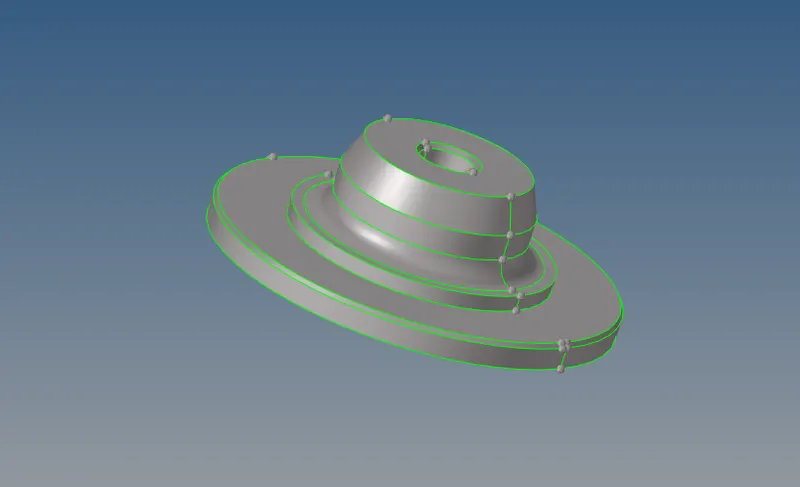
The model is given below:
• Now in this first we will cleanup the geometry if required and also the will remove the fillet.
. For that we will use DEFEATURE, QUICK EDIT option.
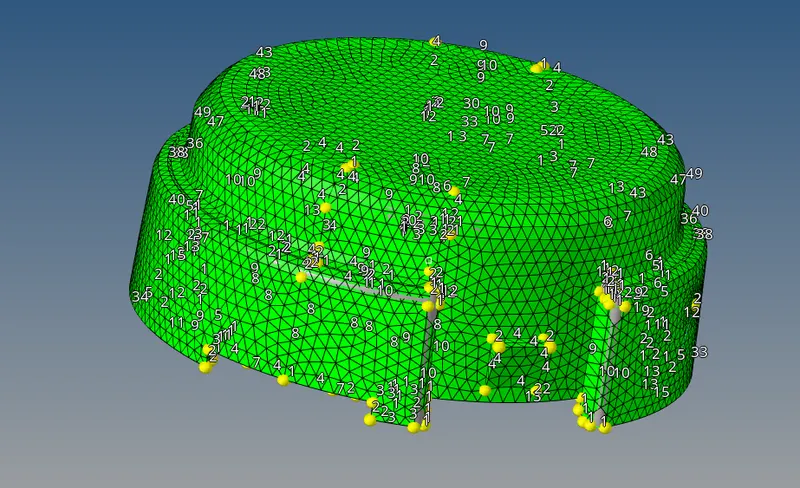
• After that we will assign the qulity criteria for the meshing.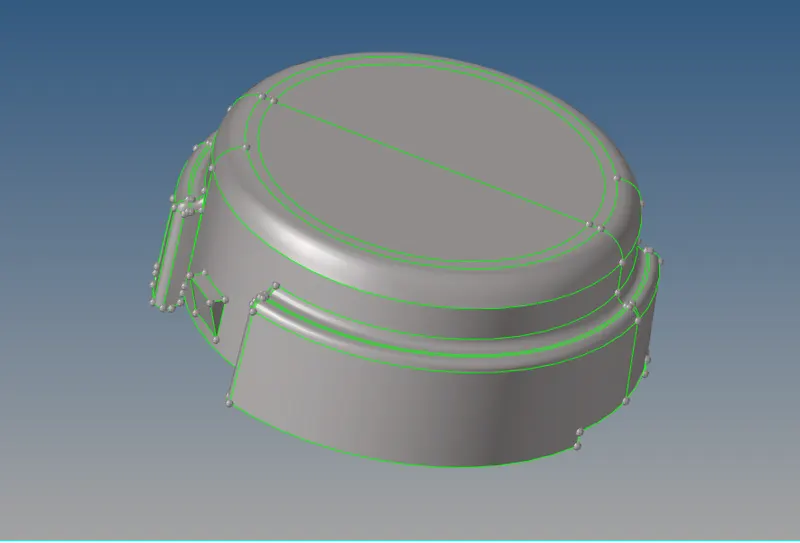
FOR PART 2:
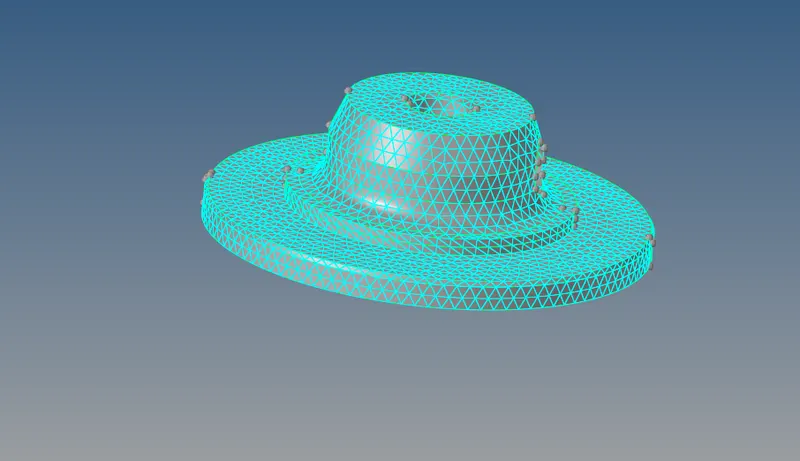
In this first we will create 2D mesh on the surface then convert it into 3D mesh.
• Now we will mesh the suface, for that go to the 2D>AUTOMESH and mesh type is TRIAS.
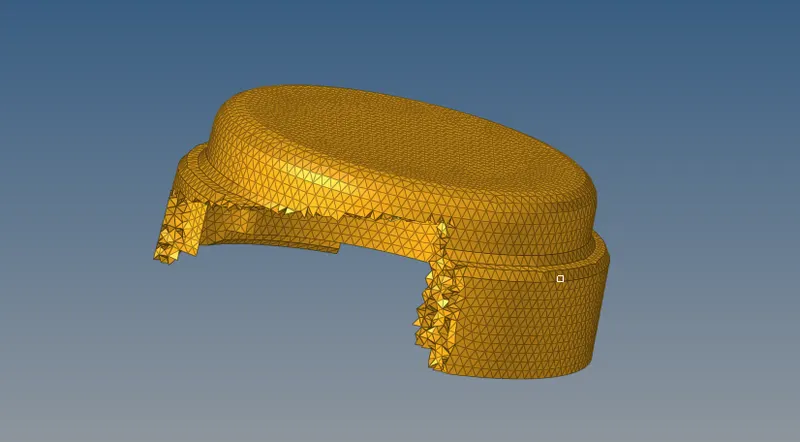
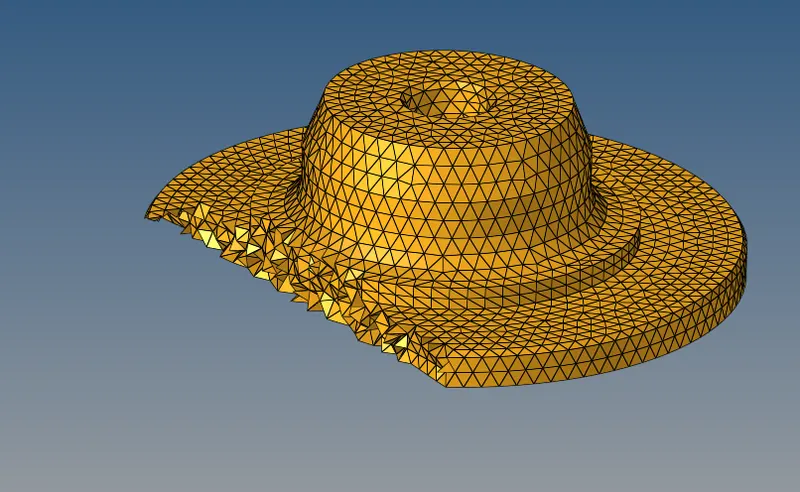
• Now after this we will perform the 3D meshing for that go to the 3D>TETRAMESH select with ELEMENTS
CASE 2:
TetraMesh Generation Method: Quick Tetra Mesh/ Volume Tetra Mesh
Target Element size: 3 Units.
Tet Collapse: 0.15
. Model is shown below:
• Now it is a solid model so first we will delete the solid, for that go to the delete option then select solid and displayed.
• After deleting solid component will look like this.
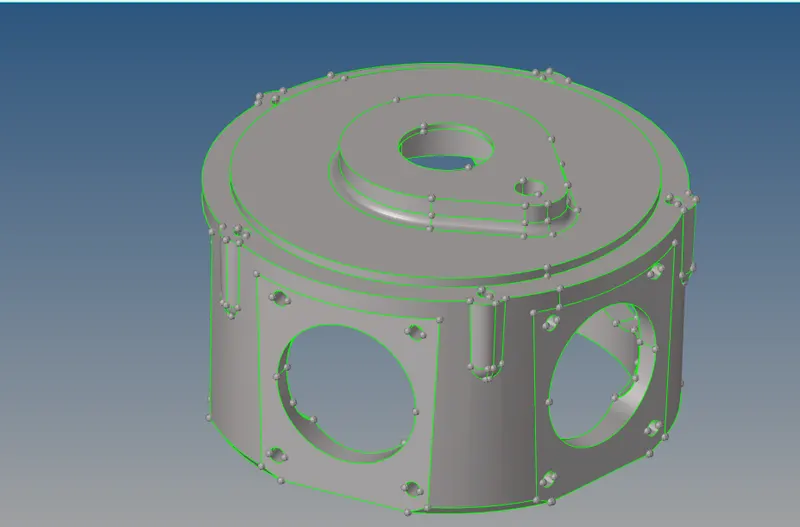
• After that we will perform the defeaturing and autocleanup on the component.
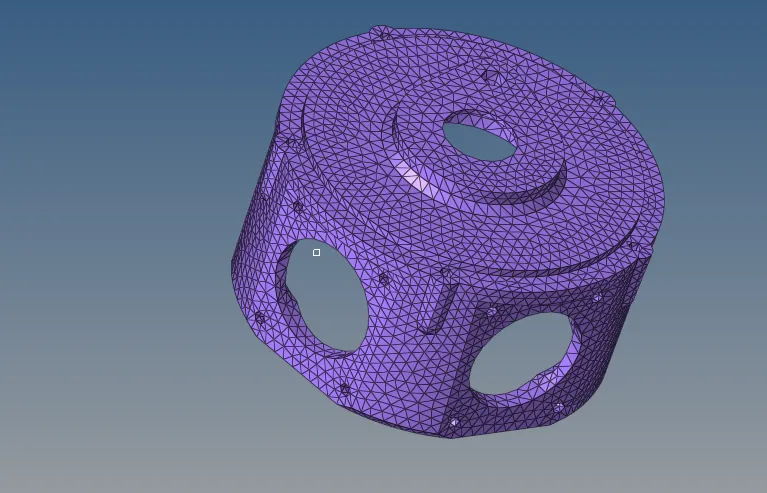
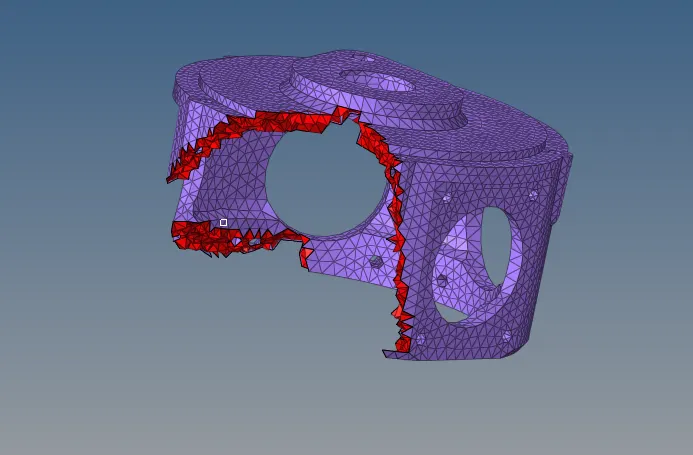
• After this we will perform TETRA MESHING for that the Target element size is given as 3 units.
The go to VIEW-BROWSER-HYPERMESH-UTILITY-QUICK TETRA:
Model 3:
Steps carried out :
. Import the model to the software, look for any geometry error
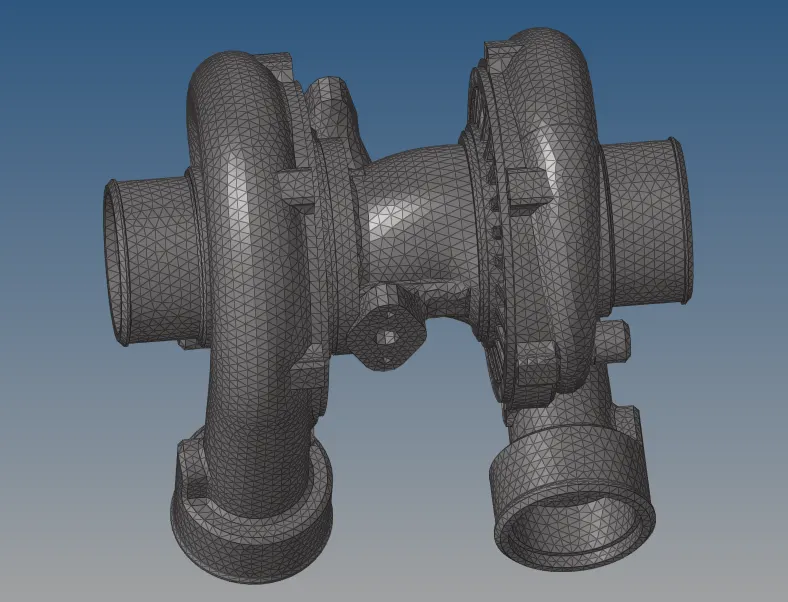
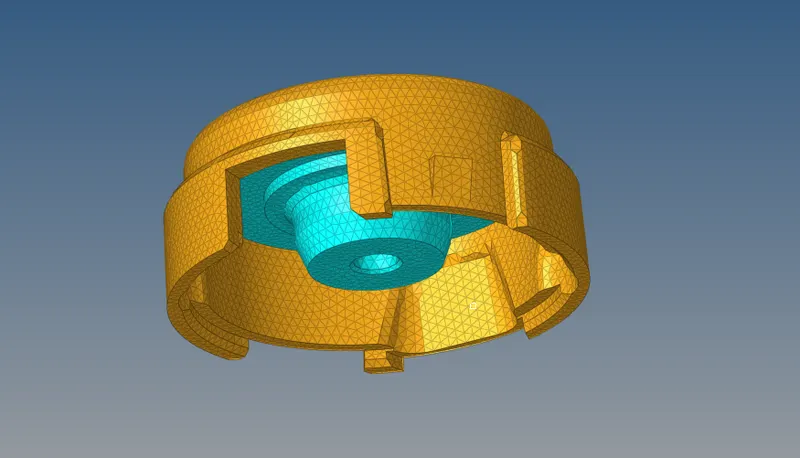
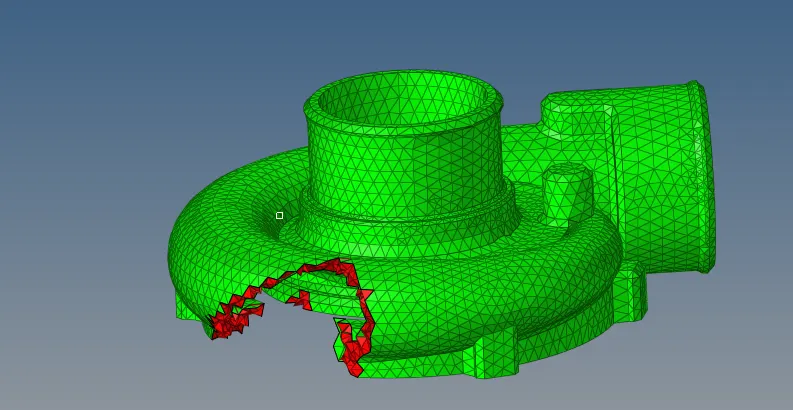
• There are 4 different components in this model, mesh each the component in different methods Casing 1 is meshed using volume tetramesh method
• Casing 2 is meshed using quick tetramesh method
• Central hub is meshed by 2d tria element and convert the same to 3d tetramesh
Hub will be meshed one side and be reflected to the other side like shown below
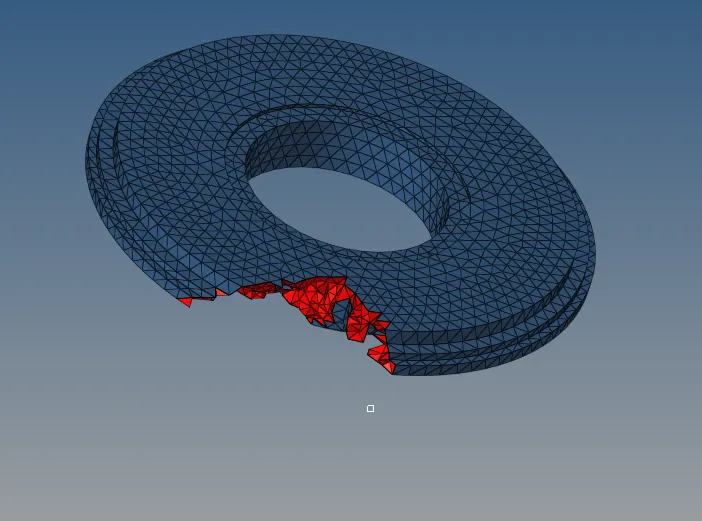
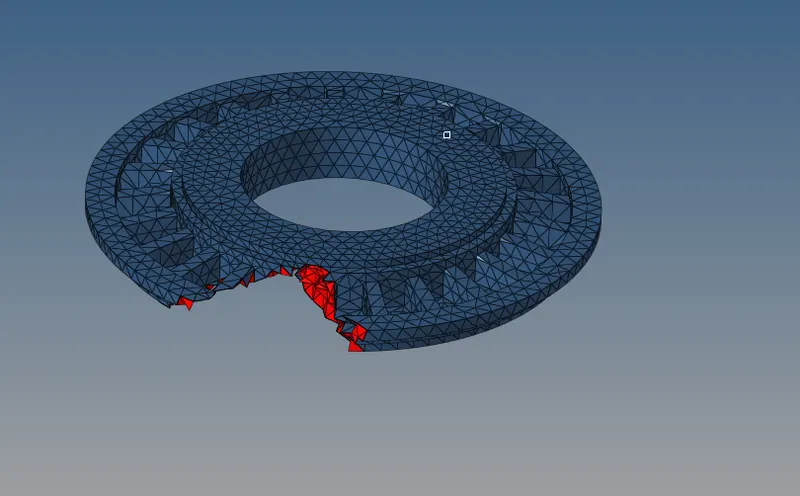
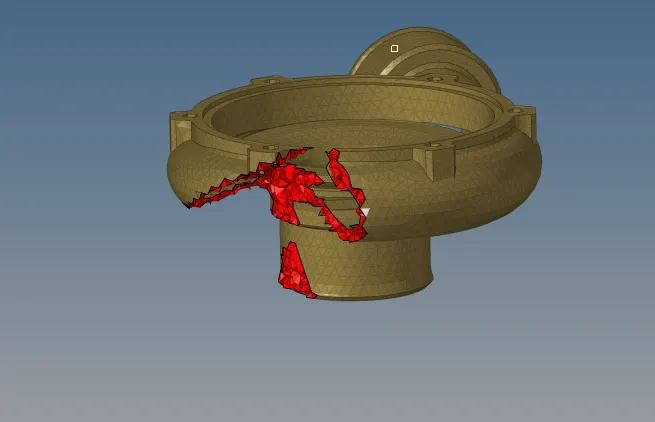
RESULT