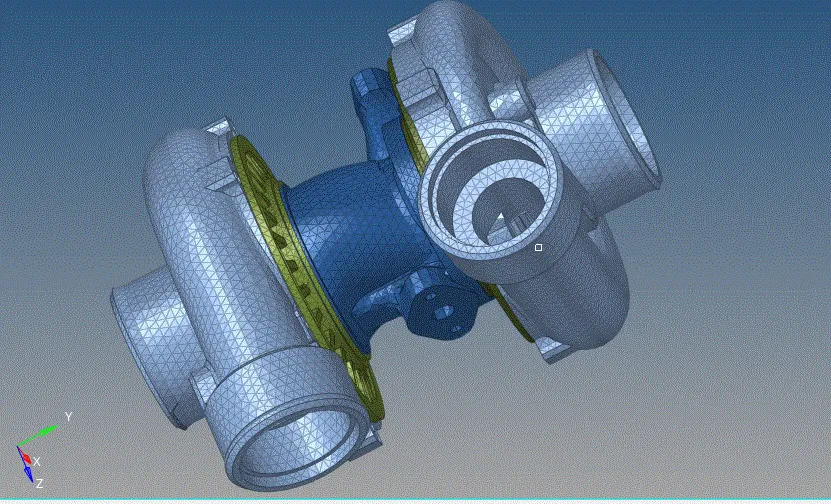
Week 8-3D Tetra Meshing Challenge
OBJECTIVE:To form a 3d mesh for thr given models using different methods keeping the consideration of tet collapse criteria
MODEL 1: HOUSING MODEL(MANUAL MESH)
- import the .stp file on to the catalog
- delete the solids, and check for the geometrical errors
- clean up the geometry
- here, for the 3d mesh only the min and max size values are raken in consideration for the surface mesh
- set in those values and form a surface mesh
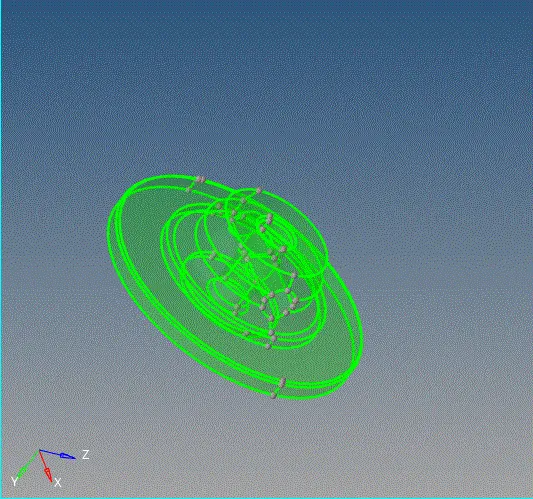
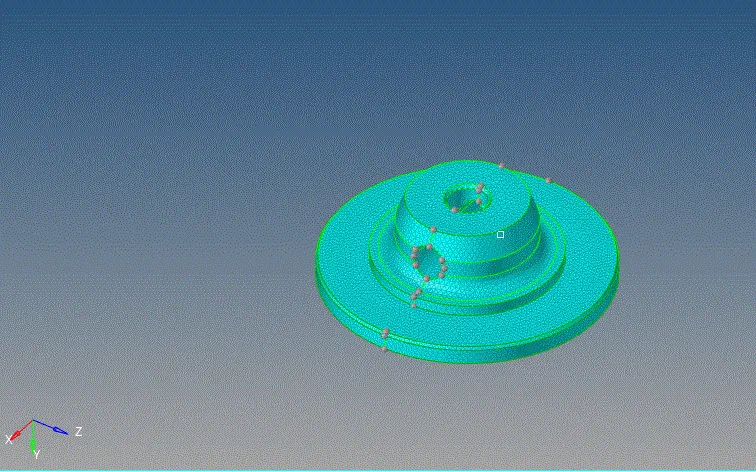
- go to 3d mesh panel
- tetra mesh> elelemts> mesh parameters>0.15>mesh
- a tetra mesh is formes with the coordinance of the surface 2d mesh
- simillarly for the components follow the same procedure
- create different camponents for the 3d meshes
- finally check the 3d mesh formation by selecting and masking the regions of the mesh
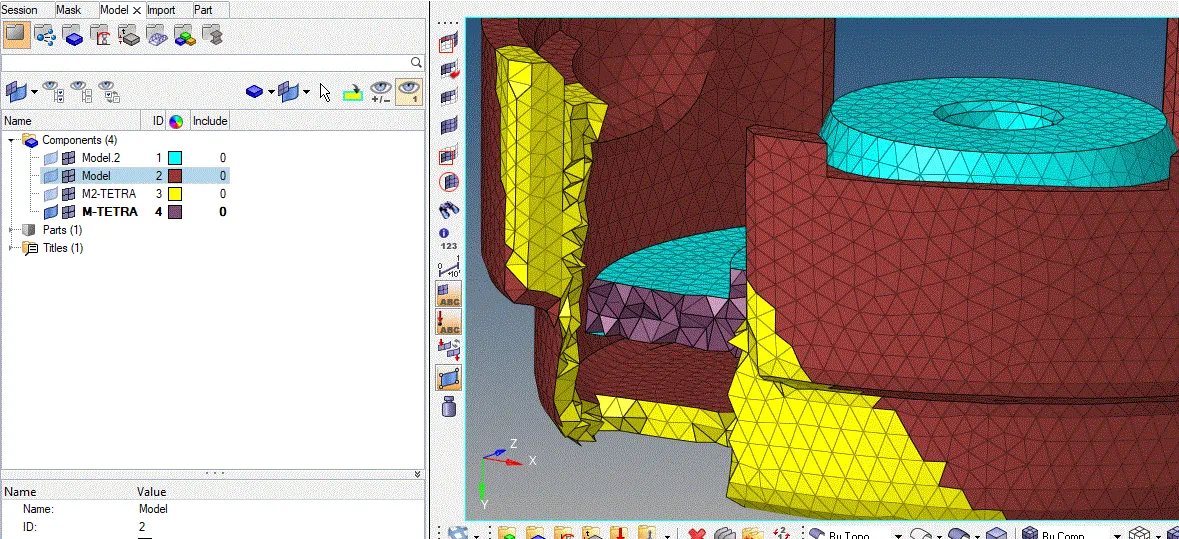
- as you can see we have created diffferent components for both 2d and 3d meshes and aer visually displayed below
MODEL2: VOLUME MESH
- Import the geometry
- keep or delets the solids as, volume mesh takes both solids and surfaces for the meshing
- select the components and apply the mesh
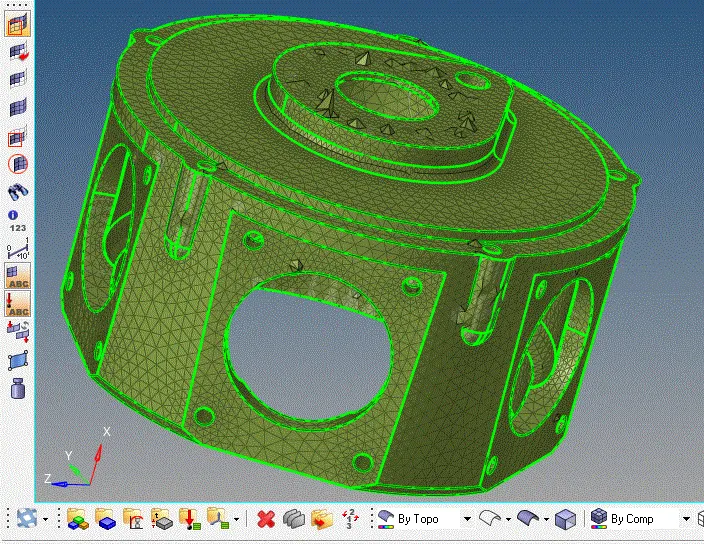
- check for the tet collapse values
- save and retrives failed,lets do manaully
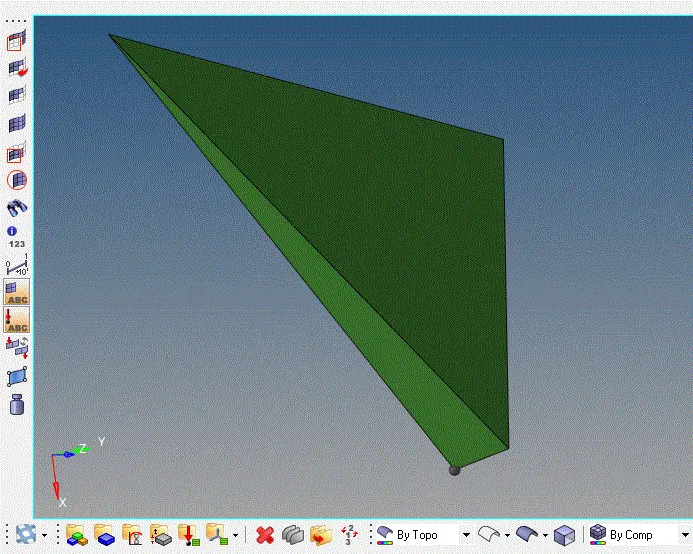
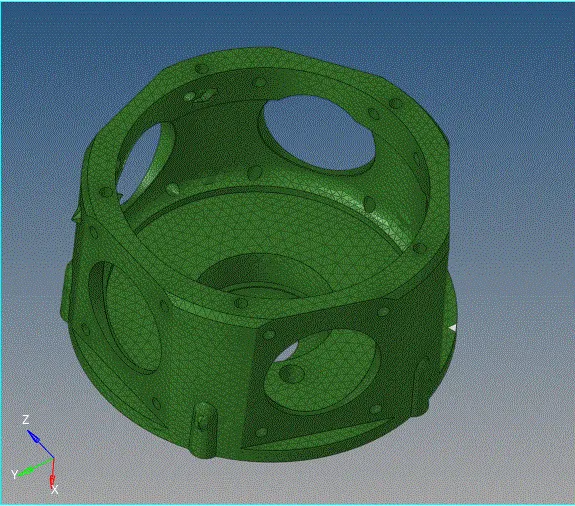
- IN the volume mesh, mesh flow will not be as accurate as other methods
- many, knick raised edges, and notches are formed
MODEL 3: QUICK MESH
- Import the model and delete the solids
- we are following the quick mesh method, so we can continue with out deleting th solids
- go to VIEW>BROWSING>HYPERMESH
- QUICKMESH>QUICK TETRA,, a dilogue fox appears
- fill in the requirements and mesh it
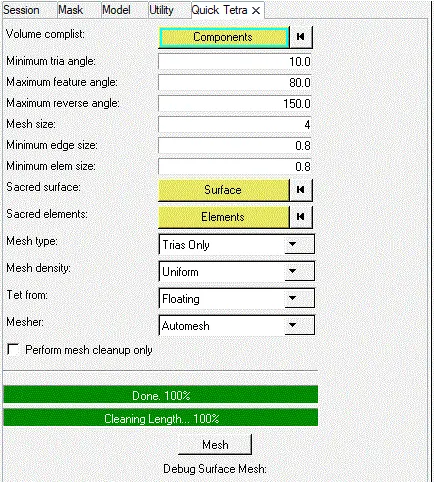
- hypermesh detects and creates diff components for both surfaces and tetra mesh
- check the elements with the tet collapse values
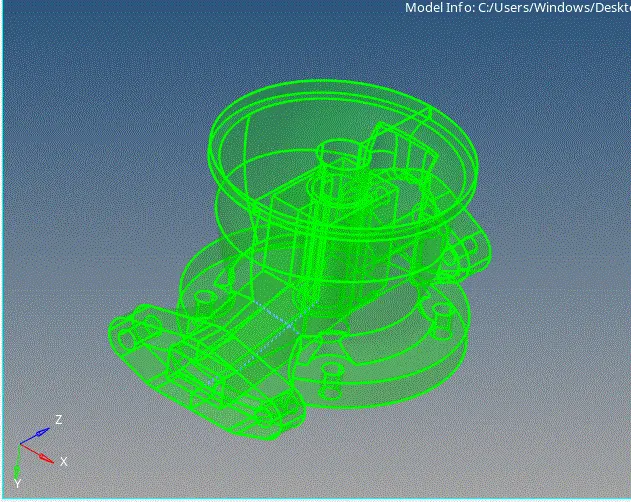
- if any errors occur mask them and remaesh them manually
NOTE: the third method is volume mesh , we just give the solids to hypermesh and it forms a tetra mesh itself, in this method there are high chances of tet collapses SO,mostly use the manual method for 3d meshing
- CHEck for tet collapse and remesh the failed elelemts
- this can be done manually by nae replacement method
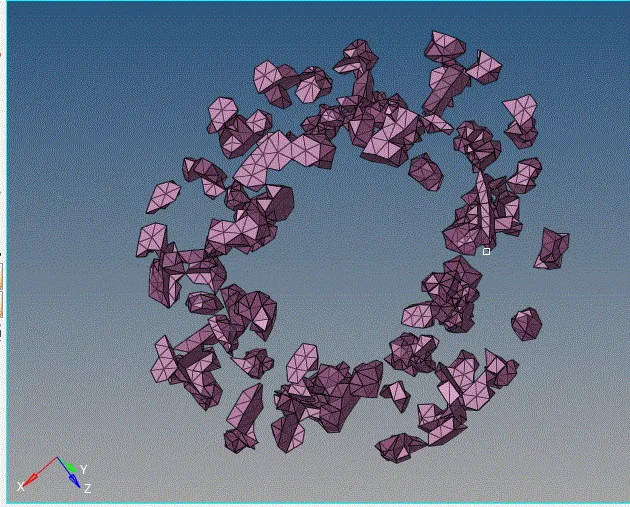
NOTE: while bringing on the adjecent elements switch off the surface mesh, because, if surface mesh are presrent then the tetra mesh gets associated with the surface and discontinuity occurs in the tetra mesh. i.e, elements in 3d get in to 2d surface components
- bring in the adjecent elements and remaesh them so as to get a good mesh with out any tetra collapse
- the final tetra mesh of all components are as shown