Week 8-3D Tetra Meshing Challenge
- Create a Teramesh for Housing component with the following quality criteria.
MODEL 1
TetraMesh Generation Method: 2D to 3D Conversion
Elements sizes: Min- 2 Units, Target- 5 Units, Max- 7 Units
Tet collapse: 0.15
OBJECTIVE:-
Perform the tetra mesh on given cad model by using hyper mesh tool
PROCEDURE:-
- Import the given model and check for any geometry error.
- Initially Mesh the surface using 2D tria elements.
- Check for minimum and maximum element size error from and clear the same
- Perform 3D tetramesh using the 2D tria elements, 3D>Tetramesh>select all the elements
- Check tet collapse for 0.15, in tools>check elements>3d>tet collapse, fix the errors by tetra remesh or manually by moving the nodes.
RESULT:-
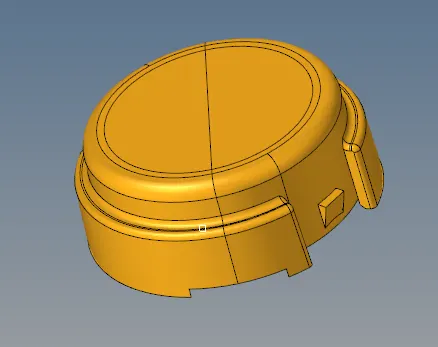
We are learn about how to do tetra mesh and how rectify the error in the tetra mesh and geometry cleanup. the result of tetre mesh on cad model as shown below.
FIG:- After importing a cad model
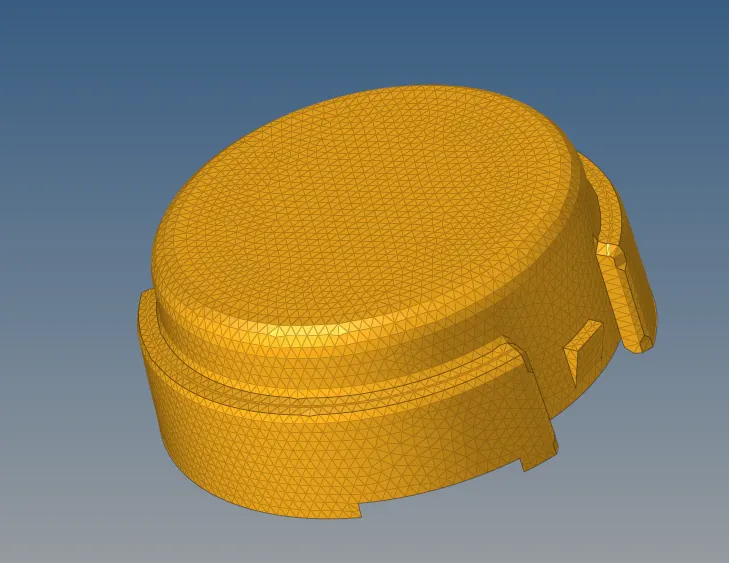
FIG:- 2Dmesh on cad model
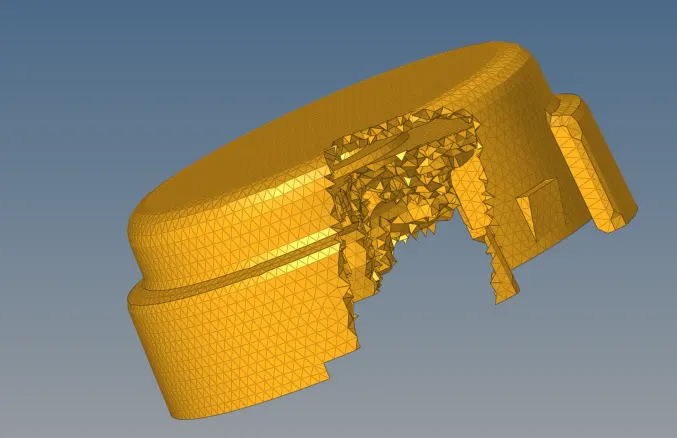
FIG:- Tetra mesh on cad model
MODEL 2:-
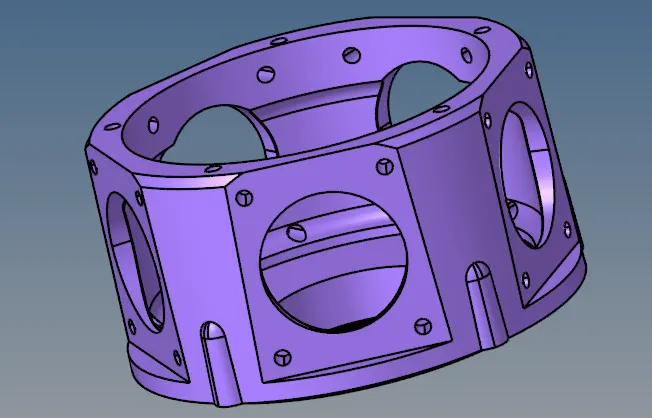
TetraMesh Generation Method: Quick Tetra Mesh/ Volume Tetra Mesh
Target Element size: 3 Units.
Tet Collapse: 0.15
OBJECTIVE:-
Perform the tetra mesh on given cad model by using hyper mesh tool.
PROCEDURE:-
- Import the given model and check for any geometry error.
- In this model there is no minimum and maximum element size criteria.
- So used the volume tetramesh method to mesh the model.
- The given model is surface, so used 3d>tetramesh>volume tetramesh> surface, gave the desired element size and gave tet collapse value in tetramesh parameter.
- The given model is meshed and fixed all the tet collapse error.
RESULT:-
We are learn about how to do tetra mesh and how rectify the error in the tetra mesh and geometry cleanup. the result of tetre mesh on cad model as shown below.
FIG:- AFTER IMPORTING CAD MODEL
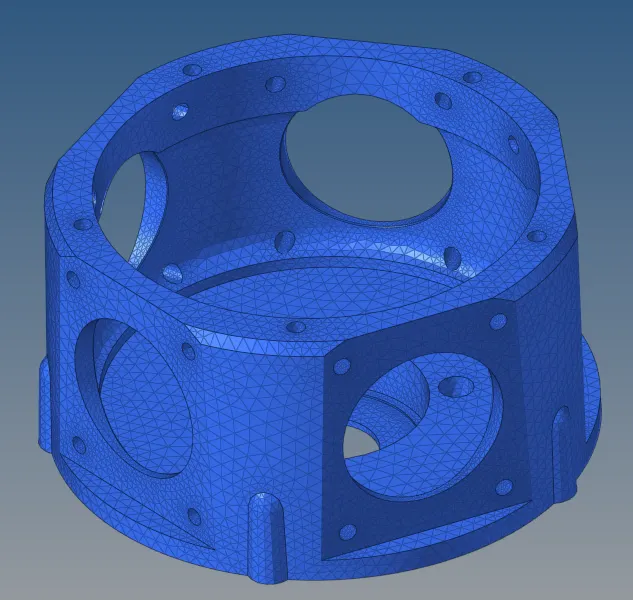
FIG:- AFTER GEOMATRY CLEANUP AND MESHING
MODEL 3
TetraMesh Generation Method: Quick Tetra Mesh/ Volume Tetra Mesh
Target Element size: 4 Units.
Tet Collapse: 0.15
OBJECTIVE:-
Perform the tetra mesh on given cad model by using hyper mesh tool.
PROCEDURE:-
- Import the given model and check for any geometry error.
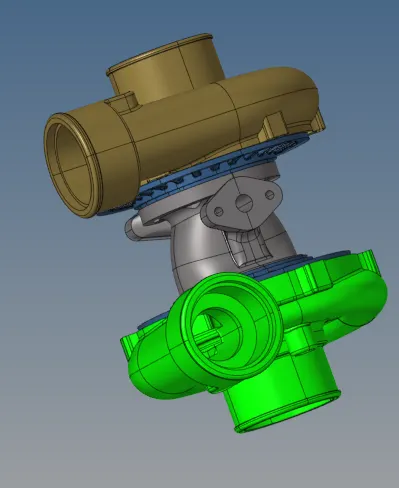
- There are 5 different components in this model, mesh each the component by used the volume tetramesh method to mesh the model.
- The given model is surface, so used 3d>tetramesh>volume tetramesh> surface, gave the desired element size and gave tet collapse value in tetramesh parameter.
- The given model is meshed and fixed all the tet collapse error.
RESULT:-
We are learn about how to do tetra mesh in different methods and how rectify the error in the tetra mesh and geometry cleanup. the result of tetre mesh on cad model as shown below.
FIG:-after importing cad model
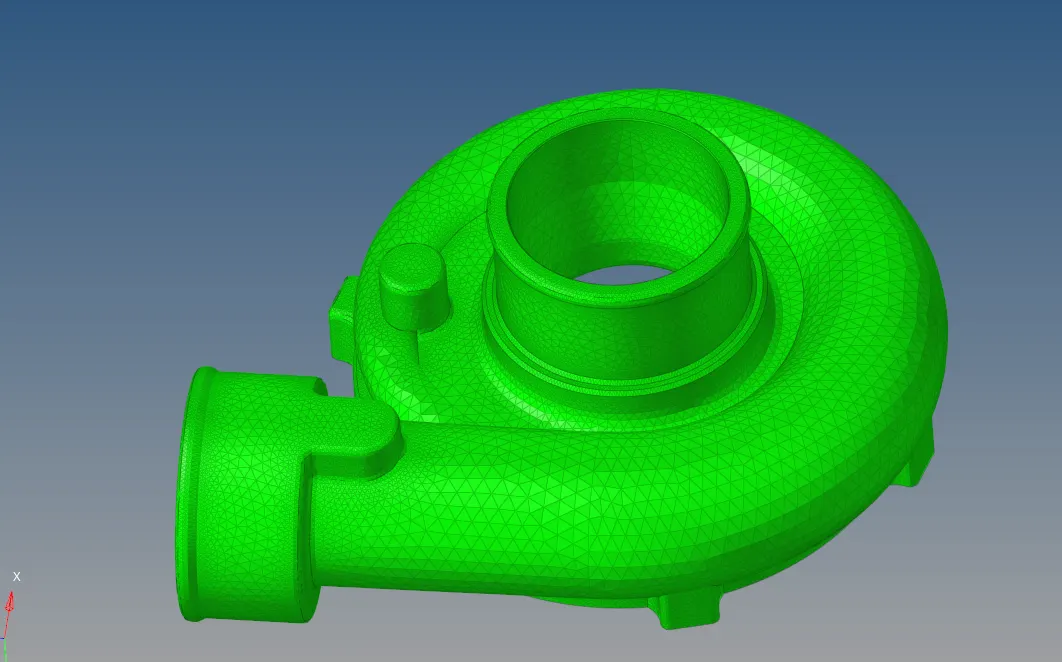
FIG:-after 1st component
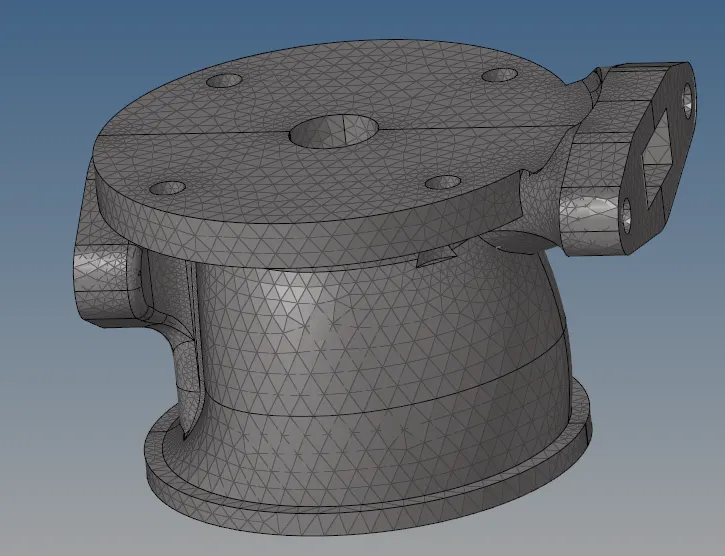
FIG:-after meshing 2nd component
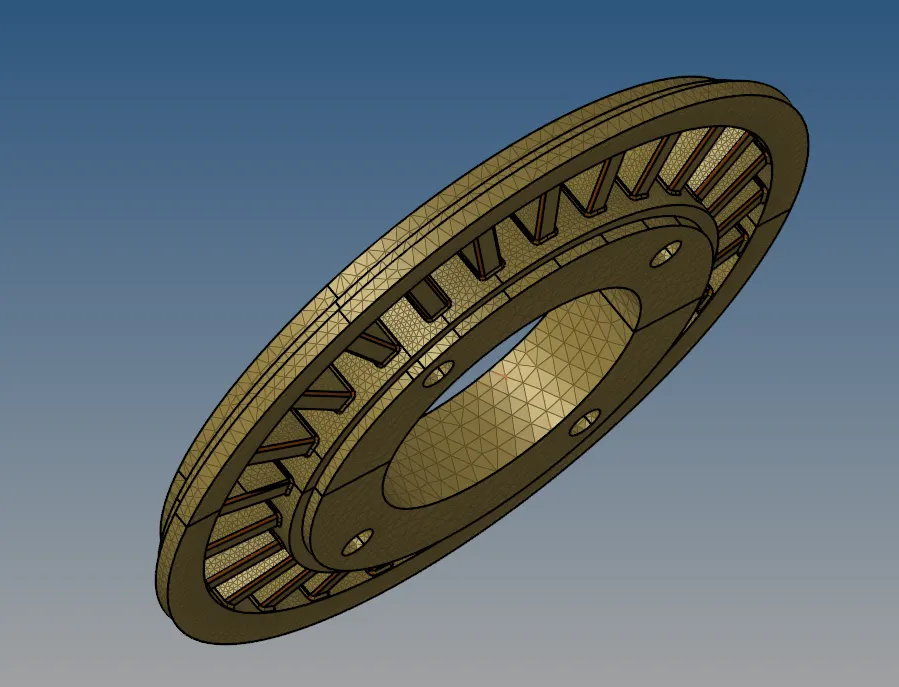
FIG:-after meshing 3rd component.
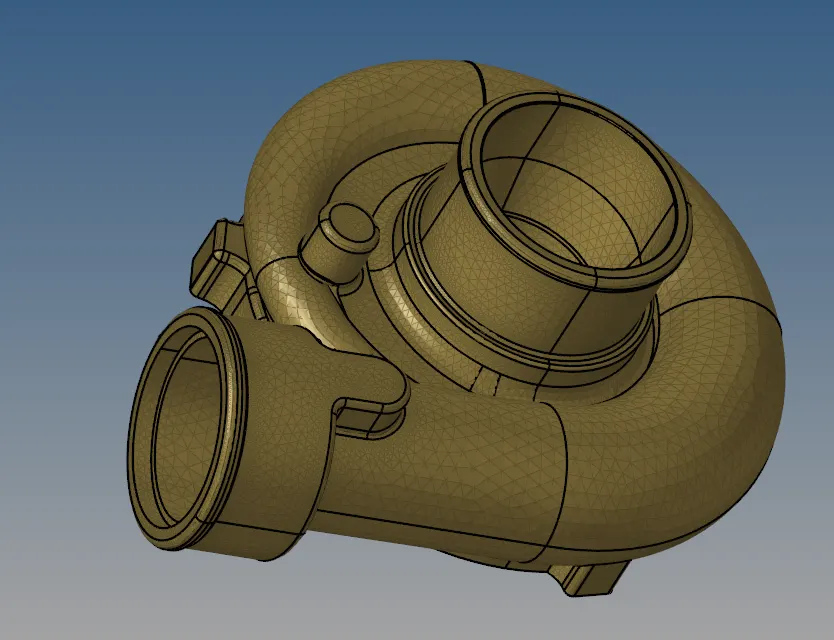
FIG:-after meshin the 4th component.