Week 8-3D Tetra Meshing Challenge
3D Tetra Meshing
Aim:
To create a mid-surface for the give component and then mesh it according to the given quality criteria with appropriate element size.
Procedures:
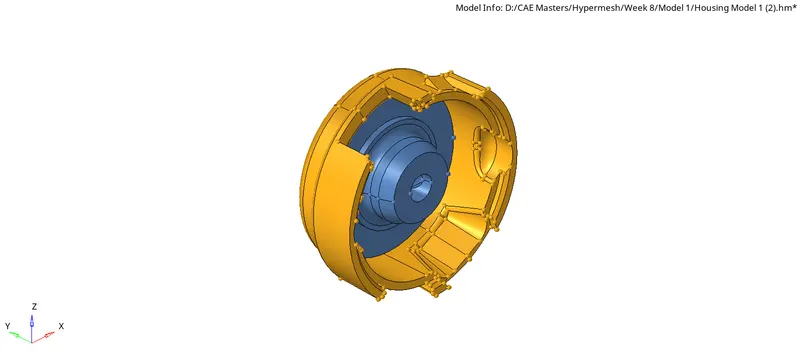
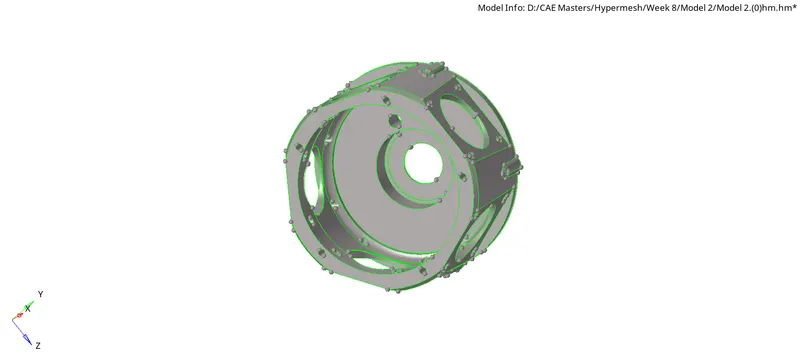
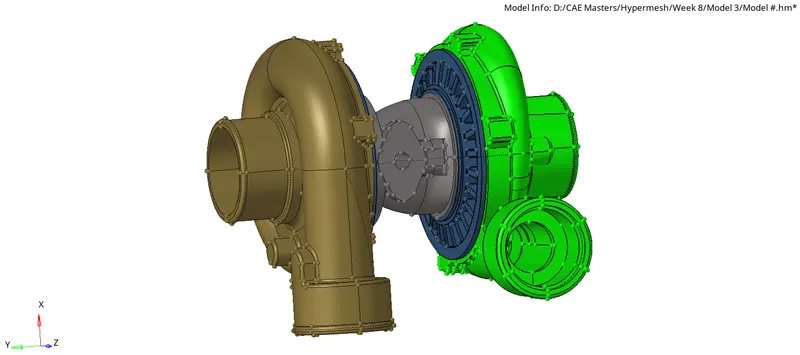
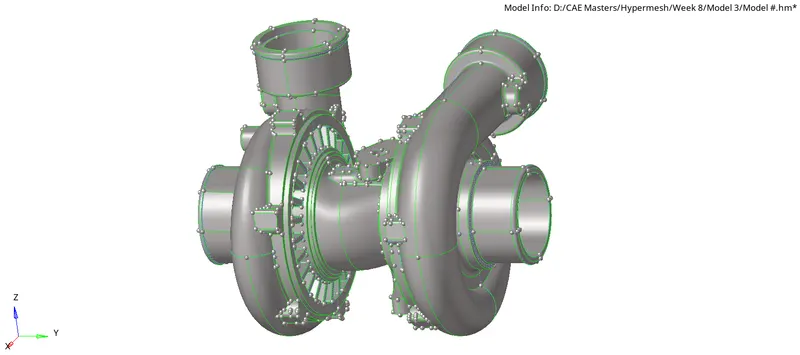
The geometry file is imported and saved as .hm file and the models in the figure will undergo the following process given below,
MODEL-1
MODEL-2
MODEL-3
1.Geometry Cleanup
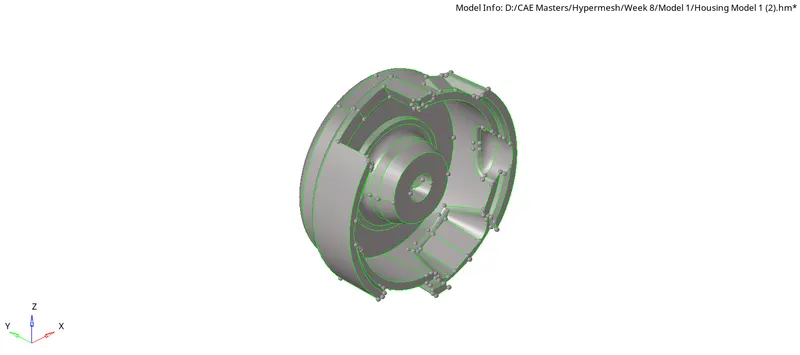
The model is checked for any geometry irregularities such as up such as the intersection in model 3 and free edges in other models are fixed and corrected using quick edit, edge edit and autocleanup post which the geometry can be ready for 2D and 3D meshing.
Model-1
Model-2
Model-3
2.Material Assigning
The material is created and assigned for components.
3.Property Assigning
The property is created for the all three models and assigned for components.
4.Quality criteria
The quality for the model is as follows,
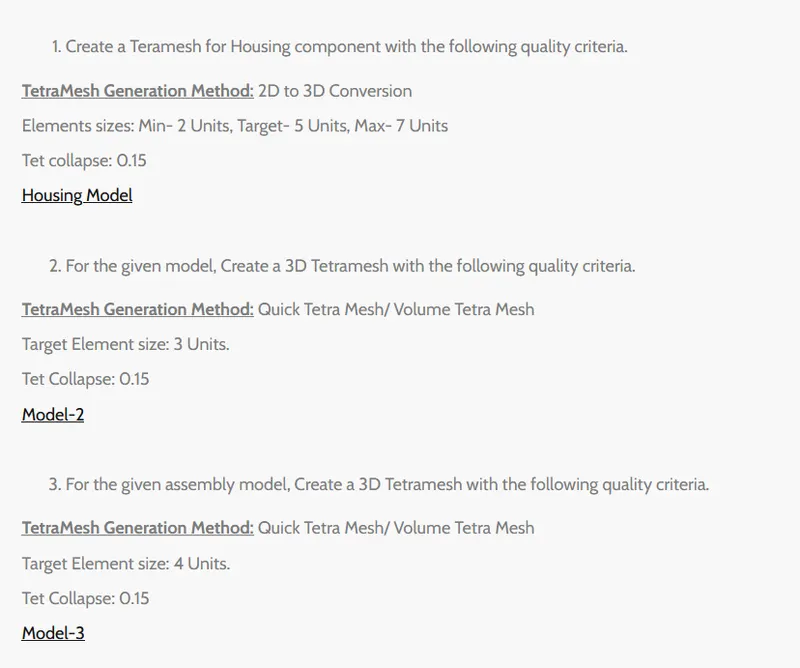
As per the requirements the quality of the mesh is set and corrected accordingly.
5.2D automesh
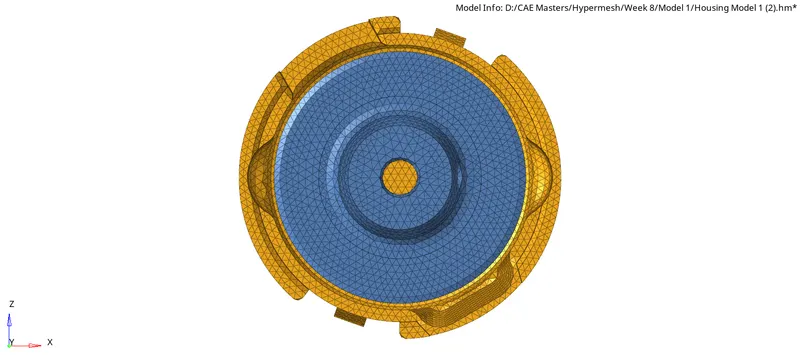
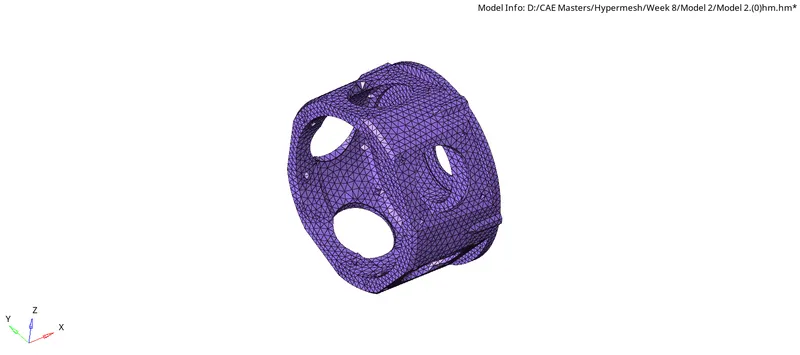
Aftet geometry clean the model is meshed using the "automesh>surfs>size and bias>element size(5)>mesh type(mixed)>elemnt to surface>mesh" command in 2D module is used to mesh the surfaces with 5mm element size.
Model-1
Model-2
Model-3
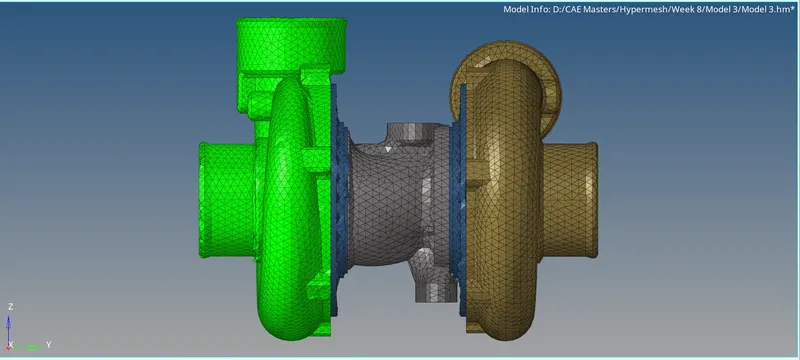
6.Mesh Rebuild
Following that the mesh is rebuit using the "rebuild mesh>elems>dispalyed>rebuild" command in the 2D module.
7.Elements Check
The element quality is checked by using the 'elem cleanup' and 'qualityindex' in the 2D module as shown in the figure,
8.Elements Edit
In the 2D module the elements are edited according to the quality by using the cleanup tools in the 'qualityindex' with respect to the quality criteria.
9.Tetramesh
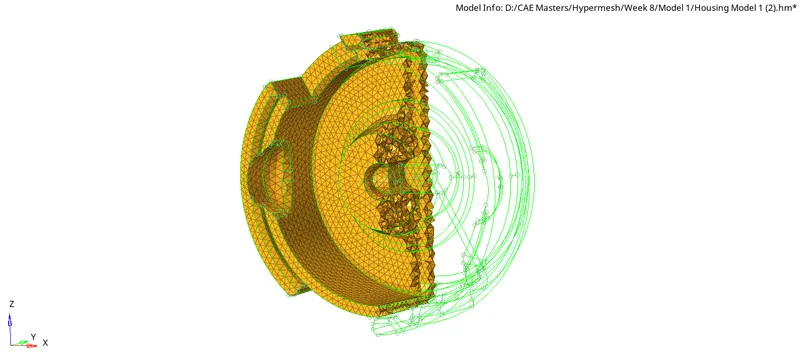
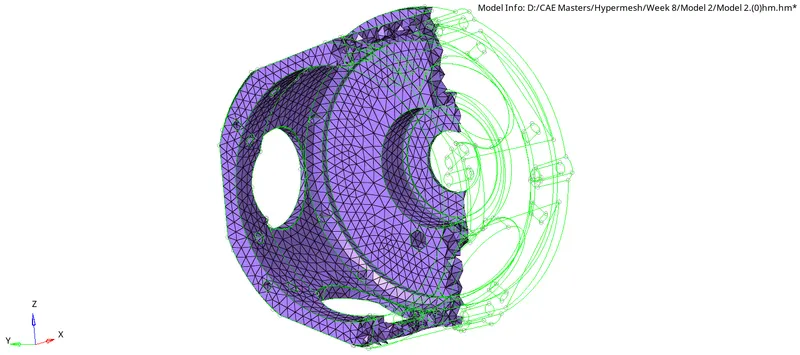
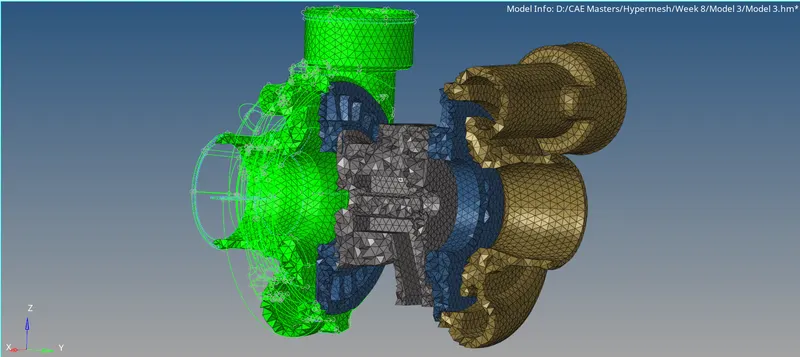
After creating an good 2D mesh the 3D mesh is created by using the tetramesh command in the 3D module using specific tet collapse at 0.150 and minimum and maximum element sizes.
the figure below shows the 3D meshed models,
Model-1
Model-2
Model-3
10.Tetra remesh
In case of tetra elements failed to meet the tet collapse 0.150 they are remeshed using the tetra remesh option.
11..Volume Tetramesh
For solid components Volume Mesh is used with appropriate mesh quality criteria such as tet collapse 0.150
Final Component:
After completing process 1 to 11 in the procedures the final models appearance is illustrated in the figures below,
Model-1
Model-2
Model-3
Learning Outcomes:
In this project I learned to create 2D mesh then convert it into 3D mesh and also how too perform Volume mesh with appropriate quality criteria and I learned the use the tools in the geometry, Tool and 2D and 3D module of the Hypermesh.
Conclusion:
The 3D mesh for given model is created appropriate quality criteria as mentioned in the project.