Week 8
Aim:
To morph the given the model component.igs using the various morphing techniques.
Procedure:
Import the model component.igs into ansa.
Check for topological errors using the checks managers.
If the model is free of errors the proceed with morphing by selecting the morphing tab.
The advantage in morphing is that the geometry or the fe model either can be shape changed.
In the model the geometry alone is morphed, as no fe model is created.
MORPHING:
Go to Boxes-> new-> Ortho-> geometry is selected.
Select the faces or the section that needs to be morphed.
The faces or the features are automatically captured when selected by the boxes.
Now go to Boxes morphing -> move -> control points movement tab appears -> select the points and click apply.
Now the selected feature get altered or morphed when the point are moved as required.
The difference between the original geometry and the morpheed geometry is shown below.
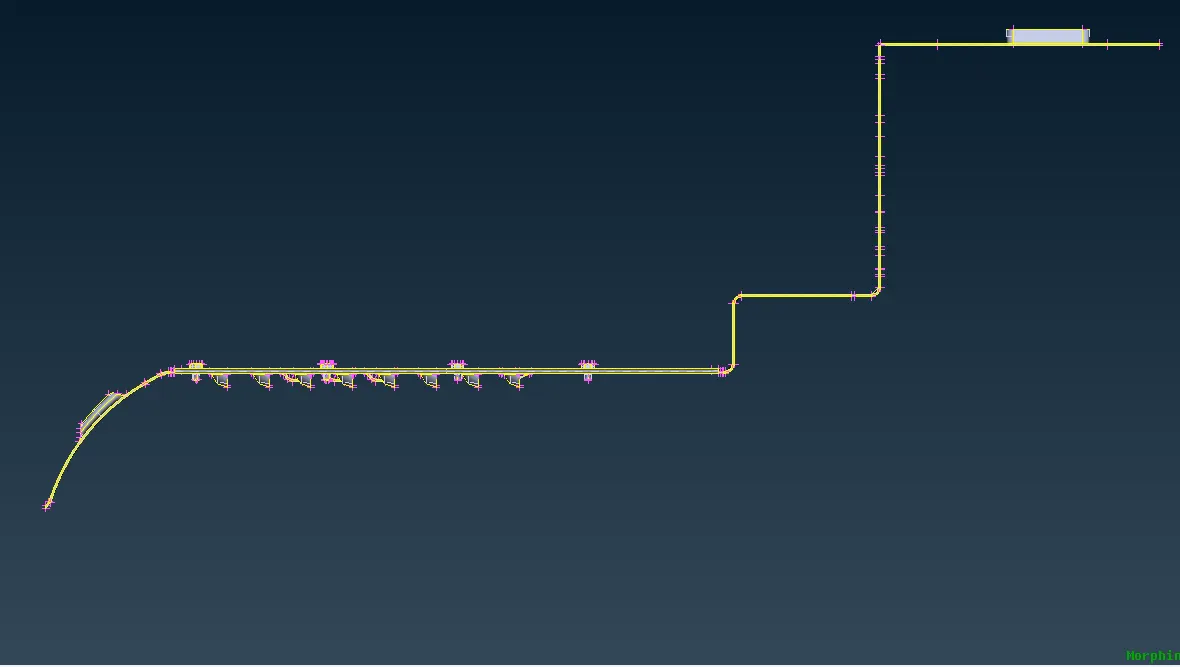
the boxes are set and are morphed accordingly as shown below.
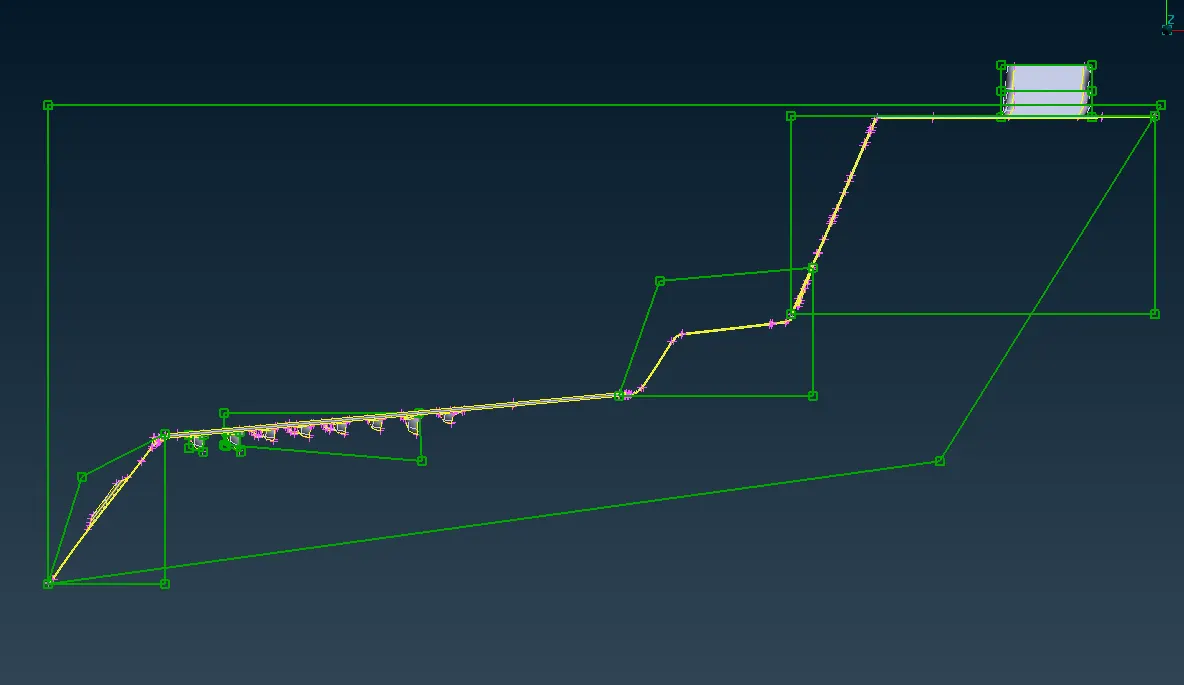
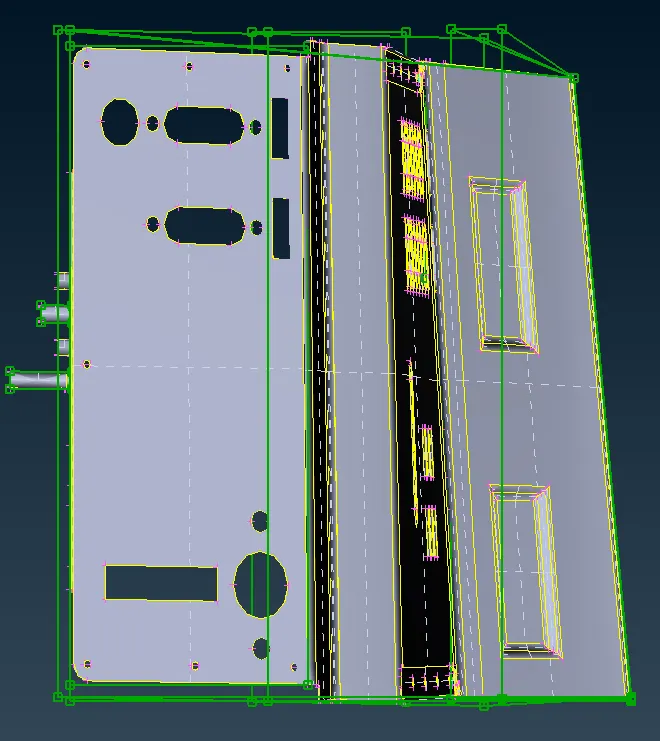
Result:
Thus the given model is morphed as required using various morphing techniques.