Week 8
MORPHING IN ANSA
Morphing is an advanced CAE modeling technique used to modify the shape of mechanical parts and assemblies without returning in the CAD system, which is time consuming and generates unexpected modeling preparation stages.The procedure is simple and fast, keeps the desired mesh pattern unchanged. Mesh morphing enables the analyst to create different variants of mechanical components or assemblies and to rapidly obtain an improved solution without returning in the CAD system for slight changes.
- This technique rapidly evolved to technical applications, such as modeling algorithms applied in automotive industry, biomechanics, computer integrated manufacturing and re engineering.
- Applications of Morphing can be found in any discipline: Durability, Crash, NVH, CFD etc.
AIM: -
We have to morph the sheet metal component according to the below image-
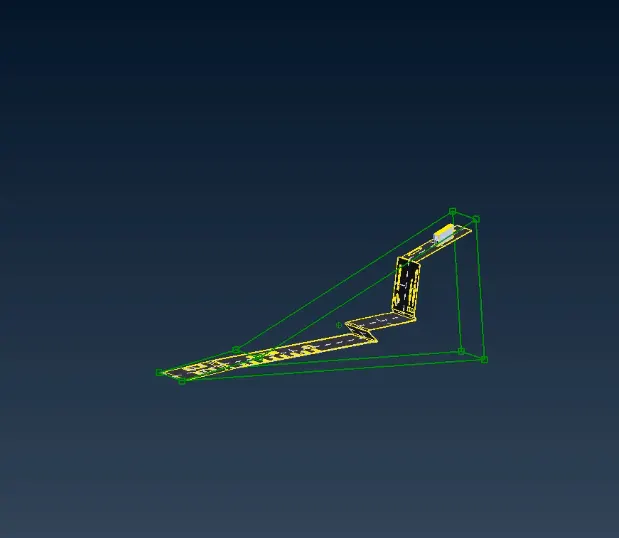
fig: REQUIRED GEOMETRY(Screenshot from video)
PROCEDURE: -
- Open the component.igs file with File>Open command.
- Using the NEW function of the boxes group, a new Hexahedral Morphing Box can be created.
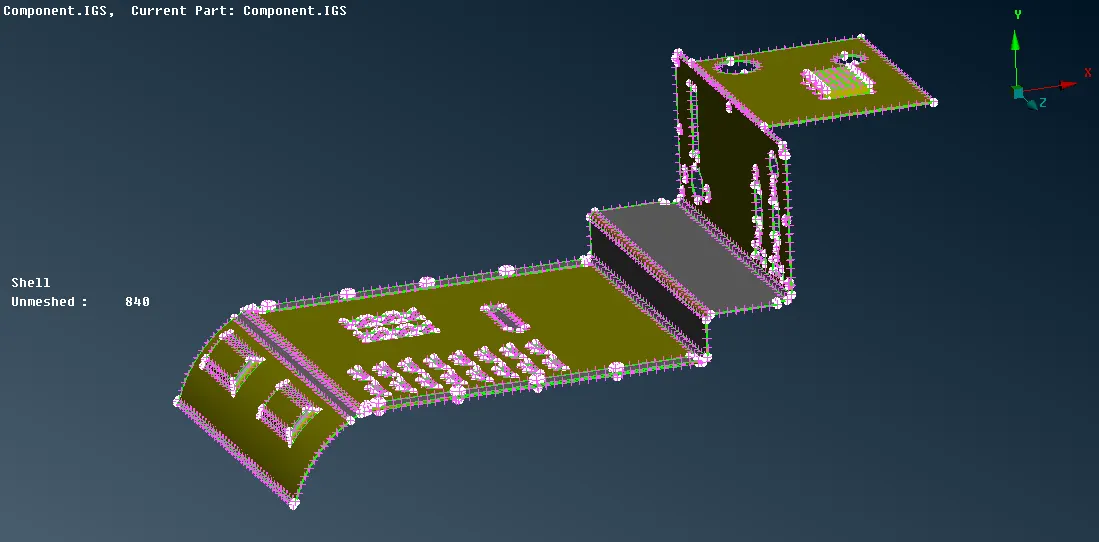
fig: INITIALLY IMPORTED MODEL
- Activate the Box Morphing>Move function. Select Control Points to move and confirm with the middle mouse button.
- Optionally, press right mouse button to select a local coordinate system and middle button to continue.
- These Boxes are not properly shaped for the required morphing. Usually, boxes have to be split into smaller ones. Their shape must be changed, by placing and moving Control Points, in order to localize the morphing modifications.
- Activate the Boxes>Split function to split a Box in two. In the Split Options window that appears, choose the User option and pick on a position along an edge, using the left mouse button.
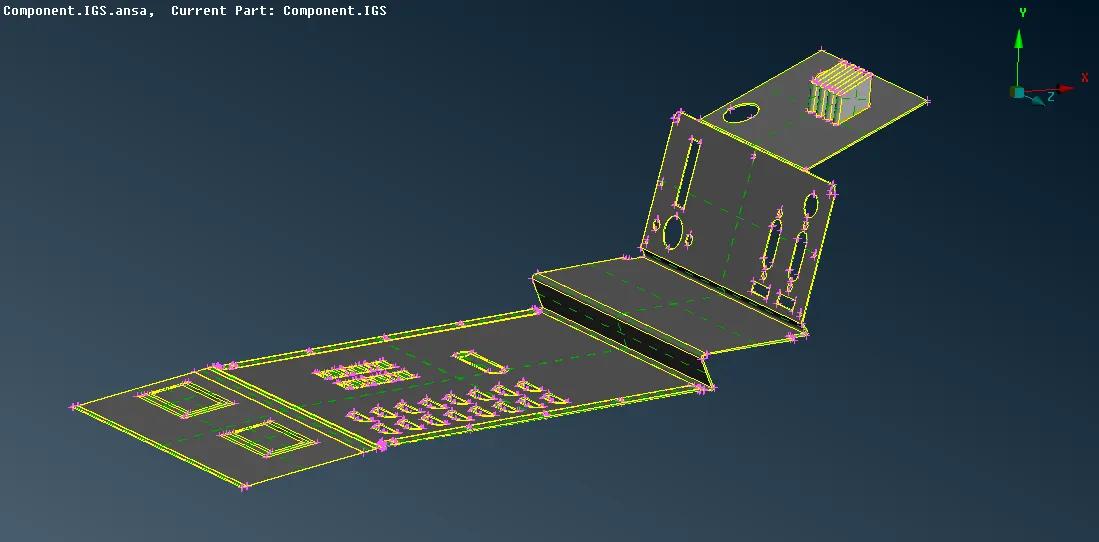
fig: MORPHED COMPONENT
CONCLUSION: -
- Required modifications were made in the component. Since we don't have the parameters to make the exact desired changes, efforts are done to make the morphed component look similar.
LEARNING OUTCOME: -
- Understanding about the Morphing tools
- How to perform morphing on components.