Week 7- Meshing of Backdoor Challenge
AIM :- To given model to extract mid surface and meshing.
Objective :-
*To exract the mid surface and mesh the given model accourding to the qualitry critiria.
Target Element size - 5 Units
| S.N | Quality Criteria | Value |
| 1 | Aspect Ratio | 5 |
| 2 | Skewness | 45 |
| 3 | Warping | 15 |
| 4 | Taper | 0.5 |
| 5 | Min. Length | 3 Units |
| 6 | Max. Length | 7 Units |
| 7 | Min angle Quad | 45 |
| 8 | Max angle Quad | 135 |
| 9 | Min angle Tria | 30 |
| 10 | Max angle Tria | 110 |
| 10 | Tria % | 15 |
* capture the feature properly to the model.
Procedure :-
1. Importing the model.
* First we import the model in hypermesh.
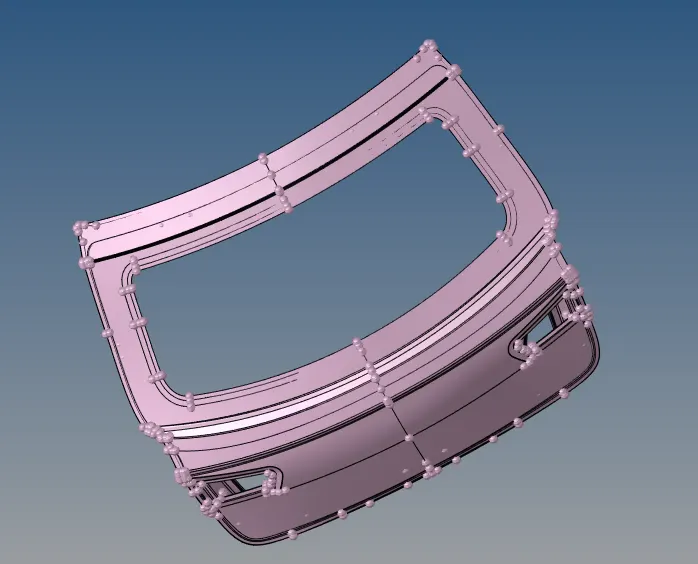
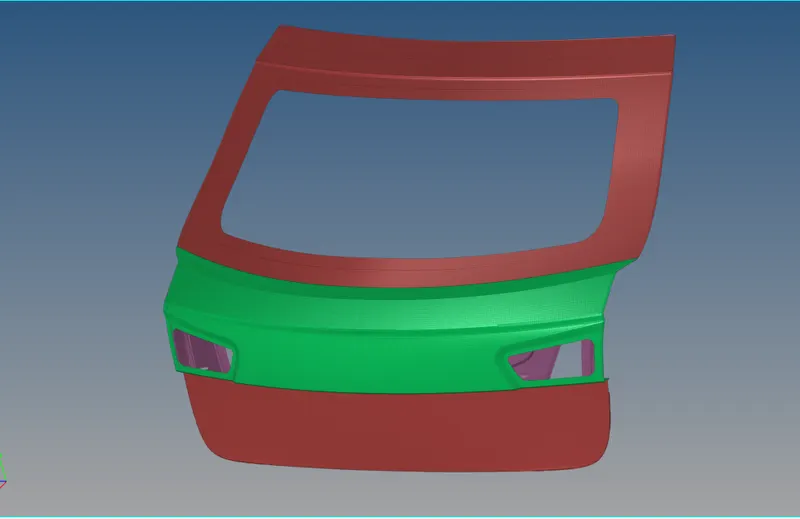
*There is three components but we see the only one component show it.
* we can separated by using the organize commad then saparet it. (tool - organize).
2. Extraction of the mid surface.
*To extract the mid surface sapartly by using the auto mid surface command.
* we use the mid surface to skin offset method. (midsurface - skin offset - select the surface.)
* Extract the mid surface one by one we can done the mid surafce.
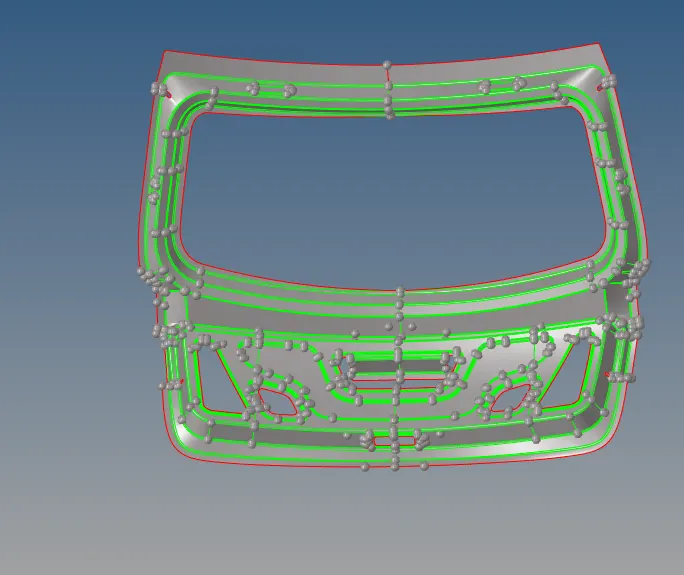
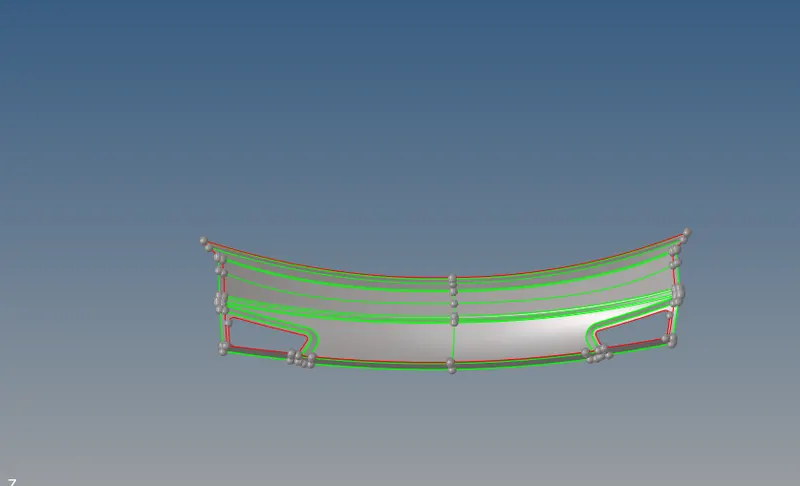
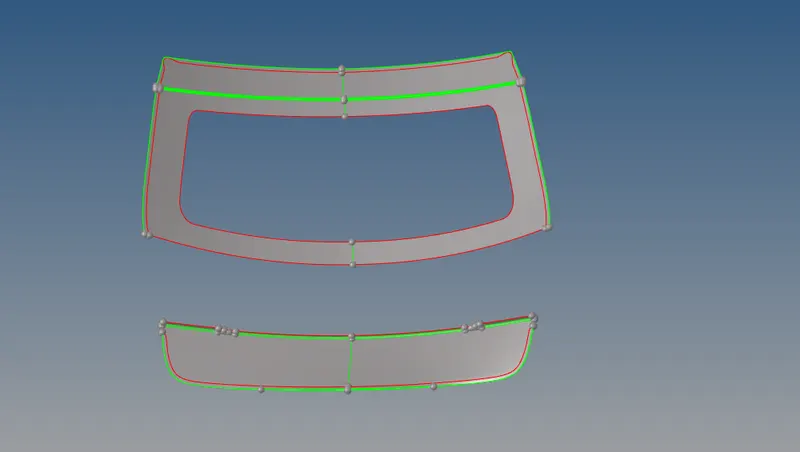
3. Geometry cleanup and meshing.
*First we make one by one component is as a current component. so thatn whatever i do is save the midsurface component.
* Then we clean the midsurface for getting a appropriate mesh accourding to given criteria.
* For cleaning we use quick edit tools such as toggle and node to node surface split and remove and add points and others as well.
* we toggle the unnecessary lines for get a proper meshing.
*we can delete half the component. we can see the below.
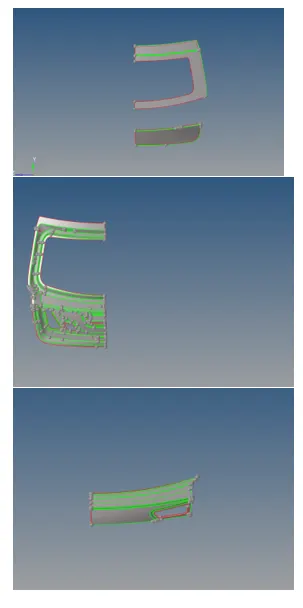
* For smooth and proper meshing we use cut geometry method in which we divide the geometry in different section according to give proper mesh.
* For arrange and get proper mesh we use tools such as remesh, rebuilt mesh, smooth, quality index etc.
* After done meshing of one side we reflect this mesh to other side because the component is symmetric , for reflect we use tool reflect and select the elements and meke duplicate and reflect to desired direction. ( tool - reflect)
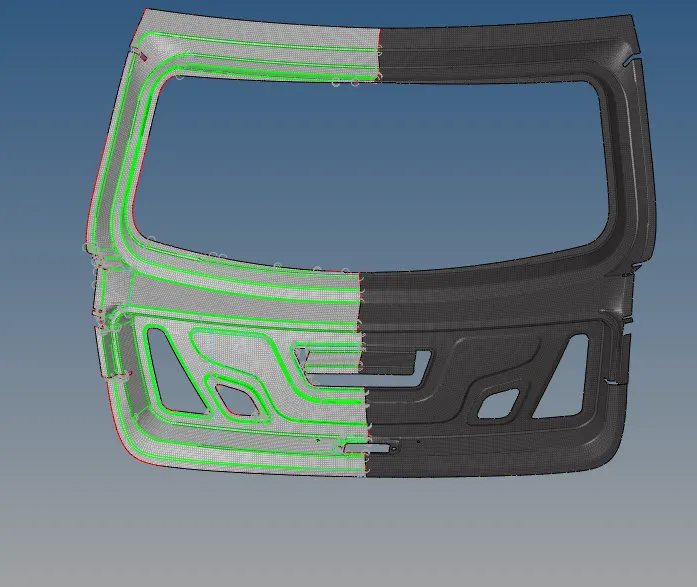
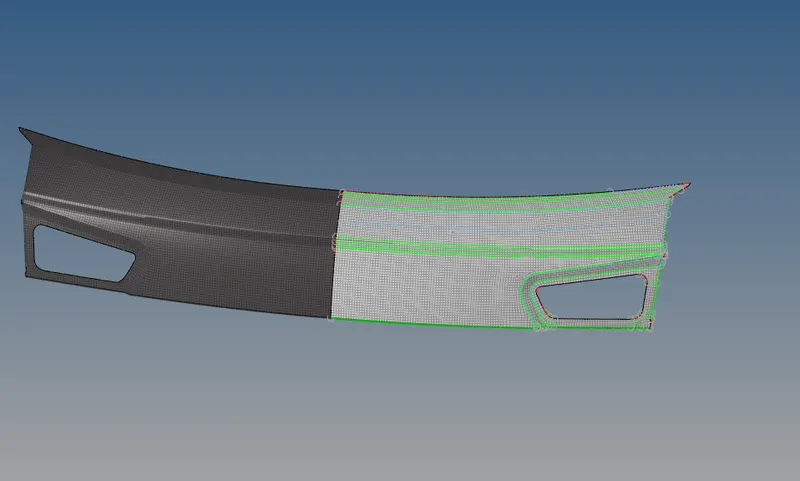
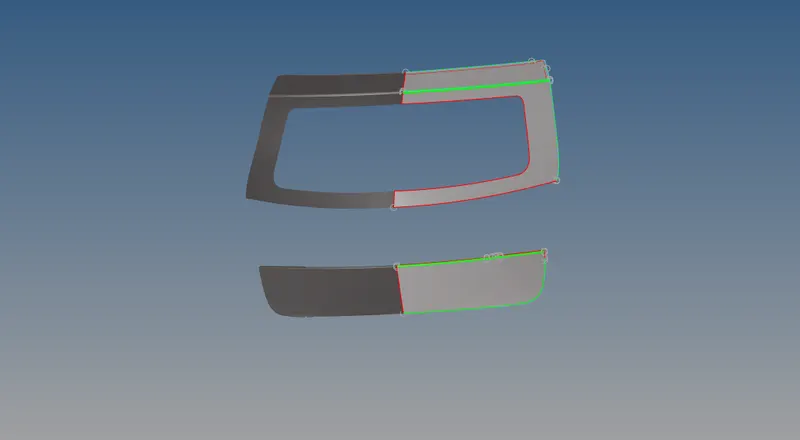
* we can check the normals and free edges.
* final done the meshing and reflect the component . we see the below image.
Conclusion :-
To given the componnet to extract the mid surface and meshing the component is done.