Week 7- Meshing of Backdoor Challenge
OBJECTIVES:-
- mesh the backdoor geometry of a car with quality parameter given
PROCEDURE:-
- open the hypermesh
- import the geometry by using import geometry option and select type of file then select the file ,click import
- here 2 part are given with symmetry centre axis
- delete one of the half of the geometry and move the each geometry to seperte collector by using organise in tool panel
- check for geometry error and fix it with appropriate methode
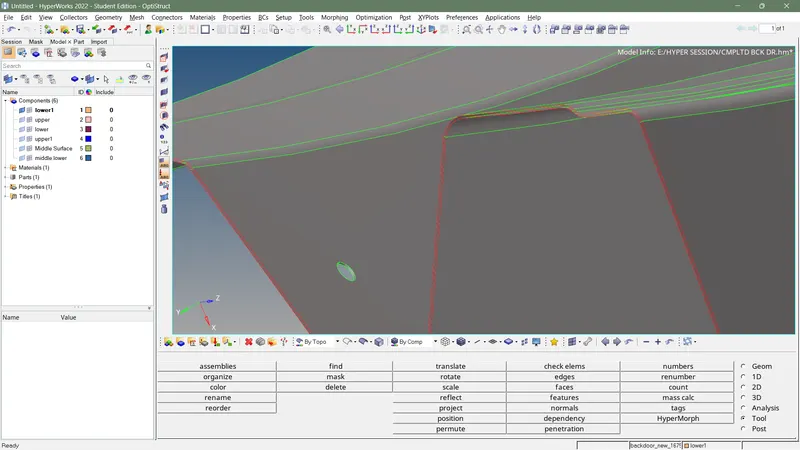
- extract mid surface for each geometry
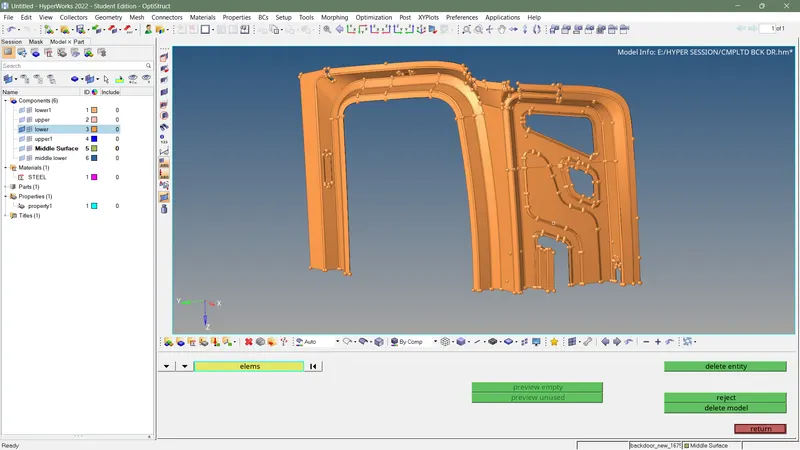
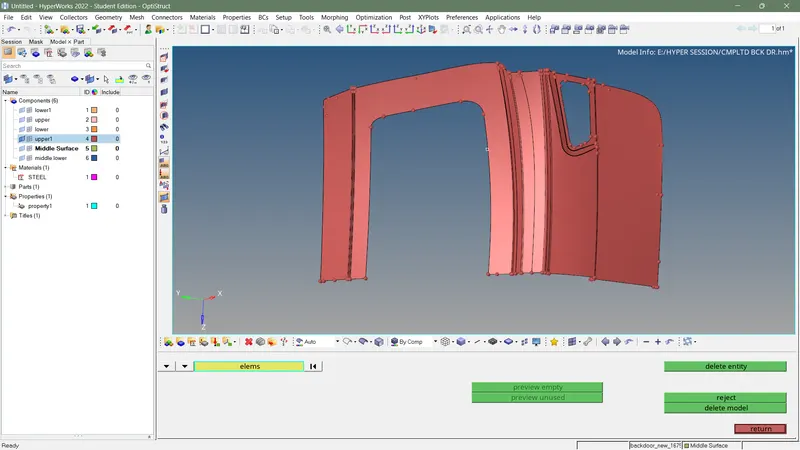
- do a geometry clean up based on element size (toggle line which cause fail to keep minimum element size )
- input quality criteria as given
- input mesh size as 5
- mesh difficult or complex are firstly by using automesh in 2D panel
- rearrange mesh flow using rebuild mesh or automesh in 2D panel
- avoid triangle from free edges by using swap and spit option given quality index
- if fillet size are very small to keep minimum element size keep centre line and toggle other line
- increase mesh flow using smooth option in 2D panel
- add property and material then assign to collector
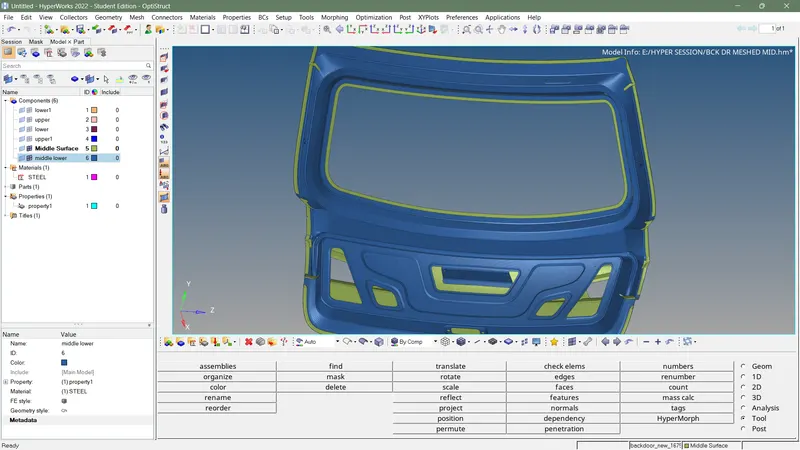
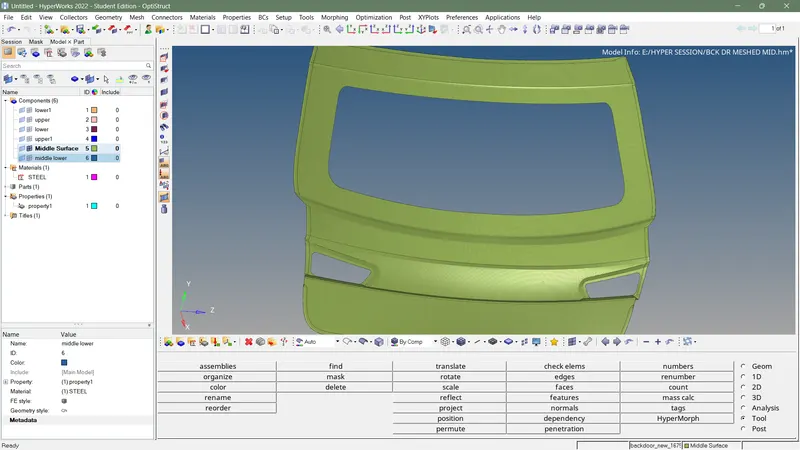
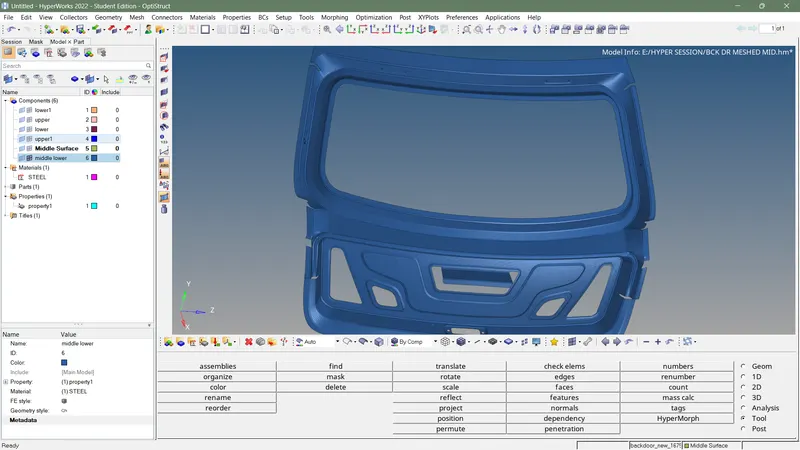
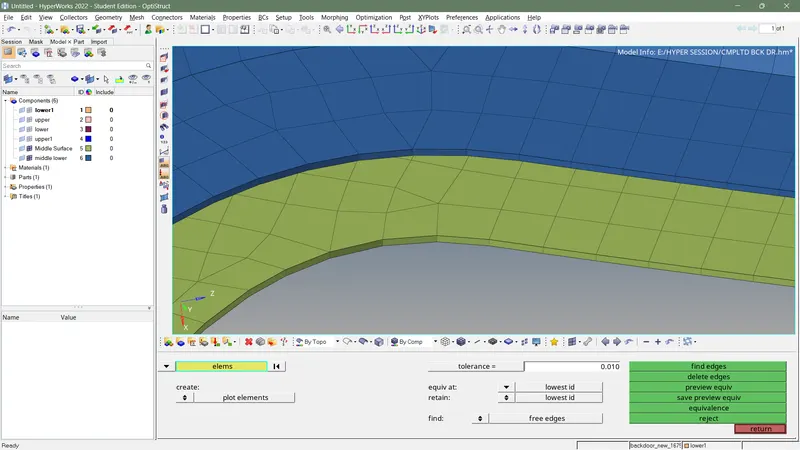
- check for edges using edges option in tool panel
- fix the unwanted edges using equivalence option in edges
- if there any free edges still shown then fix it using replace ,paste nodes of the element
- finish the callenge