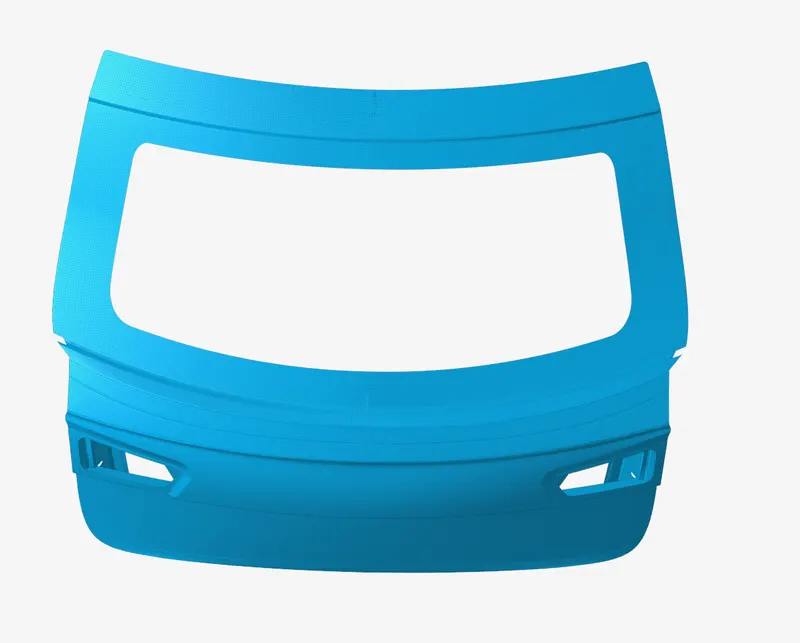
Week 7- Meshing of Backdoor Challenge
step 1. Imported the iges. file into Altair HyperWorls v2022.3.
step2. Created midsurface using midsurfaace tool in gemometry ribbon.
step 3. Visualised the cad model, and interpreted, Found the geometry was symettric about one plane. So deleted one half and performed geometry clean up and defeaturing.
step 4. Edited parameter as mentioned above and generated the 2D mesh with target element size 5.
step 5. Perfrfomed element edit for correcting the rotainal quad and trias.
step 6. Used mirror option to mirror the created mesh.
step 7. And stitched it with the help of Replace command.