Week 7- Meshing of Backdoor Challenge
AIM: Mesh the backdoor model as per the given quality criteria using Hypermesh.
OBJECTIVE:
- Extract the mid surface
- Geometry cleanup
- Meshing given hood model using the given quality criteria checks
- Good mesh flow.
- Assign thickness
PROCEDURE :
- Import the component and click F to see the component in the GUI area as shown below.
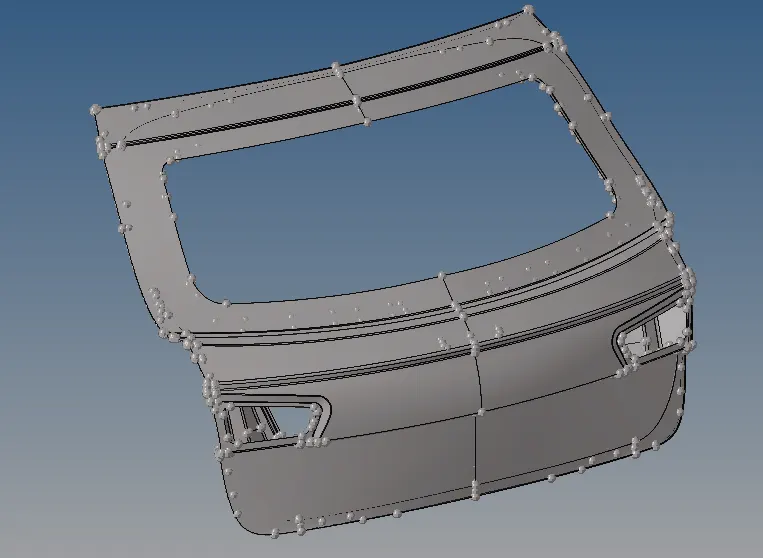
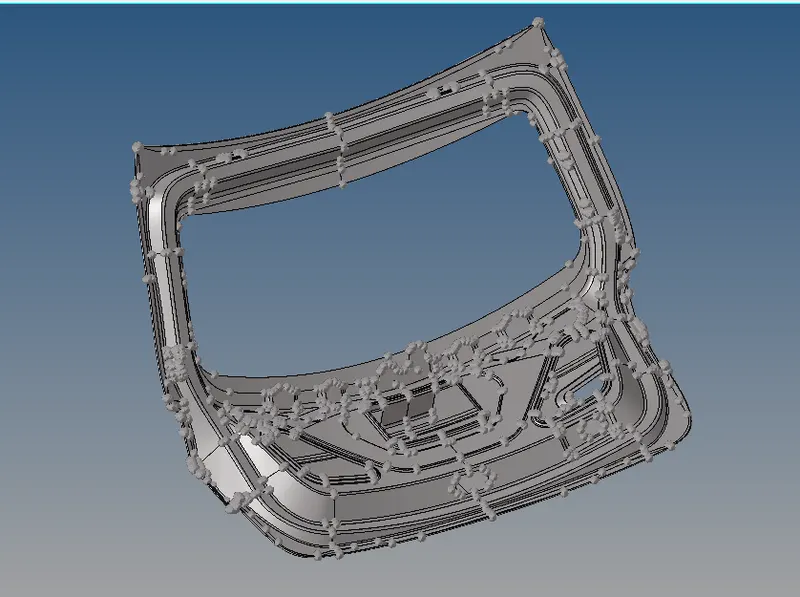
As door model has thickness less then 6 mm we can use 2D meshing.
- Next step to generate Mid-surface for lower body of model
- Generate Mid-surface & geometry clean-up for all parts, saved in diff. components :-
- view in topo mode for looking for any free edge present in model
- Geom-midsurface
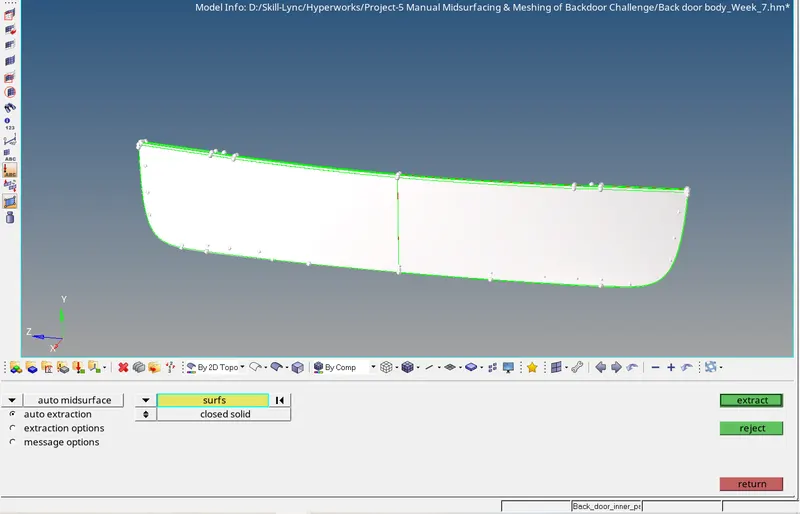
As outer ectract is symmentric about X-axis we can delete half section for reduce time.
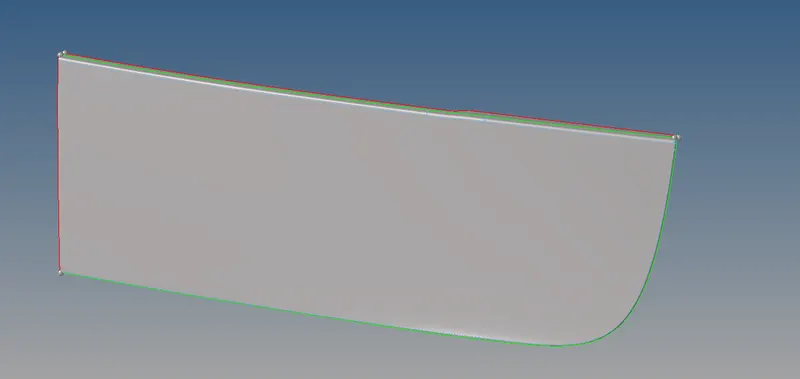
- Next step to generate Mid-surface for upper body of model
- As outer ectract is symmentric about X-axis we can delete half section for reduce time.
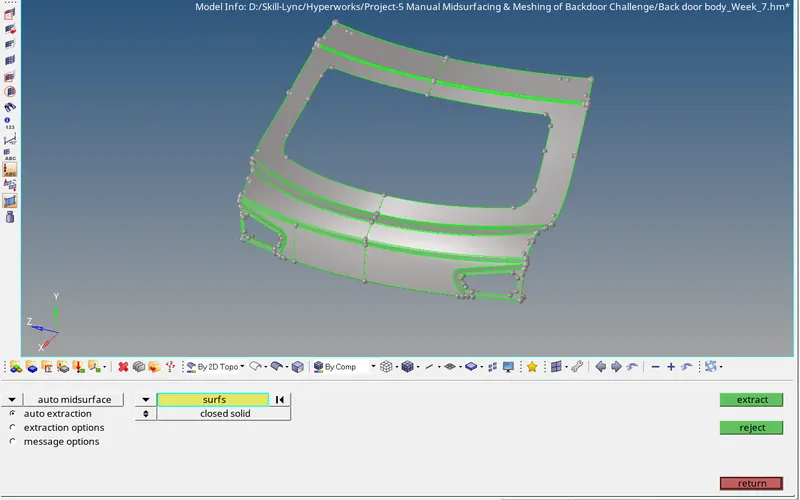
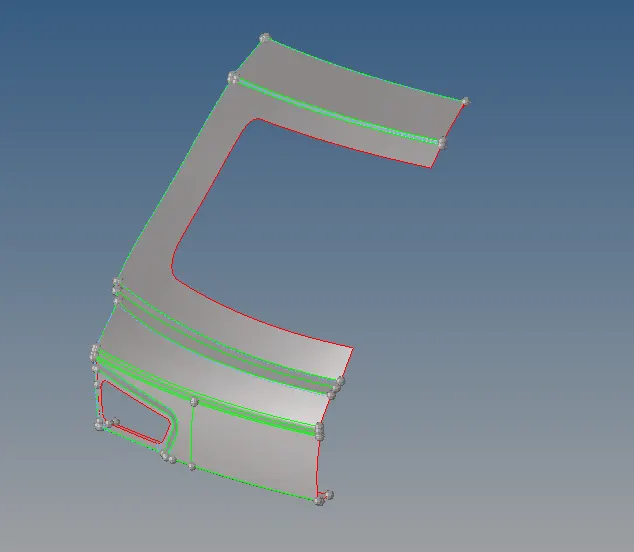
- Next step to generate Mid-surface for Inner body of model
- As outer ectract is symmentric about X-axis we can delete half section for reduce time.
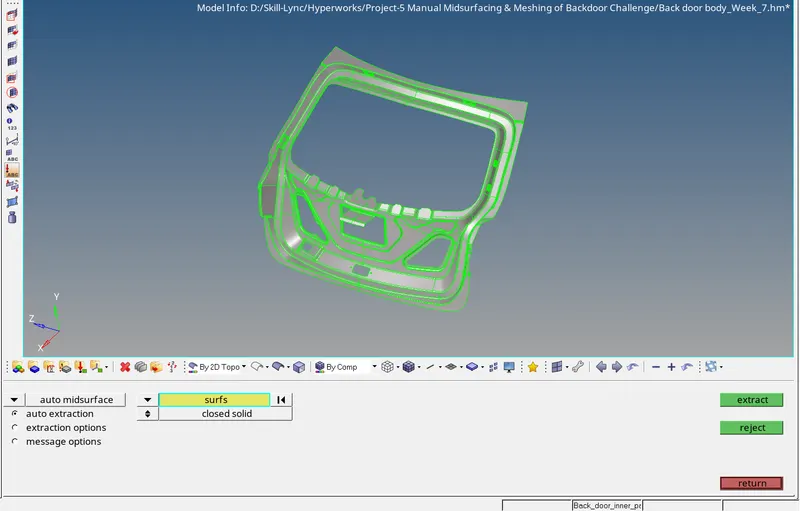
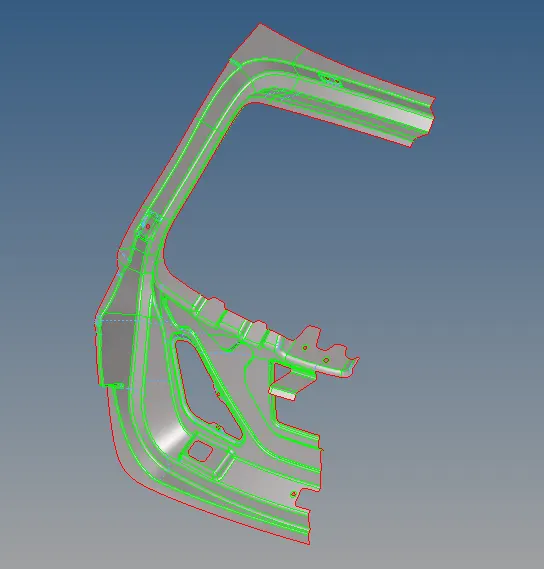
- Next step is to set Meshing criteria
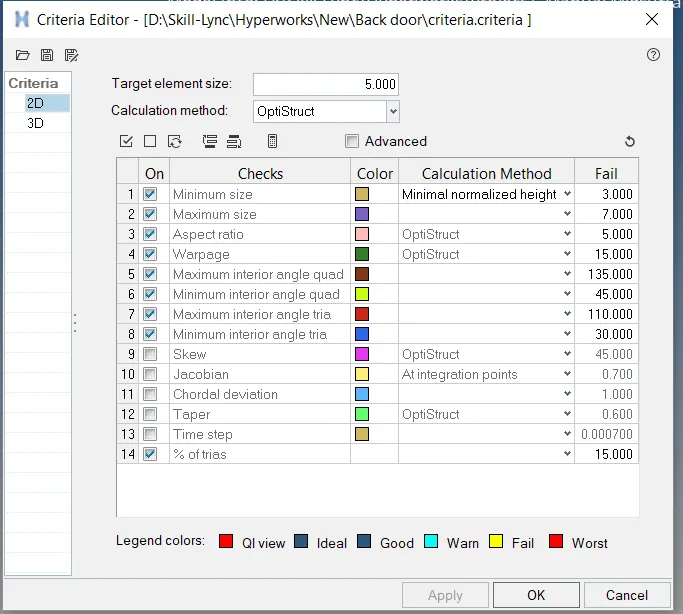
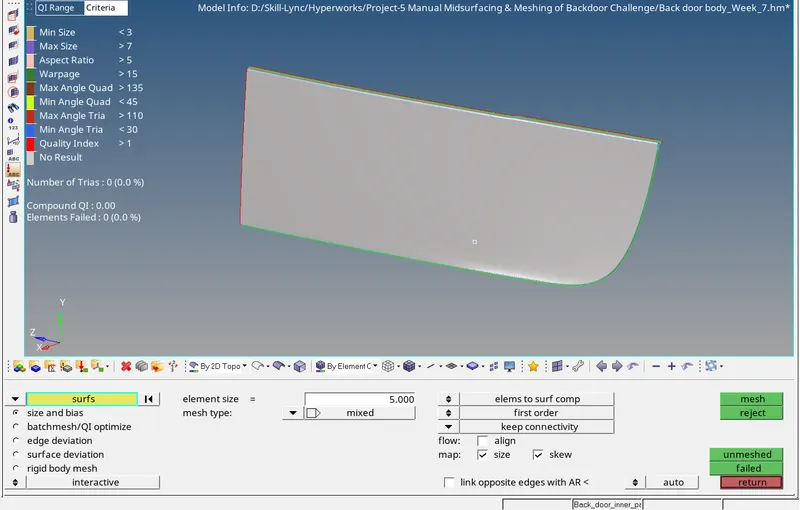
Next step is Mesh the model surface by surface :-
Option used :-
2D-automesh
2D-Rebuilt mesh
2D- Quaility index
2D-edit element
2D-replace
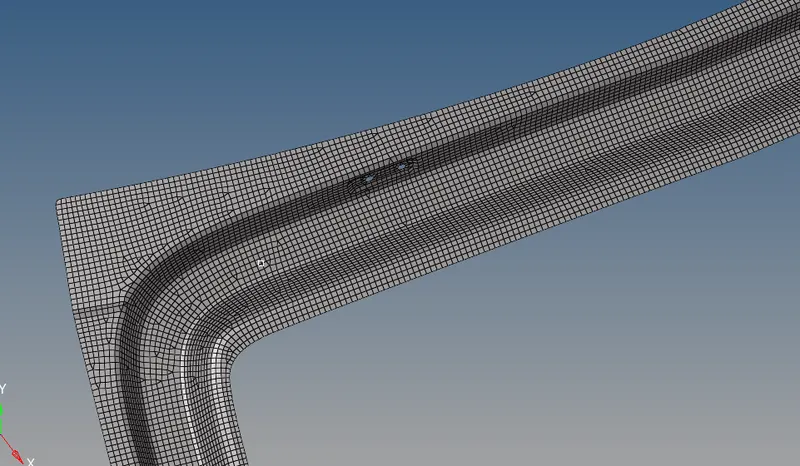
Final Snap of Mesh model :-
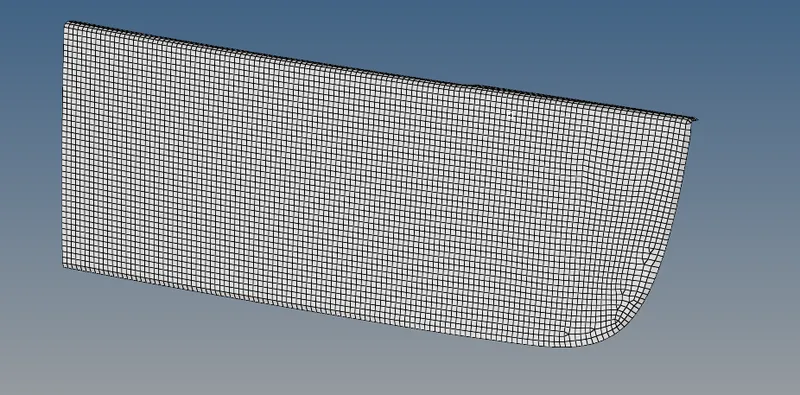
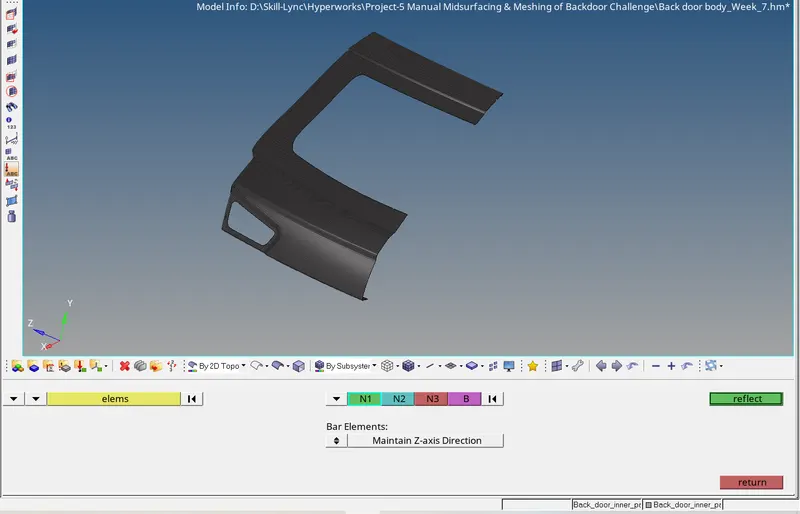
Use reflect to copy all elements
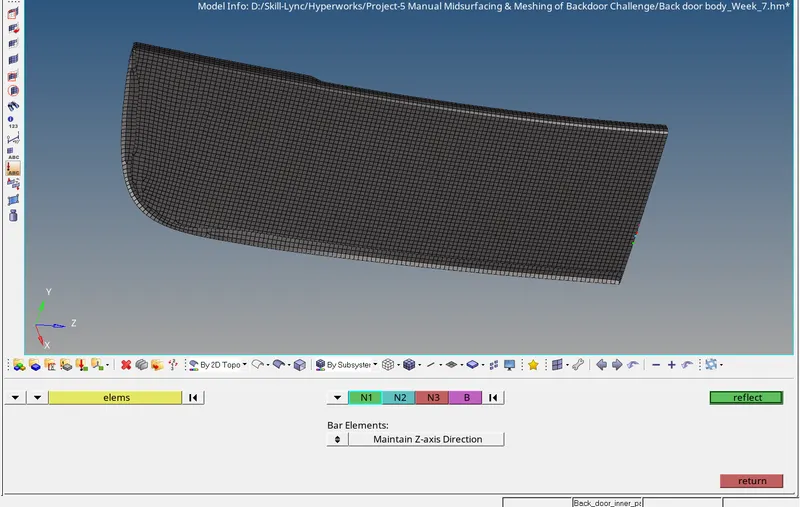
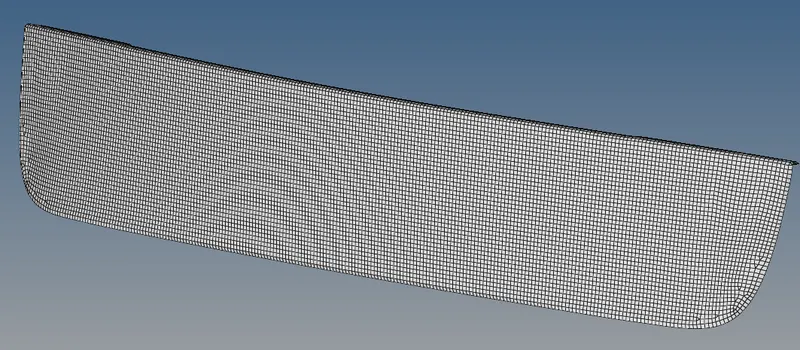
Next step is to generate mesh foe upper panel
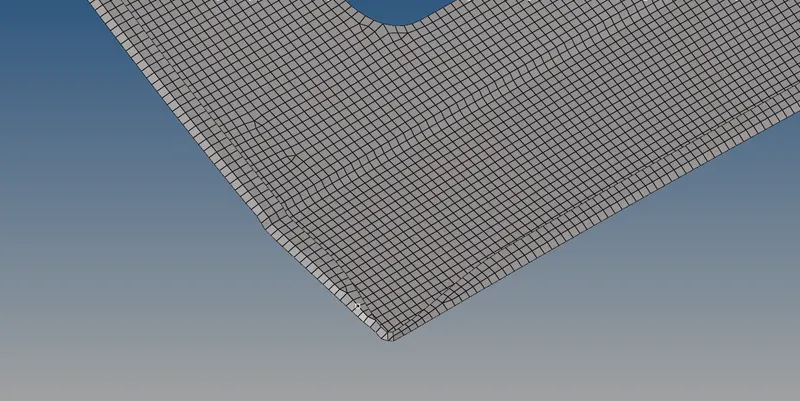
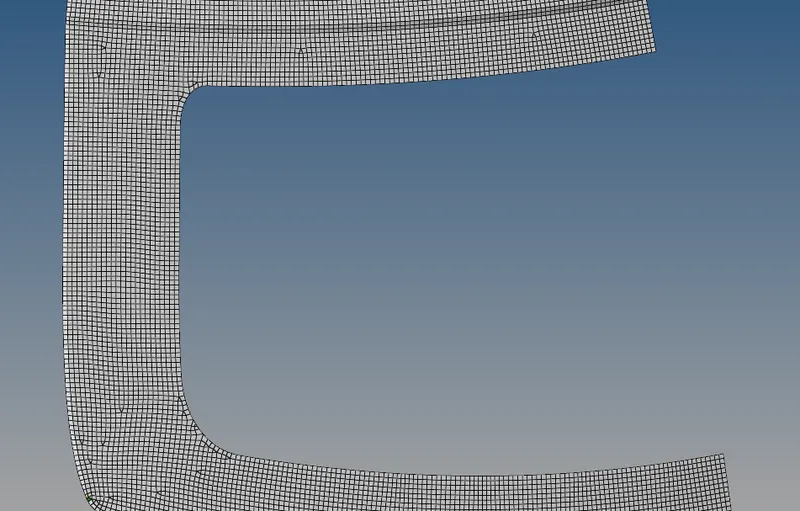
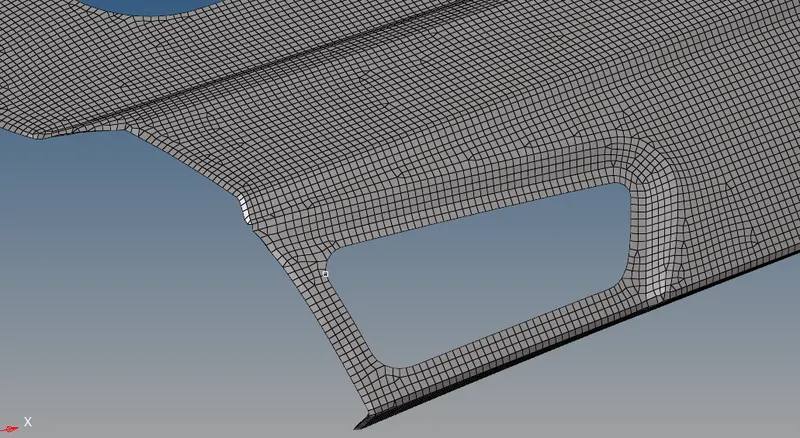
Use reflect to copy all elements
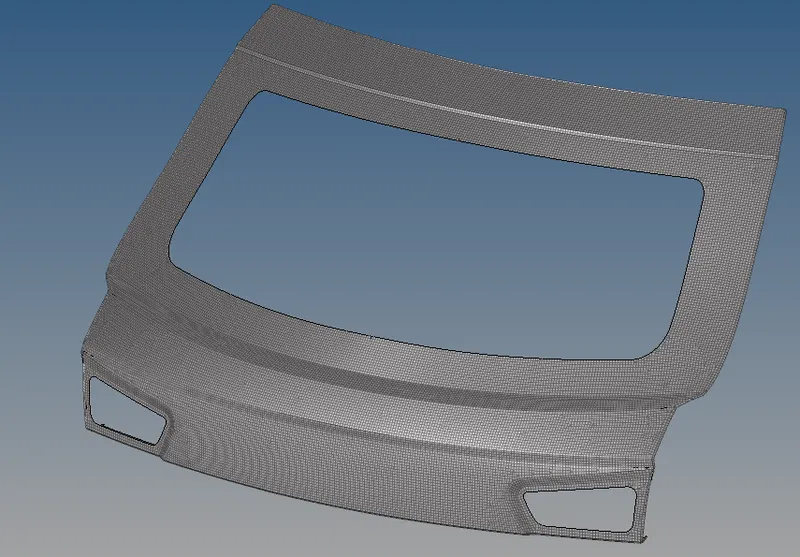
Next step is to mesh inner panel of door
2D-automesh
2D-Rebuilt mesh
2D- Quaility index
2D-edit element
2D-replace
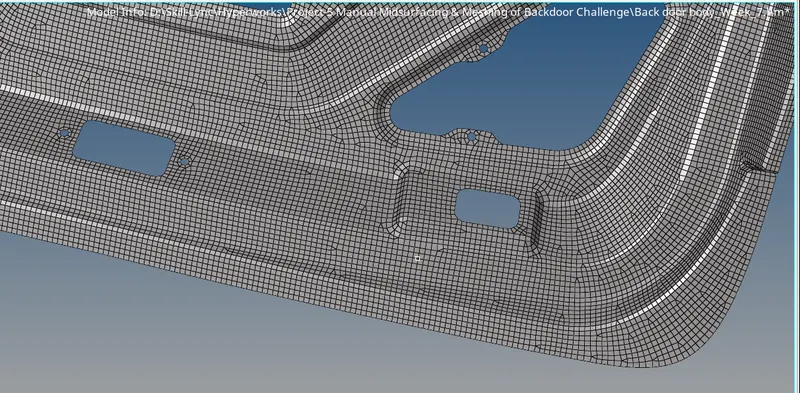
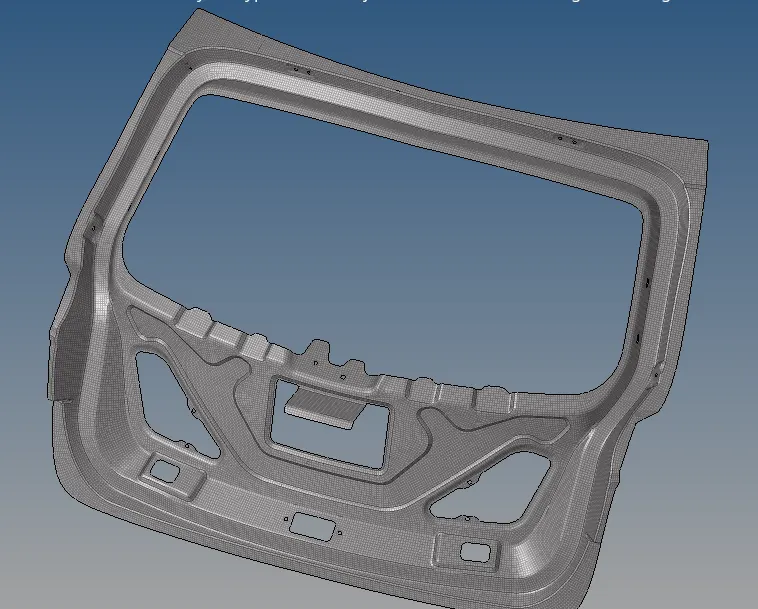
Final Snap of Mesh model :-
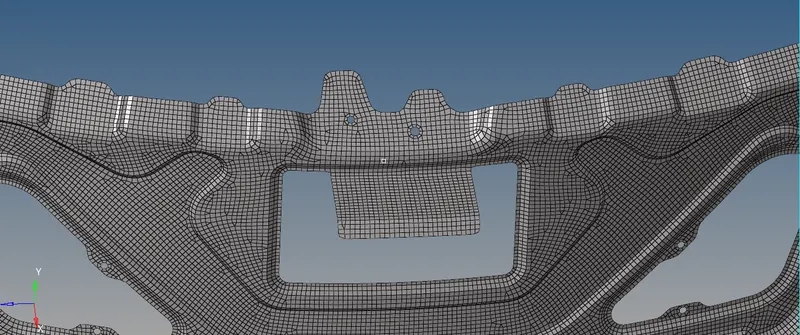
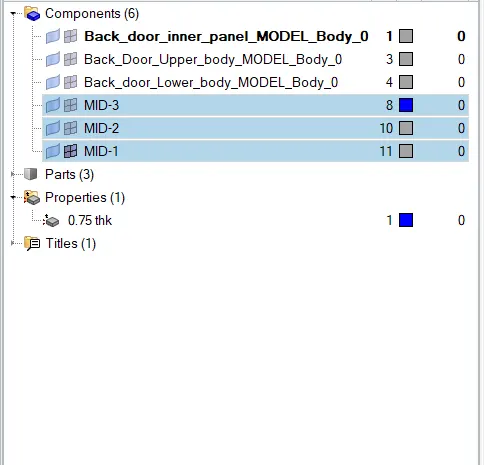
- Next step is to assign to thickness
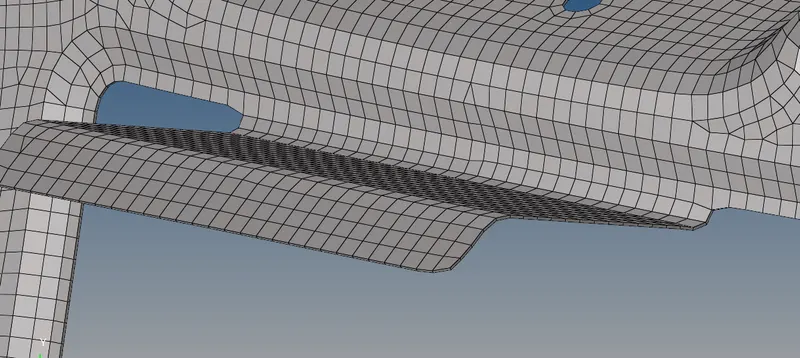
CONCLUSION: The extraction of midsurface is done for the given model and the meshing is done.