Week 7- Meshing of Backdoor Challenge
OBJECTIVE
To mesh the given backdoor geometry of a car through manual midsurfacing process and the RADIOSS solver, as enunciated in the week 7 videos.
To also ensure that mesh is of highest quality with low number of trias and good mesh flow.
PROCEDURE
1.first import the model in hypermesh using import model option
2.do a auto mid for the model using geom midsurface-extraction option - skin offset complete midsurface
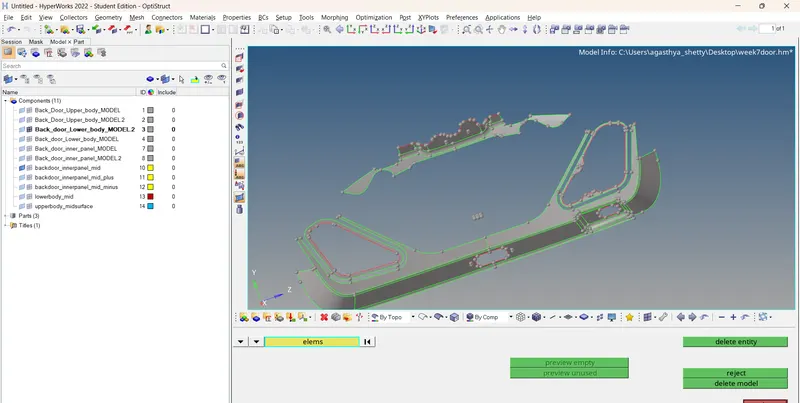
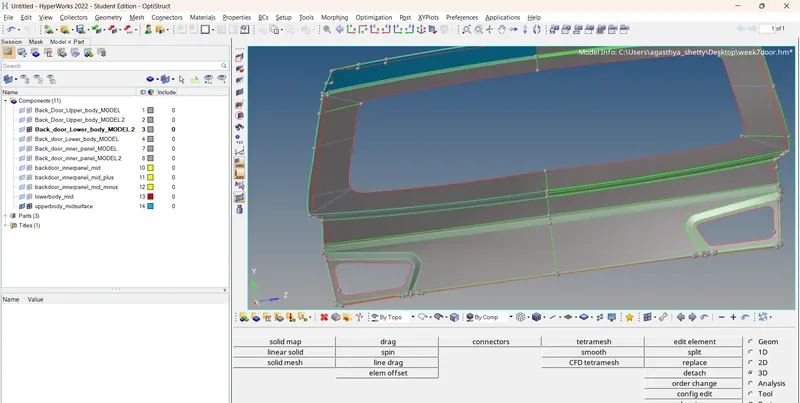
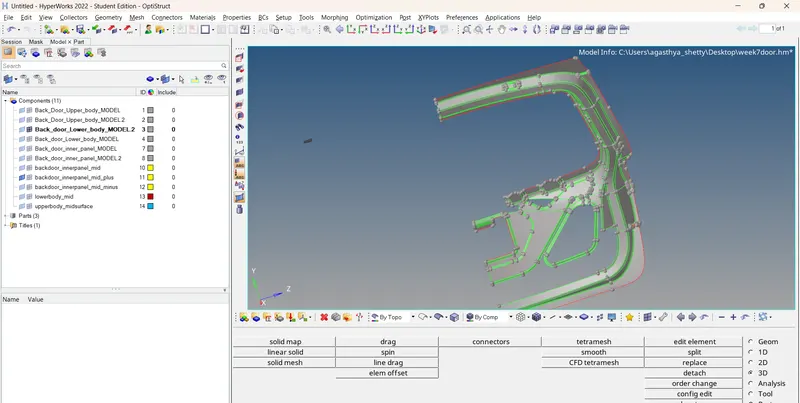
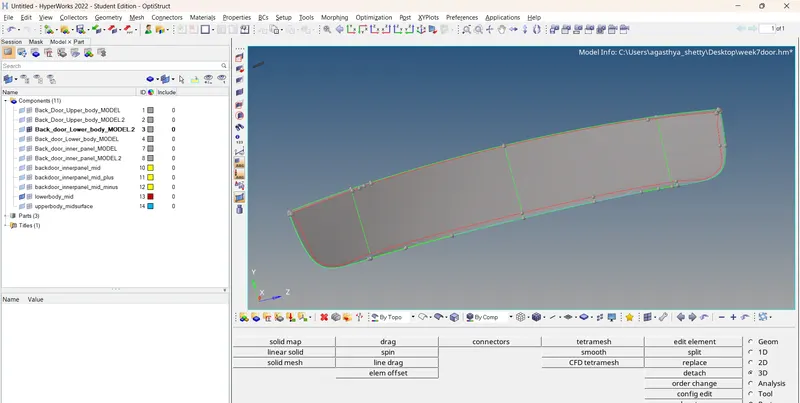
3.After generating the midsurface find out the symetry one and collect it in a seperate component and
filetr / organize out the component according to the model
4.check for the geo criteria AND rectrictions using the quality criteria provided
toggle all the feature lines which are opposing for might cause a min length failure.
5. start with one component and do the meshing using 2d_autmesh using the mesh lenght as 5 in the quality criteria
6. make sure all the mesh flow and quality is proper In the given model i did capture the mesh flow
but failed in some regions
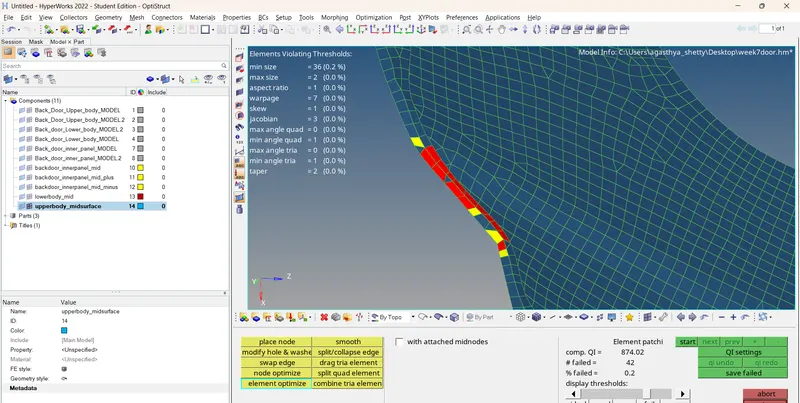
7. after completing all the meshing all the components use the reflect oftion
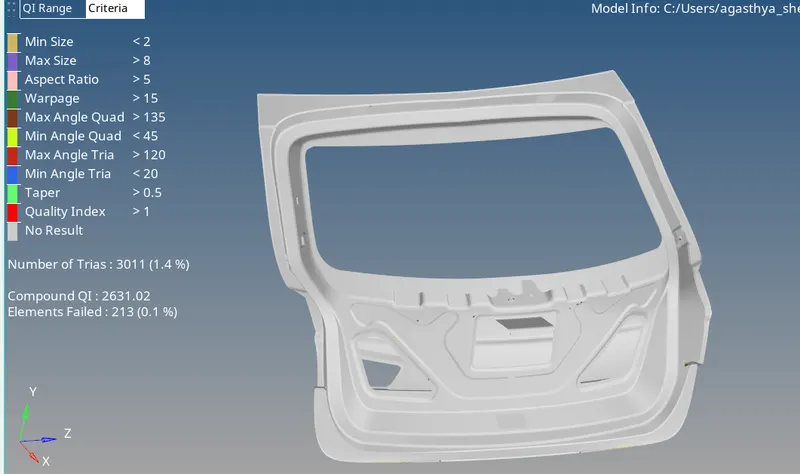
8. tool - reflect ele - displayed and duplicate the ele - original comp ND REFLECT using the specific axis
here ive chosen Z axis
conclusion
learnt how to extract mid and mesh a complex door assembly component and use the reflect option to speed up the
process and saves a lot of time in completion