Week 7-Long Piston With Cam
AIM:
To perform the simulation for Long Piston with Cam.
PROCEDURE:
- So first we will import the given model in ANSYS workbench using trasient structural module.
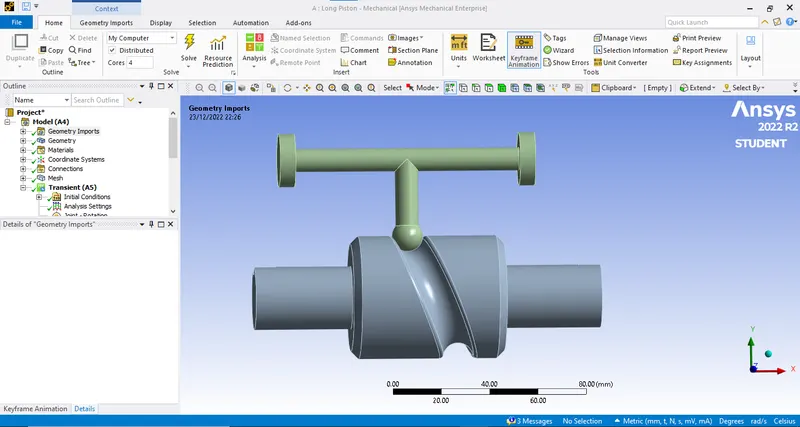
- Now after this we will assign the RIGID behaviour to the Barrel and Barrel-Cam. So because of the solver will consoder them as a point masses located at the center of mass.
- After that we are assigning the contacts between the all the geometry. And we will set the type as frictionless.
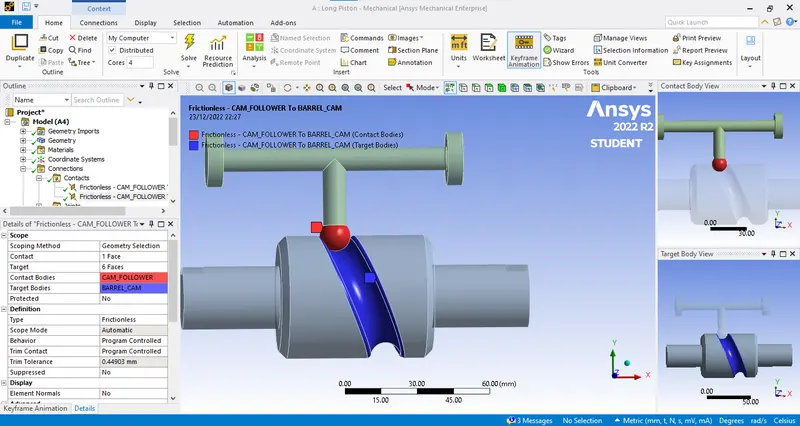
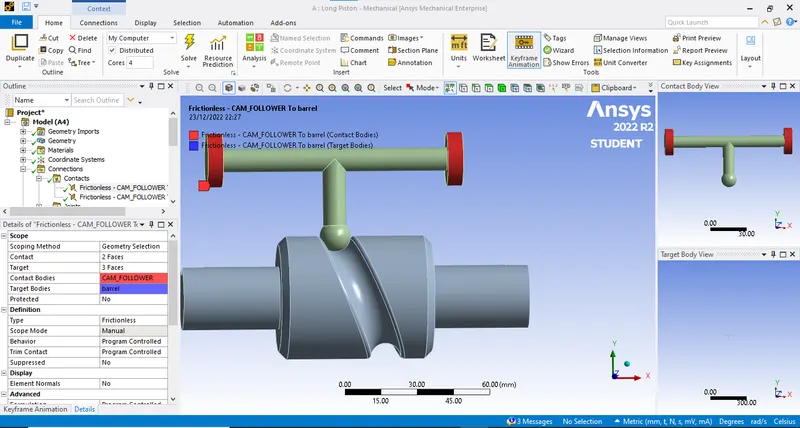
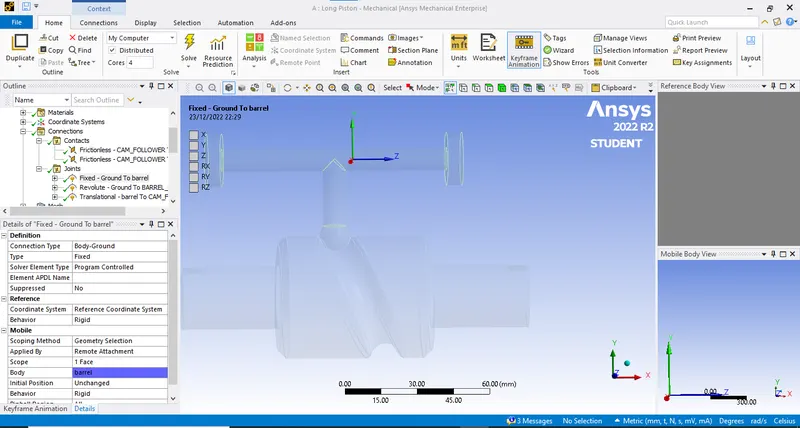
- Next is to assign the joints. So first we will fixed the barrel and assing the rotational motion to the barrel_cam.
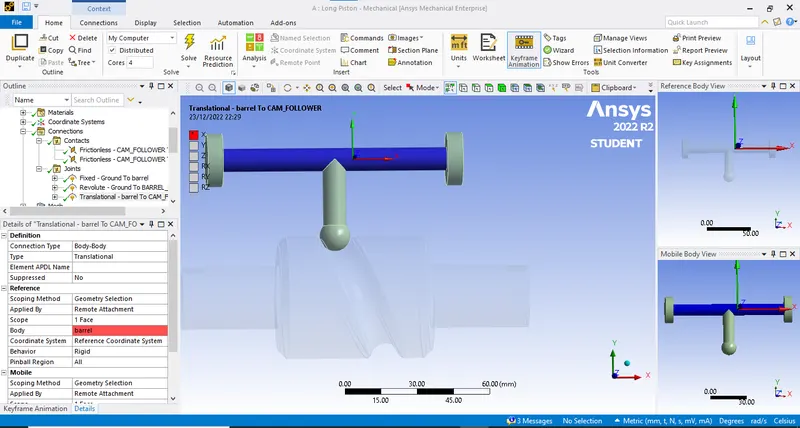
- Next is revolute joints.
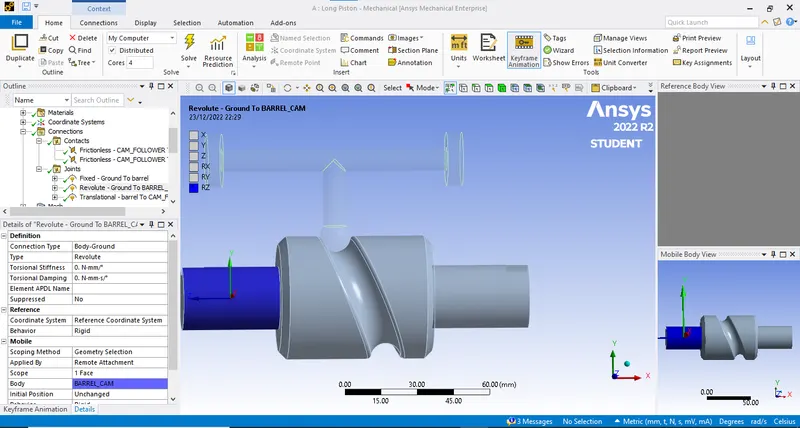
- After that we will assign the body to body joint to the barrel and follwer.
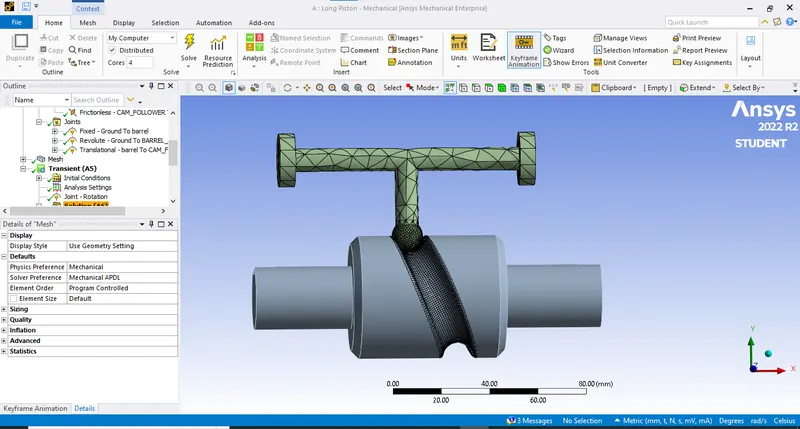
- Next is meshing. Select the mesh size as 5mm and after that selet the sizing and slect the area of contact and give the mesh size as 2mm.
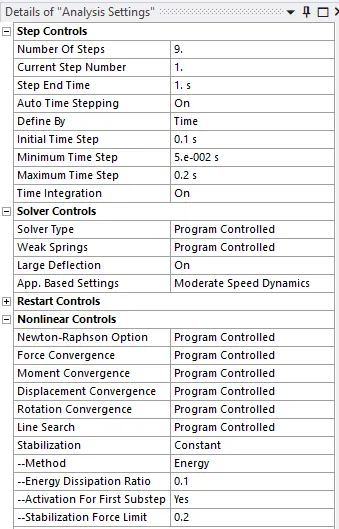
- Now for analysis setting.
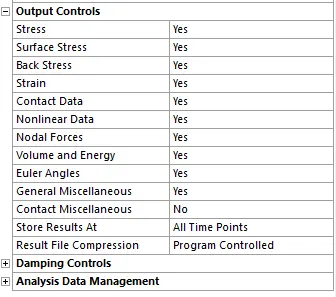
- Now after this we will assign the joint load to the revolute joint.
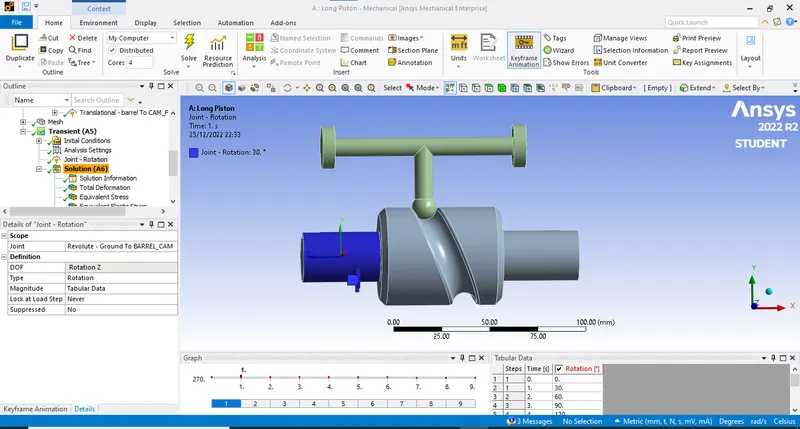
- And after this we will solve the problem with required results.
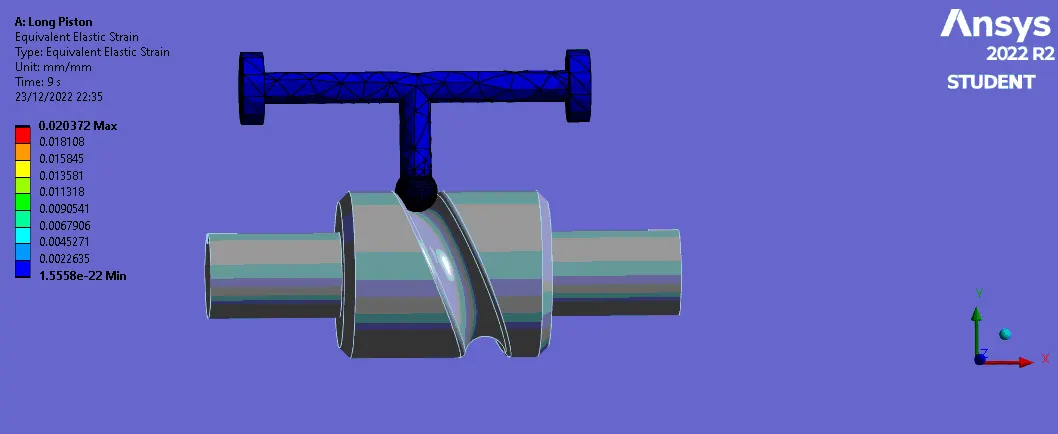
CASE 1: Frictionless Contact.
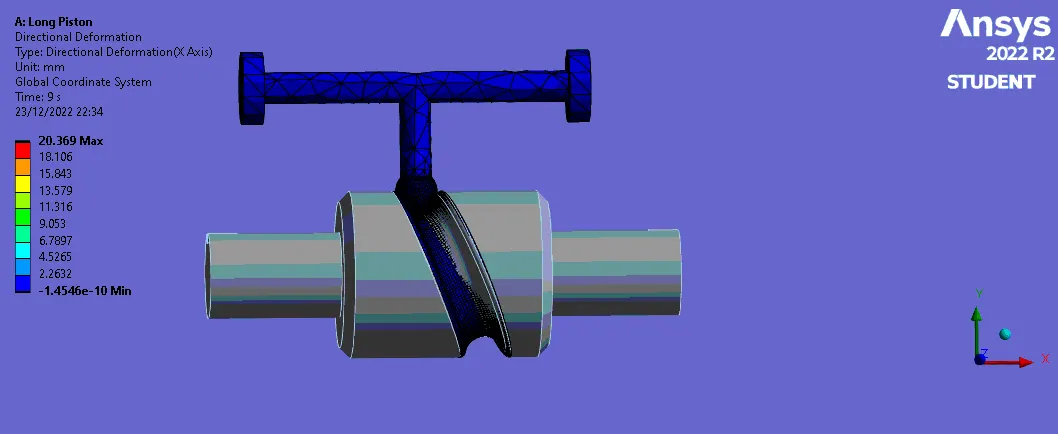
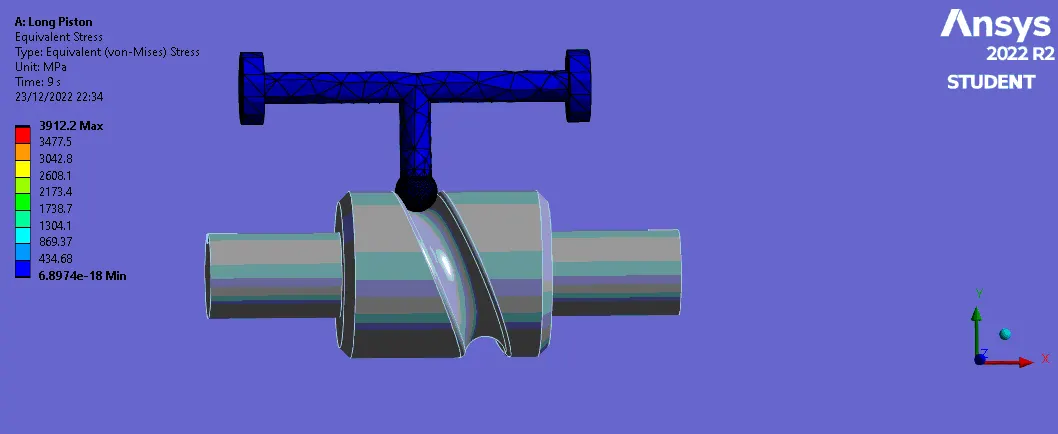
- Here the contact between the follower and cam barrel is frictionless.
Directional Deformation
Equivalent Stress
Equivalent Elastic strain
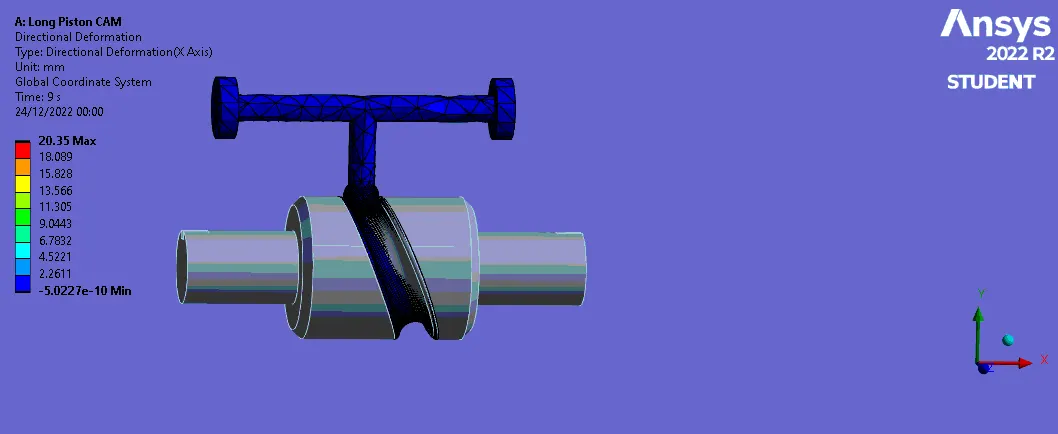
CASE 2: Frictional contact (0.1)
Directional Deformation
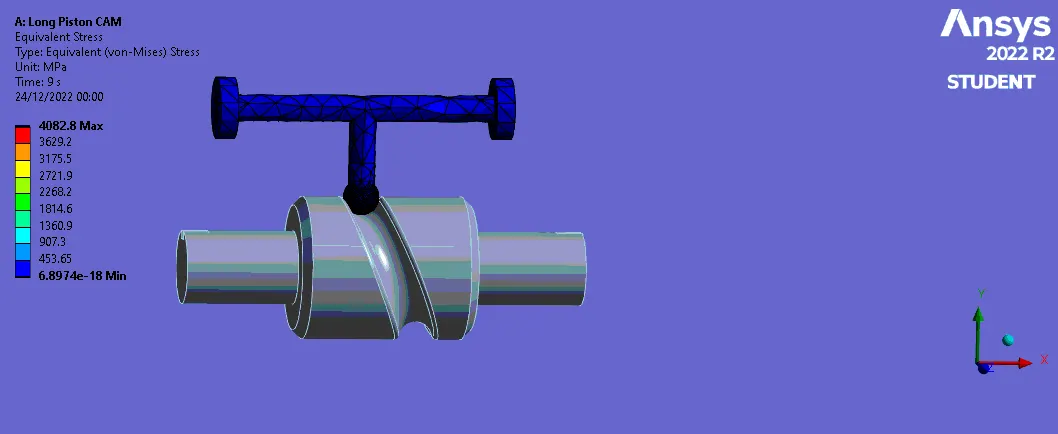
Equivalent Stress
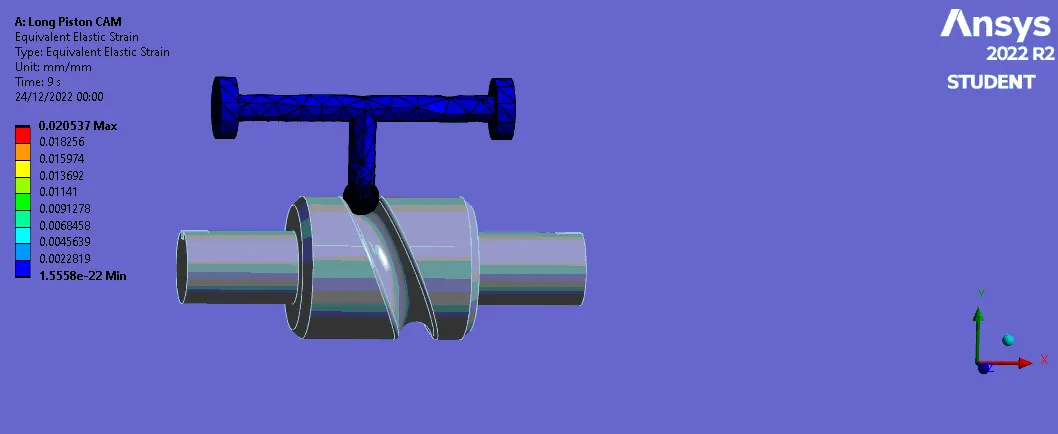
Equivalent Elastic strain
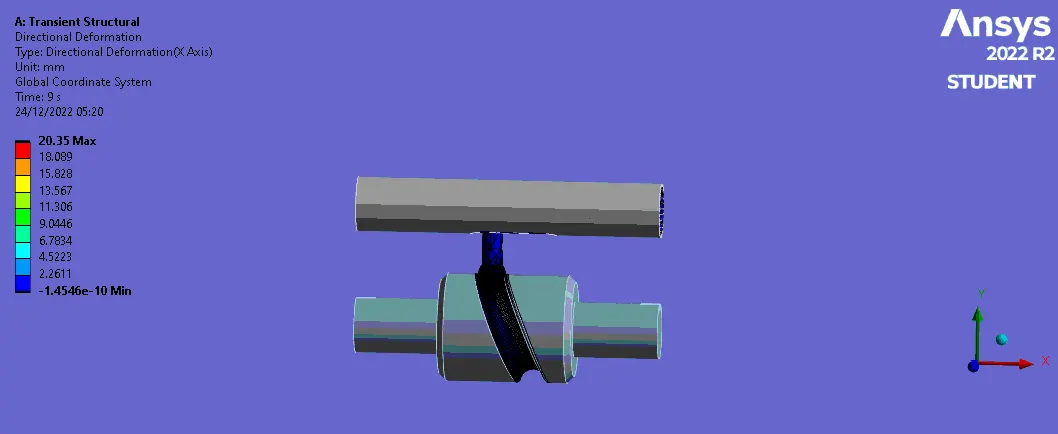
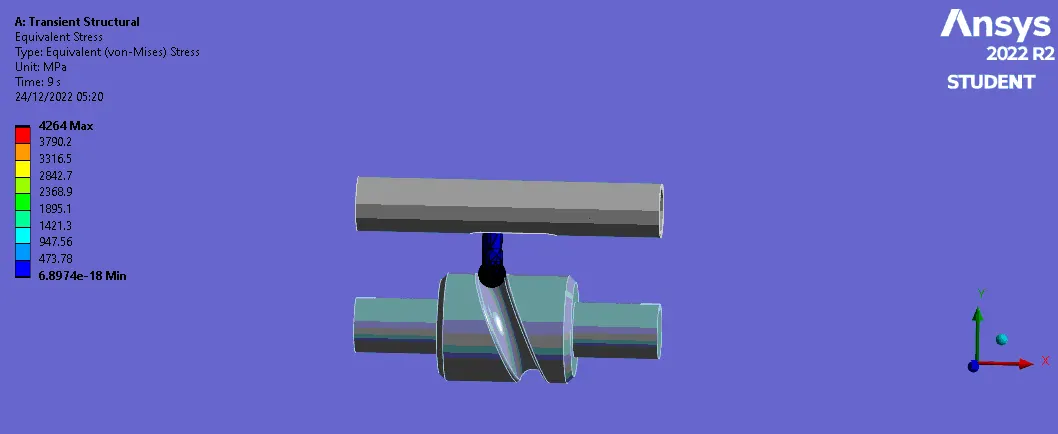
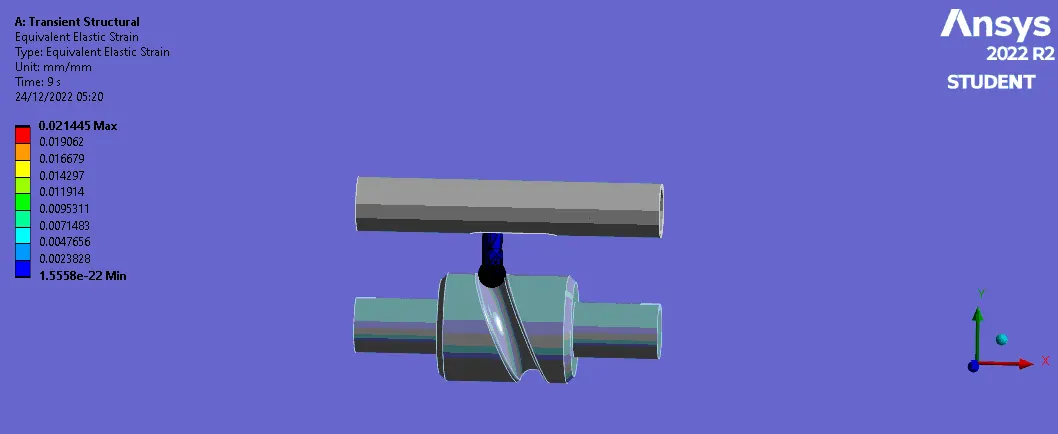
CASE 3: Frictional contact (0.2)
Directional Deformation
Equivalent Stress
Equivalent Elastic strain
RESULTS:
| Sr No. | Cases | Directional Deformation (mm) | Equivalent Stress (MPa) | Equivalent elastic strain (mm/mm) |
| 1 | 1 | 20.36 | 3912.2 | 0.0203 |
| 2 | 2 | 20.35 | 4082.8 | 0.0205 |
| 3 | 3 | 20.35 | 4264 | 0.0214 |
COMPARISON:
- As we see the directional deformation is slightly increased as the frinctional value increases.
- Then Stress induced on the component is more where the friction is more.
- Equivalent elastic strain is nearly same for all the cases.
- All the required results are captured.