Week-7 Head Impact
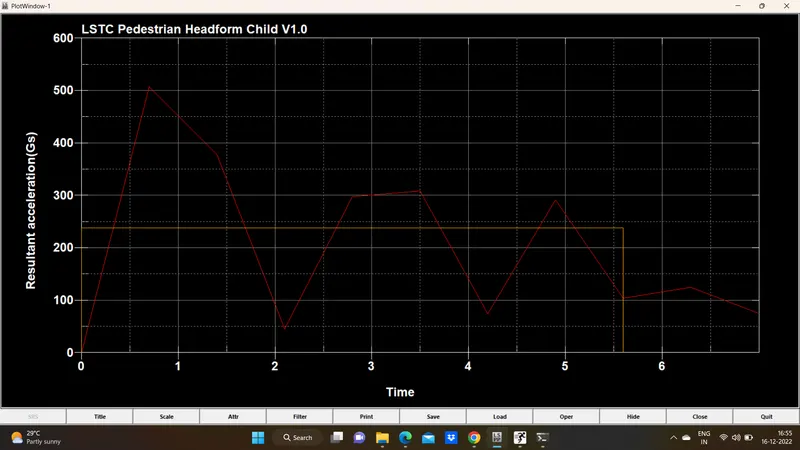
Aim: To perform the Head Impact Simulation and calculate the Head Impact Criterion (HIC) value for the following cases.
Objective:
To perform head impact analysis and calculate the HIC (Head injury criteria/coefficient) value for the following cases:
- Case1: Simple head model and rigid wall
- Case2: Child head-foam and rigid wall
- Case3: Child head-foam and hood
Case1: Simple head model and rigid wall
- The simple head model is imported and they have meshed with shell elements.
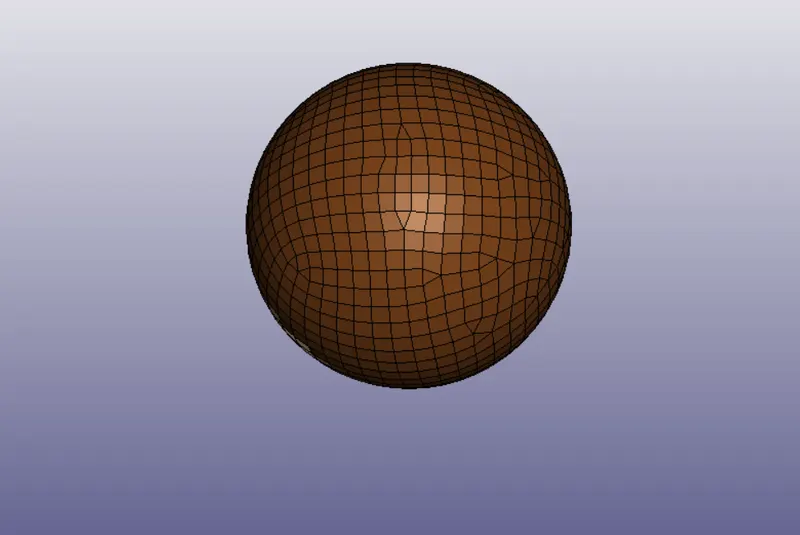
1. Part definition
Section property:
The section properties of simple head are assigned as shell element with 2.5 mm thickness and ELFORM=2, element formulation.
Material properties:
MAT24 (Piece wise linear plasticity) material card is used to assign the steel material properties to the simple head model. The MAT24 represent Piecewise linear isotropic plasticity. With this material model it is possible to consider the effect of the strain rate.
2. Boundary condition
The simple head model is assumed to be impacting the rigid wall at a velocity of 40 kmph i.e. 11.11 mm/ms in negative Z- direction towards rigid wall.
The rigid wall is created at a distance of 15 mm from the bottom of simple head model.
Contact details:
The contact type selected is AUTOMATIC_SINGLE_SURFACE. It is quite helpful to apply this contact method in the crash models because all the elements are included in one single set and LS-DYNA considers also when a part comes into contact with itself. The FS and FD that are static and dynamic friction coefficient with a value of 0.02 is entered in the contact card.
3. Control and Database options:
The control termination function is enabled to specify the end time of simulation. The termination time is set for 20 ms.
The time step value of 0.5 ms is given for the BINARY_D3PLOT and DATABASE_ASCII option for GLSAT, NODOUT and RWFORC
DATABASE_EXTENT_BINARY card with STRFLG =1, is used to compute the elastic strain in the model.
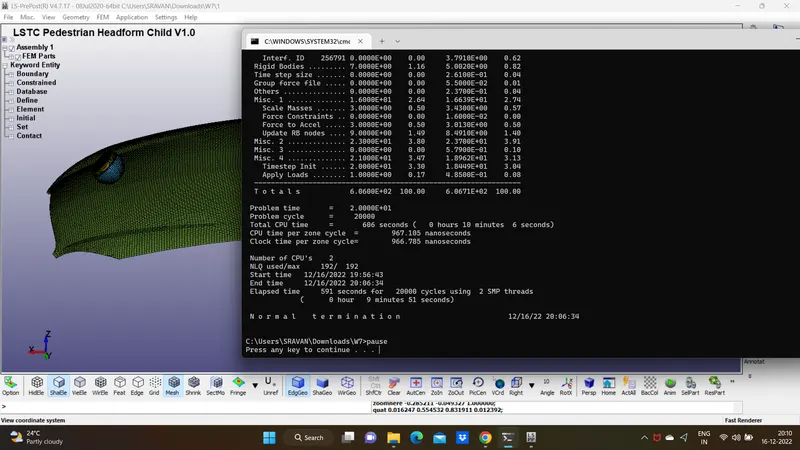
The keyword file created is checked for errors using the option keyword manager>model check. The keyword file is saved using ‘.k’ extension and is made to run in the solver by getting normal termination message.
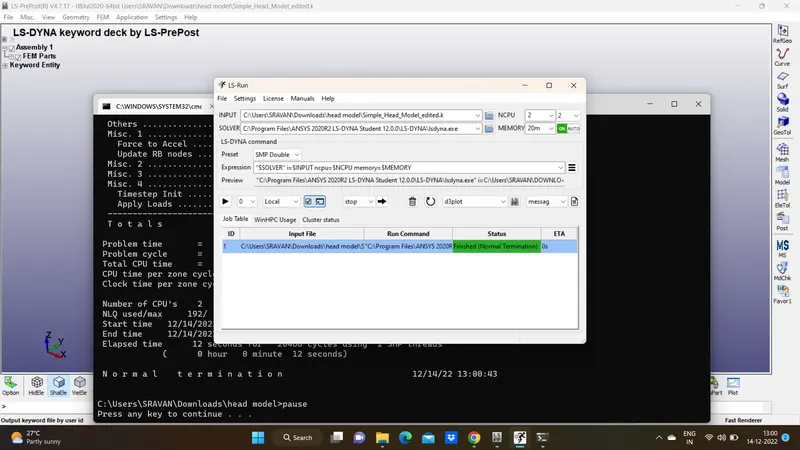
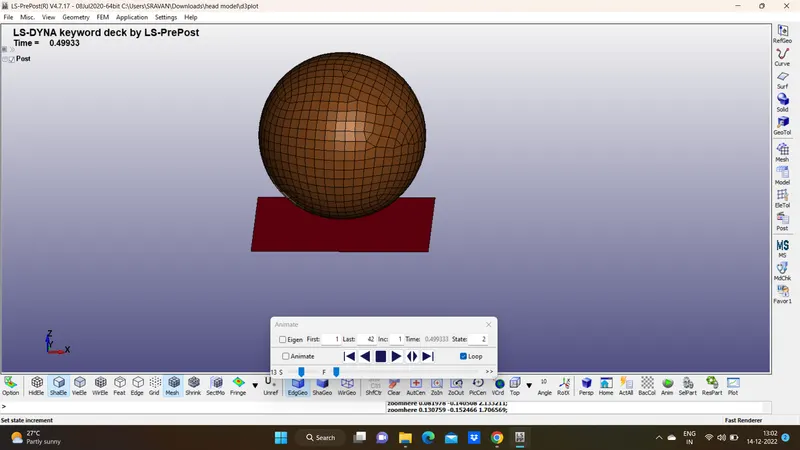
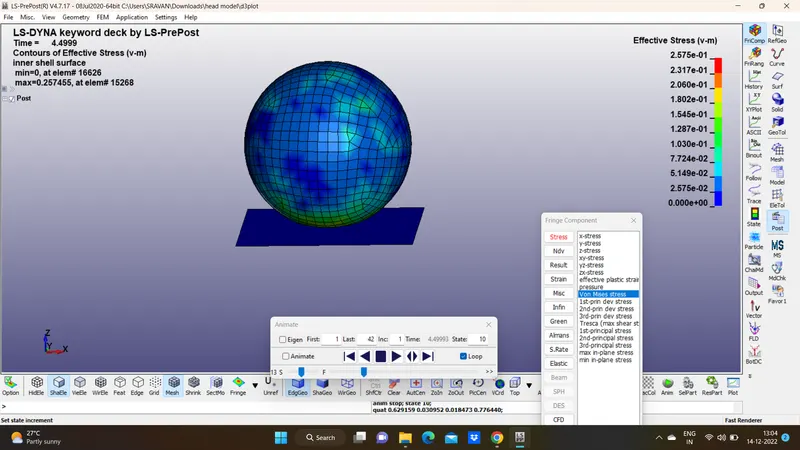
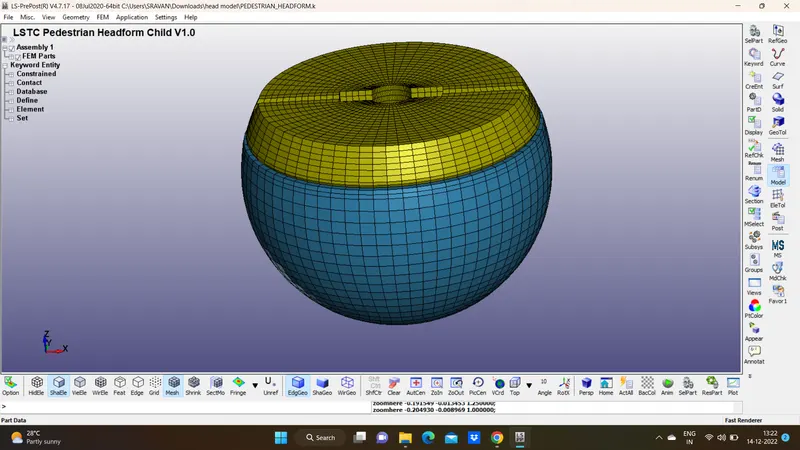
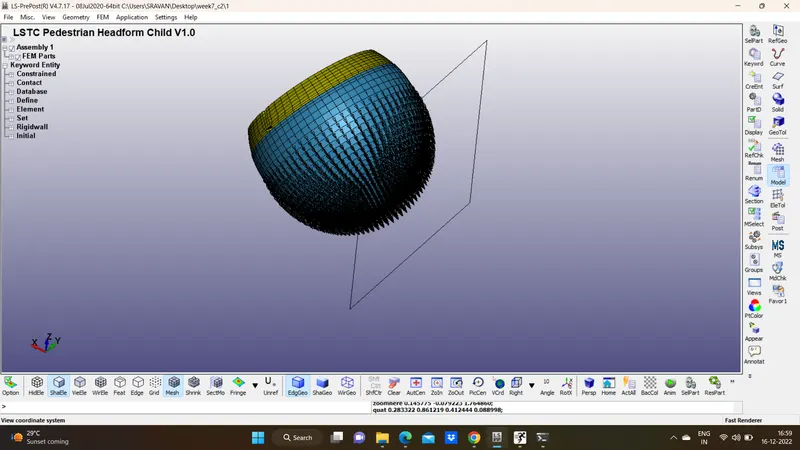
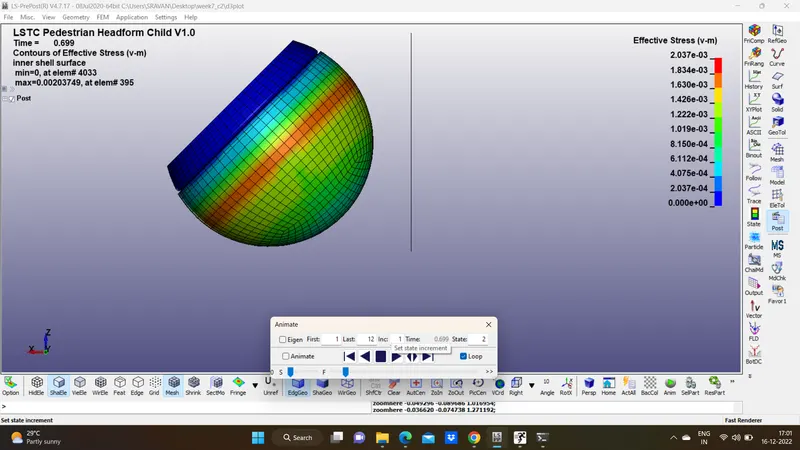
Case (2): Child headform dummy model impacting against rigid wall:
1. Part definition
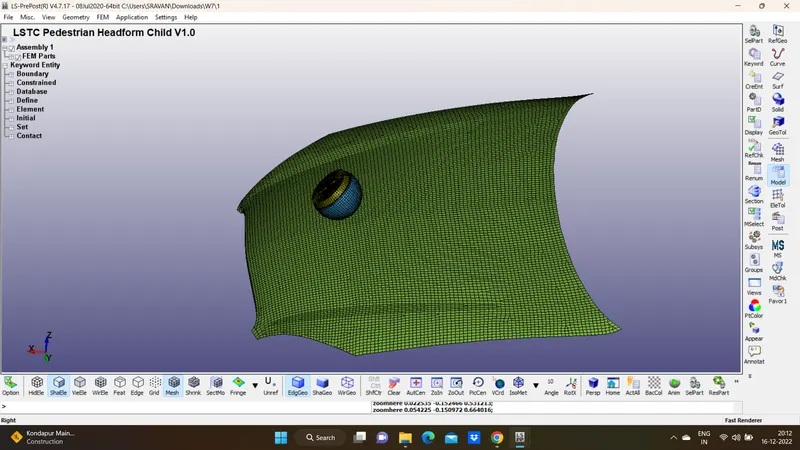
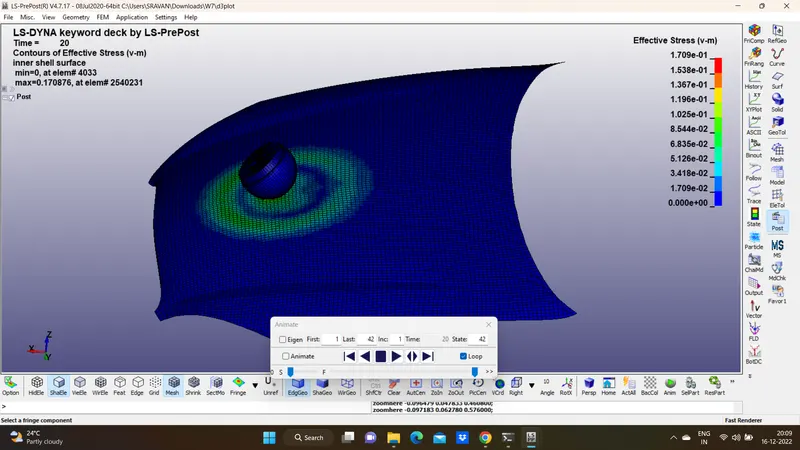
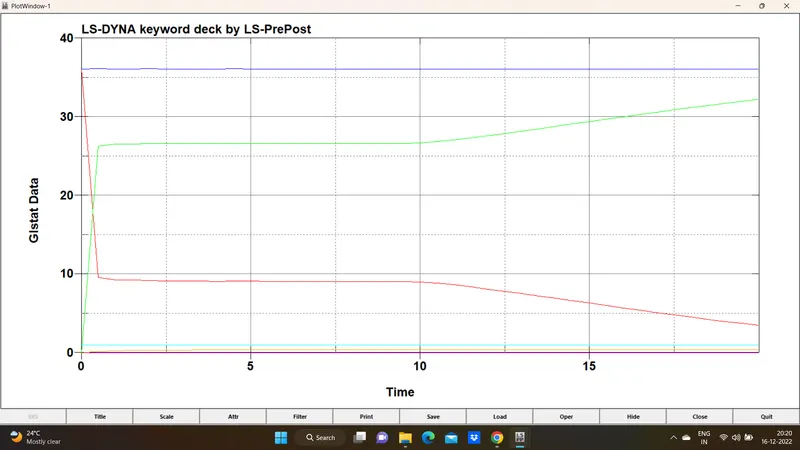
Case3: Child head-foam and hood:
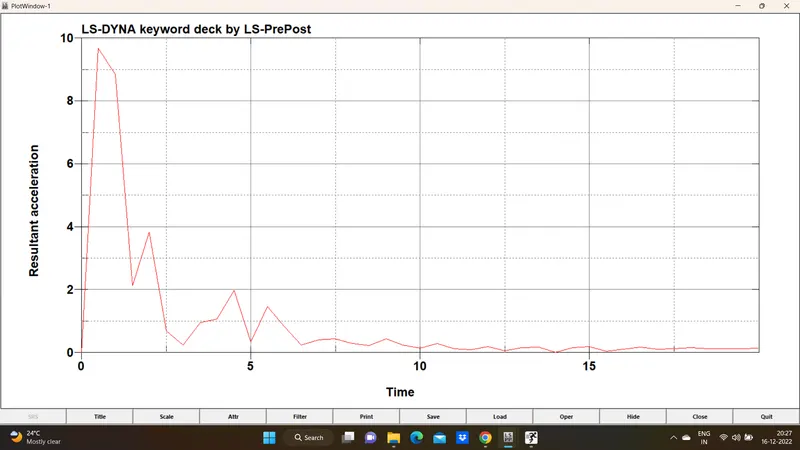
Conclusion
- In this project, a head impact simulation were done step by step for different cases and finally performed a scenario where this headform will impact on a car bonnet. The head impact coefficient were also calculated manually with the help of LS-PrePost and compared the results.