Week 7 Challenge - Assembly Workbench
1.Create the CV joint and Quick Return Mechanism parts:
2.Use the Part Design workbench to create each individual part of the CV joint and Quick Return Mechanism. You can use various sketching and feature creation tools provided by CATIA V5 to design these parts.
3.Design each part based on the required dimensions, tolerances, and design specifications. Ensure that the parts are designed correctly and meet the necessary functional requirements.
4.Save each part separately in the appropriate format.
5.Create a new product: Open a new product document to work on the CV joint and Quick Return Mechanism assembly.
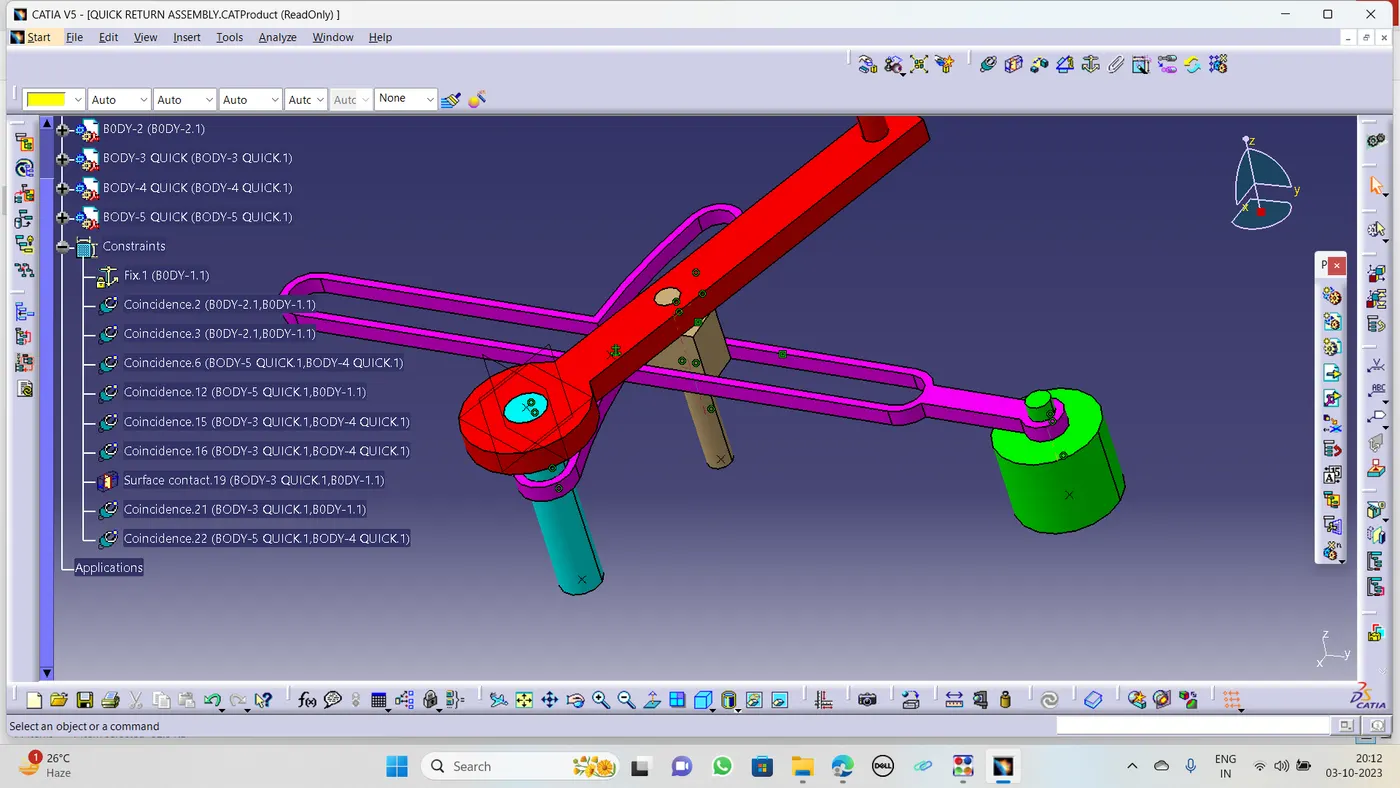
6.Create an assembly: Once all the individual parts of the CV joint and Quick Return Mechanism are created, you can assemble them together.
7.Switch to the Assembly Design workbench.
Insert the individual parts into the assembly by selecting the "Insert Existing Components" option.
Position and orient the parts relative to each other using the assembly constraints available in CATIA V5, such as coincident, concentric, and tangent constraints.
Apply the necessary assembly constraints to ensure the correct functioning of the CV joint and Quick Return Mechanism.
Verify the assembly by performing interference checks and clearance analysis to ensure that there are no collisions or conflicts between the parts.AS BELOW.