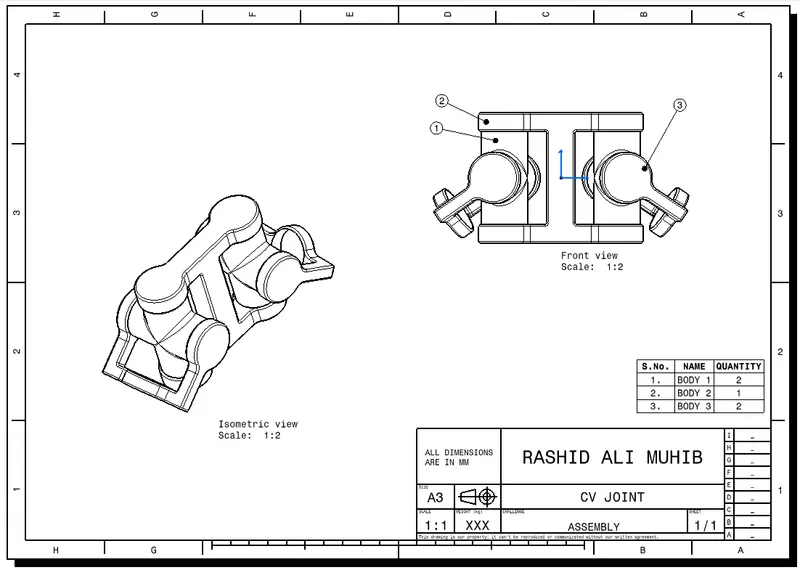
Week 7 Challenge - Assembly Workbench
REPORT ON WORKING IN ASSEMBLY WORKBENCH
1. INDIVIDUAL PART CONSTRUCTION:
- Firstly, all the individual parts were constructed with the help of given assignment pdf.
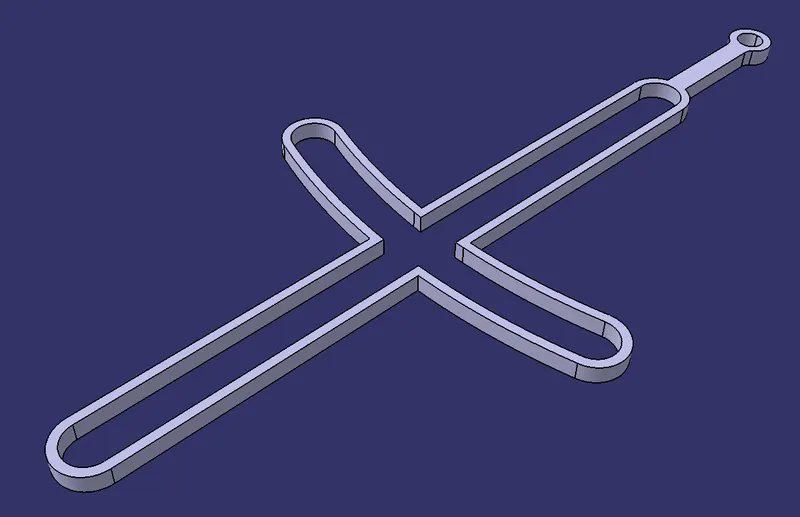
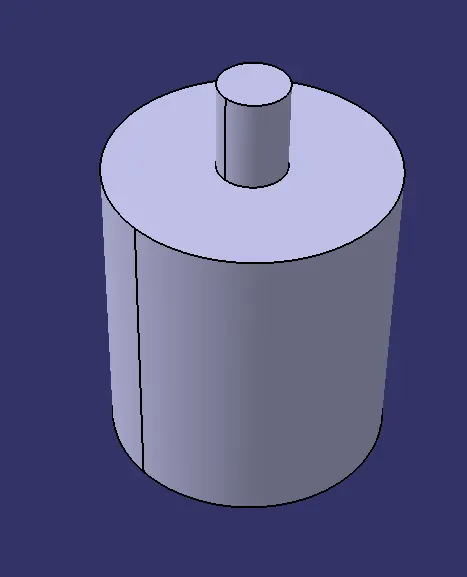
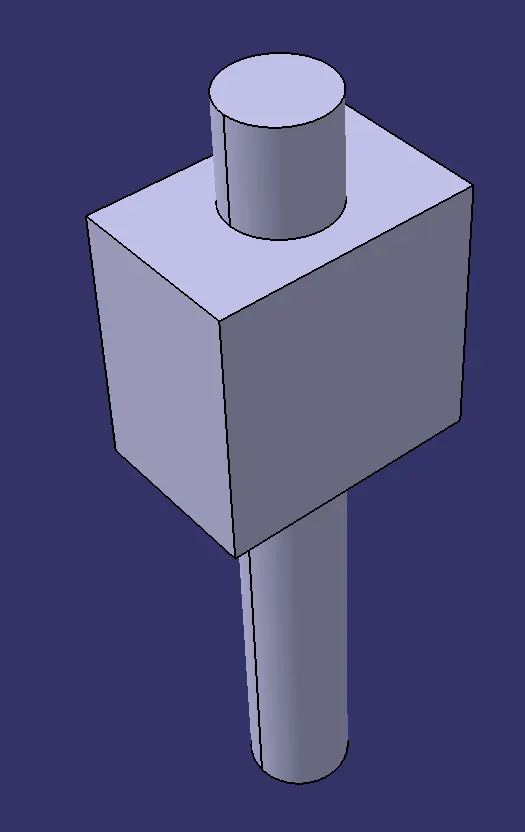
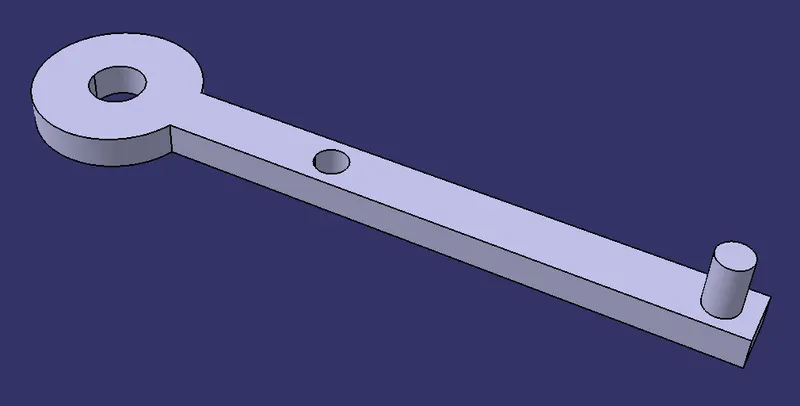
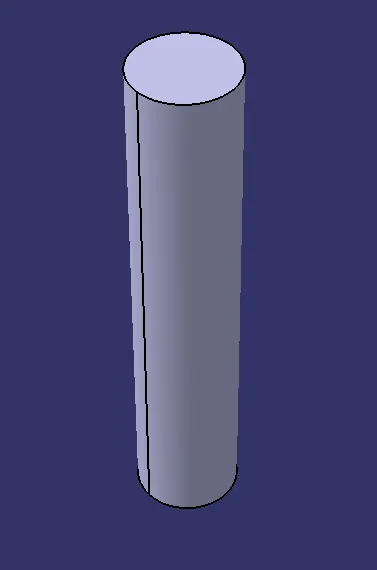
- Then, all the parts were saved individually in the same folder.
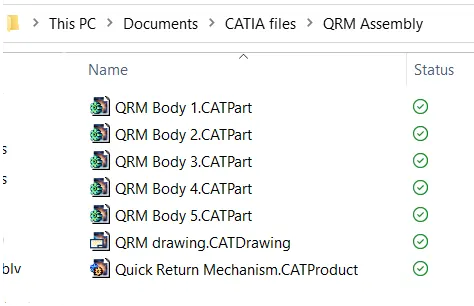
2. ASSEMBLY WORKBENCH:
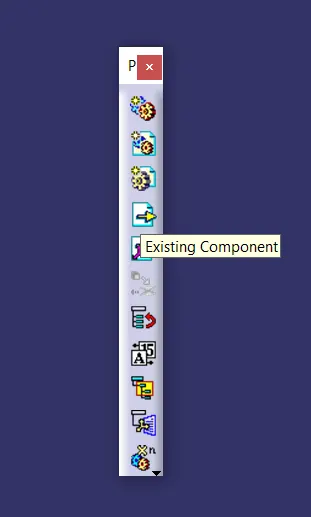
- Using Existing Component command, all the parts were opened under the Assembly level.
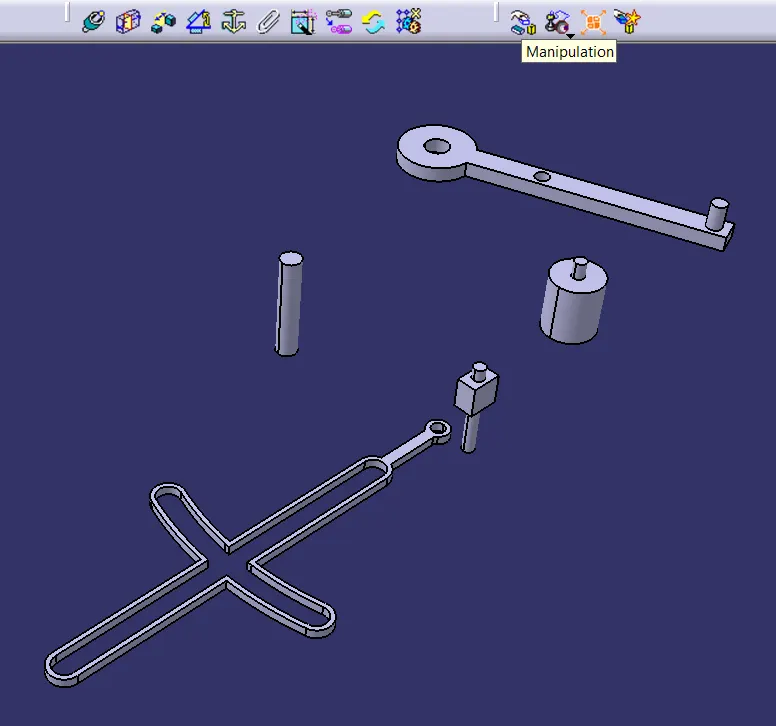
- Since, all the parts were constructed at the origin point, so by using the Manipuation command, parts were moved to different locations for better visual.
- Reference Axes were created to allign the parts as required.
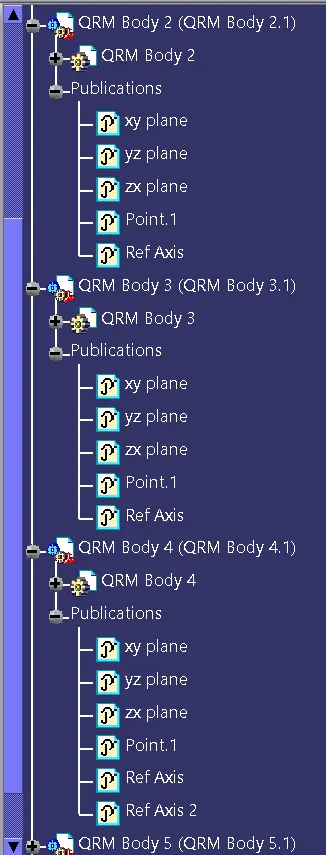
- All required elements were published for future modificatons.
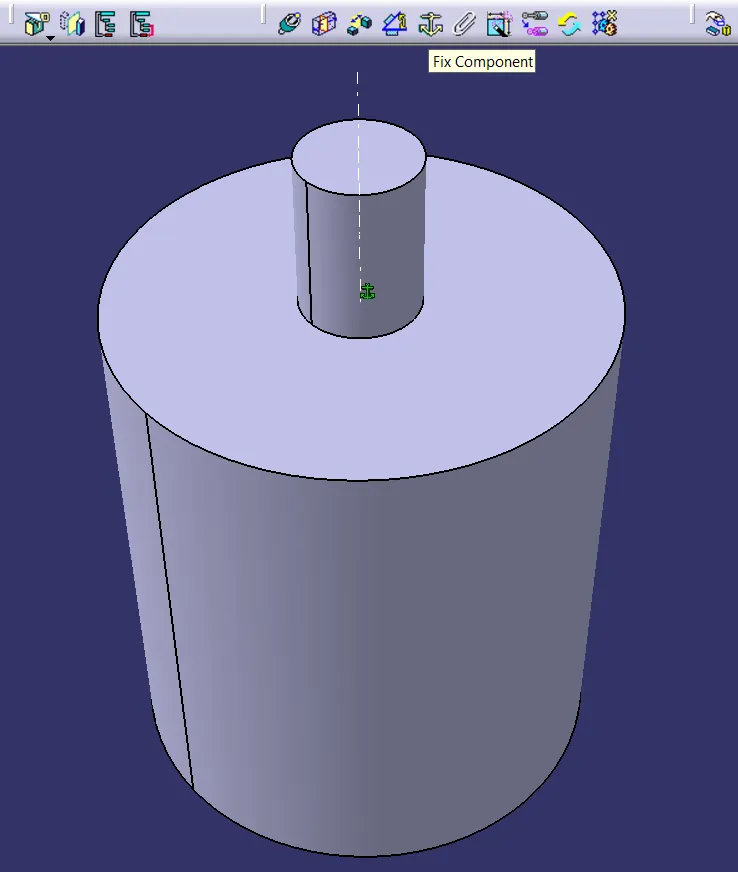
- Fix Component was used to fix the pivot.
- Using Coincidence Constraint, two parts were coincided axially.
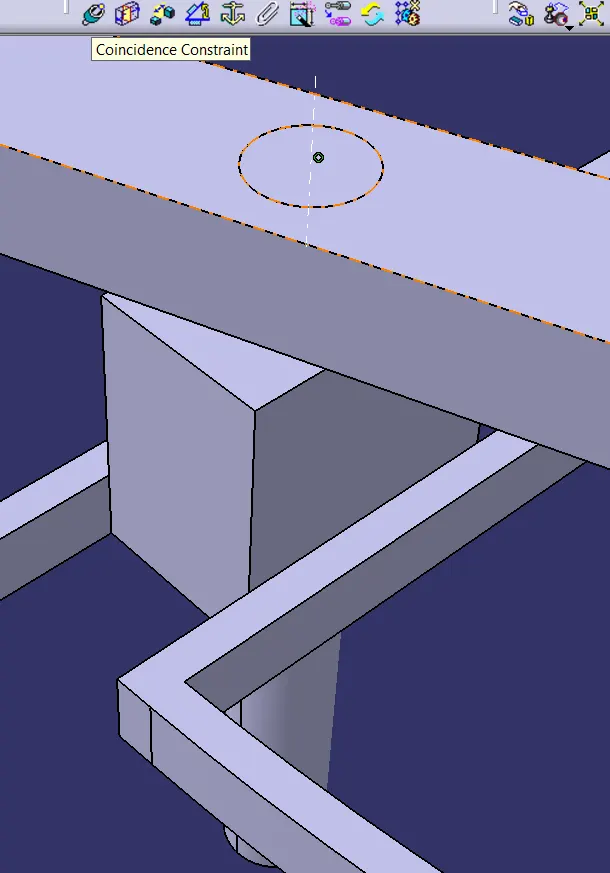
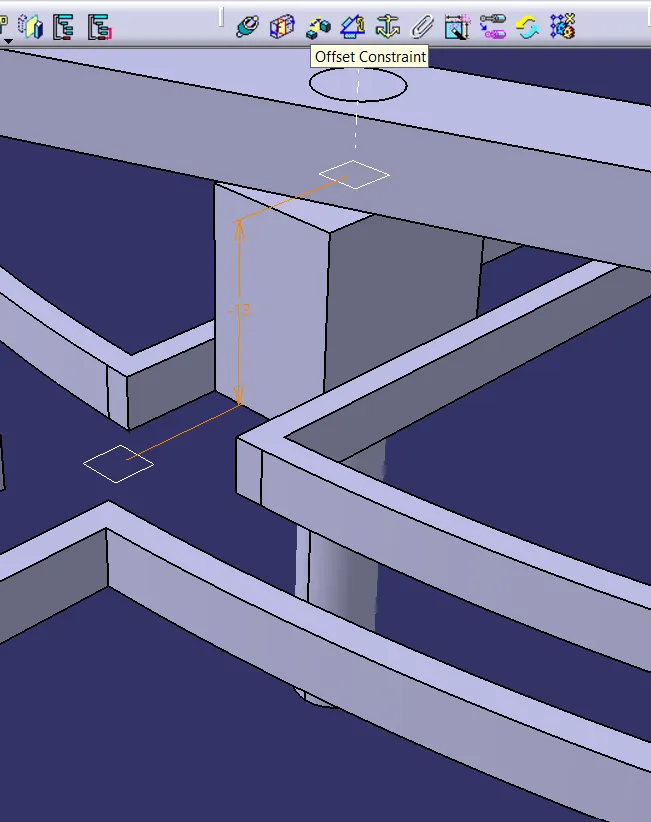
- Then Offset constraint was used to locate parts as required.
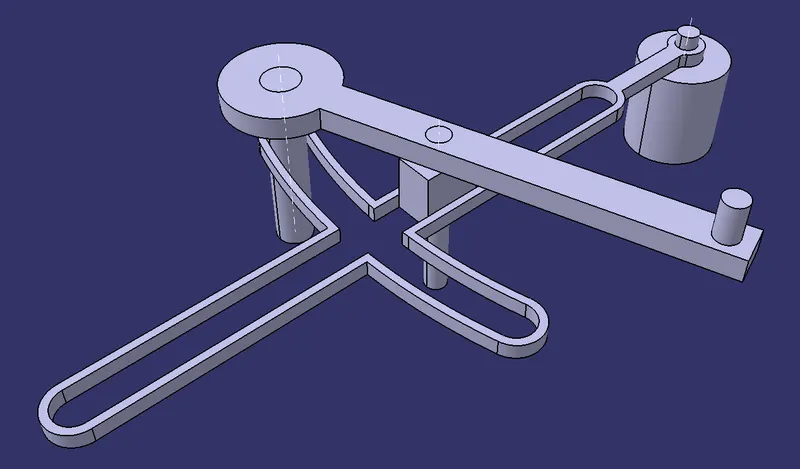
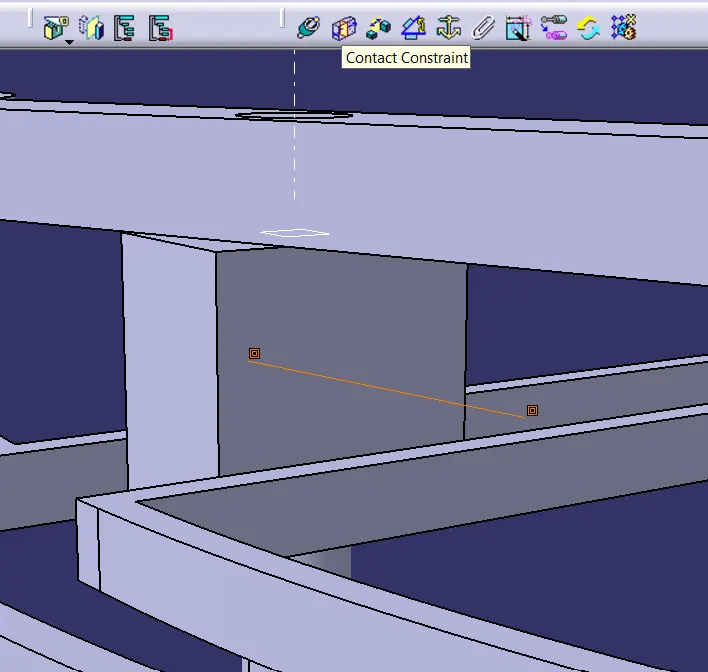
- By using Contact Constraint, Ram was made to contact the Slot wall.
3. SAVING:
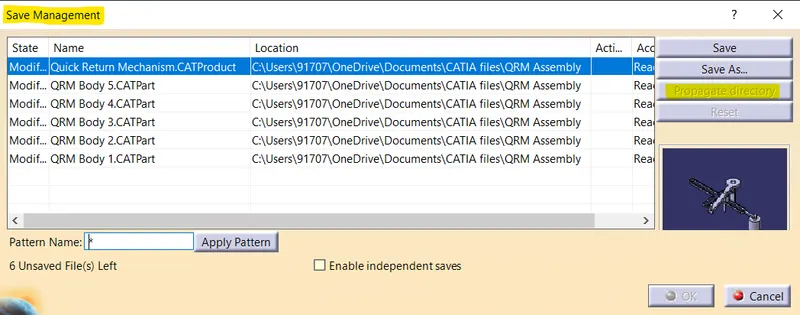
Both, .CATPart and .CATProduct files were saved in the same folder using Save Management and propagate directory options.
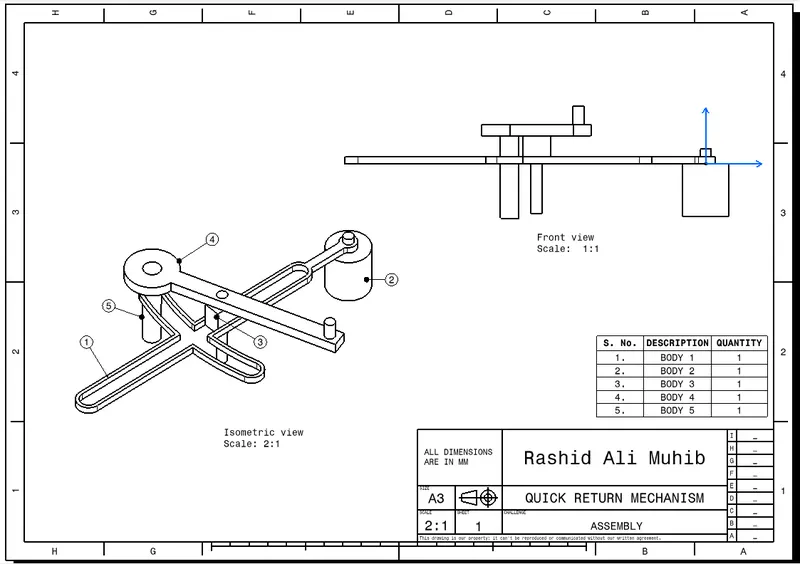
QUICK RETURN MECHANISM
CONSTANT VELOCITY JOINT