Week 7 Challenge - Assembly Workbench
Week 7 Challenge - Assembly Workbench
AIM : To create the two assemblies according to the given 2D Drawings and given Assembly Drawings similar to the given master Drawings.
Creation of Parts
Create each and every part of the product separately using the given dimensions.
Create reference geometries where mating or assembly happens.
Assembly
Import every parts of the product into the assembly workbench using existing part command or by just coping and pasting.
Move every part approximately to their position using manipulation and assemble them using the reference geometries by appling constrains.
QUICK RETURN MECHANISM ASSEMBLY 1:
Given master Drawing 1:
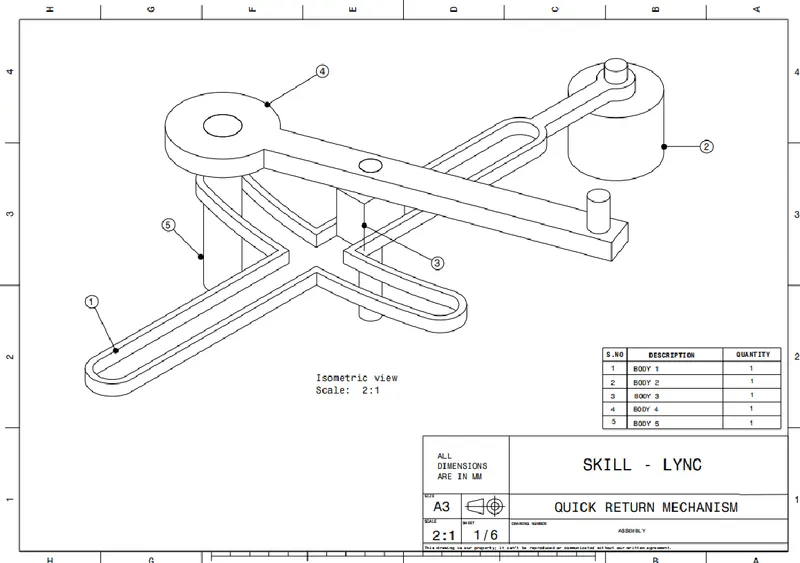
Quick return mechanism Individual parts in CATIA V5 :
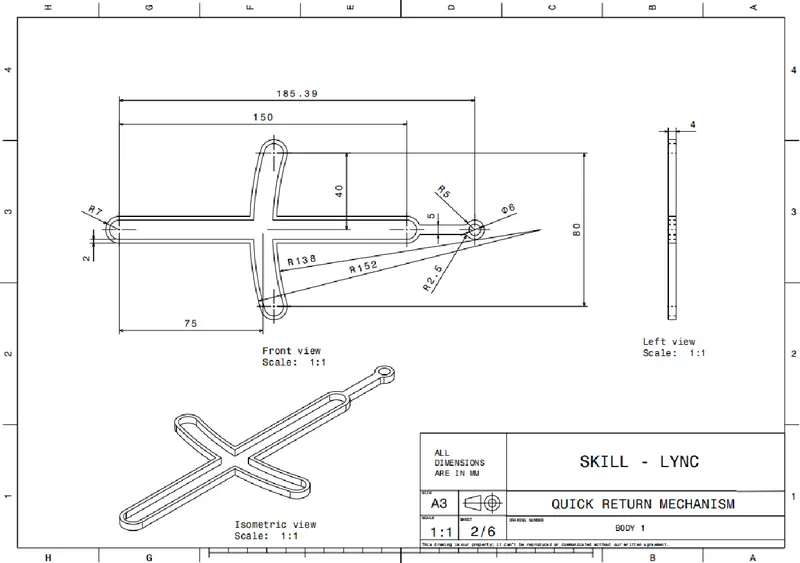
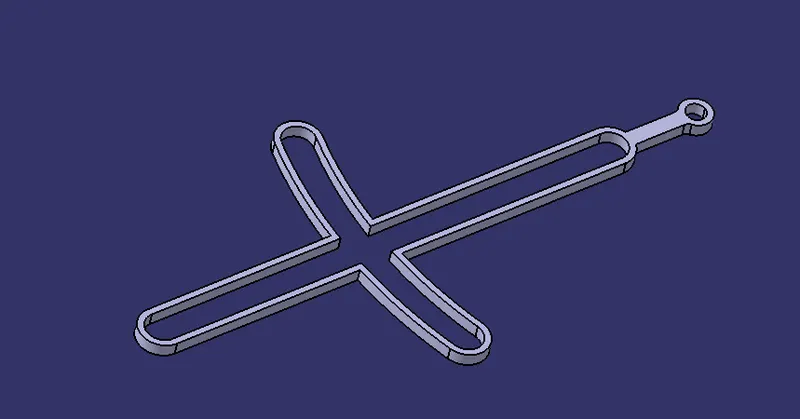
Body 1 :
- Master Drawing :
- Part Body :
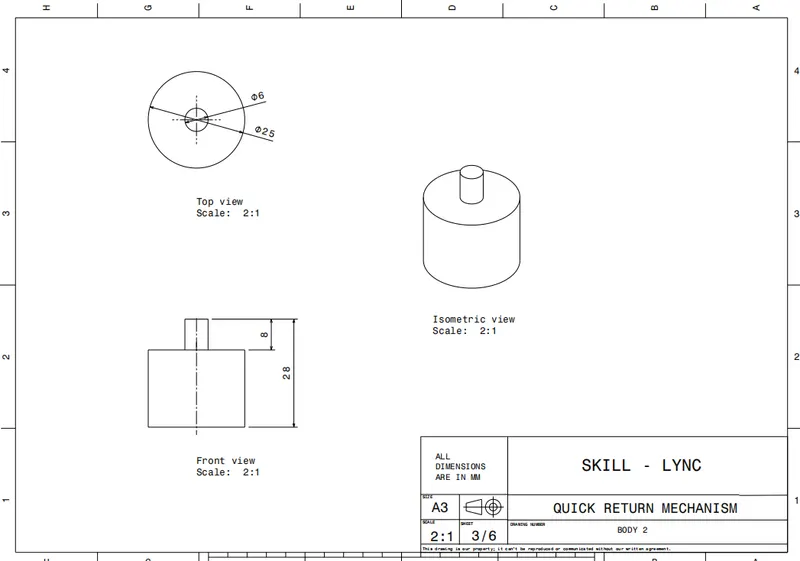
Body 2 :
- Master Drawing :
- Part Body :
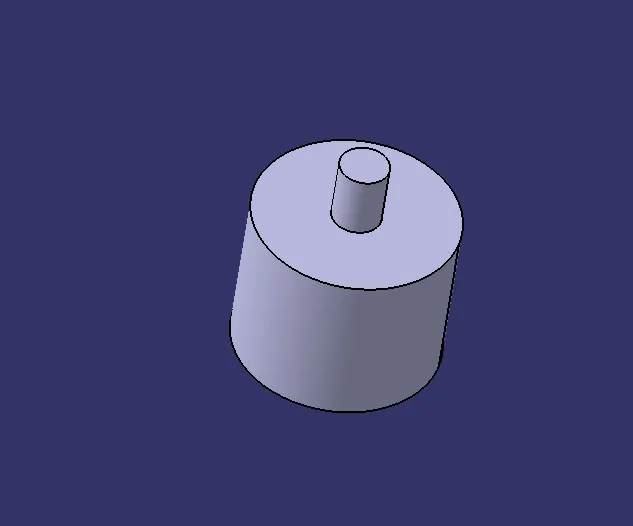
Body 3 :
- Master Drawing :
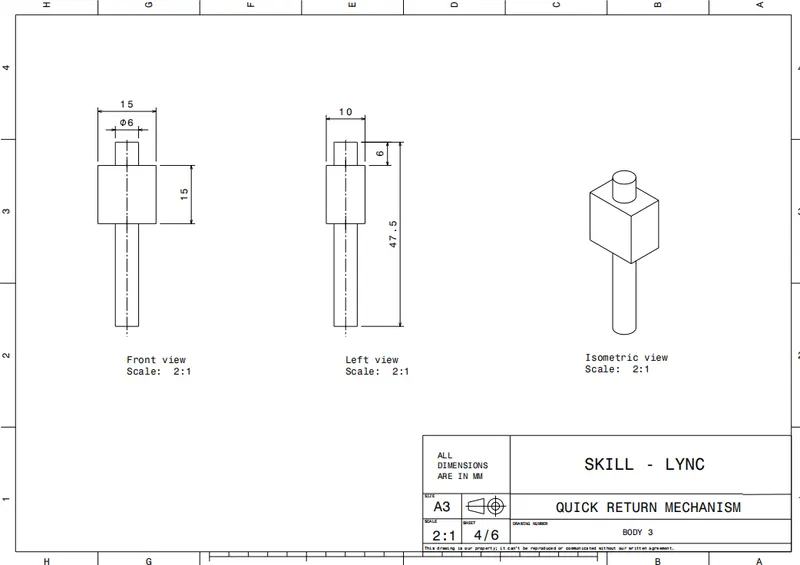
- Part Body :
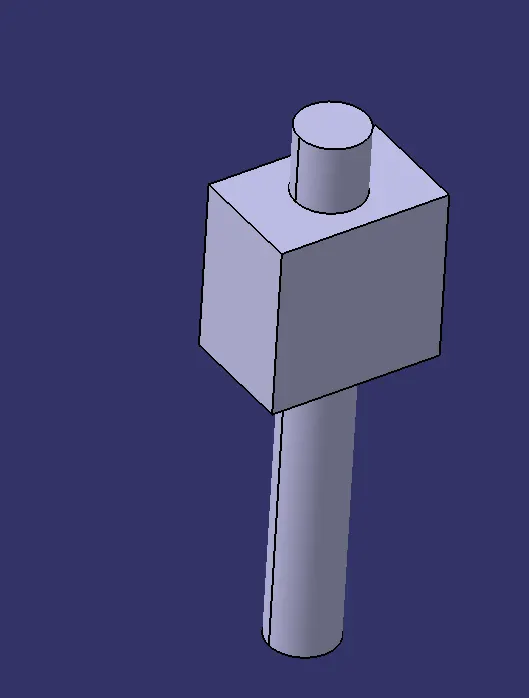
Body 4 :
- Master Drawing :
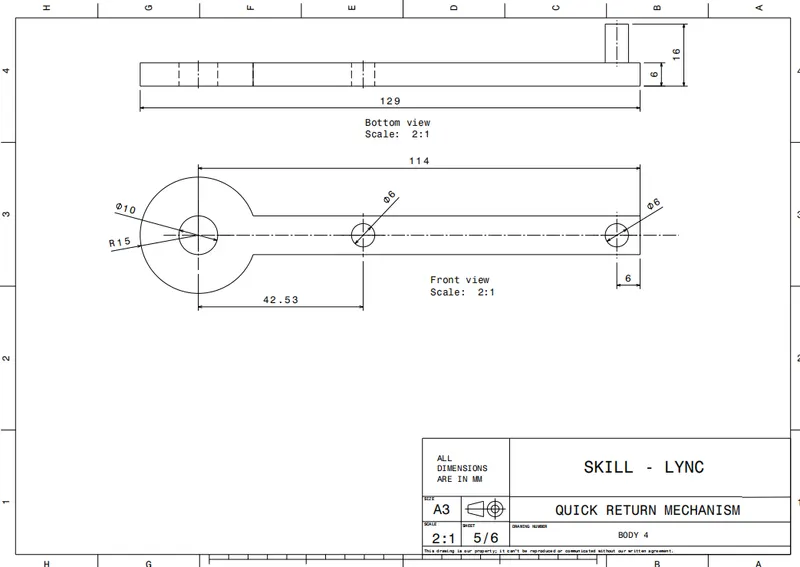
- Part Body :
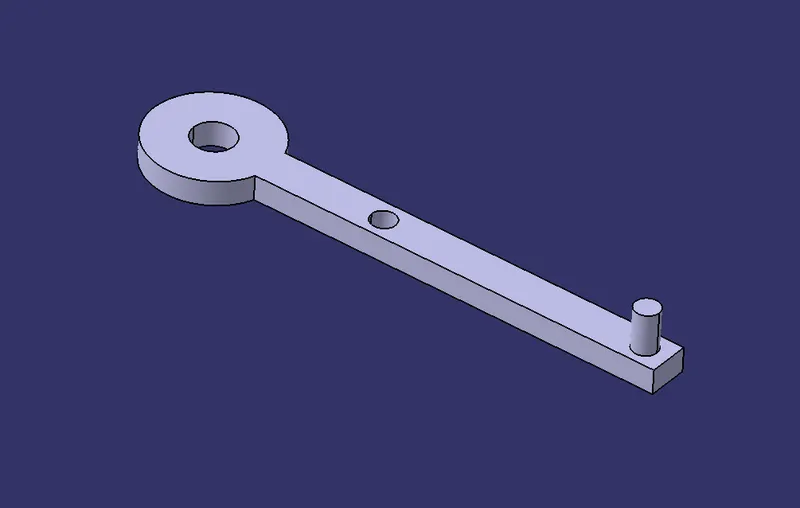
Body 5 :
- Master Drawing :
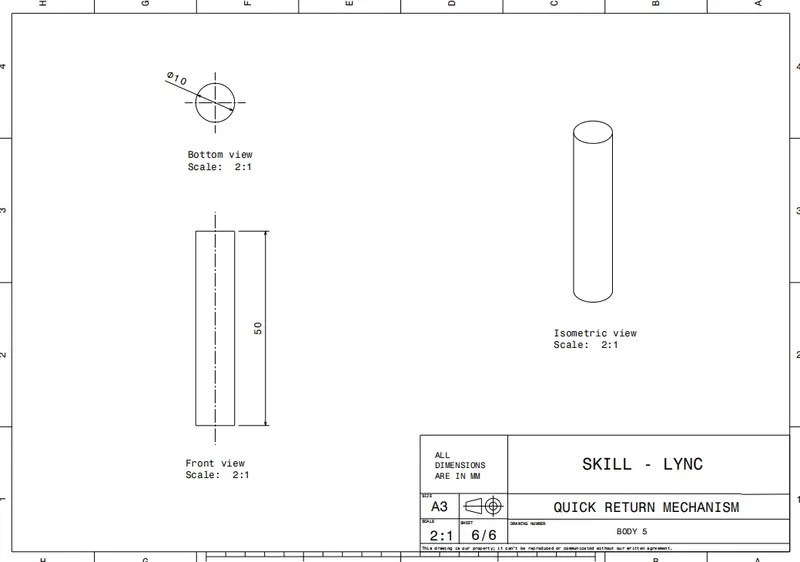
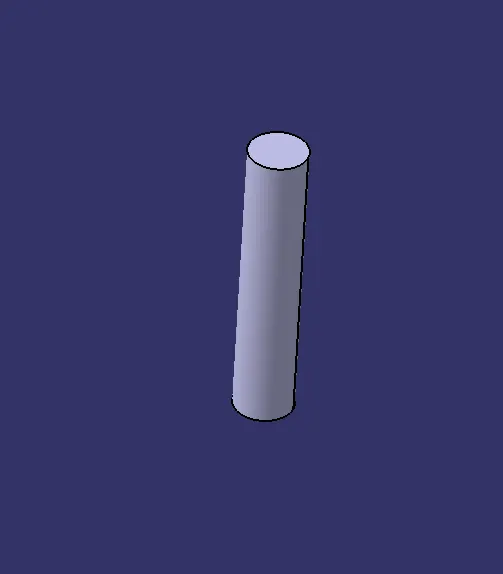
- Part Body :
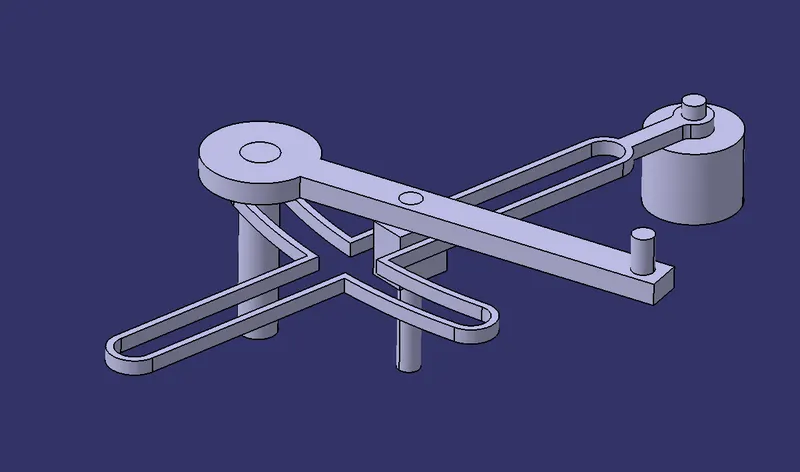
QUICK RETURN MECHANISM FINAL ASSEMBLY 1:
Tree structure :
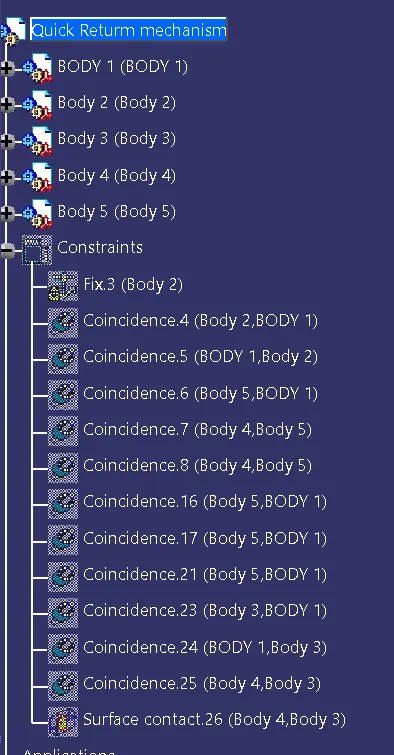
Hence, finally created Quick return mechanism Assembly according to the given master drawings.
Created individual parts separately according the refer master drawings.
C V JOINT ASSEMBLY 2:
Given master Drawing 2 :
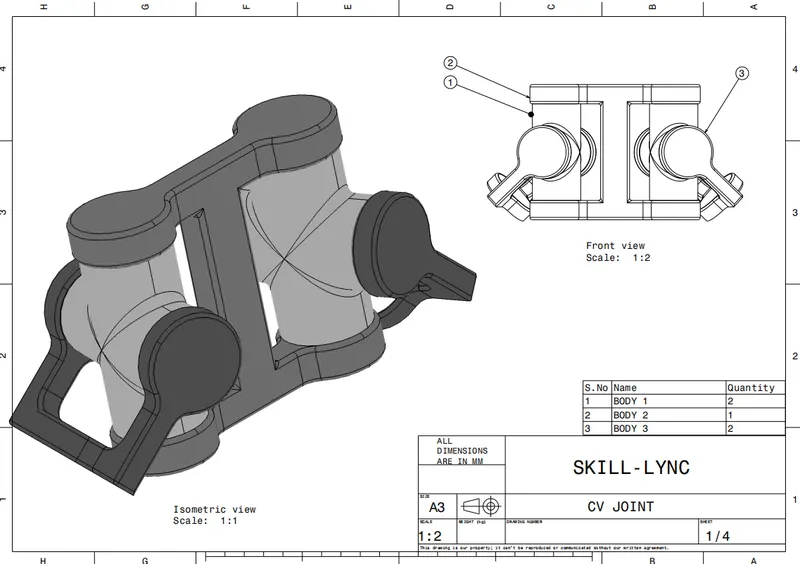
C V JOINT Individual parts in CATIA V5 :
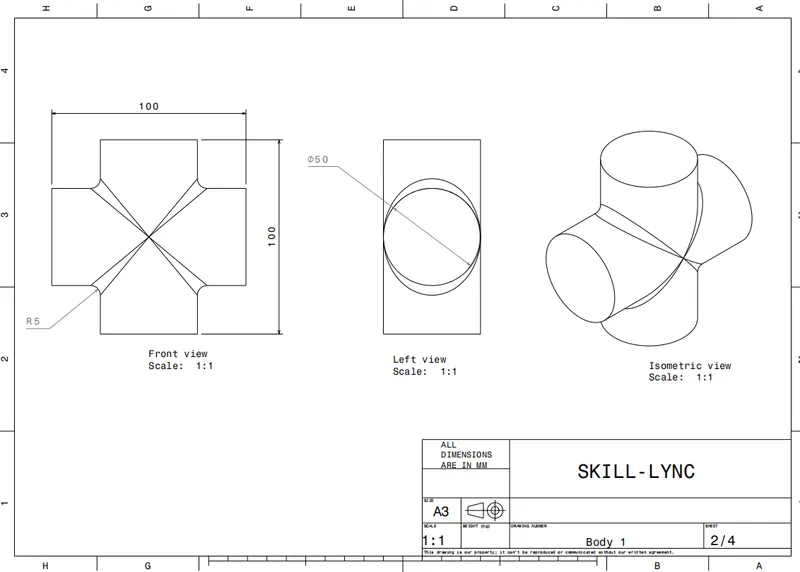
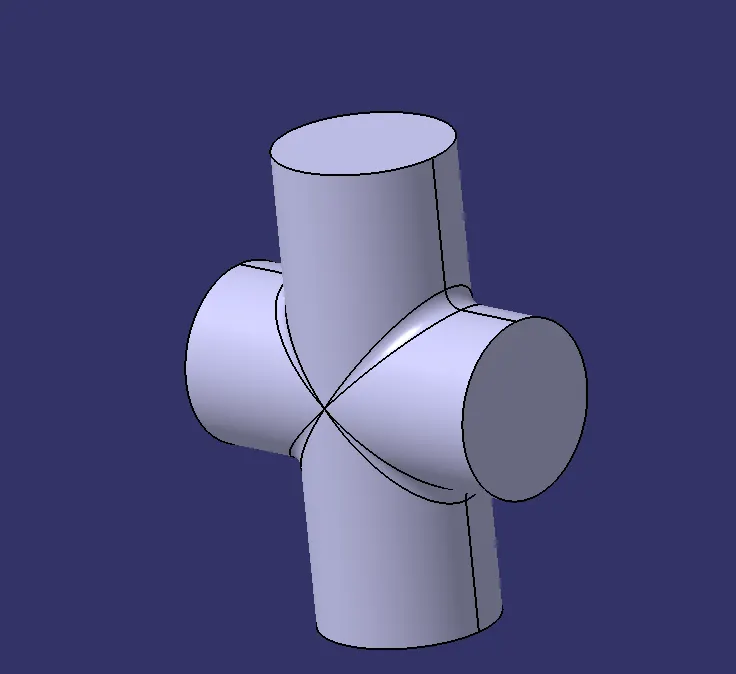
Body 1 :
- Master Drawing :
- Part Body :
Body 2:
- Master Drawing :
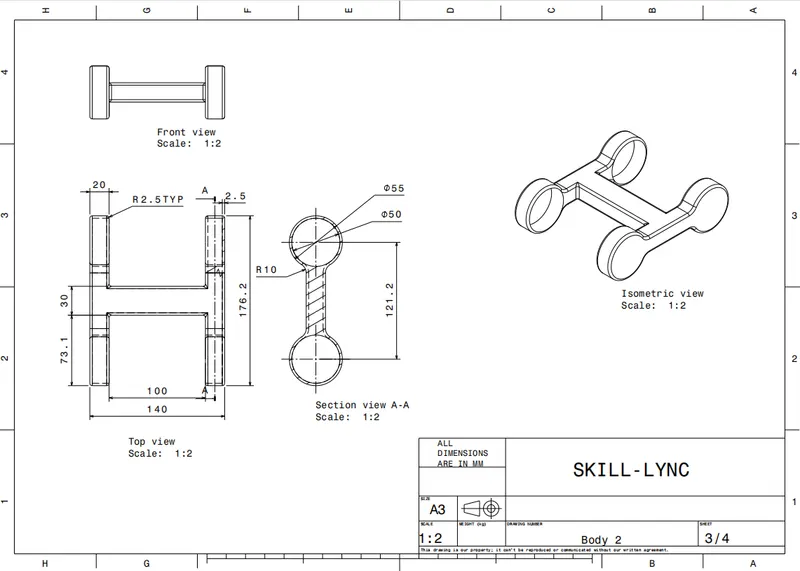
- Part Body :
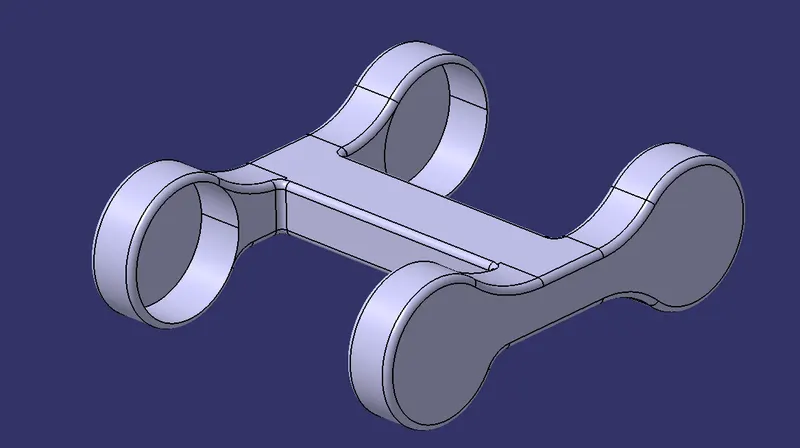
Body 3 :
- Master Drawing :
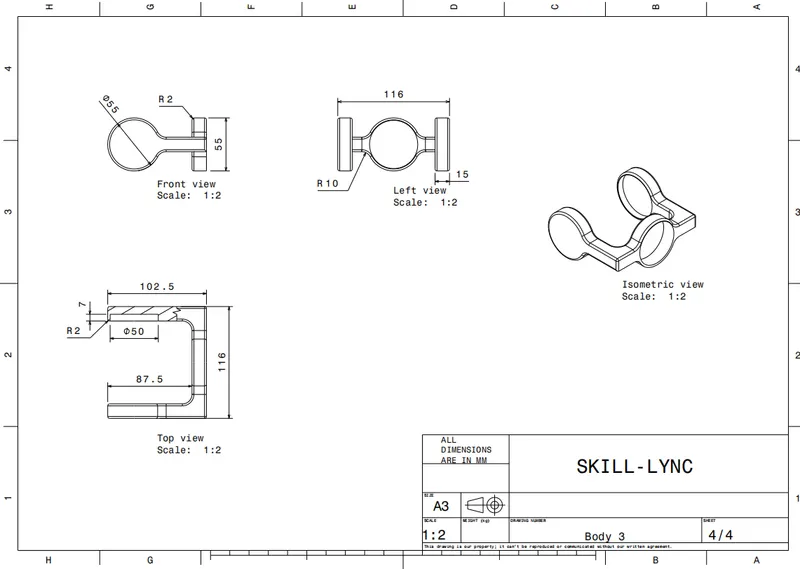
- Part Body :
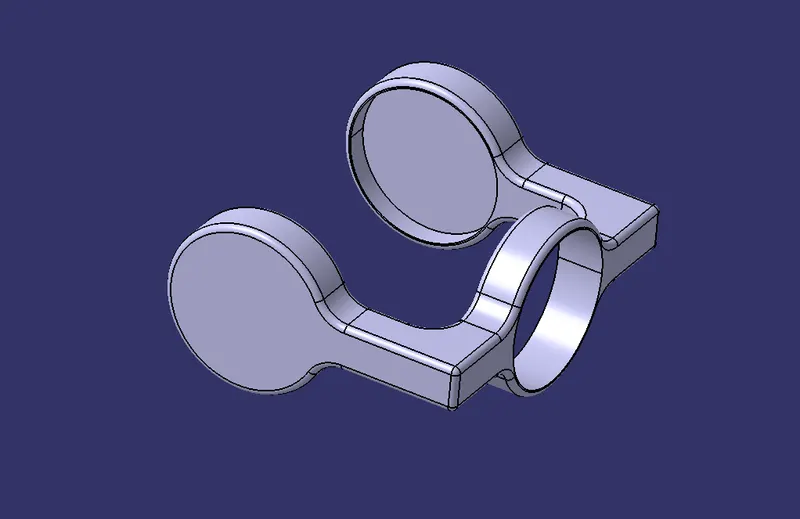
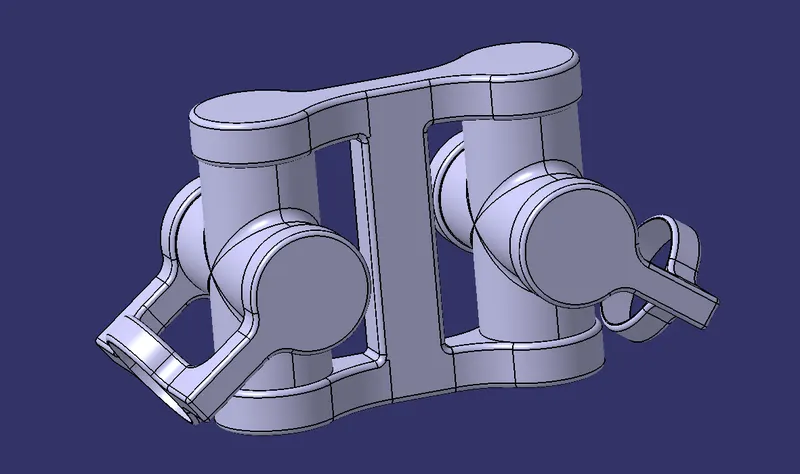
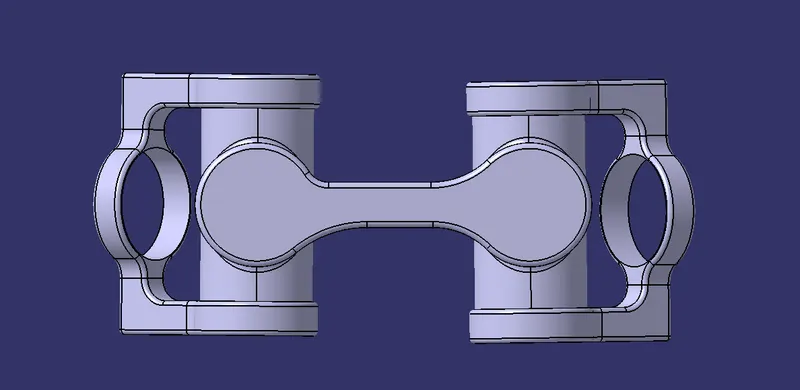
C V JOINT FINAL ASSEMBLY 2:
Tree structure :
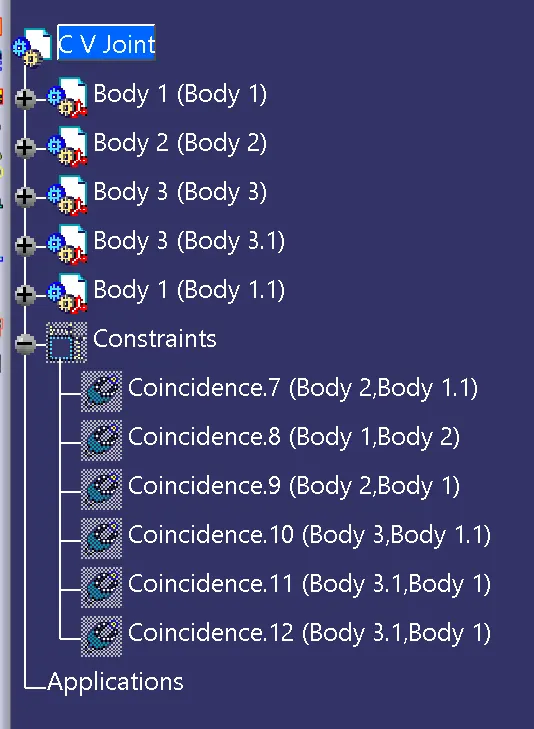
Hence, finally created CV joint Assembly according to the given master drawings.
Created individual parts separately according the refer master drawings.
CONCLUSION : Hence created two assemblies according to the content covered in the course. created the individual part files and created two complete assemblies of those part files in the assembly workbench.