Week- 6 - Solid meshing
PROJECT - SOLID MESHING
Aim: The aim of the project is to provide a Solid 3D meshing on a rear-view mirror model using tetra mesh & provide volume to the closed body. We also need to check for quality criteria required on closed volume & see if there are any errors.
Quality Criteria are as follows:
For Surface Mesh & Volume Mesh
|
Quality Criteria |
Value |
|
|
Target/Average length |
1 |
|
|
Minimum Length |
0.5 |
|
|
Maximum Length |
2 |
|
|
Quality Criteria |
Value |
|
|
Tet collapse |
0.2 |
Steps to be followed are:
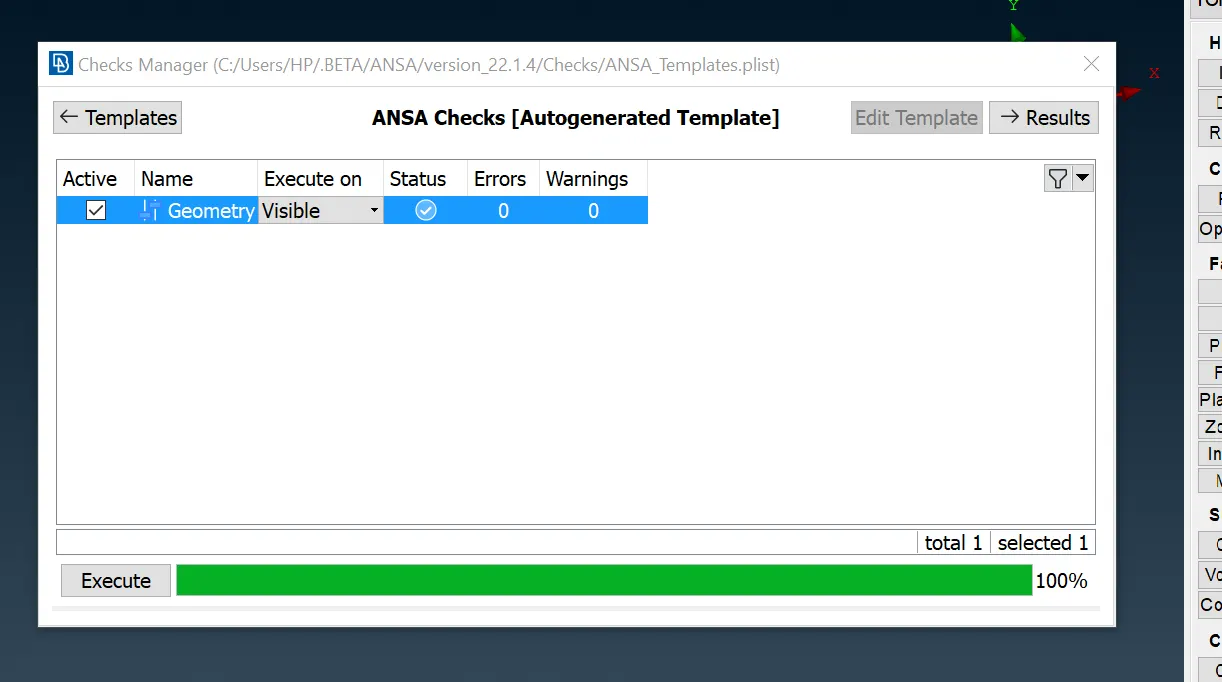
1. 1. In the first we need to check the model for any geometrical error through check geometry. We need to fix all the Points either manually or automatic.
2. 2. Next once the geometry cleanup is done, we need to measure the thickness value of the model at various points. While measuring we found the model is having thickness more than 5mm.
3. 3. We found that many of parts have thickness value of 5mm so we need to provide Solid meshing for the same. For the parts having thickness value less than 5mm we generally prefer Surface 2D meshing.
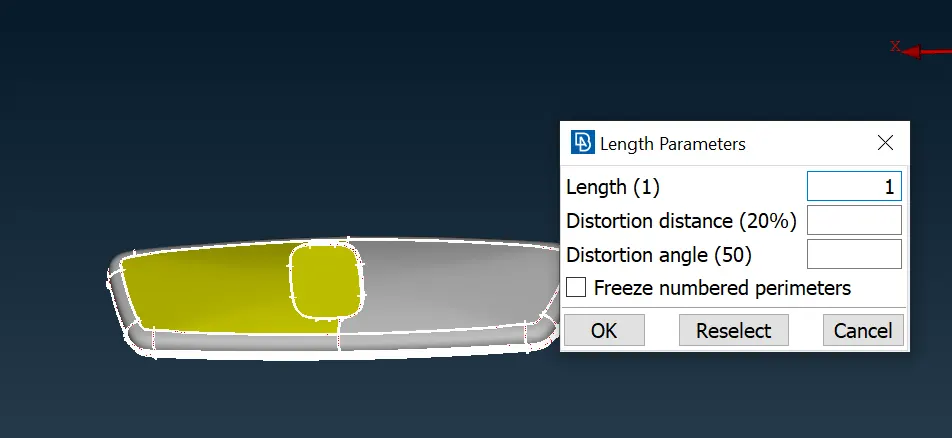
4. 4. Now we need to provide Topo & orient the model so that the model is oriented Properly. Next, we shall provide a Length parameter of 1mm so that the model is more refined.
5. 5. As we can observe that model have various intricate shapes, we need to separate the same as there will be collision between two bodies & the Volume cannot be defined which will highlight error in the model.
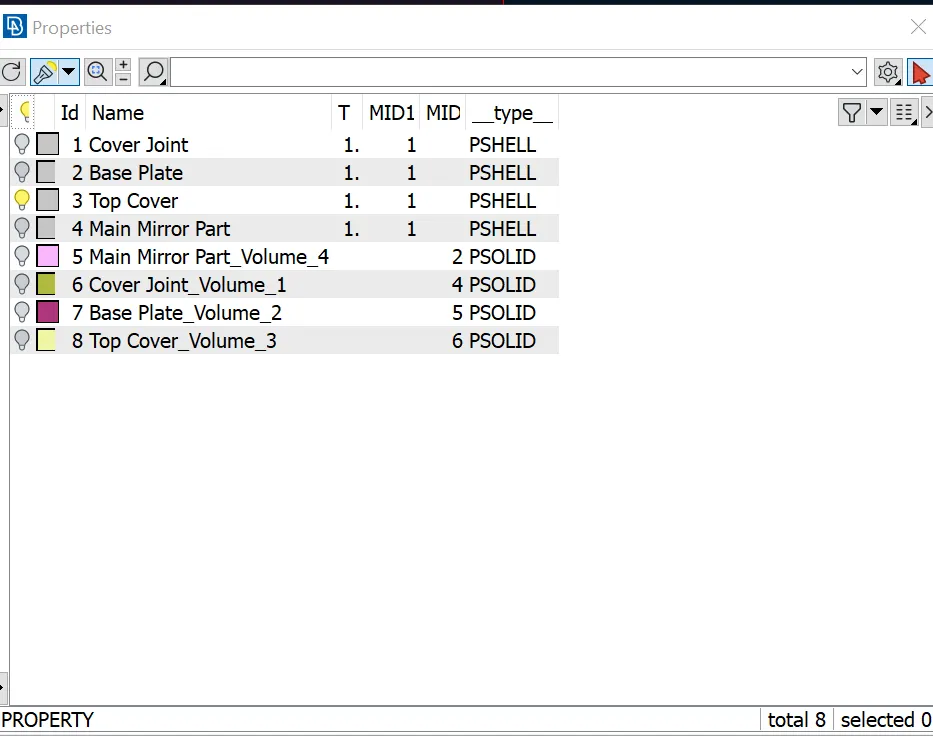
6. 6. Next, we have created 4 PID for each Individual Part. Now in order to mesh & check the quality of the model, we need to Input the mesh Parameters & Quality Criteria for the same. In Solid Meshing generally there are two types of Mesh used Tetra Mesh (Unstructured Mesh) & Hexa Mesh (Structured Mesh) . In both cases the Hexa Mesh structured one is better as the mesh are aligned & we generate a Uniform Mesh throughout. The Only drawback is the computational time required for the same. So as per Requirement of the project we shall proceed further with Tetra Mesh (Unstructured Mesh). Now we need to Select individual part & mesh the Surface with Tria & ortho tria. Generally, ortho tria is used where the curvature & fillet portions are applicable so as to attain uniform mesh quality. We cannot use Ortho Tria on all surfaces as these will increase the computational time while solving.
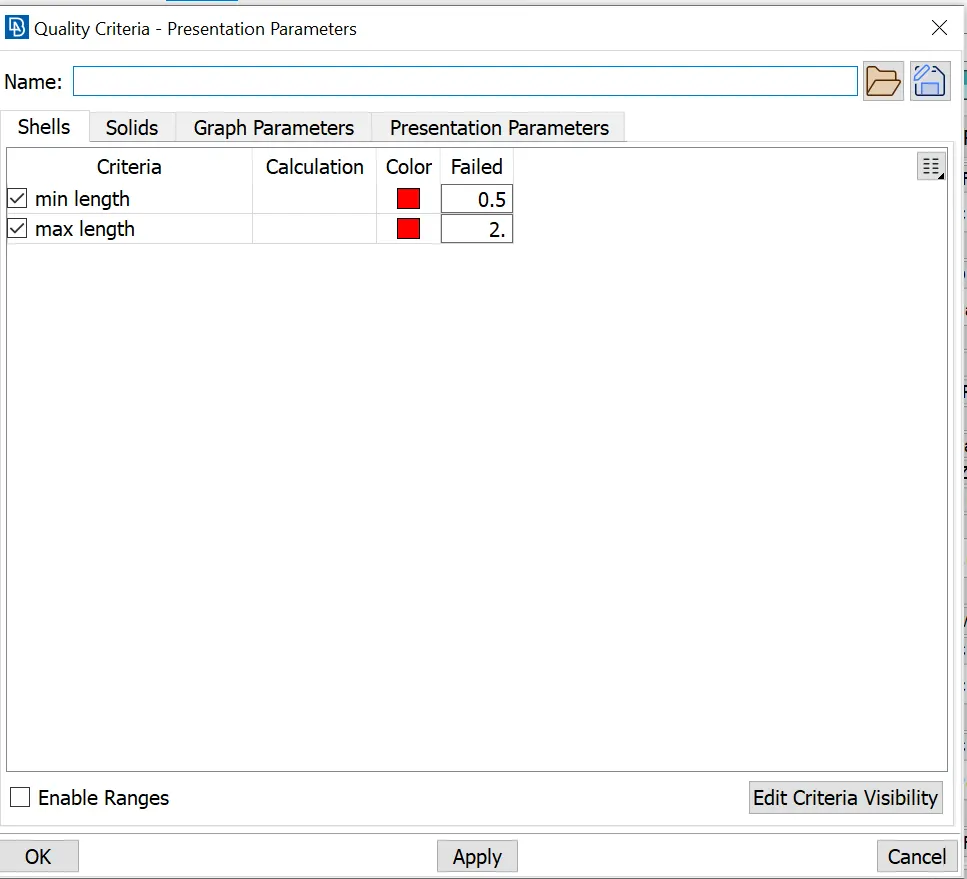
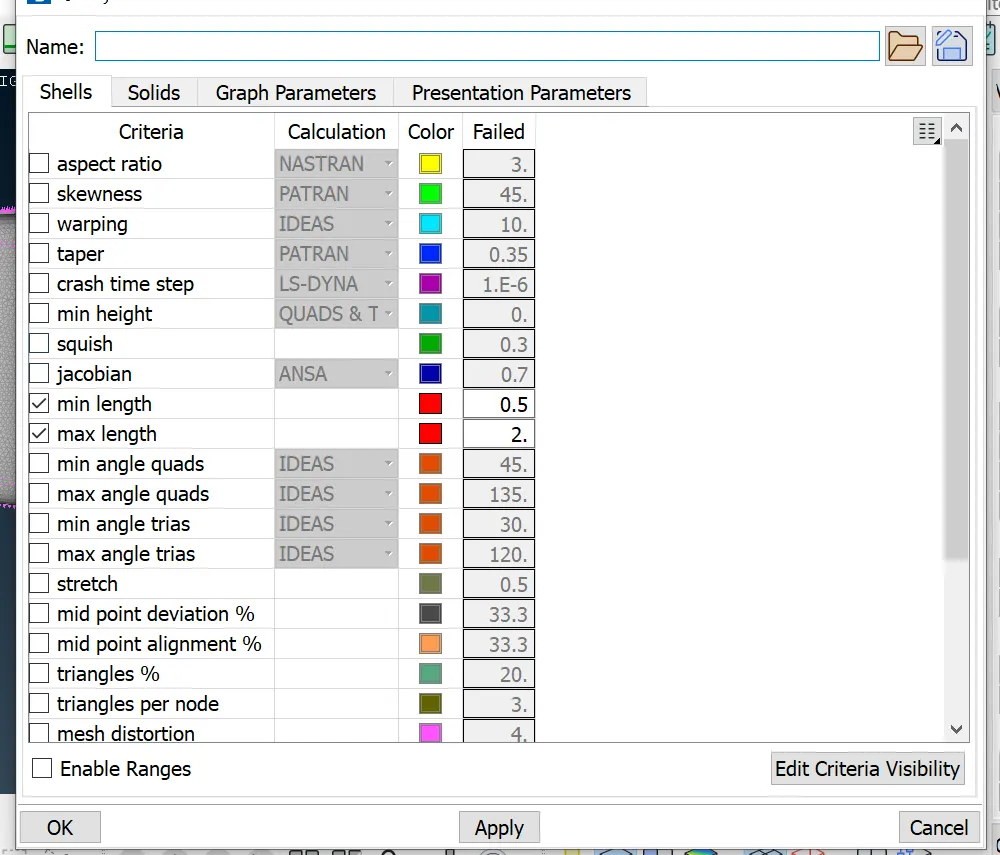
7.So, we shall be using Spot mesh & meshing different surface areas. We have now completed meshing to all various parts, we can now check the mesh quality as per Quality criteria. Here we need to check the minimum length & maximum length only other all quality criteria have been eliminated. Now there are no mesh error & and we have resolved the same using various mesh options.
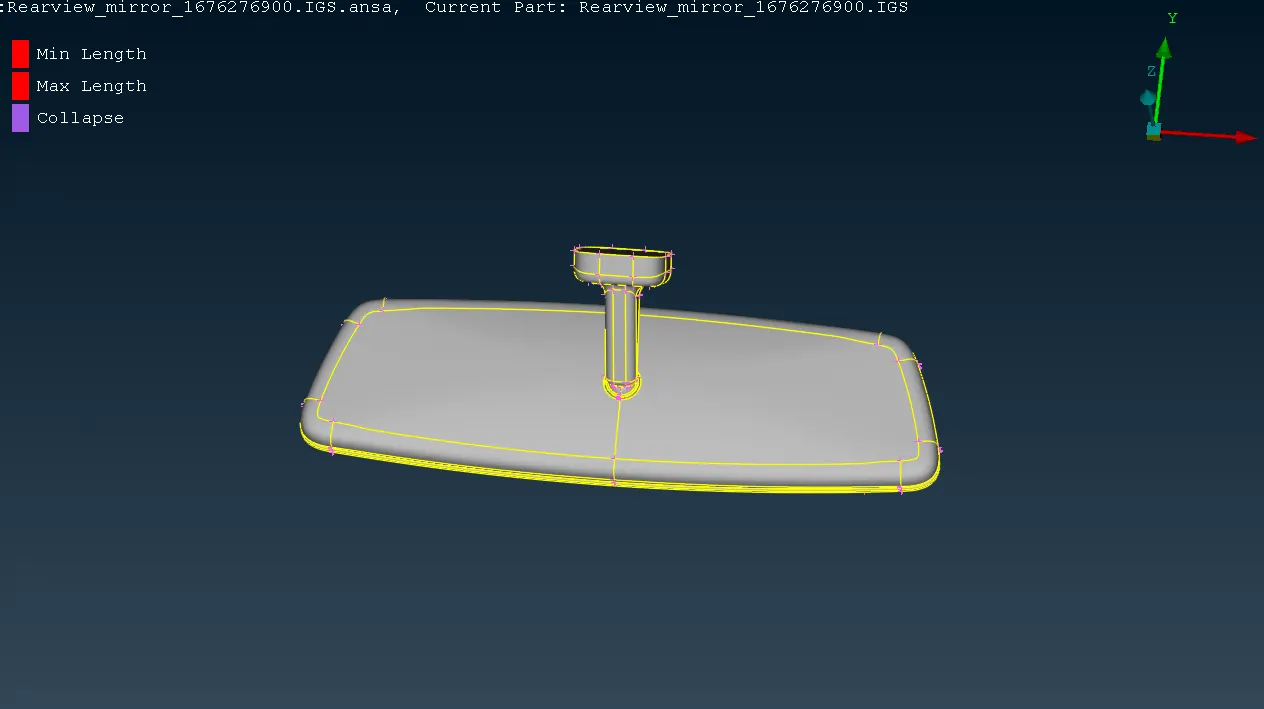
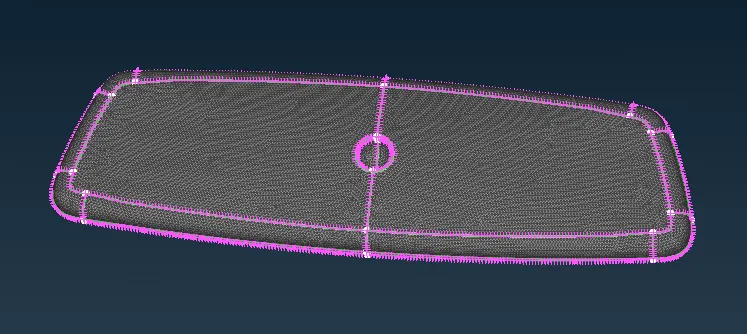
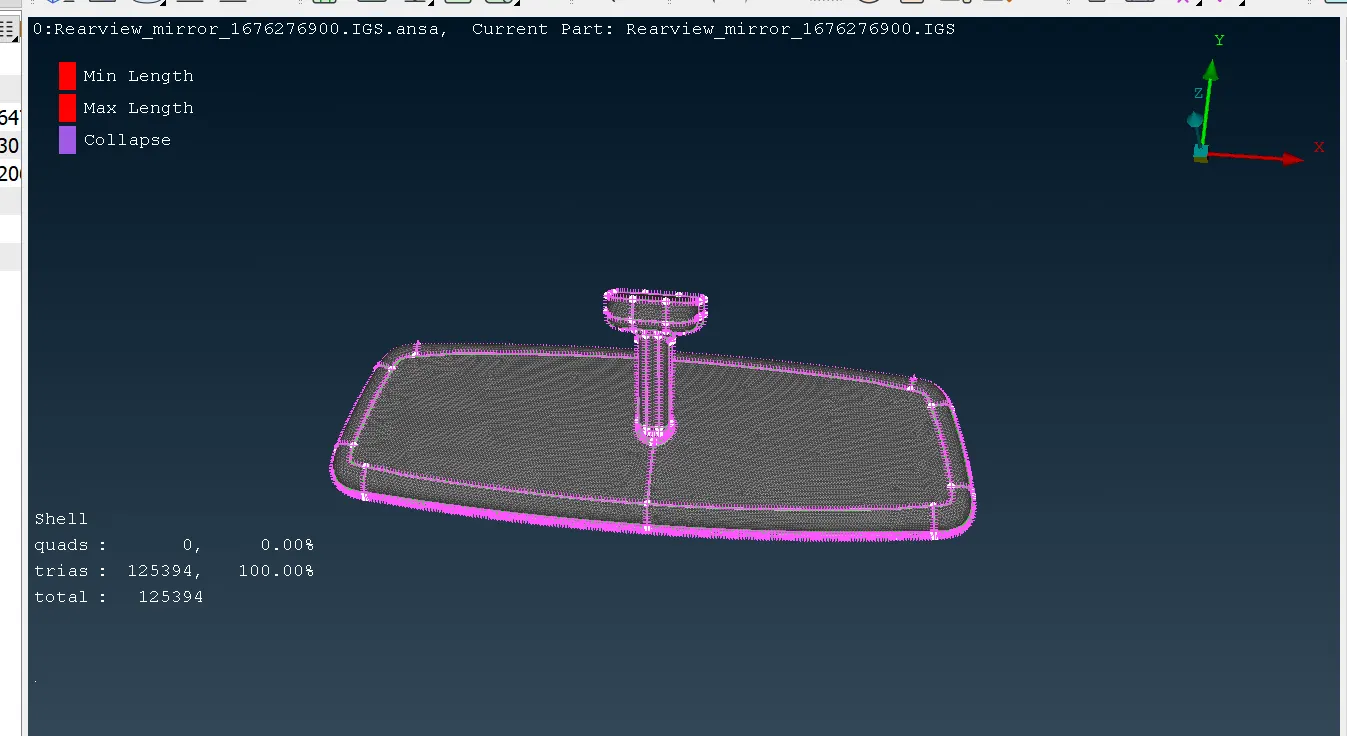
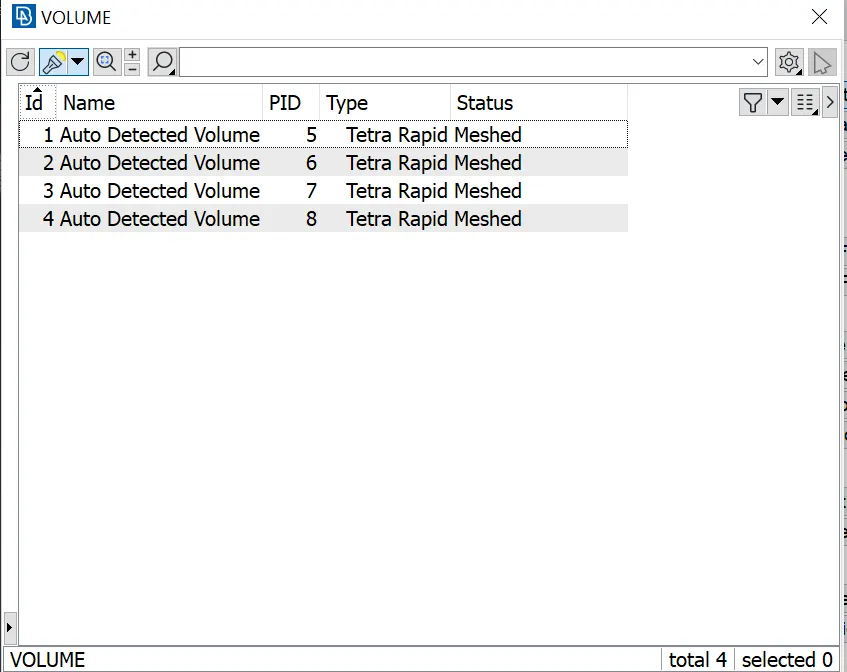
7. 8. Next in order to Provide Volume mesh we need switch to different user interphase. Here we need to define a PID for each part. As this part were present in 2D so we already had a PID in Property manager. Now in Volume similarly we need to have a PID so we can Mesh the Whole body. By adding four different parts we can mesh the body by Tetra Rapid or Tetra Fem. Generally, this two are been used for Unstructured mesh.
8. 9. After Volume Mesh to each part, we need to Check for Quality Criteria i.e Tet Collapse. This defines that your Solid mesh is not Overlapping or touching another body. Generally, a Tet Collapse of 0.3 is considered better.
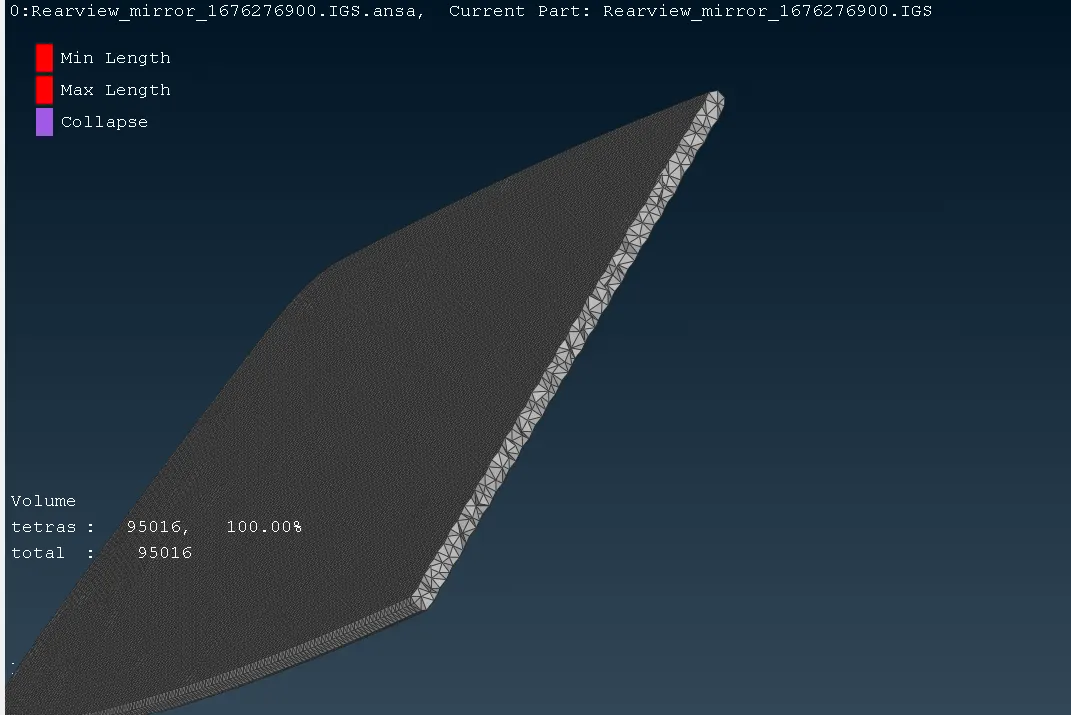
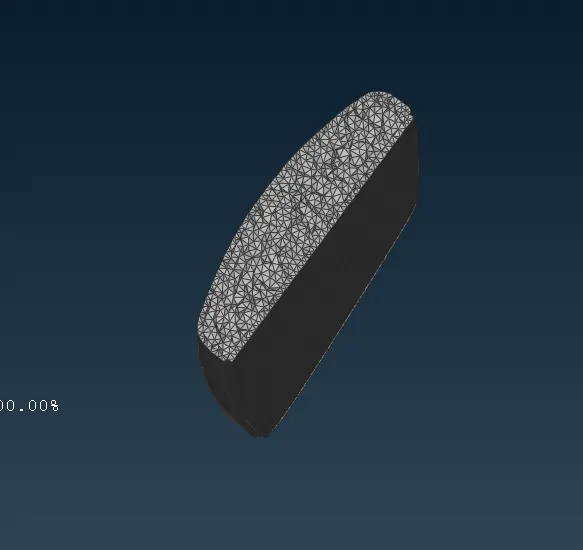
9. 10. So, after checking same we found that no geometrical error was present.
1 11. Finally our model is ready for further simulation.