Week 6-Meshing of Hood Challenge
Aim: Meshing the Car Hood and Performin Quality Check as per given Values
Procedure: Import the Model and Extract the Mid Surface of each component seperately.
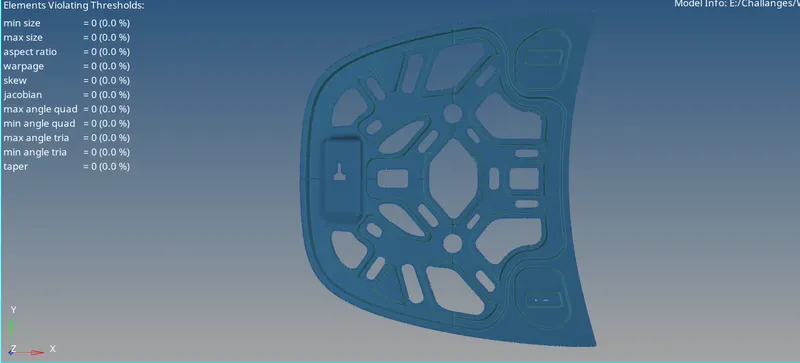
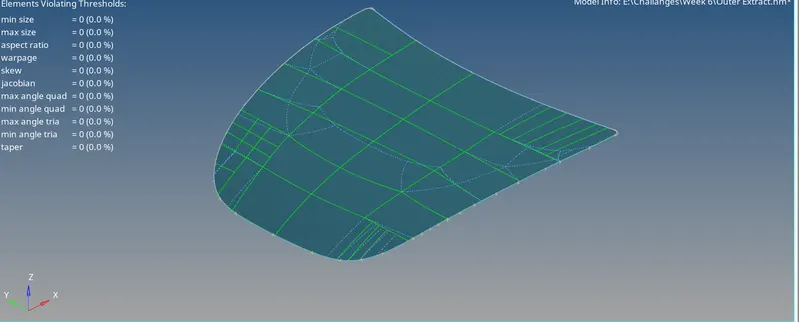
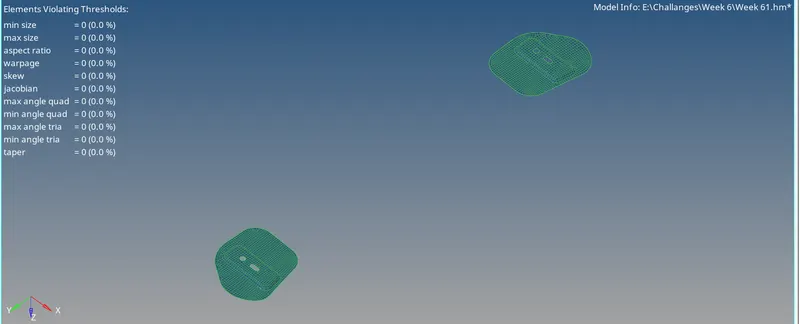
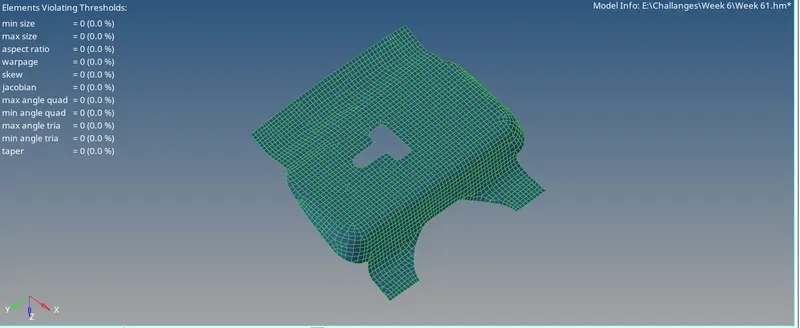
hood consists of 1)inner extract 2)outer extract 3)hinge 4)latch
First Do the Topology Clean up for all extracted Midsurfces. As Proper Topology Cleanup gives Good Quality of mesh with minimum Tria Elements.
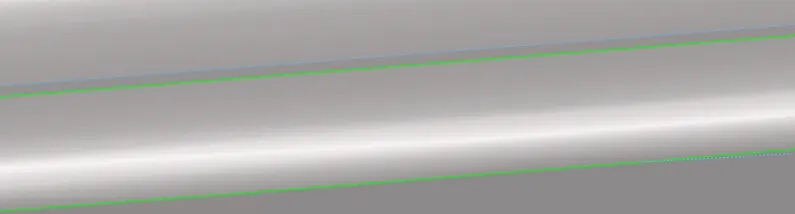
Suppress the unwanted Edges For better Quality of mesh.
To supress- Geometry>Edge Edit>Supress>select the line>Click Suppress.
For Hinge and Latch try to keep fillet lines in rectangle in shape so that the mesh will have less tria elements.
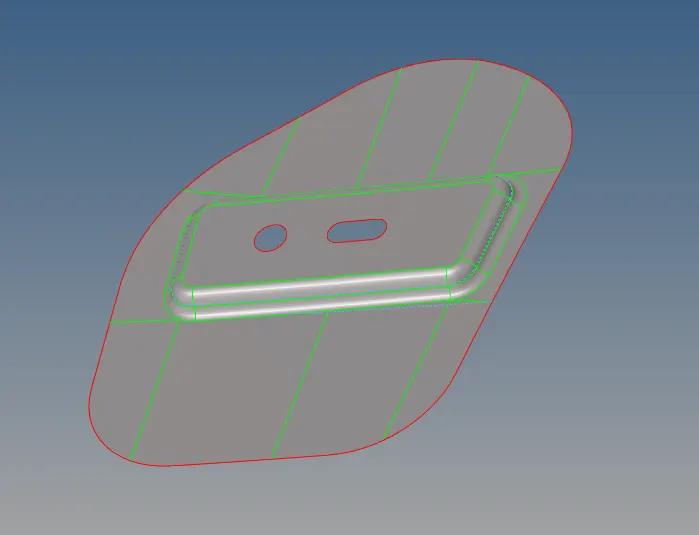
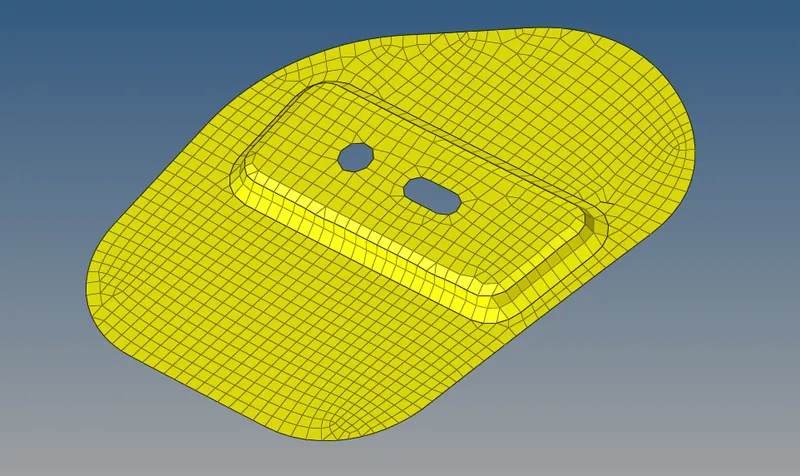
Now Select the componet and generate Mesh with Mixed type with element size 5.

After generating mesh check the mesh if any tria elements present try to reduce maximum. this can be done by re mesh the tria elements and changing edge density .
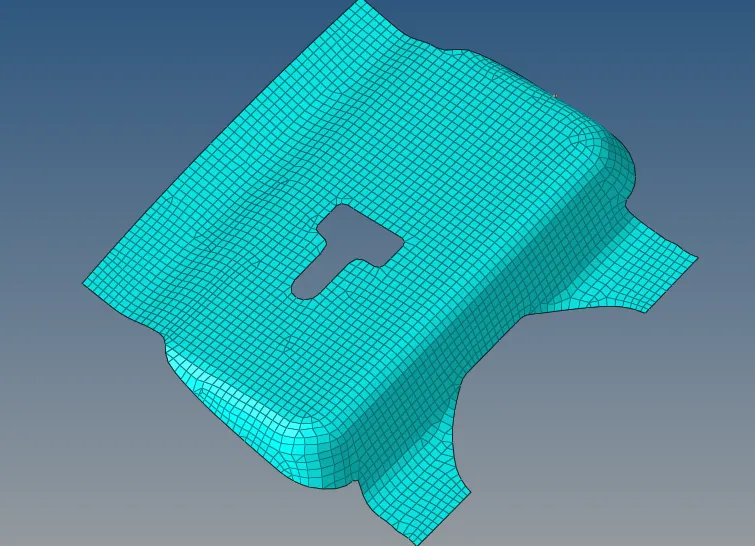
Toplology Clean of outer extract should be as per structure
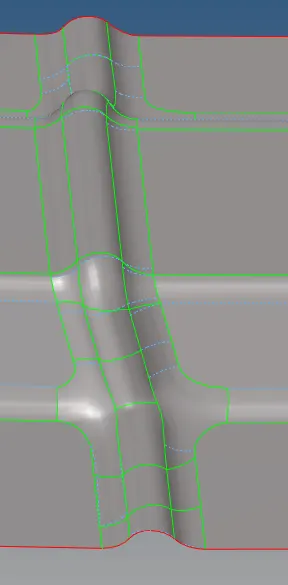
After meshing
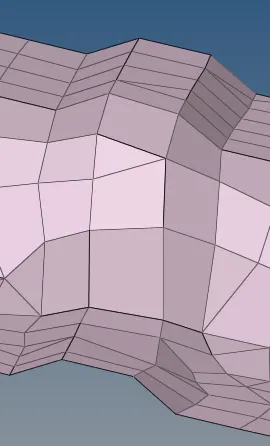
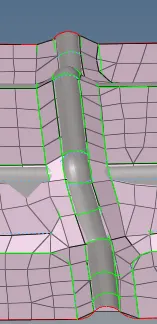
Ater meshing check for free edges if any free edges are found ,stitch them manualy.
Tools>edges>select all elements>click on Find edges.
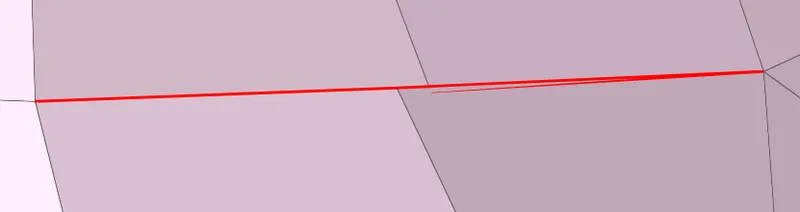
For stitching operation - 2D>replace>Select two edges .


After stitching operation

Now check for quality criteria , first set the requried quality conditions
From Tool menu >check elements>setings.

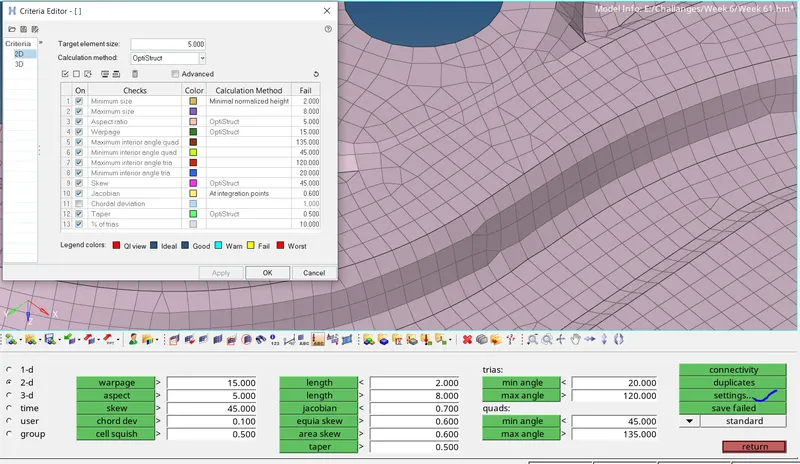
now check for fail elements by using option Quality index from 2d menu bar
2D > Quality Index > Clean up Tools.


By using Clean up Tools , clean up the failed elements.
After Meshing ,final Components.